






















































































































Ultimate Guide to CCTV Monitoring: Enhance Your Security
CCTV Monitoring gives you peace of mind and ensures the security of your house or business. It's not a must-have technology for residential, commercial, or any other purpose to monitor everything happening around.
In this article, we will provide a complete guide for CCTV monitoring and help you understand the key installation steps. We will also share some excellent CCTV monitoring options for enhanced security.
What Is CCTV Monitoring?
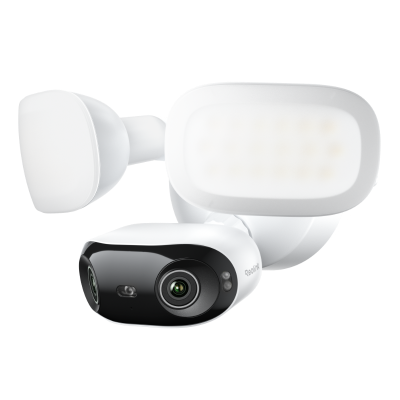
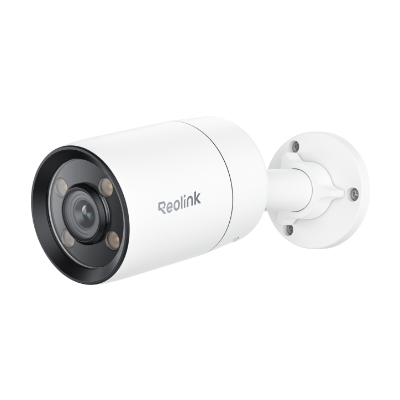
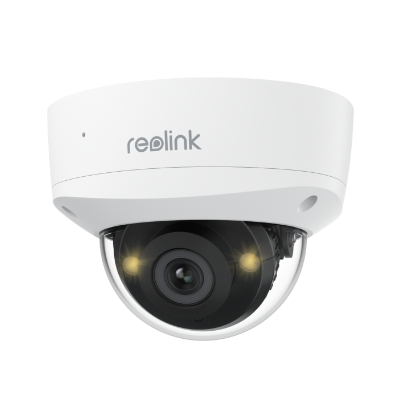
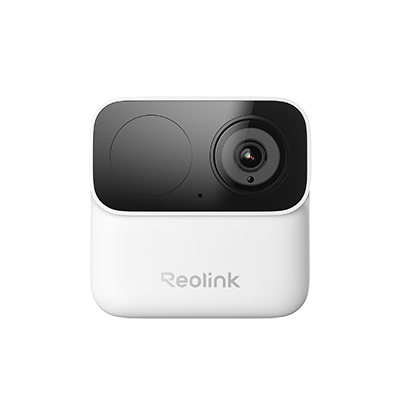
CCTV stands for Closed-Circuit television, which helps people monitor activities in a specific area. CCTV cameras are mounted in critical areas where you want surveillance, motion activity, and a record of everything happening. They are installed in homes, offices, and warehouses to monitor activities, deter crimes, and provide access to only authorized personnel. It enhances security by providing high-definition recordings and other features like night vision and motion detection.
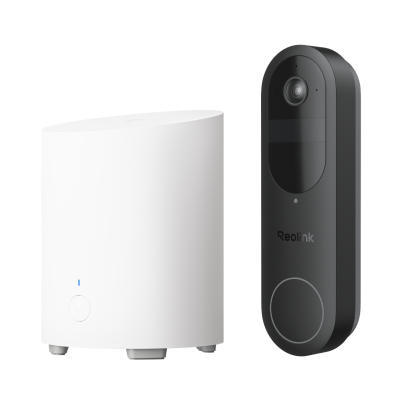
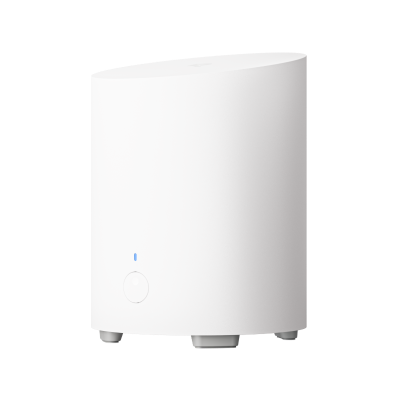
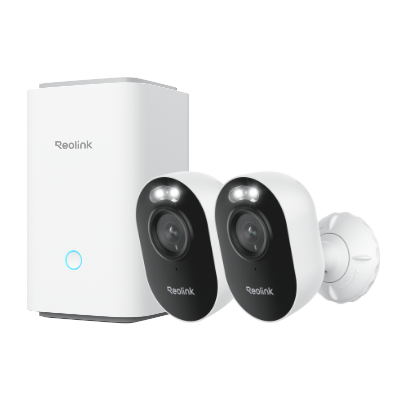
The key components include CCTV cameras (maybe more than one), and a Home Hub/NVR for centralized management. The cameras are connected to the Home Hub/NVR, which is linked to a Wi-Fi network that records the footage and gives live preview and remote access.
How Does CCTV Monitoring Work?
CCTV cameras are placed in key locations to capture the footage and transmit it to a Home Hub or NVR through a wired or wireless setup. The Home Hub or NVR is responsible for storing and managing the recordings.
The recordings or live preview is viewed via a mobile phone app or by connecting the Home Hub to a TV. The Home Hub is also integrated with trigger alarms to alert the person when any suspicious activity is detected.
Best CCTV Monitoring System Recommendation
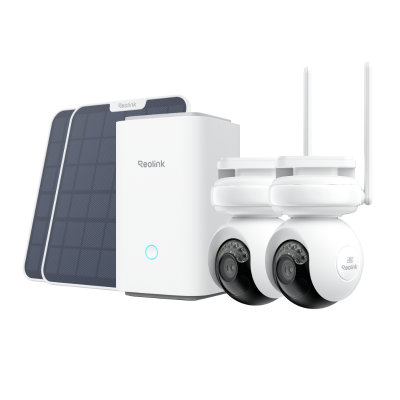
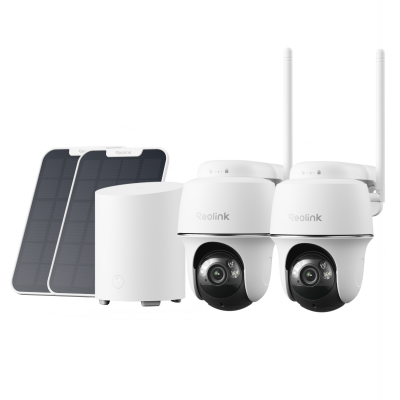
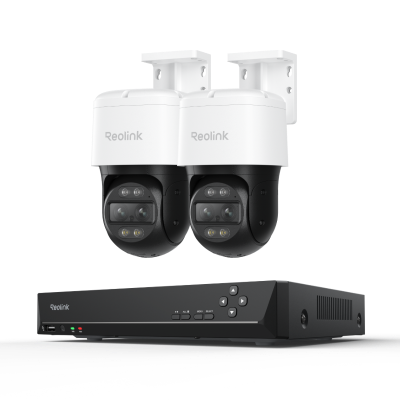
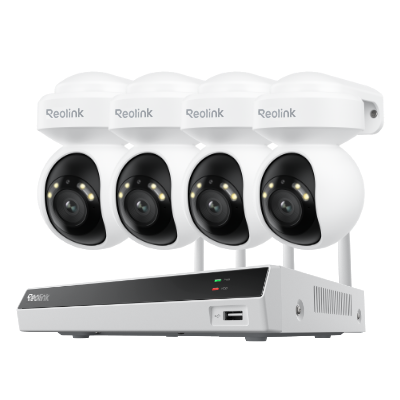
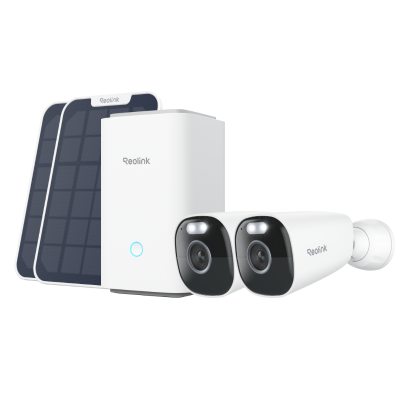
Reolink Home Hub With Argus PT Ultra
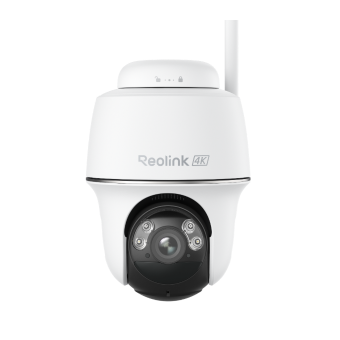
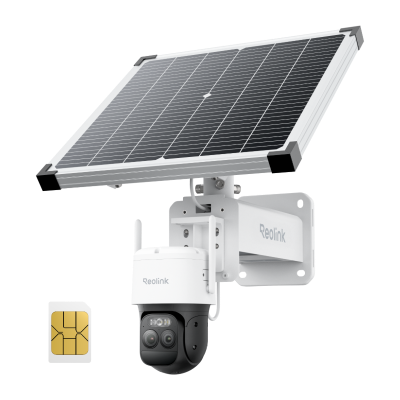
Reolink Home Hub with Argus PT Ultra is a sustainable and completely wireless system. It is equipped with solar panels that charge the battery to provide 24/7 surveillance. The cameras support 4K 8MP clear footage and dual night vision. They have a Pan and Tilt motion to offer 360° coverage and secure every corner of the house.
The Home Hub has a built-in 64GB microSD card to store the recordings. You can connect up to eight security cameras and expand the storage with two 512GB cards. The storage is also protected with encryption and anti-theft algorithms.
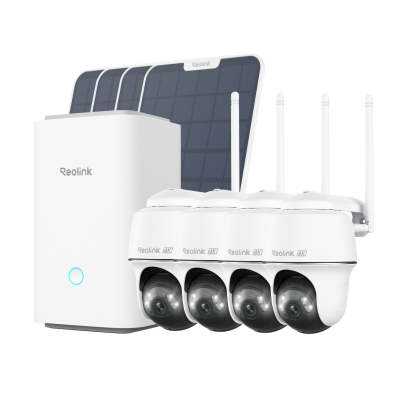
Wireless Security System With 4K PT Standalone Battery/Solar Wi-Fi Cameras
4K Color Footage Day & Night, 1 Year of Local Storage, Exclusive Anti-Theft Algorithms, 360° All-Around Coverage, Expandable System Up to 8 Reolink Cams.
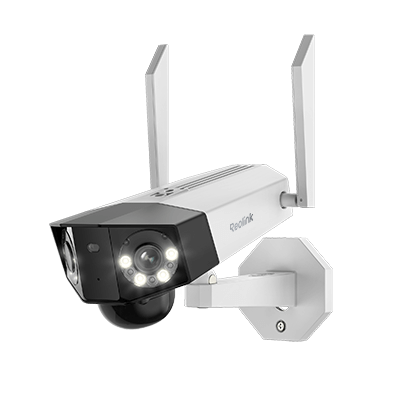
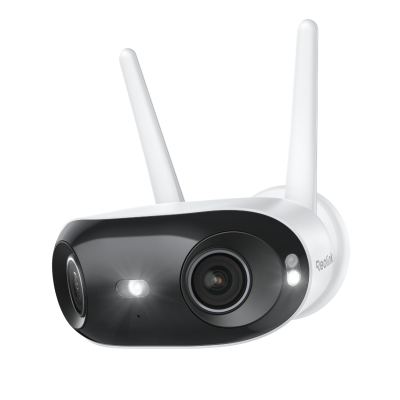
Reolink Home Hub With Argus 4 Pro
Reolink Home Hub with Argus 4 Pro is a standalone camera with Wi-Fi 6 support for stable and fast connectivity. It has dual camera lenses to provide a 180° panoramic view, ensuring no blindspot/darkspot is left unattended. The cameras offer 4K UHD resolution and ColorX night vision for clear and colored videos all day.
The Home Hub is equipped with 64GB of storage which you can expand up to 512GB 2x. It is protected with an AES128 anti-theft mechanism to avoid any data leakage. Moreover, it works as a centralized alarm system to alert when any movement is detected.
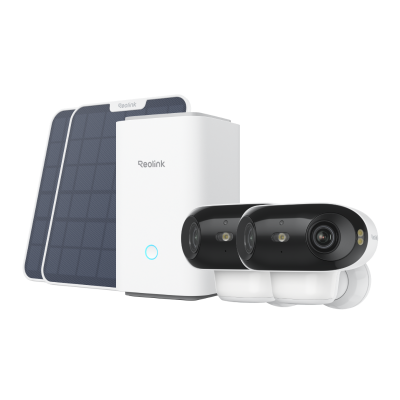
4K UHD Wi-Fi 6 Security System with 180° Blindspot-Free View
ColorX Night Vision, 1 Year of Local Storage, Exclusive Anti-Theft Algorithms, 180° Blindspot-Free Coverage, Expandable System Up to 8 Reolink Cams.
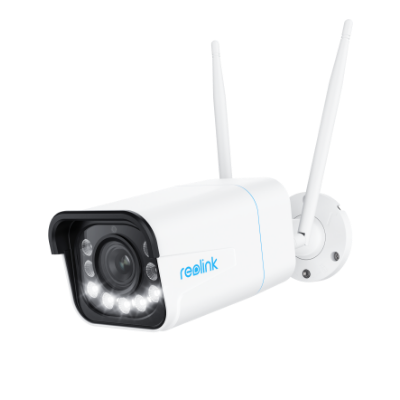
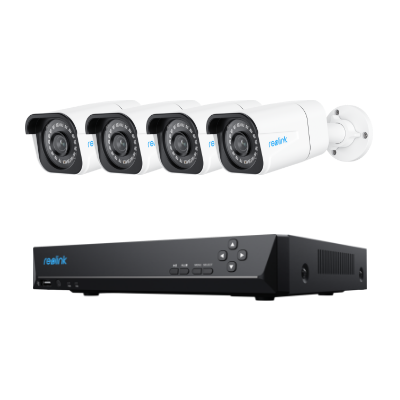
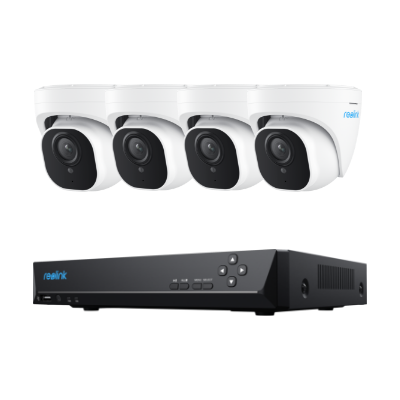
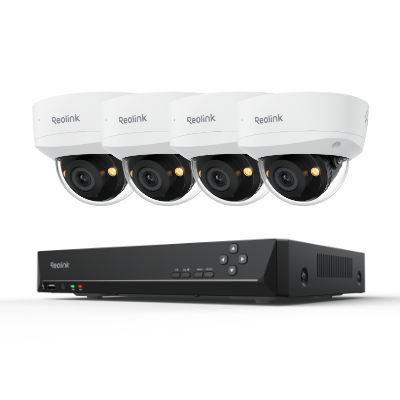
Reolink RLK8-1200B4-A
Reolink RLK8-1200B4-A is an 8-channel NVR CCTV system that powers over an ethernet cable. Cameras offer 12MP footage to cover all the important details. They have smart features to detect humans, animals, and vehicles for enhanced protection.
The NVR has a massive storage option equipped with a 2TB Seagate HDD that is expandable up to 12TB. Cameras have spotlights to give colored footage in low-light conditions. They are also IP-67-rated to stand in harsh weather conditions.
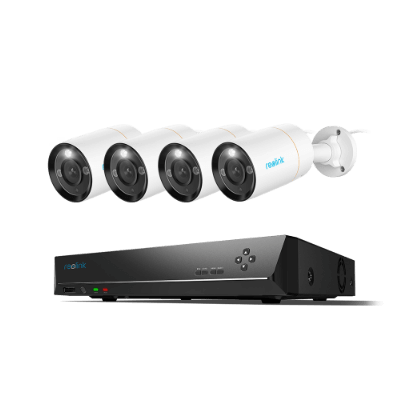
12MP 8-Channel PoE Surveillance Kit with Spotlights
4 pcs 12MP Ultra HD Security Cameras; 2TB HDD 8-Channel NVR for 24/7 Recording; Person/Vehicle Detection; Color Night Vision.
How To Install CCTV Monitoring System?
DIY installation of CCTV monitoring
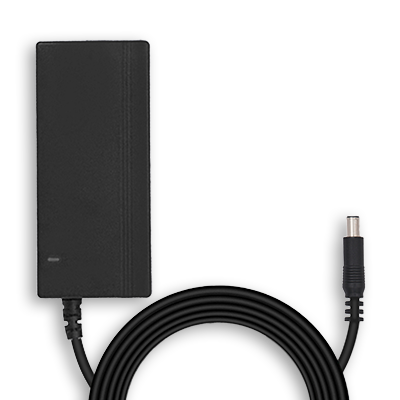
- Connect the Home Hub power adapter at its rear side and plug in the other end to the nearest power socket. Turn on the switch and connect the ethernet from your router to the Home Hub for Wi-Fi connectivity.
- Install the Reolink app on your phone and launch it. Please follow the instructions to begin the startup and connect to the Home Hub.
- Once the Home Hub is connected, please tap the + icon and scan the QR code on the back of every camera for Home Hub integration.
- From the options, please select Use With Home Hub to integrate the cameras. Please do the same with others if you want to install multiple cameras.
- Once all the cameras have been set up, you can navigate to the homepage to access the live footage.
Professional installation of CCTV monitoring
Once you have the security cameras and the complete setup, you can call CCTV installation experts. They will do everything for you. With the experience of installation, they can suggest better ways of installing the CCTV cameras for better surveillance.
Cost Of CCTV Monitoring
The cost of a CCTV monitoring system is highly dependent upon the application and the complexity of installation. A security system will cost you about $300 to $2000, including cameras and a Home Hub/NVR. However, for commercial needs, the cost may vary if you want a system with multiple cameras and Home Hubs for wider coverage.
The installation cost will range from $500 to $10,000 depending on the area you want to cover. Professionals have fixed installation charges per hour. However, for residential applications, you can install the cameras by yourself to optimize the cost.
Bonus: What's the Difference Between Self-Monitoring and Professional CCTV Monitoring?
In self-monitoring, only the user/homeowner is responsible for monitoring the live/recorded footage. He can remotely access the footage from anywhere via smartphone. Alert notifications are available in case of any suspicious activities. And the response time is usually dependent upon the user.
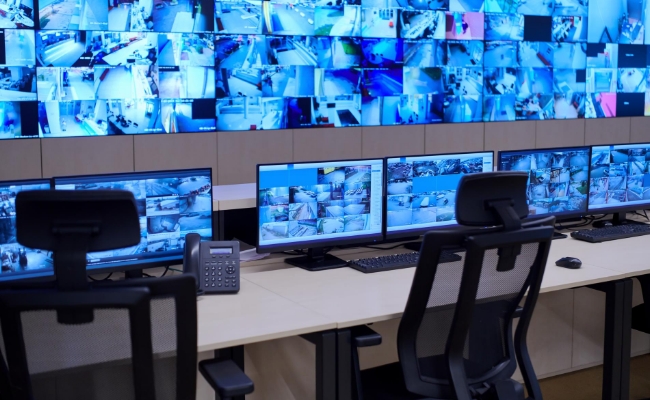
In professional monitoring, an experienced security company takes responsibility for monitoring live footage. A dedicated security personnel is there to look at the screens for 24/7 analysis. Professional monitoring has personnel equipped with handheld radios to contact the security team when any suspicious activity is detected. The response time is quick because the security staff is always analyzing the footage.
FAQs
1. Are CCTV cameras always monitored?
In self-monitoring, the cameras are monitored but not 24/7. Users can view the footage anytime or when they receive a notification. In professional monitoring, there are security personnel who are responsible for 24/7 live monitoring.
2. What is the responsibility of CCTV monitoring?
CCTV monitoring is responsible for getting 24/7 live footage of the property and important belongings. It helps to deter theft and prevent any unauthorized access. Moreover, it helps identify potential causes behind any crime scenes.
Conclusion
CCTV monitoring is indeed the best way to protect your property, life, and assets. It helps homeowners sleep peacefully during the night and raises alarms when anyone tries to trespass in the area. This ensures effective surveillance during the day and night with enhanced features like AI object detection and remote access.
Search
Subscribe for the Latest Updates
Security insights & offers right into your inbox