



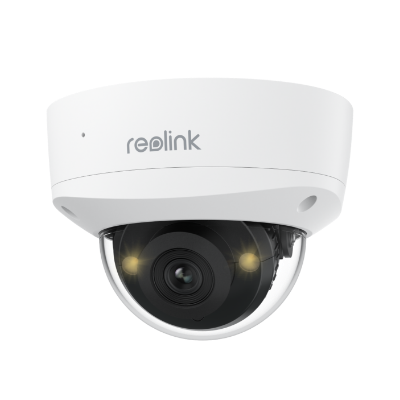
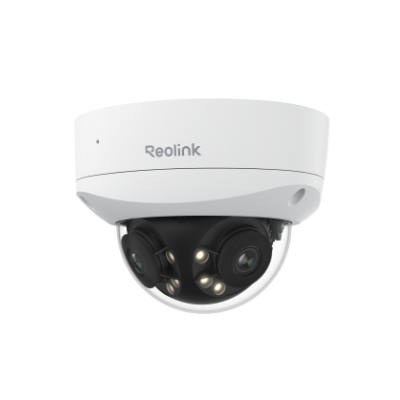




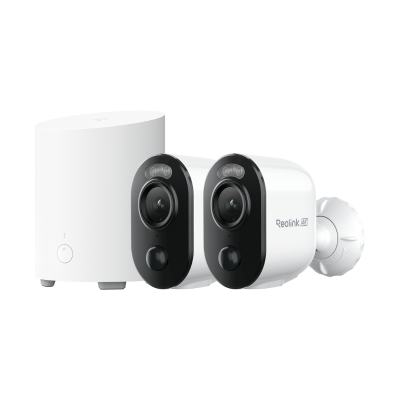
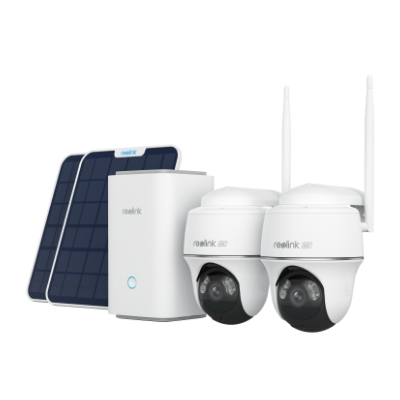
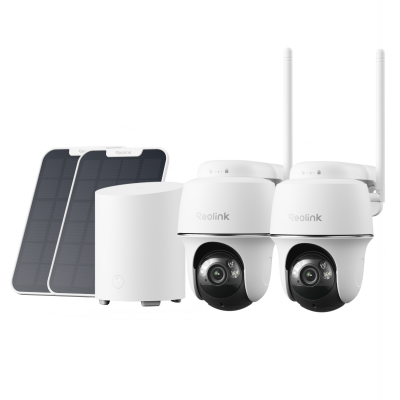
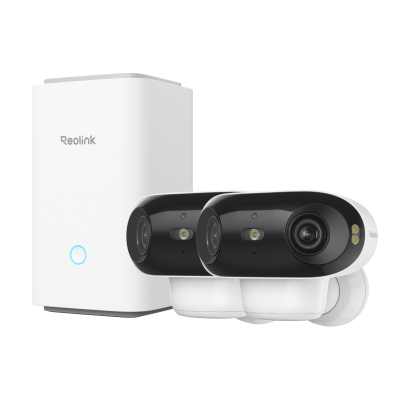

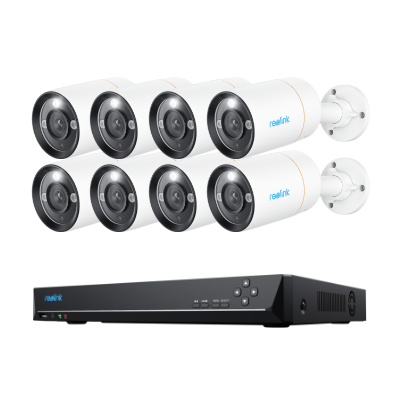
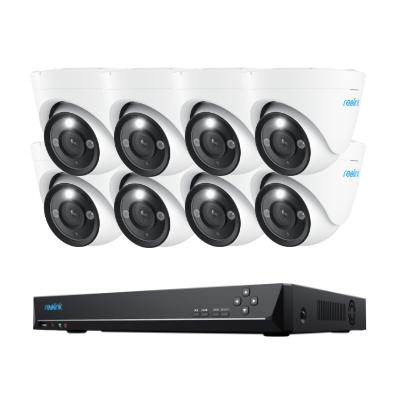
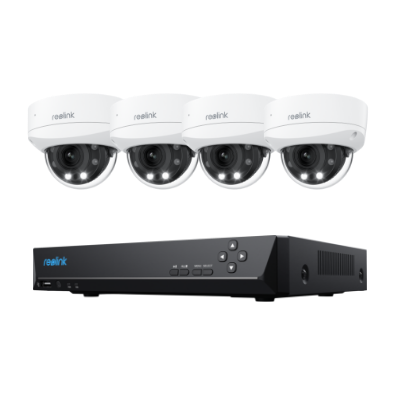
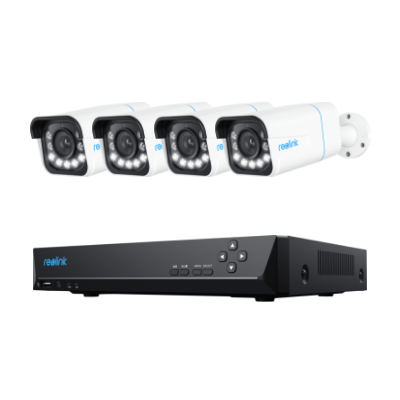
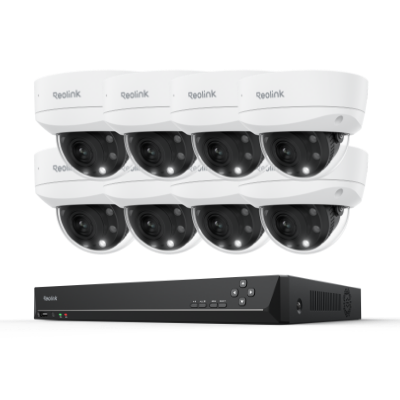
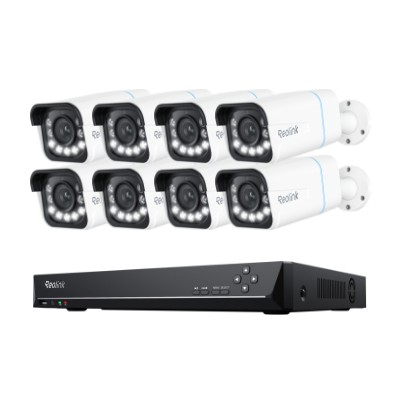
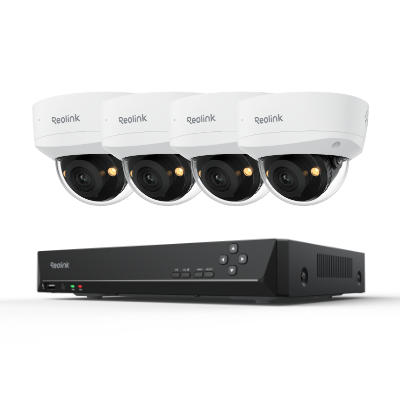
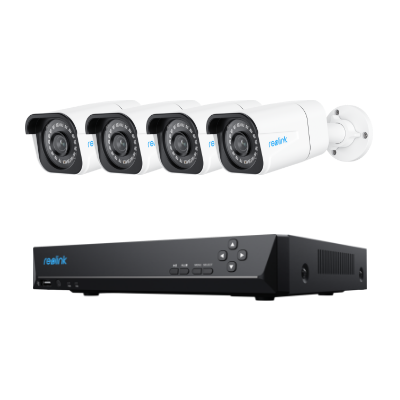

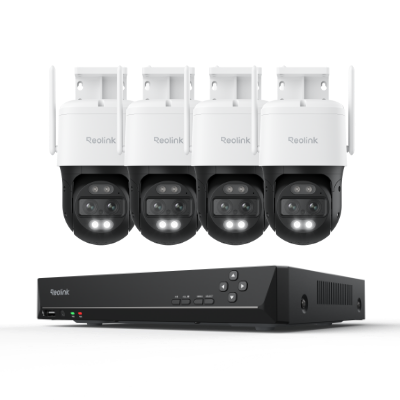
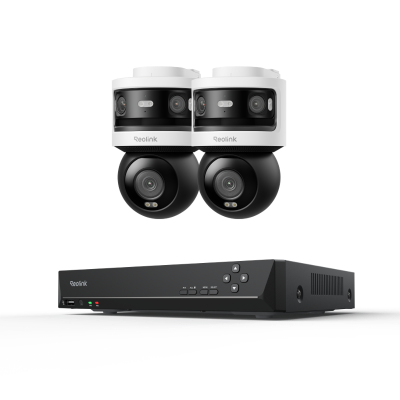
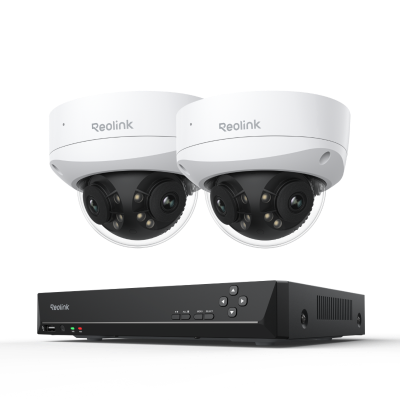
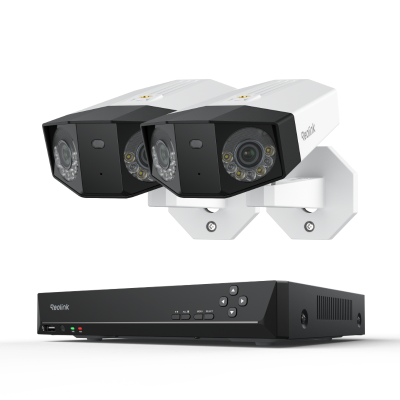
H.264 IP Cameras Explained: Essential Buying Features
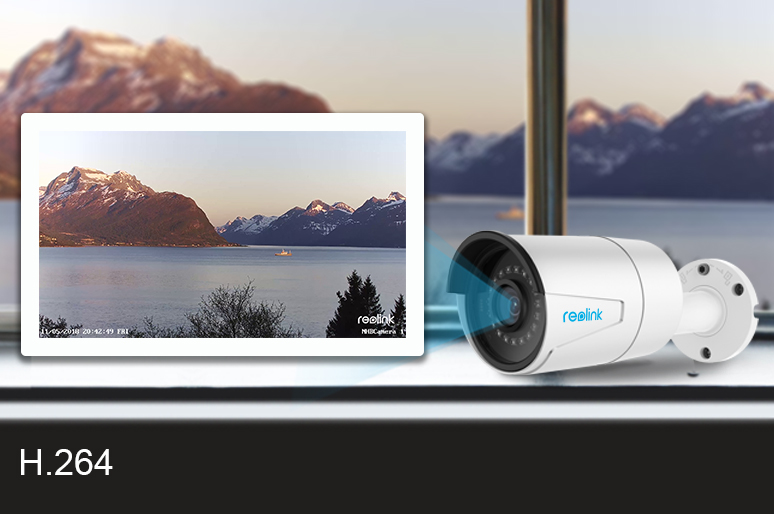
An H.264 IP camera uses Advanced Video Coding (AVC) to compress high-definition video files by up to 80%, reducing network bandwidth and local storage usage without compromising image quality. Because product pages rarely explain this technology clearly, buyers often struggle to know which setup fits their home or business.
This guide breaks down how H.264 IP security cameras work, their key advantages, and essential features to evaluate before buying.
- What an H.264 Camera?
- What Are Common Types of H.264 Security Cameras?
- How to Choose the Best H.264 Camera? 4 Key Features to Look For
- H.264 VS H.265 VS. MJPEG IP Cameras: Pros & Cons
- What Are Common Use Cases for H.264 Security Cameras & Systems?
- Does Reolink Cameras Support H.264 Encoding?
- 2 Best H.264 Security Cameras for Different Setups
- How to Set Up and Add H.264 Cameras to Software?
- FAQs
- Conclusion
What an H.264 Camera?
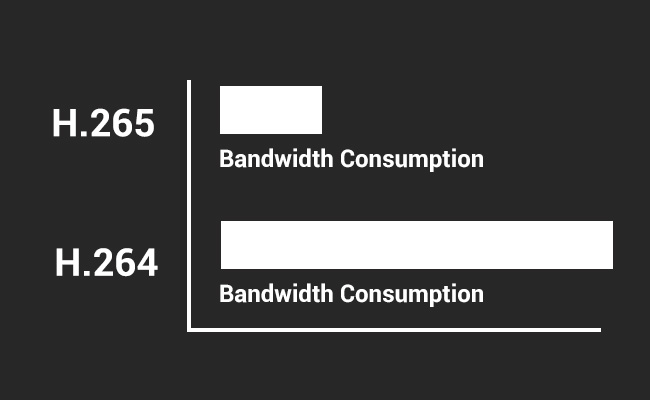
An H.264 IP camera is a digital security camera that uses Advanced Video Coding (AVC) to compress high-definition video before transmitting it over a local network or the internet. By reducing file sizes by up to 80% without degrading image quality, H.264 encoding allows security systems to deliver smooth, high-resolution footage while conserving bandwidth and local storage space.
Key Characteristics of H.264 Cameras
-
Efficient Video Compression: Converts raw video into a streamlined digital format to prevent network congestion.
-
Universal Compatibility: Supported by almost all Network Video Recorders (NVRs), web browsers, and third-party security software.
-
Balanced Performance: Provides strong image clarity while requiring significantly lower storage capacity than uncompressed formats.
-
Lower Bandwidth Usage: Streams video smoothly over networks with limited bandwidth.
-
High-quality Video: Supports HD and Full HD recording with sharp detail.
-
Cost-effective Storage: Allows longer recording times on the same storage capacity.
-
Reliable real-time streaming: Provides stable live viewing and playback performance.
What Are Common Types of H.264 Security Cameras?
H.264 IP cameras compress high-definition video data to conserve network bandwidth and local storage space. Depending on how they are configured, these security cameras fall into three primary categories.
1. By Resolution
-
720p (HD): Outdated standard that struggles to capture critical details like facial features or license plates.
-
1080p (2MP Full HD): The minimum benchmark needed for clear, recognizable entry-level video monitoring.
-
4MP (1440p) & 5MP (Super HD): The ideal balance of high image clarity and manageable storage requirements for wider coverage areas.
-
4K (8MP Ultra HD): Delivers maximum fine detail for large properties, though it requires specialized NVR hardware and higher-capacity hard drives.
2. By Form Factor & Design
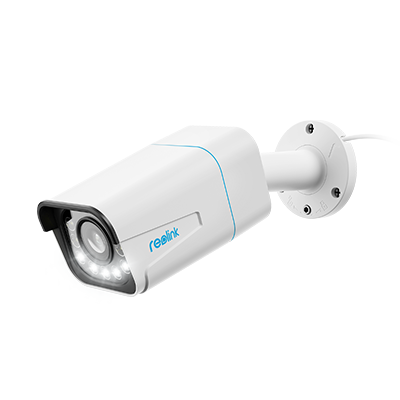
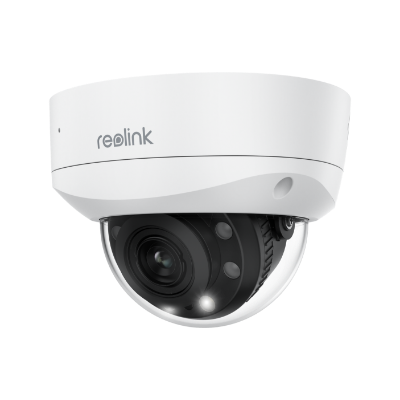
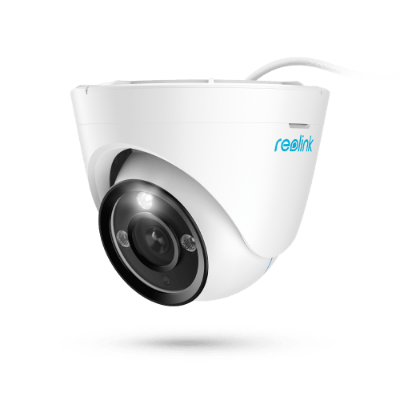
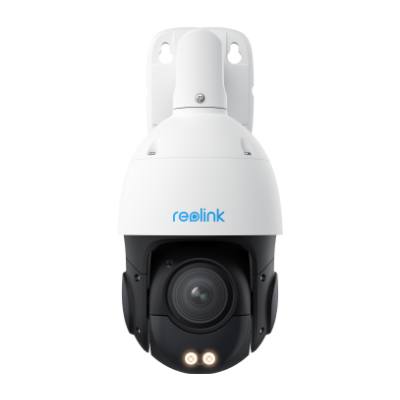
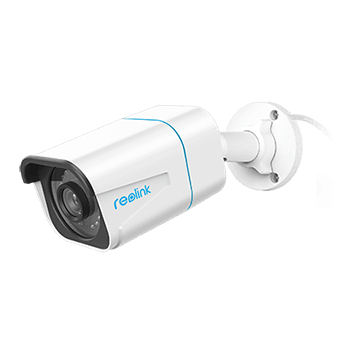
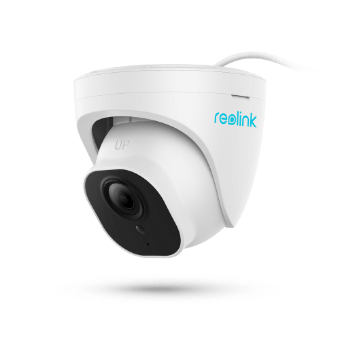
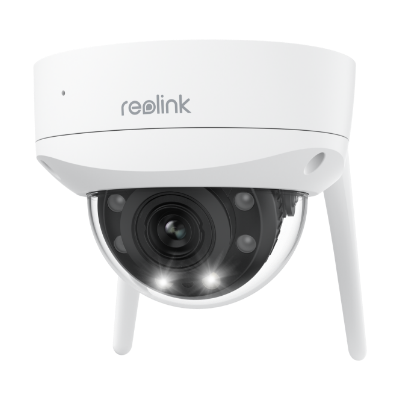
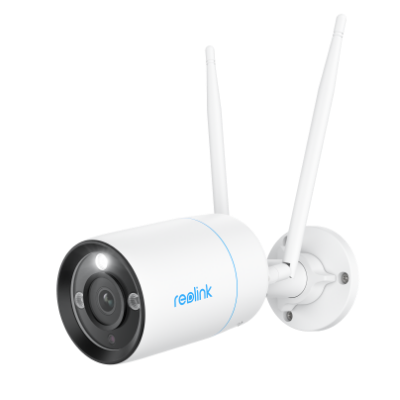
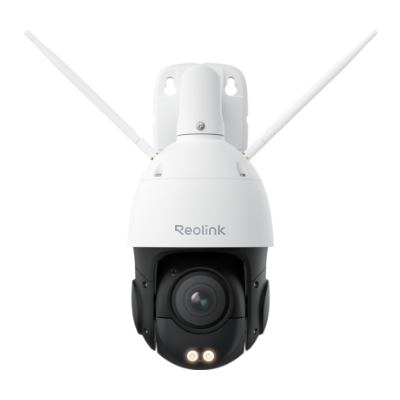
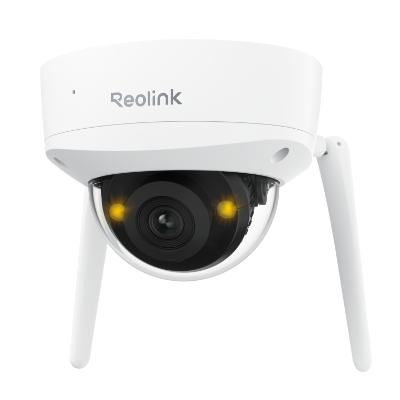
| Camera Type | Design Characteristics | Typical Application | Camera Example | Camera Image |
|---|---|---|---|---|
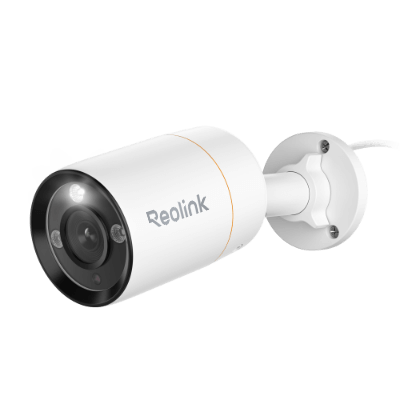
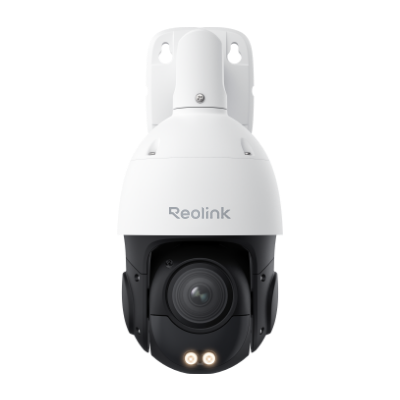
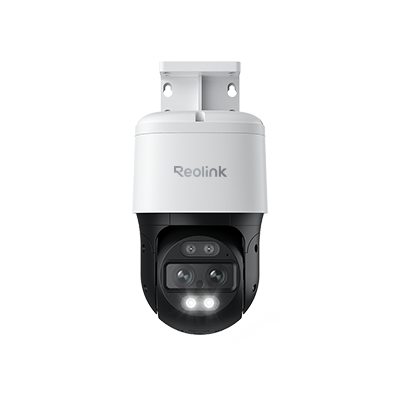
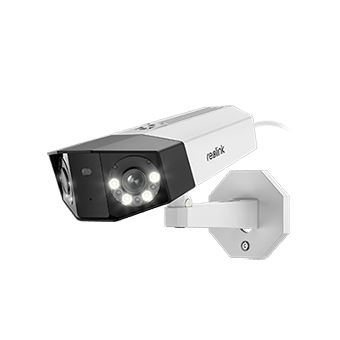
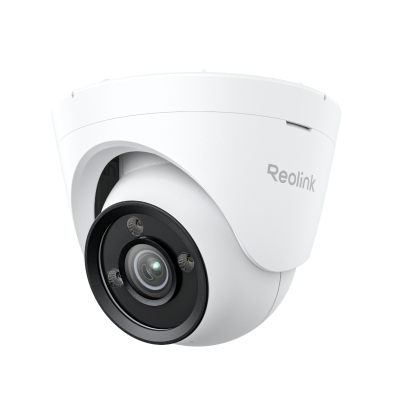
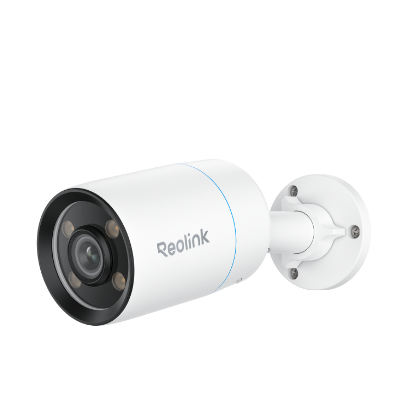
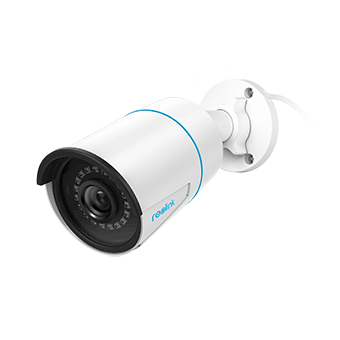
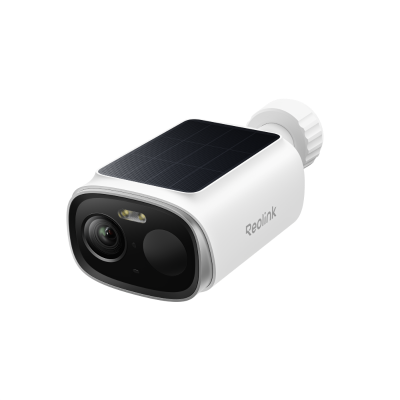
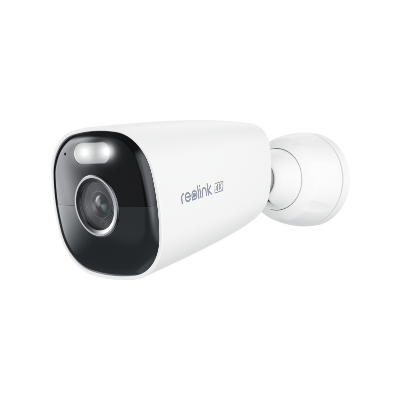
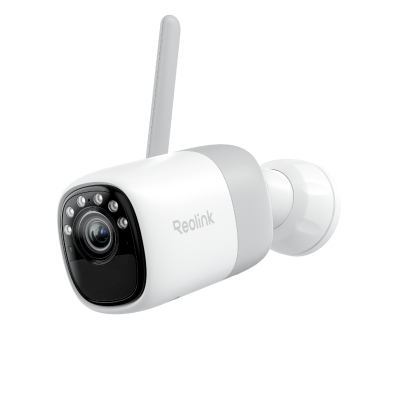
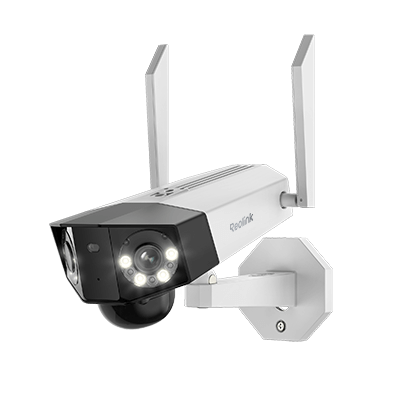
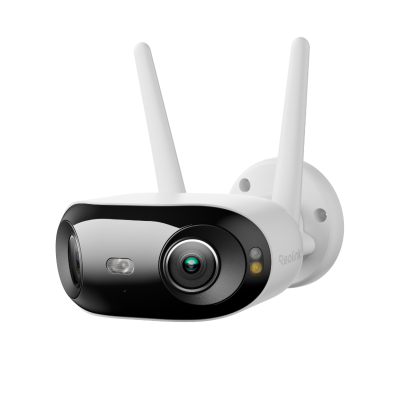
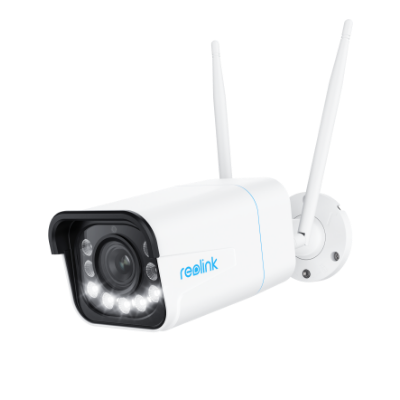
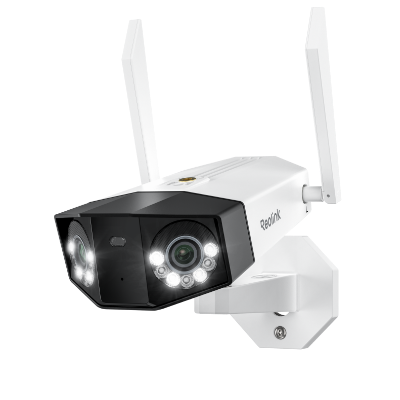
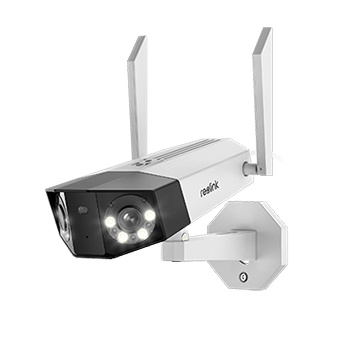
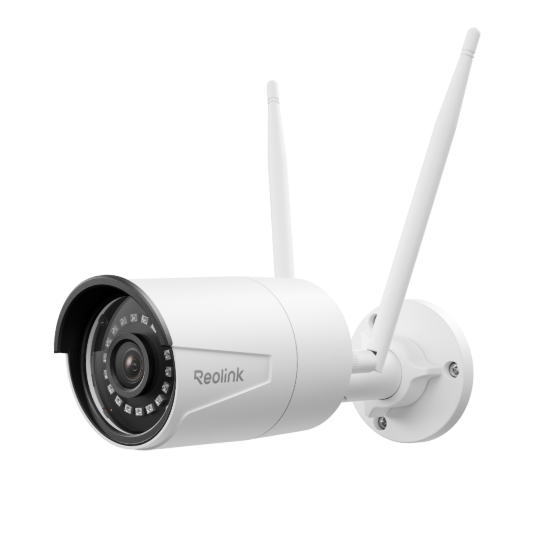
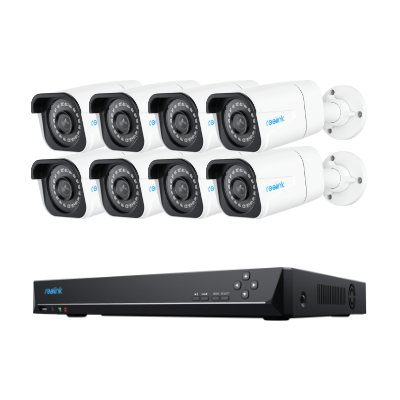
| Bullet Cameras | Sleek, cylindrical shape; visible structure. | Serves as an obvious visual crime deterrent for outdoor spaces. | RLC-811A | 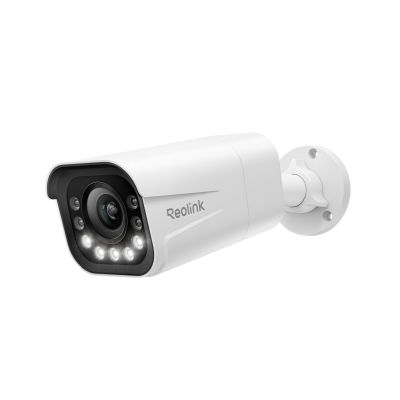 |
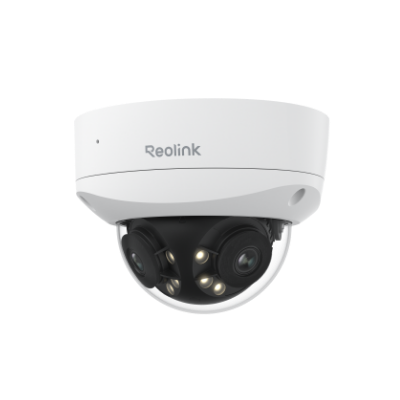
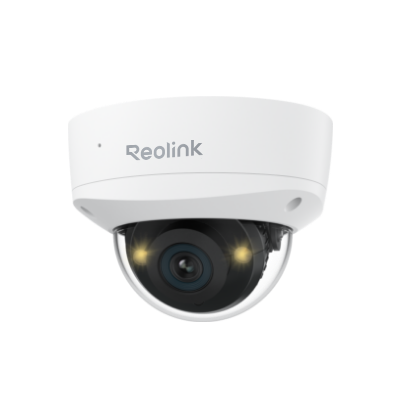
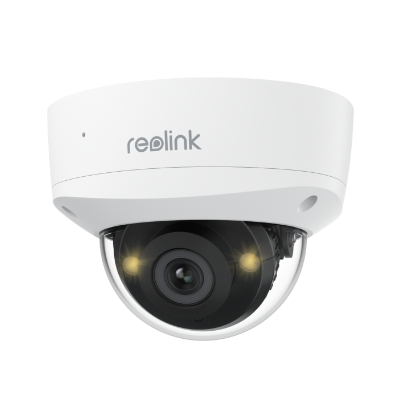
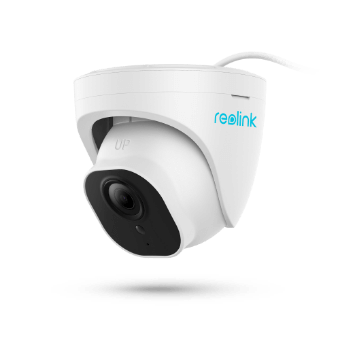
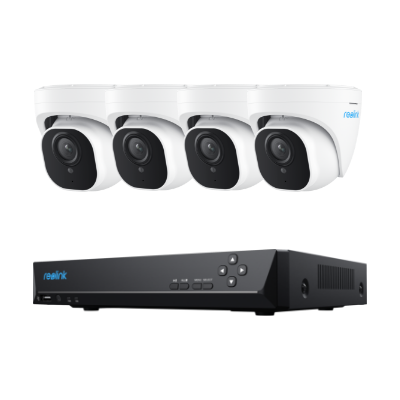
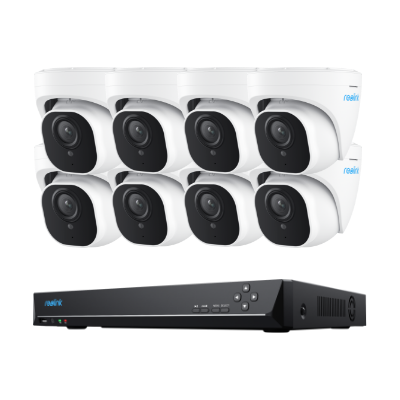
| Dome Cameras | Compact, low-profile dome housing. | Ideal for subtle, tamper-resistant indoor or outdoor mounting. | RLC-843A | 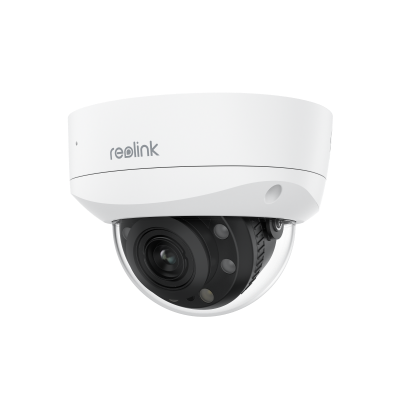 |
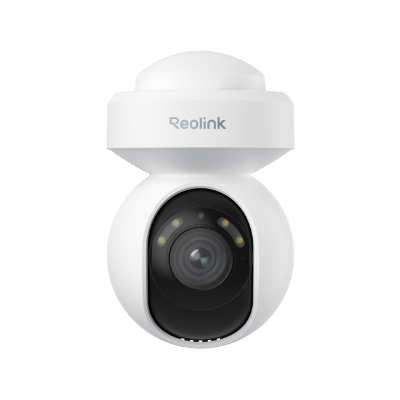
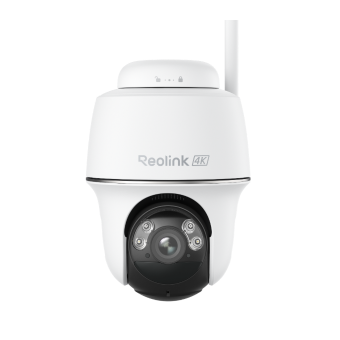
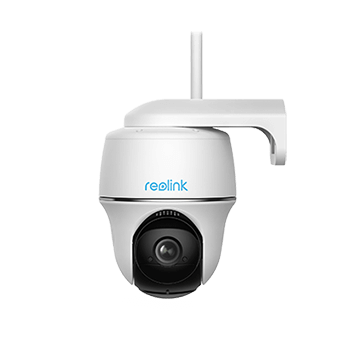
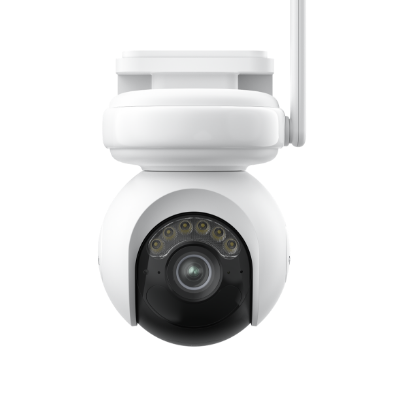
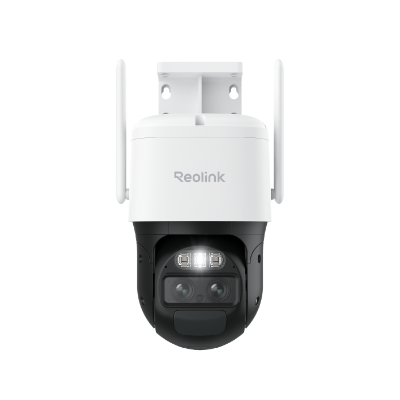
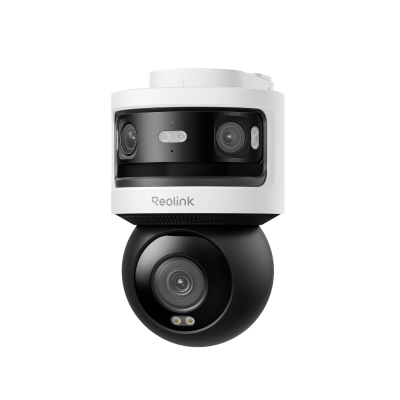
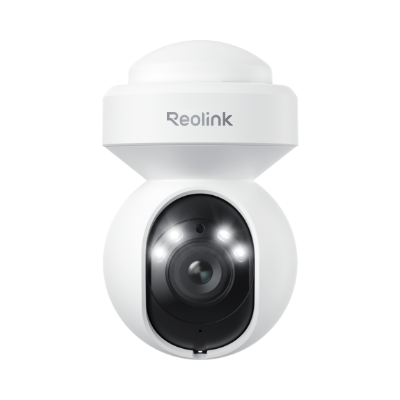
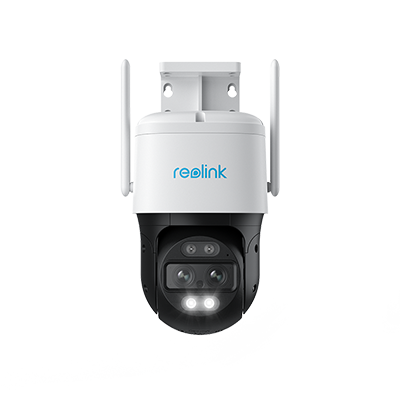
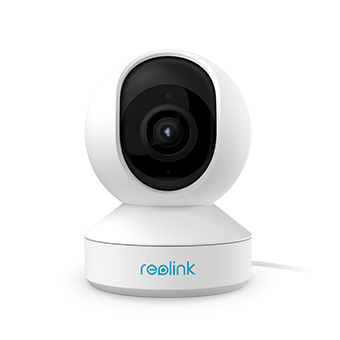
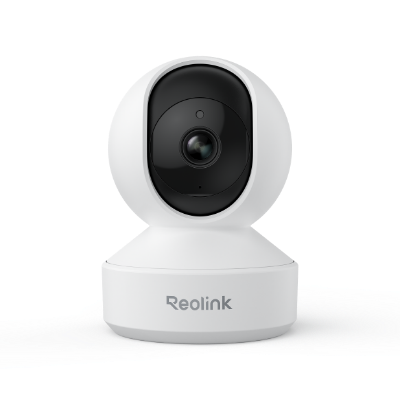
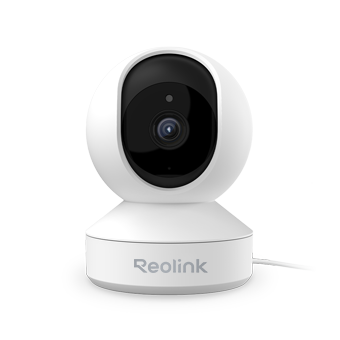
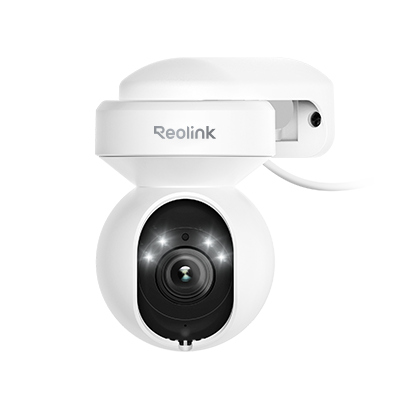
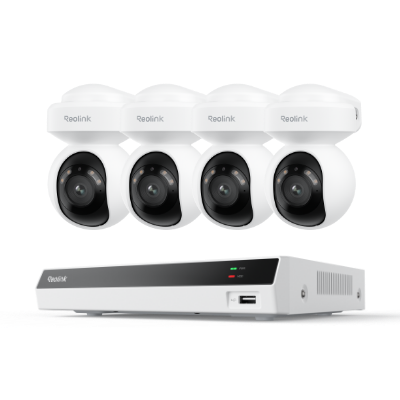
| PTZ Cameras | Motorized camera housing with dynamic pan, tilt, and zoom capabilities. | Best for tracking wide, active spaces from multiple angles. | E1 Zoom |  |
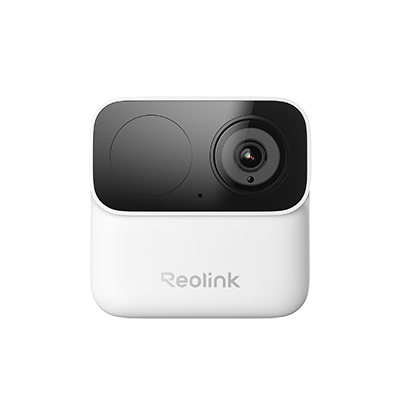
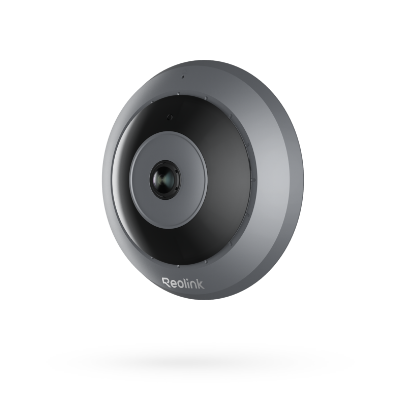
| Compact/USB Cameras | Small cube or capsule shapes powered via standard USB cables. | Flexible, low-visibility placement inside smart homes. | Reolink Argus Eco Ultra | 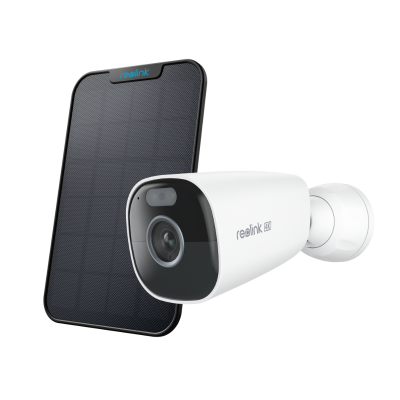 |
3. By Data Transmission & Power Setup
-
PoE (Power over Ethernet): Uses a single Ethernet cable (Cat 5/6) to carry both network data and power supply.
-
Plug-in Wi-Fi: Transmits video signals over Wi-Fi while plugging into a nearby wall outlet for continuous power.
-
Battery-Powered Wi-Fi: Runs on rechargeable batteries and wireless internet, eliminating all wiring requirements for easy installation.
How to Choose the Best H.264 Camera? 4 Key Features to Look For
1. High Resolution and Bitrate Flexibility
While H.264 supports up to 4K resolution, matching image quality with variable bitrate control is crucial for managing network load:
-
Resolution standard: Choose a minimum of 1080p (2MP) for entry-level monitoring, or 4MP/5MP to capture facial features and license plates across wider spaces.
-
Bitrate control (VBR/CBR): Variable Bitrate (VBR) lowers data usage during quiet, low-motion periods to conserve storage space, while Constant Bitrate (CBR) maintains a fixed transmission rate for high-traffic zones.
2. High Frame Rates (FPS) for Smooth Motion
Frame rate determines how fluidly motion is rendered in live feeds and saved recordings:
-
15 FPS: Sufficient for standard static monitoring, such as indoor hallways or small retail spaces.
-
25–30 FPS: Essential for high-motion outdoor areas, such as driveways or busy entryways, to prevent motion blur when tracking fast-moving objects.
3. Smart Codec Enhancements (H.264+)
Standard H.264 processes every frame uniformly, but enhanced "Smart Codecs" (often branded as H.264+) optimize compression based on scene activity:
-
Dynamically allocates higher compression to static background elements (like walls, sky, or empty driveways) while reserving detail for active motion zones.
-
Reduces overall storage needs and bandwidth consumption by 30%–50% compared to baseline H.264 encoding.
4. Low-Light Performance and Night Vision
Compression performance relies heavily on sensor quality, especially during nighttime operation:
-
Aperture & Lux Rating: Look for wide apertures (such as f/1.6) and ultra-low lux sensitivity to minimize digital video noise in dark environments.
-
Storage impact: Grainy, noisy night footage tricks H.264 encoders into treating static noise as continuous motion, causing bitrates and file sizes to spike. High-performing infrared (IR) or color night vision sensors eliminate this noise to keep file sizes small overnight.
H.264 VS H.265 VS. MJPEG IP Cameras: Pros & Cons
All of them are standards for video compression, but each of them would have their specific pros and cons.
You can check the below chart to see the advantages and disadvantages of the 3 types of video compression standards, and then you’ll find out why H.264 IP cameras are still in the dominant position.
Considering the compatibility and cost, H.264 real-time IP camera monitor systems would be the best option.
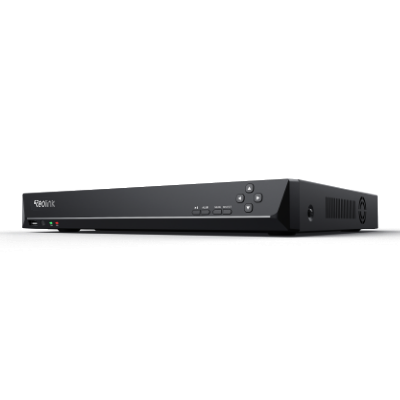
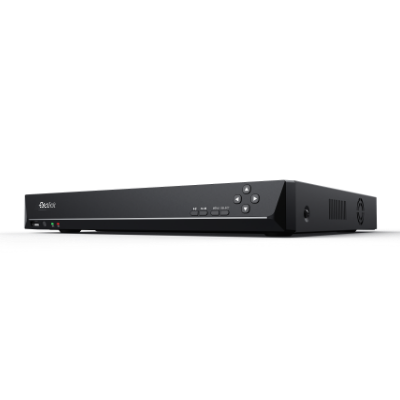
You can take a look at the below H.264 security camera top picks for reference.
What Are Common Use Cases for H.264 Security Cameras & Systems?
H.264 IP cameras balance clear video quality with efficient compression, making them ideal for monitoring environments where bandwidth and storage efficiency are critical.
-
Residential Homes: Allows multiple cameras at entryways or backyards to stream smoothly over home Wi-Fi and save weeks of local footage without monthly subscription fees.
-
Small Businesses: Enables shops and offices to run multi-camera systems continuously at 1080p to 5MP resolution while keeping hardware storage costs low.
-
Commercial Properties: Keeps continuous 24/7 video recording manageable across large warehouse or parking lot NVR setups without overloading hard drives.
-
Remote Sites: Delivers smooth live viewing and alerts over spotty, low-bandwidth, or cellular connections at rural locations and vacation homes.
-
Multi-Tenant Buildings: Provides property managers with stable, uninterrupted video archiving in busy apartment hallways and entrances while preserving local network capacity.
Does Reolink Cameras Support H.264 Encoding?
Yes, many Reolink cameras support H.264 video encoding, but the encoding format can vary by camera resolution, model, and stream type. In general, Reolink 4MP and 5MP PoE/Wi-Fi cameras and 2MP battery-powered cameras use H.264 compression.
Higher-resolution Reolink cameras often use H.265 for the main (Clear) stream to reduce bandwidth and storage requirements. For example, 8MP Reolink cameras typically use H.265 for the RTSP main stream while using H.264 for the sub-stream. Some supported PoE and DC-powered Wi-Fi models also allow users to choose between H.264 and H.265 in the camera's encoding settings.
Therefore, if you need H.264 for compatibility with an NVR, browser, third-party software, or another device, check both the camera model and the stream you plan to use. Reolink currently supports H.264 and H.265 video compression formats, while selected models also offer H.265+ for greater storage efficiency.
2 Best H.264 Security Cameras for Different Setups
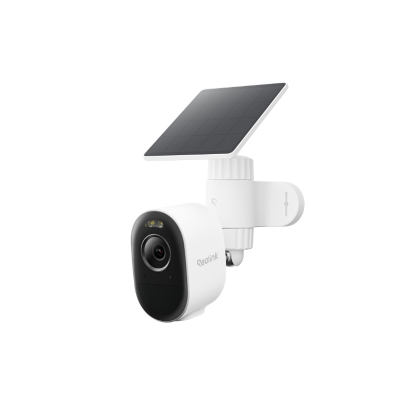
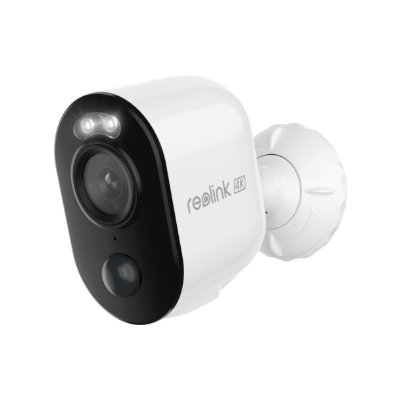
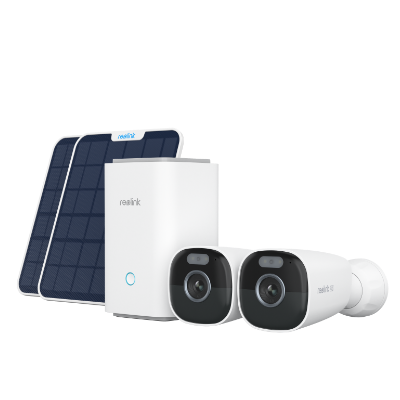
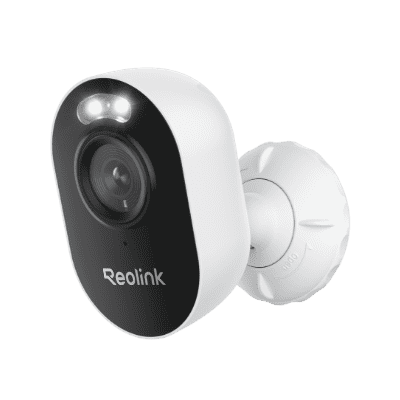
Reolink Argus 3 Pro: Best for Flexible, Wire-Free Home Monitoring
Ideal for renters, apartment dwellers, or homeowners who need to cover temporary spaces (like a porch, back deck, or rented property) where drilling holes or running network cables isn't an option.
-
Key Strengths: Runs on a rechargeable battery with optional solar panel support, completely eliminating electrical wiring.
-
Performance: Captures 2K (4MP) Super HD video over dual-band Wi-Fi (2.4GHz/5GHz), providing a stable live stream while using H.264 compression to conserve mobile data and local storage.
-
Features: Integrated motion spotlights for full-color night vision, person/vehicle detection to reduce false alerts, and local microSD storage (up to 512GB) without mandatory monthly subscriptions.
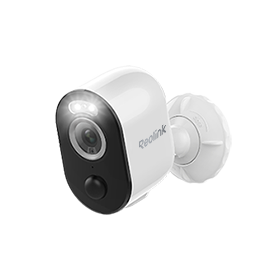
2K 100% Wire-Free Spotlight Camera
2K 4MP Super HD, Battery/Solar Powered, Person/Vehicle Detection, 5/2.4 GHz Dual-Band WiFi, Color Night Vision, Two-Way Audio.
Reolink RLC-520A: Best for Continuous, Multi-Camera Security
Ideal for homeowners or small business operators who need uninterrupted, 24/7 monitoring for permanent high-risk areas like storefronts, driveways, or building perimeters.
-
Key Strengths: Power over Ethernet (PoE) design delivers power and high-speed network data through a single Ethernet cable, ensuring a rock-solid wired connection.
-
Performance: Records in high-detail 5MP Super HD (2560x1920) at up to 30 FPS, utilizing H.264 encoding to compress continuous video files and maximize hard drive space on a connected NVR.
-
Features: Housed in a low-profile, tamper-resistant dome enclosure with an IP66 weather rating, built-in microphone, smart person/vehicle filtering, and local NVR/microSD storage.
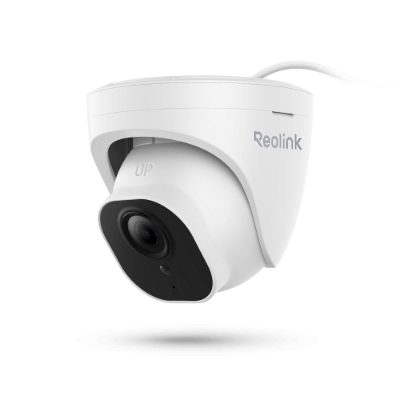
PoE IP Camera with Person/Vehicle Detection
5MP Super HD; Smart Motion Detection, Outdoor/Indoor Protection; 100ft Night Vision; Audio Recording; Time Lapse, Remote Access & Control.
How to Set Up and Add H.264 Cameras to Software?
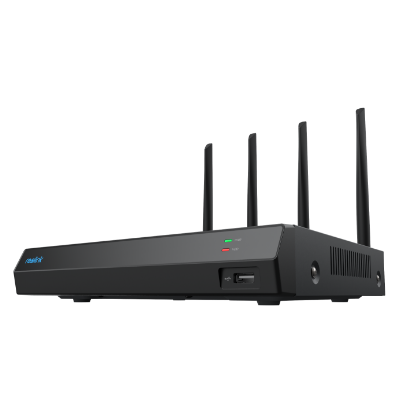
Thanks to the P2P technology, you can access the H.264 security cameras and systems with the app installed on your iPhone or Android smartphones, or client installed on your Windows computers/Mac.
Here we’ll take Reolink cameras to show you the detailed setup steps.
-
Step 1. Connect the camera to the router with the network cable.
-
Step 2. Download and install Reolink Client software to your computer or Mac to access this H.264 IP camera.
-
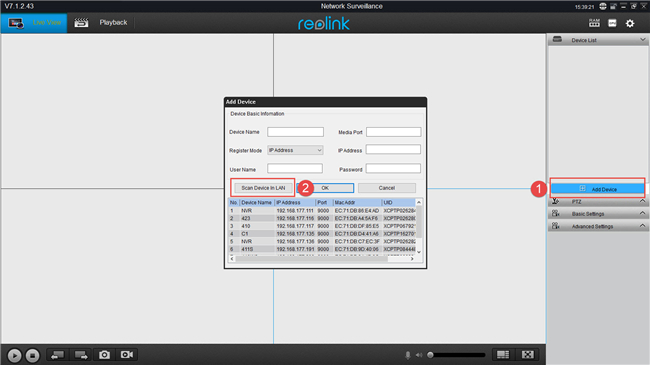
Step 3. Click Add Device >> Scan Device in LAN to scan this H.264 bitrate IP camera.
-
Step 4. Double click the device shown in the list and fill in the required fields to access the camera.
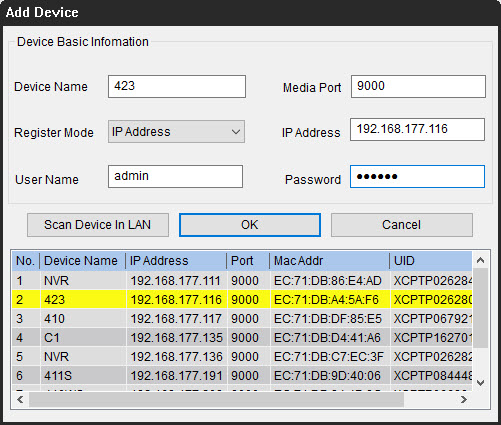
Now you can see the live streaming with the H.264 IP security camera viewer or player.
You can also check the below video to check the detailed setup steps to access H.264 IP cameras via the client software.
You can also access the H.264 IP camera with the Reolink App installed on your iPhone or Android mobile phones.
Note: In order to use H.264 IP cameras more smoothly, please keep both of your H.264 IP camera firmware and software to the latest versions. Thus you can keep up with the newest features and enjoy all of the excellent functions.
FAQs
What is the difference between H264 and H265 IP cameras?
The main difference between H264 and H265 IP cameras is efficiency, with H265 delivering similar video quality at lower bitrates. H265 uses newer compression methods to reduce storage and bandwidth needs, which benefits large systems and long recording times.
Why use H264 instead of H265?
H264 is often chosen over H265 because it offers broader compatibility and smoother performance across devices. Many recorders, browsers, and mobile apps handle H264 more reliably. It also requires less processing power, which helps reduce latency and avoids playback issues on older systems.
Is Instagram H264 or H265?
Instagram primarily uses H264 for video uploads and playback. The platform recommends H264 encoding because it balances quality, file size, and compatibility across phones and browsers. While H265 is more efficient, support is limited and inconsistent for social media delivery.
Conclusion
We make a specific knowledge base part about H.264 security cameras, so that you can get deeper insights on this type of cameras. If you have any questions, please leave them in the comment below. We will add your questions in this list here.
Search
Subscribe for the Latest Updates
Security insights & offers right into your inbox