





















































































































Understanding Low Resolution: Key Differences and Effects Explained

Low resolution lacks details and clarity, but it's quite storage-friendly and cost-effective. Whether you're choosing a camera, buying a monitor, or wondering why your images look terrible, knowing what low resolution really means helps make smarter choices.
In this article, we will explain what low resolution is. We will share its key aspects and effects, and compare it with high-resolution images to give you a better idea.
What Does Low Resolution Mean?
Resolution refers to the number of pixels displayed on a screen or captured in an image. Low resolution means fewer pixels are packed into the same physical space. This results in blocky, blurry, or pixelated visuals where individual pixels become visible to the naked eye. The lower the pixel count, the less detail appears in the final image.
Common examples of low resolution include 480p (854 x 480 pixels), standard-definition television; 360p (640 x 360), common in early YouTube videos; and 240p (426 x 240), used for low-bandwidth streaming. These resolutions contain significantly fewer pixels than modern standards like 1080p or 4K. When displayed on larger screens or viewed up close, the limitations become painfully obvious.
Key Aspects of Low Resolution
Low resolution impacts visual quality in several fundamental ways. These effects become more noticeable as screen sizes increase and viewing distances decrease.
Pixelation: Individual pixels become visible as tiny squares. Straight lines appear jagged. Curves look blocky. The image loses smoothness and appears artificially constructed.
Lack of Detail: Fine details disappear entirely. Text becomes fuzzy and hard to read. Faces lose distinguishing features. Small objects become unrecognizable blobs.
Poor Scaling: When displayed on larger screens, low-resolution images stretch across more pixels. Each original pixel expands, making blockiness even more apparent. What looked acceptable on a small phone screen becomes unacceptable on a television.
Reduced Depth: Gradients appear as distinct bands rather than smooth transitions. Shadows lose subtlety. Highlights blow out without nuance. The image feels flat and artificial.
Compression Artifacts: Low-resolution content is often produced by aggressive compression. Blockiness from compression combines with resolution limitations, creating double the visual degradation.
Effects of Low Resolution
The consequences of low resolution extend beyond aesthetics into practical functionality.
In security applications, low resolution means cameras capture shapes without identifying features. A person becomes a silhouette. A license plate becomes a blur. Evidence becomes useless for identification or prosecution. This is why security professionals prioritize resolution alongside other features.
For professional work, low resolution limits what you can produce. A low-resolution logo cannot print clearly on business cards. Low-resolution photos cannot appear in publications. A video shot in low resolution cannot be cropped, stabilized, or reframed without visible quality loss. Once resolution is lost during capture, no amount of processing can restore the missing detail.
In user experience, low resolution creates frustration. Websites with low-resolution images appear unprofessional. Low-resolution video calls feel disconnected and impersonal. Text at low resolution causes eye strain during extended reading. The cumulative effect makes users associate low resolution with low quality across all contexts.
Low Resolution vs High Resolution
The difference between low and high resolution lies entirely in pixel count and pixel density.
Low resolution typically refers to standards below 720p (1280 × 720) or around 1 million total pixels. High resolution begins at 1080p (1920 x 1080) with over 2 million pixels and extends to 4K, 6K, and beyond with tens of millions of pixels.
The practical impact becomes visible immediately when comparing the same image at different resolutions. A 480p image on a 32-inch television viewed from 6 feet away shows visible pixels and blurred edges. The same image at 1080p on the same screen appears sharp and detailed. At 4K, individual pixels become invisible at normal viewing distances, creating the illusion of continuous analog imagery.
Choosing between low and high resolution requires balancing quality against constraints. Low resolution uses less storage space, requires less bandwidth for streaming, and demands less processing power. High resolution delivers superior visual quality, enables cropping and editing flexibility, and provides future-proofing for larger displays. The right choice depends entirely on your specific needs and limitations.
High Resolution Security Camera Recommendation
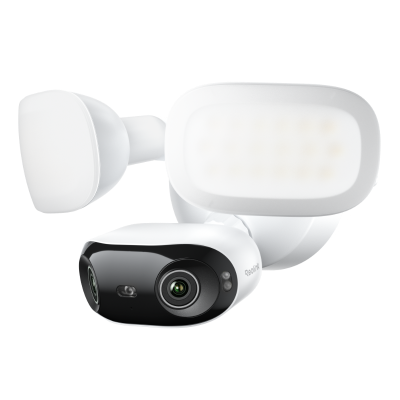
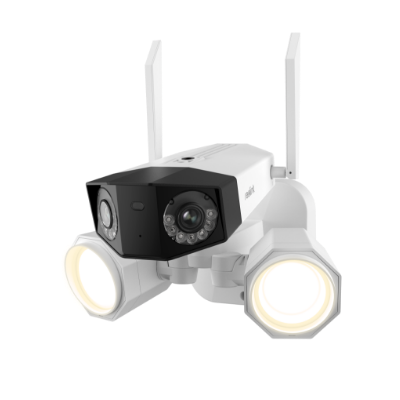
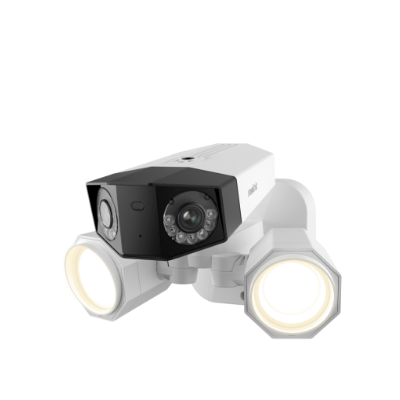
TrackFlex Floodlight Wi-Fi
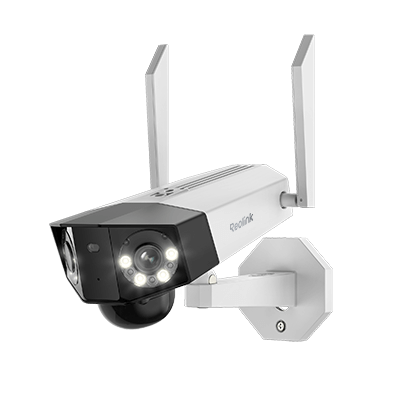
The Reolink TrackFlex Floodlight Wi-Fi captures 4K 8MP Ultra HD resolution, delivering over eight million pixels per frame. This massive pixel count ensures faces remain identifiable and license plates stay readable even at a distance.
Its dual-lens system captures both close-up and wide-angle views at the same time. The pan and tilt movement provides 360° coverage. The camera automatically tracks the movement of objects. The 3000-lumen adjustable floodlight illuminates a wider area while recording. Local AI Video Search lets you find specific events instantly without subscription fees.

Smart 4K 360° Coverage Wi-Fi Floodlight Security Camera
Local AI Video Search, 4K 8MP Ultra HD, 360° Coverage View, 6X Hybrid Zoom, Dual-Color Floodlight.
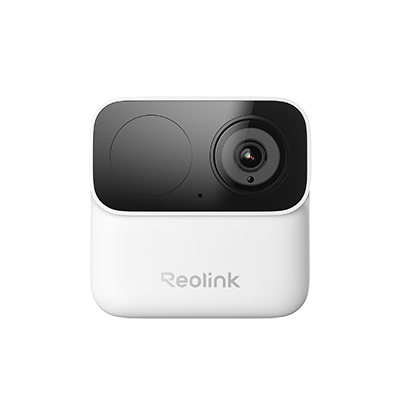
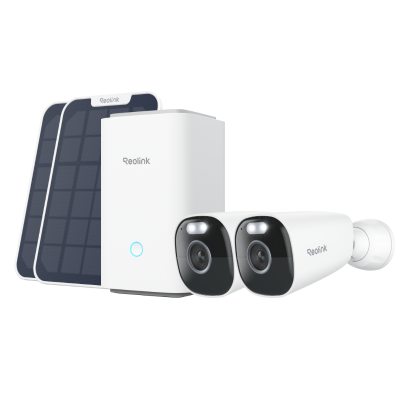
Altas PT Ultra
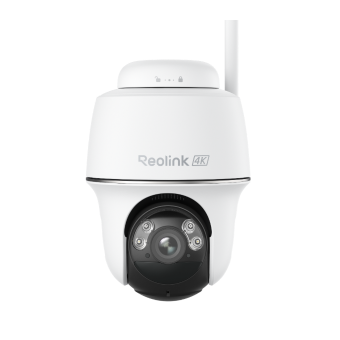
The Reolink Altas PT Ultra offers 4K resolution for optimal clarity and fine details. Its 500-day long-lasting battery eliminates the need for frequent charging, while solar panel support extends operation indefinitely. This means you can place it anywhere without worrying about power or resolution compromises.
The 4K ColorX night vision captures vibrant, detailed footage even in complete darkness. Up to 10 seconds of pre-recording ensures you never miss critical moments before motion triggers the camera. With 360° automatic tracking and Wi-Fi 6 connectivity, it enhances security and improves surveillance.
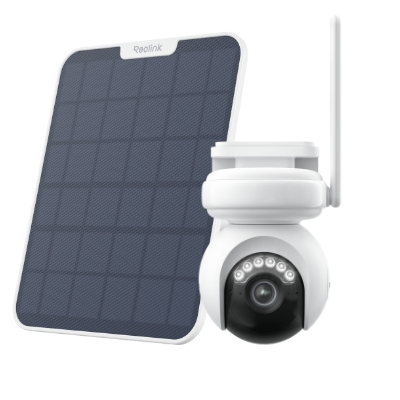
Industry-leading 4K Continuous Recording Battery Camera
4K UHD Continuous Recording; ColorX Night Vision; Pan & Tilt; Automatic Tracking; All Recordings Stored Locally.
FAQs
How to fix low resolution?
Low resolution cannot be fixed after capture. Prevention requires using higher-resolution sources. For existing low-resolution images, upscaling software can smooth edges but cannot add missing detail that never existed.
Is 144p the lowest resolution?
144p (256 × 144 pixels) represents one of the lowest commonly encountered resolutions. However, technically, even lower resolutions exist for specialized applications like embedded displays and industrial sensors.
What resolution is 640 x 480?
640 x 480 is VGA (Video Graphics Array) resolution. It contains approximately 307,200 pixels and is considered standard definition, well below modern high-definition standards.
Is 720p a low resolution?
720p (1280 x 720) is now considered entry-level HD. While acceptable for small screens, it is generally viewed as low resolution by modern standards, where 1080p and 4K have become the baseline.
Conclusion
Low resolution means pixels are stretched too thin, details are lost forever, and potential evidence is turned into unusable blurs. It does not offer the details and clarity. That's the reason low resolution is discouraged. High resolution captures truth, and you must consider it to ensure optimal clarity and fine details in images and videos.
Search
Subscribe for the Latest Updates
Security insights & offers right into your inbox