








































































































































Is Public Wi-Fi Safe? The Ultimate Guide to Protecting Your Data
Public Wi-Fi is free, and it is more than enough to attract people. However, using a public Wi-Fi could be risky and may expose all your information.
In this article, we will discuss the potential risks involved in using public Wi-Fi. We will discuss the signs that can help you identify any unsafe Wi-Fi and switch to a safer option. But if you still need to use public Wi-Fi, we'll share some ways to make it safer.
Is Public Wi-Fi Safe?
Using public Wi-Fi is a two-faced theory. It involves multiple advantages, but with severe risks that could lead to data breaches. You will find public Wi-Fi networks popularly at airports, cafés, restaurants, and shopping malls. Connecting to these networks may have risks due to low security protocols.
You have observed that your home's Wi-Fi network is password-protected with strong encryption, commonly WPA3 or WPA2. Public networks are open to everyone, which means that any hacker could also gain access. With an unencrypted network, your activities such as emails, browsing, and others will be monitored.
A public Wi-Fi is considered safe until you are casually browsing. It could be highly risky if you are browsing a site that consists of personal and financial information. The information can be used in many unethical crimes to which you would be charged by the law enforcement agencies, even if you are not guilty.
Why Public Wi-Fi Is Not Safe?
There could be several risks involved that make a public Wi-Fi unsafe. One of the major risks is low or no encryption on the networks. Most of the public networks don't have strong security protocols. Without encryption, your data would be easily accessible and potentially misused. You might have saved login credentials, messages, and files, which could be easily fetched by the hacker.
Another risk involved is the man in the middle and a fake twin of an official network. A man in the middle would easily fetch your username and passwords while you are logging in to some banking or social media application. A fake network is also common, where the hackers deploy a Wi-Fi network with a similar name. Once you tap and get connected to that twin, all your information will be accessed and monitored by the hacker.
Other major risks include professional hackers who can bypass all the encryptions and take away your saved passwords and username on specific websites through cookies. Moreover, they also inject malware into the specific device, which can steal all your information without your knowledge.
Signs Of Unsafe Public Wi-Fi
There are various signs that could tell you that a Wi-Fi network is unsafe.
No Encryption: The primary sign is no password or weak encryption. It's a strong sign that the network is unsafe due to hundreds of unknown people connecting. This increases the risk of data breaches because you don't know the intentions of every person connected to the network.
Suspicious Names: If you find any suspicious or fake network names, please avoid connecting to them. An identical twin network would be the strongest indication that the hacker has deployed it. You should ask the official staff about the public Wi-Fi networks available in airports, cafés, and restaurants.
Strange Behavior: A network strangely behaves by redirecting you to multiple sites, which never allow you to get back to the desired webpage. Slow Browsing: You will observe slow browsing, which is a clear sign that someone is bypassing your security or injecting malware.
Device Warnings: Device warnings are also a strong indication that your Wi-Fi network is insecure. Your phone or laptop might notify you that "This Network is not secure," showing that it's unsafe.
Irrelevant Credentials: In some cases, connecting to a public network requires login credentials or even credit cards. It will also lead to severe data leaks.
How To Use Public Wi-Fi Safely?
A VPN would be the best and safest way to use a public Wi-Fi. It masks your IP address and lets you browse through a highly encrypted network. It would not be easier for the hackers to intercept the traffic and fetch your data due to high protection.
You should prefer websites that use HTTPS encryption. It can be identified with a lock symbol next to the web address. It might suppress the upcoming threat, but it is not guaranteed that it could protect you from all of them. It is also recommended not to use banking and social media apps that may contain critical information.
You must try to avoid doing transactions while connected to public Wi-Fi. Also, ensure not to make online purchases. Always forget the public Wi-Fi after using it, and keep your sharing options turned off. Please keep your device software updated to increase the security patch level.
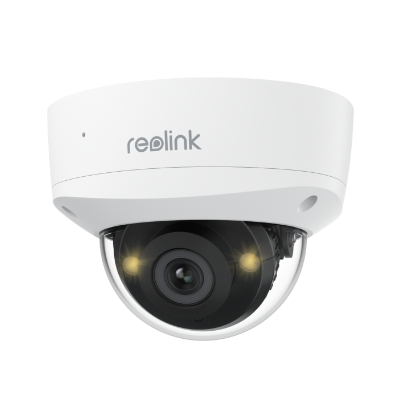
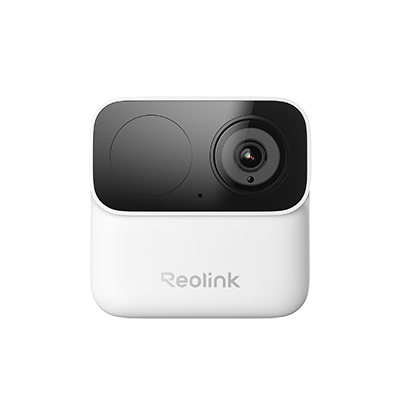
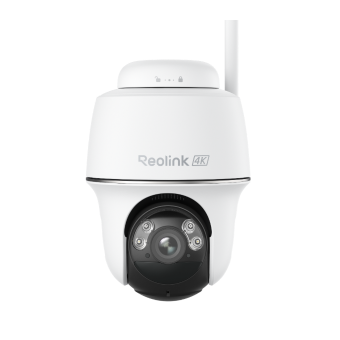
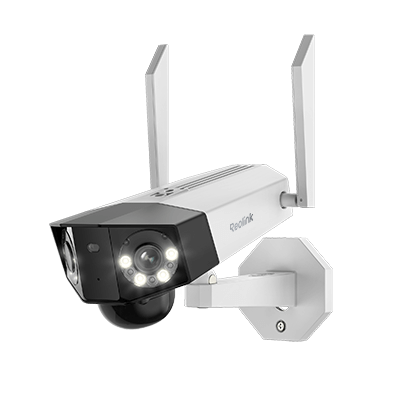
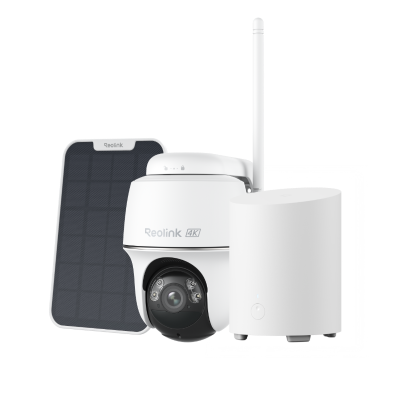
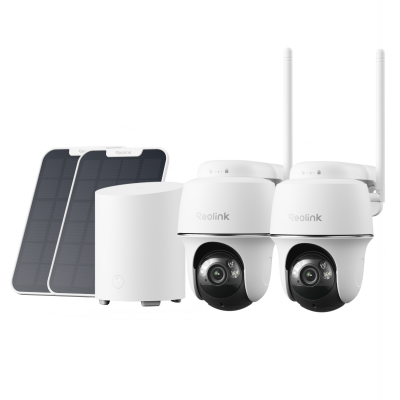
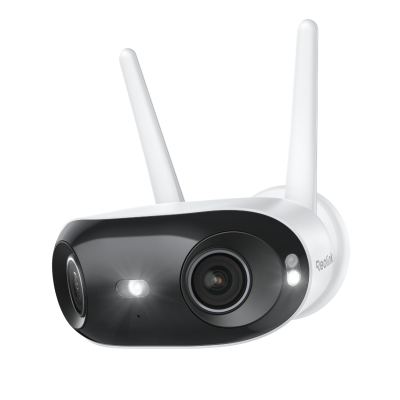
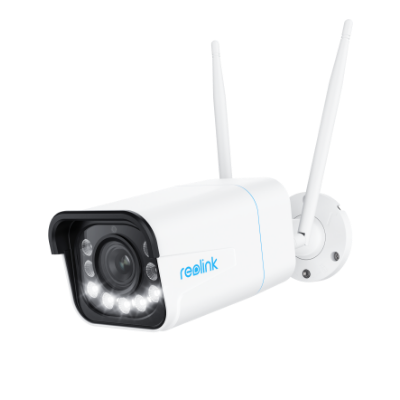
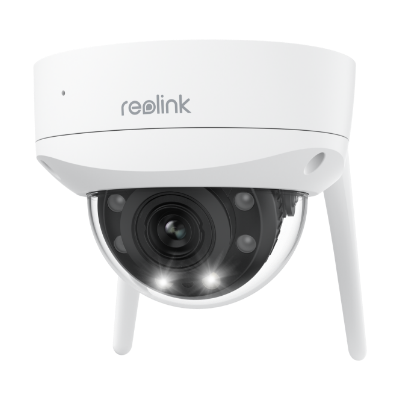
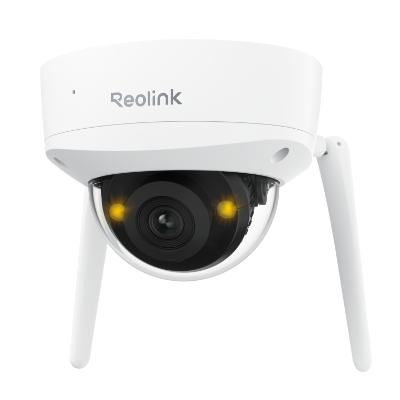
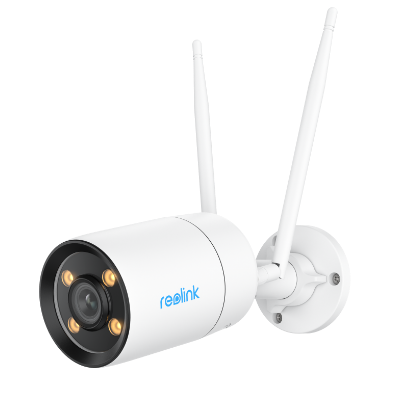
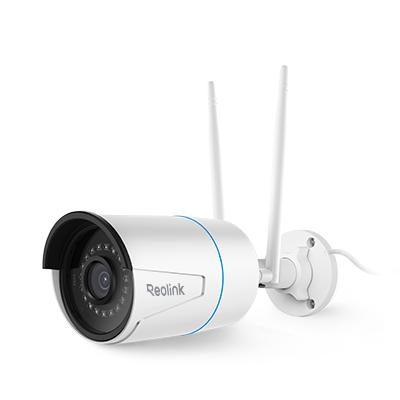
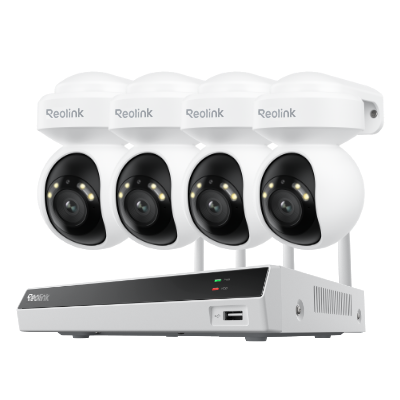
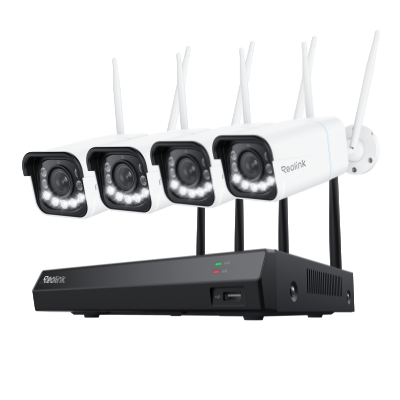
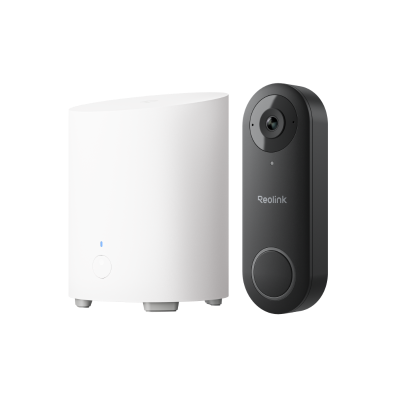
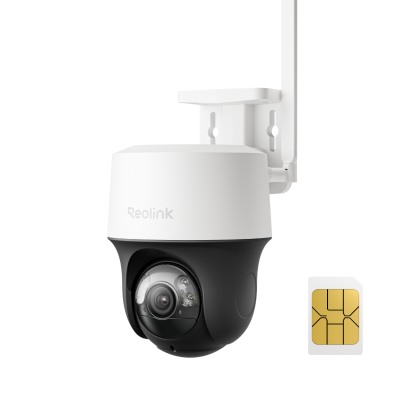
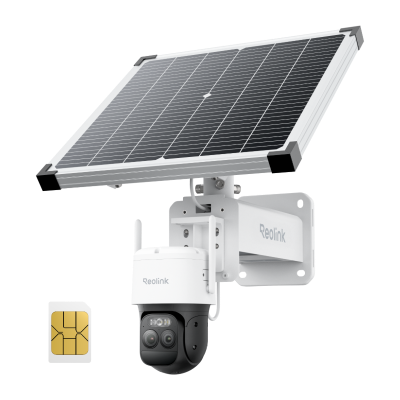
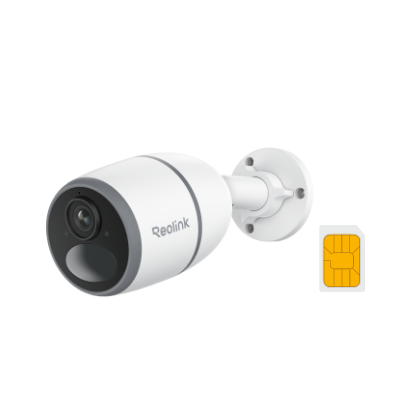
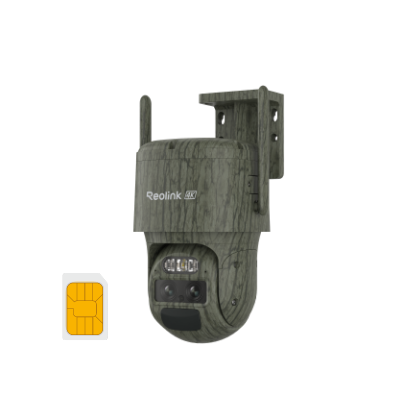
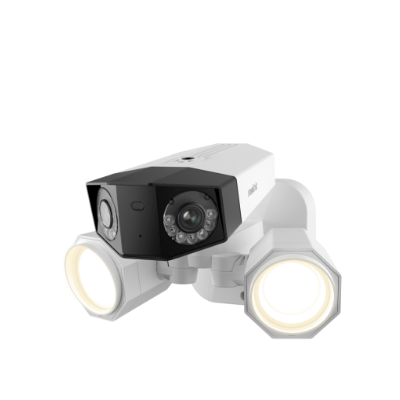
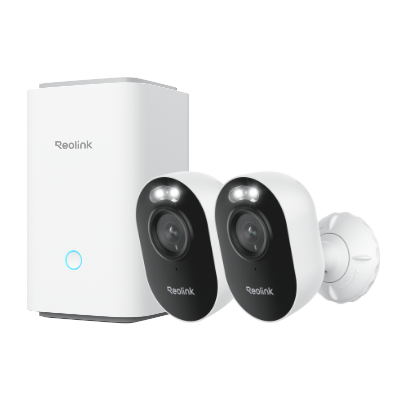
Note: If you need security cameras, go with Reolink Wi-Fi security cameras. They are protected with advanced security and encryption to ensure data privacy.

Groundbreaking 16MP Dual-Lens WiFi Camera
16MP UHD, Dual-Lens, Motion Track, 180° Wide Viewing Angle, Plug-In WiFi, Color Night Vision.
FAQS
1. Is it safe to use public Wi-Fi for banking?
No, it is not safe to use public Wi-Fi for banking. Your credentials may be stolen by hackers or service providers, resulting in a significant loss.
2. Is it safe to use hotel Wi-Fi?
It might be moderately safe to use hotel Wi-Fi due to their policies. However, it is recommended to stay alert and avoid using banking apps or any other apps that may contain sensitive information.
3. What can hackers see on public Wi-Fi?
They can see the websites you visit and also the login credentials while on public Wi-Fi. They can also see your emails, messages, files, and device details.
Conclusion
Using public Wi-Fi can be vulnerable and may severely harm you. If you want to keep your data safe from professional hackers, avoid using public Wi-Fi. It is an unprotected network where hackers can easily find their targets. We have shared the signs that will help you identify whether the Wi-Fi is unsafe. We also shared some tips to ensure your safety while using public Wi-Fi.
Search
Subscribe for the Latest Updates
Security insights & offers right into your inbox