









5K Resolution Explained: Is It Worth the Investment?

5K resolution isn't that common, and when people hear it for the first time, they wonder how detailed and clear it is.
In this article, we will explain what 5K resolution is. We will compare it with different resolutions and explain its applications to help you select the right resolution for your needs.
What Is 5K Resolution?
5K resolution refers to any display format with a horizontal resolution of approximately 5,000 pixels. The most common 5K resolution is 5120 × 2880, which has an aspect ratio of 16:9 and contains just over 14.7 million pixels. That is roughly seven times as many pixels as 1080p Full HD, exactly twice the linear resolution of 1440p (QHD), and four times that of 720p.
In terms of total pixels, 5K has approximately 77% more pixels than 4K. A 4K display (3840 × 2160) has 8,294,400 pixels, while a 5K display (5120 × 2880) has 14,745,600 pixels. This significant increase in pixel count translates directly into sharper images and more on-screen workspace.
5K displays typically come in a 16:9 widescreen aspect ratio, though other aspect ratios exist. Common 5K pixel dimensions include:
- 5120 × 1440 (ultrawide, 32:9)
- 5120 × 2160 (64:27, a 4K extension)
- 5120 × 2880 (standard 16:9)
The 5120 × 2880 format has a pixel density of approximately 218 pixels per inch (PPI) on a 27-inch display, which perfectly matches Apple's "Retina" standard.
5K Resolution vs Other Resolutions
Choosing the right resolution depends on your needs. Each step up from Full HD to 5K brings more detail, but also higher costs and hardware demands. Here is how the most common resolutions compare.
Full HD (1080p)
Full HD measures 1920 × 1080 pixels, totaling about 2.07 million pixels on screen. It is the baseline for most budget monitors and older displays. At 27 inches, it has a pixel density of roughly 82 PPI, which can appear slightly pixelated to discerning eyes.
Full HD is perfectly adequate for general office work, web browsing, and watching streaming content. It requires minimal graphics card power and is very affordable.
QHD (1440p)
QHD measures 2560 × 1440 pixels, totaling about 3.6 million pixels. At 27 inches, it has a pixel density of 108 PPI, which offers noticeably sharper text than 1080p.
QHD is widely considered the "sweet spot" for gaming, as it provides a good balance between image quality and performance. Modern graphics cards handle QHD smoothly, and the price premium over 1080p is modest.
4K UHD
4K UHD measures 3840 × 2160 pixels, totaling about 8.3 million pixels. At 27 inches, it has a pixel density of 163 PPI, delivering very sharp images.
4K is the standard for most creative professionals and home users who want excellent clarity. It offers four times the detail of 1080p. However, 4K demands more from graphics cards, and scaling can be an issue on some older operating systems.
Where Is 5K Resolution Used?
Computer Monitors (Most Common)
5K resolution is most popular in professional monitors for creative work. Mac users particularly love the 27-inch 5K form factor, as its 218 PPI perfectly matches Apple's "Retina" display standard.
For photographers preparing large-format prints or gallery exhibits, a 5K display reveals detail that would otherwise require constant zooming.
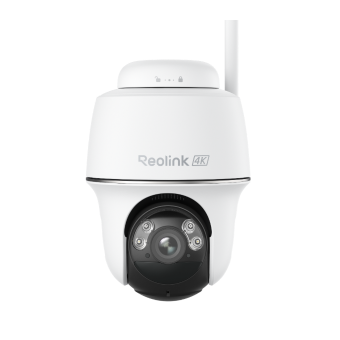
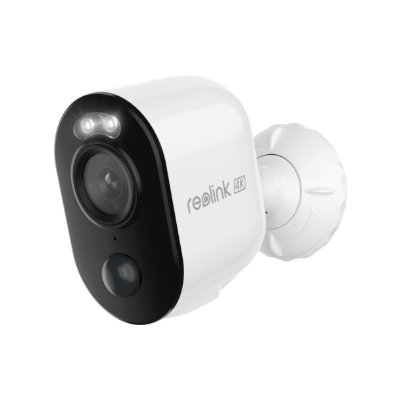
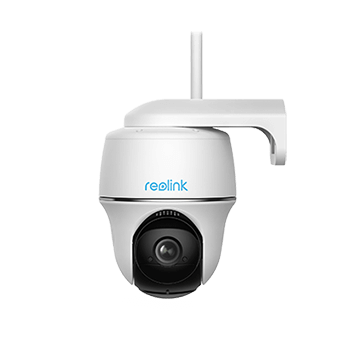
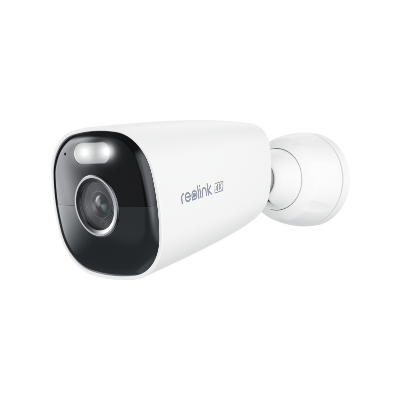
Security Cameras (Limited but Growing)
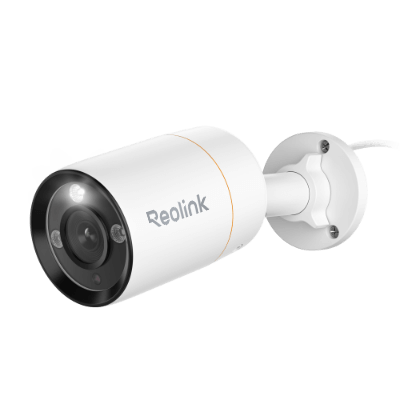
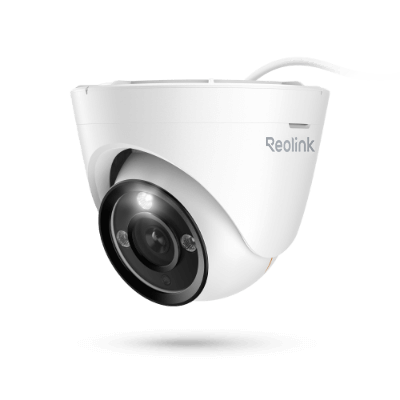
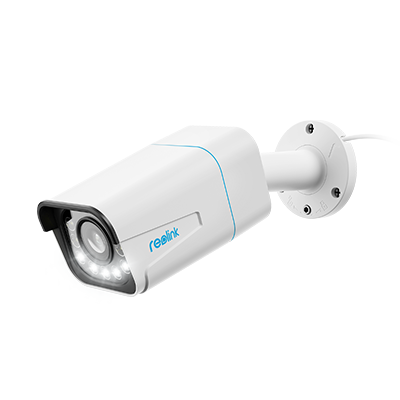
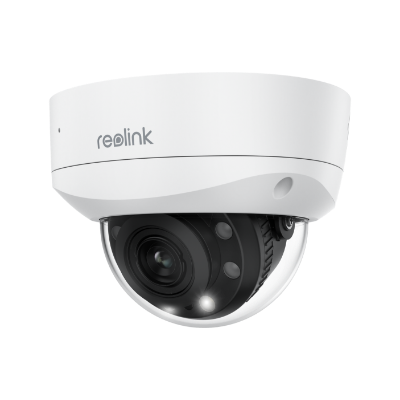
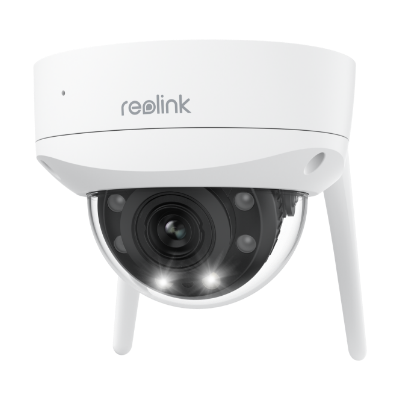
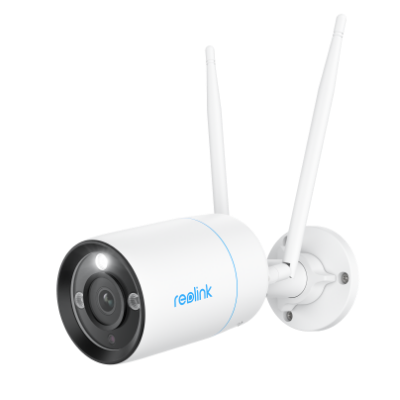
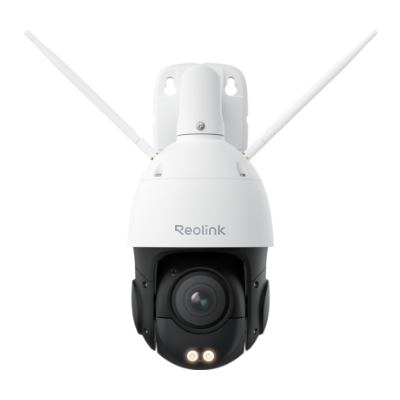
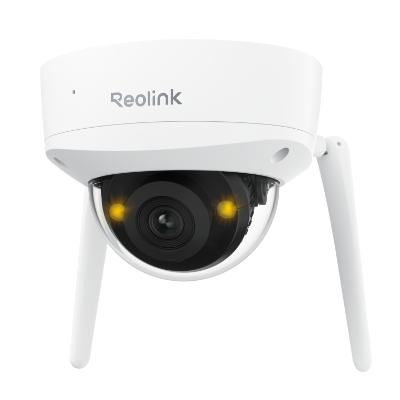
As of now, 5K security cameras exist but are relatively uncommon. They are primarily found in professional and high-security environments where extreme detail is necessary.
The increased resolution allows for effective zooming without losing clarity, a significant advantage for identifying faces or license plates from a distance. However, adoption is limited due to higher costs and increased storage demands.
Video Editing and Content Creation
For video editors working with footage beyond 4K, a 5K display offers the workspace needed to see every frame in detail while keeping tools accessible.
It is also useful for CAD work, 3D rendering, and any profession where fine detail matters.
5K Monitor vs 4K Monitor: Which One to Choose?
The choice between 5K and 4K comes down to your workflow, hardware, and budget. For creative professionals like photographers and graphic designers working with ultra-high resolution images for large-format prints, the 77% pixel advantage of 5K over 4K is genuinely noticeable. Video editors who want to see a full-resolution 4K preview alongside their editing tools on a single screen will also benefit significantly. Other than this, hardware requirements are also a crucial consideration.
For most other users, 4K is the smarter choice. A 4K monitor offers excellent 163 PPI density on a 27-inch screen, which is already very sharp for general use. 4K monitors have much lower hardware requirements, with most modern computers handling them without issue. They are also significantly more affordable, with a wide range of budget, mid-range, and high-end options available. General creatives working on standard photo editing or 1080p/4K video production will find 4K more than enough for their needs.
The bottom line is simple: 4K is the practical, flexible choice for most users. 5K is for professionals who need every pixel and are willing to pay for the required hardware to run it.
Bonus: High-Resolution Camera Recommendations
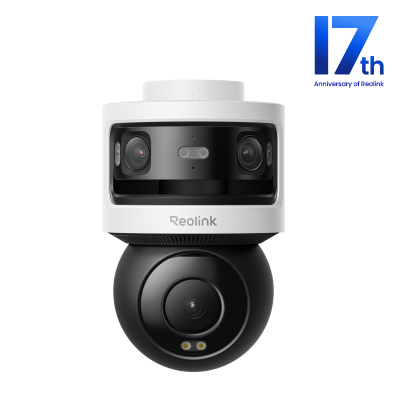
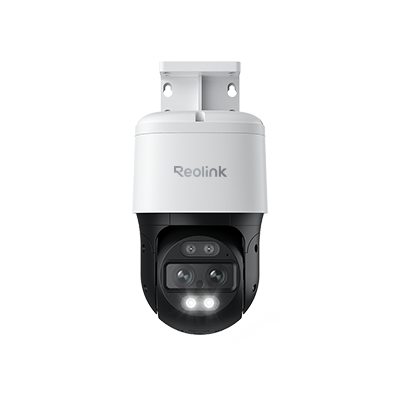
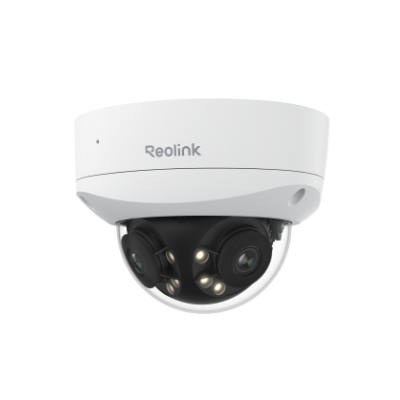
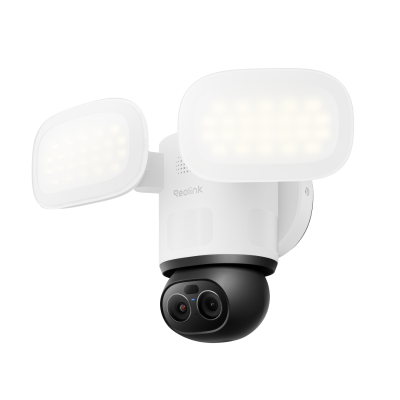
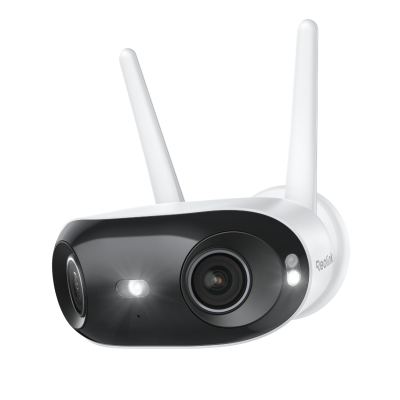
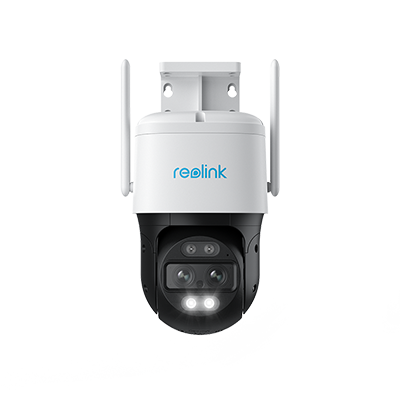
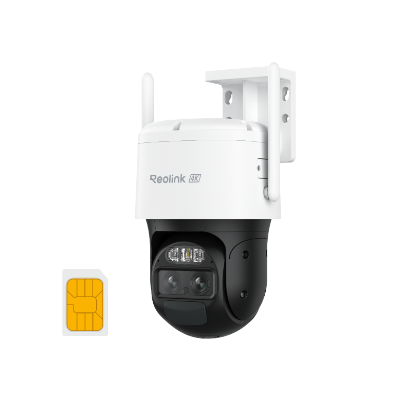
Reolink Omvi 3i PoE
The Reolink Omvi 3i PoE is an 18MP triple-lens security camera for reliable outdoor security.
Its two lenses capture a 180° panoramic view in 10MP, and the pan-and-tilt lens covers 360° in 4K. Thus, it offers incredible clarity and details without leaving any blind spots.
With SyncTrack, it automatically frames the object and tracks every motion. It accurately detects objects with local AI and allows users to search for the desired video using keywords.
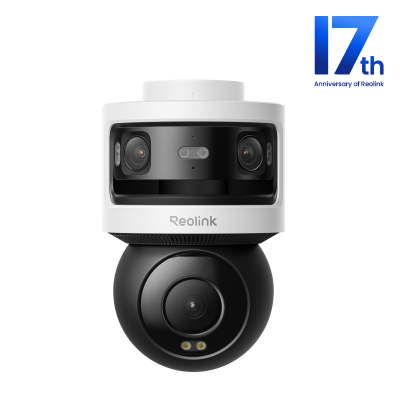
All-in-one Triple-Lens 180° Panoramic Pan-Tilt Security Camera
10MP Dual-Lens 180° View, 4K 360° Full Coverage, SyncTrack with auto framing & auto tracking, Local Storage (No Monthly Fees), Local AI Video Search.
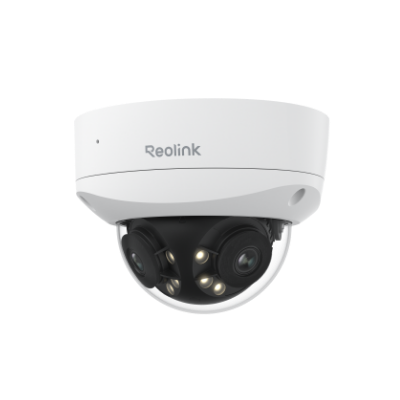
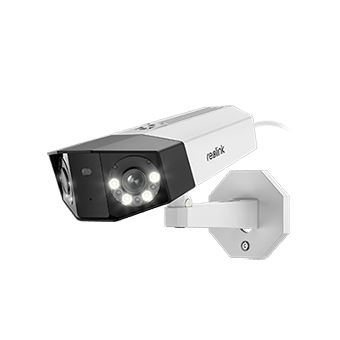
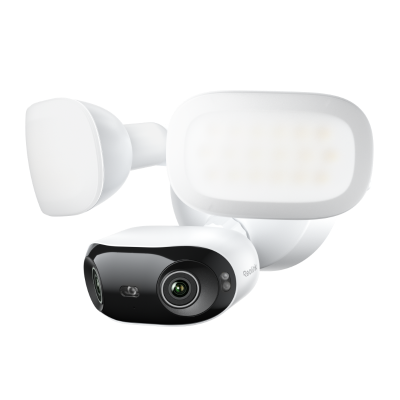
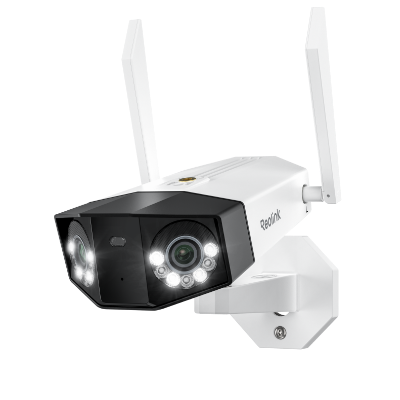
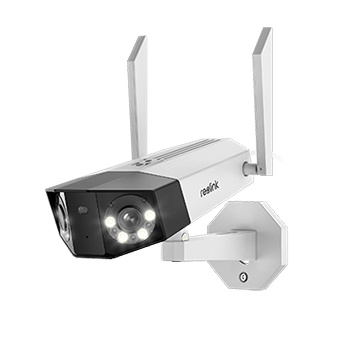
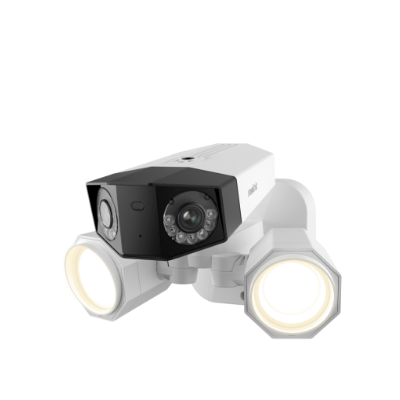
Reolink Duo 3 PoE
The Reolink Duo 3 PoE is a 16MP dual-lens PoE camera, offering a resolution significantly higher than 5K.
It captures a seamless 180° panoramic view with no blind spots with its advanced dual-image stitching technology.
Key features include:
- Color night vision with built-in spotlights
- Motion tracking that summarizes events into one image
- Smart detection for people/vehicles/animals
- Two-way audio
- IP67 weatherproofing
This is ideal for covering large areas like parking lots, warehouses, or front yards with a single camera.

Groundbreaking 16MP Dual-Lens PoE Camera
16MP UHD, Dual-Lens, Motion Track, 180° Wide Viewing Angle, Power over Ethernet, Color Night Vision.
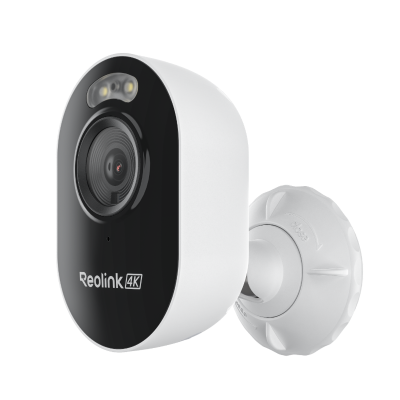
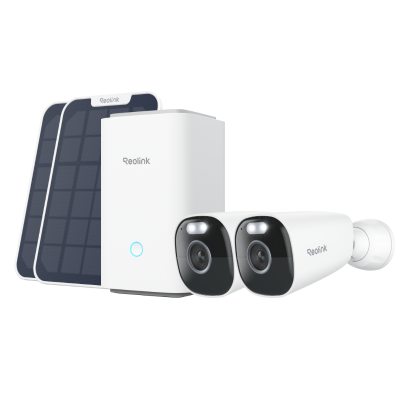
Reolink Altas PT Ultra
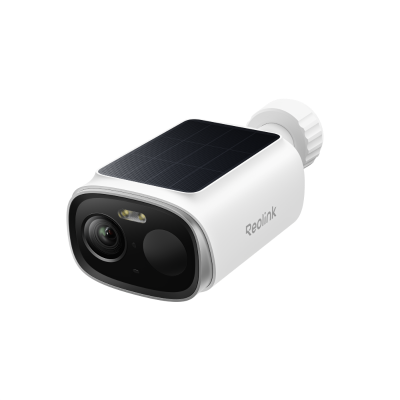
The Reolink Altas PT Ultra is a 4K battery-powered PTZ camera that offers continuous recording on battery/solar power.
It has a massive 20,000mAh battery that lasts up to 500 days in PIR mode.
Key features include:
- 4K UHD resolution
- ColorX night vision for full-color footage even in near-total darkness
- 355° pan and 90° tilt with auto-tracking
- Two-way audio
- Local storage with no monthly fees
This camera is perfect for locations without existing power wiring.
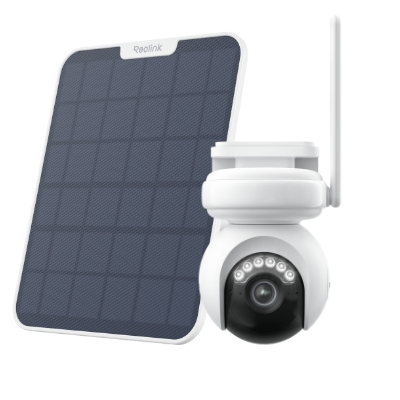
Industry-leading 4K Continuous Recording Battery Camera
4K UHD Continuous Recording; ColorX Night Vision; Pan & Tilt; Automatic Tracking; All Recordings Stored Locally.
FAQs
Is 5120×2160 5K?
Yes, 5120 × 2160 is considered a 5K resolution.
It has a 64:27 (≈21:9) ultrawide aspect ratio and contains about 11 million total pixels.
However, the standard 5K format is 5120 × 2880 (16:9) with 14.7 million pixels.
Is a 5K display better than a 4K?
For creative professionals and Mac users, yes.
5K offers 77% more pixels, sharper text, more screen space, and perfect Retina clarity on 27-inch displays.
However, 4K is more affordable, has better hardware compatibility, and works excellently for most users.
What is the practical difference between 5K and 4K?
On the same screen size, 5K has a higher pixel density (218 PPI vs 163 PPI), resulting in finer detail.
A 5K display also offers more usable screen space, allowing you to view a full-resolution 4K video while keeping toolbars visible on the same screen.
Conclusion
5K resolution delivers 5120 × 2880 pixels and nearly 14.7 million dots on screen, 77% more than 4K. The price premium is real, and hardware demands are higher. If you are a photographer, video editor, or graphic designer working with large-format prints or 4K+ footage, the upgrade to 5K is noticeable. For everyone else, 4K remains the smarter, more practical choice.
Search
Subscribe for the Latest Updates
Security insights & offers right into your inbox