Your cart is empty.

2K 4MP 4G LTE Battery & Solar-Powered Security Camera
Smart Person/Vehicle/Animal Detection for Accurate Alerts
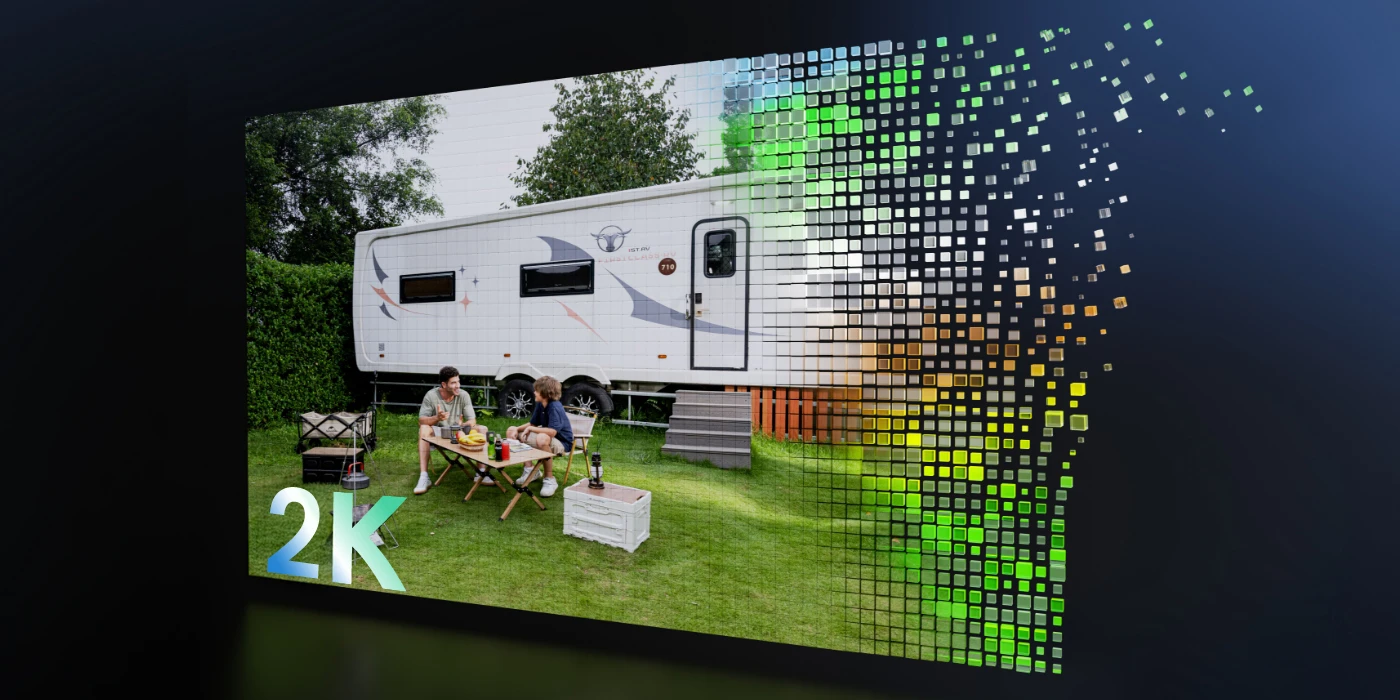
2K 4MP HD for Sharper Details
Solar Charging for Longer Battery Life
Infrared Night Vision for Clear Footage After Dark
Working on a 3G/4G LTE mobile network and powered by battery and solar energy, Reolink Go Plus offers a ready-to-go security solution that is easy and flexible to install anywhere.

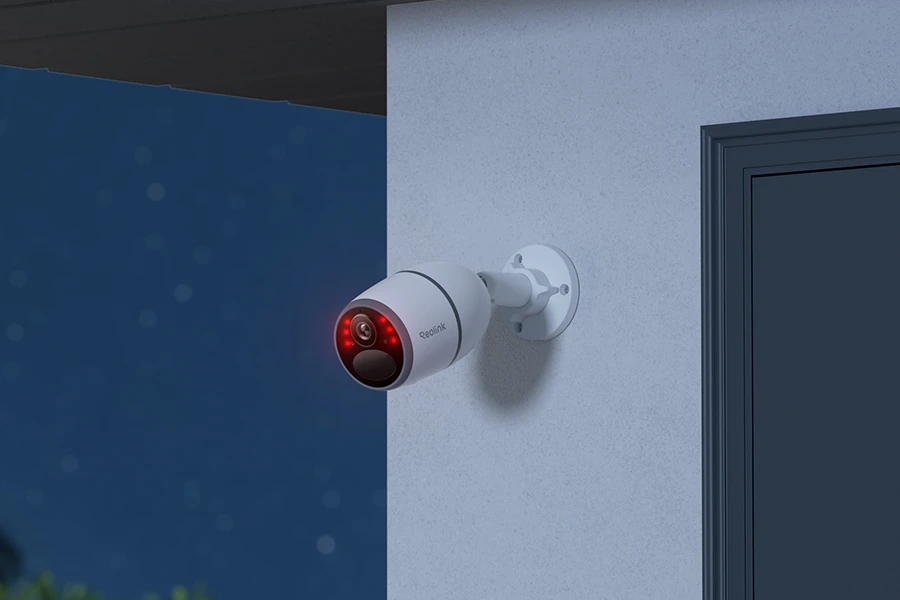
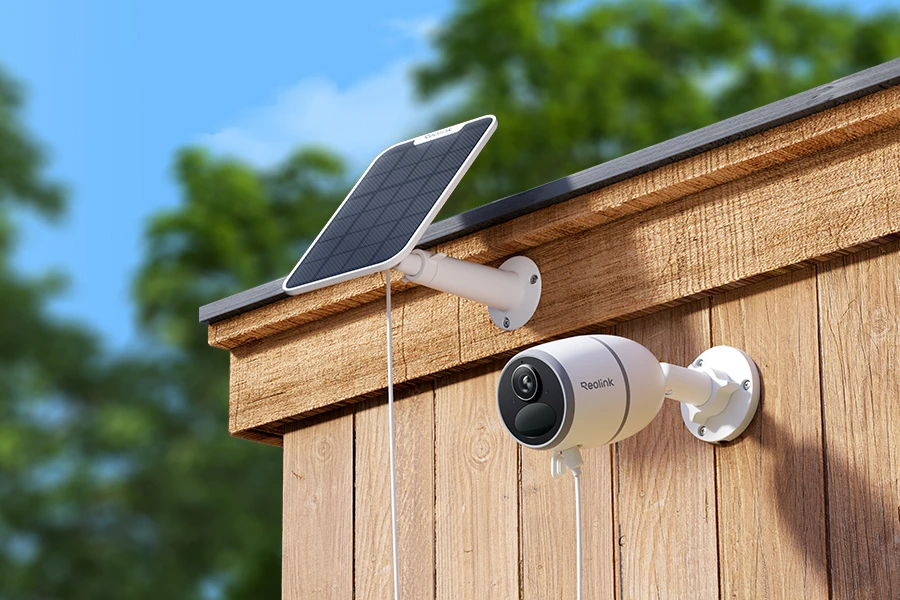
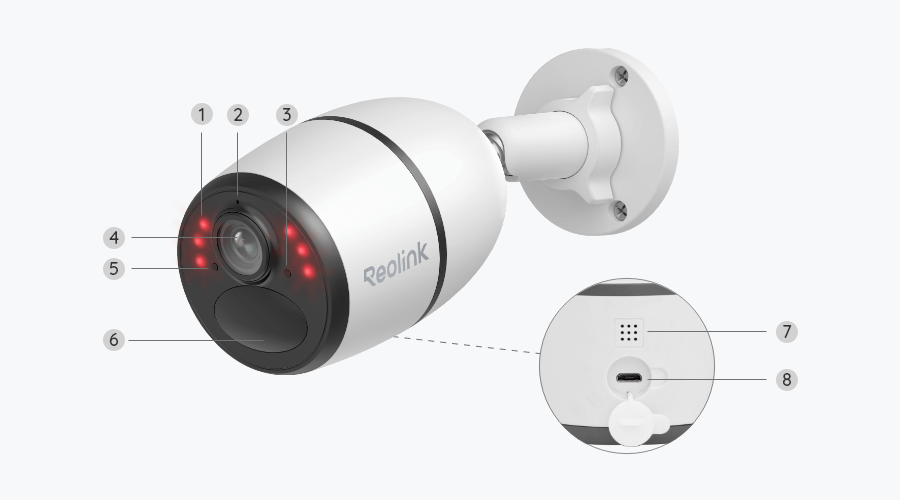
With 2K 4MP resolution, Reolink Go Plus captures sharp, detailed footage of people, vehicles, and surrounding areas. Its infrared night vision keeps important details visible even in low-light conditions.
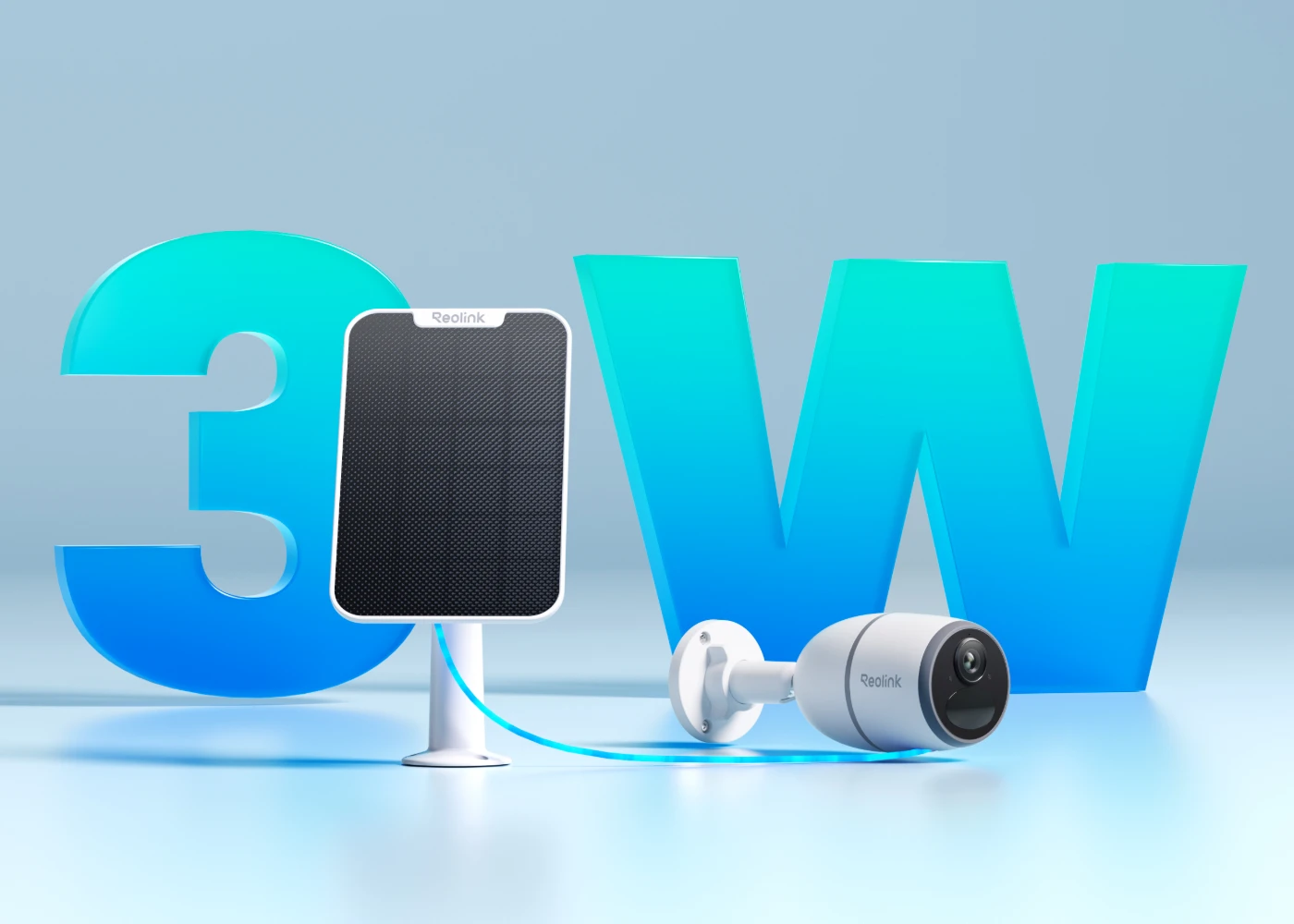
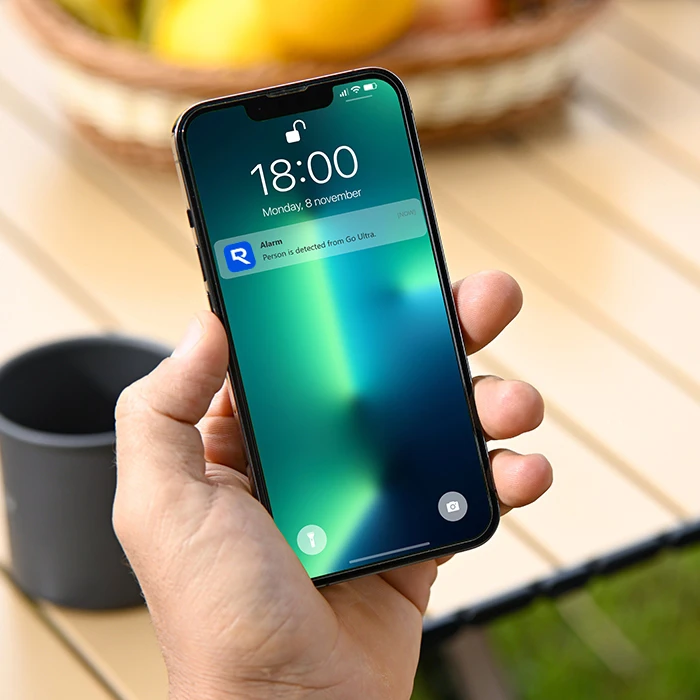
When triggered by people, vehicles or animals, this camera will send accurate alerts to your device, and you can just tap to respond instantly through the built-in microphone and speaker. No extra fees are required.
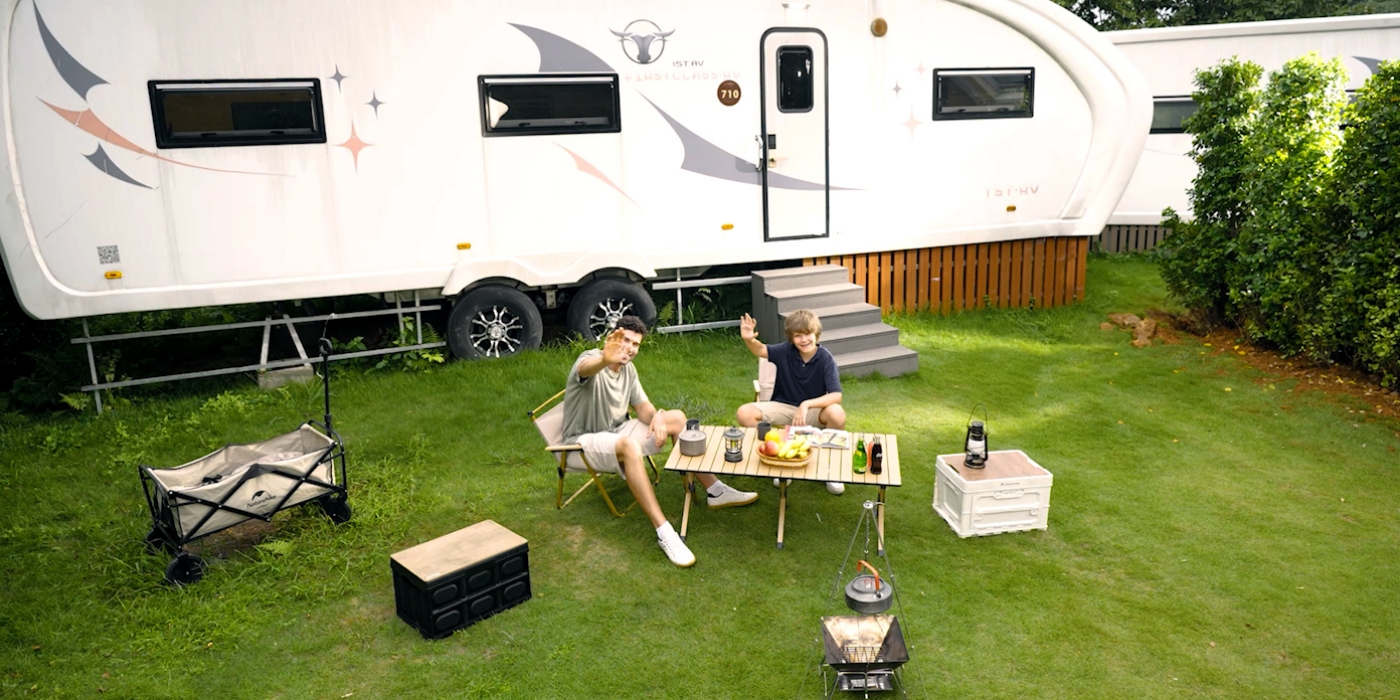
Save motion recordings locally to your microSD card (up to 128GB), so you have full control over your footage and rest assured that it remains private and secure in the palm of your hand.
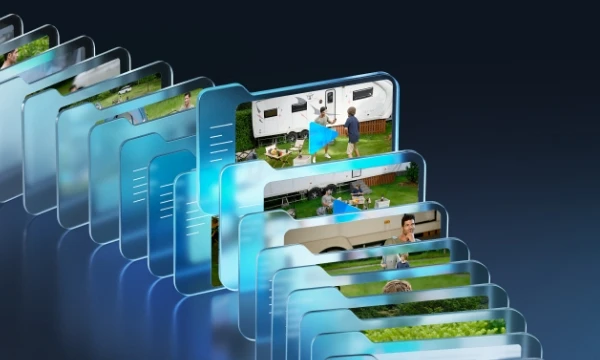
Enjoy effortless security with Reolink Cloud and say goodbye to the worries of data loss. Whether you're at home or on the go, you can easily review your footage with just a few clicks.
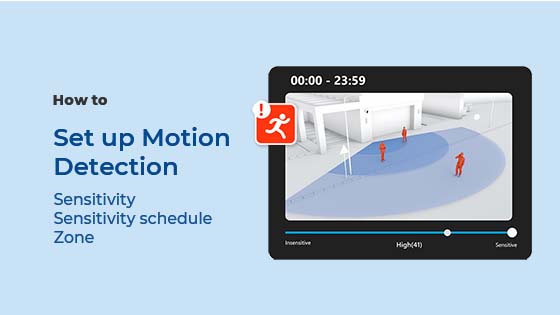
Receive app push notifications, email notifications and sound alerts when motion is detected. You can still adjust detection sensitivity to get more precise alerts.
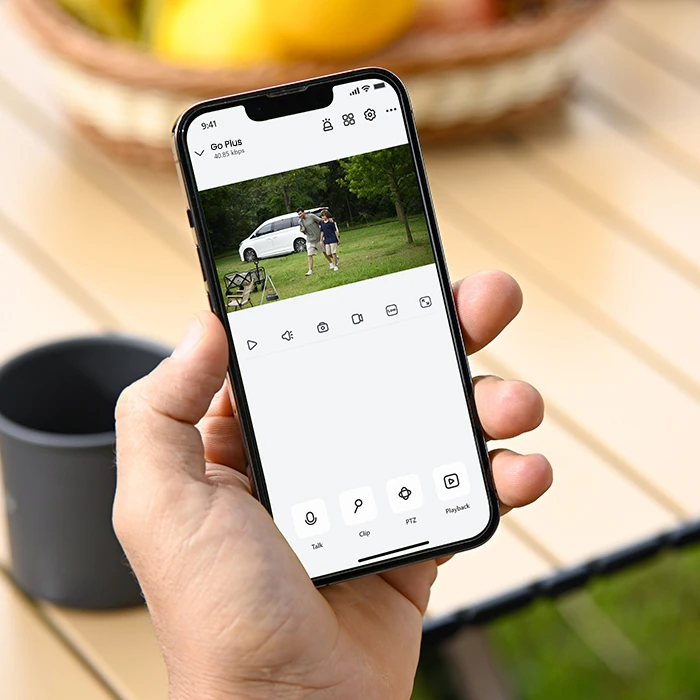
Watch smooth live view at any time to keep an eye on your home, office, farm, etc.
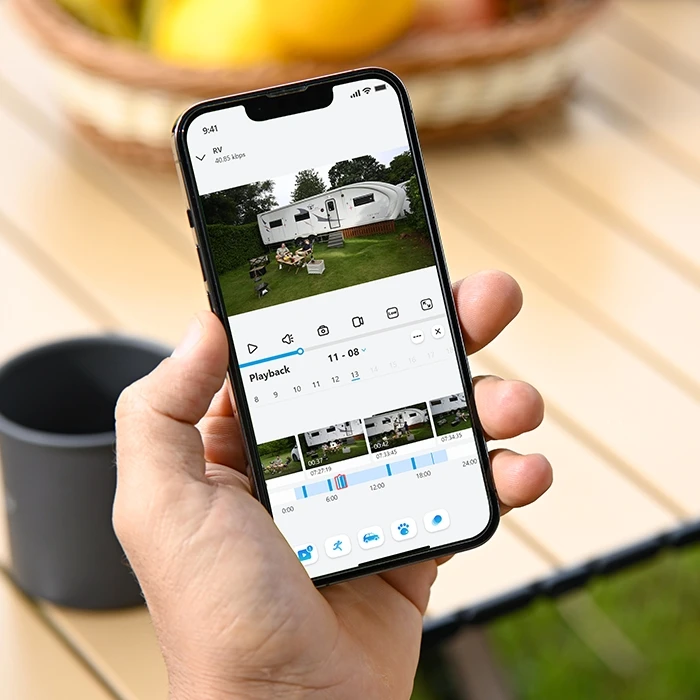
Filter the saved videos by event type and timeline to quickly find the clip you want.
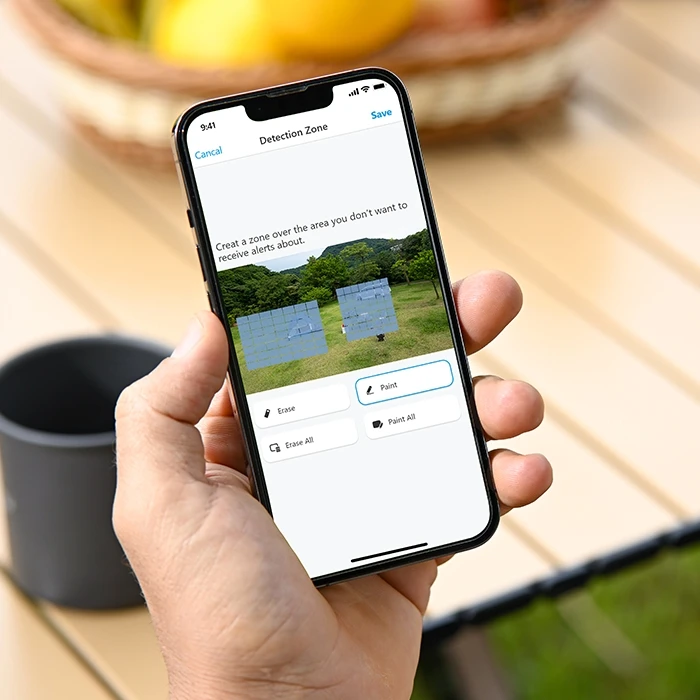
Choose which areas trigger motion alerts and exclude areas you don't need to monitor.

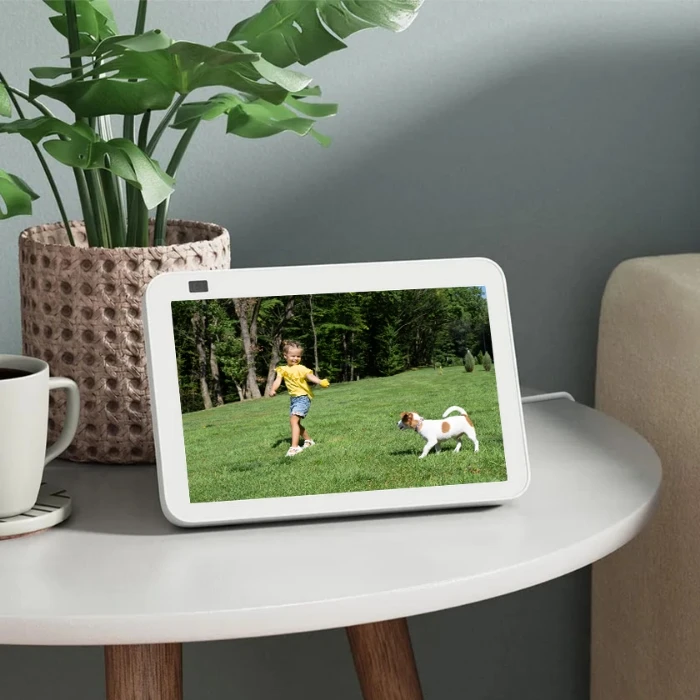
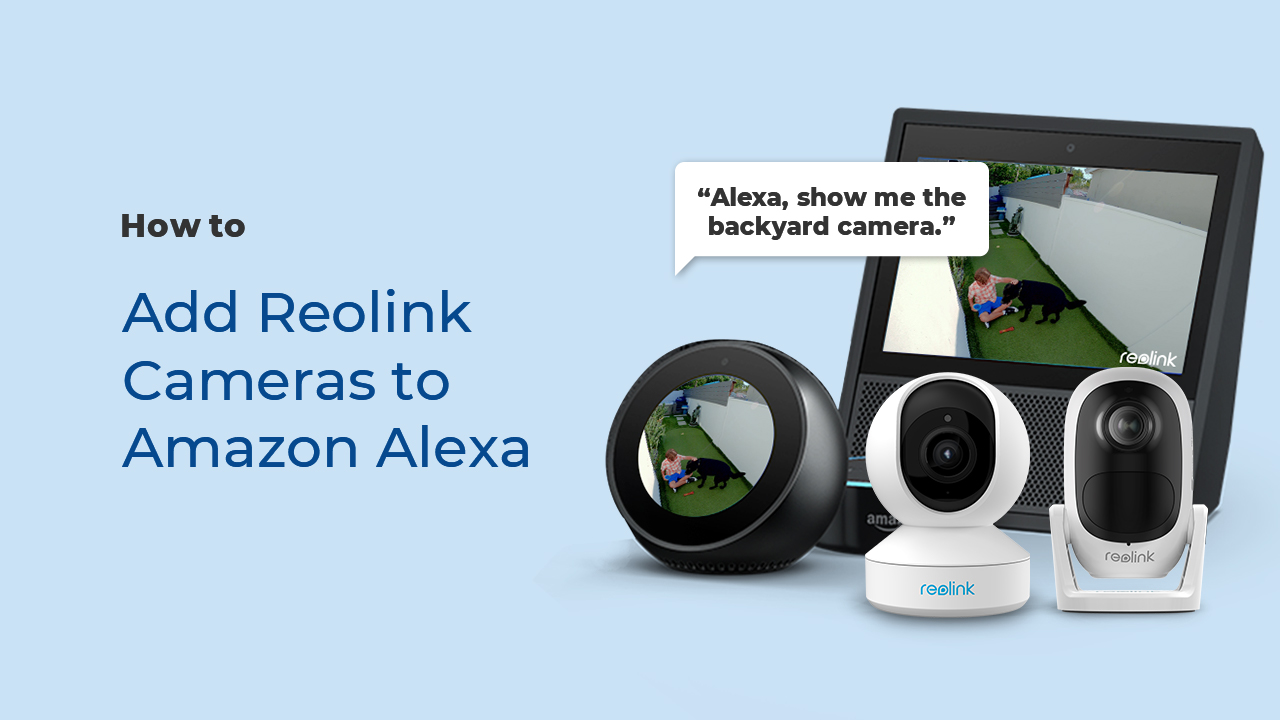
As easy as saying “Hey Google, show me the backyard”, you can check what’s happening there on your Google Nest Hub or Chromecast-enabled TVs.

Discover more beauty of nature by observing long-term moments, like flower blooming, sunrise, etc., with time-lapse capture. Enjoy more fun with less time spent.
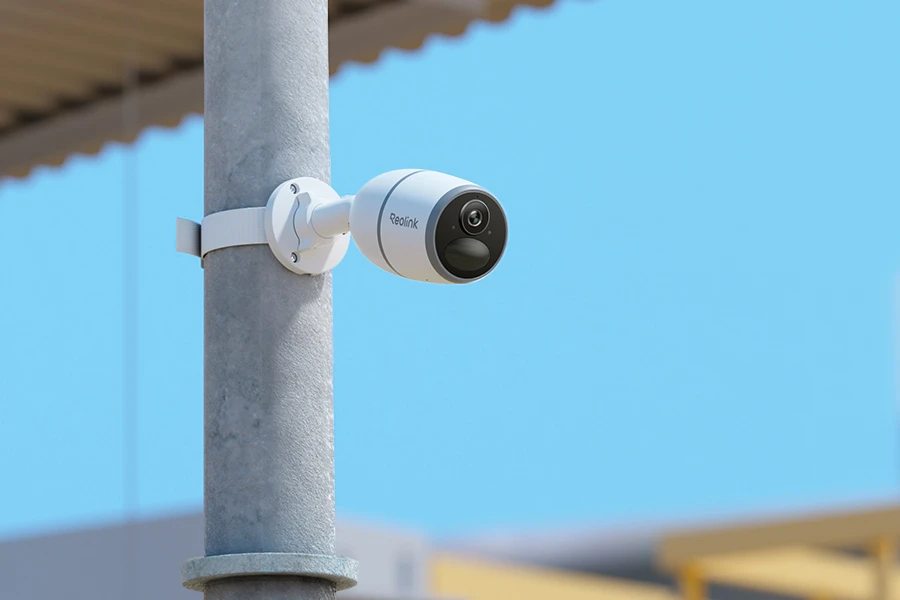
With an IP65 weatherproof rating and a durable casing, Reolink Go Plus withstands rain, dust, and harsh outdoor conditions, providing reliable monitoring in changing weather.
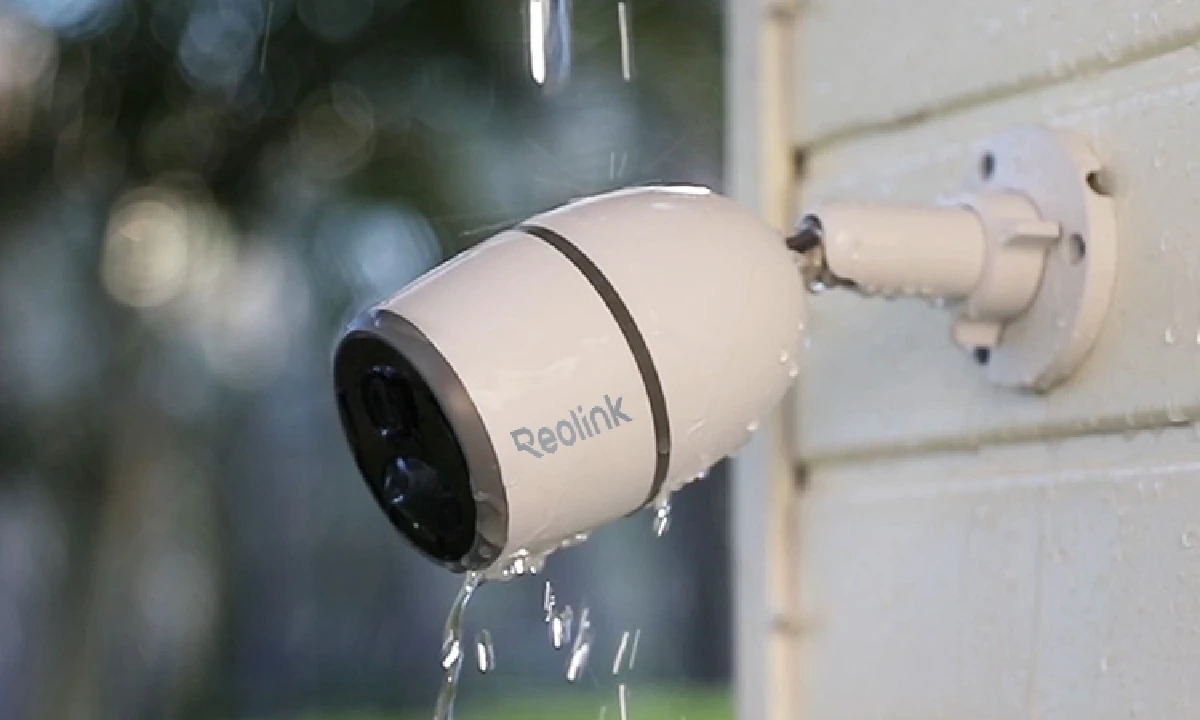
Reolink Go Plus is a 2K 4MP 4G LTE cellular security camera that offers smart motion detection, night vision, and remote access through the Reolink app, and can also be powered with a solar panel for eco-friendly charging.
In the US, Reolink Go Plus is compatible with major 4G LTE data-only SIM cards, including T-Mobile prepaid data plans, Mint Mobile SIMs, and FreedomPop plans (APN may need to be set to ERESELLER for some models like Go PT). Verizon SIM cards may also work depending on the plan, but it is recommended to test connectivity first before activating a new SIM. Note that the camera only supports 4G LTE networks and does not support 5G, and T-Mobile’s legacy 3G network has been fully retired.
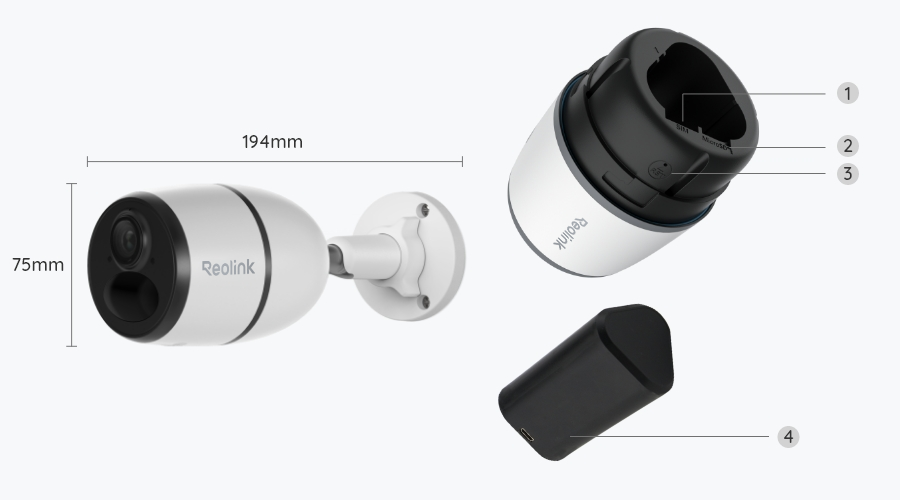
1. Insert the SIM card and microSD card (optional) Open the camera slot and insert a compatible 4G LTE data SIM card and a microSD card if you want local storage.
2. Charge or connect power: Fully charge the battery or connect the camera to a solar panel for continuous power.
3. Turn on the camera: Press the power button until the status light turns on.
4. Download the Reolink App: Install the Reolink app on your mobile device from the App Store or Google Play.
5. Add the camera in the app: Scan the QR code on the camera and follow the in-app setup instructions to connect it to your account.
6. Check network connection: Make sure the SIM card is activated and has mobile data enabled. The camera will automatically connect to the 4G LTE network.
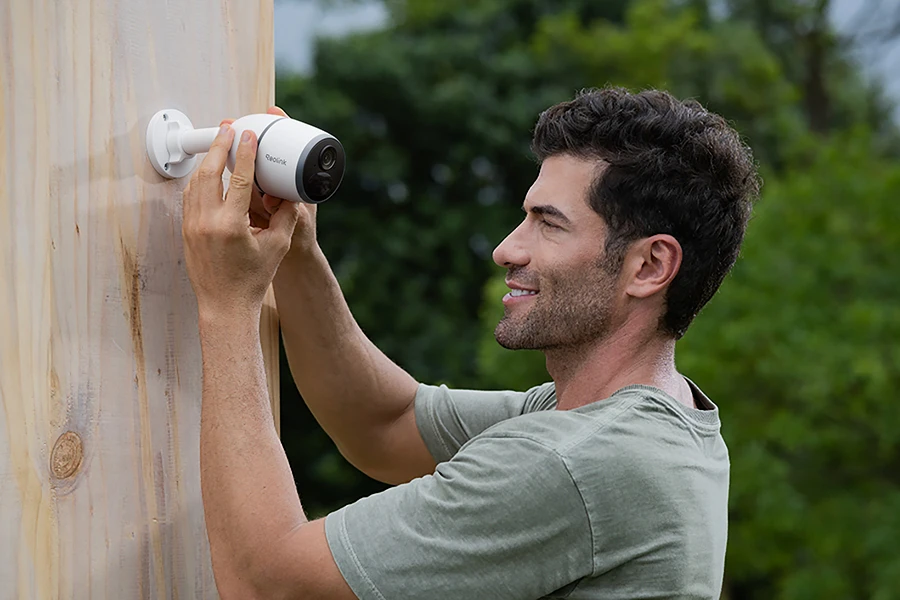
7. Adjust installation location: Mount the camera in the desired outdoor location with a clear signal and adjust the viewing angle in the app.
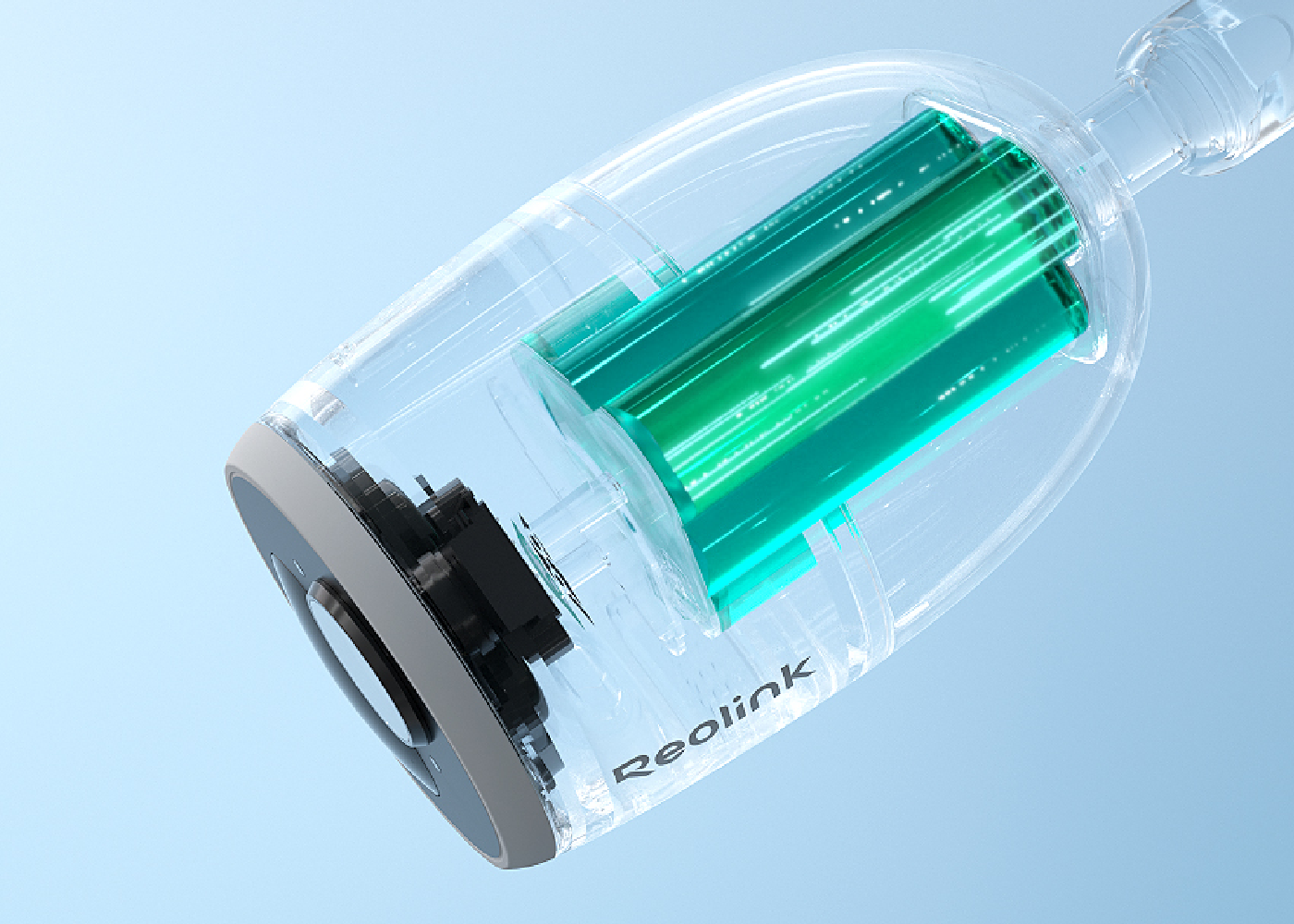
The Reolink Go Plus battery can last up to 2 months on a single charge under standard usage conditions. Actual battery life depends on motion detection frequency, live viewing, cellular signal strength, and temperature. For longer operation with less manual charging, the camera supports the Reolink 3W Solar Panel.
The key differences between Reolink Go PT Ultra and Go Plus are resolution, camera coverage, and night vision. Go PT Ultra features 4K 8MP resolution, 355° pan and 140° tilt, and spotlight color night vision. It is better suited for large farms, construction sites, or open yards where users need to remotely adjust the viewing angle, track activity across different areas, and zoom in on distant details.
Go Plus offers 2K 4MP resolution, a fixed viewing angle, and infrared night vision. It is a better choice for monitoring a single entrance, farm gate, or remote storage shed where the camera can remain pointed at one specific area without needing pan-and-tilt control.
There are several possible reasons why your Reolink Go Plus is offline or failing to connect. First, the cellular signal in the installation area may be weak—try checking the signal strength with your phone in the same spot.
Second, your SIM card or mobile data plan may have expired or run out of data; you can test this by inserting the SIM card into your phone. If both the signal and SIM are fine, the issue may be with the camera itself. In that case, try resetting the device, checking the status light and voice prompts, and contacting the Reolink support team for further assistance.
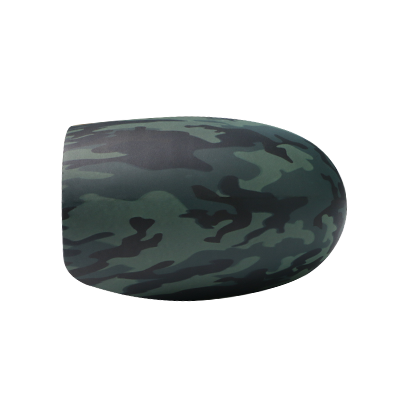 Camouflage Skin ×1
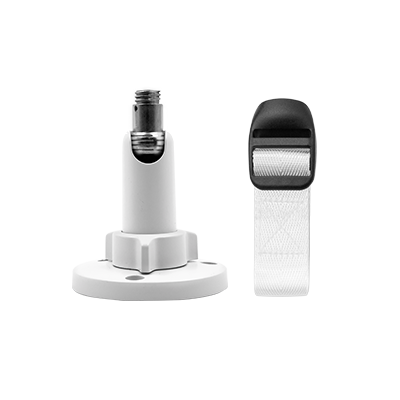 Mount ×1
 Reolink Go Plus ×1
 USB Cable ×1


Be Prepared, Be Ahead
Never miss Reolink hot deals, news, and updates tailored for you.
Be Prepared, Be Ahead
Never miss Reolink hot deals, news, and updates tailored for you.

Google, Google Play, Google Assistant and related marks and logos are trademarks of Google LLC. Amazon, Alexa and all related logos are trademarks of Amazon.com, Inc. or its affiliates. Mac and Safari are trademarks of Apple Inc. App Store is a service mark of Apple Inc., registered in the U.S. and other countries. Firefox and the Firefox logo are trademarks of the Mozilla Foundation in the U.S. and other countries. Other product and company names mentioned herein may be trademarks of their respective companies.