





















































































































What Internet Speed Do I Need? A Simple Breakdown
All internet users have this common question, especially when they need to install a new internet connection or switch to another service provider.
In this article, we will discuss the internet speed you need for common applications. It will help you select the right internet plan that will offer the best performance according to the number of users and usage.
What You Need to Know About Internet Speed?
Basics of Internet Speed
Internet speed refers to the rate at which data is transferred. It is usually measured in Mbps (Megabits per second) or Gbps (Gigabits per second). When getting an internet connection, you need to select a suitable speed according to the applications.
Along with the speed, latency is also important. It is the time required for the data to travel from the device to the internet server and back. The lower it is, the better it performs in real-time applications. Last but not least is Bandwidth. It’s the capacity of your connection. It defines how much data can travel at a time.
For a smooth experience, the speed and capacity should be high, and latency should be low.
How to Test Internet Speed?
Before your test, disconnect all devices except the one you want to test the speed on. If you are using your computer, a wired connection is a better option for the measurement. Close all unnecessary applications and restart your router.
Now, open any reliable internet speed test website on your device, such as Ookla, Google Speed Test, or Fast.com. Run the test to measure the upload speed, download speed, and latency. For better accuracy, you can test multiple times.
What Internet Speed Do I Need for Activity?
You need to select the internet speed according to the activity or application. A specific speed could be enough for an application, but an overkill for the other.
What Internet Speed Do I Need for Gaming
Online gaming requires a fast internet connection. For the smoothness of real-time applications, such as character movement and actions, speed plays an important role.
For basic gaming, a 10-25 Mbps download speed is suitable. For multiplayer gaming, you should aim for 25-100 Mbps. If you want to do 4K streaming along with gaming, over 50 Mbps is recommended. The minimum upload speed is 1-3 Mbps. For a good experience, 5-10 Mbps is ideal.
The important factor in online gaming is latency. If it is high, you might experience lag and delay. Ideally, it should be lower than 20ms. And 20-100ms is also acceptable. Anything higher will ruin the experience.
What Internet Speed Do I Need for Streaming?
The speed you need depends on the video stream quality. For high-definition streaming, 720p or 1080p, 5-8 Mbps is required. 10-15 Mbps is a better option.
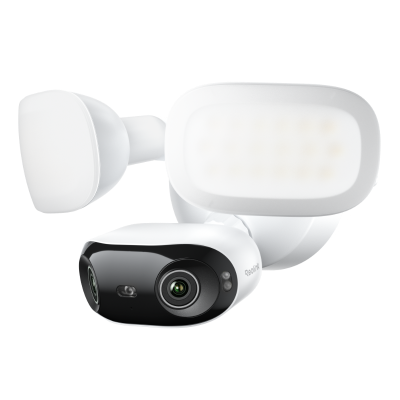
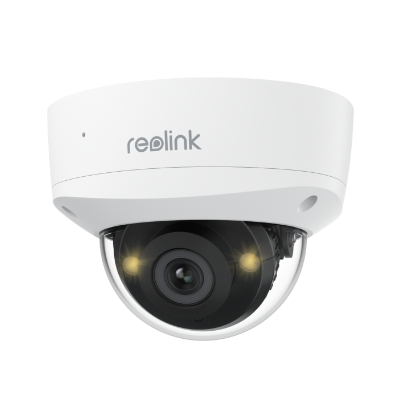
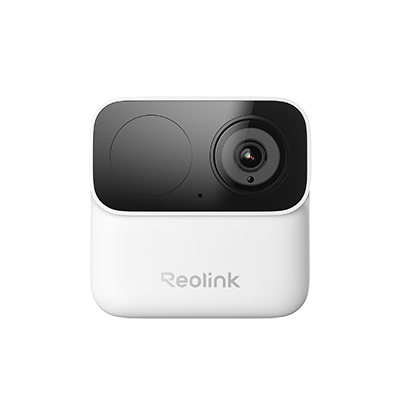
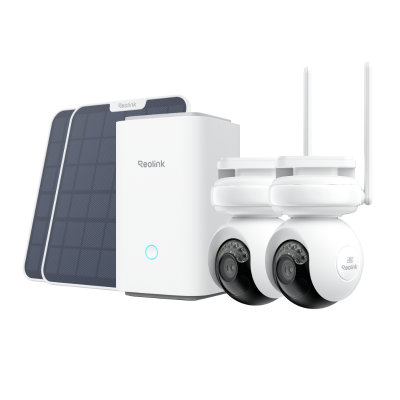
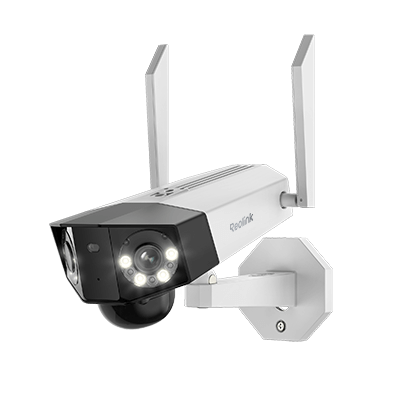
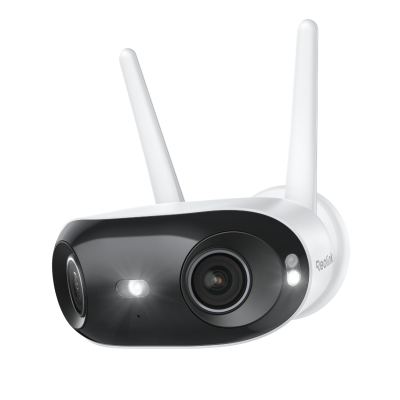
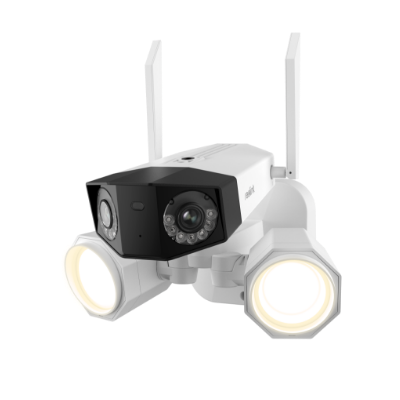
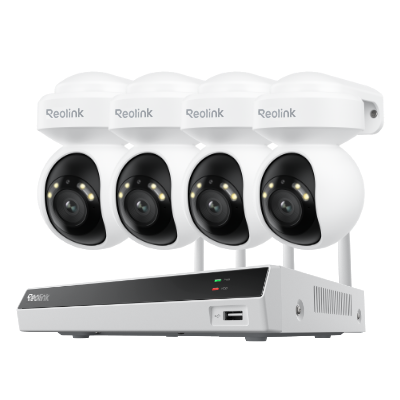
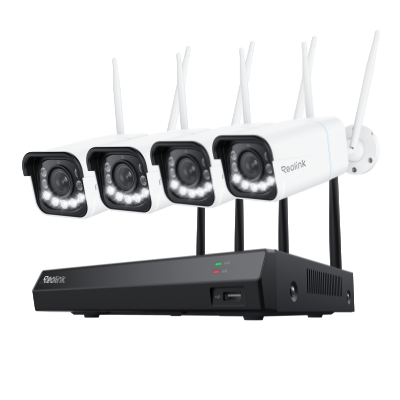
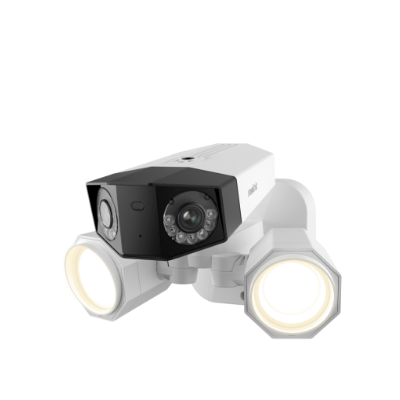
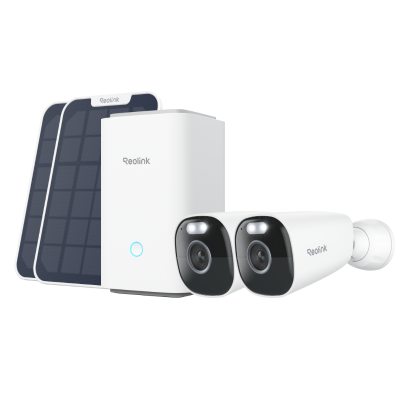
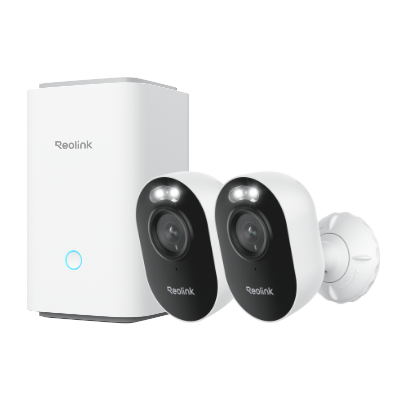
If you want to stream in 4K resolution, at least 15 Mbps is required. For a smooth experience, you should go with 25 Mbps. And if there are multiple users, security cameras, and other background applications, a 35-50 Mbps connection is suitable. Reolink security cameras offer incredible video quality without any lag. They can work well with less bandwidth consumption.

Groundbreaking 16MP Dual-Lens WiFi Camera
16MP UHD, Dual-Lens, Motion Track, 180° Wide Viewing Angle, Plug-In WiFi, Color Night Vision.
What Internet Speed Do I Need to Work from Home
If you use the internet only for basic internet browsing, emails, and document editing, a 10-25 Mbps internet connection is enough. In case the work involves frequent video calls, cloud collaboration, and file sharing, you should opt for a 25-50 Mbps connection.
For high-resolution video sharing, graphics designing, large file transfers, software development, and other heavy tasks, a 50-100 Mbps download speed is suitable along with a 10-20 Mbps upload speed.
What Internet Speed Do I Need for Uploading or Downloading?
For everyday use and downloading small files and software, a 25-50 Mbps download speed is an excellent option. But if you download large software and games frequently, go with a 100 Mbps or higher downloading speed.
Users often upload small files to the cloud storage, social media, and applications. For this, a 5-10 Mbps upload speed is enough. But if you upload large files and transfer them, aim for a 20 Mbps or higher uploading speed.
What Internet Speed Do I Need for Households?
For a general household application, a 25Mbps internet connection is more than enough. It is enough for common tasks (emails, browsing, and file sharing), streaming, smart devices, CCTV cameras, video conferencing, etc.
If there is a couple, 50-75 Mbps is required for a smooth internet experience. It is enough for moderate use for both people. If there are 3-4 users with moderate usage, you should get a 100-200 Mbps internet connection.
For large households, multiple users, and heavy applications, a 300-500 Mbps internet speed is perfect. They can even go with higher plans, such as 1 Gbps.
What Will Affect Internet Speed?
- Internet Plan: The first thing is the internet plan you have bought. If it is a 3 Mbps plan, it won’t give you the performance of a 10 Mbps plan. Make sure you have the right plan for your needs, or it will slow down the internet.
- Type of Connection: Fiber and cable internet are the two common types of connections. For normal usage, cable internet is affordable and suitable. But if you want incredible performance, choose fiber.
- Network Congestion: Your internet network is shared with others. ISPs provide connections to many users. Thus, during peak usage hours, the network is congested, so the speed is affected.
- Router/Modem: Your outdated router or modem could also reduce the speed. If that’s the case, replace it with a newer version.
- Number of Devices: Each internet connection can handle a limited number of devices. If you have overloaded the network with many devices, you’ll experience slow speeds.
How to Choose Right Internet Plan?
Evaluate Your Needs: You must evaluate your needs first. Consider the primary online activities, such as browsing, streaming, online gaming, etc. Finalize whether the tasks are normal, medium, or data-heavy to select the right plan.
- Number of Devices: Calculate the total number of users in the house and the devices they use. Also, include smart devices and any other devices that use the internet in the background.
- Speed and Other Factors: According to your needs, users, and devices, select a suitable speed plan as discussed. Also, consider the download and upload speeds, latency, data caps, or any limitations.
- Compare ISPs: Compare the pricing of different internet service providers. Compare their different types of connections, bundle offers, equipment fees, and other relevant details.
FAQs
1. What is a good internet speed?
It depends on the usage. For normal household applications with two users, 50 Mbps is suitable for most applications.
2. Is 300 Mbps fast enough for my home?
Yes, 300 Mbps is fast enough for even data-intensive applications, including online gaming and live streaming. Even if there are multiple users (5-6), it is more than enough.
3. Do I really need 500 Mbps internet?
Not everyone needs a 500 Mbps internet. Consider it if you have a large house with heavy usage, multiple 4K streams, serious gaming/streaming, and frequent large-file transfers. For normal users, it’s overkill.
Conclusion
The internet speed you need depends on the usage, number of users, and number of devices. We have discussed suitable internet speed options for different usages and applications. It will help select the right internet plan for your needs. For a smooth experience, also consider the upload speed and latency, and compare offers of different internet service provide
Search
Subscribe for the Latest Updates
Security insights & offers right into your inbox