





















































































































Security Camera that Connects to Phone without WiFi: No Wi-Fi? No Problem
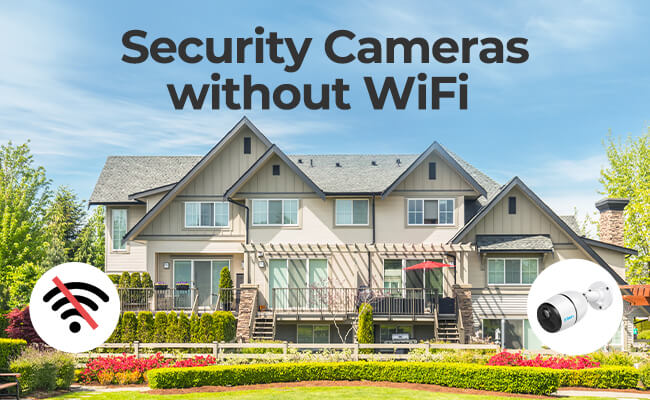
If you're looking for security cameras without WiFi or a security camera that connects to phone without WiFi, your first option should be a 4G wireless camera. These cameras work independently with a data plan, so you can keep an eye on your property even when you're not home.
There are also some other options out there, you can save footage from local storage, like an NVR security system or SD card ,We'll go over each of these solutions in detail, so you can find the perfect security camera for your needs when you don't have a WiFi or Internet access.
- Is There a Security Camera that Works without WiFi?
- Choose Security Cameras without WiFi: Top 3 Solutions
- Where to Use Security Cameras without WiFi or Internet Connection
- How to Connect Security Camera to Phone Without Wi-Fi
- Real-World Feedback on Security Cameras without WiFi
- Frequently Asked Questions
- Conclusion
Is There a Security Camera that Works without WiFi?
Yes — there are security cameras that work without WiFi and can still connect to your phone using alternative technologies. These cameras are designed for situations where internet access is limited or unavailable.
How Non-WiFi Security Cameras Work?
Security cameras without WiFi typically use one of the following options:
- 4G/LTE cellular networks for remote access
- Ethernet (wired connection) for stable local monitoring
- Local storage (SD card or NVR systems) for offline recording
These options allow cameras to continue recording and storing footage even without an internet connection.
Are There Security Cameras that Connect to Phone Without WiFi?
Yes — if the camera uses 4G/LTE connectivity, it can connect directly to your phone without WiFi. You can:
- View live video remotely through a mobile app
- Receive motion detection alerts via push notifications
- Monitor activity even during power or WiFi outages
- Recommended WiFi-Free Security Option
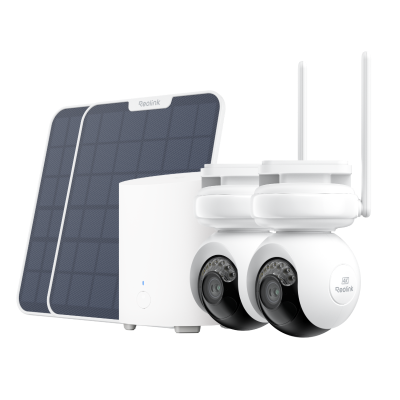
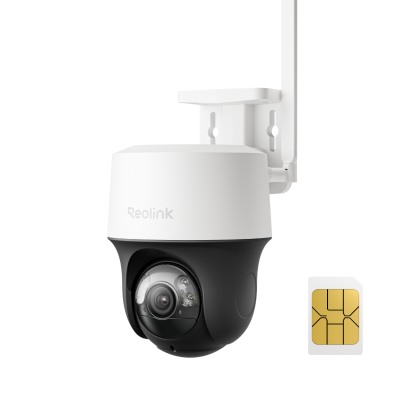
For mobile, always-connected monitoring, cellular models like Reolink Go PT Ultra are commonly used. These 4G LTE cameras work independently of WiFi and allow remote access through a smartphone app.
Choose Security Cameras without WiFi: Top 3 Solutions
It can be difficult to find a home security camera that doesn't require WiFi. Many popular models need an Internet connection to function properly. However, there are still reliable options for users without WiFi or those concerned about network security.
Here are three practical ways to get cameras that work without WiFi:
1. Use Non WiFi 4G Cellular Security Cameras
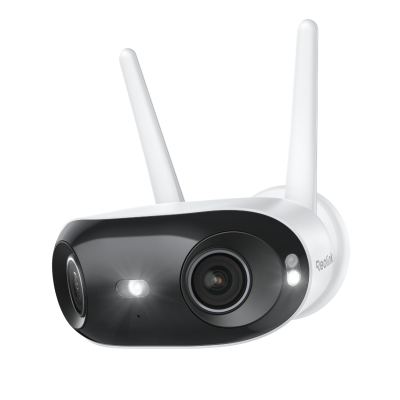
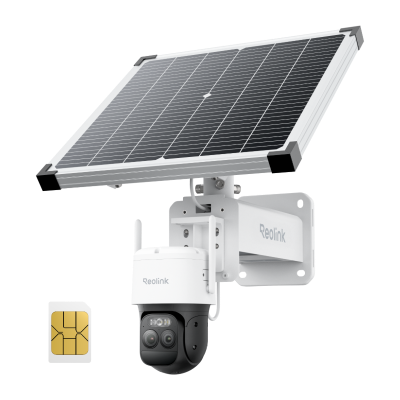
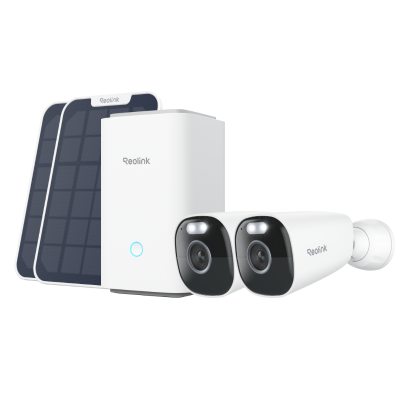
4G cellular security cameras, such as Reolink TrackMix LTE, are a great option when there is no WiFi or power. These cameras use the 4G LTE network to transmit video and stills, and are powered by a rechargeable battery or solar panel. As long as there is a 4G signal, your property stays protected.
Key benefits:
- Remote live viewing without WiFi
- Instant push notifications when motion is detected
- Footage saved to an SD card
4G cellular security cameras without WiFi consume data when transmitting video or enabling remote access. A suitable data plan is required.
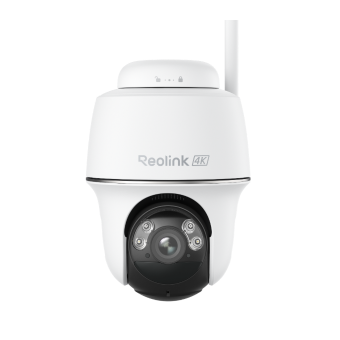
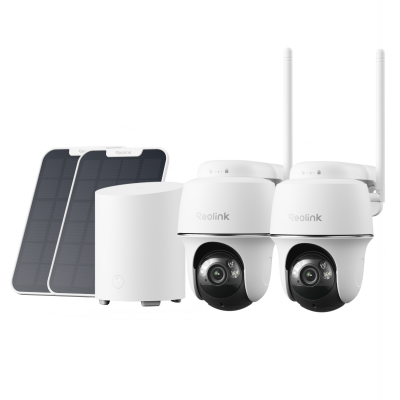
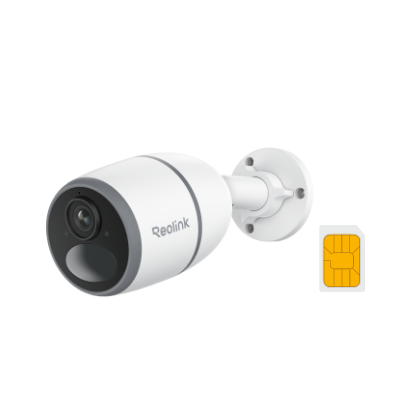
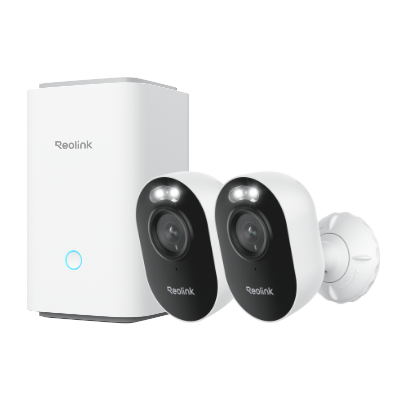
Another option is Reolink Go PT Plus, a battery-powered 4G camera that works without WiFi or power. It supports SD card and cloud storage, two-way audio, and easy indoor or outdoor installation.
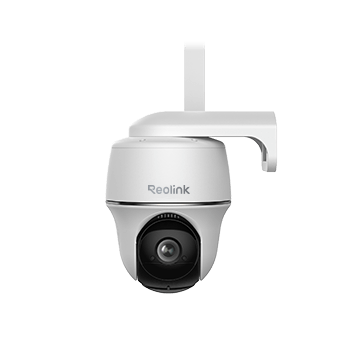
Wire-Free 4G LTE PT Security Camera
No WiFi or Power Connection Needed; Rechargeable Battery or Solar Powered; Person/Vehicle Detection, 355° Pan & 140° Tilt, 2K Super HD.
2. Save Footage to an SD Card (No Internet Required)
A security camera with an SD card is a good option if you want a simple offline solution. These cameras store motion-activated recordings locally on the card.
How it works:
- Insert an SD card into the camera
- Record footage locally without Internet
- Remove the card to view recordings on a computer
Limitations:
- No remote viewing from your phone
- No real-time alerts
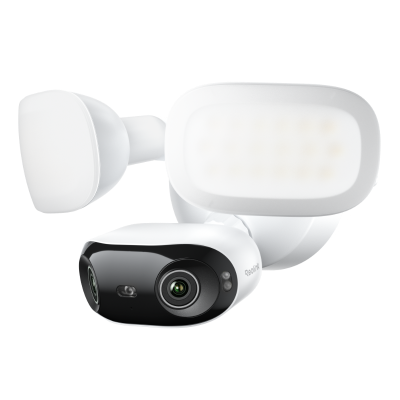
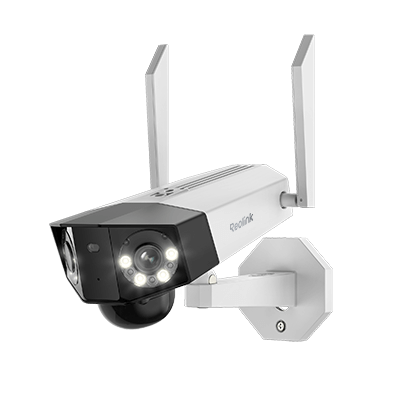
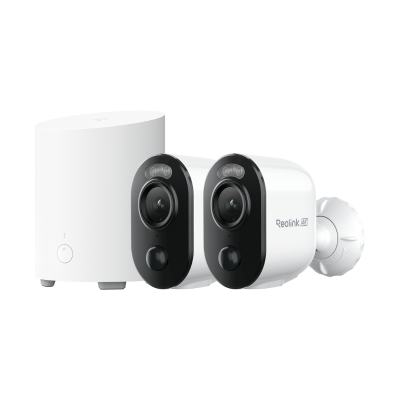
The Reolink Elite Floodlight WiFi includes SD card storage, allowing it to continue recording even when WiFi is unavailable. It supports large-capacity micro SD cards for extended storage.
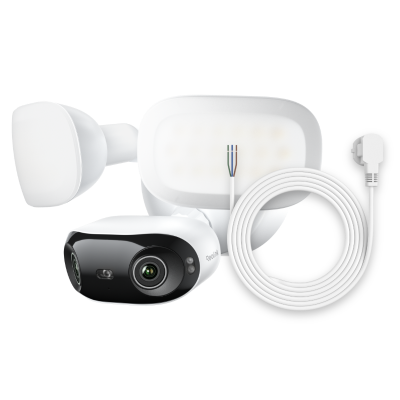
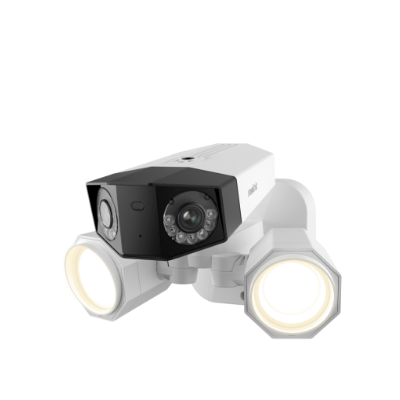
4K 180° Ultra-Wide Wired Floodlight Security Camera
3000-Lumen Dimmable Lighting, Adjustable Color Temperature, Local AI Video Search, Local Storage, Dual-Band Wi-Fi 6.
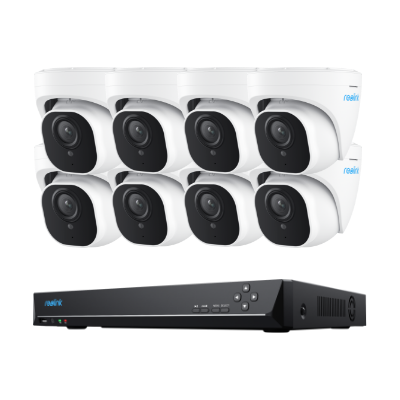
3. Choose an NVR System for 24/7 Local Monitoring
An NVR (Network Video Recorder) system is ideal for continuous monitoring without WiFi. It includes multiple cameras and a recorder for local storage.
System components:
- Cameras
- NVR (stores footage)
- Monitor (for live viewing)
How it works:
- Cameras connect directly to the NVR
- Footage is stored locally on the NVR
- No Internet or router is required for basic operation
- Connect to a monitor or TV for 24/7 viewing
Note: A router is required only if you want remote access or mobile alerts.
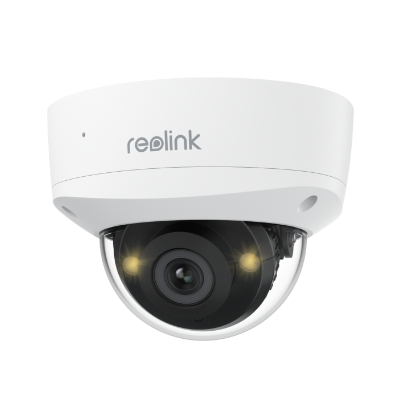
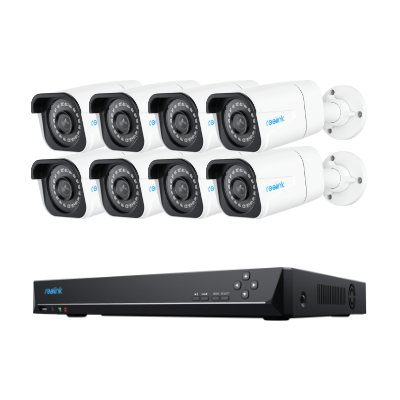
A complete system like Reolink RLK16-1200D8-A offers 12MP ultra HD cameras, built-in storage, and smart detection features, with no subscription fees.

12MP PoE Security System with Color Night Vision
12MP Ultra HD, Person/Vehicle Detection, Power over Ethernet, 16-Channel NVR.
Security cameras can work without WiFi using 4G cellular, SD card storage, or NVR systems. Your best option depends on whether you need remote access, local recording, or 24/7 monitoring.
Where to Use Security Cameras without WiFi or Internet Connection
Security cameras without WiFi are useful in many real-world scenarios where Internet access is limited or unavailable. Below are the most common use cases and the best setup for each.
Remote Areas (Farm, Barn, Ranch)
Remote locations often lack WiFi, making surveillance more challenging.
Best options:
- 4G cellular cameras: Work anywhere with a 4G signal
- NVR systems: Record 24/7 and store footage locally without Internet
Alternative:
- If WiFi is available, a wireless WiFi camera is still the easiest solution for remote viewing.
RV and Boat Monitoring
When traveling in an RV or boat, stable WiFi and power sources are not always available.
Best options:
- 4G cellular cameras: No WiFi or power outlet required (battery-powered)
- Easy to install and monitor remotely via mobile
Other options:
- Use a phone hotspot to connect a WiFi camera
- For large RVs or boats, an NVR system can provide full coverage
Construction Sites or Off-Grid Locations
Construction sites often lack both WiFi and stable power.
Best options:
- 4G cellular cameras: Perform well without WiFi and run on battery
- Ideal for temporary or changing environments
If no 4G signal:
- Use SD card cameras for local recording only
Hunting and Wildlife Monitoring
Remote hunting areas typically have no WiFi or Internet access.
Best options:
- Cellular trail cameras: Send images and videos via 4G
- No complex setup required
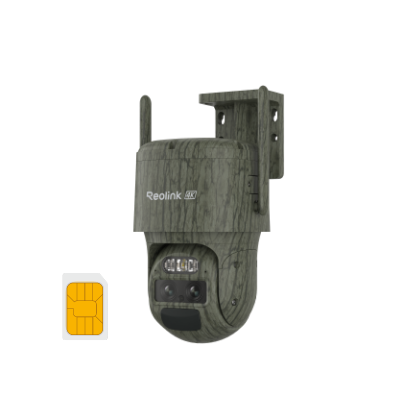
A model like Reolink Go Ranger PT offers 4G LTE connectivity, solar power, and pan/tilt features for wide-area coverage.
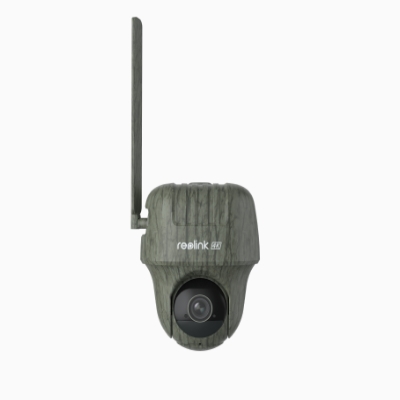
4K 4G LTE Wildlife Camera with 360° All-Around View
4G LTE Network, 4K 8MP Ultra HD, No-Glow IR LEDs, Person Detection, Animal Detection, Two-Way Audio, Battery/Solar Powered.
Locations with WiFi and Internet
If a stable connection is available, WiFi cameras remain a strong option.
Benefits:
- Easy setup and installation
- Real-time viewing and alerts
- High-resolution video and smart features
A device like Reolink Argus PT Ultra delivers 4K video, flexible placement, and reliable performance for both indoor and outdoor use.
Security cameras without WiFi are ideal for remote areas, travel, construction sites, and hunting. Choose between 4G cellular, SD card, or NVR systems based on connectivity, power access, and monitoring needs.
How to Connect Security Camera to Phone Without Wi-Fi
If your security camera doesn't have WiFi available, you can use the phone's hotspot to enable the camera to transmit data. This method is useful when you have a battery-powered WiFi camera but no WiFi.
Some security cameras, such Reolink's battery-powered WiFi cameras, can work with hotspot devices.
Here's how to connect a WiFi camera to your smartphone's hotspot:
- Enable the hotspot on your phone.
- Configure the WiFi for the camera during the initial setup process.
- Enter the SSID and password of your phone's hotspot.
- Make sure your smartphone is always near your WiFi camera.
- View live streams.
How to Connect Reolink WiFi Cameras to Your Phone’s Hotspot
Although using a WiFi camera and a mobile hotspot is not the most recommended method, there are some reasons why it may be your only option. The connection between the camera and the hotspot is not always stable, which could lead to a disconnect. Additionally, there is a data limit for your mobile hotspot, which will affect the upload speed of the camera.
Furthermore, a WiFi camera connected to your smartphone's hotspot can consume a lot of data. In this case, it's not as cost-effective as a 4G camera. For these reasons, we only suggest you adopt this method as a last resort.
Check this video below to find more non WiFi security solutions:
Real-World Feedback on Security Cameras without WiFi
Users in different communities, like Reddit and Facebook, emphasize that "no WiFi" usually falls into four categories depending on the user's technical setup and power availability:
-
SD Card/Local Storage (The "Offline" Method): Many users suggest cameras with a built-in MicroSD slot. You can set them up, let them record to the card, and manually pull the card to review footage on a computer.
-
Pros: No monthly fees, works during internet outages.
-
Cons: No remote viewing or real-time alerts.
-
-
Trail/Game Cameras: This is the most common recommendation for off-grid or power-free areas (like barns or construction sites). They are battery-operated, motion-activated, and designed to be rugged and camouflaged.
- Reddit consensus: Use these if you have zero power and zero internet. Brands like Tactacam and Stealth Cam were noted.
-
Cellular (4G LTE) Cameras: For those who want remote access but lack WiFi/Starlink, 4G LTE cameras are the go-to. They use a SIM card and a data plan to "call out" to your phone.
- Facebook/Reddit consensus: These are ideal for remote cabins or job sites but require a monthly data subscription.
-
PoE (Power over Ethernet): For users with power but who want to avoid the instability or security risks of WiFi, PoE cameras are highly recommended. They connect via a physical wire to an NVR (Network Video Recorder), keeping the video traffic entirely off the WiFi network.
Across multiple Reddit discussions, Reolink is one of the most frequently recommended brands for no-WiFi setups.
Users specifically highlight:
- Reliability and ease of use
- No subscription requirement
- Strong local storage options (SD card + NVR)
- Good video quality for the price
Some real user feedback includes:
“Reolink is a great consumer option. Easy to use, reliable.” - GummySearch
“Highly recommend PoE… Reolink cameras work great.”- GummySearch
“You may try the Reolink Go series… cellular security camera.” - Reddit
Frequently Asked Questions
Here are some of your biggest concerns when searching for security cameras without WiFi or Internet. Now you can get the answers quickly.
Is there an outdoor security camera without WiFi?
There are a few outdoor security cameras that work without WiFi. One option is to use a security camera that relies on 4G cellular service. Another option is to use a security camera that plugs into an Ethernet port (PoE) and records footage to a Network Video Recorder (NVR).
4G cellular cameras are your best choice. They work on 4G network and transmit data remotely, so that you can view live streams and access them at any time via your smartphone. If power isn't available, you can purchase a battery-powered 4G camera like Reolink Go Plus, which can be installed anywhere.
Can wireless cameras work with a mobile phone's hotspot?
Yes. Some wireless cameras can work with your mobile phone's hotspot, like Reolink's battery-powered WiFi camera. Your phone's hotspot serves as a WiFi provider. As long as your keep the WiFi camera connected to the hotspot, the camera can work as usual. But your phone's data usage may increase significantly. So, it's a good way to adopt for a while, but not cost-effective in the long run.
Can wireless cameras work without internet?
Yes! 4G Wireless cameras can work without internet as long as they are connected to a 4G network. This is great news for people who want to keep an eye on their home or office when they're not there, because it means they don't have to worry about whether or not their internet is working.
All you need to do to set up a wireless camera is connect it to your 4G network and download the app. Once you have the app, you'll be able to see what the camera is seeing in real-time, and you'll also be able to record footage and save it locally on your phone.
How to setup ip camera without internet?
You can set up your IP camera without the Internet by using your phone's hotspot. Because usually IP cameras need to be connected to the Internet for basic configuration when they are first turned on, some require the phone you are using to do the configuration.
- First, make sure that your phone has a data plan with enough hotspot bandwidth to support the camera.
- Next, open your phone's settings and create a temporary hotspot. Turn on your ip camera and link it to the WiFi signal corresponding to this hotspot name.
- Finally, you can now set up your camera as per the product manual.
Conclusion
So, even in scenarios where WiFi, Internet, or power outlets are scarce, safeguarding your loved ones and valuables remains within reach with security cameras without WiFi. By the end of this article, you'll be well-equipped to make an informed decision on the perfect camera for your needs. Now, I'd love to hear about your experiences with cameras without WiFi. Have you found a reliable solution that suits your requirements? Share your story in the comments below.
Search
Subscribe for the Latest Updates
Security insights & offers right into your inbox