





















































































































How To Install PTZ Camera? Your Complete Tips
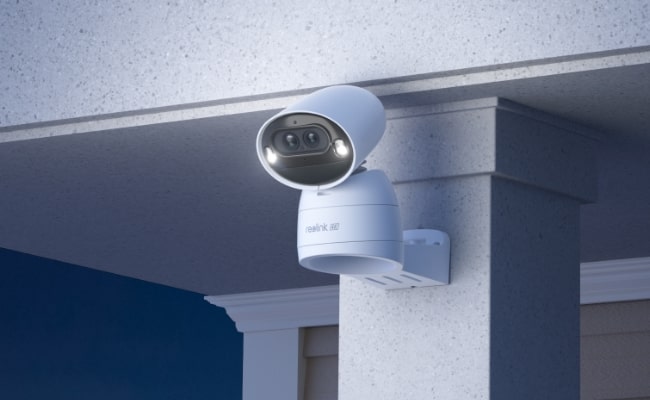
You can install PTZ cameras on your own if you have some basic DIY tools and skills. It is a simple job that can be done without any professional assistance, given that your camera is easy to install and user-friendly.
In this article, we will explain how to install PTZ camera. We will discuss what you need to do before installation and share the step-by-step procedure to complete the task with perfection.
Why Choose a PTZ Camera?
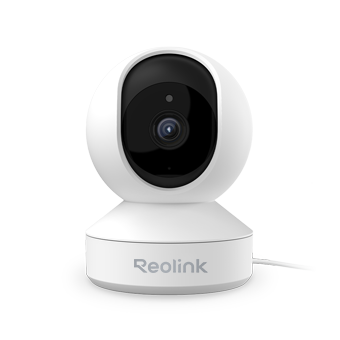
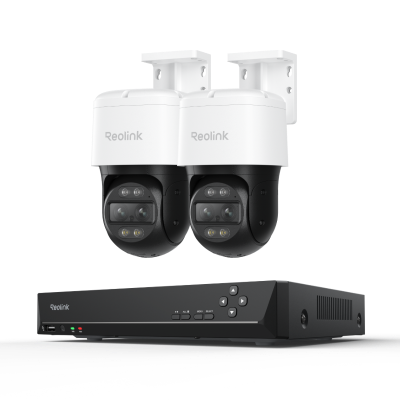
A PTZ Camera offers advanced pan, tilt, and zoom functions, making it a popular choice for users who need wider coverage and more flexible monitoring than standard security cameras.
Key Features of a PTZ Camera
-
Pan: Rotates horizontally to monitor a wider area.
-
Tilt: Moves vertically to cover different viewing angles.
-
Zoom: Captures close-up details of people, vehicles, or objects.
Benefits of Installing a PTZ Camera
-
Wider Coverage: A single PTZ camera can monitor a much larger area than a fixed-lens camera, reducing the number of cameras needed.
-
Flexible Viewing Angles: Users can manually adjust the camera’s direction to focus on specific areas whenever needed.
-
Smart Auto-Tracking: Some PTZ cameras support auto-tracking, automatically following moving people or vehicles for continuous monitoring.
Types of PTZ Camera
Who Should Choose a PTZ Camera?
A PTZ camera is ideal for:
-
Large homes and properties
-
Driveways and parking lots
-
Warehouses and businesses
-
Outdoor spaces requiring wide-area surveillance
Pre-Installation of PTZ Camera
Proper placement is essential to ensure optimal coverage, performance, and privacy compliance when installing a PTZ Camera.
Recommended Installation Locations
- Ceiling or wall mounting
- Installation height above 5 ft (for better viewing angle and safety)
- Elevated positions with a clear line of sight
Power & Connectivity Requirements
Wi-Fi PTZ Camera Setup
- Must be within stable Wi-Fi range
- Requires a nearby AC power outlet
- Best for flexible installation without wiring
PoE PTZ Camera Setup
- Requires Ethernet cable connection to a PoE switch
- Single cable provides both power and data
- Ideal for stable and professional installations
Optimal Coverage Considerations
- Ensure the camera covers a wide monitoring area
- Avoid blind spots in the field of view
- Position the camera strategically for maximum visibility
Avoid Overlapping Camera Views
- Do not overlap coverage with other security cameras unnecessarily
- Maintain clear separation of monitoring zones for better efficiency
Privacy Guidelines
- Do not point the camera toward neighbors’ private property
- Avoid capturing public or restricted areas unnecessarily
- Ensure installation respects local privacy regulations
Necessary Tools and Equipment
You need some tools and equipment to install PTZ cameras on your own.
- Ladder: It is necessary to install the camera at a suitable height.
- Drill Machine: You need to drill a few holes to secure the camera on the wall. You should have compatible drill bits as well.
- Screwdriver: It is a necessary tool to tighten the screws of the bracket and camera.
- Level: You might need to ensure the level of the camera.
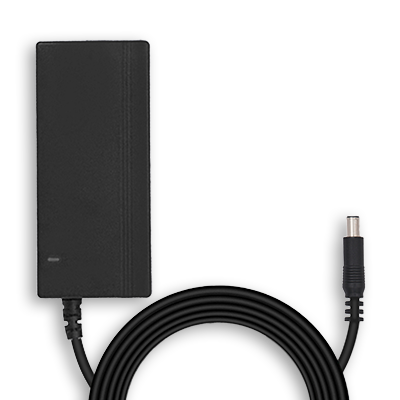
- Ethernet Cable: For a PoE PTZ camera, you need to run an Ethernet cable. You should have it according to the distance between the camera and the PoE switch. Make sure the connector is connected to the ends of the cable. Otherwise, you will also need a crimping tool.
How to Install PTZ Camera?
Wireless PTZ Camera Installation Steps
- We need to set up the camera first and complete initialization. Power the camera through its adapter and connect it to the Wi-Fi.
- Open the Reolink app on your device. Tap the “+” button and scan the QR code on the camera.
- Set a password for the camera and enter its name. Complete the initialization setup. Now, your camera is ready to be installed.
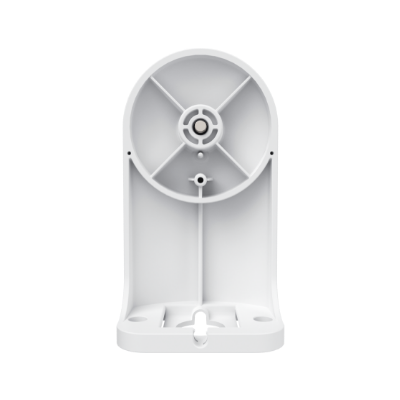
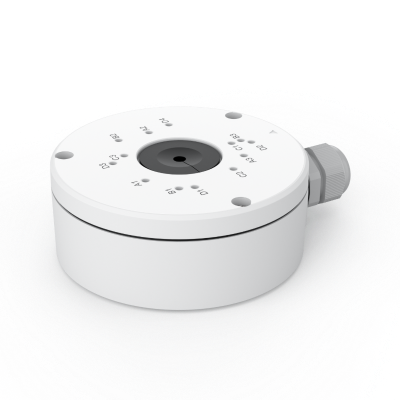
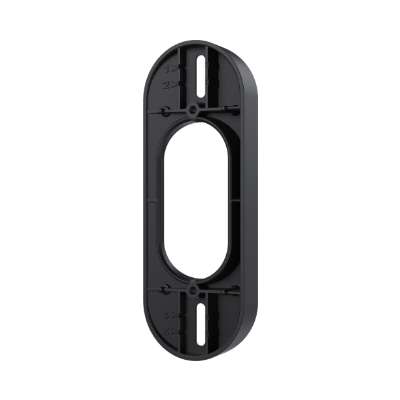
- Go to the location where you want to install the camera. Stick the mounting template on the wall and drill holes. Mount the bracket on the wall with screws. Now, secure the camera on the bracket.
- Connect the power adapter to the nearby AC outlet. Once the camera is powered, it is ready to use.
Wired PTZ Camera Installation Steps
- Connect a PoE switch to your Wi-Fi router, and then connect your camera to a PoE switch using an Ethernet cable.
- Your camera will be turned on. Open the Reolink app on your device and tap the “+” button.
- Scan the QR code at the back of the camera. Set a password and name your device to complete the initialization setup.
- Select a suitable location where you want to install the camera. Drill the holes for the camera bracket. Mount the bracket on the wall using screws. Place the camera on the mount and tighten the screws.
- Finally, run an Ethernet cable from the camera to the PoE switch. Once the camera is connected, it is ready to work.
Best PTZ Security Camera Recommendation
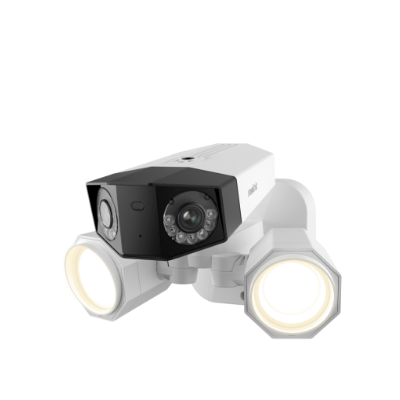
4K Outdoor PTZ PoE Security Camera - TrackMix PoE
It is a PoE PTZ camera that covers 360⁰ horizontally and 90⁰ vertically. It is equipped with a optical zoom that unveils fine details even of a small object. It can patrol in a specific area and do auto-tracking of persons and vehicles. Other than that, it offers color night vision, instant alerts, flexible storage, time-lapse, and other advanced features for optimal security.

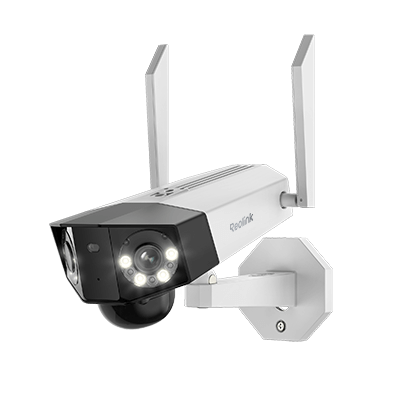
4K Dual-Lens PTZ Camera with Dual Tracking
4K 8MP Ultra HD, Wide & Telephoto Lenses, Pan & Tilt, Auto-Tracking, Person/Vehicle Detection, Power over Ethernet, Two-Way Audio.
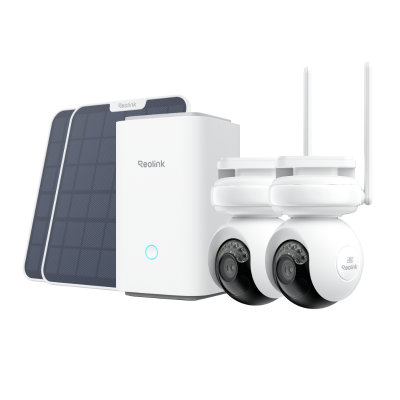
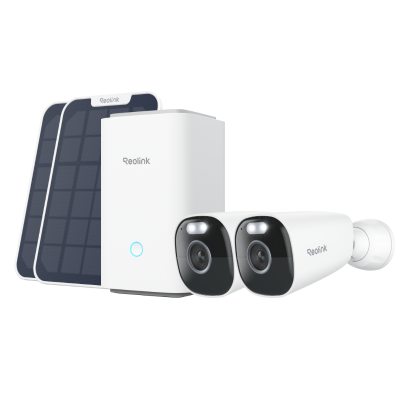
4K Dual-lens Wireless Auto-tracking Security Camera - Argus Track
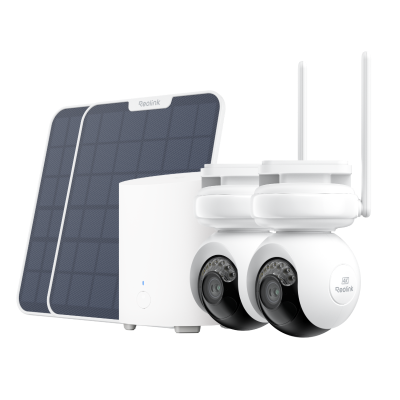
Argus Track is a Wi-Fi PTZ camera with a built-in rechargeable battery, which can also be powered through a solar panel. It offers 4K Ultra HD videos to offer optimal clarity. Its 6X zoom reveals intricate details. It works on dual-band Wi-Fi for excellent speed and stability. It offers auto-tracking, color night vision, two-way audio, and tons of incredible features.
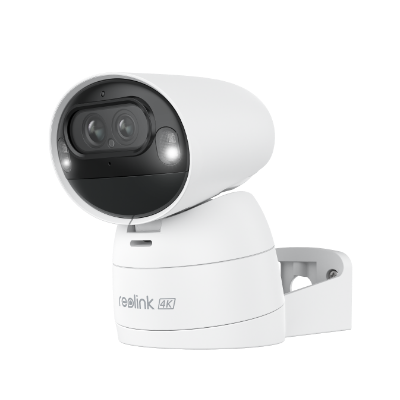
4K Dual-Lens Wi-Fi Solar/Battery Camera
4K 8MP Ultra HD, Auto-Zoom Tracking, Pan, Tilt & 6X Hybrid Zoom, Color Night Vision, Dual-Band Wi-Fi.
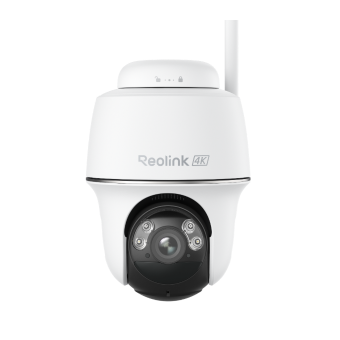
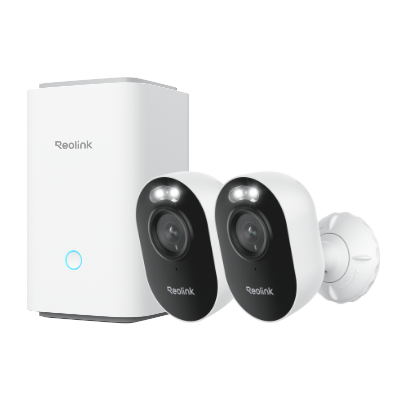
Smart Wireless PT Camera - Argus PT Ultra
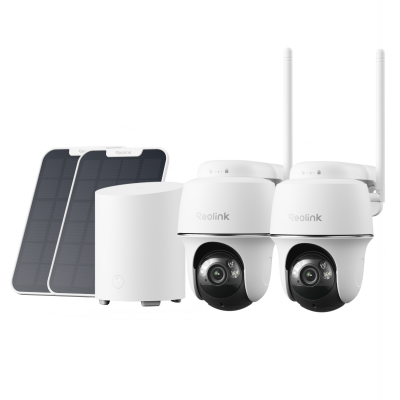
Reolink Argus PT Ultra is an excellent PT camera that works with Alexa, offering high-resolution 4K video for clear and detailed footage. It features 355° pan and 140° tilt capabilities, allowing you to monitor large areas effectively. The camera also has night vision, two-way audio, and customizable motion detection zones, providing 24/7 surveillance and the ability to communicate with visitors or deter intruders. Its IP64 weatherproof design ensures it can withstand various outdoor conditions.
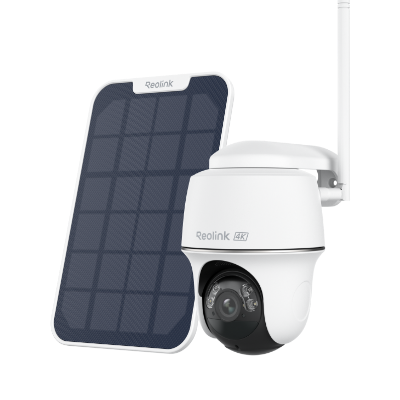
4k 100% Wire-Free PT Camera
4K 8MP Ultra HD; 5GHz/2.4GHz WiFi; Rechargeable Battery & Solar Powered; 355° Pan & 140° Tilt; IP65 Certified Weatherproof; Clear Night Vision; 2-Way Audio; 122° Wide Viewing Angle.
FAQs
Where should a PTZ camera be mounted?
PTZ cameras should be mounted on a wall or ceiling at a height of 5ft or more. From that location, it should be able to cover a wider area without leaving any blind spots.
How do I connect my PTZ camera to my router?
You can connect a Wi-Fi PTZ camera directly to the router through Wi-Fi. For PoE cameras, you need to run an Ethernet cable.
Do PTZ cameras work only with the internet?
A PTZ camera does not require the internet to work; however, its functions are limited without it. It can store videos in the local storage through a local network and offer basic functionality. It can’t offer remote access and PTZ control through smartphones without the internet.
Conclusion
A PTZ camera is easy to install if you have the basic DIY skills and knowledge. You will need some basic tools and equipment, such as a drill machine, screwdriver, ladder, etc. We have discussed the step-by-step procedure of installation and setting up a Wi-Fi and PoE PTZ camera. You can follow it and easily install the camera on your own. We have also shared a couple of incredible PTZ cameras you can use for an immersive viewing experience and optimal security.
Search
Subscribe for the Latest Updates
Security insights & offers right into your inbox