





























































































































Gigabit vs. Gigabyte: What’s the Difference?
People talk about internet plans and storage a lot these days. Two words pop up often: gigabit vs gigabyte internet. Many folks get them mixed up, but they don’t mean the same thing. A gigabit tells you how fast something goes, like your internet. A gigabyte tells you how much space something has, like on your phone or laptop.
This article explains what sets them apart and why that matters to you. When you know these terms, you can pick a better internet plan and manage your data well. Let’s dive in and see what they mean and how they work in everyday life.
Gigabyte vs. Gigabit: Understanding the Basics
You must first know each unit on its own before you place them side by side. That step sets a firm base for every later example.
What Is Gigabyte?
Stored data is measured in a gigabyte, denoted as GB. 1 gigabyte is the same as 1024megabytes, or 1073741824 bytes. System makers tend to round it off to 1,000,000,000 bytes, but in software tools, the exact binary count is displayed. Gigabytes are used in drives, memory modules, cloud buckets, and backup tapes. Looking at a spec sheet of a laptop that lists a 512 GB SSD, you are treated to the rawest form of storage size.
It is possible to keep photos, videos, books, and programs in that space. They may be copied, moved, or deleted at any time. The unit of a gigabyte does not alter the speed, but it registers the capacity. The simplicity of the byte family is appreciated by engineers, IT people, and gamers. They will be able to plan, establish quotas, and estimate costs using a single figure.
What Is Gigabit?
A gigabit, abbreviated as Gb, is a unit of measurement of data in transit. 1,000,000,000 bits or 1,000 megabits are equivalent to one gigabit. Gigabits are used to indicate the speed of network tools, modems, fiber links, and Ethernet ports. That is why you come across the mention of Gbps-gigabits per second. A one-gigabit line will convey one billion bits/second in ideal circumstances. Internet providers promote package services like 1Gbps-fiber to imply high rates of person-to-server and server-to-person.
The bit family suits live traffic. It tracks how much data moves through a cable or radio wave every second. You can picture water flowing in a pipe. The pipe width mirrors link speed, and the water equals data bits. A wider pipe lets more water through each moment, so you finish file transfers sooner.
Gigabit vs. Gigabyte: Key Differences
Now that you know each unit alone, you can look at “gigabit vs gigabyte internet speed” in a practical light. The next sections draw clean lines between their roles.
Unit Type: Speed vs. Storage
A gigabyte tracks quantity, while a gigabit tracks rate. You use gigabytes when you label how much space a drive has. You use gigabits when you measure how fast data travels. One unit answers “how much,” the other answers “how fast.” Mixing them leads to wrong plans.
For example, a firm may buy a 1 Gbps connection and think it equals a 1 GB transfer each second. That slip costs time and money because the numbers differ by a factor of eight. Clear unit choice guards project budgets and sets accurate user expectations.
Measurement: Gb vs. GB
The letter case matters. A capital B always stands for bytes, while a lower‑case b stands for bits. You may read specs such as “8 GB” or “8 GB.” The first one means eight gigabits; the second means eight gigabytes. That single character changes the value by eight times.
Network diagrams, storage arrays, and cloud bills respect that rule. Professionals scan datasheets line by line to catch the small letter because one typo can cripple performance goals or inflate costs. When in doubt, ask the vendor to spell out the unit in full.
Applications: Broadband Plans vs. File Sizes
You see gigabits in broadband plans, switch backplane ratings, and wireless router boxes. Service teams sell speed, so they speak in bits. You see gigabytes on flash drives, server disks, and smartphone specs. Product managers sell capacity, so they speak in bytes.
A user might download a 5 GB movie over a 500 Mbps link. The file size sits in gigabytes, but the time required depends on megabits per second. Knowing which side the unit serves lets you predict real‑world behavior. You can forecast backup windows, streaming quality, and sync times with ease.
Gigabits vs. Gigabytes: Comparison Table
A direct visual aid often helps busy readers. Study the table below to cement the crucial points.
1 Gigabit vs. 1 Gigabyte: Examples
Real numbers drive the lesson home. The next paragraphs place each unit in daily scenes.
How Much Data is 1 Gigabyte?
Think of a single‑layer video DVD. It holds about 4.7 GB, so one gigabyte equals around a fifth of that disc. You could also picture 250 MP3 songs coded at 128 kbps or roughly 300 high‑resolution JPEG photos from a modern phone. One gigabyte can store a half‑hour 1080p streaming show downloaded at standard compression.
When you back up financial statements, office documents, or source code, a single gigabyte fits many months of work. This scale helps firms run reliable projections. For example, ten full‑time designers who save raw PSD images might need 100 GB each month. The IT staff can buy NAS drives in advance rather than rush purchases.
Is 1 Gigabit the Same as 1000 Mbps?
Yes. One gigabit per second equals 1000 megabits per second, because each gigabit holds 1000 megabits. If an ISP offers a 1000 Mbps plan, you can call it a 1 Gbps plan. Yet note the difference between bits and bytes.
A 1 Gbps link will move at most 125 MB per second in ideal conditions (1 Gb ÷ 8 = 0.125 GB). Real links run slightly slower due to overhead such as error checks, encryption, and routing paths. Network engineers use tools like iPerf to test true throughput and confirm service-level agreements.
How to Convert Gigabit to Gigabyte?
You can convert units with simple math. One byte contains eight bits. Therefore:
- Gigabytes = Gigabits ÷ 8
- Gigabits = Gigabytes × 8
Keep the equation handy when you plan upgrades, sign service contracts, or set user quotas. The conversion demands no deep math. Multiply or divide by eight and you get the exact counterpart.
With the chart above, you can check any quick need without a calculator. If your firewall shows a 40 Gb aggregate upstream, expect about 5 GB per second of payload.
1 Gigabit vs. Gigabyte for Security Cameras
Modern IP cameras create two streams at once: a high‑quality main stream and a smaller sub‑stream for mobile views. Installers must size both storage and bandwidth.
When you pick cameras, storage moves in gigabytes. A 4K camera at 15 frames per second with H.265 compression may use 8 GB per day. Multiply that by 30 days and 32 cameras, and you need about 7.5 TB. You buy drives or cloud storage in gigabytes or terabytes.

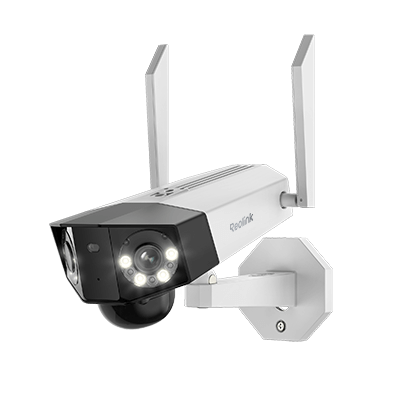
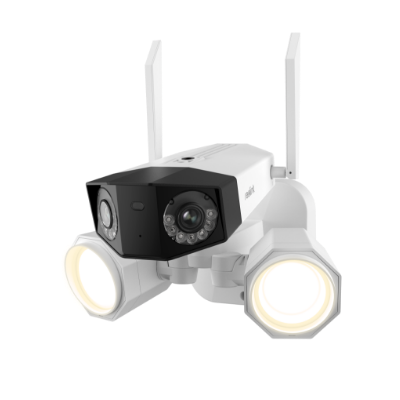
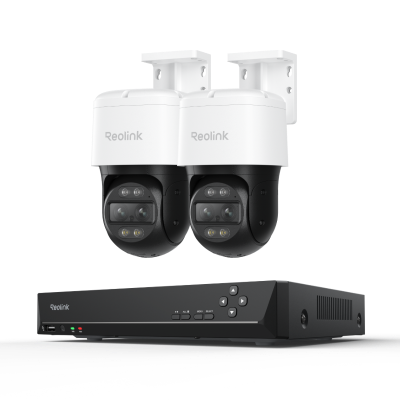
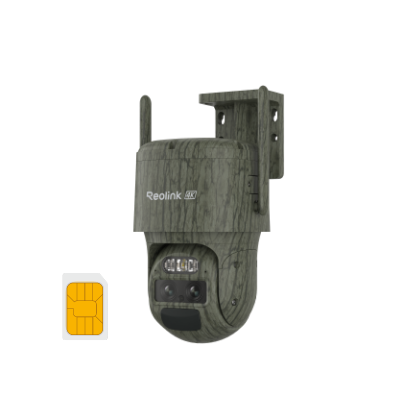
4K Dual-Lens PTZ Camera with Dual Tracking
4K 8MP Ultra HD, Wide & Telephoto Lenses, Pan & Tilt, Auto-Tracking, Person/Vehicle Detection, Power over Ethernet, Two-Way Audio.
Bandwidth moves in gigabits. The same 4K camera from above could demand 8 Mbps steady. Thirty‑two of them push 256 Mbps across switches and uplinks. If you own a 1 Gbps backhaul, you sit at one‑quarter line rate. Peak motion may spike higher, so integrators leave headroom.
You must track both units. Enough drive space without enough link speed causes dropped frames. Enough speed without enough space causes early overwrite of video. A clear split between gigabits and gigabytes guarantees reliable security footage, remote playback, and compliance with local laws.
FAQs
Is gigabyte the same as gigabit?
Not all. A gigabyte shows how much data you can store on a drive or in memory. A gigabit shows how fast data moves across a network line or cable.
Is 1GB the same as 1Gbps?
1GB means one gigabyte of stored data. 1Gbps means one gigabit per second of data transfer speed. They use different units, so they cover different sides of the digital world.
How many Gb are in 1 gig?
One gigabyte equals eight gigabits because one byte holds eight bits. When people say one gig, they usually mean gigabyte, so that single gig contains eight separate gigabit units inside.
How many Gb is 1000 Mbps?
1000 megabits per second nets one gigabit per second. This number stands at one gigabit, not one gigabyte. Please note that 8 gigabits is a unit of 1 gigabyte, and also, the value of Mbps is purely about speed.
Conclusion
You have seen every corner of the “gigabit vs gigabyte internet” puzzle. Gigabytes answer storage needs, gigabits answer speed needs. One divides time, the other fills space. You learned the eight‑to‑one ratio, the role of letter case, and the double planning needed for tasks like security video. Keep these facts near when you shop, design, or troubleshoot. Share your thoughts below and tell others how the clear split between gigabit and gigabyte improved your next project.
Search
Subscribe for the Latest Updates
Security insights & offers right into your inbox