






















































































































Church Security Cameras Systems Ultimate Buying Guide
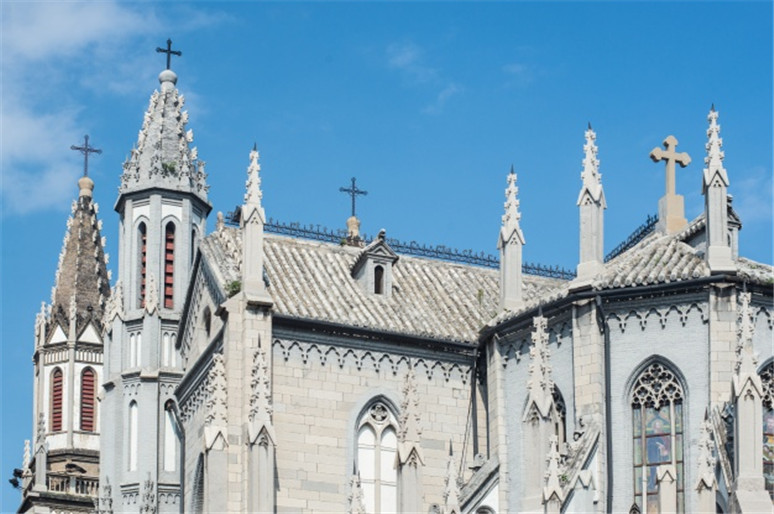
Churches are often seen as places of peace and refuge. But unfortunately, documented criminal cases within church premises have been increasing over the years. This highlights one clear reality: the need to fortify your church has never been more urgent.
One of the most effective ways to enhance safety is through the installation of church security camera systems. Not only do they act as a powerful deterrent against criminal acts, but they also provide invaluable evidence and peace of mind for church leaders and congregations alike.
This often leads to a common query: There are so many options out there. What kind of security camera system is right for my church?
This is where we come in. In this ultimate buying guide, we’ll walk you through everything you need to know to make an informed decision to purchase the right church security camera system.
Does Your Church Need A Security Camera System or Standalone Setup?
The answer comes down to four things:
- The size of your property
- How many entry points you have
- Your congregation size
- and whether your church has paid staff or runs on volunteers.
Standalone Security Camera Setup
This setup typically involves one or a few individual cameras without a central recorder. It can work well for small churches with a single hall, one or two entrance doors, and limited grounds. They're also cheaper upfront, easier to install, and manageable for a volunteer who handles IT on the side.
Security Camera System Setup
A security camera system setup mainly feature multiple cameras tied to a central NVR (Network Video Recorder). It is the better choice if your church has any of the following:
- Multiple buildings or a large campus
- A parking lot, side entrances, or restricted areas
- A congregation large enough that incidents are harder to track without footage
- No dedicated staff on-site, making remote monitoring via a mobile app essential
The practical difference is control. A standalone camera usually stores footage locally on an SD card and covers one zone. An NVR-based system centralizes footage from every camera in one place, keeps recording even if individual cameras are tampered with, and gives you a searchable archive when you need to review an incident.
For most churches beyond a small single-building congregation, a security camera system is the more reliable long-term investment.
Key Security Camera System Features to Look For
Not all security camera systems are built the same. Here are the features that matter most for a church environment.
Camera Resolution
The higher the resolution, the more useful your footage is when it counts. For example, a 4K or 12MP camera can capture a recognizable face at a doorway or a license plate in a parking lot far from an entrance. However, a lower-resolution camera (e.g. 720p) will produce low quality footage when zoomed in. More often than not, security cameras need to zoom in to capture the critical moments.
Night Vision Capabilities
Churches can be vulnerable when they're empty. Even more so during evenings and overnight. It is best to look for systems with colour night vision rather than standard infrared, which produces black-and-white footage. Colored footage makes it significantly easier to identify clothing, vehicle colors, and other details that matter in an incident review.
Storage
An NVR system with a built-in HDD means footage is stored locally on-site, with no subscription fee required. For churches with multiple cameras recording continuously, a 2TB HDD covers several days of footage. For the most reliable performance, a 4TB drive gives even more headroom if you need longer retention before the system overwrites older recordings.
Remote Access
Most churches don't have someone watching a monitor during off-hours. Remote access via a mobile app means whoever is responsible for security can check live footage or review an alert from anywhere, without being on-site.
Smart Detection
Motion detection alone generates too many false alerts such as a passing car, or a tree in the wind. Systems with person and vehicle detection filter the noise and will only notify you when it actually warrants attention.
Weatherproofing and Vandal Resistance
Outdoor cameras need at minimum an IP67 rating to handle rain and dust. For cameras mounted in accessible locations such as low ceilings, corridors, or outdoor walls, an IK10 vandal-proof rating adds an important layer of physical protection.
Best Security Camera Systems for Churches
Choosing individual cameras is one thing. Building a system that covers a church's sanctuary, multiple entrances, parking lot, and restricted areas from one central point is another. Here are three camera systems suited to different church sizes and needs.
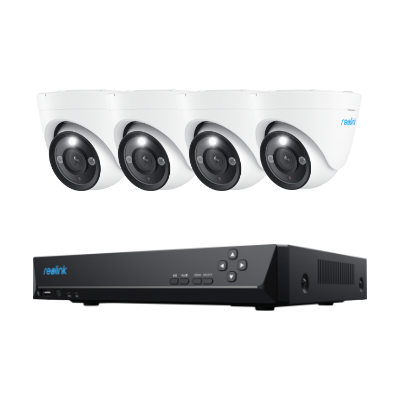
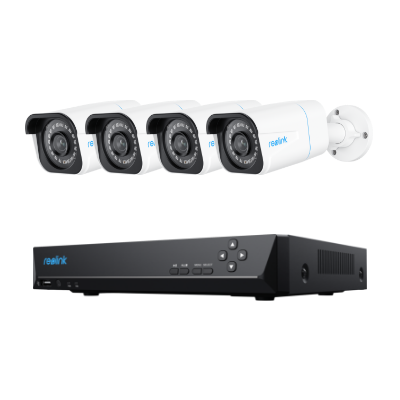
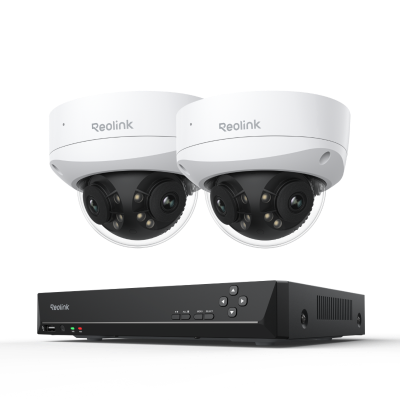
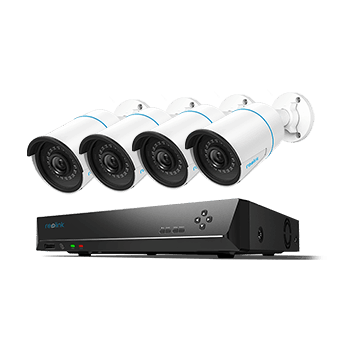
Reolink RLK8-800TM4 - Best Security Camera System for Churches That Need to Cover Large Indoor Spaces

4K Dual-Lens PoE Security System with Auto-Zoom Tracking
4 pcs 8MP Ultra HD Security Cameras; 2TB HDD 8-Channel NVR for 24/7 Recording; Person/Vehicle Detection; 6X Hybrid Zoom; Dual View, Dual Tracking.
The most challenging security problem in any church isn't the parking lot. it's the sanctuary itself. A traditional fixed-angle camera at the back wall of a 200-seat hall captures a wide shot, but won't give you usable footage if someone pockets a donation envelope three rows from the front.
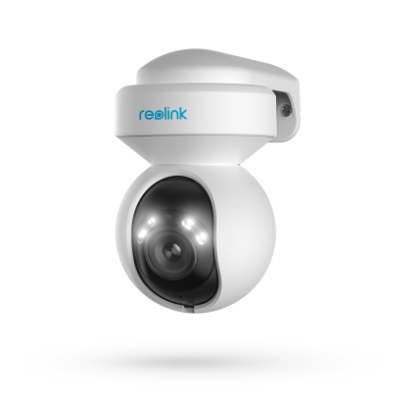
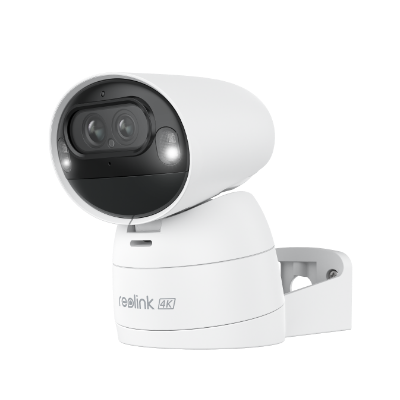
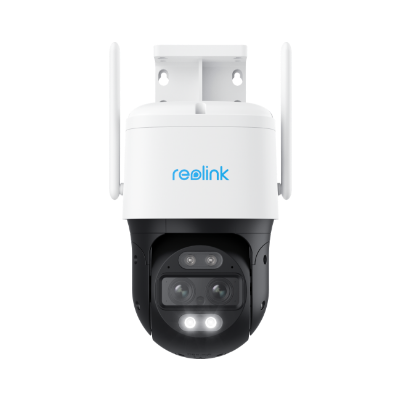
The dual-lens design of the cameras solves this. The wide-angle lens keeps the full space in frame at all times, while the telephoto lens automatically tracks and zooms in on whoever the AI flags, without anyone manning a screen. For churches that run on volunteer power with nobody watching a monitor during services, that is truly valuable feature.
The 8-channel NVR also has room to grow. A church starting with four cameras on the sanctuary and main hall can add fixed PoE cameras at entrances later without replacing anything. Simply plug them into the remaining ports and you are good to go.
Best for: Mid-to-large churches prioritizing coverage of the main sanctuary or any large open interior space where fixed cameras leave blind spots.
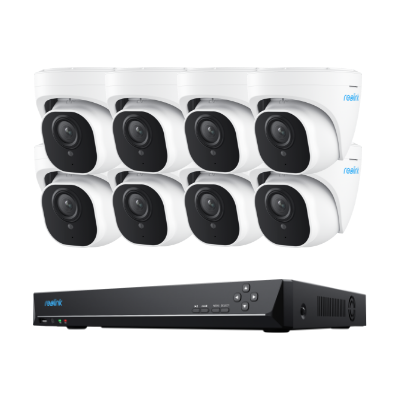
Reolink RLK8-1200V4 - Best All Rounder Security Camera System for Smaller Churches
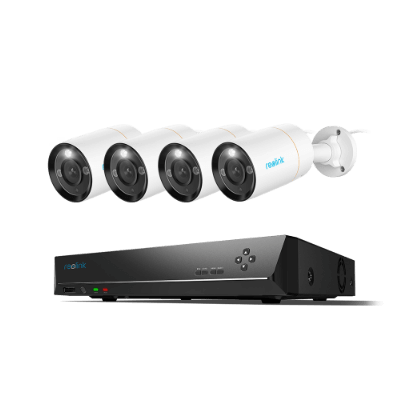
12MP 8-Channel PoE Surveillance Kit with Spotlights
4 pcs 12MP Ultra HD Security Cameras; 2TB HDD 8-Channel NVR for 24/7 Recording; Person/Vehicle Detection; Color Night Vision.
Smaller churches are more suited to camera systems that can provide sharp and wide coverage from a small number of cameras that don't require constant management.
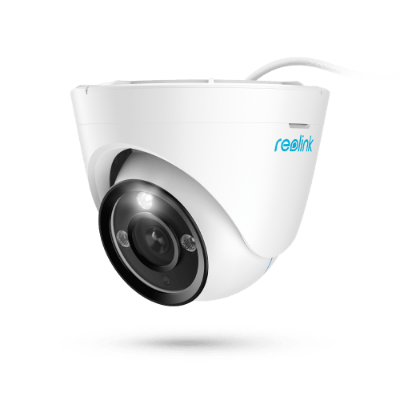
At 12MP, these cameras capture more detail than standard 4K/8MP systems, which is useful for identifying faces at doorways or license plates in a car park. The 145° field of view is among the widest available in a fixed dome camera, meaning each unit covers more ground and reduces the total number of cameras needed.
The IK10 vandal-proof rating is particularly relevant for churches. These housings withstand significant impact force, making them resistant to tampering in accessible locations like low ceilings and outdoor walls. The dome form factor also sits discreetly flush to a ceiling, which is far less visually intrusive inside a place of worship than a bullet camera.
Best for: Smaller churches looking for a complete, plug-and-play coverage with vandal resistance and sharp footage day and night.
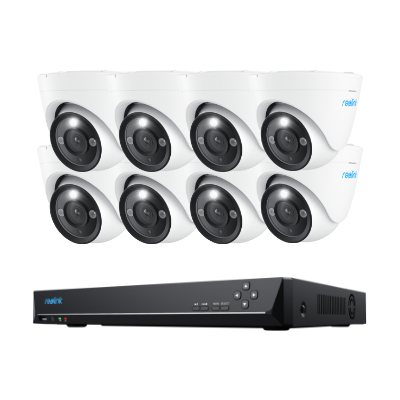
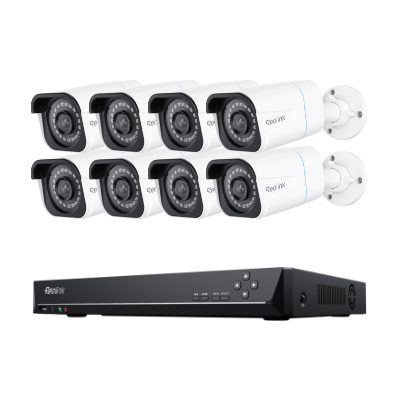
Reolink RLK16-1200D8-A - Best for Larger Church Campuses

12MP PoE Security System with Color Night Vision
12MP Ultra HD, Person/Vehicle Detection, Power over Ethernet, 16-Channel NVR.
Larger churches with multiple facilities or entrance points tend to require a system they won't outgrow.
This system's 16-channel NVR ships with 8 cameras but supports up to 24 cameras in total, across PoE, plug-in Wi-Fi, and select battery models. A church can start with the included kit, cover the priority zones, and expand gradually without buying a new NVR.
The 4TB HDD gives meaningful storage headroom with 8 cameras recording continuously (typically several days of footage) before the system begins overwriting. If an incident goes unreported for 48 hours, there's a reasonable chance the footage is still there when someone checks.
Best for: Larger churches or multi-building campuses needing scalable coverage, extended local storage, and a system built to grow with them.
How to Set Up Your Security Camera System Right
A good system set up poorly is still a security gap. Here's how to think about coverage zone by zone.
Plan Your Coverage Zones First
Before running a single cable, it is good practice to map out your property first. Point out entrances, sanctuary, parking lot, restricted areas, and any secondary buildings as the first step to determine how many cameras you need. The number you need will then determine which NVR channel count is appropriate, and where the NVR itself should be positioned to keep cable runs manageable.
Position Your NVR Centrally
The NVR is the heart of the system. Place it in a locked, secure room, ideally central to the property to minimize cable length to each camera. It needs a power outlet, a network connection to your router for remote access, and optionally a monitor or TV connected via HDMI for on-site viewing.
Run Your Cables Before Mounting Cameras
With a PoE system, a single Ethernet cable per camera carries both power and video back to the NVR. There is no separate power supply needed at each camera location. Plan cable paths during this stage, not after cameras are mounted. With the plan drafted out, you can then route cables through walls, ceilings, and conduit where possible to prevent tampering and keep the installation clean.
Connect and Configure
Once cameras are plugged into the NVR's PoE ports, the system recognizes them automatically. From the NVR interface, assign each camera to a channel, set recording schedules to be continuous, motion-triggered, or both, then configure your motion detection zones so alerts are relevant rather than constant.
Set Up Remote Access
Connect the NVR to your church's router and register it with the Reolink app. This gives whoever is responsible for security live access to all camera feeds, instant alerts, and the ability to review footage from anywhere.
Plan Your Storage
With multiple cameras recording continuously, storage fills faster than expected. A 2TB HDD across four cameras gives a few days of retention; 4TB across eight cameras gives comparable headroom. Set the NVR to overwrite the oldest footage automatically so the system never stops recording due to a full drive.
Expand When Ready
One of the key advantages of an NVR-based system is scalability. Unused PoE ports on the NVR mean additional cameras can be added later which can cover a new building, a newly identified blind spot, or an area that wasn't a priority initially.
FAQs
Is it ethical to have surveillance in a church?
Yes, and it's increasingly considered responsible as an act of care for the community. A security camera system protects congregation members, staff, and visitors, and deters criminal activity in spaces that are often open and lightly monitored. The key is transparency. cameras should be visible and placement limited to public-facing areas.
Should we integrate PTZ or fixed security cameras into our system?
Most churches benefit from a combination of both. Fixed cameras are reliable, low-maintenance, and well-suited to entrances, exits, parking lots, and restricted areas where the coverage zone doesn't change. PTZ security cameras are better suited to large open spaces like the sanctuary or fellowship hall, where a fixed camera alone leaves blind spots.
Where should we not put cameras in a church?
Restrooms, changing rooms, and any private counselling or confession spaces are off-limits, legally and ethically. Cameras in these areas would constitute a serious privacy violation regardless of intent. When in doubt, consult a legal adviser before installation.
Conclusion
Churches have always been open by nature and that openness comes with real risk. The good news is that protecting your congregation, your property, and your community doesn't require a large budget or a dedicated security team. It requires the right system, set up thoughtfully.
We hope this guide is useful for you to assess what your church actually needs so that you can match it to the right setup, and install it in a way that covers every zone that matters. The investment and effort will pay for itself the first time an incident is resolved quickly or prevented entirely.
Search
Subscribe for the Latest Updates
Security insights & offers right into your inbox