





















































































































What Is a NAS? A Full Guide to Network Attached Storage

NAS stands for Network Attached Storage, and you might have about it because it's the modern-age data-storing solution. It stands out as one of the most efficient and centralized data storage devices, allowing digital creators to manage their work in a sharing environment.
NAS has become a popular choice among other storage devices. In this article, we will discuss all about NAS in detail and give you a complete overview to understand its importance.
What is Network Attached Storage (NAS)?
NAS is a modernized storage device that provides you with a centralized system to share the data with your family, friends, and colleagues. NAS devices typically use a Local Area Network (LAN) through your Wi-Fi or ethernet, allowing multiple devices to access the stored files and help the users to collaborate seamlessly. It offers wider accessibility when managing large data.
The users can remotely access the data over the internet regardless of their location. NAS storage can be used in small-scale businesses, home use, and large-scale businesses where the centralized system needs to be established either for employees or siblings. The solution is cost-effective as compared to the traditional servers and facilitates the users to safely manage their important data on their own.
When extended with multiple hard drives for large-scale storage, NAS can be highly scalable. It allows enterprises to control massive data flow with its high capacity. It also gives users remote access to create their own cloud-like platform hosted by the user. NAS devices are more energy efficient than other hard drives.
What is a NAS Hard Drive?
NAS hard drive looks like a normal hard drive installed on your PC or laptop but provides a better way to manage storage. They are specifically designed for continuous operation while keeping in mind energy optimization. Continuous operation of the NAS hard drive is necessary, as data must be accessible to the users all the time and they don't compromise any lag during workloads.
They are specially made to handle the huge flow of data, so their read/write capacity is always higher than that of traditional hard drives. The manufacturers usually focus on its durability for a longer lifespan and they are highly efficient in minimizing the vibration and noise in continuous running.
You will find different capacities of NAS hard drives so you can choose the storage according to the use. They usually have higher cache and speeds to assist in handling huge workloads efficiently. NAS is also considered highly efficient for hosting applications where high-speed data transfer is required.
How to Choose a NAS?
There are many factors that you must consider while using a NAS device over other storage options. Let's discuss a few of them so you can get a clear idea of how important it can be.
Primary Use
You should first find out the primary purpose of installing a NAS device. For home use, you might want to store those videos, photos, and music to share with your family. It will also be highly efficient for streaming services. In this case, you can use a 1 or 2-bay NAS for basic storage. If you want to use it to store important files of small businesses, then you must go for a NAS device for better security. It gives multi-user support for better collaboration.
Lastly, large-scale or enterprise businesses will require a multi-bay NAS device. It gives a highly secure environment with specific user access and file encryptions.
Storage Requirements
You must pre-plan the storage requirements either you want a basic storage type or will expand further in the future. This will help you choose a scalable and right option that you can use further for your businesses.
Performance
This factor is one of the most critical factors that you must consider before buying a NAS. The performance will depend upon your CPU and the RAM that you have provided to the NAS. The performance will be greater if you have enough CPU and RAM requirements.
For home use, you can install dual-core CPUs. While for slightly higher applications, you will need quadcore, and for large scale, the requirements could be exceeded as much as the performance you demand.
Security Features & Power Consumption
Security is considered one of the most highlighted points when choosing a NAS. You must ensure that it provides complete encryption of files and contains restricted access to the users. It must support a strong cloud backup.
Additionally, NAS devices would sink less heat when used 24/7 for better durability. It must not be noisy or produce vibration when used in offices.
What is NAS Used For?
NAS has many uses that may vary from user to user according to the requirements.
It provides a centralized option for home and business users to share files with other members. It actually serves as a hub where users can have multi-access and managing of data without hassle.
NAS provides high-end streaming services. It allows the user to manage the smart TV storage and stream the content without delay.
It is highly popular for automatic data recovery. NAS backs up your important data so you can access it when the original one gets deleted or corrupted.
They can be highly efficient for big data flows such as high-end video editing and large data handling.
NAS can provide a greater response when hosts an application or email services.
The users can use it for smart home integrations and IoT devices. It can receive and store the data from sensors installed at your home.
Using Example of NAS?
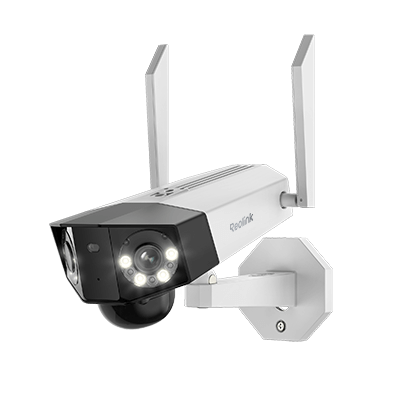
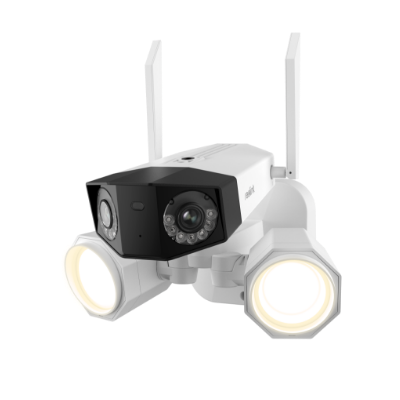
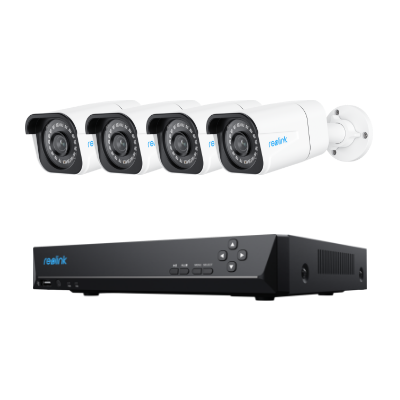
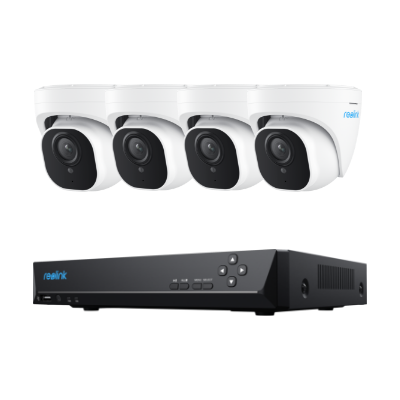
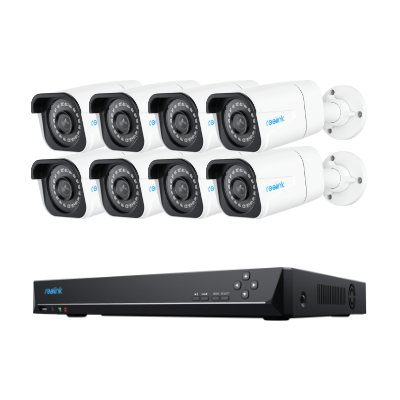
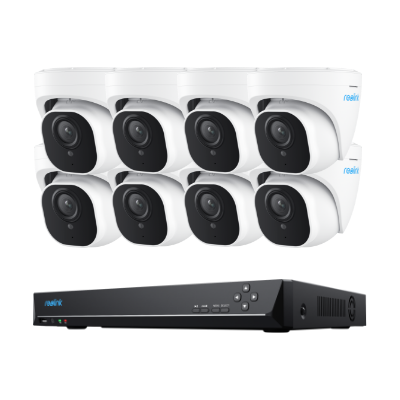
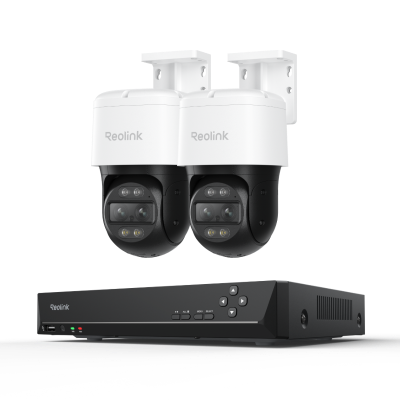
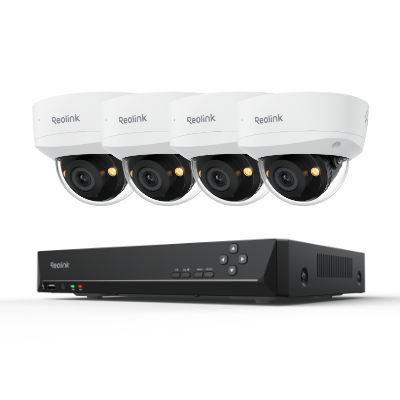
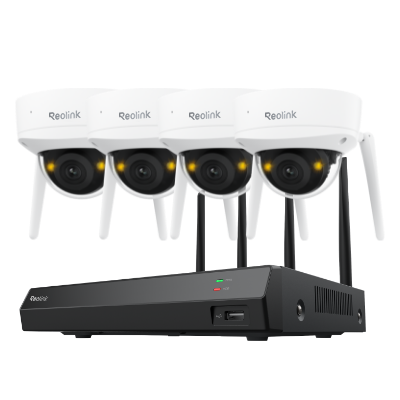
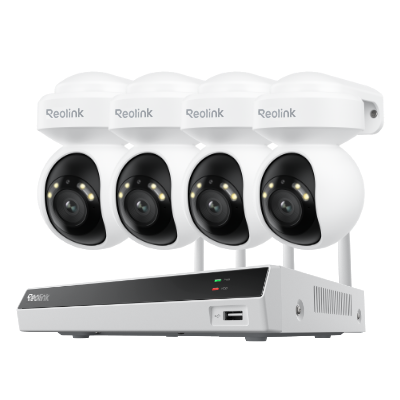
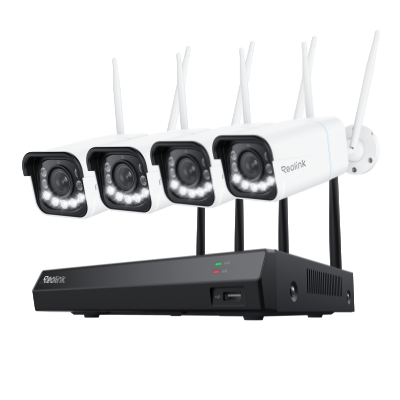
Many NAS devices support security and surveillance systems to provide high-quality footage. You can use cameras like Duo 3 Wi-Fi to store 16MP videos 24/7 without any hassle. The videos can be stored for a long time, and you don't have to worry about privacy issues.

Groundbreaking 16MP Dual-Lens WiFi Camera
16MP UHD, Dual-Lens, Motion Track, 180° Wide Viewing Angle, Plug-In WiFi, Color Night Vision.
Businesses prefer NAS storage because it can store massive data. It can be used as a file-storing and sharing solution. Employees can access the file from one location and share it with others without any hassle. It is also used for remote access and backup. You can access the files from any location and create reliable backups.
NAS vs SAN: What's the Difference?
NAS (Network Attached Storage) works with a shared network while SAN (Storage Area Network) works with a dedicated network.
NAS is highly suitable for homeowners and small-scale businesses, while SAN is specially designed for large-scale businesses to achieve higher efficiency. NAS has a file-base storage type while SAN has block-based storage for structured data.
If you compare the prices, you will see that NAS offers a cost-effective, highly suitable solution for small businesses. While SAN is quite expensive due to high-speed networking and equipment maintenance. SAN is popular because of its high performance and it won't degrade if the workload varies.
NAS is easy to set up and use while SAN requires complex installation with expertise to manage the dedicated components. SAN is highly preferable when used for virtualization and data analytics.
FAQs
1. How does NAS work?
NAS connects with a local area network through Wi-Fi or ethernet. It allows multiple users to connect and share files over the internet with some protocols.
2. Does a NAS need a computer?
No, it has built-in hardware and software arrangements. It doesn't rely on any computer making it available 24/7 for the users to manage and store the files over the internet.
3. What is NAS short form?
NAS stands for Network Attached Storage.
Conclusion
NAS is a profound storage solution to experience remote management of your storage. It has become very popular because of its user-friendly working procedure and high-end security features to protect data. You must be specific with your primary requirements to utilize it at its best.
Search
Subscribe for the Latest Updates
Security insights & offers right into your inbox