









Cloud Storage vs Local Storage: Which One Is Better?
If you have an online presence, you need to prioritize your data security. Historically, people have stored their data on local devices, like hard drives or USB sticks, but it is becoming increasingly common to store data online, in the cloud. However, it’s worthwhile to ask which one you should be using.
The debate between cloud storage and local storage has been going on for years, and there’s a ton of information out there. This guide will break down the pros and cons of each type of storage and help you to determine which type is best for you.
- Cloud Storage and Local Storage: Definition
- Cloud Storage vs. Local Storage: What Are Common Types?
- Cloud Storage vs Local Storage: What's the Difference?
- Local Storage vs. Cloud Storage: Comparison Table
- Cloud Storage vs Local Storage: Pros & Cons
- Local or Cloud Storage: Which Is Better for IP Cameras?
- Best PoE Triple-Lens Security Camera with Local Storage
- FAQs
- Conclusion
Cloud Storage and Local Storage: Definition
What Is Cloud Storage?
Cloud storage stores data on remote servers connected through the internet and owned by someone else, usually a cloud service provider. Although the provider will typically provide some security, most use a shared responsibility model that requires you to take security measures to protect any files that you store on the remote server. Your data could also be stored on multiple servers, depending on your provider.
What Is Local Storage?
Local storage stores data on physical server equipment on your premises, either in flash memory or hard disk drives. You are completely responsible for security and accident prevention, and no one else is involved with how you choose to organize the files that you store.
Cloud Storage vs. Local Storage: What Are Common Types?
Cloud Storage
Local Storage
Key Takeaways:
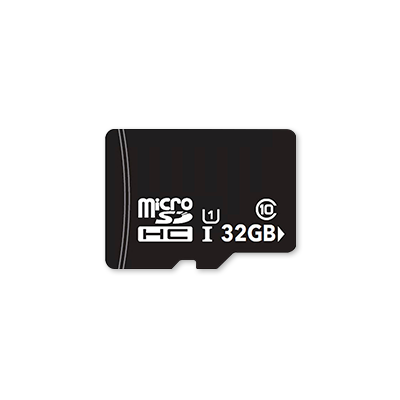
- SD cards and HDDs are widely used in security cameras and computer systems for local recording.
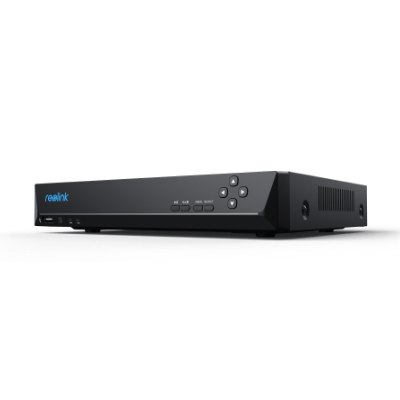
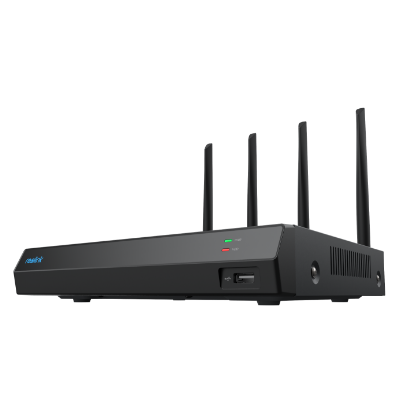
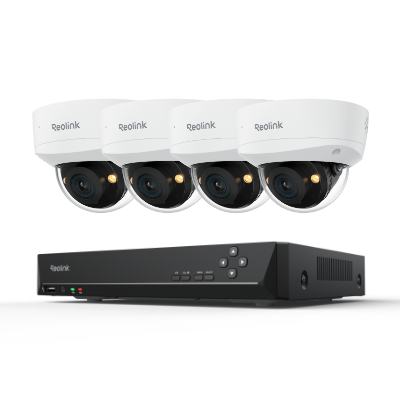
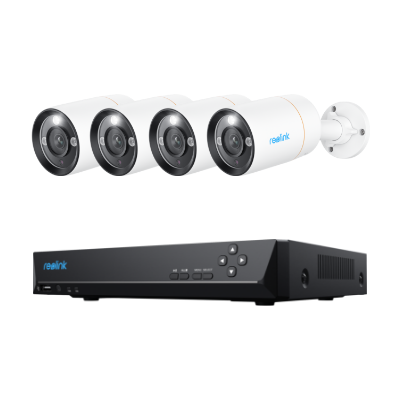
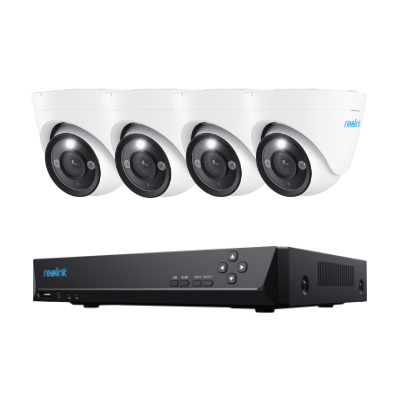
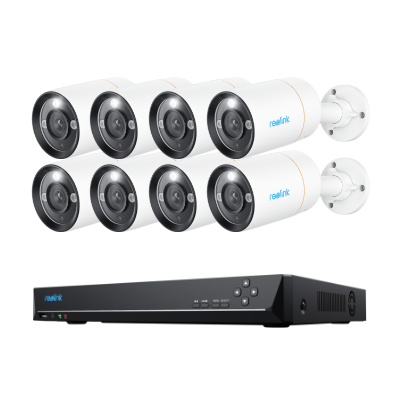
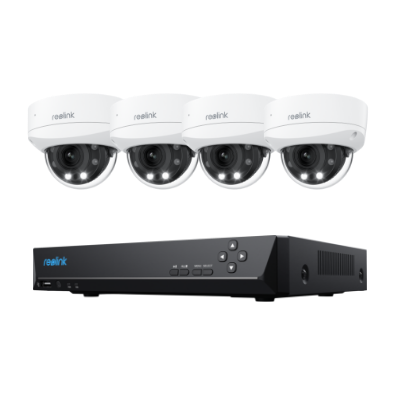
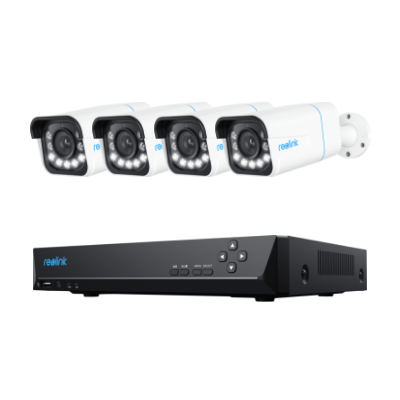
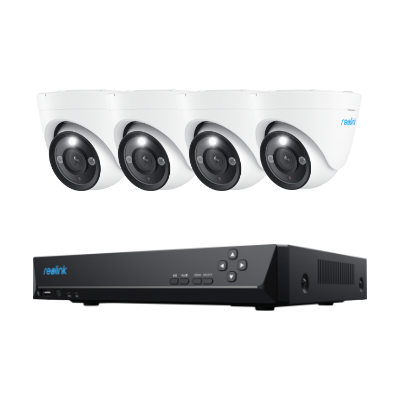
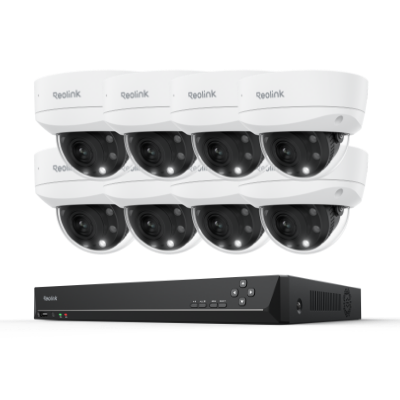
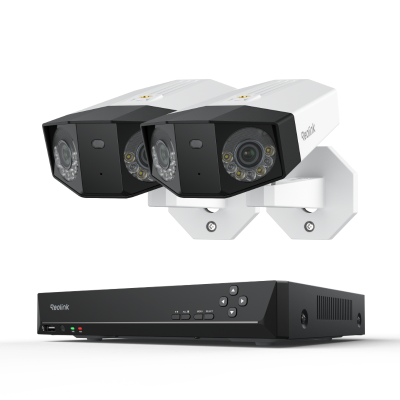
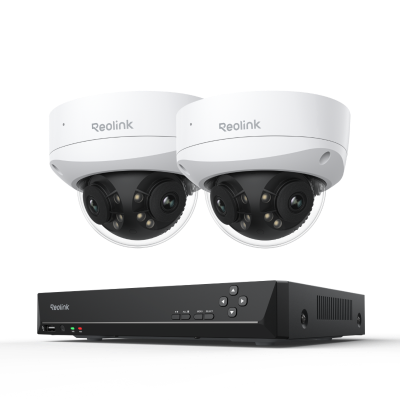
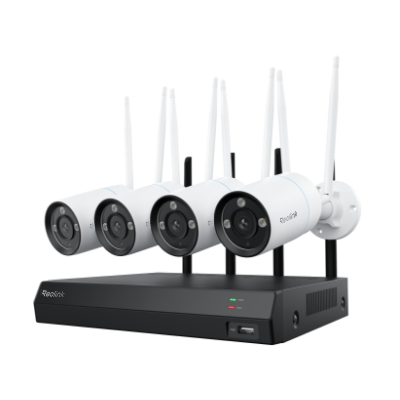
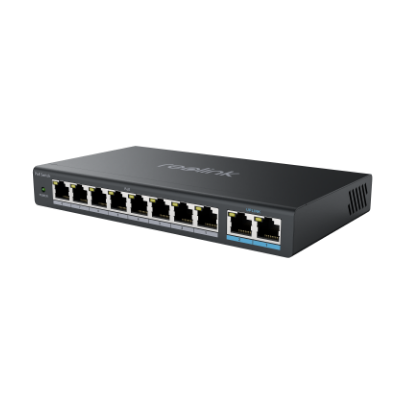
- Some IP camera systems use NVR/DVR devices with built-in HDDs to enable continuous, hands-off recording.
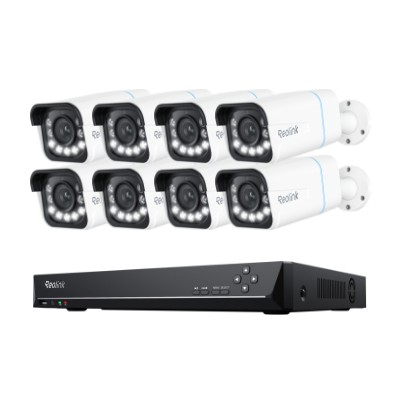
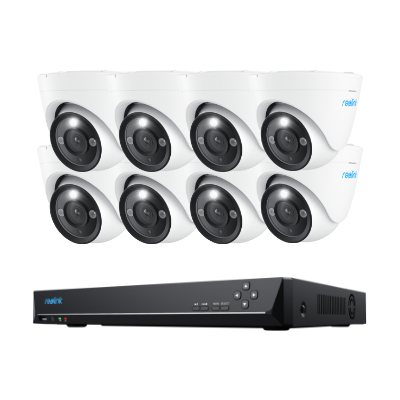
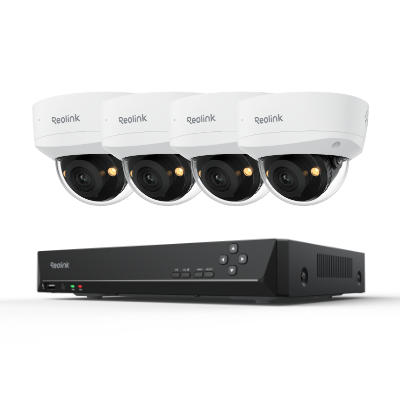
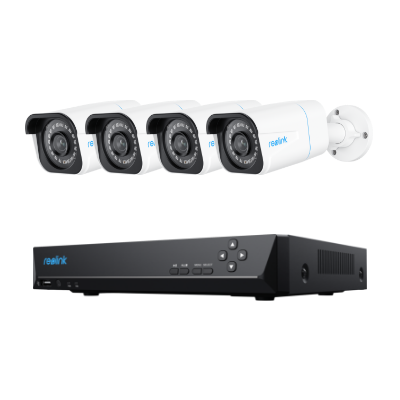
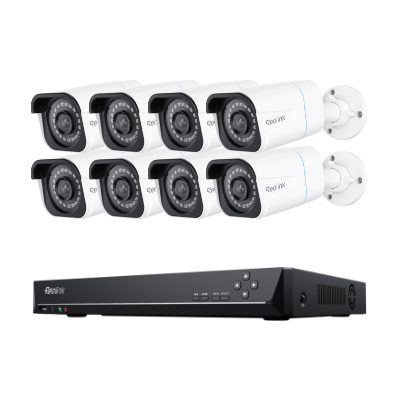
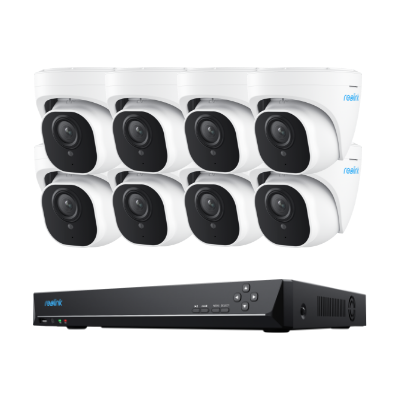
- For example, Reolink PoE camera systems support continuous recording to NVRs/DVRs for long-term video storage.
- NAS devices offer a hybrid approach, combining local storage control with network-based remote access for added flexibility.
Cloud Storage vs Local Storage: What's the Difference?
In the last few decades, technology has advanced significantly. The days of floppy disks and enormous computer rooms have given way to slim hard drives and cloud storage. However, cloud storage isn’t for everyone, just as some people or companies might have too much going on to realistically depend on local storage.
If you aren’t sure which to use (or how to balance both), consider some distinctions between them.
Security
Cloud Storage:
- Cloud Service Providers (CSPs) invest in advanced, AI-powered security systems.
- Access is restricted to authorized users only.
- Uses encryption to protect data.
Local Storage:
- Data is stored on physical devices such as HDDs, SSDs, or external drives.
- Users have full control over data access and storage.
- Security depends entirely on user management and physical protection.
Key Considerations
- Choice depends on trust in third-party providers vs full personal control.
Cost
Cloud Storage:
- Subscription-based (monthly or yearly).
- No need to buy or maintain hardware.
- No extra costs for cooling, electricity, or hardware maintenance.
- Easier to manage and predict budget.
Local Storage:
- Requires upfront hardware purchase.
- Large-scale storage (e.g., servers) can be expensive.
- Hardware may need replacement every ~5 years.
- Additional costs for maintenance and energy use.
Accessibility
Cloud Storage:
- Accessible from any device with an internet connection.
- Enables remote access and sharing easily.
Local Storage:
- Accessible without internet connection.
- File sharing requires physical transfer (USB, PC, laptop).
- Email or apps may be limited by file size restrictions.
Storage Capacity
Cloud Storage:
- Capacity depends on provider and subscription plan.
- Theoretically scalable or even “unlimited,” but practically limited by provider infrastructure.
- Upgrades require plan changes or hybrid solutions.
Local Storage:
- Capacity depends on installed hardware (HDDs/SSDs).
- Typical drives range from 500GB to 2TB.
- Can be expanded by adding more drives.
- No strict limit except physical space and budget.
Summary
- Cloud storage = flexible, scalable, easy access, subscription-based.
- Local storage = full control, offline access, hardware-dependent.
- Many users adopt a hybrid approach to balance both advantages
Local Storage vs. Cloud Storage: Comparison Table
Cloud Storage vs Local Storage: Pros & Cons
The data storage solution you choose depends on your needs. The advantages of one may significantly outweigh the advantages of the other when you’re making that final decision. Here are some pros and cons of each option.
Cloud Storage: Pros & Cons
Compared to local storage, cloud storage rely more on the Internet. This storage solution also has its own pros and cons.
Pros:
- Increased security. Cloud service providers protect their own servers. This will aid your security efforts, but be aware that you still need to be protecting your data yourself in most cases.
- Lower upfront costs. Cloud storage is usually cheaper than using external drives. Costs depend on the subscription fees of every service provider.
- Easy availability. Data can be accessible from anywhere with an Internet connection.
- Scalability. Scaling down and up your storage can be easy. All you need to do is talk to your service provider and upgrade your subscription.
Cons:
- Reliance on the internet. Cloud storage is exclusively online. This means that if your internet goes down, you cannot access your data. If you want to log into cloud storage, make sure that the connection is secure. Never access private information on a public network.
- Less control over your data. A third-party provider controls your data, which means that it’s possible there will be limits on uploading certain types of data.
- Security vulnerabilities. The possibility of data getting breached is always there. Even your providers could access your data without authorization. Additionally, many CSPs use a shared responsibility model of security, and many users are not aware. This means there can be vulnerabilities if users are not on top of their security game.
Local Storage: Pros & Cons
With hands-off equipment as a storage backup, local storage can be a great data storage solution. Here are its pros and cons.
Pros:
- Full control of your data. You control who can access your data. Access can be changed easily, and you don’t need to go through anyone else to do it.
- No Wi-Fi required. Your data can be accessed regardless of your current ability to connect to the Internet.
- No hidden fees. After buying SD cards or hard drives used for local storage. You don't have to pay any other hidden fees.
- Simpler security environment. You can remove your devices from your network at any time, and you can implement any encryption or firewall on your network that you feel is necessary.
Cons:
- Requirements of physical space and specialized staff. local storage requires the expertise of trained IT employees and a certain place to put your local storage devices. Hardware and infrastructure costs are high, and adding more storage space creates extra costs.
- External damage. Disasters like fires or floods can destroy hard drives and, if you do not have any off-site backups, your data will be lost.
- Higher costs. The more data you have, the more physical storage you need, so the upfront investment can potentially be a barrier.
- Data loss and unwanted information. If it’s not protected with the necessary firewalls and encryption, there is a risk of that data getting into the wrong hands.
Local or Cloud Storage: Which Is Better for IP Cameras?
Local storage and cloud storage are also popular for IP cameras. It’s still very important to weigh the differences and conveniences of each storage measure to narrow down the growing pool of models available and find the best match.
Local Storage for IP Cameras
The most common local storage devices for IP cameras is SD card. Most IP cameras have at least one SD card slot, but some can also connect to an external hard drive. The majority of people who use these cameras are able to rely on the SD card.
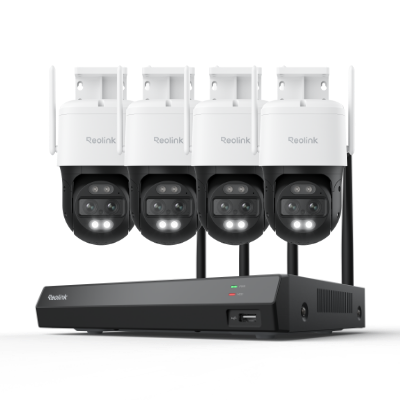
If you are looking for a security system with local storage that can record video constantly and can save weeks of security camera footage, NVRs/DVRs with a built-in hard drive are a great option. You can also turn your personal computer into an IP camera storage unit by configuring a storage path to your computer; however, this could slow your computer down and eat up storage space rapidly.
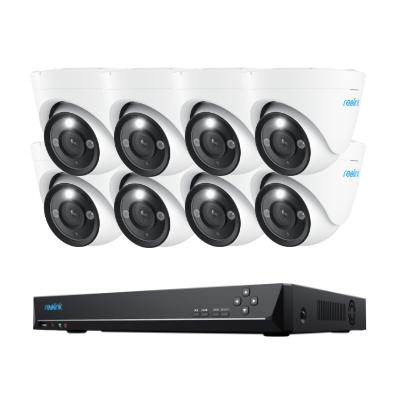
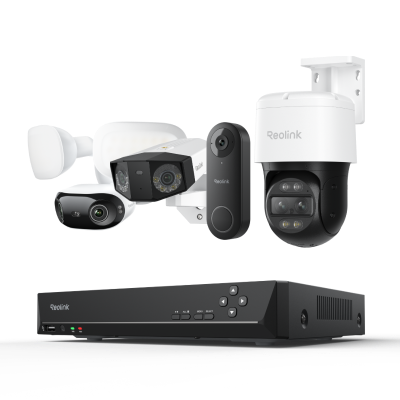
🎉 17th Anniversary Featured: 12MP UHD PoE Security System with Advanced Perimeter Protection
- 12MP UHD resolution with vivid color night vision
- Perimeter protection for smarter intrusion alerts
Cloud Storage for IP Cameras
Although there are many local storage devices for IP cameras, IP security camera cloud storage is gaining popularity among users who are looking for an alternative to local storage as it is relatively convenient and can be safer. You can also view the footage stored in the cloud remotely, from any device.
Cloud Storage Subscription
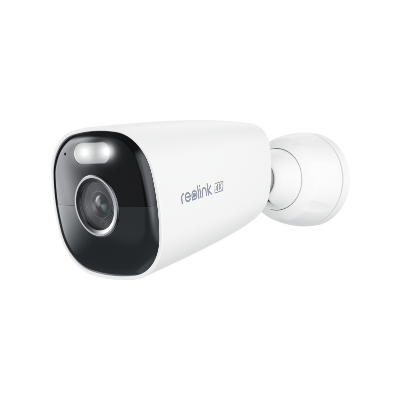
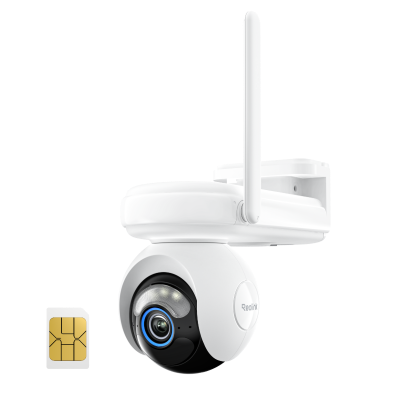
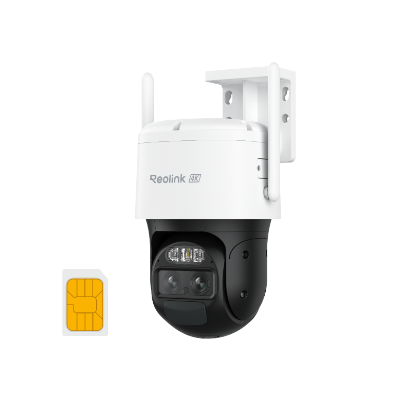
As we mentioned before, an Internet connection is required for the IP camera cloud storage. Most IP camera cloud storage is free for the basic plans, and you’ll need to pay a monthly subscription fee for long-term contracts. An increasing number of cloud-compatible cameras have come on to the market, so let’s look at the cloud plan price of Reolink 4G security cameras.
The amount you pay depends on how far back you want to keep your camera footage and how many cameras you want to install.
Best PoE Triple-Lens Security Camera with Local Storage
If you have ever tried to monitor a wide, high-risk area—like an expansive driveway, a commercial loading dock, or a sprawling backyard—you know the classic security dilemma. You either buy a fixed wide-angle camera that leaves you with blurry, distant details, or you buy a pan-tilt-zoom (PTZ) camera that lets you zoom in closely, but leaves you completely blind to the rest of the yard while it’s turned.
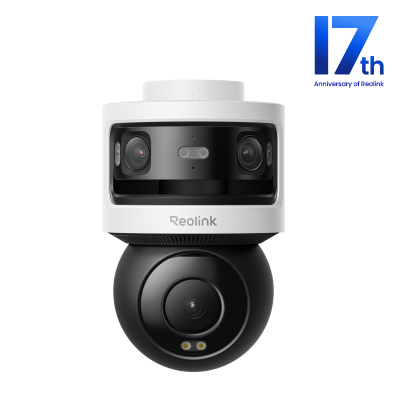
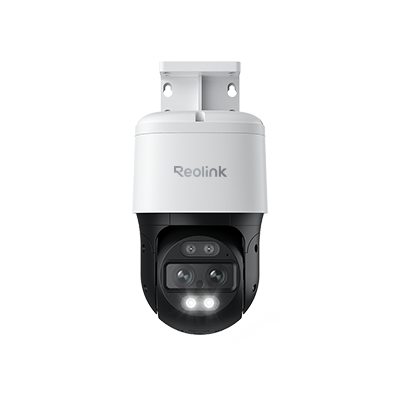
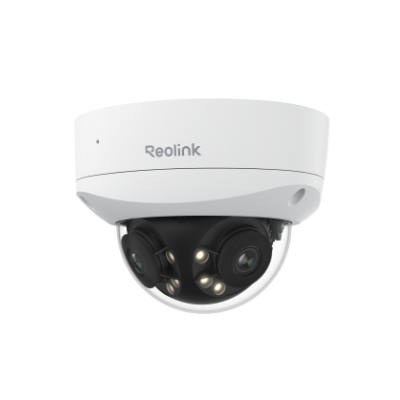
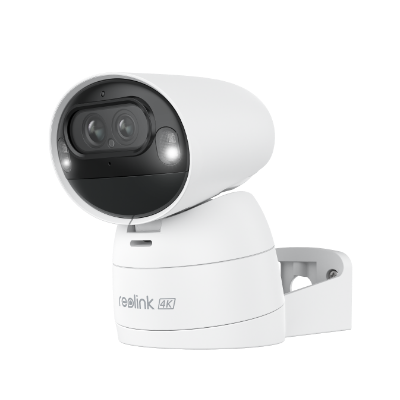
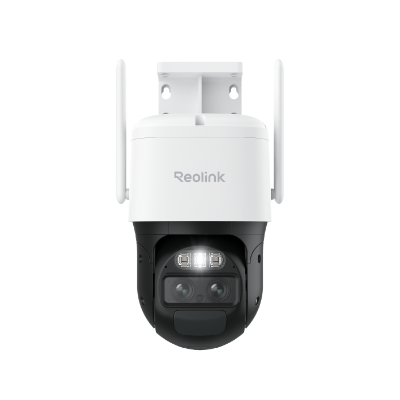
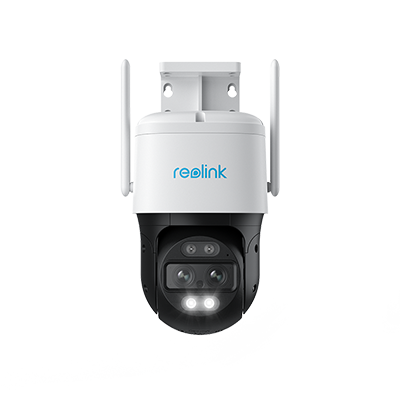
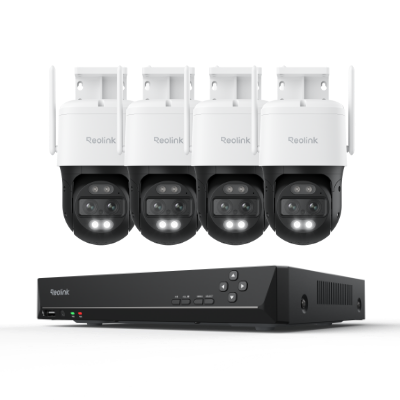
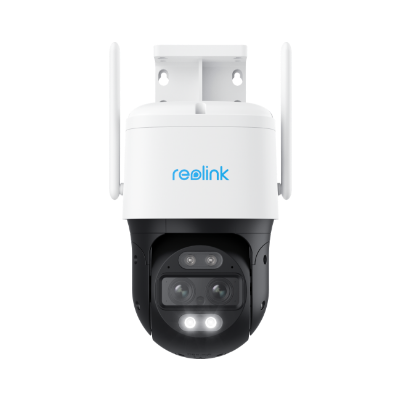
The Reolink OMVI 3i PoE completely eliminates this compromise. By engineered packing three distinct lenses into a single heavy-duty housing, it simultaneously delivers an uncompressed 180° panoramic vista and a high-speed tracking PTZ close-up. It is a masterpiece of local-first surveillance that single-handedly replaces multi-camera setups.
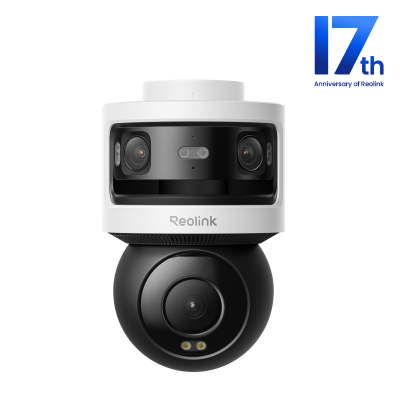
All-in-one Triple-Lens 180° Panoramic Pan-Tilt Security Camera
10MP Dual-Lens 180° View, 4K 360° Full Coverage, SyncTrack with auto framing & auto tracking, Local Storage (No Monthly Fees), Local AI Video Search.
Key Specifications
- Total Resolution: 18MP total processing capability (10MP upper dual-lens + 8MP lower PTZ lens)
- Connectivity: Power over Ethernet (PoE) for single-cable power and data transmission
- Coverage: 180° fixed ultra-wide horizontal panoramic view + 350° pan and 50° tilt mechanics
- Night Vision: Intelligent dual modes (Infrared night vision up to 100 feet or full-color spotlight-activated night vision)
- Local Storage Capacity: Built-in MicroSD card slot supporting up to 512GB (Zero monthly fees)
Real-World Utility: The Active Perimeter Guard
To understand the genius of the OMVI 3i PoE, you have to look at how it responds to an actual security threat on your property.
-
Assume this: It’s 3:15 AM on a rainy night, and an unwanted visitor climbs over your property’s side fence and sneaks toward your parked vehicles. With a traditional camera system, if your PTZ camera is currently swiveled toward the front porch, you miss the entry entirely. If you have a standard wide-angle camera, you see the blur of a person, but you can't make out their face.
-
How the OMVI 3i Responds: The moment the intruder crosses your property boundary, the OMVI 3i's upper 10MP dual-lens panoramic array captures the entire layout in a massive, seamless 180-degree view. Simultaneously, the onboard SyncTrack AI identifies the shape as a human and instantly commands the lower 4K 8MP PTZ lens to snap into action. As the intruder moves between your cars, the lower camera physically pans and tilts, tracking their exact path in sharp, 4K detail. You receive a high-priority smartphone notification displaying both views side-by-side: a wide map of where they entered, and a crystal-clear, close-up snapshot of their face and clothing.
Why the Reolink OMVI 3i Wins the "Local Storage" Crown
While the camera’s hardware optics are impressive, its data architecture is what truly sets it apart from subscription-hungry competitors.
1. On-Device Local AI Data Sorting
The OMVI 3i processes all of its artificial intelligence tracking entirely on the device itself. It separates people, vehicles, and animals locally without uploading your video streams to a third-party cloud server.
2. Mammoth Subscription-Free Storage
With its built-in MicroSD slot supporting up to 512GB, you can log weeks of high-definition, motion-triggered footage directly on the camera. Paired with Reolink’s advanced Local AI Video Search, you don't have to scroll through hours of empty footage. If you need to review an event, you simply filter the timeline for "Vehicle" or "Person," and the app pulls up the precise micro-moment instantly.
3. Bulletproof PoE Reliability
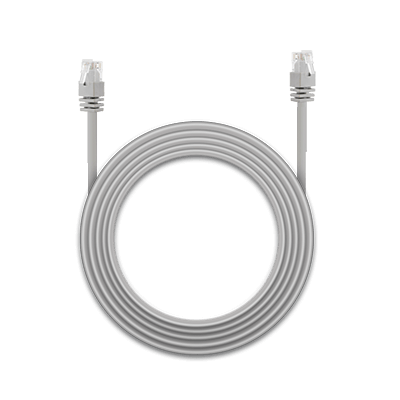
Because it utilizes a hardwired Power over Ethernet system, you don't have to worry about erratic Wi-Fi dropouts jamming your video feed right during a break-in attempt. A single Cat5e or Cat6 cable delivers continuous, high-speed data alongside steady electrical power, ensuring uninterrupted 24/7 recording directly to your onboard storage card or a local Reolink NVR.
FAQs
To wrap things up, here are some frequently asked questions about local and cloud storage.
Is it Cheaper to Use Cloud or Local Storage?
Cloud storage is cheaper in start-up costs, maintenance costs and support costs; however, the exact figure depends on the amount of data you have. There is no specific answer about which system will be most cost-effective because each user is different and has different needs.
Is Cloud or Local Storage the Safer Option?
Cloud storage is safer than the local storage because of the use of encryption, provided that users practice good security hygiene and patches are implemented appropriately. Only authorized personnel, such as you and your employees if applicable, will have access to the documents and files stored in the cloud. This adds an extra layer of protection.
However, only one algorithm is not enough. Besides the measures taken in the cloud to protect you against hackers, the possibility of your sensitive data getting breached is always there. Even your service providers can be a hacker.
What is the Difference Between Cloud and Hosted Storage?
Hosted storage is the same as "hosted services". The difference between cloud and hosted services is the location of the servers running the service. “Hosted services” is the general term for technology services using infrastructure located outside the service receiver's physical location. This can be at the vendor's physical location or can be hosted on the cloud.
But the servers of cloud storage are at off-site locations. The servers are maintained by a third-party provider who is responsible for hosting, managing, and securing data stored on its infrastructure.
Does Cloud Storage Have Unlimited Capacity?
The maximum capacity of cloud storage depends on the cloud service provider. It is theoretically possible to provide unlimited cloud storage, but it is often not needed or useful. Before you subscribe to any cloud storage service, confirm with your service provider what the maximum capacity is to ensure that it meets your needs.
Conclusion
Both cloud and local storage have advantages and disadvantages, and it’s essential to carefully consider each of them before making any decision. We hope that the guide above helps you compare the two types of storage carefully to determine which one best suits you and your needs.
Have you ever used local storage or cloud storage to store your personal or business data? Which one do you think is better? Share your experience with us in the comment section! We'd love to hear from you!
Search
Subscribe for the Latest Updates
Security insights & offers right into your inbox