






















































































































How to Boost Wi-Fi Signal? Improve Wi-Fi Performance
Boosting Wi-Fi signals is needed when you experience weak signals, no signals, or low speed. It could improve the signal strength and quality and ensure optimal performance.
In this article, we will discuss how to boost Wi-Fi signals. We will share some practical and effective ways to boost the signal and improve Wi-Fi performance.
Why Should You Boost Wi-Fi Signal?
If there is any specific area in your house or office where Wi-Fi signals can’t reach or are very weak, you need to boost the Wi-Fi signals. It will increase the range of the Wi-Fi and eliminate the dead zone from a vast area.
Whether you are live streaming, gaming, or doing any bandwidth-intense job, you must consider Wi-Fi signal boost if the signals are weak and the speed is too slow. You’ll be able to enjoy an uninterrupted and smooth experience with excellent connectivity.
How to Boost Wi-Fi Signal for Free?
Here are some easy and quick ways to boost Wi-Fi signals.
Check Wired Internet Connection
Sometimes, your Wi-Fi isn’t the problem. The main issue is with the wired internet connection from the internet service provider. Make sure the wire you are using is intact and in good condition. You can also run a speed test to evaluate its performance. If there is any issue with the wire, you need to replace it or contact the service provider.
Upgrade Router Firmware
Your router might be running on very old firmware, which could cause the problem. Check out if there is any update available. Update the router firmware to the latest version and see its performance.
Change Router Placement
Often people place their routers in corners. Therefore, the signals do not reach the far end. If you want to cover every corner of your house or office, place the router in the center. This way, it will be able to maximize space and offer excellent performance.
Manage Wi-Fi Channel
If you have a dual-band Wi-Fi router, you have two channel options. One is the 2.4GHz, which is suitable for covering a large area. Connect far-end devices to this channel. It can perform better even if there are obstacles around.
The second channel is 5GHz, which offers incredible speed. It has a shorter range, so connect devices that are near the Wi-Fi router. Distribute your devices on the channels to enjoy optimal performance.
Kick Off Unwanted Guest
Your network could be congested because of unwanted guests. If there are many devices connected, the speed will be affected badly. Check out the connected devices and match the IP addresses of the devices you have. Kick out unwanted connections. You can also change the SSID and password of your Wi-Fi router.
How to Boost Wi-Fi Signal in a More Efficient Way?
If none of the methods explained above have solved your problem, you should consider the following options.
Replace the Router
If your Wi-Fi router supports an old Wi-Fi standard, you should switch to a new router. Upgrade your router and go for Wi-Fi 5, Wi-Fi 6, Wi-Fi 6E, or Wi-Fi 7. Choose any suitable standards, considering the existing setup, your devices, and your budget. Generally, Wi-Fi 6 would be a good option.
Also, check the bands that the Wi-Fi router offers. It could be dual-band or tri-band. In tri-band, the third band is either 5GHz or 6GHz. Make sure to invest in a reputable brand.
Implement Wi-Fi Mesh Systems
If the area is quite large, such as an office or building, you should consider switching to a mesh system. It consists of a main router and multiple satellite nodes. All these devices create a massive network. You can place a node wherever you want to ensure stable signals and high speed. The notable feature of a mesh system is routing. It can automatically find the best route for the traffic and offers incredible performance.
Use Wi-Fi Extender
If you only need to extend the Wi-Fi signals to a certain area, using a Wi-Fi extender is ideal. It increases the range of your Wi-Fi and makes it available at any place you want. You can use a Reolink Wi-Fi extender. It offers easy installation, multiple bands, and excellent area coverage. Not only does it boost signals but also the speed.
Recommendations for Security Cameras with Strong Wi-Fi Signal
Here are some security camera systems that offer stable connectivity and excellent performance.
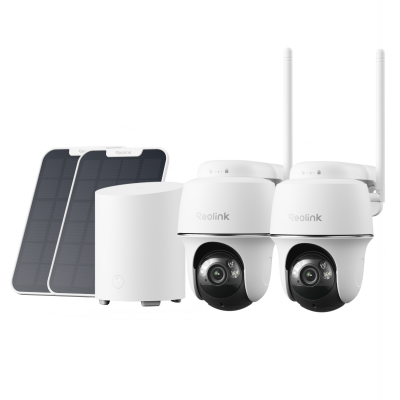
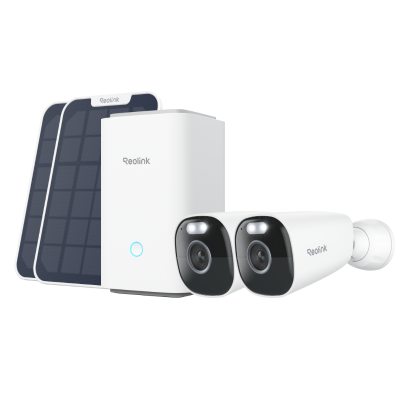
Home Hub with Argus 4 Pro
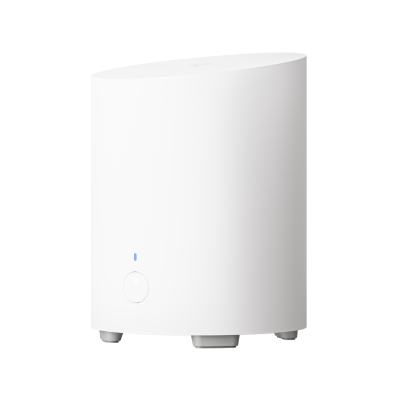
Home Hub with Argus 4 Pro is a Wi-Fi 6 security camera system. It works on dual-band Wi-Fi 6 to ensure smooth streaming, improved stability, and low latency. You can see the live preview in 4K UHD without any lag. The cameras are battery and solar-powered. You can connect the included solar panel for automatic recharging.
The cameras have dual lenses to capture a 180⁰ wide field of view. They are equipped with Reolink ColorX technology to offer true colors all day. The Home Hub has encrypted local storage without any monthly fee. You can connect up to eight security cameras to cover a massive area.
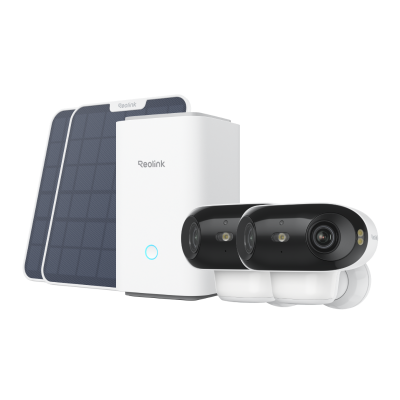
4K UHD Wi-Fi 6 Security System with 180° Blindspot-Free View
ColorX Night Vision, 1 Year of Local Storage, Exclusive Anti-Theft Algorithms, 180° Blindspot-Free Coverage, Expandable System Up to 8 Reolink Cams.
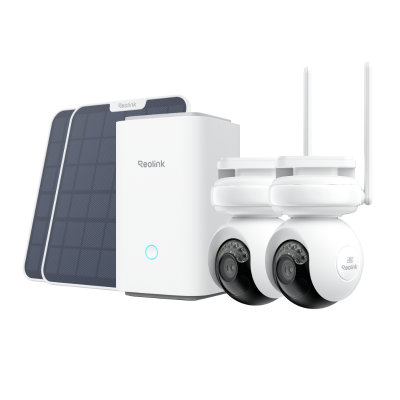
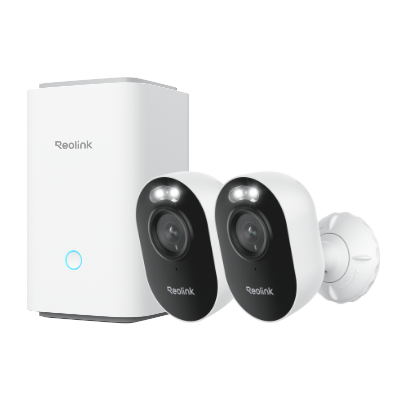
Home Hub Pro with E1 Outdoor Pro
Home Hub Pro with E1 Outdoor Pro is another Wi-Fi 6 security camera system. You get super-fast speed, lower latency, and enhanced security. It includes four E1 Outdoor Pro security cameras and a Home Hub Pro. You can enjoy seamless live preview and pan-and-tilt control remotely.
The cameras record in 4K resolution and also offer 3X optical zoom for extra details. The pan and tilt movement cover a 360⁰ field of view and leave no blind spots. The cameras can also automatically track the motion of objects and send real-time alerts. The Home Hub Pro offers 2TB HDD storage, which is more than enough. It’s protected with anti-theft encryption algorithms to ensure security and privacy without any fee.
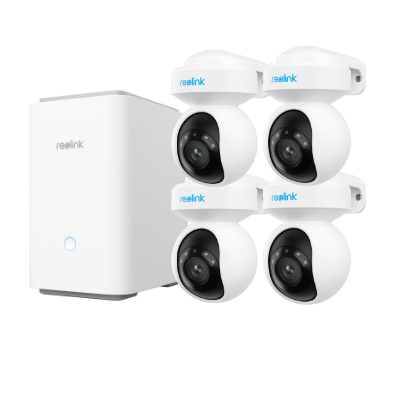
4K Wi-Fi 6 Security System with PTZ Auto Tracking
4K Color Footage with 3× Optical Zoom, 2TB HDD Included for Local Storage, Exclusive Anti-Theft Algorithms, Expandable to 24 Reolink Cams.
FAQs
1. Do Wi-Fi boosters actually work?
Yes, Wi-Fi boosters do work. They are signal amplifiers or boosters. They enhance the signal strength and quality. Once installed, they help you tackle the weak spots and network interference.
2. What is the difference between a Wi-Fi extender and a Wi-Fi booster?
Wi-Fi boosters capture Wi-Fi signals from the router. They amplify the signals and then transmit them to the connected devices. They are meant to improve signal strength and quality. On the other hand, Wi-Fi extenders capture signals from the router and broadcast them to extend their coverage.
Conclusion
You can boost Wi-Fi signals to improve the coverage, signal strength, and the Wi-Fi’s overall performance. We have shared some free and effective ways to fix Wi-Fi instability and strength issues. Try the free methods first and see if any method works in your case. If not, move to the efficient ways we have shared, and they will surely solve the problems.
Search
Subscribe for the Latest Updates
Security insights & offers right into your inbox