








Best PoE Security Cameras & Systems: Reolink Buying Guide
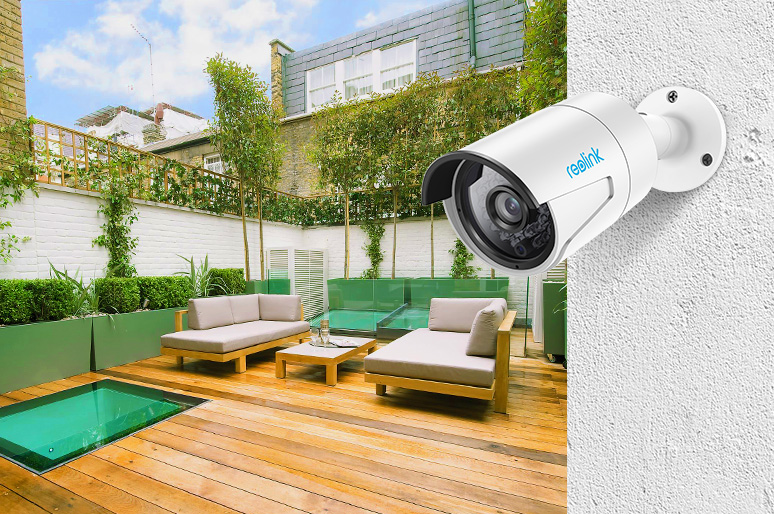
PoE cameras are a versatile and efficient surveillance solution that utilizes Power over Ethernet technology. By combining power and network connectivity through a single Ethernet cable, these cameras simplify installation and reduce cable clutter, making them an increasingly popular choice for both residential and commercial security applications.
In this comprehensive guide, we will provide you with a thorough understanding of what is a PoE security camera and how it can revolutionize your security experience. You will find what you want here whether you are new to the PoE camera or a pro.
- What is a PoE Camera?
- PoE IP Cameras vs. Traditional CCTV Systems
- How Do PoE Security Cameras Work?
- How to Choose the Best PoE Security Camera?
- What Should You Consider When Choosing a PoE Camera for Surveillance?
- Reolink PoE Camera Recommendations
- How to Set up PoE Security Cameras & Systems?
- FAQs
- Conclusion
What is a PoE Camera?
A PoE camera (Power over Ethernet) is an IP security camera that gets both its power and its video data through a single Ethernet cable, which is usually a CAT5e or CAT6 cable. The cable follows IEEE 802.3 wiring standards, which is what makes the same run carry power safely alongside a data signal.
A complete PoE camera system needs three things. The camera itself, an Ethernet cable rated for the run length, and a power source for that cable. That power source is usually a router with built-in PoE ports, a PoE switch, or an NVR with PoE ports built in. We cover how to pick between them below.
PoE cameras are often grouped in with CCTV, but the two use different technology under the hood. A traditional CCTV camera is analog. It sends a raw video signal down a coaxial cable to a DVR, and it needs a separate power cable run alongside it. A PoE camera is a digital IP camera. It compresses and sends video as data over the network, and that same cable carries its power, so there's one cable instead of two.
PoE cameras usually come with motion detection, night vision, and two-way audio built in. The exact feature set depends on the model. Between the simpler cabling and this level of built-in functionality, PoE has become the standard choice once a system grows past one or two cameras.
PoE IP Cameras vs. Traditional CCTV Systems
While many people searching for hardwired security still look for a PoE CCTV camera, there is a major technological difference between modern PoE cameras and traditional CCTV.
A classic CCTV (Closed-Circuit Television) system is entirely analog. It transmits a raw video signal down thick coaxial cables to a DVR (Digital Video Recorder) and requires a completely separate cable run just to supply power to the lens.
In contrast, a modern IP CCTV system (an IP camera setup) is digital. It compresses video into data and transmits it over your network using a single, standard Ethernet cable. Because of Power over Ethernet technology, that exact same cable delivers the power.
Here is why a modern PoE camera is the direct upgrade to traditional CCTV:
One Cable vs. Two: PoE eliminates the need for separate power supplies and nearby electrical outlets.
Digital vs. Analog Resolution: Traditional coaxial cables struggle to carry high-definition video over long distances. An IP camera easily transmits crisp 4K, 8MP, and even 16MP digital video without signal degradation.
Smart Features: Because PoE cameras are networked digital devices, they can process AI smart detection (distinguishing people, vehicles, and pets) right on the camera. That's something analog CCTV cannot do.
How Do PoE Security Cameras Work?
Many beginners expect a PoE camera to work by simply connecting it to their home router with an Ethernet cable. That's correct only when they use a CAT5 or higher-category Ethernet cable and the router supports PoE.
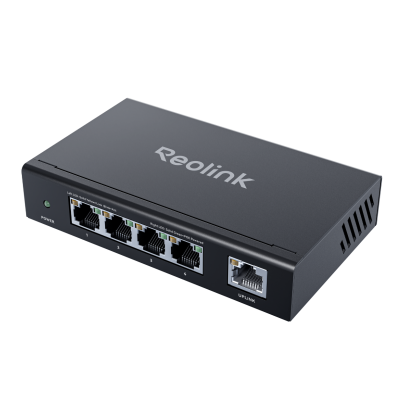
In cases when your router doesn’t support PoE or you want to manage multiple PoE cameras, you need to utilize other devices such as a PoE injector or PoE switch.
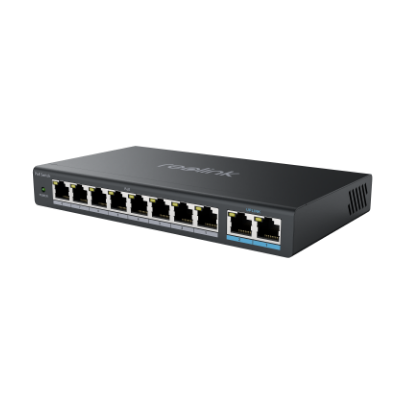
A PoE injector can add Power over Ethernet (PoE) capabilities to a non-PoE network switch or router. Similarly, a PoE switch has built-in PoE capabilities and can provide both power and data transmission to PoE cameras. Their main difference is that a PoE switch comes with multiple ports to support several PoE devices simultaneously, while a PoE injector can only support one PoE camera.
How to Choose the Best PoE Security Camera?
Choosing the best PoE security camera for your security and surveillance needs involves evaluating various factors and features. Here are some key considerations to help you select the ideal PoE camera:
1. PoE Standard
The PoE standard determines the power output that the camera can receive and ensures compatibility with your existing PoE equipment. There are two common PoE standards: IEEE 802.3af (PoE) and IEEE 802.3at (PoE+) standards. The IEEE 802.3af standard provides up to 15.4 watts of power per port, while the IEEE 802.3at standard offers up to 25.5 watts.
The 802.3at as a newer PoE standard is backward compatible with the 802.3af standard, which means that devices supporting the 802.3at standard can also supply power to devices designed for the 802.3af standard. To avoid compatibility issues, it's essential to choose a PoE camera that matches the PoE standard of your existing equipment, such as PoE switches or injectors.
Once you have more than a couple of cameras, plan around your PoE switch's total power budget. It's a separate limit from the per-port rating, and it's easy to miss. An 8-port switch rated for 100W total can't run eight cameras that each pull 25.5W, even though each port supports it individually. Add up what your cameras actually draw before you buy a switch. Then check that total against the switch's overall power budget, since the per-port rating alone won't catch it.
2. Image Quality
Consider the resolution of the PoE camera, as it directly impacts the clarity and detail of the footage. Common resolutions include 1080p (2MP), 3MP, 4MP, 5MP, and 4K (8MP). Higher resolutions like 4K provide better image quality but may require more storage space and bandwidth.
3. Field of View
The field of view (FOV) determines the area the camera can cover. Wider FOVs enable monitoring of larger areas, while narrower FOVs are suitable for focusing on specific points or entryways. If you want to monitor a large area, choose a wide-angle PoE camera.
4. Night Vision
Evaluate the camera's night vision capabilities, as it is crucial for capturing clear footage in low-light conditions and providing 24/7 home security. Look for cameras with infrared (IR) LEDs and check their effective range to ensure adequate coverage in the dark. In this way, you won’t miss anything both day and night.
5. Remote Access & Compatibility
Ensure the PoE camera is compatible with your existing security system or NVR and offers remote access through a user-friendly app or web interface. This is necessary for you to view live feeds and manage settings from anywhere.
6. Weather Resistance
If you plan to install the PoE camera outdoors, make sure it has a suitable IP (Ingress Protection) rating to withstand harsh weather conditions, such as rain, snow, or dust. An IP66 rating or higher is recommended for outdoor cameras.
7. Budget
Determine your budget for the PoE camera and compare the features and performance of various models within your price range. Keep in mind that a higher initial cost may be offset by long-term savings from simplified installation and centralized power management.
What Should You Consider When Choosing a PoE Camera for Surveillance?
A PoE camera built for surveillance needs to do more than just record video. It needs to tell real activity apart from noise. It also needs to cover your whole property without gaps, and keep footage around long enough to actually matter.
Look for a camera with real AI detection instead of basic motion detection. Basic motion detection triggers on anything that moves, including tree branches and passing headlights. AI detection tells the difference between a person, a vehicle, and an animal. That means fewer false alerts, so you don't tune out the real ones.
One camera rarely covers a whole property. Walk your property first and note where someone could approach unseen. Then pick your camera count and placement around those blind spots. A wider field of view on one camera helps, but it isn't a substitute for covering every approach.
Footage only helps if it's still there when you need it. How long you can keep it depends on your storage size and how many cameras are recording at once. A dedicated NVR with a large hard drive keeps far more history than a single camera's SD card. A security camera system is worth a look once you're covering more than one or two spots.
Also think about whether you'll add more cameras later. A single camera works fine straight into a PoE router. A growing system needs a real power plan instead, so check the switch wattage-budgeting advice above before you settle on a specific camera count.
Reolink PoE Camera Recommendations
To help you choose the right model, we’ve handpicked the best Reolink PoE cameras that deliver stable performance, clear video, and smart security features for different needs.
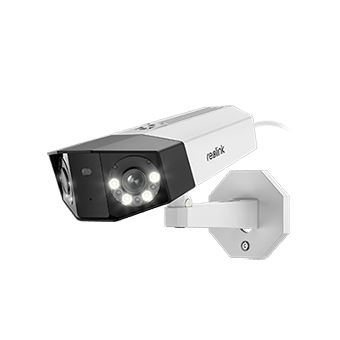
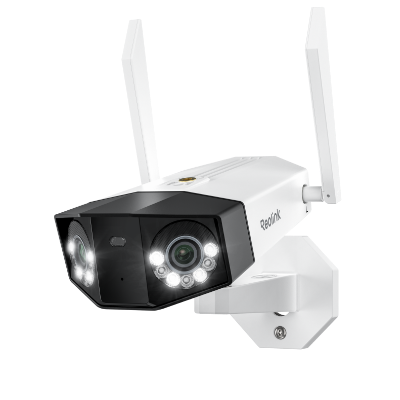
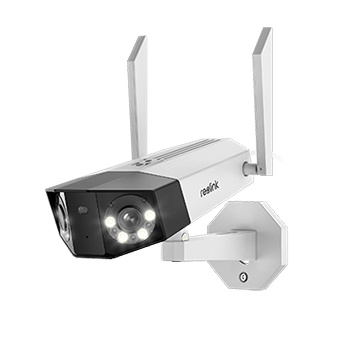
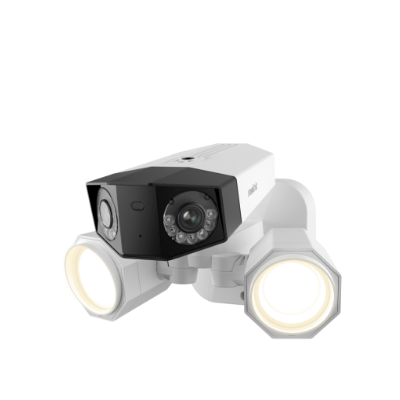
The 16MP PoE dual-lens camera - Duo 3 PoE
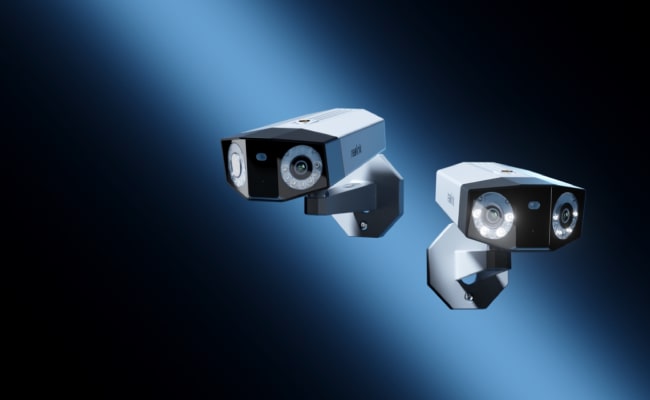
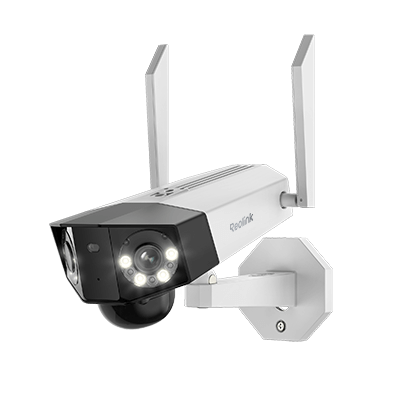
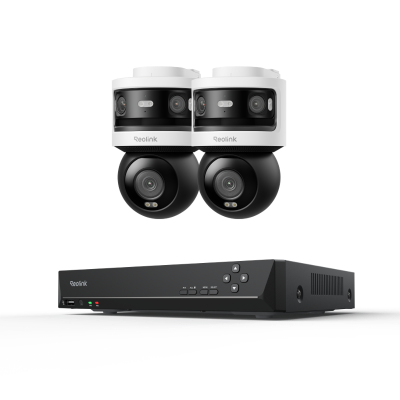
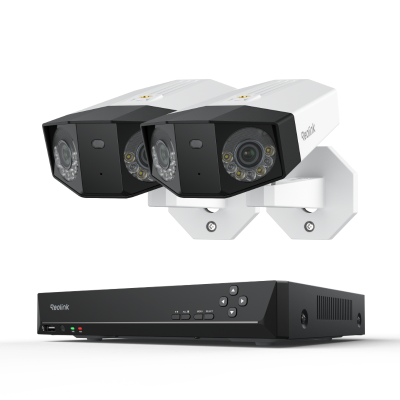
Reolink Duo 3 PoE combines dual-lens coverage with a built-in spotlight for color night vision in a single wide-angle camera. It records 16MP UHD video across a 180-degree panorama and runs on the 802.3af PoE standard.
Its spotlight adds 560 lumens of color night vision alongside standard infrared.
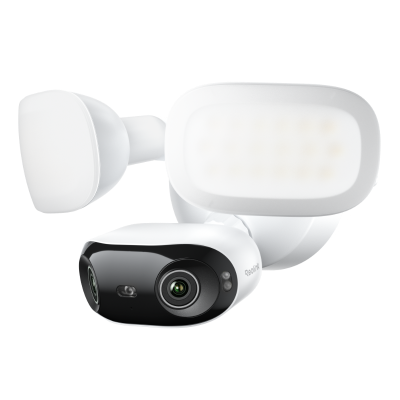
If a bright floodlight beam is what you actually need, our dedicated Floodlight cameras throw more light than this one, so this pick is best for readers who want sharper image detail over a wide area rather than maximum brightness.

Groundbreaking 16MP Dual-Lens PoE Camera
16MP UHD, Dual-Lens, Motion Track, 180° Wide Viewing Angle, Power over Ethernet, Color Night Vision.
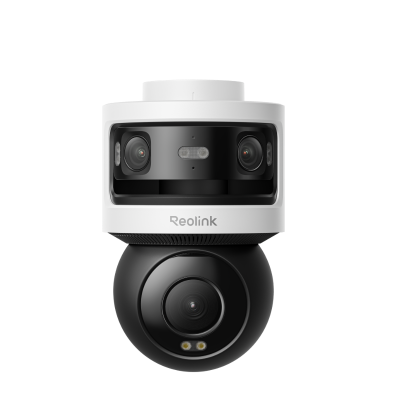
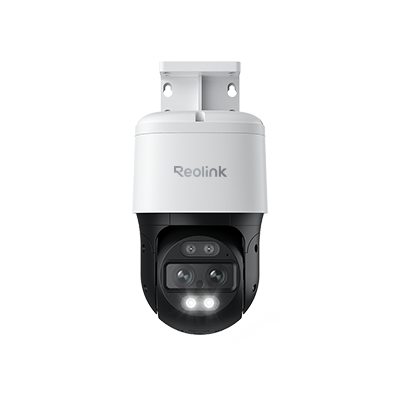
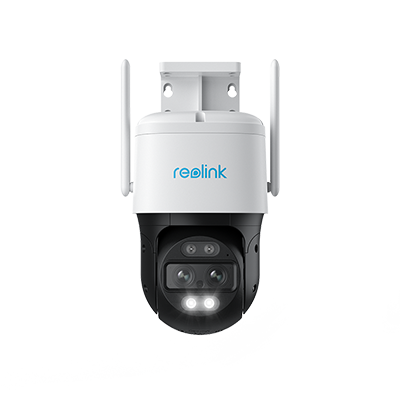
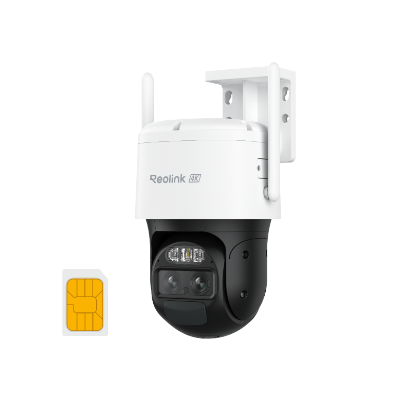
Outdoor PTZ PoE camera with Triple-Lens - OMVI 3i PoE
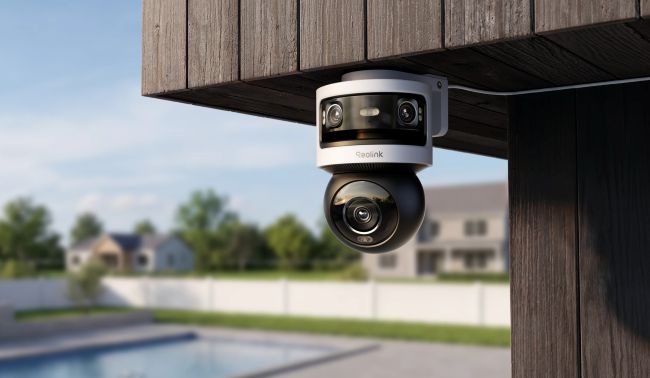
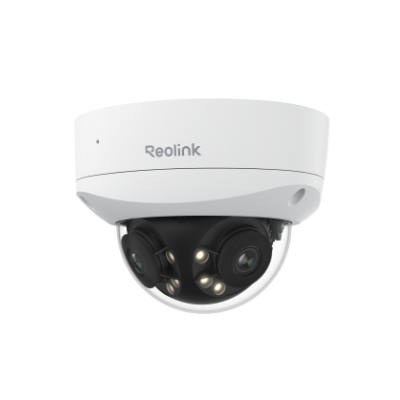
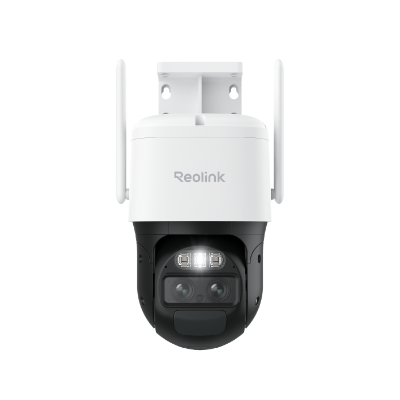
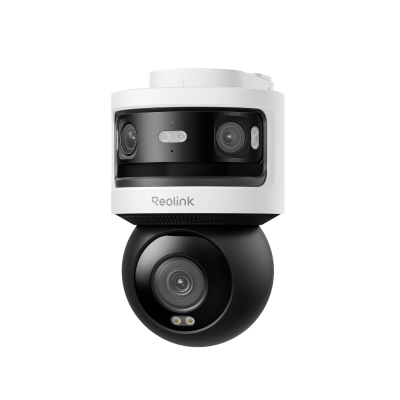
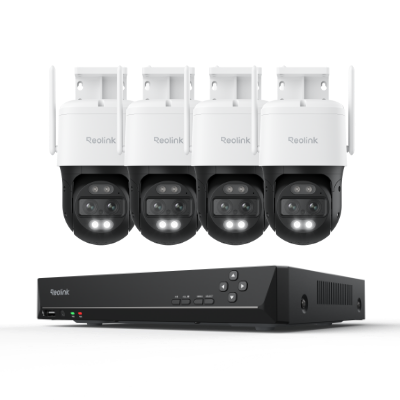
The OMVI 3i PoE pairs a 10MP dual-lens panoramic view with a separate 8MP pan-tilt lens on the same housing. That combination keeps the full scene in view while the second lens zooms in and tracks a moving subject at the same time.
It also includes person, vehicle, and animal detection, plus line-crossing, zone intrusion, and loitering alerts for more precise perimeter coverage.
Its built-in spotlight adds color night vision too, so you're not limited to black-and-white footage after dark. Add in 350° pan and 50° tilt on the tracking lens, and it covers a lot of ground with no separate camera needed for wide coverage versus close-up detail.
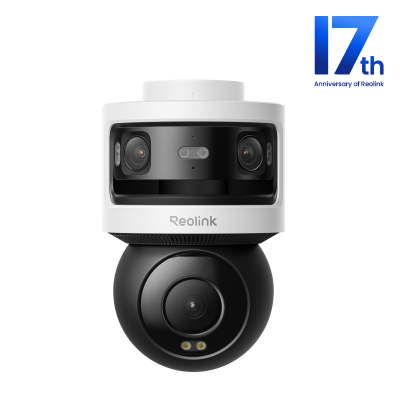
All-in-one Triple-Lens 180° Panoramic Pan-Tilt Security Camera
10MP Dual-Lens 180° View, 4K 360° Full Coverage, SyncTrack with auto framing & auto tracking, Local Storage (No Monthly Fees), Local AI Video Search.
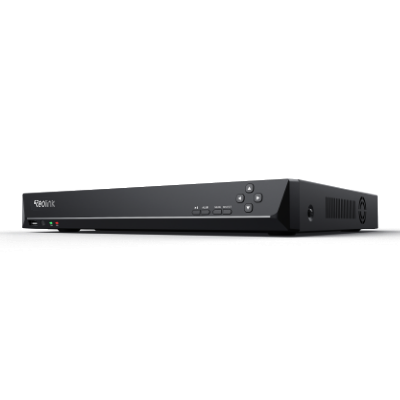
Best PoE Security Camera System – Reolink RLK16-1200D8-A
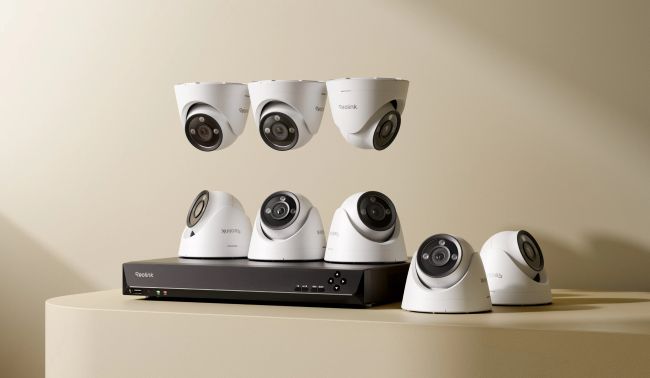
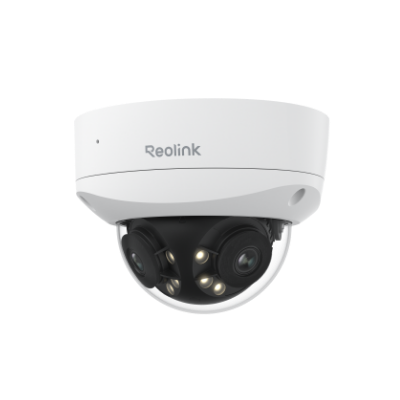
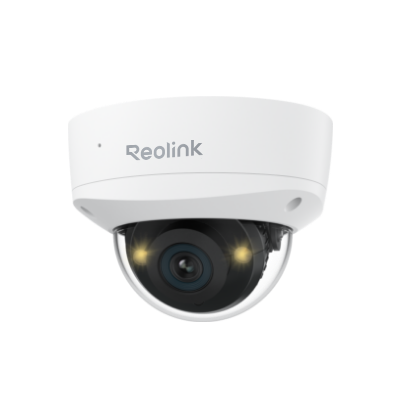
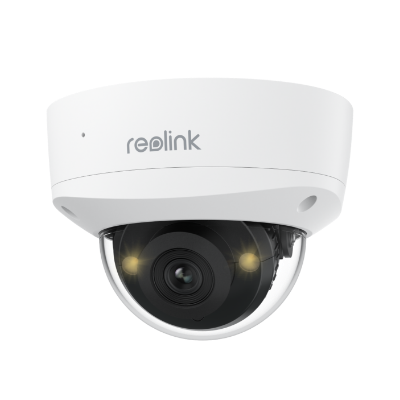
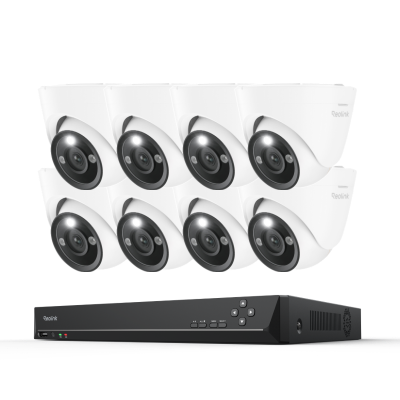
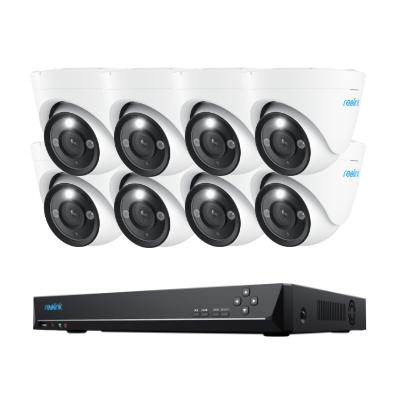
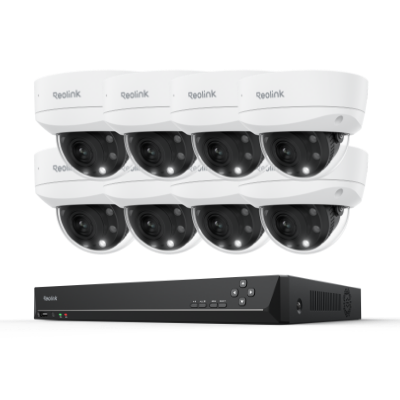
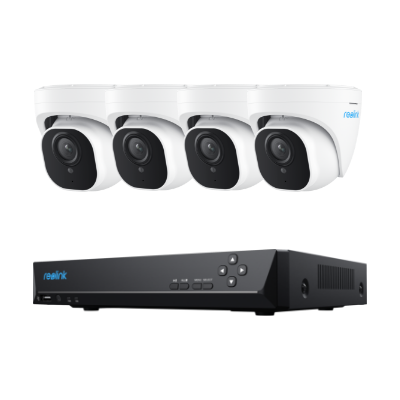
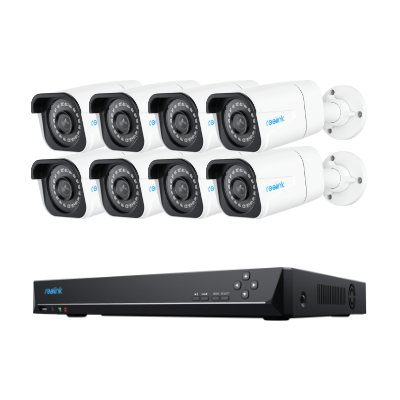
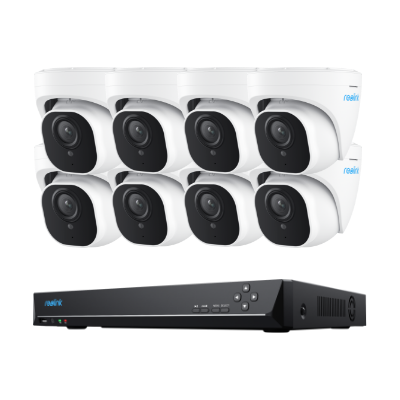
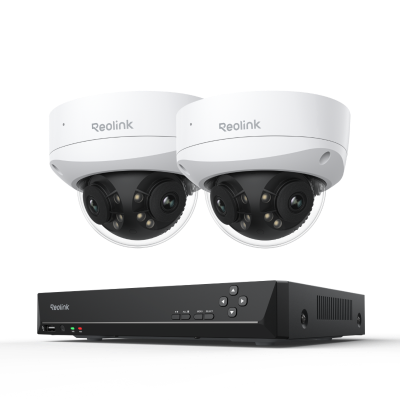
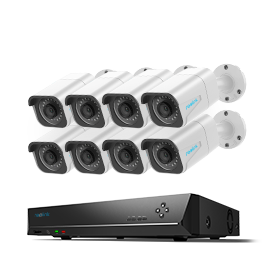
If you want to build a home surveillance system, the 16-channel PoE security system RLK16-1200D8-A is a perfect solution. This integrated PoE camera system includes a 16-channel NVR and eight 12MP dome cameras, along with necessary accessories.
The NVR has a built-in 4TB HDD, expandable up to 16TB, that greatly expands the storage space for your PoE cameras and it can save all the recordings locally and securely.
This system offers 24/7 continuous recording with person, vehicle, and pet detection, and provides a comprehensive solution for larger properties or businesses looking for a multi-camera setup. Also, you can view the footage remotely via Reolink's App or Client.
24/7 Surveillance in 4K Ultra HD
Power over Ethernet; 24/7 Continuous Recording; 16-Channel NVR; 4TB HDD Built-In; Audio Recording; 100ft Night Vision.
Comparison Table
How to Set up PoE Security Cameras & Systems?
There are 3 simple solutions for you to get your PoE security camera to work in whatever situation. To make things easy to understand, we’ll take Reolink PoE cameras for example.
Solution 1: Plug and play when your home router supports PoE
If your router supports PoE, just connect your camera to it with an Ethernet cable. That's the whole setup, a true plug-and-play solution even for beginners.
If you need larger storage with a PoE home security camera system, just add an NVR to your router.
Solution 2: Use a PoE injector/PoE switch for IP cameras when the router doesn't support PoE
Setup gets a bit more involved in two cases. Your router doesn't support PoE, or the camera needs to sit somewhere your existing wiring doesn't reach. In either case, a PoE injector or a PoE switch solves the problem.
Setting up a PoE injector takes three steps. Plug the camera's Ethernet cable into the injector, connect the injector to your router, then power the injector on. That's it.
Keep in mind a PoE injector only powers one camera. If you have more than one, add a network switch to the setup. Or just use a PoE switch instead, since it already handles multiple cameras on its own.
Setting up a PoE switch is just as simple. Plug every camera's Ethernet cable into the switch, connect the switch to the router, then power the system on.
Solution 3: Add an NVR to the PoE camera system
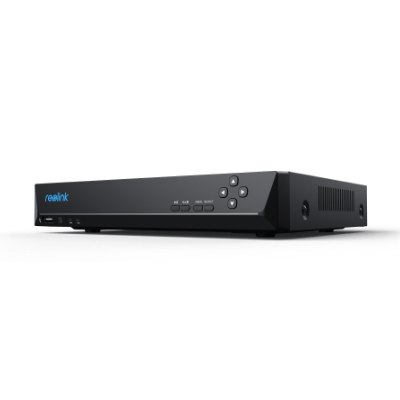
A complete PoE camera system, cameras and NVR from the same manufacturer, makes this even simpler. Just connect every camera straight into the NVR's own PoE ports. NVRs typically come in 8-port, 16-port, or 32-port versions.
You can also connect the NVR to a router if you want remote viewing or push notifications from the PoE cameras on your phone.
Before you buy anything, plan your setup first. Map out where each camera goes, how long each cable run is, and whether any of them need a PoE extender. Then choose the option above that actually fits what you planned.
Here is an easy Reolink PoE security camera system review showing you all details in the installation:
FAQs
What’s the max distance for PoE cameras to work?
Keep the run under 300 feet (100 meters). Past that, signal quality and power delivery both start to degrade. If you need more distance than that, look for a dedicated PoE extender instead of a regular injector or switch. It can add another few hundred feet per unit.
Check your specific camera's spec sheet if you're not sure of its exact limit, since a few models vary slightly from the standard.
Can PoE cameras work without the Internet?
PoE cameras don't need internet to work. Power and data both travel over the Ethernet cable to your switch or injector, completely separate from your internet connection.
Without internet access, footage still records locally to whatever storage the camera or NVR uses. You can also watch the live feed on a monitor connected directly to the NVR or DVR, and on-device motion detection still triggers alerts.
The tradeoff is remote access. Cut the internet and you give up remote viewing, phone alerts and cloud storage. Keep the system connected if any of those matter to you.
Can I connect my PoE camera directly to my router?
If your router has PoE support, simply connect the camera using an Ethernet cable. Otherwise, use a PoE switch or injector to deliver power and data through the same cable.
What are the main advantages of PoE cameras over traditional CCTV cameras?
PoE (Power over Ethernet) cameras offer several advantages over traditional CCTV cameras. They use a single Ethernet cable for both power and data, which simplifies installation and reduces cable clutter. PoE cameras also provide higher-resolution video, making it easier to identify people, vehicles, and important details.
Because they are IP-based, PoE cameras support advanced features such as remote viewing, motion detection, AI-powered analytics, and cloud or network video recording. They are also easier to expand, allowing additional cameras to be added to the network without extensive rewiring. Overall, PoE cameras deliver better image quality, greater flexibility, and simpler installation than traditional analog CCTV systems.
Is PoE better than a WiFi camera?
PoE cameras provide a more streamlined and efficient installation process, centralized power management, and longer cable runs compared to other types of cameras. They are generally considered better for larger surveillance systems or situations where a stable and reliable connection is crucial.
However, Wi-Fi cameras may be more suitable for smaller installations and areas where running cables is challenging or PoE is not supported. Ultimately, the choice between PoE cameras and other camera types will depend on your specific needs and preferences.
Conclusion
A PoE camera earns its keep the moment you add a second one. One camera on a PoE-capable router is already plug-and-play.
Past that, the real decision is how much system you want handled for you. An injector covers one extra camera. A switch covers several. A complete NVR kit, like the RLK16-1200D8-A, hands you cameras and storage in a single purchase.
Whichever you pick, the same cable that carries the video also keeps the camera powered. That's one less thing that can fail at 2am, when it actually matters.
If you have any questions about PoE cameras or other Reolink camera reviews, don’t hesitate to share them with us in the comments section below. We’d love to know your thoughts.
Search
Subscribe for the Latest Updates
Security insights & offers right into your inbox