



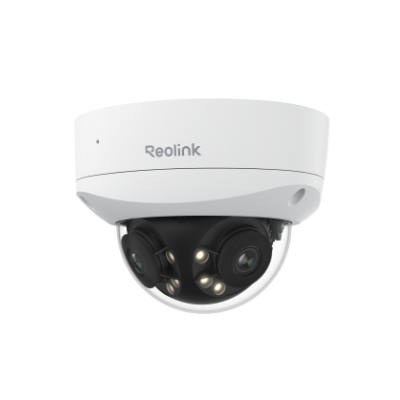

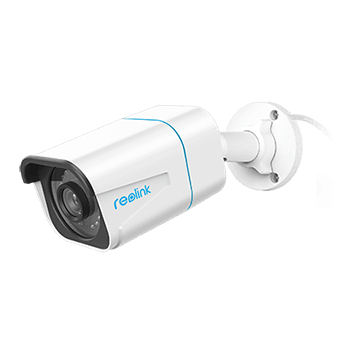
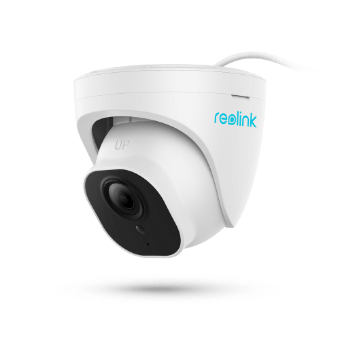
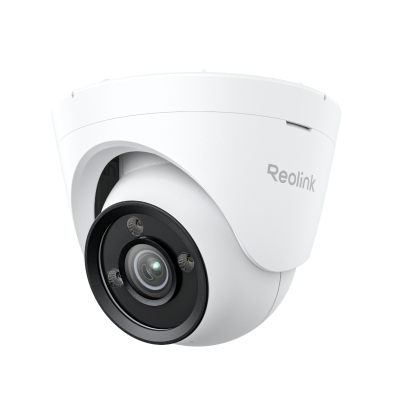



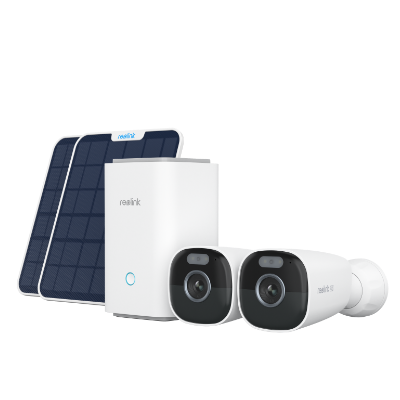
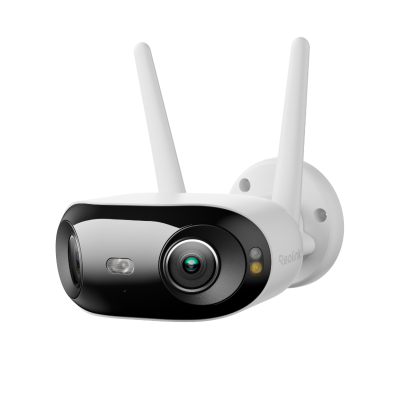
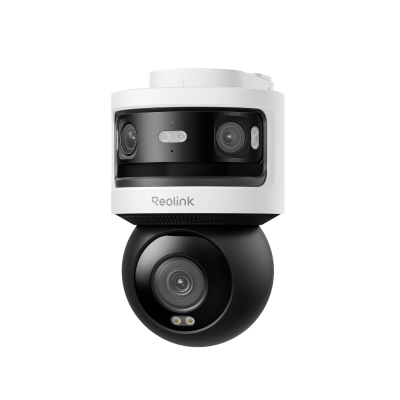
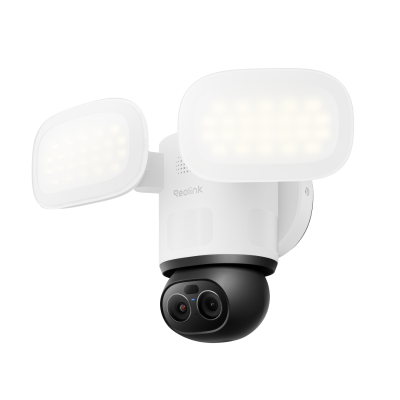


Single vs. Dual vs. Triple Lens Security Cameras: Which Do You Really Need?
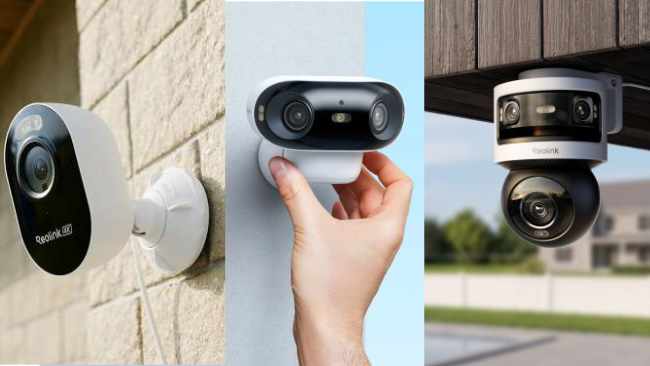
You might have gone shopping and came across single lens, dual lens, and triple lens security cameras. The lens count keeps climbing, but you might be wondering what you're actually paying for when it goes up and whether the additional cost is worth for you.
The good news for your wallet is more lenses doesn't mean more camera. But, the reverse could compromise what you actually need to. If you pick the wrong count for the setup you need, you'll be paying for capability you'll never use or in some cases, missing coverage you actually need.
This guide breaks down what really separates single, dual, and triple lens cameras, the split hiding inside "dual lens" alone, and which option actually earns its price for your specific mounting spot.
- What's the Real Difference Between Single, Dual, and Triple Lens Cameras?
- Not All Dual Lens Security Cameras Work the Same Way
- Single Lens vs. Dual Lens: Is the Upgrade Worth It?
- Dual Lens vs. Triple Lens: When Do You Need the Extra Lens?
- Which Lens Type Actually Fits Your Situation?
- Recommended Reolink Security Cameras
- FAQs
- Conclusion
What's the Real Difference Between Single, Dual, and Triple Lens Cameras?
The difference between single, dual, and triple lens cameras comes down to how many image sensors capture footage at the same moment. It isn't about how many times one sensor can zoom or switch modes. That mix-up is the actual point of confusion driving most searches for a dual lens or triple lens security camera.
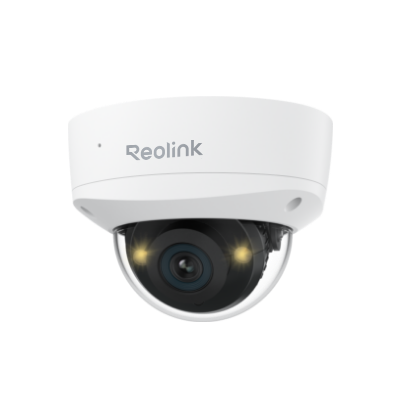
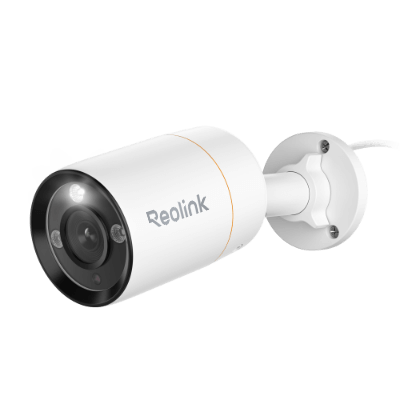
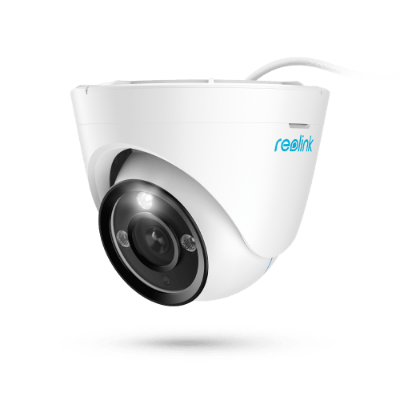
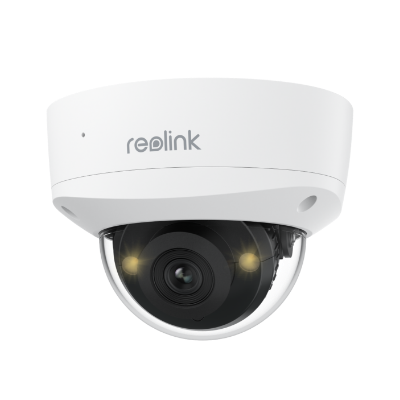
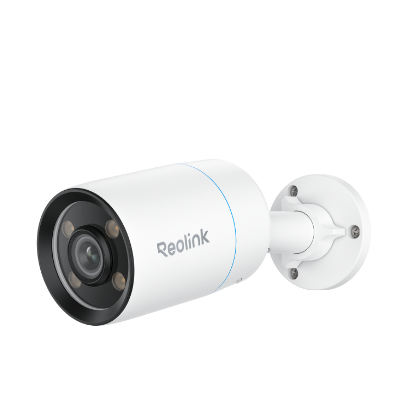
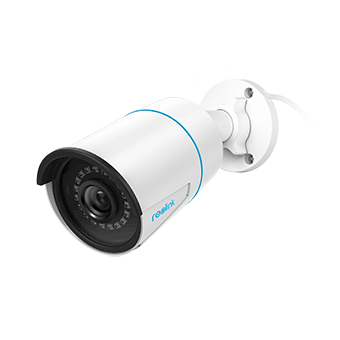
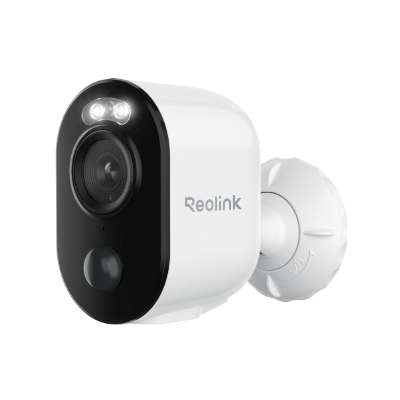
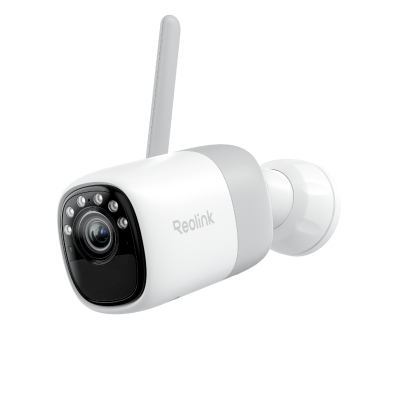
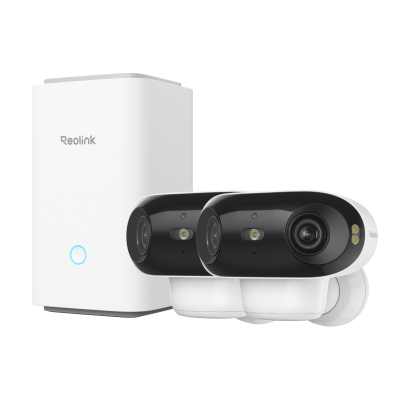
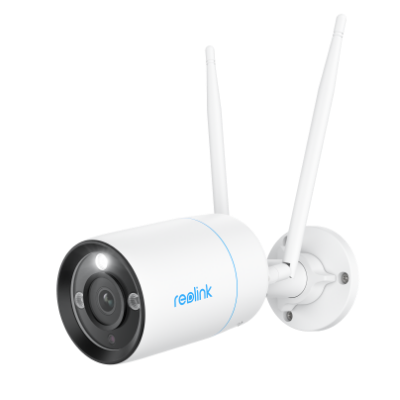
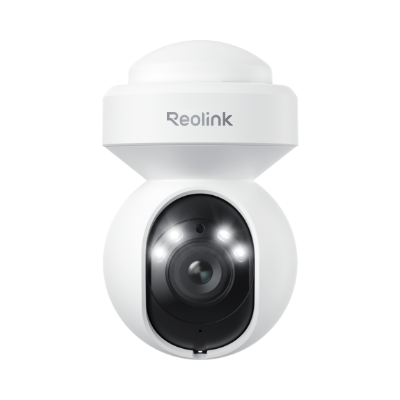
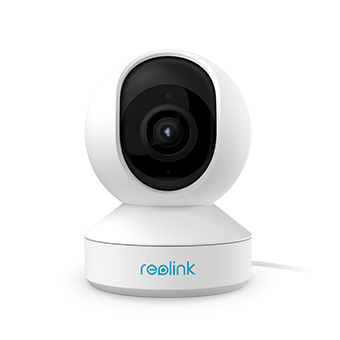
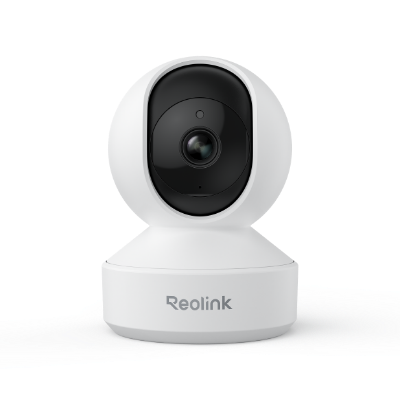
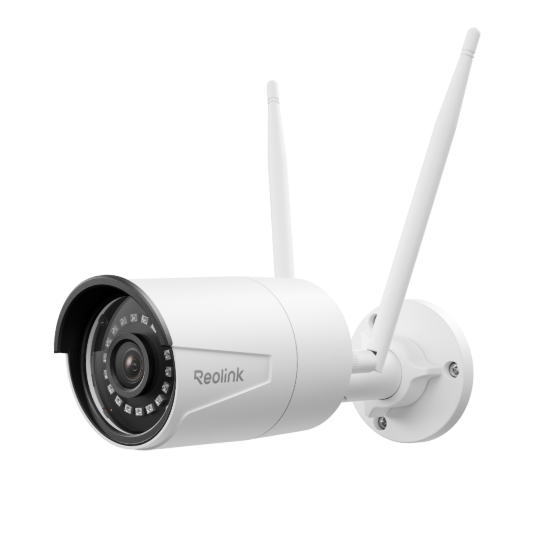
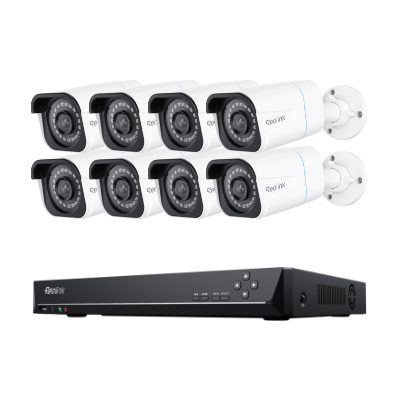
Single lens is the baseline most readers already own or are picturing. It simply means one sensor and one fixed field of view. Reolink's own fixed single-lens models typically cover somewhere between 87 and 106 degrees. Take the entry level RLC-820A as an example. It sits at the lower end, at 87 degrees.
Dual lens means two sensors capturing at the same time, inside the same housing. Which design you're looking at changes what the camera is actually built to do, and the next section unpacks that split in full.
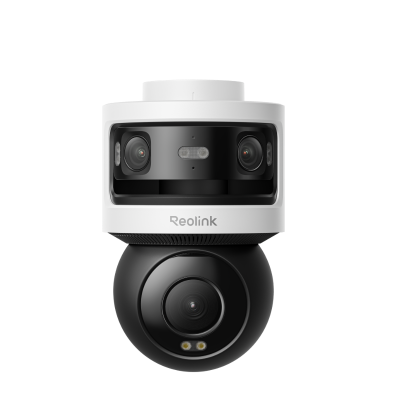
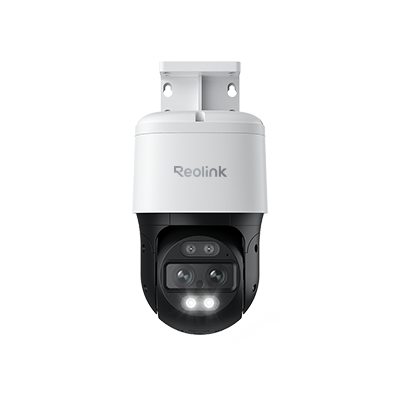
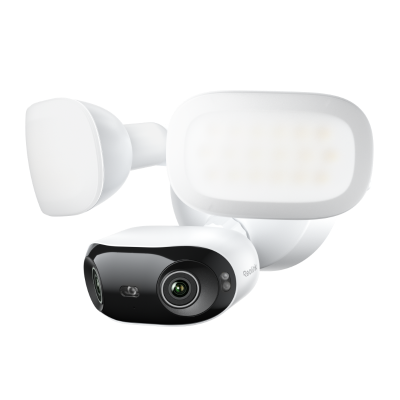
Triple lens uses a different architecture entirely. The Reolink OMVI 3i pairs two fixed panoramic sensors with one motorized sensor. All three work together, rather than simply adding up to three cameras' worth of coverage. Naming this precisely stops you from assuming coverage scales in a straight line as you add lenses.
Not All Dual Lens Security Cameras Work the Same Way
"Dual lens" describes two genuinely different camera designs built for different jobs. Not knowing which one you're looking at is the single most common mistake buyers make in this category.
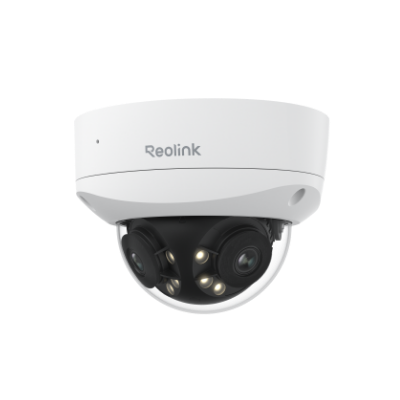
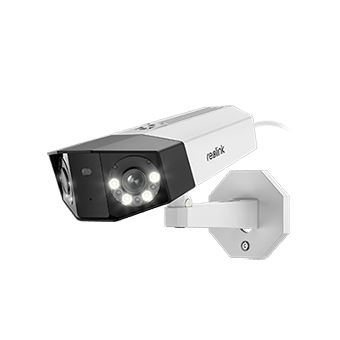
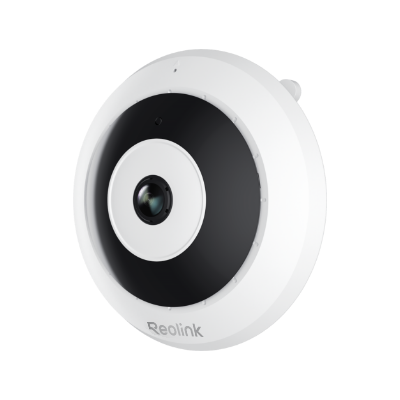
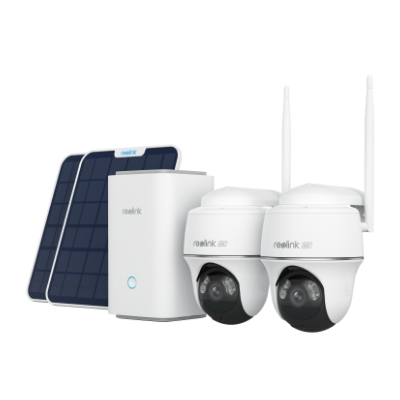
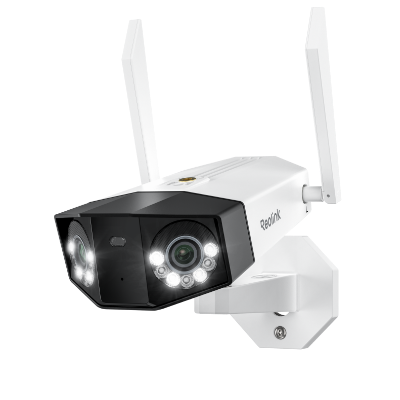
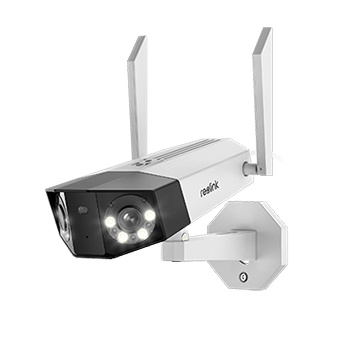
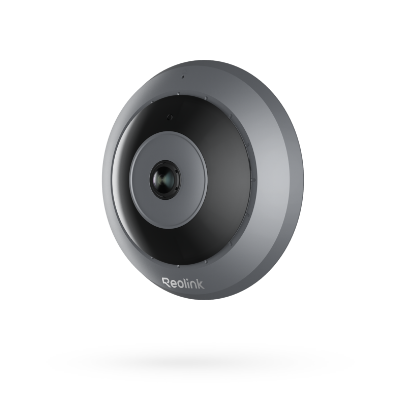
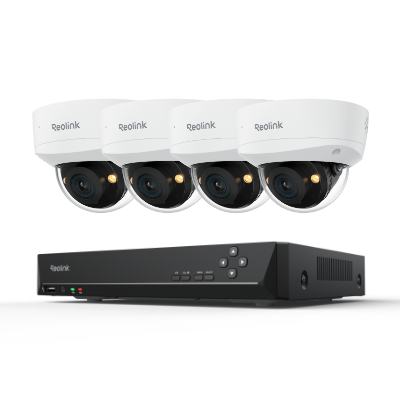
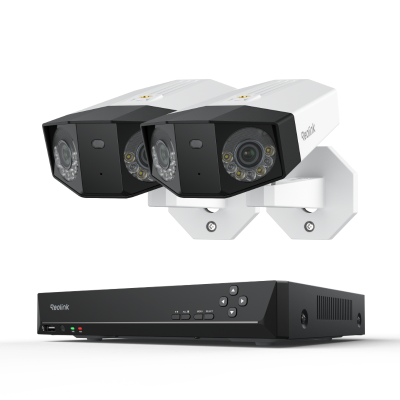
The Duo Series is Reolink's fixed panoramic design. Two wide-angle lenses stitch into one static 180-degree view, with no moving parts. Several models carry the Duo name on Reolink's current lineup. Pricing runs from the plug-in Duo 2 WiFi at $206.49 up to the 16MP Duo 3 PoE at $209.99. That's almost the same price for double the entry Duo 2's resolution. These cameras are built to watch one area completely. Think a driveway, a backyard, or a storefront.
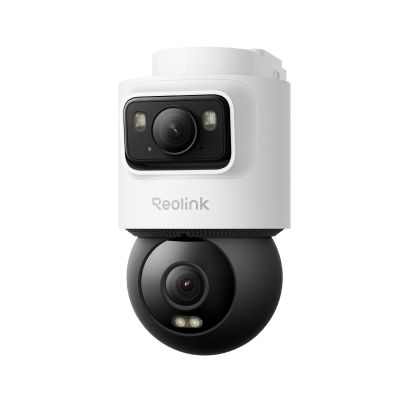
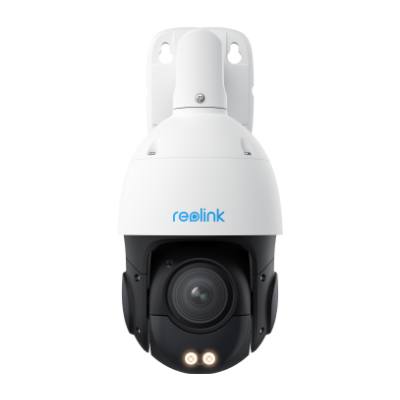
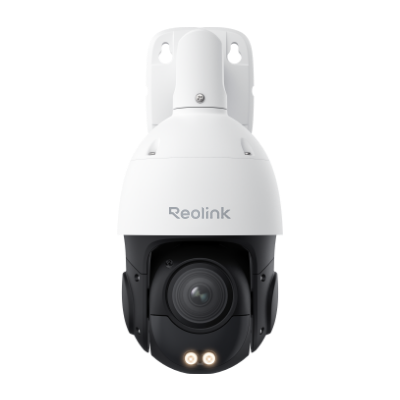
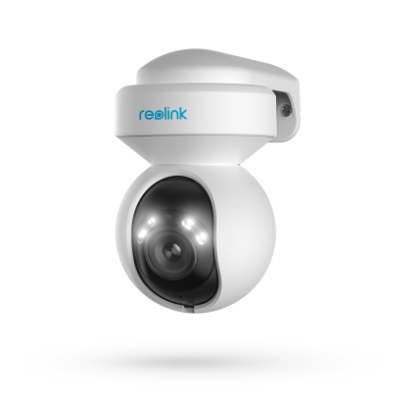
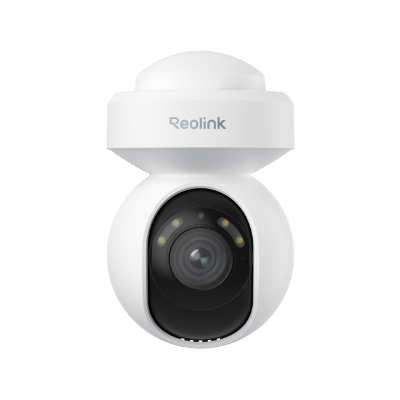
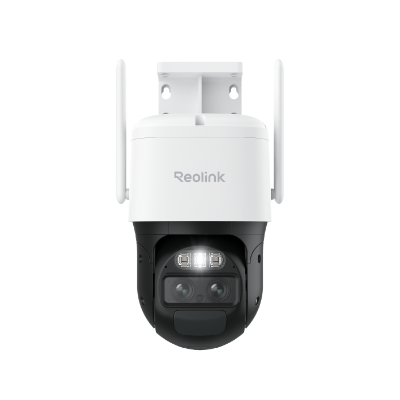
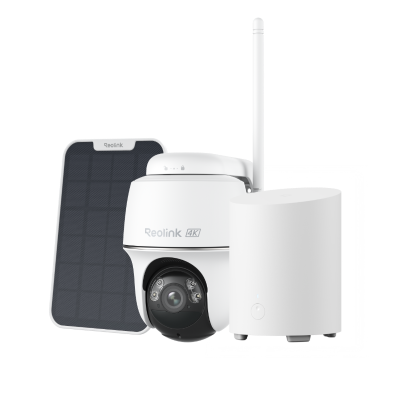
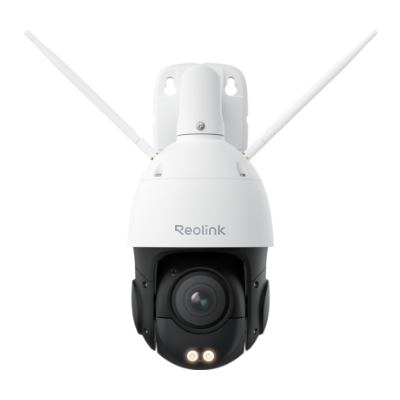
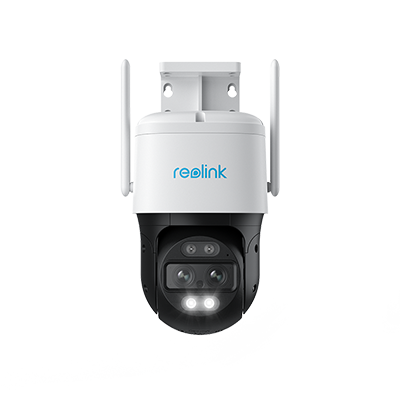
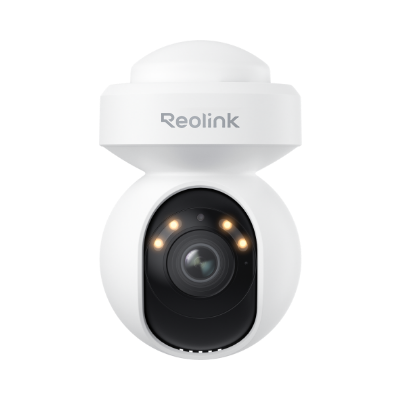
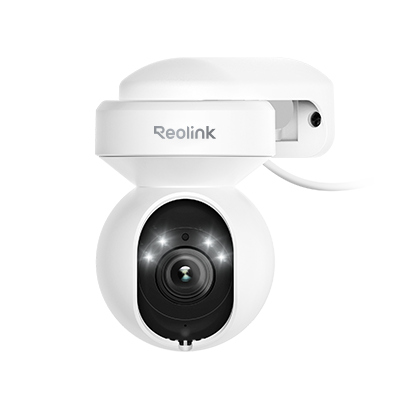
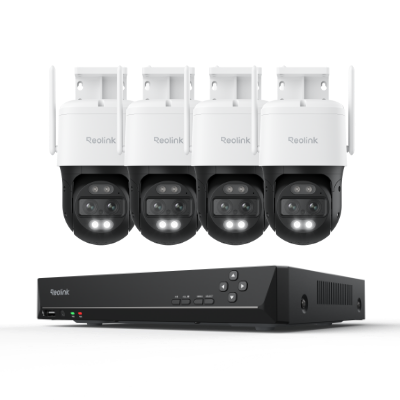
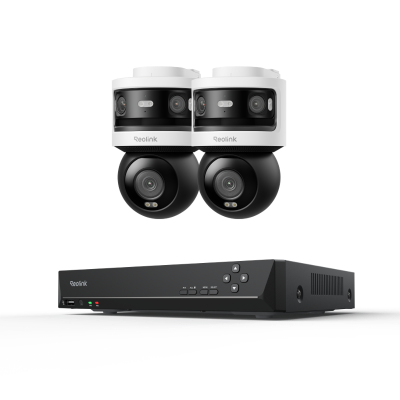
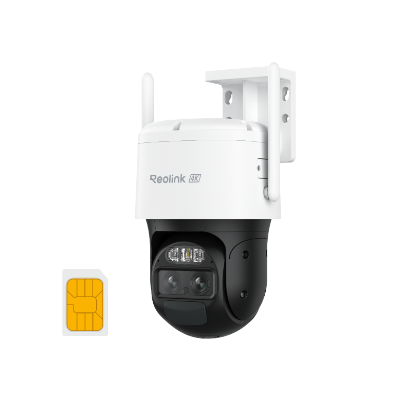
The TrackMix Series is Reolink's PTZ auto-tracking design. One wide lens holds context while a second telephoto lens zooms in, and the whole housing pans and tilts to follow whatever it's tracking. The TrackMix WiFi pairs 6x hybrid zoom with 355 degrees of pan and 90 degrees of tilt. This design is built to follow one moving subject in detail, not to hold a wide static frame.
The practical limitations follow directly from the design. A Duo Series camera never zooms or tracks. A TrackMix Series camera never gives you the same uninterrupted wide static view. Reolink's TrackMix WiFi review and Argus 4 Pro review cover both designs in real installs. Neither series is "better." They are designed to solve different problems.
Single Lens vs. Dual Lens: Is the Upgrade Worth It?
Upgrade from single lens to a dual lens security camera when one fixed lens is genuinely leaving a blind spot due to coverage angle limitations. Never upgrade just because "dual lens" sounds more advanced.
Camera makers across the market broadly agree on single lens's real case. It costs less, installs more simply, and covers a small space genuinely well like an entryway, a hallway, or a compact office.
The real advantage of dual lens security cameras is up to 180 degrees of continuous coverage from one housing and mount. A single lens tops out around 87 to 106 degrees, depending on the model.
One independent review of a Reolink dual-lens camera backed this up directly. The reviewer found the 180-degree view gave complete coverage with no blind spot. Daytime footage was the clearest and smoothest of everything tested, and the reviewer called it a strong pick on a relatively modest budget.
For one wide area, one dual-lens unit is usually simpler and cheaper overall than mounting and managing two single-lens cameras aimed at different angles.
Note: If you are keen in exploring deeper into dual lens security cameras, Reolink's dual-lens camera picks article and dual-lens camera guide cover the subject in greater depth.
Dual Lens vs. Triple Lens: When Do You Need the Extra Lens?
Triple lens security cameras earn its price when one mounting point needs a full static wide view and independent zoomed tracking at the same time. It's not about three lenses beating two on paper.
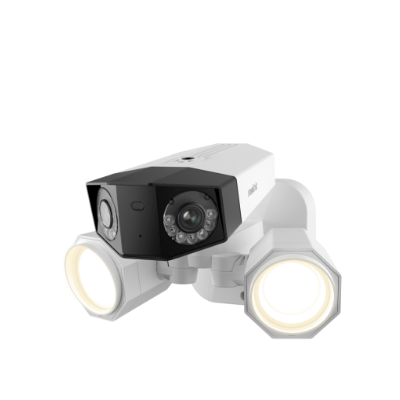
The OMVI 3i's real architecture pairs two fixed panoramic lenses with one motorized PTZ lens, working together rather than as three separate views. The panoramic pair runs 10MP at 180 degrees horizontal by 65 degrees vertical, holding a constant wide view. The PTZ lens adds 8MP at 55 by 30 degrees. It gets 350 degrees of pan and 50 degrees of tilt to reach the rest of the scene. It zooms in on and follows a subject while the panoramic pair keeps watching everything else. That handoff happens either automatically through SyncTrack, or with a manual tap through Reolink's Pinpoint feature. That combination is the real advantage. One camera does both the Duo Series' job and the TrackMix Series' job from a single mounting point. That replaces needing two separate cameras and two separate mounts.
The 3-Lens Camera Advantage
A 3-lens camera like the OMVI 3i means one mounting point and one app entry instead of managing two cameras separately. SyncTrack hands off automatically between the static wide view and the zoomed, tracked view, so you don't have to manually switch modes, cutting down the chance of missing a subject during that transition.
Which Lens Type Actually Fits Your Situation?
The right choice among a single lens, dual lens, or triple lens security camera comes down to what one mounting point actually needs to do. It has nothing to do with which lens count sounds most impressive.
Single Lens
If you've got one small, contained space and a tight budget, a single-lens camera is genuinely enough. These are great cameras for spaces like entryways, hallways, or even small office.
Dual Lens
If you need one wide area under full, constant coverage, a static dual lens security camera like a Duo Series camera fits. Its two wide-angle lenses stitch into one continuous 180-degree view with no moving parts, so the entire area stays covered at once instead of panning between sections. Think a driveway, backyard, or storefront frontage. The goal there is to ensure no gaps, not zoomed detail.
If you have one specific zone where a moving subject needs to be caught in detail, a PTZ-type dual lens security camera like the TrackMix Series is a better fit. Its wide lens keeps the overall scene in view while a second, telephoto lens zooms in and the housing pans and tilts to follow whatever's moving, trading constant wide coverage for detail on one subject at a time. That tradeoff works well for places like gates, front doors, or delivery areas, where identifying who's approaching matters more than watching the whole area at once.
Triple Lens
If one mounting point has to hold a constant wide view and zoom in to track a subject at the same time, triple lens is the way to go. Two of its three lenses form a fixed panoramic pair holding that wide view, while the third is a motorized PTZ lens that zooms in and tracks a subject. In Reolink's case, SyncTrack handles that handoff automatically, so the PTZ lens kicks in the moment the panoramic pair spots something worth tracking. These are best for a property's main gate or driveway entrance, where you need the full wide view and a zoomed, tracked look at whoever's approaching, at the same mounting point where you'd otherwise need two separate cameras.
Recommended Reolink Security Cameras
Each pick below matches one of the four situations above, two models per lens type, with current US pricing linked to each product page for the latest number.
Single Lens Security Cameras
RLC-820A: Best Budget Wired Pick
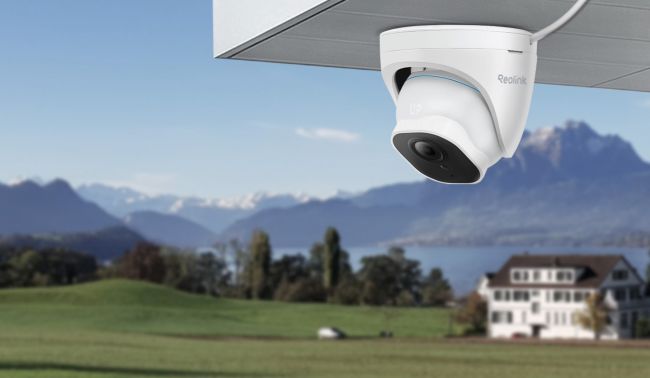
At under $85, it's the most affordable pick in this entire lineup, single lens or otherwise. Where it draws the line is power as it's PoE only, with no WiFi or battery version, so it only makes sense where that cable run already exists. Even at that price, the 8MP sensor still outputs true 4K, and 100 feet of infrared throw is generous for a budget-tier camera, enough to keep a face or a plate readable at the edge of that 87-degree frame.
Best for: an entryway, hallway, or small office where a PoE run already exists and you just need one reliable fixed view.
Not suitable for: a wide, open area you need covered in one shot. At 87 degrees, it's the narrowest fixed view in this lineup, so a driveway or backyard corner will need multiple units or a dual-lens camera instead.
Lumus Pro: Best Wire-Free Plug-In Pick
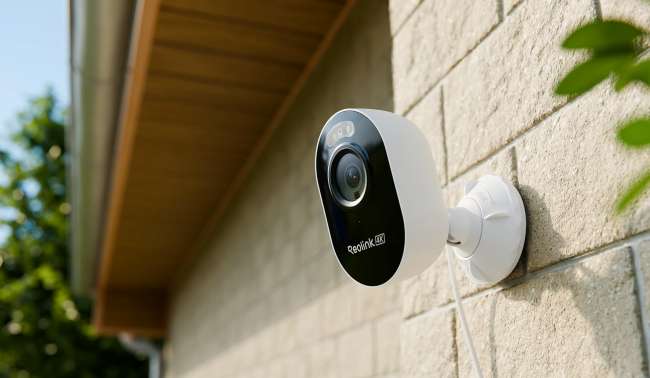
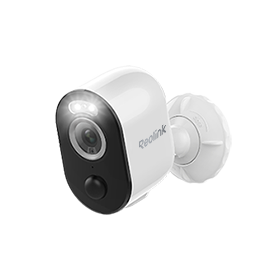
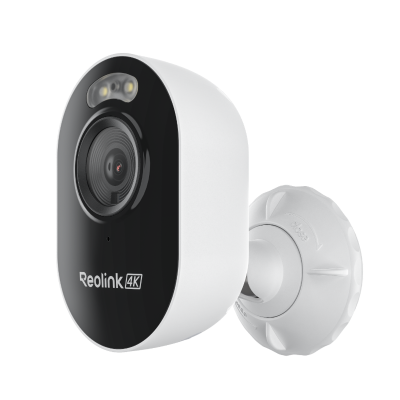
This is the 106-degree end of the single-lens range mentioned earlier, wider than the RLC-820A's 87 degrees. It plugs straight into a wall outlet, skipping both a PoE run and a battery to manage. Resolution matches the RLC-820A at 8MP, but night vision works differently as a spotlight adds color instead of relying on pure infrared, trading some of that 100-foot infrared range for footage you can actually identify colors in.
Best for: a spot with a nearby outlet but no PoE cable and no interest in battery charging cycles.
Not suitable for: a wide-area job that requires more than its wider 106 degrees of static coverage. A Duo Series camera's 180-degree stitch would be a better alternative.
Dual Lens Security Cameras
TrackMix WiFi: Best for Wire-Free Auto-Tracking
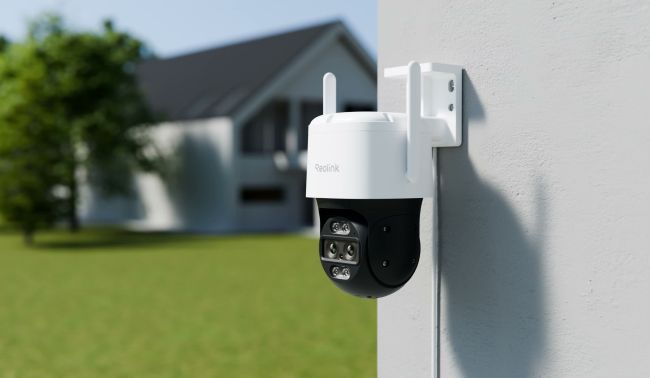
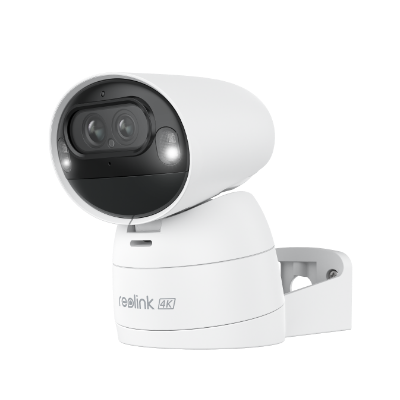
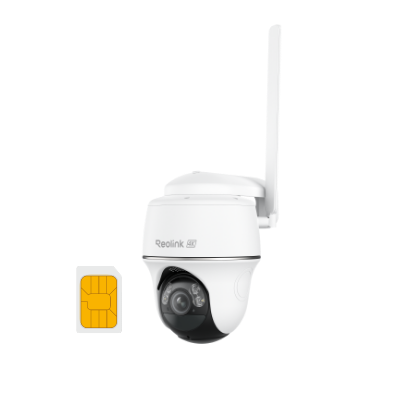
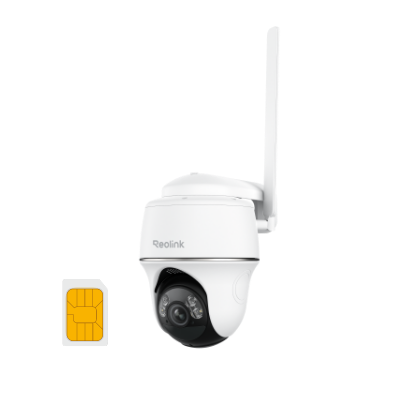
Already established as the PTZ half of the dual-lens split, this specific version plugs into a wall outlet instead of running on battery. That's also why it carries an IP66 rating, a step up from the IP65 on Reolink's battery-powered TrackMix variant. At around $220, it costs barely more than a static Duo Series camera despite adding a full tracking mechanism on top. Its 8MP sensor is the same baseline as the single-lens picks above, but 6x hybrid zoom means that resolution gets concentrated on the subject instead of spread across a whole yard, so a face across a driveway stays identifiable in a way a static wide lens at the same megapixel count can't match.
Best for: a gate or delivery area where tracking someone in detail matters more than a static wide record.
Not suitable for: watching one wide area continuously, since it doesn't hold a static frame like a Duo Series camera or the Argus 4 Pro below does.
Argus 4 Pro: Best for Areas with No Power Access
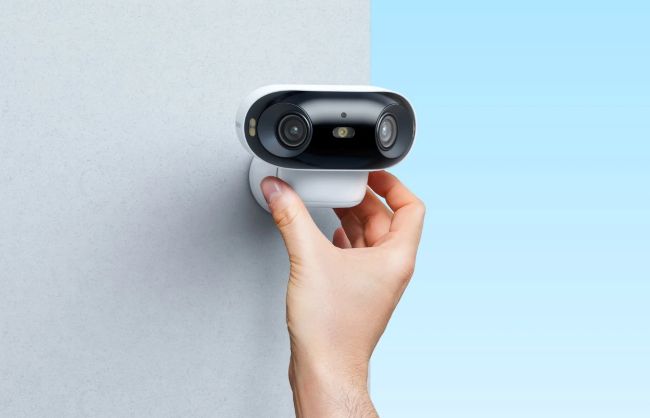
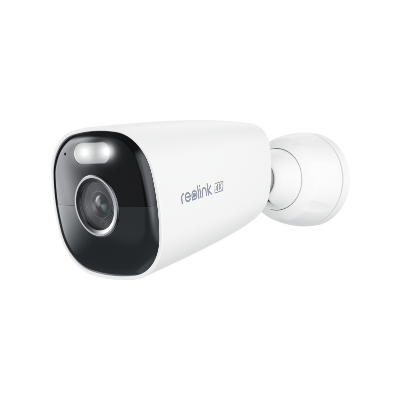
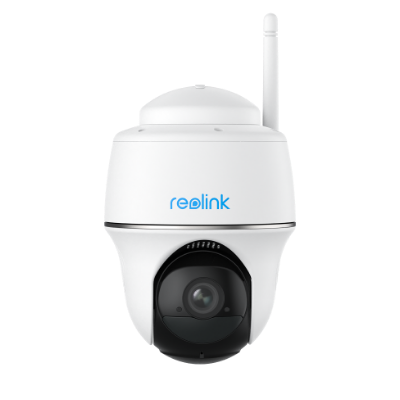
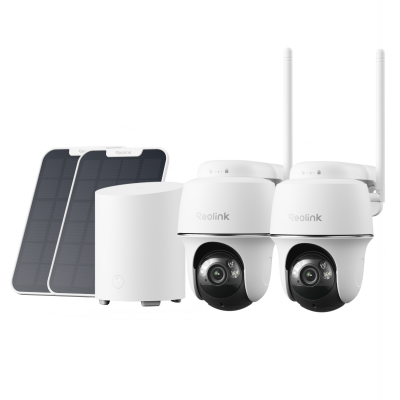
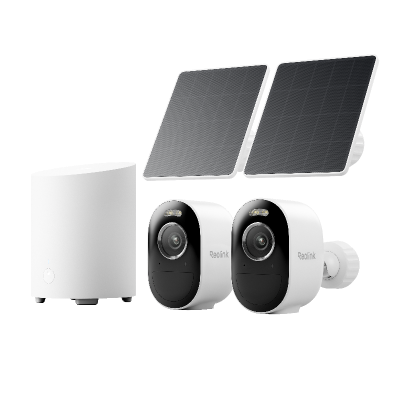
This is the same 180-degree static job as the Duo Series,But, it runs entirely on battery and solar. It costs about the same too, within a few dollars of a wired Duo camera, so the real consideration is the need for cabling, not price. Its 5120-pixel-wide image is what two stitched sensors buy you, detail spread evenly across the full arc rather than crammed into one narrow frame, and ColorX keeps that footage in color after dark instead of dropping to black-and-white infrared.
Best for: a shed, a fence line, or a detached garage with no nearby power and enough sun to keep the panel charged.
Not suitable for: a single, specific zone where you need one moving subject caught up close. The TrackMix WiFi's zoom capability would be better for that.
Did You Know?: The Argus 4 Pro picked up a Special Mention in TIME's Best Inventions of 2024, recognition for the same full-color night vision design covered above.
Triple Lens Security Cameras
OMVI 3i PoE: Best Hardwired All-in-One
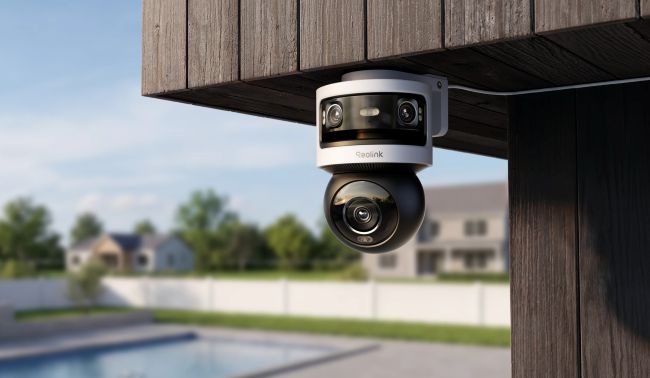
Buying a Duo Series camera and a TrackMix Series camera separately to cover both jobs runs close to $430 combined. The OMVI 3i PoE does both from one mount for only around $330, and its 18MP combined resolution still edges out the 16MP Duo 3 PoE despite splitting sensors across two jobs. Both halves also carry infrared out to 100 feet plus a color spotlight option, the same night vision toolkit as the single-lens picks above, just running on two sensors instead of one.
Best for: a single entry point where running one PoE cable already beats mounting and wiring two separate cameras.
Not suitable for: a spot that only needs one of its two jobs, like a driveway that just wants full-time wide coverage or a gate that just wants tracking. A Duo Series or TrackMix Series camera alone covers either for less.
OMVI 3i WiFi: Best Wireless All-in-One
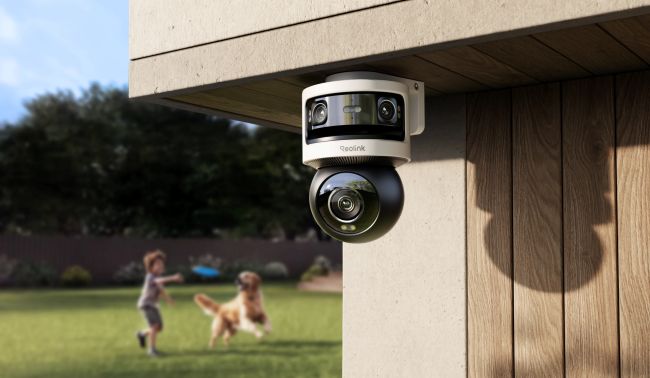
The OMVI 3i WiFi delivers the same dual-job coverage as the PoE version without running a cable to the mount, and at the current promotional price, it's actually the cheaper of the two right now. It shares the same 18MP sensor pair and night vision toolkit as the PoE version above, just without the cable.
Best for: the same single-mounting-point job as the PoE version, at a spot where running Ethernet isn't practical.
Not suitable for: the same single-job spots the PoE version isn't built for. If a mounting point only needs a wide static view or only needs tracking, not both, a Duo Series or TrackMix Series camera alone does it for less.
FAQs
Is a dual-lens camera better than a single-lens camera?
It depends on the area, not a flat yes. For one wide area, dual lens gives real, verified extra coverage over a single fixed lens. For a small entryway or hallway, a single lens like the RLC-820A is genuinely sufficient and costs less.
Are all dual-lens security cameras the same?
No. Reolink's Duo Series is fixed panoramic, two lenses stitched into one static 180-degree view, with the Duo 3 PoE as an example. Its TrackMix Series is PTZ auto-tracking, a wide lens plus a zoomed lens that pans and tilts, with the TrackMix WiFi as an example. They're built for different jobs.
Is a 3-lens security camera worth it over a dual-lens camera?
It depends on whether one mounting point needs a wide static job and a zoomed tracking job at the same time. If it only needs one of those jobs, a dual-lens camera like the Duo Series or TrackMix Series already covers it for less money. For the full technical breakdown of how the three lenses work together, Reolink's triple-lens camera guide goes further than this answer can.
Can one dual-lens camera replace two single-lens cameras?
For a Duo Series camera covering one contiguous wide area, generally yes, since its two sensors work together on a single stitched scene. For two separate areas facing different directions, not necessarily. The two sensors are built to work as one combined view, not as two independent cameras you can aim anywhere you like.
Does a triple-lens camera use more storage than a dual-lens camera?
Yes, more sensors recording at once generally means more storage used. Modern video encoding keeps that increase from scaling directly with the raw sensor count, though, so the jump is smaller than you'd expect. Check Reolink's own storage and bandwidth documentation for exact figures for your specific model and recording settings rather than relying on a general estimate.
Conclusion
There's no single "best" lens count here. Each one is built for a different job, and the right pick follows from what one mounting point actually needs to do. A small, contained space calls for a single lens camera. One wide area calls for a static dual lens camera. One tracked subject calls for a PTZ dual lens camera. One mounting point that has to do both at once calls for a triple lens camera. Match the camera to the job in front of it.
If you're still not sure check out Reolink's Solution Finder to find the perfect camera for your space in a few clicks.
Search
Subscribe for the Latest Updates
Security insights & offers right into your inbox