
























































































































How to Detect Hidden Cameras: Step-by-Step Guide
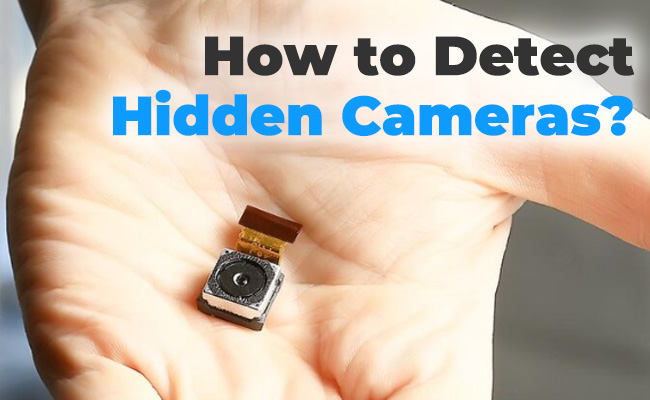
The issue of hidden cameras is a cause of concern to many individuals since these cameras are smaller, less expensive and they are becoming easier to conceal than ever. Due to the fact that they are amalgamated with ordinary things, many individuals overlook them when they make a brief inspection of a room.
This is why it is better to be aware of their appearance, habitual places, and easy methods of locating them. Having clear steps and simple methods explained in this guide, it is easy to identify a hidden camera. It also tells you how to act in case you come across one in your room or house.
Key Takeaways
- Hidden cameras can be disguised as everyday objects, such as smoke detectors, clocks, chargers, mirrors, and mini-electronics.
- Knowing where hidden cameras are commonly placed—both indoors and outdoors—is the first step in protecting your privacy.
- Reolink enlists 7 effective methods to detect hidden cameras, including visual inspections, using phone flash or infrared, listening for soft sounds, checking Wi-Fi networks, and scanning for unusual devices.
- Common detection tools like RF detectors, camera lens detectors, and network scanners can simplify the process and increase accuracy.
- If you find a hidden camera at home, take immediate steps: document it, disconnect it, report it to authorities, and secure your privacy.
What Hidden Cameras Look Like and Where They Are Commonly Hidden?
The person needs to know the appearance of hidden cameras in real life before searching a room. The majority of the surveillance cameras hidden are not of a large size that people can easily observe in a business centre.
What Do Hidden Cameras Look Like?
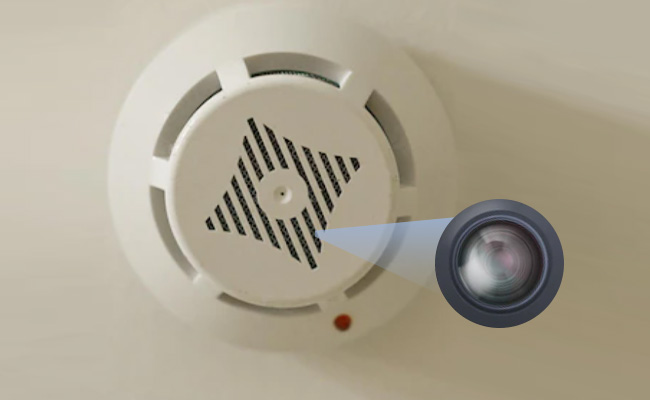
In a hidden camera, there is a small hole surrounding the lens of the camera, which is usually very small and has a small lens. It could also be dark or shiny with a place that reflects light on observation. Smoke detectors, alarm clocks, USB chargers, and wall adapters are some of the devices that have hidden cameras. Others can be concealed in air cleaners, picture frames, motion sensors, or even basic decorations in the room.
This is what happened in a real case reported by KCRA. On December 18, 2021, in Sacramento, California, a woman made a alarming discovery in her home. She found a camera hidden in what she thought was a smoke detector. She found it by accident and didn't know how long she and her boyfriend had been monitored. After that, she quickly moved out the apartment.
Most Common Places to Find Hidden Cameras (Indoor&Outdoors)
- Smoke detectors, clocks, outlets, and phone chargers are common places where hidden cameras are installed in a home.
- They can also be concealed in routers, TV boxes, bookshelves, mirrors, lamps, and mini-electronics.
- Such spaces provide the camera with a good perspective of the room or the private space.
- Any item that is facing bedrooms and bathrooms must be examined with preeminence.
How to Detect Hidden Camera? Top 7 Ways
After being aware of what the hidden cameras can be, you are free to begin inspecting the room thoroughly. This can be assisted by one method, though not normally sufficient as a complete search.
1. Start with a slow visual check
Start with a quick visual inspection of the room to spot anything unusual or suspicious:
- Move around the room, examine anything that appears to be out of place.
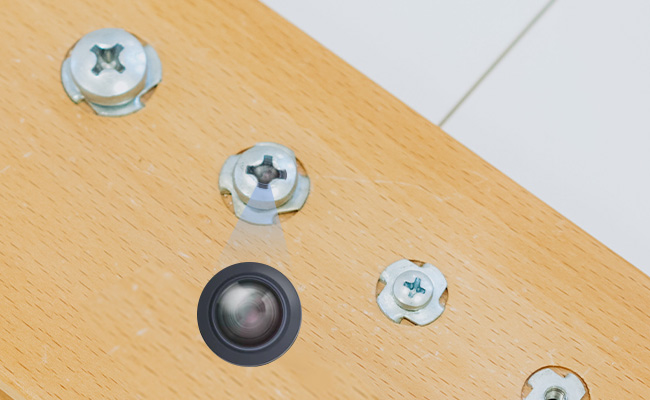
- Test to identify any tiny holes, candid dots, loose wires, or any objects that point at the private areas.
- Be alert to smoke detectors, chargers, clocks, mirrors, alarm sensors, and room decorations.
- Consider even further whether these objects look into the bed, bathroom, shower, or changing area.
This method is among the simplest and most effective places to start your search.
2. Turn off the lights and use a flashlight
When the beam either strikes a camera lens at a 90 degree angle, the lens is likely to reflect light. This method is best used in a dark room where little reflection can be noted.
- Switch off the lights of the room, and scan using the phone flash toward any suspicious object slowly.
- Turn the light at various angles and observe that there is a small bright reflection.
- This is a light reflection that can be an indication of a lens that is located inside the object you are inspecting.
3. Use your phone camera to check for infrared light
Infrared lights are used in some of the hidden cameras like commom CCTV cameras. , whereby they record well even in the dark or in areas that have low light.Nevertheless, you can combine this measure with step 1 to pay attention to some concealed cameras when inspecting a room.
- Enter a dark room and take pictures of objects that appear suspicious with your phone camera.
- Next, keep an eye on your screen, and there should be a small white, pink, or purple light.
- Such light can indicate that the device in question uses infrared to record at night.
- Depending on the phone, the infrared may not be visible, and therefore, the results may vary.
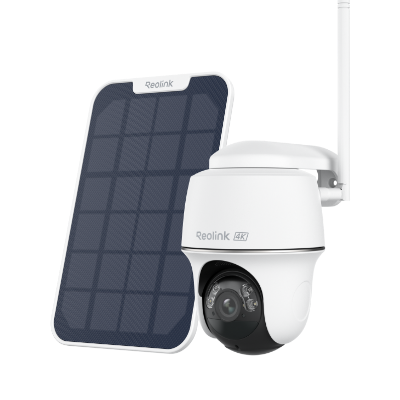
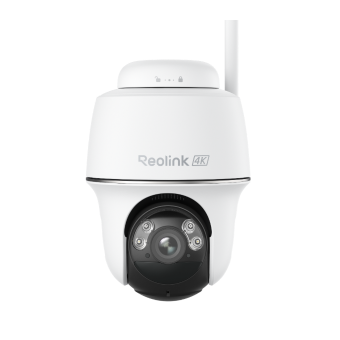
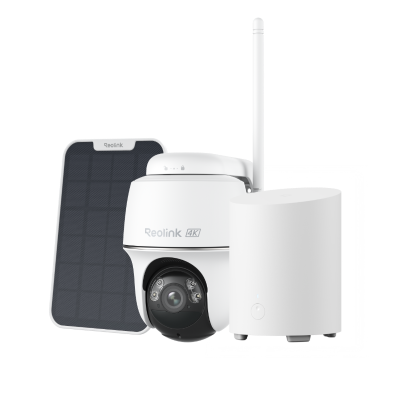
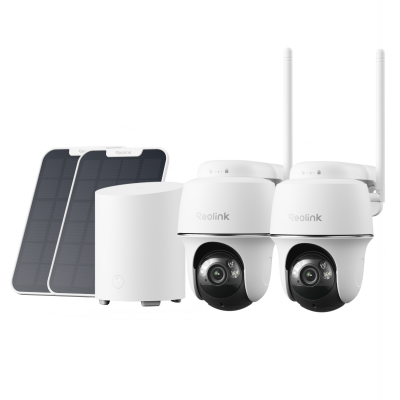
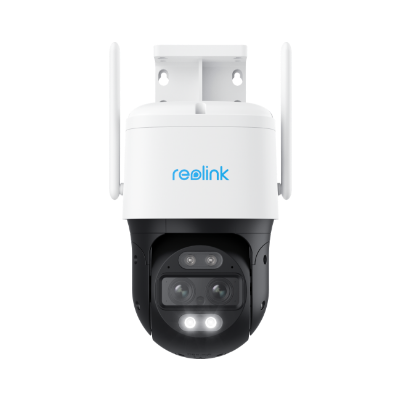
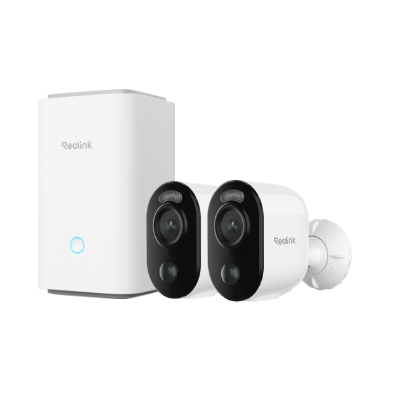
4K 100% Wire-Free PT Camera
4K 8MP Ultra HD; 5GHz/2.4GHz WiFi; Rechargeable Battery & Solar Powered; 355° Pan & 140° Tilt; IP65 Certified Weatherproof; Clear Night Vision; 2-Way Audio; 122° Wide Viewing Angle.
4. Check the Wi-Fi network for unknown devices
You can also check the local Wi-Fi network for suspicious connected devices that may indicate hidden cameras:
- Connect to the local Wi-Fi network.
- Open a network scanner application to view all connected devices.
- Go through the list of devices on the network.
- Look for unfamiliar device names or names that resemble cameras.
- Identify any suspicious or unknown connections for further inspection.
Note that this method may not detect all hidden cameras, as some are not connected to your Wi-Fi network, but it can still help identify suspicious devices.
5. Listen for a soft hum, click, or buzz
Some hidden devices make a soft sound, especially when the room is very quiet. Follow these steps:
- Turn off fans, music, televisions, and other sources of noise.
- Stand still and listen closely to objects that already seem strange.
- Note any soft hums, clicks, or buzzing sounds coming from these objects.
- Remember that this step is less reliable than visual checks or Wi-Fi checks during a search.
Note that use this as an extra step and not as your only method.
6. Check mirrors and glass carefully
A hidden camera may be placed behind a mirror, tinted panel, or dark glass cover. Look at mirrors that seem oddly placed or have gaps and strange objects behind them.
- Look at mirrors that seem oddly placed or have gaps and strange objects behind them.
- Check the frame, edges, and nearby fixtures for tiny holes or small lenses.
- Focus especially on bathrooms, bedrooms, and dressing spaces where privacy should be strongest.

7. Use a camera detector tool
If you want a stronger check, use a hidden camera detector tool. Some tools scan for radio signals, while others help you spot lens reflections. Other tools can help find infrared activity from certain hidden camera devices. These tools can improve your search, but they still cannot catch every hidden camera. Some cameras do not send signals all the time, so they are harder to find. Even so, basic detector tools can still help with checks inside homes and rentals.
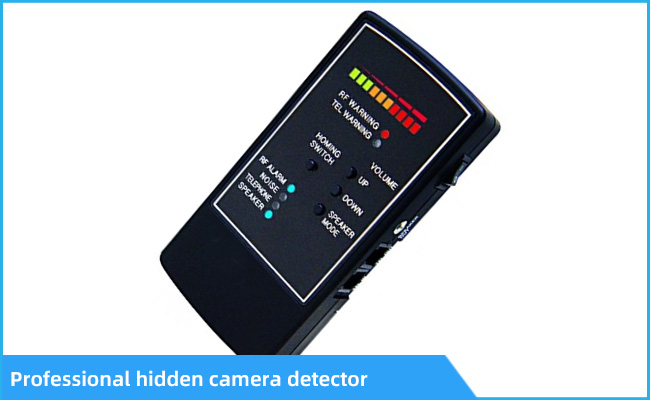
Breakdown of Common Tools to Detect Hidden Cameras
After you learn the basic steps, it becomes easier to choose the right detection tool. Some tools are free because you already have them at home or on your phone. The table below shows common tools, how they help, and where they work best.
What to Do If You Find Hidden Cameras at Home?
Finding a hidden camera can feel upsetting, so it is important to stay calm. Your next steps matter because you may need to protect privacy and save proof.
-
Do not remove or break the device right away. Leave it where it is, if possible, so you do not disturb proof or make reporting harder.
-
Take photos and video of the device and the area around it. Show where it was hidden, what it looked like, and where it was pointing.
-
Stop using that area for now. If it is in a bedroom or bathroom, stay out of that space for now.
-
Check if the device uses your Wi-Fi or power. This may help you understand how the device works and whether it is active.
-
Call local law enforcement if you think it was placed without permission. A police report can create an official record that may help later.
-
Talk to a lawyer or local privacy office if needed. This matters if a landlord, worker, guest, or former partner may be involved.
-
Change passwords on your Wi-Fi and smart devices. Do this quickly if the camera may have used your network or accounts.
FAQs
Can a cell phone detect a hidden camera?
Yes, a cell phone can help detect a hidden camera in some situations. You can use the flashlight to look for lens reflections on suspicious objects. You can also use the camera to check for infrared lights in the dark. A network scanner app may also help you find strange devices on Wi-Fi. Still, a phone cannot find every hidden camera during a room check. It works best as one part of a careful and complete search process.
What is the easiest way to detect hidden cameras?
The easiest way is to start with a slow visual check of the room. Then use a flashlight in a dark room to look for reflections. These two steps are simple, free, and often reveal common signs of hidden cameras. Those signs include pinholes, strange reflections, odd placement, and objects facing private spaces.
How do you know if there is a hidden camera in your room?
You may notice strange objects in private areas or tiny holes in normal items. Some rooms may also have odd lights or strange devices on the Wi-Fi list. You may also notice electronics that do not belong in that space. The best answer comes from using several checks together instead of trusting only one sign.
Conclusion
Learning how to detect a hidden camera starts with knowing what these devices look like. You also need to know where people often hide them inside homes and outside areas. A slow visual check is a good first step for most room searches.
A flashlight test, phone camera check, and Wi-Fi check can also help a lot. Mirror checks, sound checks, and detector tools can add more support to your search. If you find something suspicious, stay calm and act carefully from the first moment. If this article helped you, share your thoughts and say which method you trust most.
Search
Subscribe for the Latest Updates
Security insights & offers right into your inbox