




















































































































Matter Hub Review: Simplifying Your Smart Home Experience
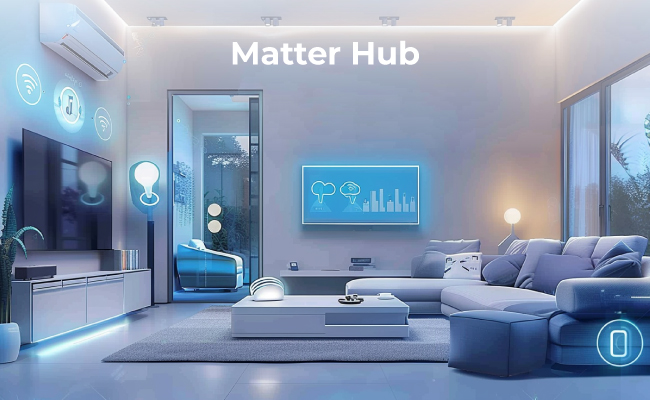
With the rising popularity of Matter, smart home owners are preferring to switch to this incredible standard. It offers benefits like interoperability and convenience that take the smart home experience to the next level.
In this article, we will discuss what a Matter hub is. We will explain the Matter technology and how a Matter hub works. We will also share some common Matter hub options along with a detailed guide to set them up.
Matter Hub Review
What is Matter?
Matter is a free, open-source, and globally available connectivity standard that allows communication, data transmission, etc. It is meant for smart home technology and IoT devices.
It’s a single protocol that connects compatible devices and systems seamlessly. It ensures interoperability and allows devices from multiple brands to work. It offers better reliability and security, and that’s what smart devices need. Its goal is to simplify the smart home ecosystem and make it consumer-friendly.
What is Matter Hub?
Matter Hub is a central device that works like the brain of your smart home system. It controls all smart devices and allows them to work together.
It’s like any other smart home hub. However, it acts as a translator to bring devices into one standard. That’s the reason it offers interoperability and allows smart devices from different brands to work seamlessly.
It’s extremely easy to set up and connect the devices. It works with some popular voice assistants, and you can find almost any type of compatible smart device, be it lights, locks, thermostats, or anything.
Several Common Matter Hub
HomeKit Matter Hub
With a HomeKit Hub, you can use a wide range of Matter smart devices, such as air purifiers, lights, locks, etc. You can use Apple HomePod (2ndGen), HomedPod Mini, or Apple TV 4K (3rd Generation). But keep in mind that Thread-enabled Matter accessories need a Thread-enabled home hub. You can control all your Matter accessories using the Home app or voice commands.
Google Home Matter Hub
Google devices can also work as a Matter hub. You can control your Matter devices through them and manage them hands-free via Google Assistant. Google Nest Hub (2nd Gen), Nest Hub Max, Nest Audio, Nest Mini, and Google Home can be used for this purpose.
Alexa Matter Hub
Amazon Echo devices offer compatibility with Matter. Therefore, they can be used as Matter hubs. You can go with Echo (4th Gen or later), Echo Dot (4th Gen or later), Echo Show, and Echo Studio. Use them as Matter hubs and control devices through your voice via Amazon Alexa.
Note: If our Wi-Fi can handle both Thread-enabled and Matter-enabled devices, you don’t need a separate Matter hub. It can work as a Matter hub and can help you manage all devices.
How to Set Up Matter Hub?
You need a Matter Hub to control all the devices. Select any Matter Hub, such as the options we have discussed.
Suppose you have bought Amazon Echo. Let’s see how you can set it up.
- Plug in your Amazon Echo device and turn it on.
- Download the Alexa app on your device and open it.
- At the bottom, tap the More button. Tap “+” and then Add Device.
- Tap Amazon Echo.
- Tap Echo, Echo Dot, Echo Plus and more. Follow the instructions to complete the setup.
You have successfully set up the device. Now, let’s add a Matter device to it.
- Open the Alexa app.
- Tap the Devices option at the bottom.
- Tap the “+” button at the top-right corner. Select Add Device.
- Scroll down and select Other.
- Tap Matter.
- Tap Yes to confirm you have a Matter device.
- Scan the QR code of the device or numeric code and complete the set up.
Bonus: Surveillance Home Hub Recommendation
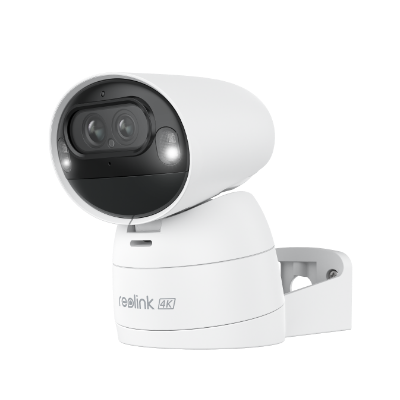
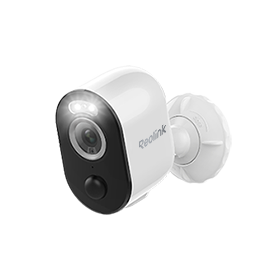
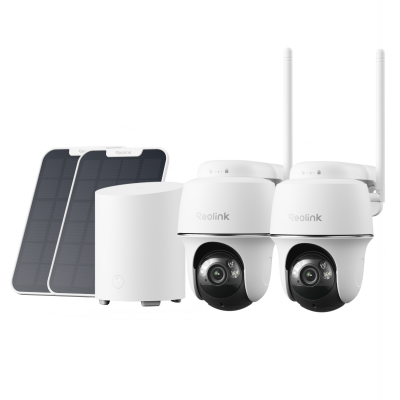
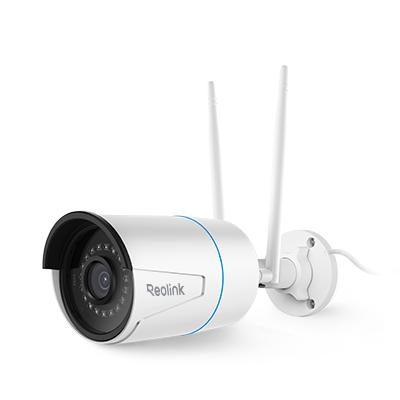
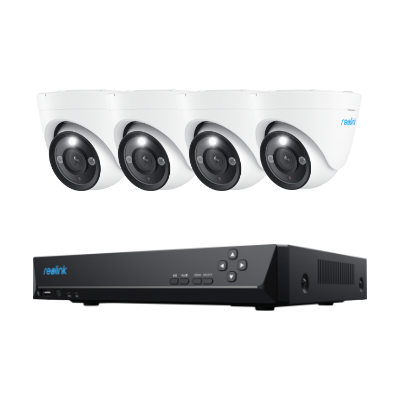
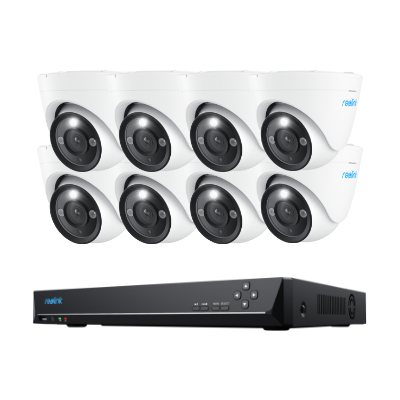
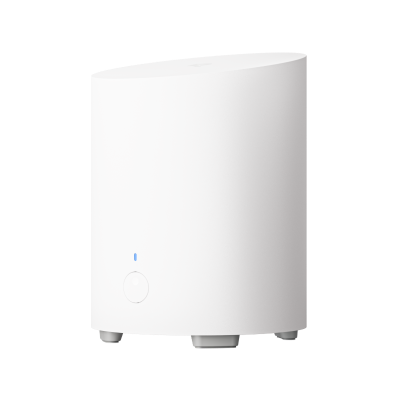
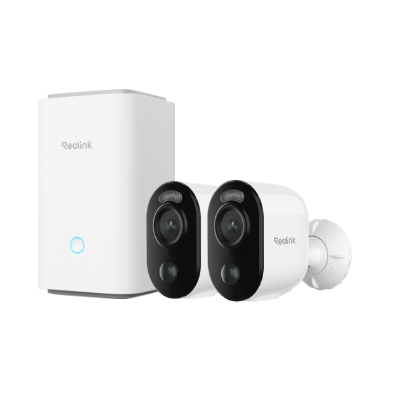
For robust security of your home, you need a dedicated surveillance hub that’s specifically designed for the purpose. The Reolink Home Hub is an excellent option. This wireless security center can control up to eight security cameras and offers encrypted storage to ensure your privacy. Even if the network is interrupted, your data will remain safe. You can connect up to 2 x 512GB microSD cards to store recordings from multiple cameras.

Wireless Security Center with Encrypted Local Storage and Multi-Device Management
64GB microSD Card Included; Exclusive Anti-Theft Algorithms; Expandable System Up to 8 Reolink Cams; No Monthly Fees
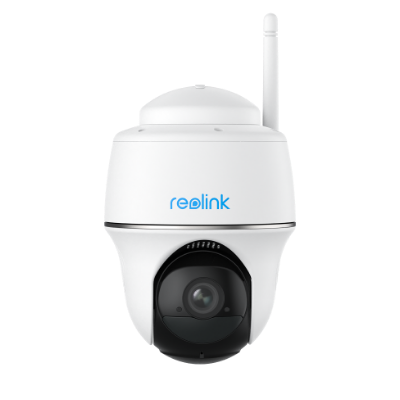
With the Home Hub paired with Reolink cameras like the Argus Eco, you can enjoy high-definition live view and playback. It offers a lag-free live preview from anywhere, making it easy to monitor your home in real-time.
Additionally, it acts as a reliable alarm center, triggering with the connected cameras and notifying you of any suspicious activity. You can also access the cameras hands-free via Google Assistant, giving you even more convenience in managing your home wireless security system.

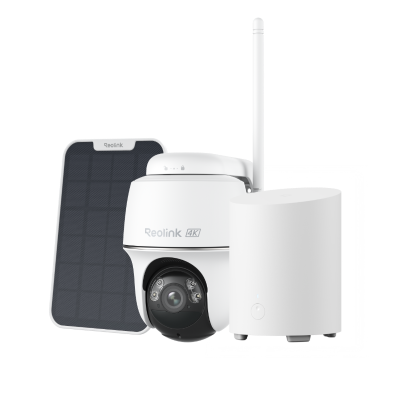
Wireless Security System with 4K Wi-Fi Solar/Battery Standalone Camera Without Monthly Fees
4K Color Footage Day & Night, 1 Year of Local Storage, Exclusive Anti-Theft Algorithms, 360° All-Around Coverage, Expandable System Up to 8 Reolink Cams.
FAQs
1. Is Matter the same as Zigbee?
No. Zigbee is a wireless communication protocol. It is used in low-power devices. In contrast, Matter is a connectivity standard that makes it possible for devices and platforms of different brands to communicate and work together seamlessly.
2. Is Apple TV a Matter hub?
Yes, you can use Apple TV 4K (3rd Gen) as a Matter hub. You can manage and control your smart devices from one place.
Conclusion
Matter Hub is a futuristic choice for smart home owners. It offers interoperability, so you can connect with smart devices from different brands. It makes managing and controlling smart devices easier than ever before. It also offers robust security and privacy that is much needed. We have shared some of the most cost Matter hubs that you can select. If you want a robust security solution, go with Reolink Home Hub and enjoy encrypted storage for optimal privacy.
Search
Subscribe for the Latest Updates
Security insights & offers right into your inbox