







PoE Extender for IP Camera: Boosting Camera Range
When installing an IP camera far from a PoE switch or NVR, the standard Ethernet distance can quickly become a limitation. This is especially common in large properties, parking lots, warehouses, farms, and other locations where cameras are spread across a wide area.
So, how can you extend a PoE camera connection without adding power outlets along the way? This guide covers PoE extender types, extension distances, setup options, and the key specifications to consider when choosing one.
Key Takeaways:
- PoE extenders carry power and data beyond the standard 100m (328ft) Ethernet limit.
- Multiple extenders can be daisy-chained for longer camera installations, while very long runs may be better suited to fiber.
- Choose an extender based on PoE power, distance, network speed, ports, and outdoor protection.
What is a PoE Extender?
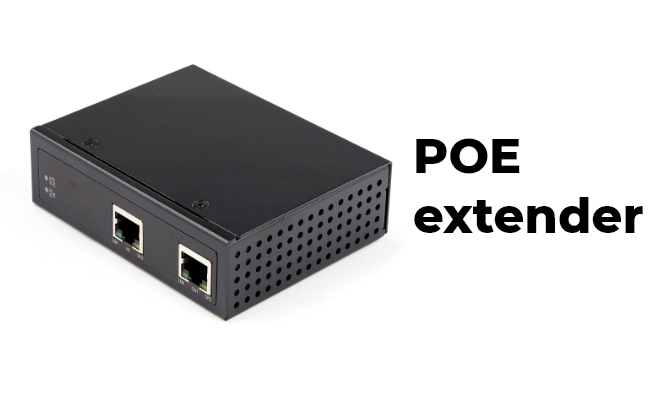
A PoE extender, also called a PoE repeater, extends the distance between a PoE switch and a PoE device, such as an IP security camera.
A standard Ethernet connection can typically reach up to 100 meters (328 feet). Adding a PoE extender allows you to add another cable segment, making it possible to install a camera farther away from the switch without adding a separate power source near the camera.
Some PoE extenders also support daisy chaining for even longer runs. If you use multiple extenders, make sure enough PoE power can still reach the camera at the end of the connection.
Types of PoE Extenders for IP Cameras
PoE extenders come in different designs depending on the number of cameras, installation distance, and environment. Here are the most common types used with IP cameras.
Single-Port PoE Extender
A single-port PoE extender has one PoE input and one PoE output. It is designed to extend the connection to one IP camera beyond the standard 100m (328ft) Ethernet distance.
This type is a simple choice when you only need to install one camera farther away from the PoE switch.
Single-port PoE extenders typically cost around $20–$70.
Multi-Port PoE Extender
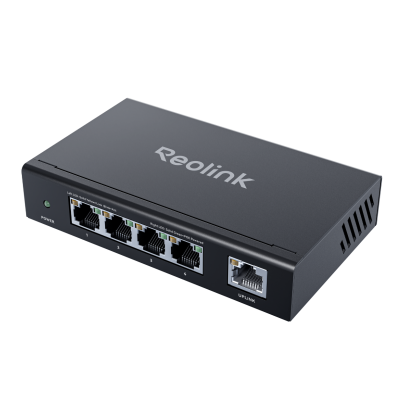
A multi-port PoE extender provides two or more PoE output ports, allowing several IP cameras to share one upstream connection.
It works well when multiple cameras are installed in the same area, such as a parking lot or warehouse, as long as the available PoE power is enough for all cameras.
Multi-port PoE extenders typically cost around $60–$150.
Daisy-Chain PoE Extender
A daisy-chain PoE extender allows multiple extenders to be connected one after another, with each one adding another Ethernet cable segment.
This setup is useful for cameras installed well beyond the standard 100m range, although the available PoE power decreases as the connection gets longer.
Daisy-chain PoE extenders typically cost around $40–$150 per unit.
Outdoor and Industrial PoE Extender
Outdoor PoE extenders are designed for installations where the device may be exposed to rain, dust, heat, or cold. For exposed outdoor locations, models with an IP66 or IP67 weather-resistant enclosure are more suitable.
Industrial PoE extenders are built for more demanding environments and often support a wider operating temperature range and more durable installation options. They are commonly used on farms, construction sites, parking areas, and industrial facilities.
Outdoor and industrial PoE extenders typically cost around $50–$250 or more, depending on the PoE standard, port count, and protection rating.
How Does a PoE Extender Work?
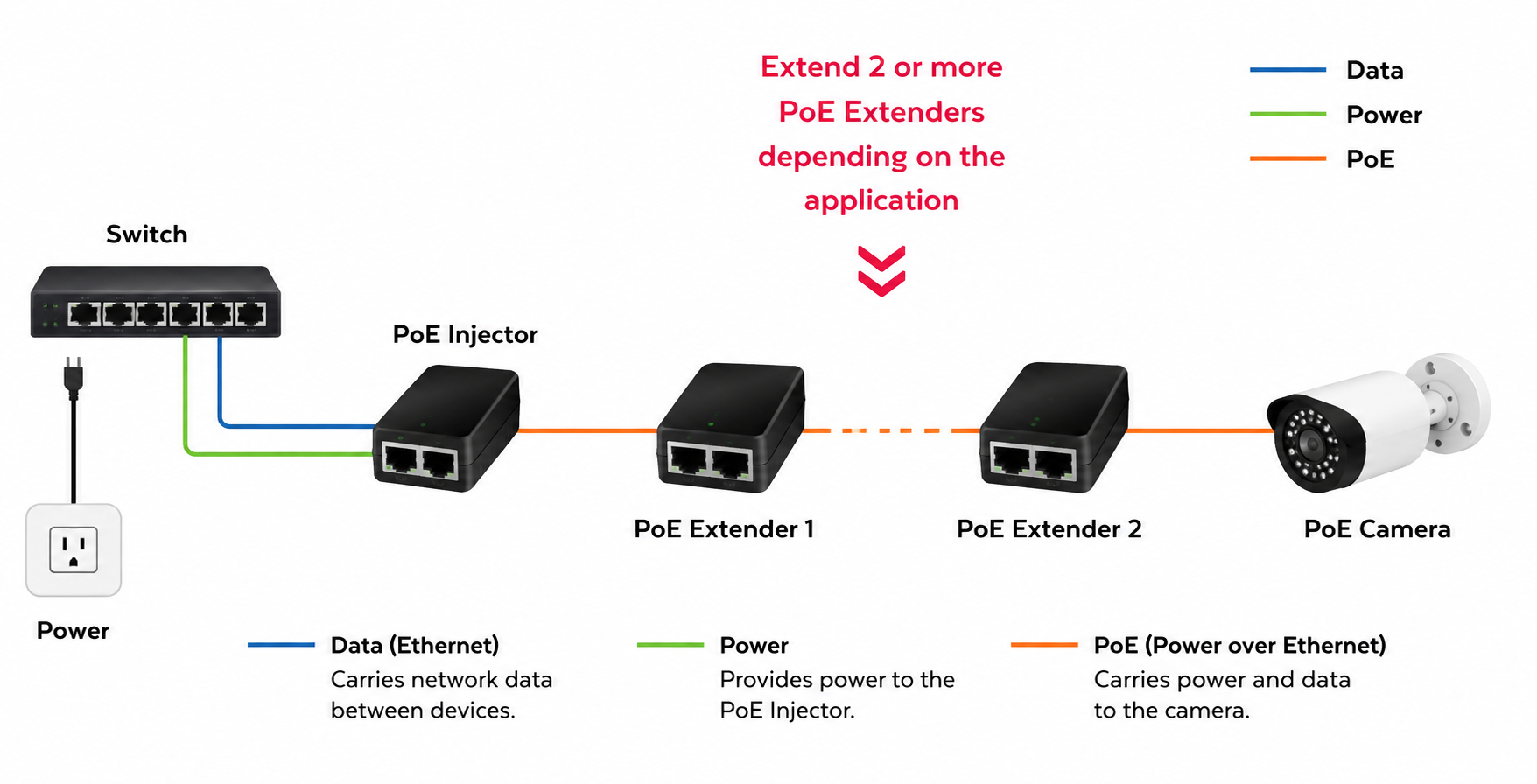
A PoE extender receives both data and power from a PoE switch through an Ethernet cable and passes them to the IP camera through another cable segment. This allows the camera to be installed beyond the standard 100m (328ft) Ethernet distance limit without requiring a separate power source near the camera.
For example, if an IP camera is installed 150m (492ft) from the PoE switch, one extender can be placed between the switch and the camera to create a second Ethernet segment.
How Many PoE Extenders Do You Need?
A standard Ethernet cable run can typically reach up to 100m (328ft). If the IP camera needs to be installed farther away, a PoE extender can be added between the PoE switch or NVR and the camera to create another cable segment.
As a general guide:
- 100–200m: One PoE extender is usually sufficient.
- 200–300m: Two extenders may be needed.
- 300–400m: Two or three extenders may be required, depending on the extender and camera.
- Around 1km: Daisy-chained PoE extenders are generally not a practical solution. A fiber-based network with PoE at the remote end is more suitable for this distance.
Each extender uses some of the available PoE power before passing the remaining power to the next device. This means there is a practical limit to how many extenders can be connected before the camera no longer receives enough power.
For outdoor cameras, choose an IP66-rated PoE extender. Indoor cameras normally do not need a waterproof extender unless the installation area is exposed to water, such as near a sprinkler system.
How to Choose a PoE Extender for IP Cameras
When choosing a PoE extender for an IP camera, there are five main specifications to consider: PoE power, extension distance, network speed, output ports, and outdoor protection.
PoE Standard and Power Budget
PoE extenders commonly support IEEE 802.3af, 802.3at (PoE+), or 802.3bt. At the power sourcing equipment (PSE), 802.3af provides up to 15.4W, while 802.3at provides up to 30W. IEEE 802.3bt supports higher-power PoE devices.
Keep in mind that the power supplied by the PoE switch is not necessarily the power that reaches the camera. The Ethernet cable and the extender itself use some of that power along the way. A camera with higher power consumption, such as a PTZ or spotlight camera, may therefore need a higher PoE power budget. The same applies when several extenders are connected in a chain.
Extension Distance
A standard Ethernet cable run can reach up to 100m (328ft). A PoE extender lets you add another cable segment when the camera needs to be installed beyond that distance.
One extender may be enough for a camera slightly beyond 100m, while longer runs may need several. The actual distance you can cover varies by extender and setup, so check the distance supported by the model you plan to use.
Network Speed
PoE extenders typically support either 10/100Mbps Fast Ethernet or Gigabit Ethernet (10/100/1000Mbps).
For a single IP camera, 10/100Mbps may be enough. Gigabit Ethernet gives you more bandwidth for high-resolution or high-bitrate video and is also a better fit when several cameras share the same connection.
Number of PoE Output Ports
A single-port extender connects one remote IP camera. A 2-port or 4-port model can connect several cameras installed in the same area, such as around a parking lot or warehouse.
For multi-port models, look at the total PoE output as well as the number of ports. Four ports, for example, do not necessarily mean there is enough power to run four high-power cameras at the same time.
Outdoor Protection
If the extender will be installed outdoors, an IP66 or IP67 rating provides protection against dust and water.
Also look at the operating temperature range if the extender will be exposed to very hot or cold conditions. This is particularly useful for outdoor locations such as farms, parking areas, and construction sites.
PoE Extender vs PoE Injector vs PoE Switch: What's the Difference?
In simple terms, a PoE switch powers multiple PoE devices, a PoE injector adds PoE to a connection that does not already have it, and a PoE extender carries an existing PoE connection farther.Let's see the details:
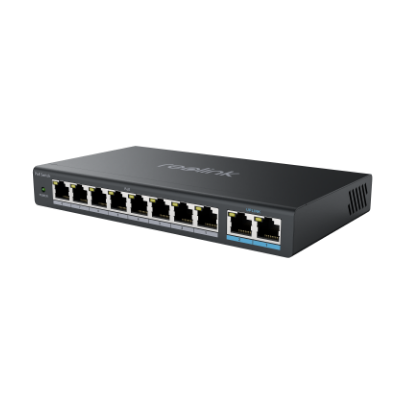
A PoE switch is the starting point of a typical PoE camera network. It has multiple Ethernet ports and sends both data and power directly to connected PoE cameras. For example, an 8-port PoE switch can provide network connections and PoE power for several cameras from one central location.
A PoE injector is used when the existing network equipment does not support PoE. It sits between a non-PoE router or switch and the camera, adding electrical power to the Ethernet cable. This allows a regular Ethernet connection to power a PoE camera without replacing the existing router or switch.
A PoE extender serves a different purpose: it does not turn a non-PoE connection into PoE. Instead, it is placed along an existing PoE connection when the camera is too far from the PoE switch. It receives power and data from the upstream cable and passes them through another Ethernet segment, extending the connection beyond the usual 100m (328ft) limit.
PoE IP Cameras for Long-Distance Installations
For a long-distance PoE camera setup, the camera itself also affects the choice of PoE extender. Resolution, power consumption, and camera design can all influence the network and power requirements of the connection. Here are two Reolink PoE cameras for different surveillance needs.
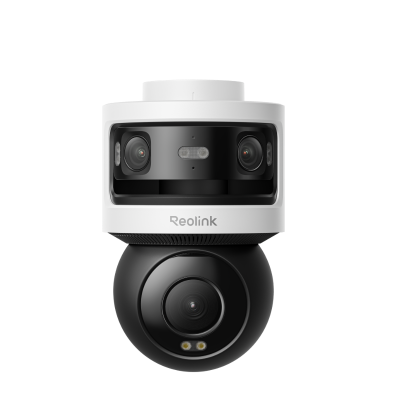
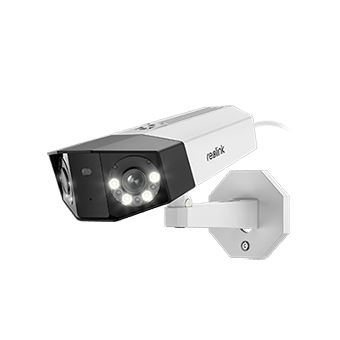
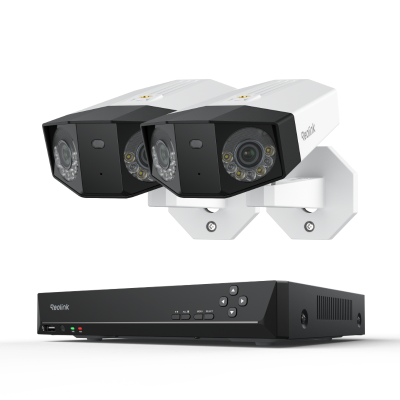
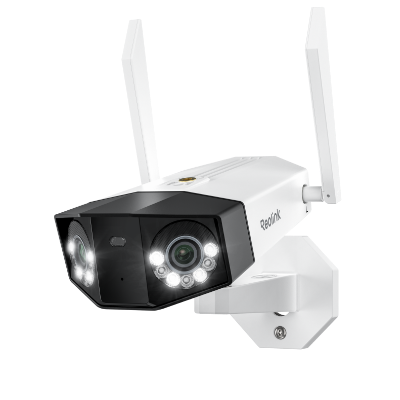
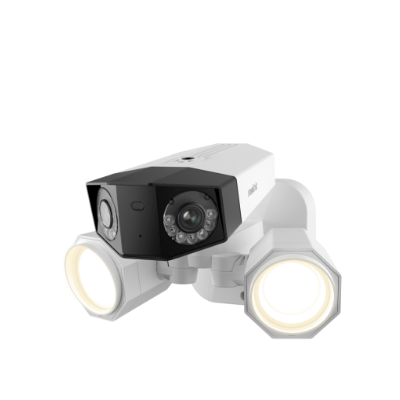
16MP Wide-Angle PoE Camera - Duo 3 PoE
Duo 3 PoE combines two lenses to deliver a 16MP, 7680 × 2160 panoramic view with a 180° field of view. It is a good fit for wide areas such as driveways, parking lots, and warehouses, where one camera can cover a broader scene.
If the camera needs to be installed more than 100m (328ft) from the PoE switch or NVR, a compatible PoE extender can be used to extend the connection.

Groundbreaking 16MP Dual-Lens PoE Camera
16MP UHD, Dual-Lens, Motion Track, 180° Wide Viewing Angle, Power over Ethernet, Color Night Vision.
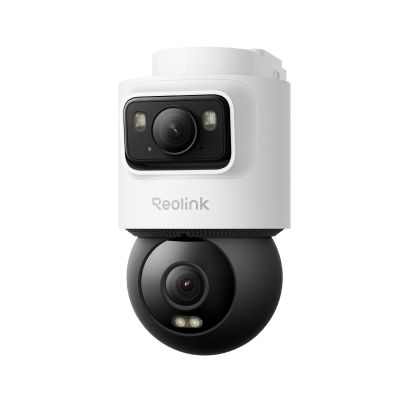
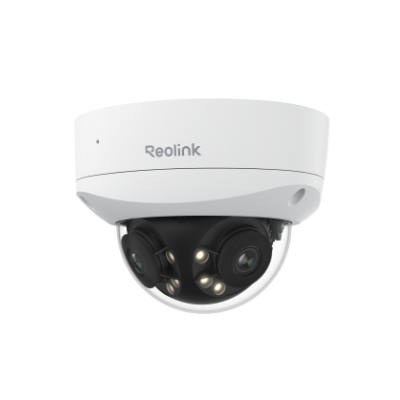
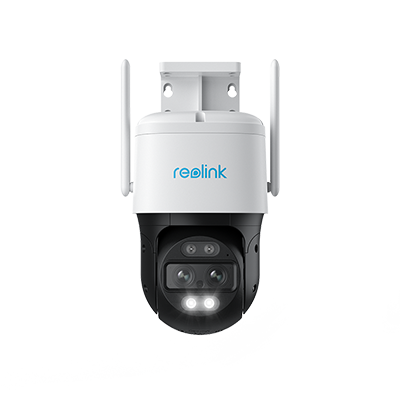
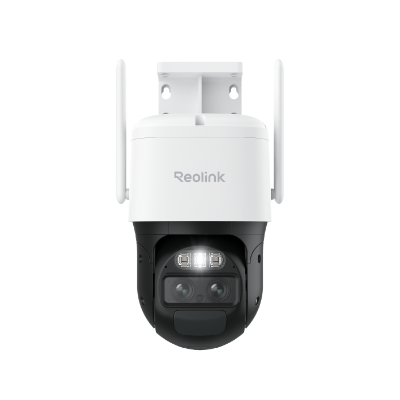
Dual-Lens Tracking PoE Camera - TrackMix PoE
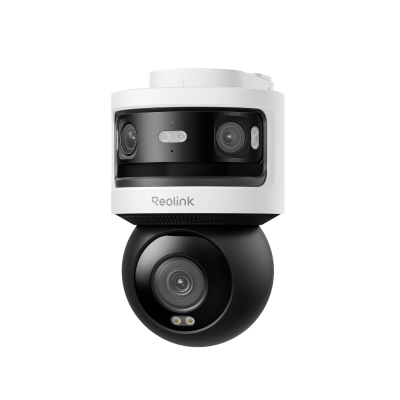
TrackMix PoE uses a wide-angle lens and a telephoto lens to capture a full view and a close-up view of a moving subject at the same time. Its pan, tilt, and auto-tracking functions make it suitable for large outdoor areas where subjects may move across the camera's field of view.
TrackMix PoE has pan, tilt, and tracking functions, so its power needs are higher than those of a basic fixed camera. This makes the available PoE power more important when the camera is installed far from the switch.
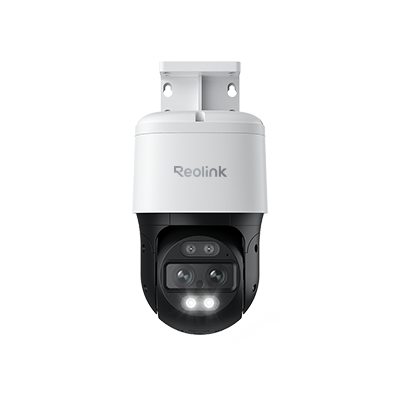
4K Dual-Lens PTZ Camera with Dual Tracking
4K 8MP Ultra HD, Wide & Telephoto Lenses, Pan & Tilt, Auto-Tracking, Person/Vehicle Detection, Power over Ethernet, Two-Way Audio.
FAQs
1. Do PoE Extenders Work?
Yes. A PoE extender receives power and data from an existing PoE connection and passes them through another Ethernet cable segment. It can extend a PoE camera connection without requiring a separate power outlet at the extender point.
2. How Far Can a PoE Signal Be Extended?
A standard Ethernet cable run can reach up to 100m (328ft). With one PoE extender, the connection can reach around 200m (656ft), while daisy-chained extenders can cover longer distances. For runs of several hundred meters or more, fiber is often a better option.
3. How to Extend PoE Over 100m?
There are several ways to extend PoE beyond 100m:
- PoE extender: A simple option for adding another Ethernet segment.
- Long-range PoE switch or NVR: Some models support extended transmission distances, often at a lower network speed.
- Fiber: Better suited to distances of several hundred meters or more.
- Wireless bridge: Useful when running Ethernet cable between two locations is difficult.
For most IP cameras installed just beyond 100m, a PoE extender is the simplest solution.
Conclusion
PoE extenders ensure signal stability and excellent performance of your PoE devices when the distance is over 100m. Without any system upgrade, these plug-and-play devices can increase the network distance. For covering long distances, use a PoE extender, but make sure to consider the features we have mentioned.
Search
Subscribe for the Latest Updates
Security insights & offers right into your inbox