







Gas Station Security Cameras: Best Options & Setup Guide 2026
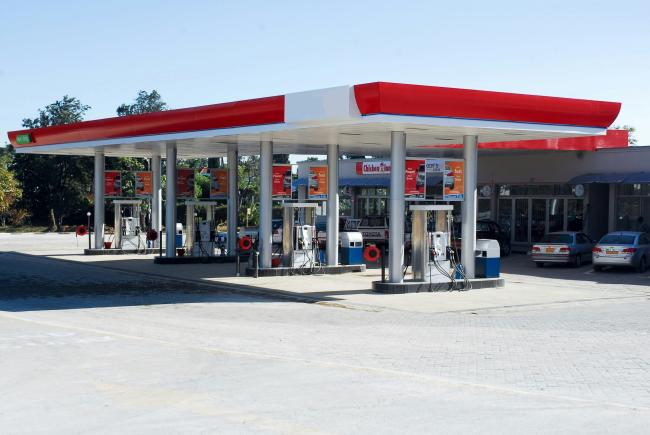
The best gas station security camera setup depends on station size, pump layout, parking lot coverage, and recording needs. Security cameras help owners watch fuel pumps, store areas, parking lots, and entrances every day.
This guide explains the main camera types and key features to look for, along with placement options and setup approaches for different station sizes. Owners can use it to choose cameras based on their specific needs and layout.
- What Are Gas Station Security Cameras?
- Why Do Gas Stations Need Security Cameras?
- What Are the Main Types of Security Cameras for Gas Stations?
- 8 Key Features to Look for in the Best Gas Station Security Camera
- Best Places to Install Security Cameras in a Gas Station
- Best Gas Station Security Camera Setups by Scenario
- Buyer Decision Table
- 6 Common Mistakes to Avoid When Buying Gas Station Cameras
- Gas Station Camera Installation Tips
- FAQs
- Conclusion
What Are Gas Station Security Cameras?
Gas station security cameras are video systems built to monitor fuel pumps, convenience store spaces, cashier areas, parking lots, entrances, and blind spots.
Because they cover a busy, round-the-clock site, gas station cameras usually need stronger features than basic home cameras, including 24/7 recording, strong night vision, weather resistance, and storage for multiple cameras.
Owners use these cameras to review daily activity and respond to incidents with clear video records.
Why Do Gas Stations Need Security Cameras?
Gas stations face specific risks that affect both safety and operations. Cameras help address these risks while supporting staff safety, theft prevention, evidence collection, and remote management.
Prevent Fuel Theft and Drive-Offs
Fuel pump areas face a high risk of drive-offs and theft. Cameras capture vehicle movement and customer activity at the pumps during fueling, helping owners identify vehicles after an incident occurs. Clear, usable images of plates and faces still depend on proper placement and resolution, which are covered later in this guide.
Protect Cashiers and Store Staff
Cashiers work at the counter during all hours, including late nights. Cameras inside the store show checkout activity, customer disputes, and shoplifting attempts at the counter. This footage supports staff safety reviews after incidents and covers convenience store interiors, not just outdoor areas.
Monitor Parking Lots and Exterior Areas
Parking lots, side walls, dumpsters, and back doors often stay out of direct sight at gas stations. Wide outdoor coverage reduces these blind spots and shows vehicle movement, day and night. Cameras in these spots also support the safety of customers who park and walk to the store.
Provide Evidence for Disputes and Claims
Video records support the review of customer complaints, accidents, and property damage claims. Owners can use footage to check what happened during an incident and share clear records for insurance or legal steps. Continuous recording provides a full timeline instead of short clips only.
Support Remote Management for Multiple Locations
Owners who run more than one gas station need to check sites remotely. Remote access lets managers view live video, receive alerts, and play back recordings from a phone or computer at any location with internet. This is especially useful for stations that stay open late or sit in different towns.
What Are the Main Types of Security Cameras for Gas Stations?
Owners choose camera types based on the area they need to watch. Each type below fits a specific use case at a gas station site.
PoE Security Cameras
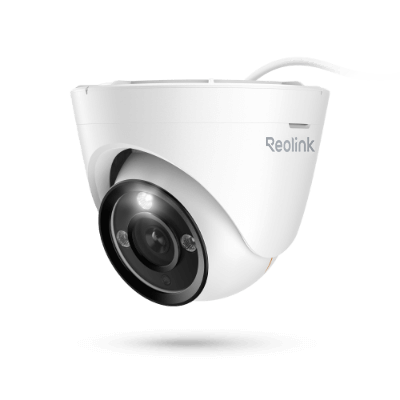
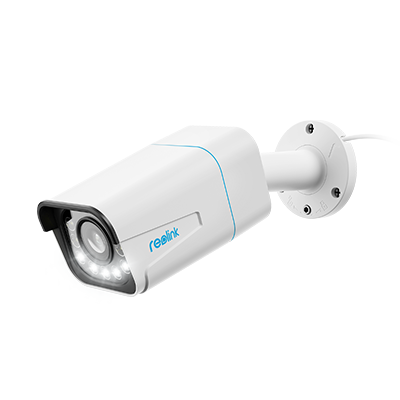
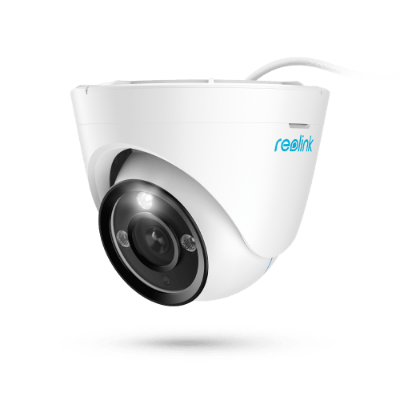
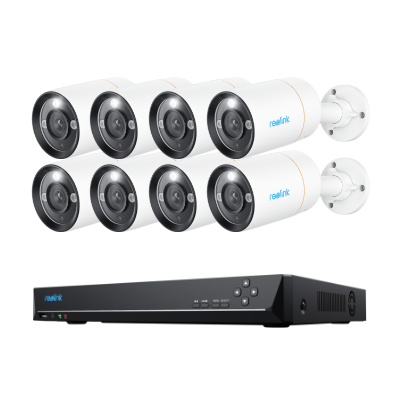
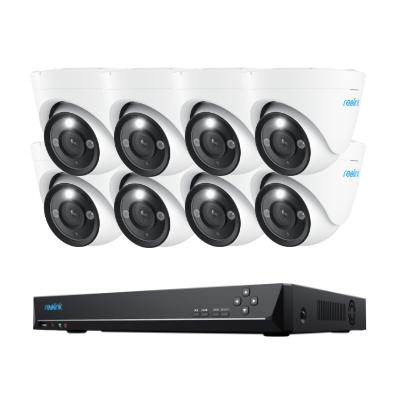
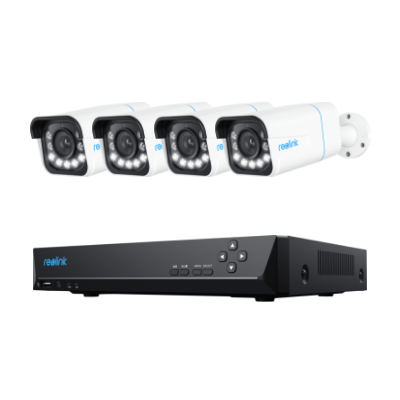
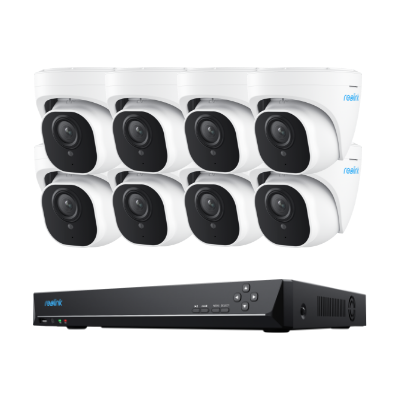
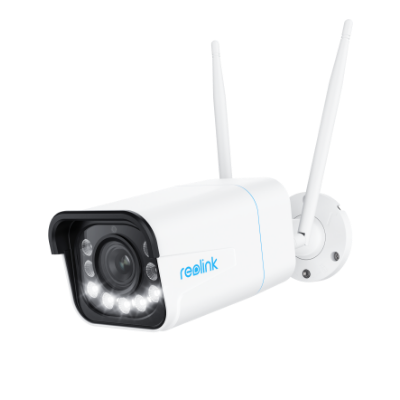
PoE (Power over Ethernet) security cameras carry both power and video data through one cable, supporting steady 24/7 recording without battery changes or Wi-Fi drops. This makes PoE the most reliable main option for full gas station monitoring.
PTZ Security Cameras
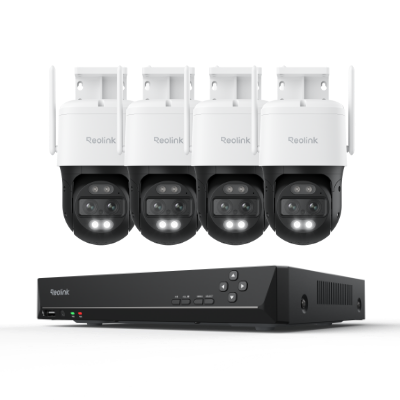
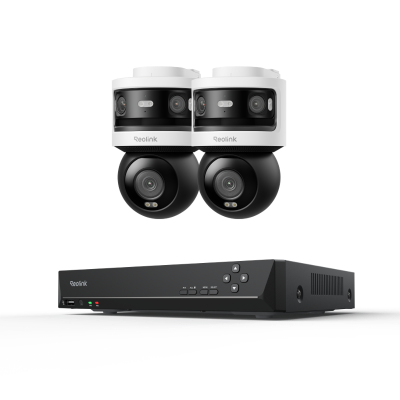
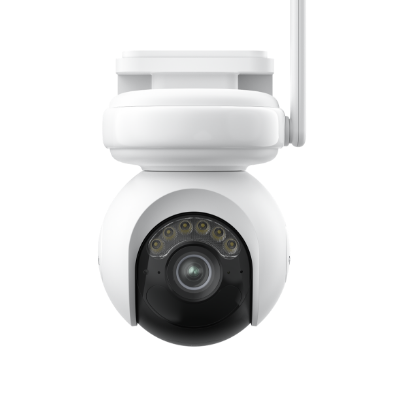
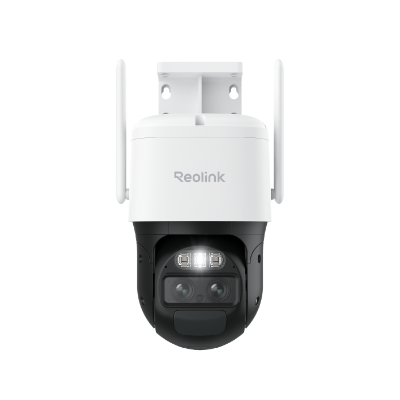
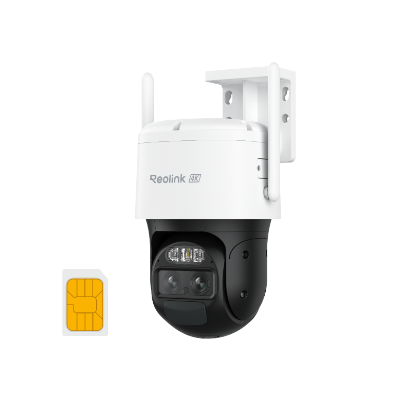
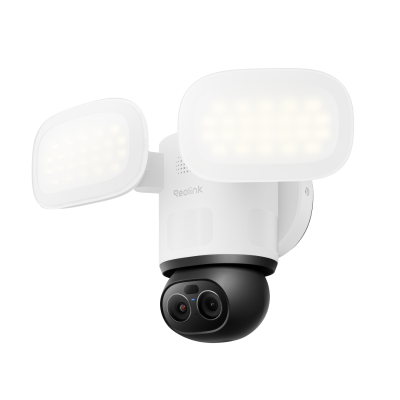
PTZ (pan-tilt-zoom) security cameras let users pan, tilt, and zoom the view from a control point or app. These units work well for covering large parking lots, forecourts, and wide exterior areas, since one camera can follow activity by moving as needed.
Fixed cameras still work better for constant coverage of specific pump islands, so PTZ models usually add to a system rather than replace every fixed unit.
Dual-Lens or Panoramic Cameras
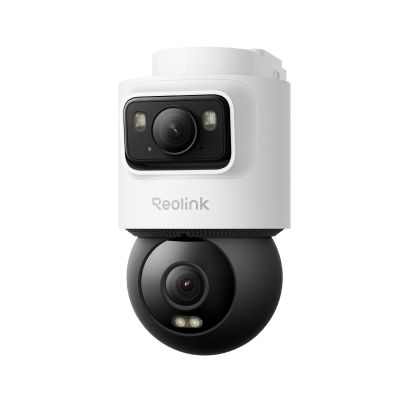
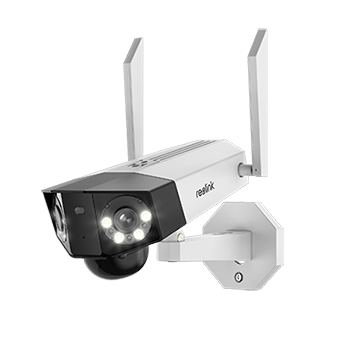
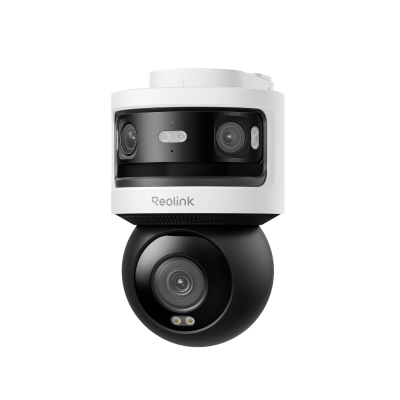
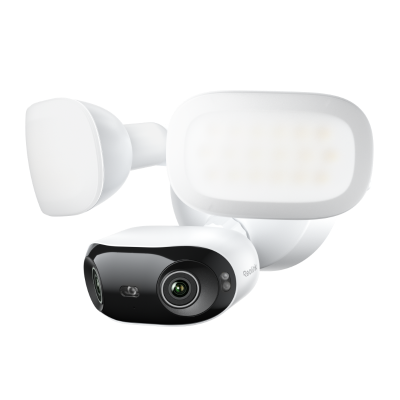
Dual-lens or panoramic cameras combine two views, or use a wide lens, to show more ground in a single image. They fit pump islands, storefronts, large entrances, and open outdoor areas where one unit can reduce blind spots.
A wider picture covers more space but can lower detail on distant objects, so owners need to balance coverage with the need for clear identification.
Indoor Security Cameras
Indoor security cameras are built for convenience store interiors such as checkout counters, aisles, storage rooms, staff-only areas, and offices. These units stay in controlled spaces and do not need weather protection.
Owners use them to review transactions and support staff safety, especially during late hours. Indoor cameras are not designed for outdoor use.
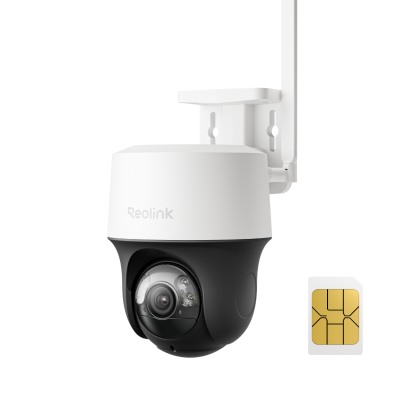
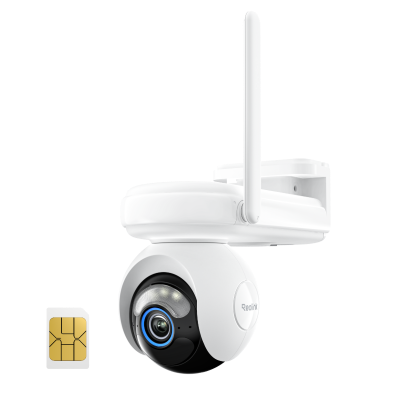
4G/LTE Security Cameras
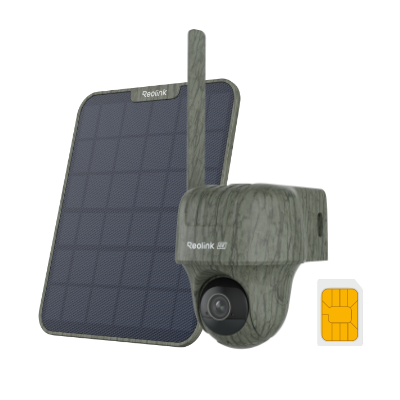
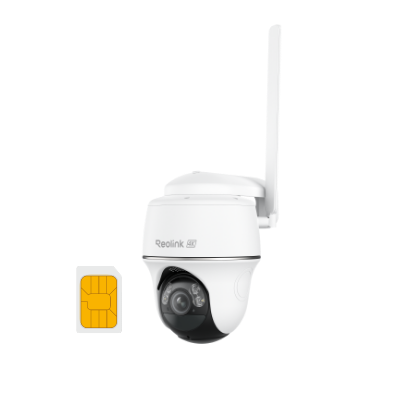
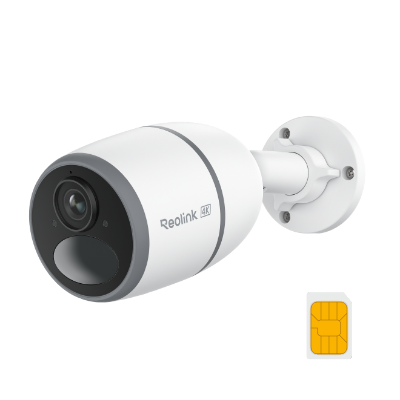
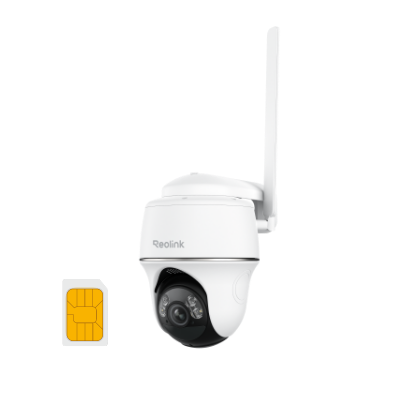
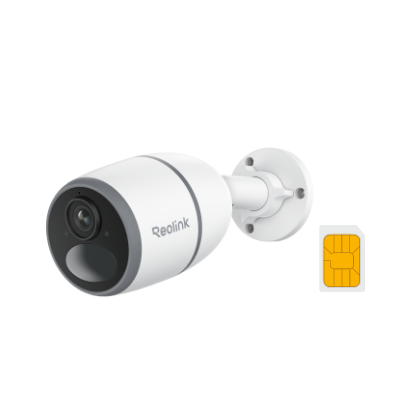
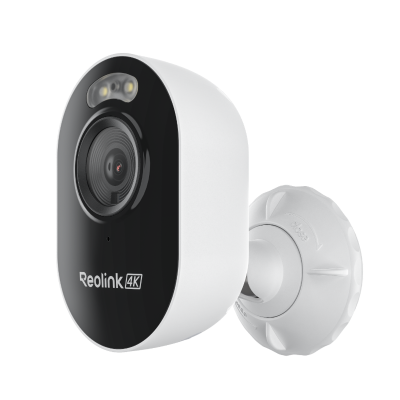
4G/LTE security cameras connect through cellular networks instead of Wi-Fi or Ethernet cables. They work well for remote gas stations, temporary monitoring, construction areas, or sites with poor internet, providing live views and alerts without a wired connection.
8 Key Features to Look for in the Best Gas Station Security Camera
Good camera quality for gas stations shows up in clear images and steady performance under real site conditions. The features below help owners judge models using measurable, real-world criteria.
1. High Resolution
Higher resolution cameras capture clearer faces and finer details during incidents. A 2K camera works for smaller indoor areas, such as the checkout counter, while a 4K camera gives better results for larger outdoor spaces like pump islands and parking lots.
Higher-resolution footage takes up more storage, so owners should plan hard drive size based on camera count and daily recording hours.
2. Strong Night Vision
Gas stations operate at night, so clear video in low light matters. IR night vision uses infrared light to show black-and-white images in the dark, spotlight models add white light for color video when motion occurs, and color night vision keeps natural colors even in very low light.
Pump zones, parking lots, back doors, and exterior corners all tend to need strong night vision after sunset.
3. Wide Field of View
A wide field of view lets one camera cover pump islands, parking lots, and entrances without adding extra units, which reduces the total number of cameras needed for broad areas.
A very wide view can also make distant objects smaller and harder to identify, so owners should match the field of view to the distance between the camera and the target zone. Placement decisions directly affect how useful a wide view becomes.
4. Smart Person and Vehicle Detection
Smart detection sends alerts only for people or vehicles instead of shadows, headlights, or moving signs, which reduces false notifications that can overwhelm staff during busy hours.
Users can set motion zones around pumps or entrances to focus on real activity, such as passing cars rather than animals or reflections. Basic motion sensors would trigger far too often without this feature.
5. Weather Resistance
Outdoor cameras face rain, dust, heat, and cold throughout the year, so an IP65 or IP66 rating (meaning the housing blocks water and dust) matters for long-term performance. Indoor cameras lack this protection and can fail if placed outside.
6. 24/7 Recording and NVR Storage
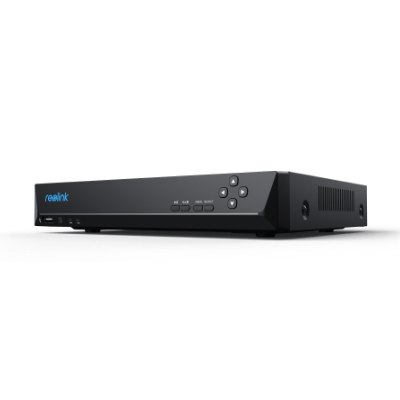
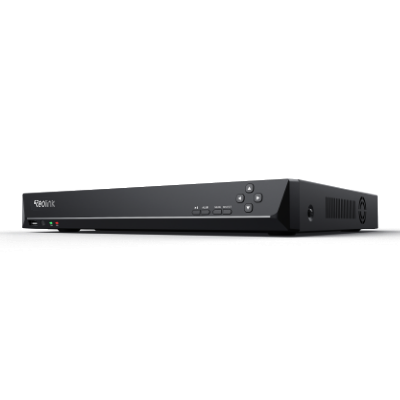
Gas stations often need continuous video because incidents can occur at any hour, not just when motion triggers a clip. An NVR (network video recorder) records from many cameras at once and stores footage locally on a hard drive, keeping data available even if the internet connection drops.
7. Remote Viewing
Remote viewing lets owners or managers see live video and past recordings from a phone or computer with internet access, from any location. Mobile alerts notify users right away if the system detects unusual activity. This feature is especially useful for owners who manage more than one gas station.
8. Local Storage Without Monthly Fees
Local storage keeps video files on a microSD card inside the camera or on an NVR hard drive at the site, letting owners avoid monthly cloud fees and keep full control over their data.
Cloud options charge for long-term storage and may limit access if payments stop. Local systems can provide years of footage access as long as the drive has space.
Best Places to Install Security Cameras in a Gas Station
Placement decides whether footage shows useful detail or misses key actions. Owners should start with the highest-risk areas and add coverage for blind spots from there.
Fuel Pump Areas
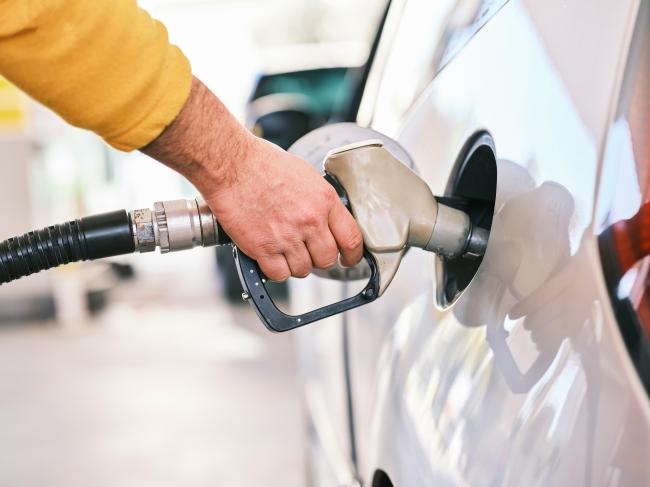
Cameras should cover pump islands, vehicle lanes, and customer activity at the pumps. Mounting angle and distance affect how clearly plates and faces appear, and slight side placement often improves results without losing the overall view.
Owners should also test angles at night to avoid glare from headlights and reflective pump surfaces.
Store Entrance and Exit
Entrances capture every customer who enters or leaves the building. A clear, face-level angle helps identify people during reviews after an incident, supporting both security checks and incident records. Owners should position the camera so it sees the full doorway without pointing into private areas.
Cash Register and Checkout Counter
Cameras at the checkout show transaction details, cashier actions, and customer interactions at the counter. This view helps resolve disputes and supports staff safety during busy periods. Owners should position the unit to cover the counter clearly while avoiding private employee spaces.
Parking Lot
Parking lots need wide coverage and good night visibility for vehicle movement, parked cars, and customer safety. PTZ or panoramic cameras can help cover large open spaces, though multiple cameras often work better than one unit because they reduce blind spots.
Storage Rooms and Staff-Only Areas
Storage rooms and offices hold inventory and equipment, so cameras here should focus on access control and asset protection rather than constant staff monitoring. Owners should place units to watch doors and main storage sections. The goal is safety and loss prevention, not employee surveillance.
Exterior Walls, Back Doors, and Blind Spots
Back doors, dumpsters, side walls, loading areas, and dark corners often carry risk because they stay out of main sight lines. Owners should add cameras in these spots and plan for overlapping coverage from two angles, so no key area relies on a single view.
Best Gas Station Security Camera Setups by Scenario
Each station size and layout calls for different camera choices. The setups below match common needs with practical camera types.
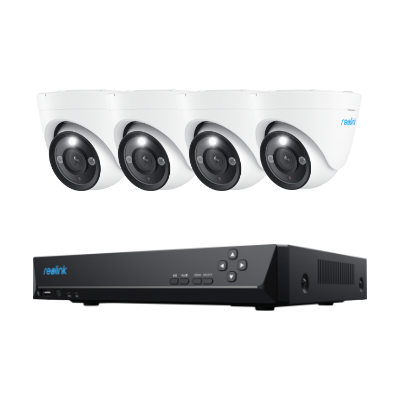
Scenario 1: Best Setup for a Small Gas Station (Reolink RLK8-800B4)
A budget-conscious, independent station needing comprehensive coverage across pumps, cash registers, and storefront entrance doors.
Small business owners need reliable 24/7 video security, but they cannot afford complex commercial installations or high monthly cloud storage fees.
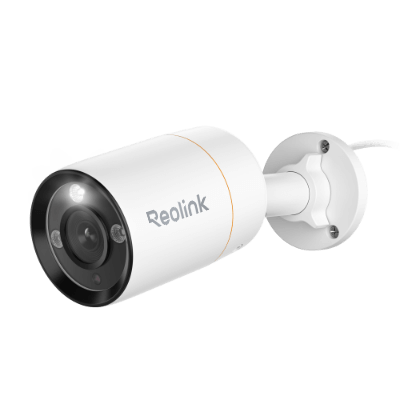
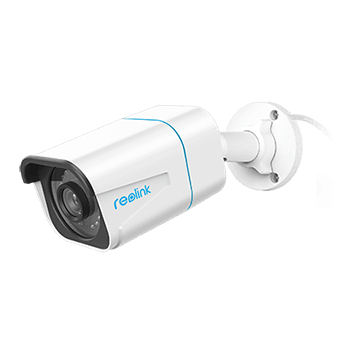
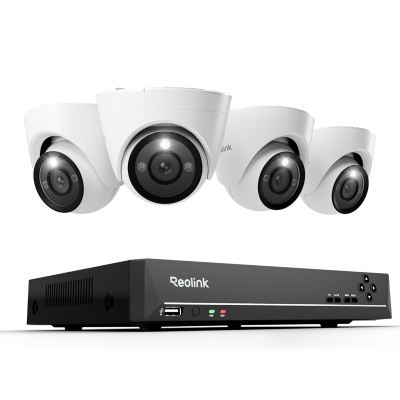
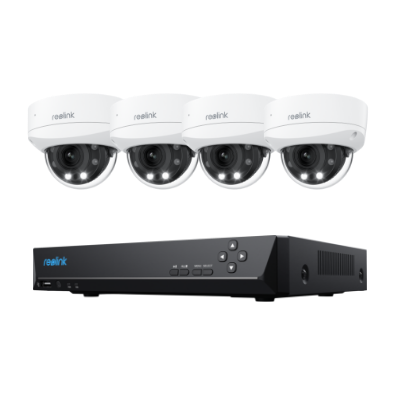
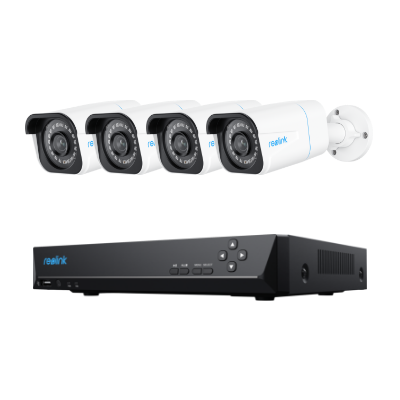
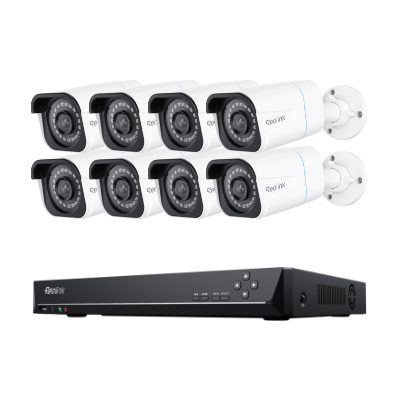
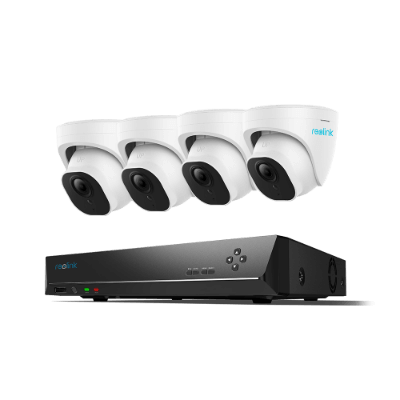
A pre-configured, multi-camera PoE kit like the Reolink RLK8-800B4 delivers complete plug-and-play coverage and centralized local storage without recurring fees.
This all-in-one kit includes a dedicated Network Video Recorder (NVR) and four high-definition 4K cameras. It allows you to place dedicated cameras at the front door, over the checkout counter, and facing the pump lanes, giving you a complete, uninterrupted security timeline on-site.
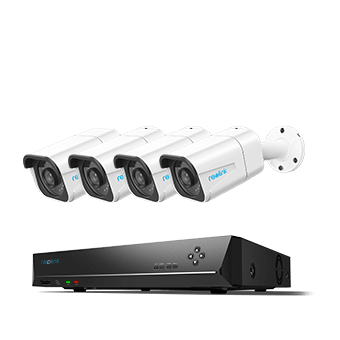
4K 8-Channel PoE Security System
4 pcs 4K Ultra HD Security Cameras; 2TB HDD 8-Channel NVR for 24/7 Recording; Person/Vehicle Detection; Plug & Play; 2 Network Solutions.
Scenario 2: Best Setup for Pump Area Monitoring (Reolink Duo 3 PoE)
Capturing vehicle details, license plates, and driver physical descriptions across long, multi-lane fuel islands.
Installing multiple individual cameras to cover wide pump lanes is expensive and creates messy wiring. Standard cameras also struggle with blind spots between the columns.
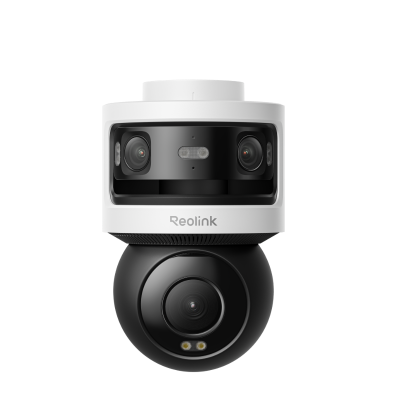
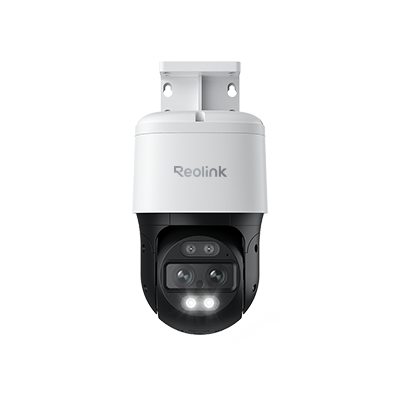
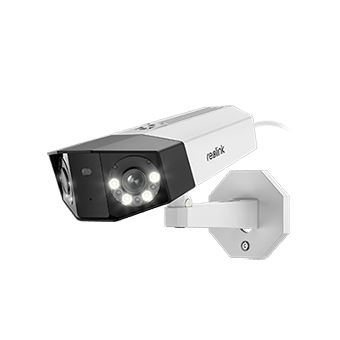
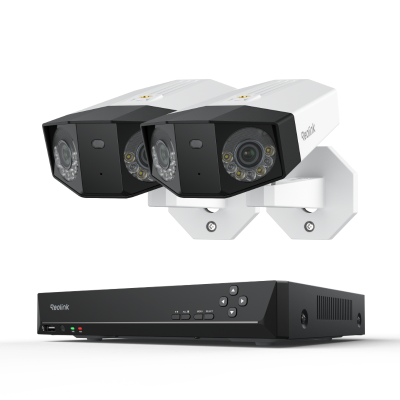
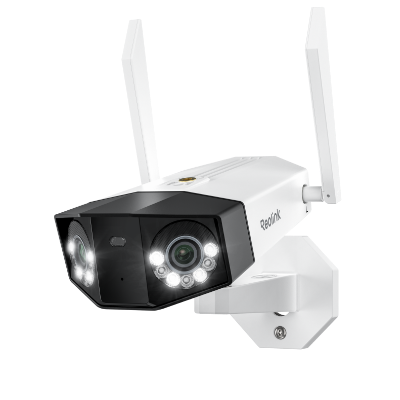
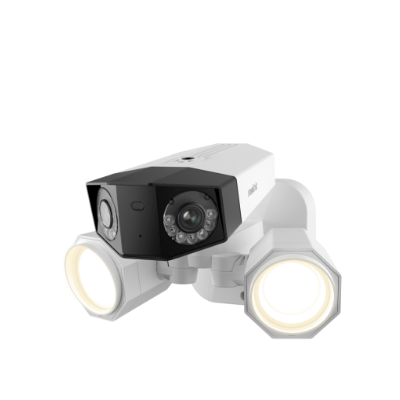
Utilizing a dual-lens camera like the Reolink Duo 3 PoE provides a seamless, ultra-wide 180-degree panoramic view to monitor several pump islands simultaneously.
Capturing video in ultra-sharp 16MP detail, this dual-lens camera physically stitches two feeds into one panoramic shot. This allows you to monitor car arrivals, fueling activities, and departure lanes with a single camera, dramatically lowering your cabling and installation costs.

Groundbreaking 16MP Dual-Lens PoE Camera
16MP UHD, Dual-Lens, Motion Track, 180° Wide Viewing Angle, Power over Ethernet, Color Night Vision.
Scenario 3: Best Setup for Parking Lot Coverage (Reolink RLC-823S2)
Monitoring expansive outdoor perimeters, vacuum bays, and air stations where visual details are easily lost at a distance.
Fixed-angle cameras leave massive blind spots in large open lots, making it easy for vandals or thieves to slip away unnoticed.
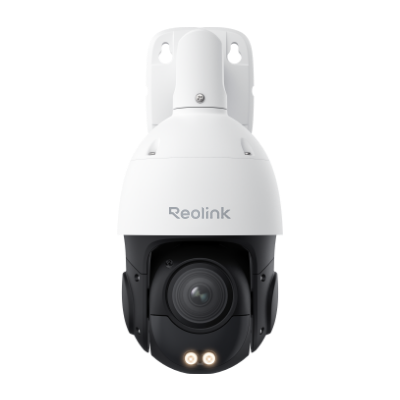
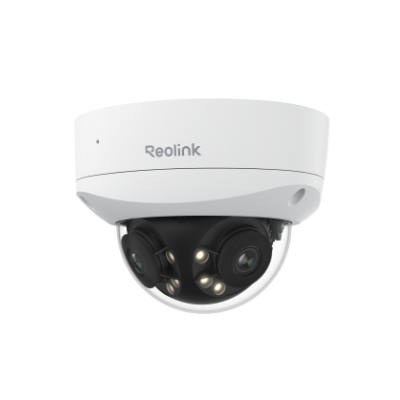
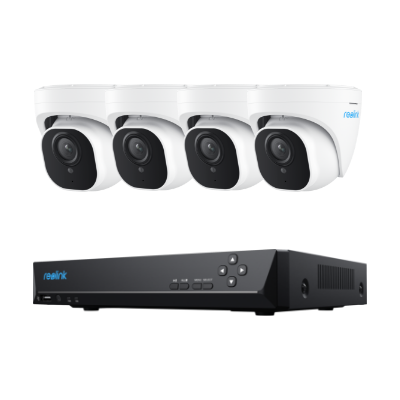
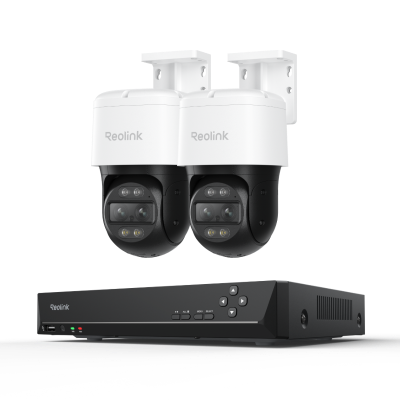
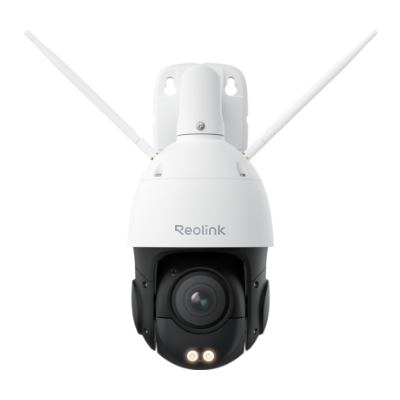
A high-performance Pan-Tilt-Zoom (PTZ) dome camera like the Reolink RLC-823S2 provides panoramic tracking to eliminate blind spots across wide areas.
With motorized panning and a powerful 16x optical zoom, this camera can actively track suspicious vehicles or individuals moving through the parking lot. Coupled with strong night vision capabilities, it ensures clear, detailed evidence even in the darkest corners of your property after-hours.
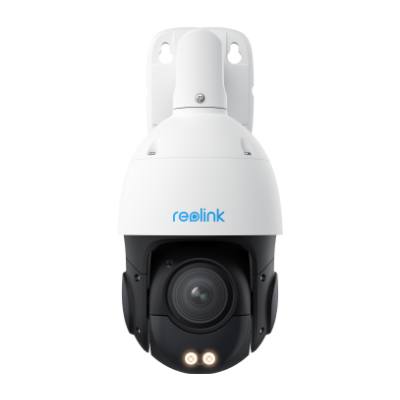
Smart 4K PTZ PoE Security Camera with 16X Optical Zoom
16X Optical Zoom, 360° Coverage in 4K UHD, Auto Tracking, Color Night Vision.
Scenario 4: Best Setup for Convenience Store Interiors (Reolink RLC-843A)
Securing cash handling areas, high-value inventory aisles, and indoor entryways against retail shrinkage.
Indoor store cameras are susceptible to physical tampering, vandalism, or being knocked out of alignment by shoplifters.
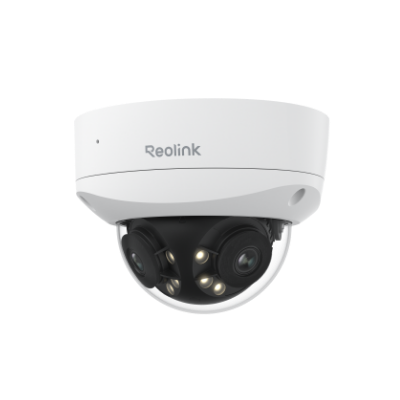
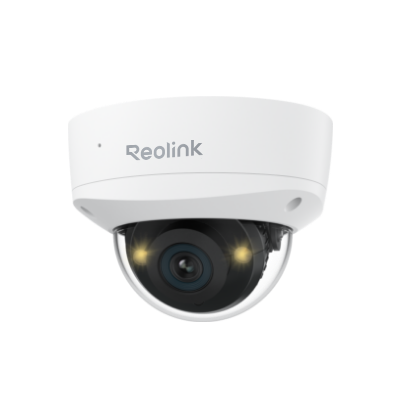
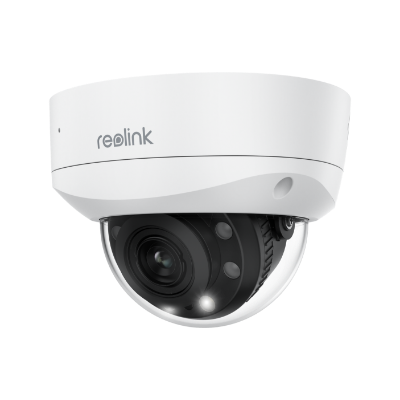
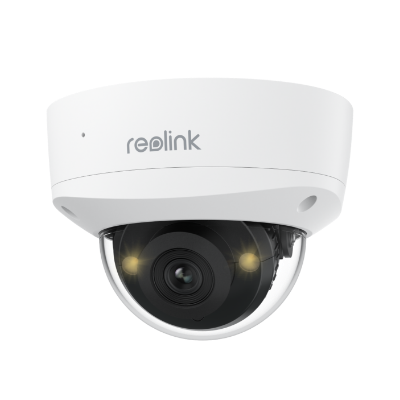
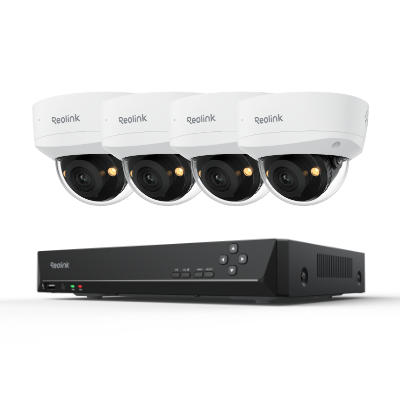
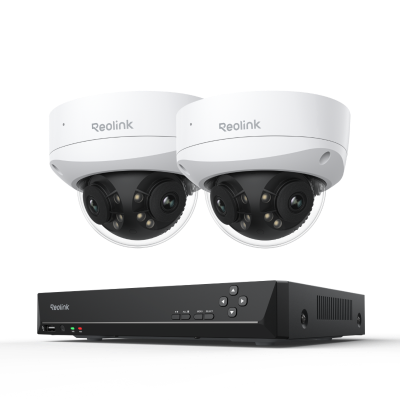
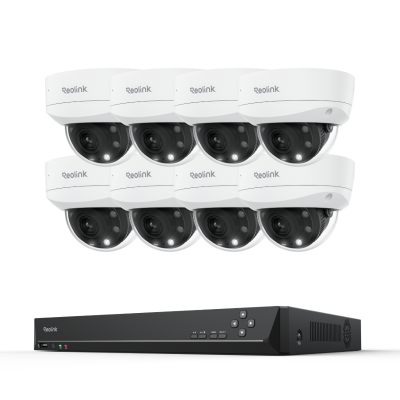
An armor-clad, vandal-resistant dome camera like the Reolink RLC-843A provides secure, high-resolution indoor monitoring designed to withstand physical impacts.
Featuring a rugged, IK10 vandal-proof housing, this camera is built to resist intentional tampering or impact. It captures detailed 4K footage over registers and checkout counters and features two-way audio to help resolve transaction disputes and support overall staff safety.
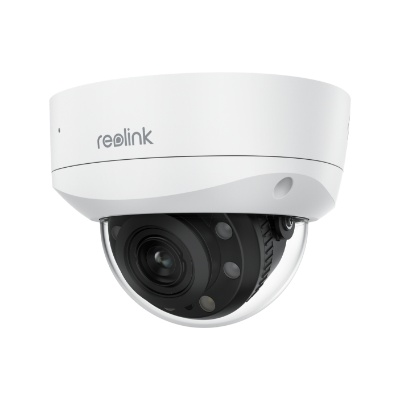
Smart 4K PoE IK10 Camera with 5X Optical Zoom
IK10 Vandal-Proof, 4K 8MP Ultra HD, 5X Optical Zoom, Color Night Vision
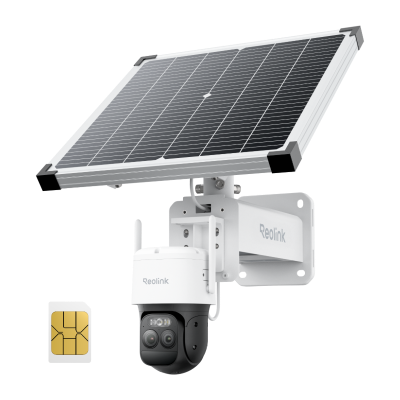
Scenario 5: Best Setup for Remote Gas Stations (Reolink Go PT Ultra)
Monitoring remote sites, auxiliary storage yards, or newly breaking jobsites where running wired internet or power is impossible.
Remote property boundaries or unbuilt sites lack the local Wi-Fi or wired Ethernet infrastructure required to keep traditional cameras online.
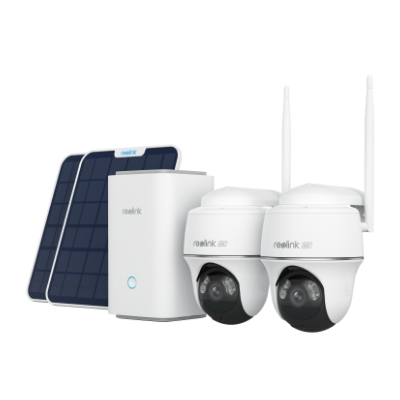
A cellular-connected, wire-free camera like the Reolink Go PT Ultra streams live video and sends alerts over 4G LTE networks using clean solar power.
Operating completely off-grid, this camera connects to a mobile cellular network and utilizes a compact solar panel to remain continuously powered. With motorized pan and tilt, it lets you check live feeds, receive smart motion alerts, and pan the camera remotely right from your smartphone.
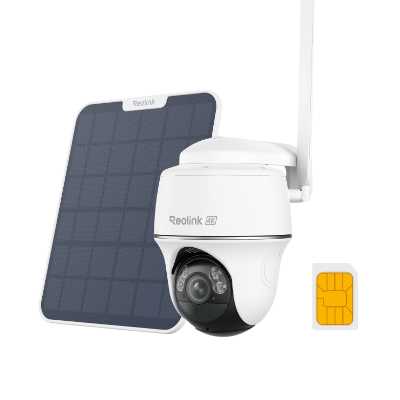
4K 8MP Wire-Free 4G LTE PT Battery Camera
4K 8MP; Smart Detection; 355° Pan & 140° Tilt; Battery/Solar Powered; Color Night Vision; Smart Real-Time Alert.
Buyer Decision Table
6 Common Mistakes to Avoid When Buying Gas Station Cameras
Owners who plan carefully avoid these issues, which reduce camera value at the site.
1. Choosing Low Resolution for Large Outdoor Areas
Low-resolution cameras often miss usable detail in pump areas or parking lots. A 1080p camera may show general movement but fail to capture clear faces or plates at a distance, while 4K resolution produces better images for outdoor zones where incidents happen.
2. Ignoring Camera Placement
Camera height, distance, and angle decide whether footage shows useful information. A unit placed too high may capture only the tops of heads or vehicle roofs, turning even a high-quality camera into a low-value tool. Owners should test views during setup to confirm each camera sees the intended zone clearly.
3. Relying Only on Motion Recording
Motion recording saves storage space but can miss the start of an incident or events without a strong motion trigger. Continuous recording captures the full context for review after any event occurs, so gas stations benefit from 24/7 recording in high-risk zones like pumps.
4. Forgetting Nighttime Performance
Many cameras look fine in daylight tests but produce dark or noisy video at night. Since gas stations operate around the clock, weak night vision leaves gaps during evening hours.
Owners should review sample night footage from the actual installation spot before finishing setup, since strong IR or color night vision models reduce this problem.
5. Using Indoor Cameras Outdoors
Indoor cameras lack the seals and materials needed to handle rain, dust, and temperature changes, and can stop working or produce poor images soon after outdoor exposure. Outdoor-rated cameras carry proper IP ratings for exterior use.
6. Overlooking Storage Capacity
Multiple high-resolution cameras generate large video files every day. Without enough storage, the system overwrites old footage too soon and loses records.
Owners should calculate total storage needs based on camera number, resolution, and desired recording days; an NVR with a large hard drive or expandable storage helps avoid this issue.
Gas Station Camera Installation Tips
Good installation improves real-world performance at gas stations. Owners should focus on these practical steps during setup:
-
Choose the Right Mounting Height: Cameras should sit at a height that shows faces and vehicle details clearly, generally around 8 to 12 feet for pump and entrance areas.
-
Reduce Blind Spots with Overlapping Coverage: Important zones such as pump islands, entrances, and parking lots benefit from camera views that overlap.
-
Avoid Glare from Headlights and Bright Signs: Headlights and bright pump canopy lights can wash out images or create reflections.
-
Protect Cables from Tampering: Wired camera systems need secure cable runs to prevent cuts or disconnections. Conduit pipes or protected routes along walls keep cables safe from weather and vandalism.
-
Test Night Footage Before Final Setup: Daytime checks do not reveal how well a camera handles darkness and lights. Owners should record sample video after dark and review it before finalizing camera angles.
-
Use Visible Security Signs: Signs stating that the area uses video surveillance can help discourage unwanted activity.
FAQs
Do gas stations have surveillance cameras?
Yes, most gas stations use surveillance cameras to watch pumps and stores every day. These cameras help owners review incidents and support safety for staff and customers. The exact number and type of cameras vary by station size and location.
How long do gas station security cameras record?
Many gas station systems record continuously for 24 hours a day and store footage for 7 to 30 days or longer. Storage time depends on the number of cameras, resolution, and hard drive size.
Do gas stations check cameras every day?
Not always. Some owners review footage daily, especially after reported incidents or at shift end, while others check recordings only when needed for disputes or investigations. Remote viewing features let managers check live video or alerts from any location without daily on-site checks.
How clear are gas station cameras?
Camera clarity depends on resolution, placement, lighting, and maintenance. Modern 4K cameras can show readable license plates and clear faces when installed at the proper distance and angle, while older or poorly placed cameras may produce blurry images that limit their value during reviews.
Conclusion
Gas station owners should choose camera setups based on pump coverage needs, store layout, parking lot size, night monitoring requirements, and storage space.
A PoE camera system paired with an NVR usually provides the most reliable primary setup, delivering clear video in both indoor and outdoor environments while keeping data local.
Search
Subscribe for the Latest Updates
Security insights & offers right into your inbox