
Top 10 Home Security Apps for Android and iOS Devices
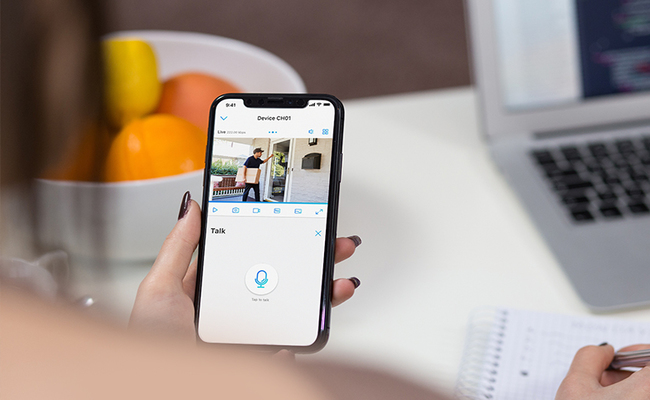
Home security apps let people check on their houses from phones at any time. These tools work on both Android and iOS devices in 2026. They show live video from cameras, send quick alerts about movement, and give control over alarms and lights. Many people pick home security apps because they want peace of mind when they leave home or travel.
Top 10 Home Security Apps for Android and iOS
People face plenty of choices when they search for home security apps. The list below names the top 10 options that work on Android and iOS devices this year. Each one brings its own set of tools to fit different needs and budgets.
1. Ring Alarm (Android & iOS)
Ring Alarm lets people run their full security setup right from a phone. Users tap to arm the system when they leave or disarm it when they return. The app streams live video from connected cameras and lists every event in a clear timeline. People set special zones so the system ignores busy roads or pet areas and stops false alarms. It pairs with Alexa, so users give voice commands to lock doors or turn on lights.
To start, people download the app from the store and create an account. They connect their Ring sensors and cameras during setup, which takes about one hour. After that, they view footage or get alerts anywhere with internet. The basic plan costs nothing and covers live views plus alerts. Professional monitoring adds 19.99 dollars each month and includes video storage for 180 days plus backup data.
Pros:
-
Users change sensor settings fast to work with children or animals.
-
The app supports several people on one account.
Cons:
-
Alerts sometimes arrive late by a few minutes.
-
Video can freeze during busy streams.
2. AlfredCamera Home Security (Android & iOS)
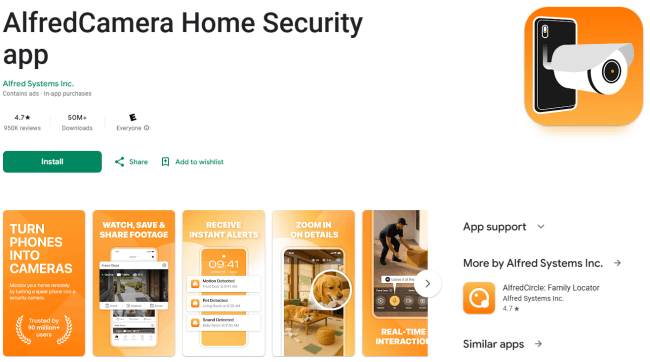
AlfredCamera turns old phones into working cameras without extra buys. Users put the app on one phone as the camera and use another phone to watch. It catches motion, sends push alerts, and lets people talk back through two-way sound. Night vision works in low light, and the app stores short clips in the cloud for free.
Setup takes minutes. People link the two devices with a code, point the camera phone at the area they want to watch, and start. They get alerts on their main phone and view live feeds. Basic use stays free with one viewer at a time. Premium runs 3.99 dollars per month or 29.99 dollars for a full year and adds clear HD views, zoom, extra storage, and no ads.
Pros:
-
The app saves money because it uses phones people already own.
-
Motion alerts arrive fast and include sound options.
Cons:
-
The free version shows many ads.
-
Full recording requires the paid plan.
3. Reolink (Android & iOS)
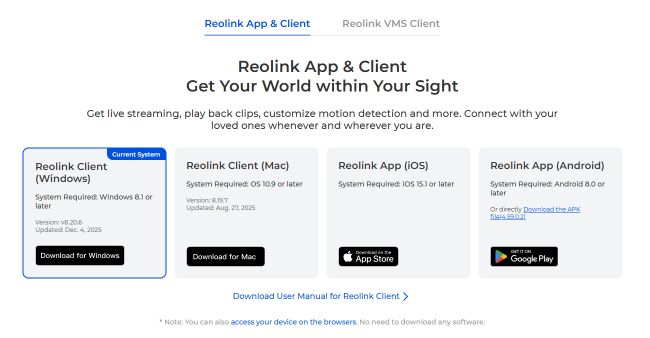
Reolink connects straight to Reolink cameras with no extra steps. Users see live video, play back recordings, and move camera views if the models support it. The app sends motion alerts and lets people talk through cameras that have microphones. It works with both Wi-Fi and wired setups.
People download the app and add cameras by scanning codes or entering numbers. Setup takes little time because it connects automatically. Basic viewing and alerts cost nothing.
Pros:
-
The interface loads fast and stays clean.
-
No monthly fee for basic live views and alerts.
Cons:
- Full features are tied to Reolink hardware only.
Here is the video streaming via the app (captured by Reolink RLC-810A).
4. Security Camera CZ (Android)
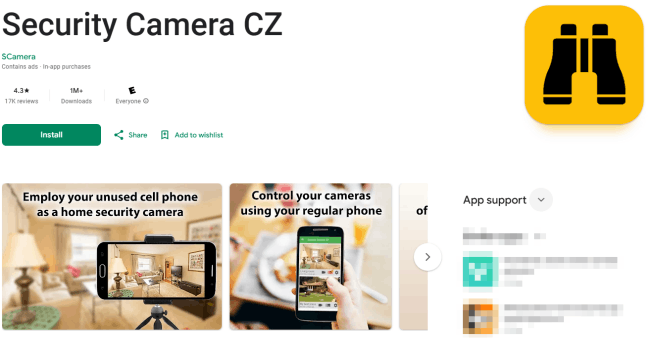
Security Camera CZ works only on Android and changes unused phones into cameras. Users set one phone to stream video in HD, add motion detection, and send alerts when something moves. The app includes a talk feature like a walkie-talkie and records clips on the device or the cloud.
To begin, people install the app on an old phone, set it up as the camera, and view from another Android device. They choose areas to watch and turn on alerts. All main tools stay free, including live streams and recording. A paid version removes ads for a one-time fee.
Pros:
-
Every core feature works without any payment.
-
Motion alerts and talk options run smoothly.
Cons:
-
The app shows ads in the free mode.
-
It runs on Android phones only.
5. Home + Security (Android & iOS)
Home + Security gives basic control over home cameras and sensors. Users view live feeds, get movement alerts, and arm simple systems. The app stores short clips and lets people share views with family.
The download starts the process. People add devices through the app and set alert rules. Basic access costs nothing, but extra storage or advanced alerts add small monthly fees of around 5 dollars.
Pros:
-
Setup stays quick for new users.
-
Alerts reach phones right away.
Cons:
-
Video quality varies with phone models.
-
Sharing options feel limited.
6. Cloud VMS (Android & iOS)
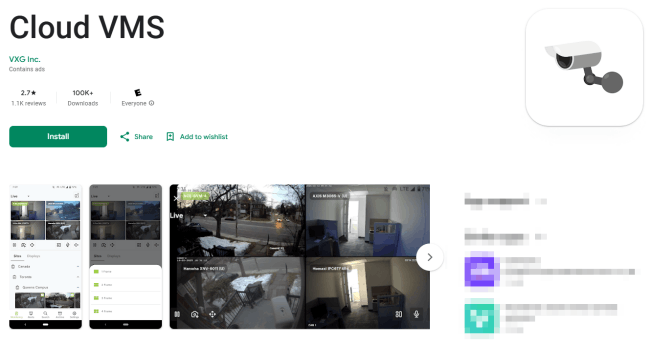
Cloud VMS handles video from several cameras in one place. Users pull live streams, search old footage, and set rules for alerts. The app works with many camera brands and stores clips safely in the cloud.
People add cameras by entering details or scanning. They view everything from one screen and export clips when needed. Basic use costs little or nothing, but full cloud storage runs 5 to 10 dollars per month.
Pros:
-
The app gathers feeds from different cameras.
-
Search tools find events fast.
Cons:
-
Setup takes extra steps for mixed brands.
-
High camera counts raise costs.
7. Alarm.com (Android & iOS)
Alarm.com links to professional security panels. Users arm systems, lock doors, and watch videos all on one screen. It sends smart alerts about doors or motion and works with lights and thermostats.
Set up links to the app on the home system through a provider. People get notifications and view feeds instantly. Access needs a monthly plan through a dealer, often 20 to 40 dollars.
Pros:
-
The app controls many smart items together.
-
Alerts include clear details.
Cons:
-
Users must work with a service provider.
-
Full tools require ongoing pay.
8. tinyCam Monitor (Android & iOS)
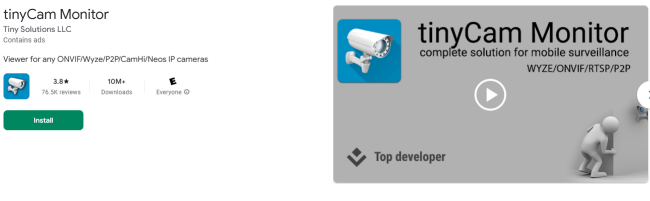
tinyCam Monitor connects to IP cameras for live views and recordings. Users watch multiple feeds, zoom in, and save clips. It supports two-way talk on some models and runs fast even on older phones.
People add cameras by network address. They switch views and record with one tap. The free version shows ads, but the paid upgrade removes them and adds object detection for about 5 dollars.
Pros:
-
The app handles many cameras at once.
-
Video plays clearly with low data use.
Cons:
-
Ads appear often in free mode.
-
Some advanced alerts need the paid version.
9. Ooma Smart Security (Android & iOS)
Ooma Smart Security pairs with Ooma sensors for home watching. Users get alerts about doors, windows, or water leaks and check the status from their phone. The app sends voice messages too.
Set up connects the app to the Ooma hub and sensors. People arm the system and view logs. Basic service ties to Ooma plans that start around 10 dollars monthly after hardware.
Pros:
-
Water and leak alerts work well.
-
The interface stays simple.
Cons:
-
Sharing with family takes extra steps.
-
It works best with Ooma hardware.
10. Visory (Android & iOS)
Visory turns phones or cameras into monitors. Users add devices, watch live HD video, and get motion alerts. The app supports multiple cameras and includes talk features.
People scan or enter camera details to start. They view feeds and save clips. Free basic access works, but premium plans for extra storage run 15 to 50 dollars monthly or yearly.
Pros:
-
Adding cameras feels quick.
-
Alerts cover movement and sound.
Cons:
-
Some users hit login issues after paying.
-
Advanced tools push subscriptions.
How to Choose the Best Home Security App?
People need clear steps when they pick a home security app from so many options. The right choice depends on daily needs and budget. Here are key tips to guide the decision.
-
Check if the app works with the cameras or sensors already owned.
-
Look at monthly costs and what free features cover before paying.
-
Test alert speed and video quality on the phone model used.
-
See how many people can share the account without extra fees.
-
Read recent user notes about crashes or delays.
-
Make sure the app runs well on both Android and iOS if the family uses mixed phones.

Reolink Spring Sale - Step Into Spring, Step Into Security!
Reolink Spring Sale is here! Grab top deals on security cameras, doorbells, and systems to keep your home safe this season.
FAQs
What is the best home security app?
No single app wins for everyone. Ring Alarm works well for full systems with professional help. AlfredCamera suits people who want free starts with old phones. If you use Reolink cameras, download the Reolink App. The choice depends on the setup size and budget.
Is there a free app for security on your phone?
Yes. Security Camera CZ gives all tools for free on Android. AlfredCamera offers basic live views and alerts at no cost. Users get started without payment, though paid upgrades remove limits.
What is the app that lets you see all security cameras?
tinyCam Monitor and Cloud VMS pull feeds from many cameras into one screen. People add different brands and switch views fast. These apps help watch the whole house in one place.
Conclusion
Home security apps give strong tools for Android and iOS users in 2026. They cover live video, fast alerts, and easy control for every budget. From Ring Alarm to Visory, each option helps people watch their homes and stay safe. Pick one that matches the devices and needs at hand. What home security apps do you use now? Share thoughts in the comments below.
Search
Subscribe for the Latest Updates
Security insights & offers right into your inbox