





















































































































White Security Cameras: Benefits & Top Picks
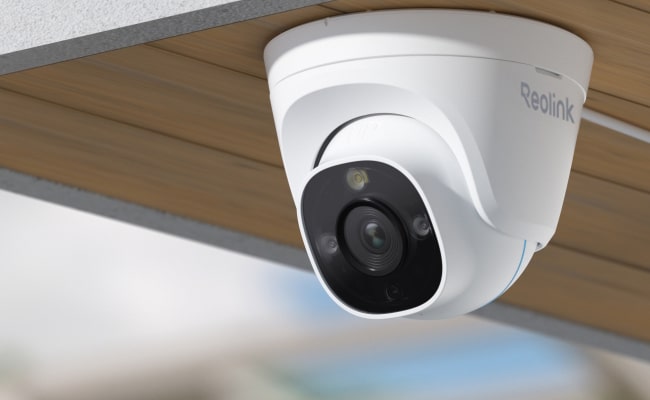
White security cameras grab attention through their clean, bright appearance. They blend smoothly into modern interiors and provide a clear signal to visitors and potential intruders that a property is protected.
In this article, we highlight why white surveillance cameras stand out, the main types available, how to select the right device, and where to place it for maximum coverage. We also cover top picks from Reolink and offer practical advice on common issues such as white orbs on camera footage.
- Why Choose a White Security Camera?
- Types of White Security Cameras
- How to Choose a White Surveillance Camera?
- Where to Install a White Security Camera?
- Top 3 Picks for White Cameras
- Black vs. White Security Cameras: Which to Choose?
- Bonus Tips: How to Prevent White Orbs on Security Cameras?
- FAQs
- Conclusion
Why Choose a White Security Camera?
Before we dive into the specifications, it is useful to understand the basic perks of a white security camera. These points make a small white security camera a good choice for owners who need simple, effective protection that also looks good.
- Visibility: A white camera is often easier to spot in a room. This acts as a deterrent, sending a clear message that the area is monitored.
- Modern look: White units fit neatly into many décor styles, from minimalistic homes to industrial lofts, without clashing with existing furniture or flooring.
- Reduced glare: Light-colored housings reflect less light back toward onlookers, which lowers the chance of unwanted glare on the lens.
- Durable finish: Many white cameras use a stainless‑steel or polycarbonate shell that resists fingerprints and minor scratches, keeping the unit clean with little effort.
Types of White Security Cameras
The shape and mounting style of a camera influence how it sees its surroundings. Below is a quick look at three common white camera shapes.
White Dome Cameras
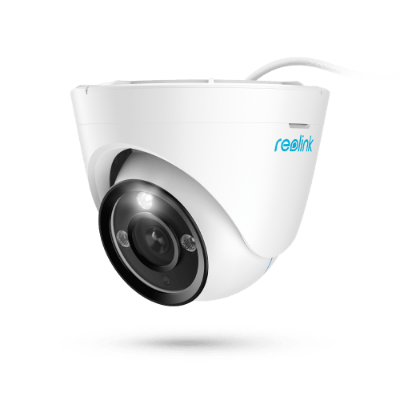
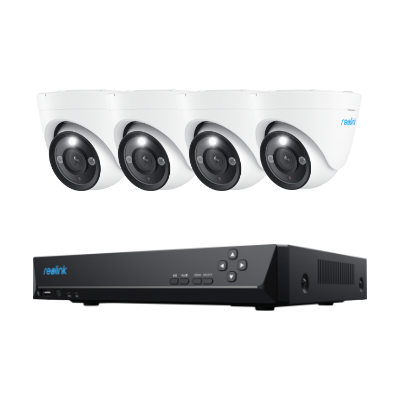
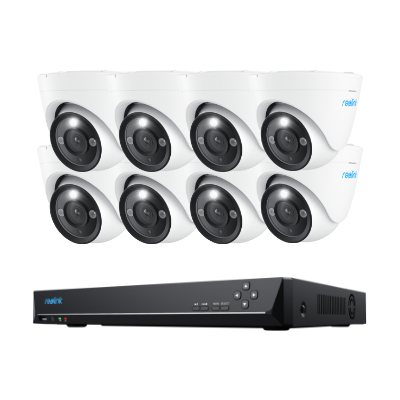
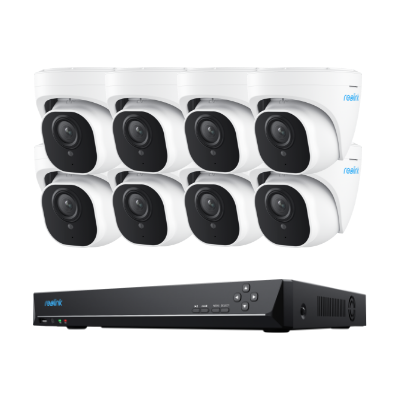
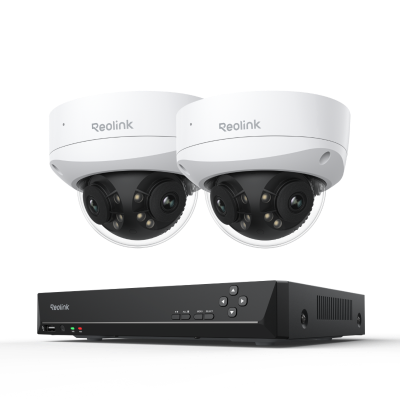
White dome cameras sit atop a transparent dome that protects the lens and housing. They hide the viewing angle and make tampering harder. Indoor dome units are perfect for entry doors or high‑traffic hallways where you want coverage of many directions without attracting attention.
White Bullet Cameras
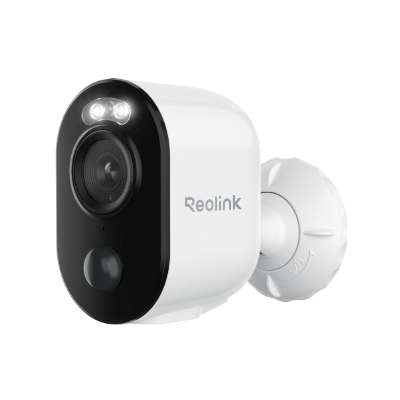
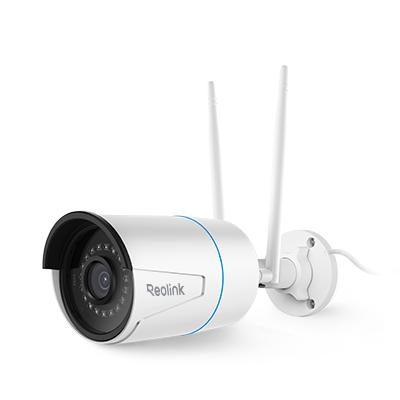
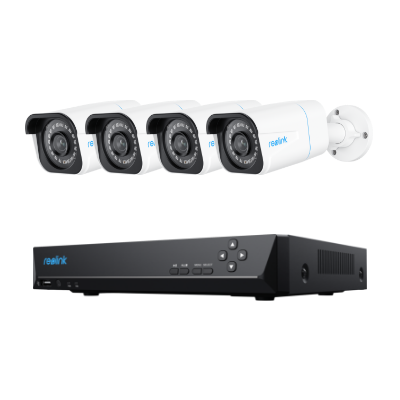
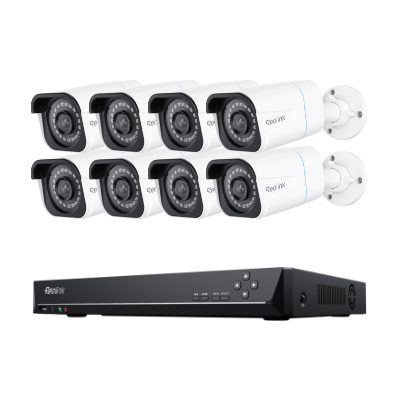
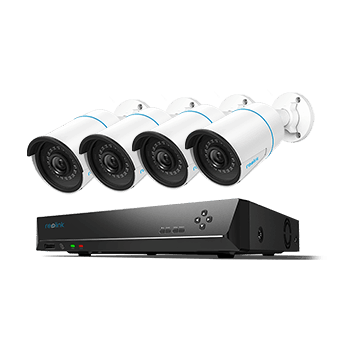
Bullet‑shaped cameras are streamlined and often come with a pointed front. They are great for long‑range outdoor use because light can travel farther in a straight line. A white bullet camera on a mailbox or an outdoor parking lot will give you a clear view of approaching vehicles and people.
White PTZ Cameras
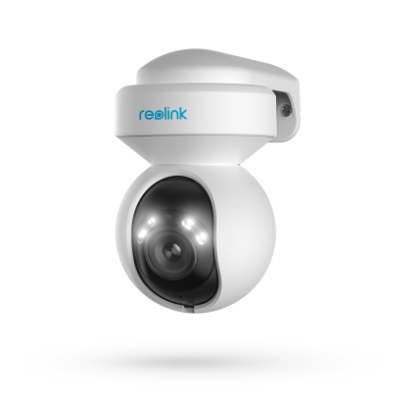
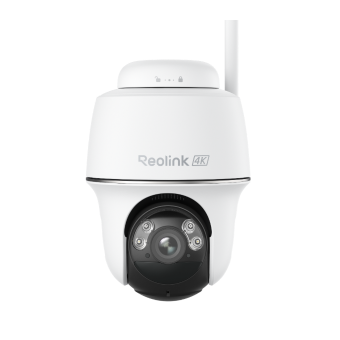
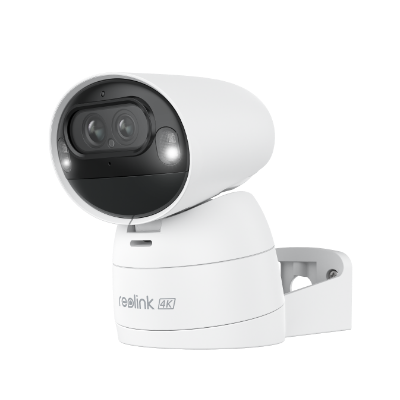
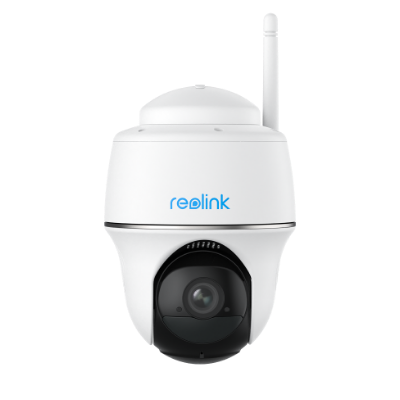
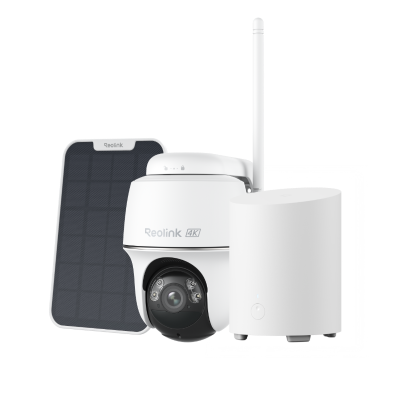
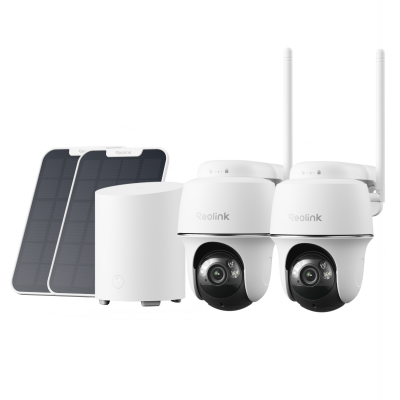
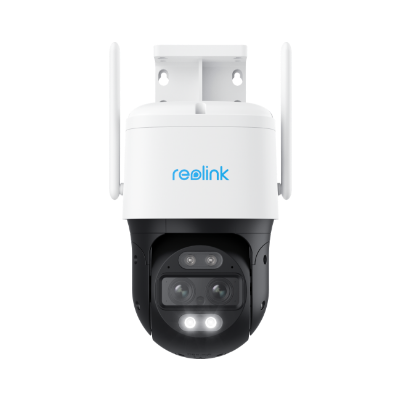
PTZ (pan-tilt-zoom) devices have three axes, which allow the user to observe a field of view at a variety of different angles. A white PTZ camera is best suited for confined areas when you require the ability to pan the view or zoom in on a target without the need to replace or install additional devices. They are usually fixed on the ceilings or walls that need to have a clean and non-obtrusive look.
How to Choose a White Surveillance Camera?
Your choice of camera should match the environment it will serve. The key factors to keep in mind are:
Design and Size
Pick a frame that matches the space. Large, aggressive designs can feel invasive. Small, white models keep the room tidy and feel more natural.
Weather Resistance for Outdoor Use
Outdoor cameras must survive rain, snow, and dust. Look for an IP rating such as IP65. It tells you whether the unit can handle splashes or full immersion in water.
Video Quality
Use a sensor that can produce 1080p or higher. Clear resolution means police and homeowners can read faces or license plates more easily.
Night Vision
Infrared LEDs are common. For white cameras, check that the night‑vision lights are not visible to viewers, only glowing on screen.
Smart Features
Many modern units come with motion alerts, facial recognition, or two‑way audio. If you want to receive push alerts or answer visitors from your phone, include these specs in your search.
Where to Install a White Security Camera?
After choosing a white outdoor security camera, you also need to decide where and how to mount the camera. Here are some practical locations to consider, along with reasons why each spot works well.
- Front door entrance – Position the lockable sensor so it records visitors before they can touch the door handle. A white camera here is easy to spot for guests, reducing surprises.
- Backyard or patio – Elevated angles give the camera a wide field of view. Mount on a porch light fixture or balcony railing to keep the lens far enough from wind or steps.
- Near a driveway – Install at a height that captures trunks and feet. It works well for white home cameras in a driveway that needs coverage of cars and pedestrians.
- Inside a kitchen or living room – Place the camera on a ceiling or wall a few feet above eye level. It covers the main entry path and any visible windows without adding clutter to furniture.
Top 3 Picks for White Cameras
The following Reolink camera series are tailored to a broad range of uses, from floodlit entryways to battery‑powered doorbells. Featuring white finishes, these models balance performance with style.
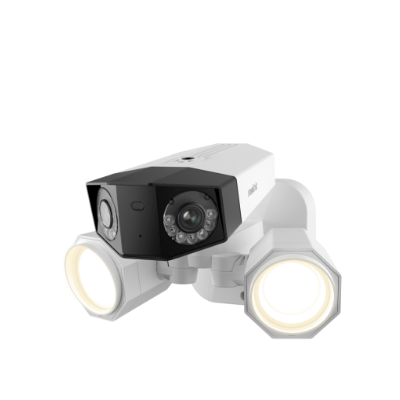
Reolink Elite Floodlight WiFi
The Reolink Elite Floodlight WiFi combines powerful illumination with high‑quality video. It offers 4K resolution and a 180° row of LEDs that produce a dimmable flood of light. The adjustable color temperature lets you shift from warm‑white for a cozy feel to cool‑white for sharper detail. With local AI video search and PoE connectivity, it works well for large yards. Dual‑band Wi‑Fi 6 connections keep the stream smooth.
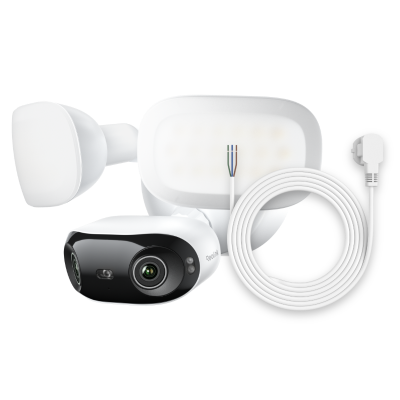
4K 180° Ultra-Wide Wired Floodlight Security Camera
3000-Lumen Dimmable Lighting, Adjustable Color Temperature, Local AI Video Search, Local Storage, Dual-Band Wi-Fi 6.
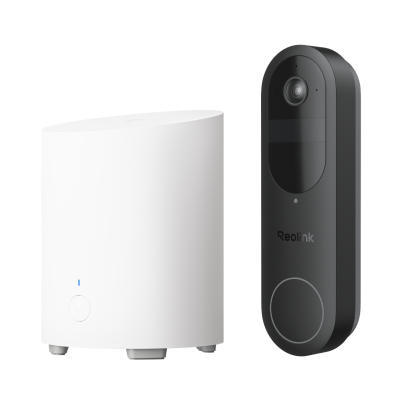
Reolink Battery Video Doorbell (White Version)
The Reolink Battery Video Doorbell gives a 2K 4MP full‑body view of anyone approaching the door. The unit’s battery eliminates the need for a hard‑wired outlet, making installation quick. Dual‑band Wi‑Fi ensures a stable link, while an IP65 rating guarantees the device stays dry in rain, snow, or dust. The doorbell includes person, vehicle, and package detection, letting you instantly know what’s happening outside.
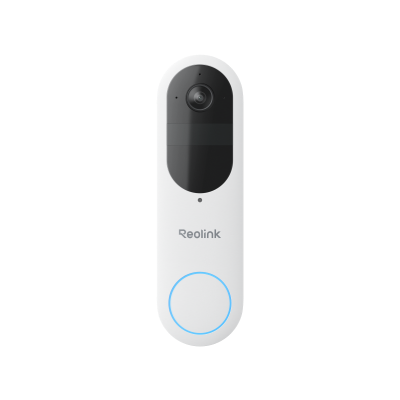
Smart 2K Dual-Band Wi-Fi Battery Doorbell
2K 4MP Head-to-Toe View; Person/Vehicle/Package Detection; Works with Reolink Home Hub & Wi-Fi NVR; 5/2.4GHz Dual-Band Wi-Fi.
Reolink RLC‑1212A
For a bright daytime view and a spontaneous nighttime view, the Reolink RLC‑1212A is a 12MP PoE spotlight camera. It can change colour according to environmental lighting, which improves image quality. Alerts are sent for people, vehicles, or pets, which is useful for hunting intruders or monitoring pets. Two‑way audio allows you to speak directly to whoever appears on screen through the Reolink app.

Intelligent 12MP PoE Camera with Powerful Spotlight
Smart Person/Vehicle Alerts; 12MP Ultra HD; Color Night Vision; Time Lapse; IP66 Certified Weatherproof; Two-Way Audio.
Black vs. White Security Cameras: Which to Choose?
Lights, colour, and even warm vs. cool LEDs alter how cameras stand out. Choosing between styles mainly comes down to where the camera will sit, how often it will be cleaned, and what impression you want guests to have upon heading in. Below is a balanced view of the two main styles commonly sold by security brands.
- Visibility: White cameras are immediately visible, especially in bright rooms. They reflect more light onto the viewer, making the camera a deterrent. Black cameras are less noticeable but can embed more naturally into commercial or industrial spaces.
- Maintenance: White housings show smudges more easily; they may need regular cleaning. Black or dark shades hide fingerprints and shadows, giving a cleaner appearance over time.
- Aesthetics: For modern homes that aim for clean lines, a white shield looks cosmopolitan. For hotels or older structures, a black camera feels more classic and less intrusive.
- Temperature sensitivity: White shells can absorb more heat when placed in direct sunlight, which might affect performance. Dark shells absorb less, keeping electronic components cooler during long days.
Bonus Tips: How to Prevent White Orbs on Security Cameras?
- White orbs – bright, round glare patterns in footage – can reduce a camera’s usefulness. By regular care and some simple hardware checks, you can keep the footage tidy and accurate. Use the advice below to keep the view clear and prevent a white orb on security cameras.
- Keep the lens clean – Debris or fingerprints block the infrared LED path. Use a soft cloth to wipe the lens weekly.
- Check LED placement – Incorrect LED alignment can cause light scatter. Adjust the fixture or replace the camera if the glare keeps showing.
- Use software filters – Some recording platforms allow glare suppression settings. Turn on these options to reduce the white orb effect in recorded clips.
- Control reference light – If you bring a white LED panel in front of the lens, the camera may render a white orb. Remove or shield such lights if they are not needed for other applications.
FAQs
Are there white security cameras?
Yes, many vendors offer white‑finish units such as dome, bullet, or PTZ models. They come in indoor or outdoor variations and can be integrated with HP or Q‑band networking.
Is it better to have white or black security cameras?
If you need high visibility and a modern look, white is recommended. If a hidden design or lower maintenance is your priority, black may suit better.
Why is my security camera flashing white light?
The flashing could mean a motion alert or that the camera is in low‑battery mode. Check the alert settings or replace the battery pack if it indicates a power issue.
Conclusion
White security cameras deliver a blend of visibility, modern design, and functional clarity. From dome to bullet to PTZ shapes, these units can fit indoor or outdoor scenarios. When you want a system that is both eye‑friendly and technologically robust, look toward brands such as Reolink that offer 4K floodlights, battery doorbells, and powerful PoE spotlights. Remember to pick the right size, protect the device from the weather, keep the lens clean, and place it where it can capture the most relevant activity.
What do you think about white security cameras? Let us know your experience or ask more questions in the comments below.
Search
Subscribe for the Latest Updates
Security insights & offers right into your inbox