
How to Know If a Camera Is On: Top 6 Ways
How to Tell If a Security Camera Is On?
To tell if a security camera is on, check its status light, infrared LEDs at night, PTZ movement, network connection, or live view in the camera app. To confirm whether it is actually recording, check the playback timeline, microSD card, NVR, or cloud storage. Keep in mind that many cameras can operate without visible lights or movement.
1. Observe whether the security camera is moving
Some PTZ cameras move during startup, patrol, remote control, or auto-tracking. Movement can indicate that the camera is powered on, but a stationary PTZ camera may still be operating normally.
If you have set up the patrol/tour function of the pan-tilt IP camera, you can see it moving constantly so you will know if the CCTV camera is on or not.
2. Check the status of the LEDs
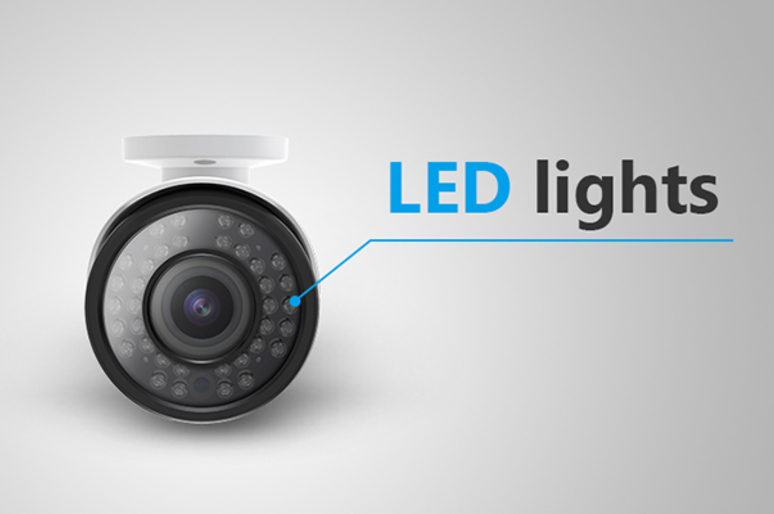
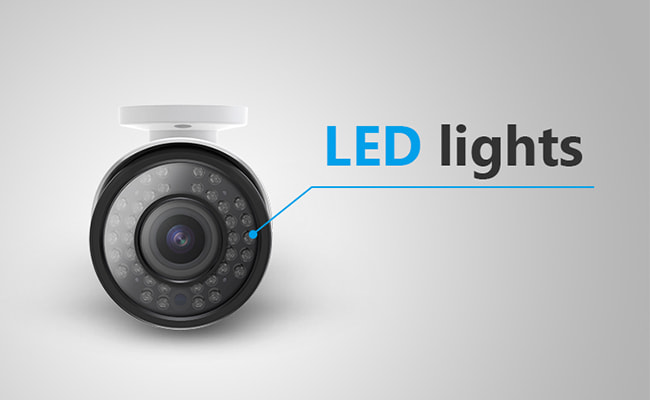
Infrared cameras may show faint red LEDs around the lens in low light. However, no visible red light does not mean the camera is off, because some cameras use less-visible infrared illumination, spotlights, or full-color night vision.
The meaning of cctv camera red light is quite easy to understand. If it’s an infrared IP security camera, you are able to see small red lights around the lens of the security camera in the dark, when this security camera is on. It’s also a quick way to tell if a security camera has night vision.
You can use a book or any covers to block the light falling on your security camera. If you see the lights turn red, it means that the security camera is on. However, the security camera blinking red light is not always real. A solid red light on security camera in low-lit environments means that a real security camera is on.
3. Log in to your security camera software
Log in to your security camera software to check whether you can view the live streaming. Thus you can check if your security camera is on or working.
For example, you can turn on your monitor to see whether your IP security camera is recording videotape. If the footage is showing up correctly, the IP security camera is on. If not, it would be either the cable or the camera issue.
4. Use electronic bug detectors
It’s also a pretty easy way to detect hidden cameras, or check if there are surveillance cameras are around.
CCTV IP security cameras (systems) would transmit higher energy radiation in their specified range. Thus you can use the electronic bug detectors to figure out the status of the IP security cameras.
5. Check the camera’s status light
Some IP cameras or wireless IP cameras have a status LED, so you can easily tell whether the camera is working or connected to WiFi properly.
6. Check whether the camera is connected to the network
Modern IP security cameras use a network connection to transmit video and communicate with an app, NVR, or other devices. Check your router, NVR, or camera app to see whether the camera appears online.
If you can access the camera's live view or see it listed as connected, the camera is powered on and communicating with the network. However, being online does not necessarily mean the camera is recording. Check the playback or storage to confirm that footage is being saved.
How to Tell If a Security Camera Is Recording You?
The most reliable way to tell if a security camera is recording is to check its playback or storage. Open the camera app, NVR, or recording software and look for recent footage. A status light or live view can show that the camera is powered on, but it does not necessarily prove that video is being saved.
1. Check playback timeline
Open your security camera's app or NVR/DVR management software and select the live view for the camera. Access the timeline or calendar interface to see if video segments are continuously recorded or marked with motion/event indicators for recent hours or minutes.
Verification: Click on a recently recorded segment in the timeline—if video plays back smoothly with current timestamps, the camera is actively recording.
2. Check microSD or NVR recordings
Navigate to the storage settings or device management section within the app or system software. Check whether local storage (microSD card) or network storage (NVRNAS/Cloud) is recognized, formatted correctly, and accumulating file size or event logs.
Verification: Confirm that storage status shows "Normal" or "Active" and available space is dynamically recycling or filling up as expected.
3. Check recording schedule Configuration audit
Review the camera’s schedule and mode configuration in the app settings. Ensure recording is set to Continuous (24/7) or Motion/Event Detection for the current day and time slot rather than set to "Scheduled Off" or "Disabled."
Verification: Confirm the current time block is highlighted/enabled under active recording profiles.
4. Trigger motion and verify a new event
Walk or wave directly within the camera's field of view to trigger a motion detection event. Wait 15 to 30 seconds for the system to process and save the file.
Verification: Check the app's notification center or playback list to confirm a new event clip corresponding to your exact test time appears and plays.
5. Check storage status
If no new footage is generated, inspect the storage health page for error messages (e.g., "SD Card Error," "Storage Full," or "Disk Unformatted"). Re-format the card or storage volume through the camera interface if errors persist.
Verification: After re-formatting or clearing storage errors, perform another motion test to verify new clips are saved without issue.
Do Different Security Cameras Show Different Signs When They Are On?
- PoE cameras: Network/NVR status and live view are stronger indicators.
- Wi-Fi cameras: App connection and router/device status can help.
- Battery cameras: Enter standby and show no visible activity until motion is detected or live view is opened.
- PTZ cameras: may move during startup, patrol, or tracking but can also remain stationary.
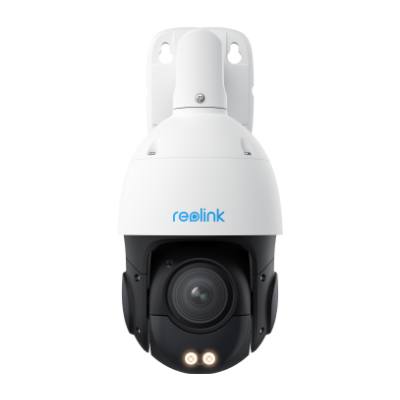
Smart 4K PTZ PoE Security Camera with 16X Optical Zoom
16X Optical Zoom, 360° Coverage in 4K UHD, Auto Tracking, Color Night Vision.
How to Check If a Reolink Camera Is On and Recording
For a Reolink camera, open the Reolink App or Client and check whether the camera shows as online and whether Live View loads normally. To confirm recording, open Playback and check for recent recordings on the microSD card, NVR, Home Hub, or other configured storage.
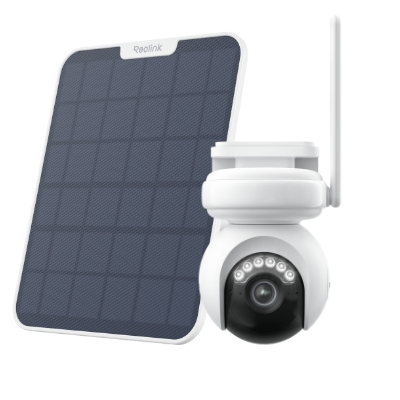
4K Battery-Powered PTZ Camera with Continuous Recording
👍 4K UHD video with continuous recording
👍 ColorX night vision in low light
👍 Pan, tilt, and automatic person tracking
👍 Local storage without monthly fees
How Can You Tell If a Security Camera Is Fake or Real for Recording?
- Look for identifiable manufacturer/model information.
- Inspect realistic power/network connections where visible.
- Look for proper installation and functional components.
- Don't rely on blinking LEDs alone.
FAQs
Below are the bonus answers for some common questions about IP security cameras.
1. How to Tell If a Security Camera Has Audio or Sound?
It’s impossible to tell whether this IP camera has audio from the appearance. You can just ask the security camera company staff directly. As you may know, most baby monitors have two-way audio function, so if you want an IP security camera with audio, you can go get a baby monitor directly.
Please know that state laws would have strict legislation on audio recording. One person must know about the video recording taking place. You should turn off the audio recording when this function is not allowed under some circumstances.
2. HoW Can a Security Camera Be On Without a Light?
Yes. Many cameras allow status LEDs to be disabled, while others do not display a visible light during normal operation.
3. Does a Red Light Mean a Security Camera Is Recording?
Not necessarily. A red light may indicate infrared night vision, power, connection status, or another operating state depending on the camera.
4. Does a Blue Light Mean a Camera Is Recording?
Not always. LED colors vary by manufacturer, so check the device documentation rather than assuming blue means recording.
5. Can a Security Camera Record When It Is Off?
Generally no if it has completely lost power. But clarify battery backup, NVR-side recording implications, etc.
6. Can a cctv camera work without red light?
Not every CCTV camera incorporates a red light. The presence or absence of visible indicators varies depending on the camera's design and intended function. Some cameras may utilize different colored lights or may not have any visible indicators at all.
Conclusion
Knowing how to tell if a camera is on is essential for its proper operation. By paying attention to signals like red LED lights or rotating buzz sound, users can navigate their surroundings with a heightened awareness of surveillance. Got your answers yet? If not, how do you if a cctv camera is working? Leave your methods in the comment below!
Search
Subscribe for the Latest Updates
Security insights & offers right into your inbox