RLK16-1200D8-A (New Version, Support AI Video Search)

RLK16-1200D8-A (New Version, Support AI Video Search)

12MP UHD PoE Security System with Local AI Video Search

12MP UHD & Color Night Vision

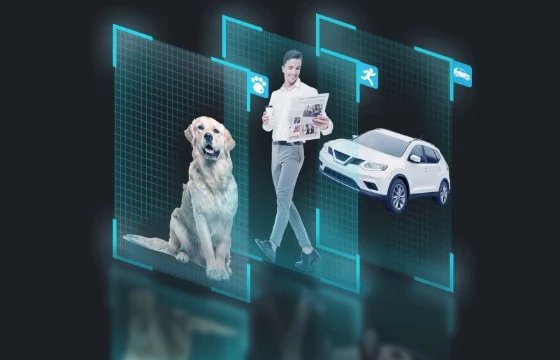
AI Video Search

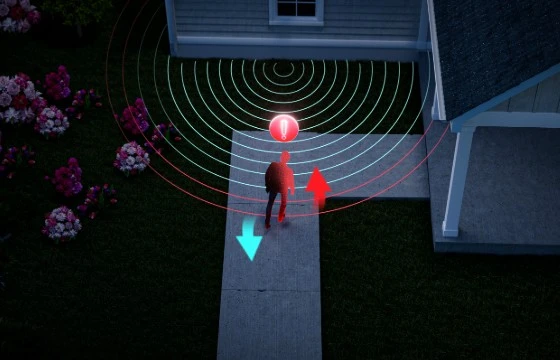
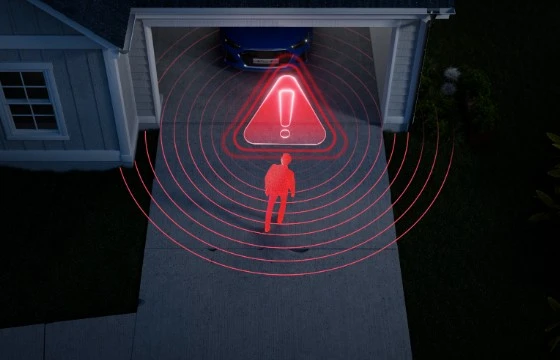
Perimeter Protection

Person/Vehicle/Animal Detection

24CH NVR with 16 PoE Ports & 4TB HDD

Daytime Vision
Spotlight Night Vision
Black & White Night Vision

16 Channels

Expandable to 24 channels*

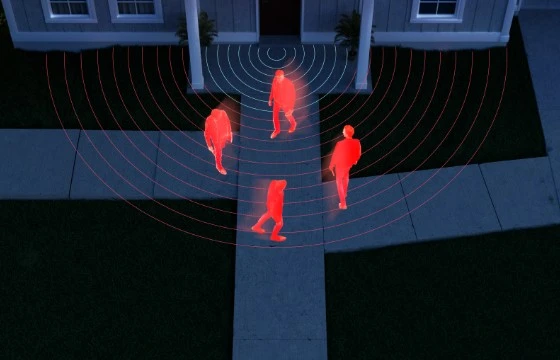
Heatmap Analysis

Applicable to business scenarios

4TB HDD Pre-installed

Up to 16TB HDD

Two-way Audio, Double Deterrence

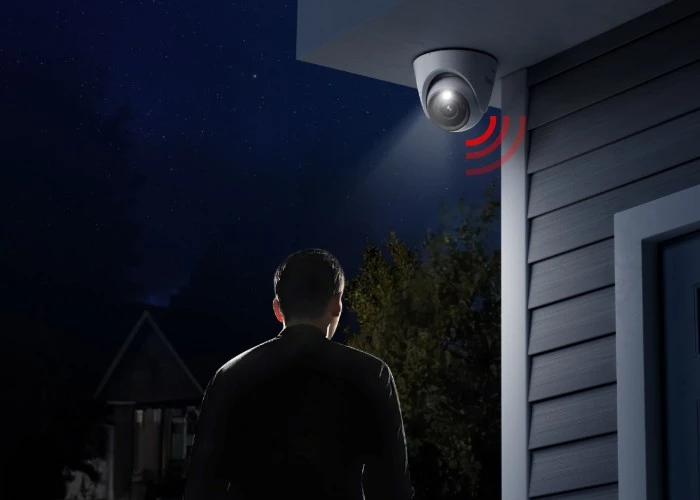
With two-way audio, wherever you are, you can hear and speak to the person in real-time, who is in front of the camera, through the Reolink App or Client. If you find suspicious intruders, you can use it to chase them away. Once the intruders are detected, spotlights and the siren on the cameras will be triggered.

Fearless of the Wind and Rain, Working Still

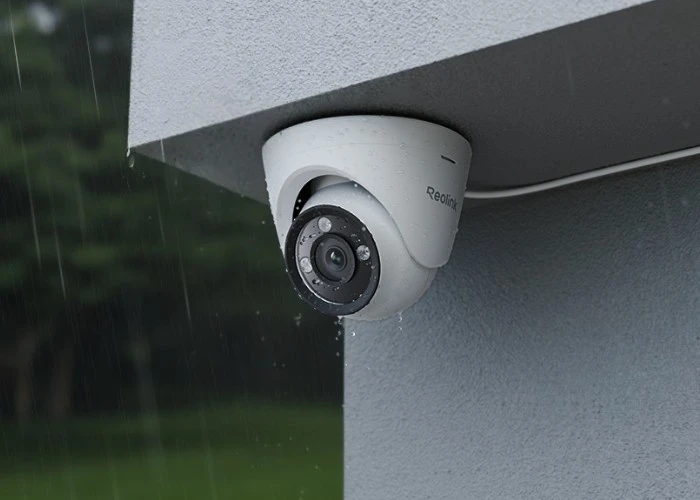
Cameras boast the exceptional weatherproof feature IP67 so that they can work indoors and outdoors, even in rainstorms.

Recording Round-the-Clock

4TB HDD is pre-installed and it can be expanded up to 16TB. With a large storage capacity, the system can store large video files from cameras recording 24/7. Even zero internet would not stop them from working.

Video Encryption, Data Protection

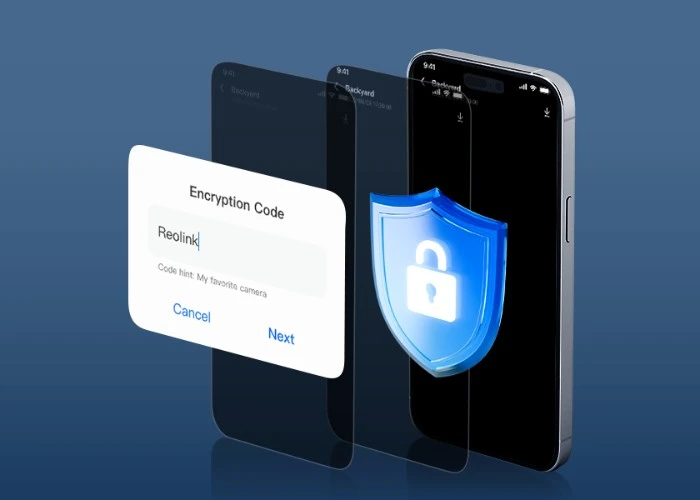
Without a decryption key, any attempt, including resetting, cannot read the encrypted videos. With encryption algorithms, your account information and other private data are well stored locally. They are still confidential and unreadable even if the NVR is stolen or lost. Reolink safeguards personal privacy and data safety.

Step 1
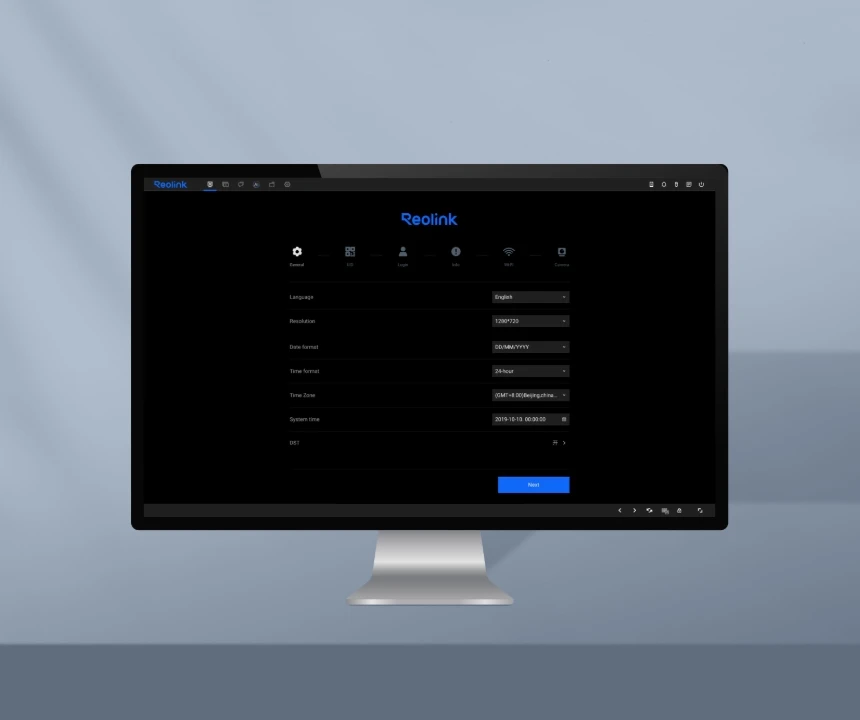
Set up the NVR

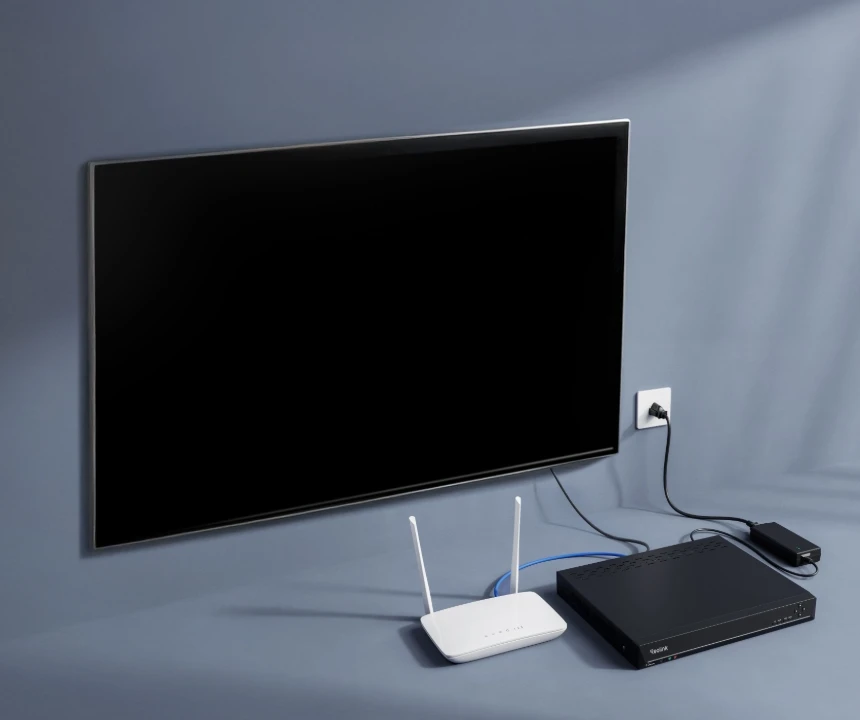
Connect the NVR to the power supply and then to your router.

Step 2
Set up the Cams

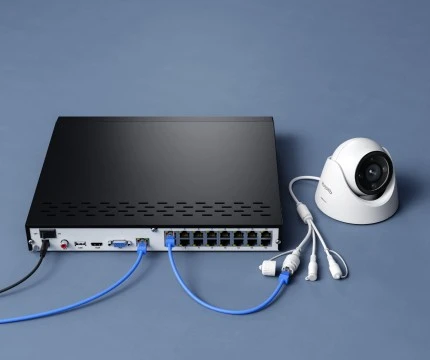
Connect the NVR to cameras with network cables.

Step 3
Scan & Live view

Use the Reolink App to scan the NVR UID code to get the live view.

Control All with Your Fingertips

Real Time Alert

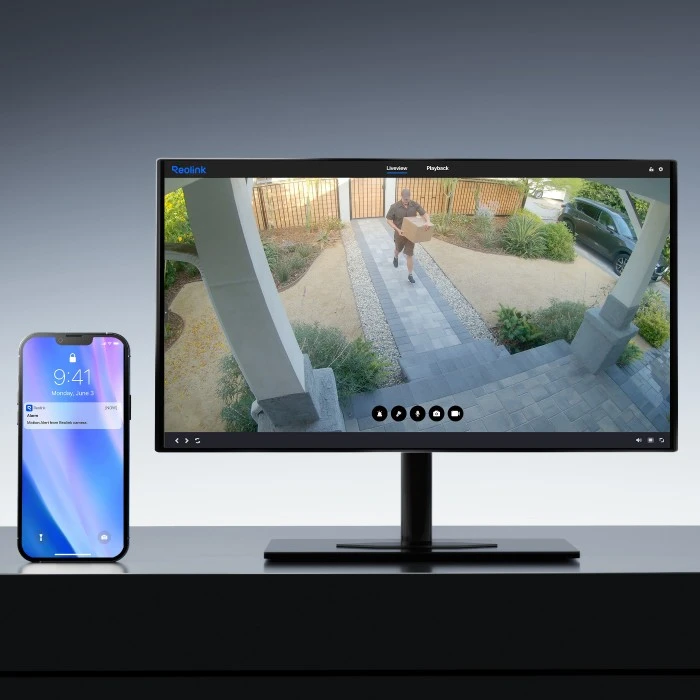
Cameras protect your property all the time. Once the detection is triggered, your cameras will inform you by push notifications or by email.

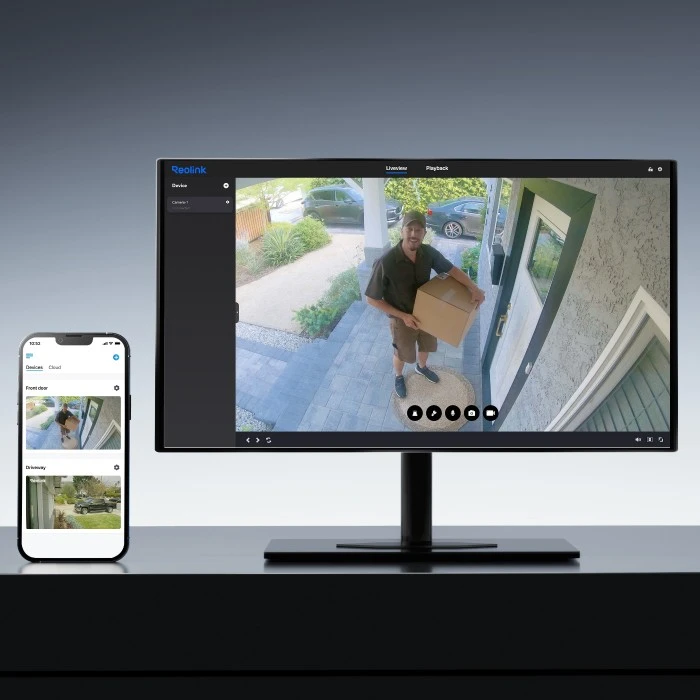
Easy Live View

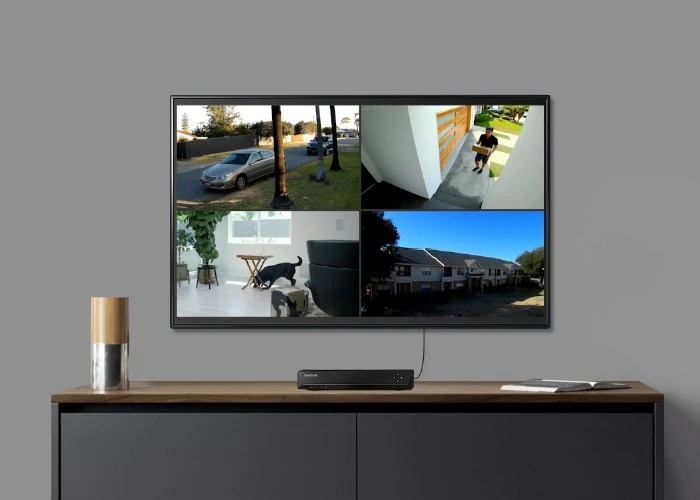
Get the live view of all the cameras on the App or Reolink Client. You can know what is happening wherever or whenever you are.

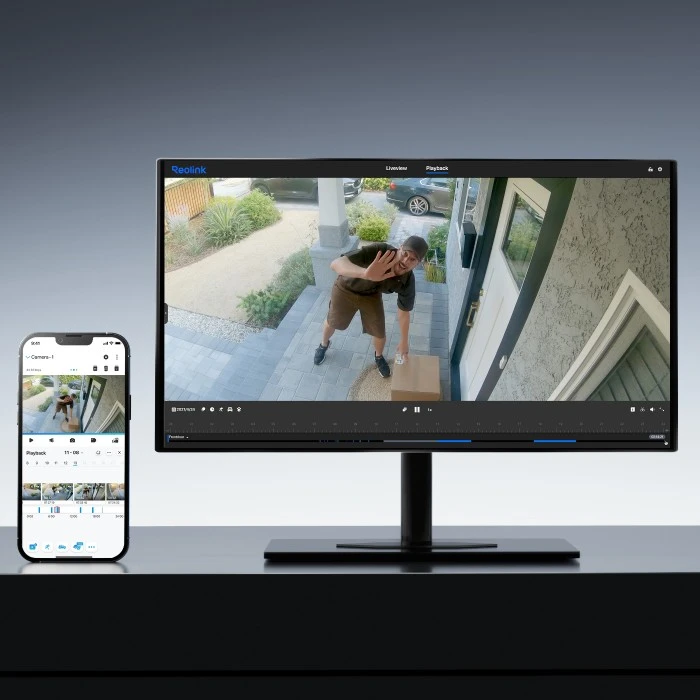
Smart Playback

You can review the whole video recorded. But with smart playback, you can choose filters such as animal detection to quickly locate the video progress bar to find the videos you want.

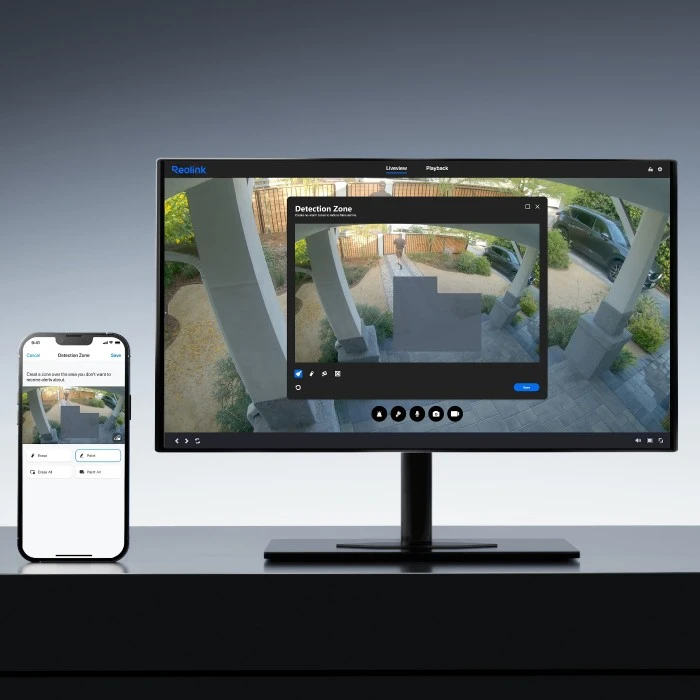
Customizable Detection Zones

To avoid too much unnecessary recording, you can set detection zones. Once any motion happens in this specific zone, cameras start recording.

Comparison

What's in the box

    Compare all Reolink models