Reolink Duo 3V PoE

16MP IK10 Dual-Lens PoE Security Camera with 180° Panorama

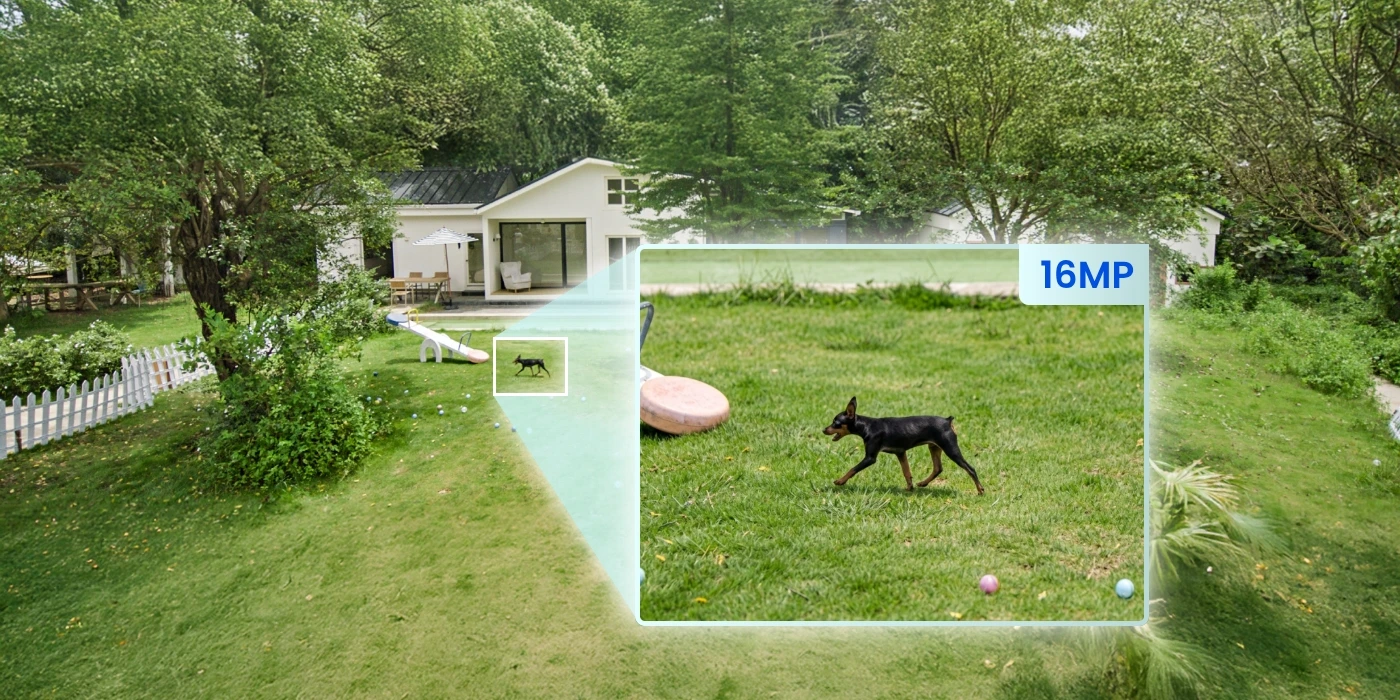
16MP Ultra HD Resolution

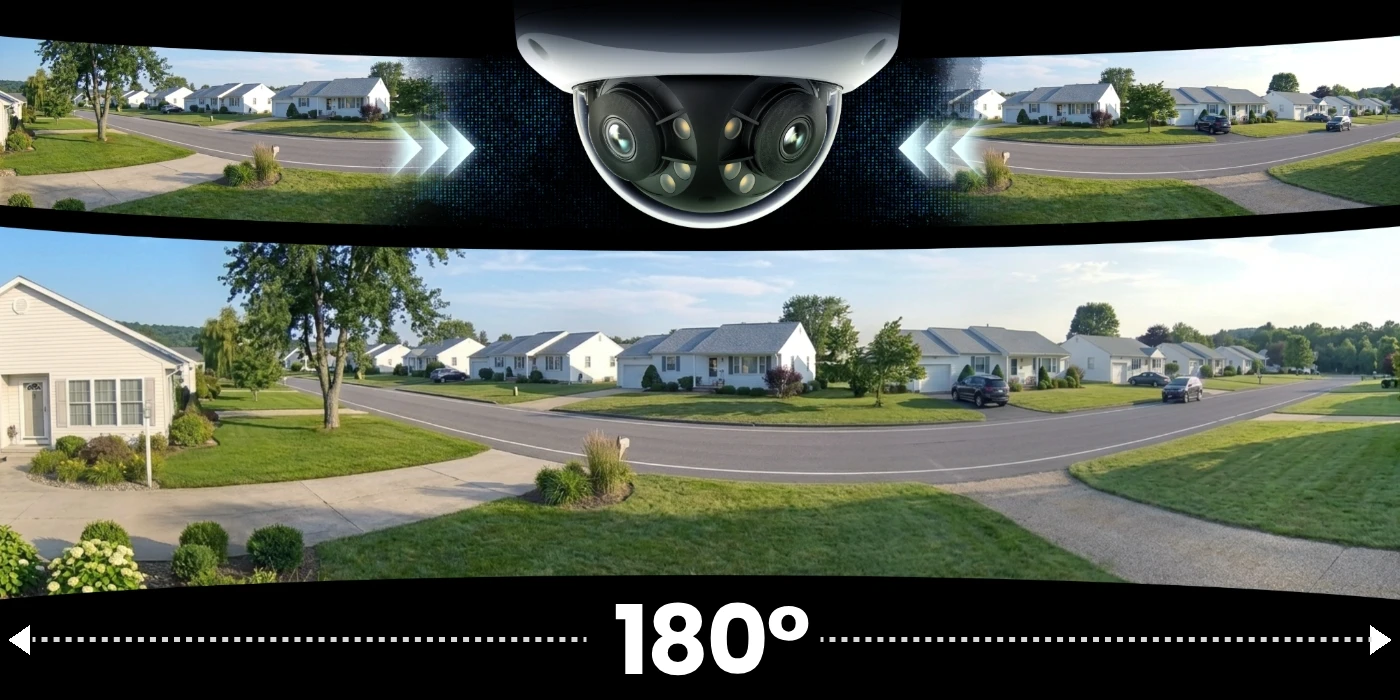
Dual-Lens 180° Panorama

IK10 Vandal-Proof & PoE Connectivity

Motion Track and Smart Detection

180° Panorama

16MP Resolution

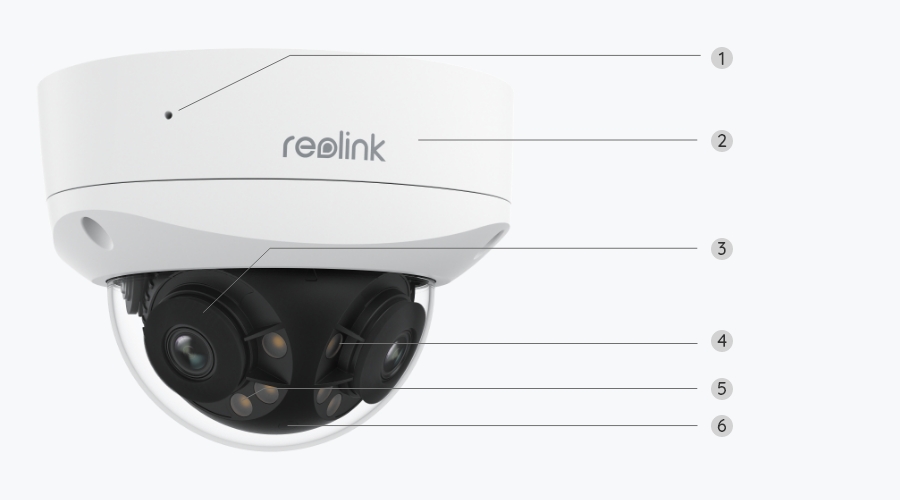
The Reolink Duo 3V PoE combines two lenses in a single housing to deliver a seamless 180° panoramic view. Powered by Reolink’s image-stitching technology, the wide panorama remains clear and distortion-free.
Enjoy up to 16MP ultra-high resolution, powered by an enhanced image sensor. Capture sharp details from every angle, even at a distance.
Day Vision
IR Night Vision
Color Night Vision
  • Plug & Play
  • Reliable Connection
microSD Card
Reolink NVR

microSD Card

Store your recordings locally and securely on a microSD card of up to 512 GB.

29.1 hours 128GB
58.3 hours256GB
116.5 hours512GB

Deter Crime Before It Happens with Anywhere Access

Smart Detection & Motion Zone

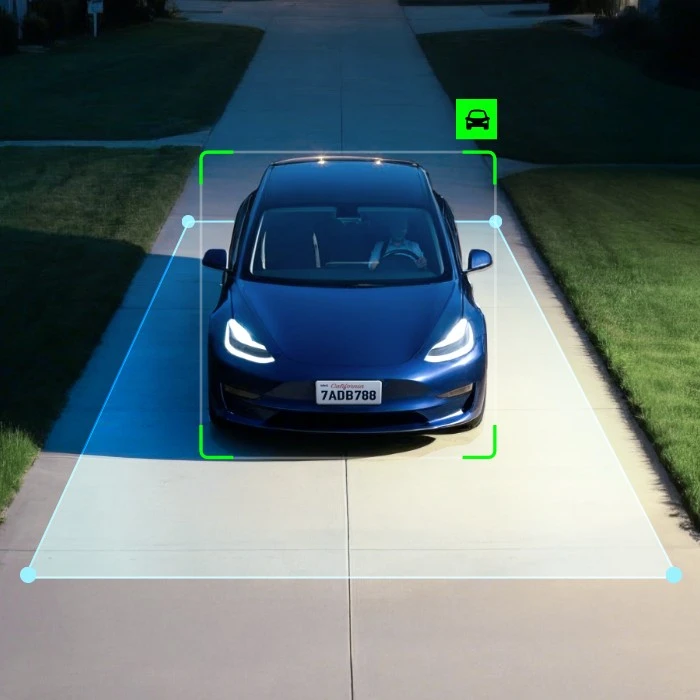
With advanced algorithms, the Duo 3V PoE accurately detects human, vehicle, and animal movements, minimizing false alarms. You can also define custom motion zones to focus only on what matters most.

Dual Deterrents

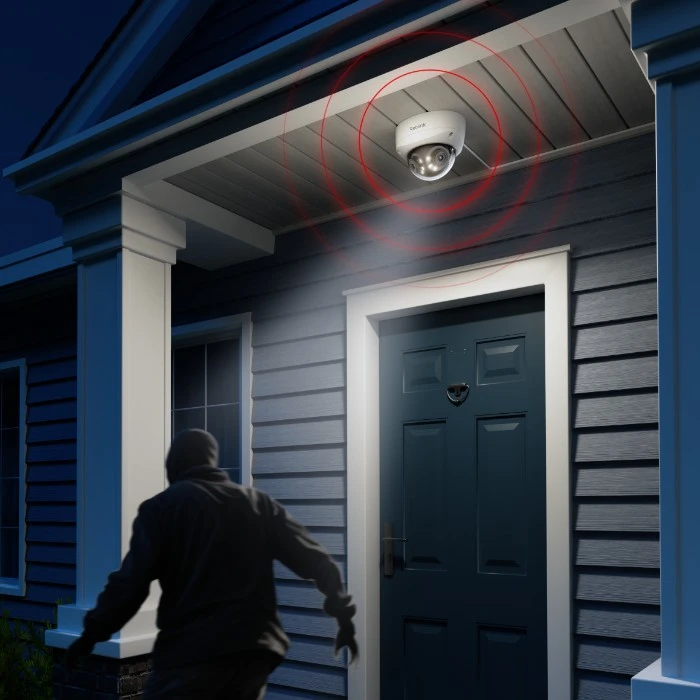
Use sirens and motion-triggered lights together as a powerful, dual-layer deterrent against crime.

Accurate Alerts

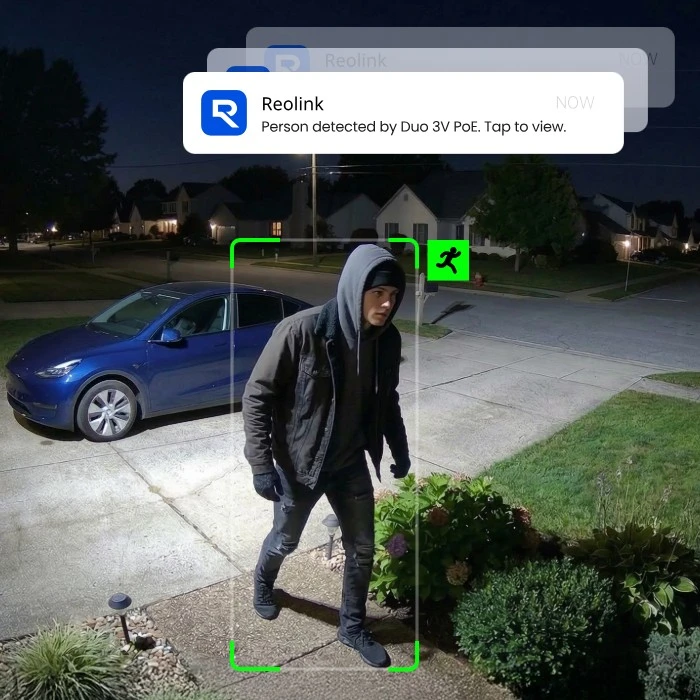
Upon motion detection, push notifications and email alerts will be sent to you instantly, ensuring you stay in the know.

Live View & Playback

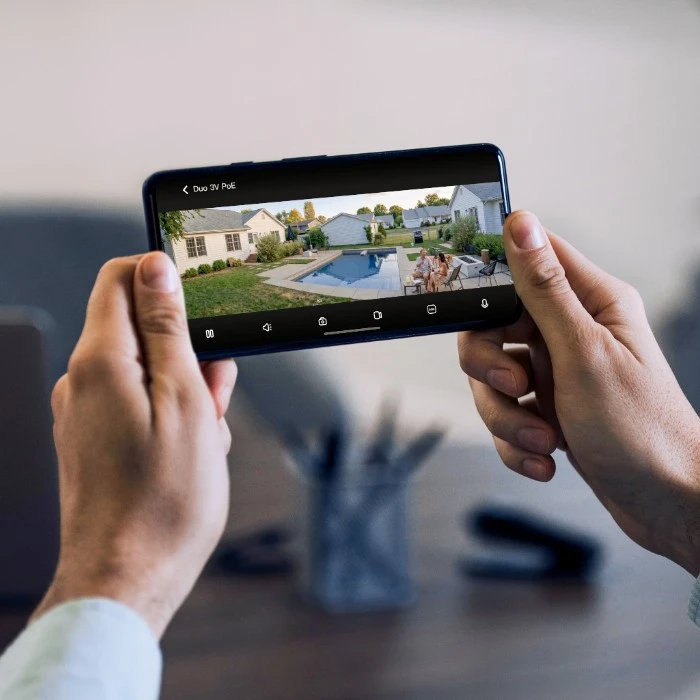
View your camera’s live feed instantly via the Reolink App/Client. Share access with loved ones and stay connected. Filter motion events by type to quickly locate and replay important clips.

Work With Alexa

Control Your Camera, Hands-Free

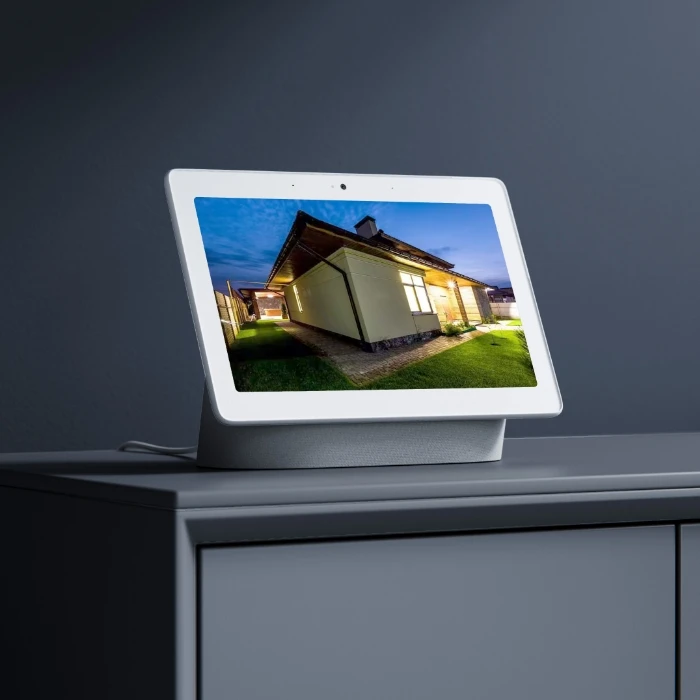
As easy as saying "Hey Google, show me the Front Door", you can check what's happening there on your Google Nest Hub or Chromecast-enabled TVs.

Coming Soon

Control Your Camera, Hands-Free

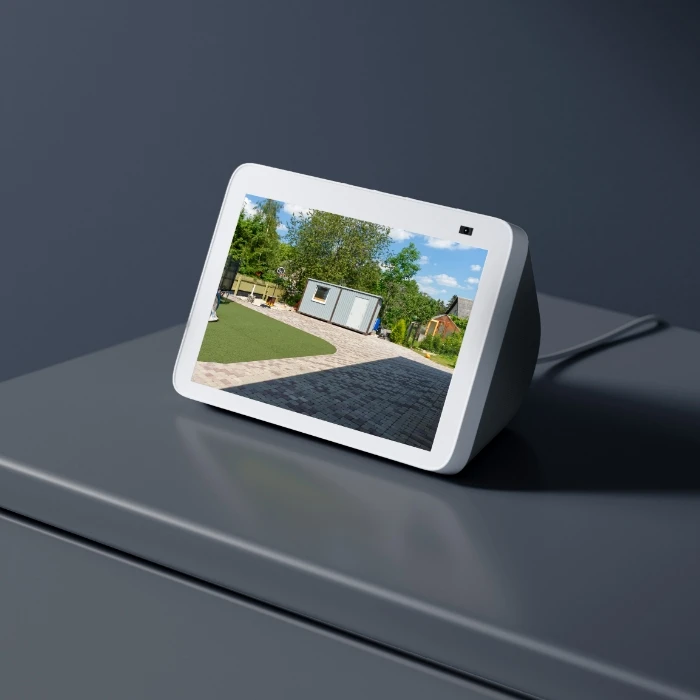
As easy as saying "Hey Alexa, show me the Front Door", you can check what's happening there on your Google Nest Hub or Chromecast-enabled TVs.

Coming Soon

How can I prevent moisture buildup in vandal-proof security cameras?

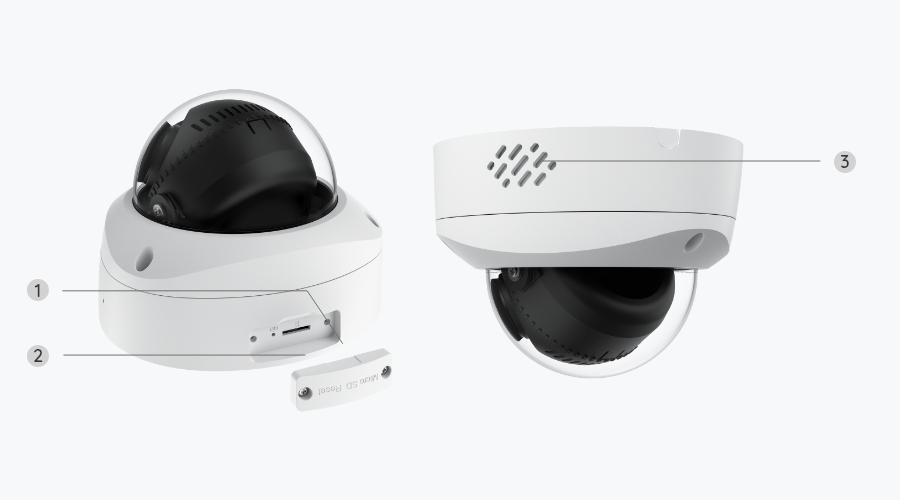
If you notice fog or condensation inside or on the shell cover, first wipe it clean, tighten the shell, and monitor for any changes. If moisture appears inside the camera lens and your model has an SD card slot, open the slot cover and keep the camera powered on for several hours—this helps evaporate trapped moisture. Regularly checking seals and ensuring proper installation can also reduce moisture buildup.

What should I do if my Reolink camera lens has glare or light reflection?

If your Reolink camera lens has glare or light reflection, you should adjust the camera angle or position to avoid direct light sources, clean the lens or vandal-proof housing to remove dust or smudges, and ensure that nearby reflective surfaces aren’t facing the camera.

How do I set up motion track on the Reolink Duo 3V PoE camera?

To set up Reolink Motion Track on Duo 3V PoE, open the Reolink app and first enable email alerts and smart detection for your camera. Then go into Email Alerts > Image Setting and turn on Motion Track (with Motion Timestamp if you want time labels). Once enabled, the camera will send you an email showing the movement path of detected people, vehicles, or animals in a single image.

What is the difference between Reolink Duo 3V PoE and Reolink Duo 3 PoE?

The main difference lies in their design and housing. The Reolink Duo 3V PoE is a dome camera with vandal-proof housing, while the Reolink Duo 3 PoE is a bullet-style dual-lens camera.

Comparison

What's in the box

    Compare all Reolink models