
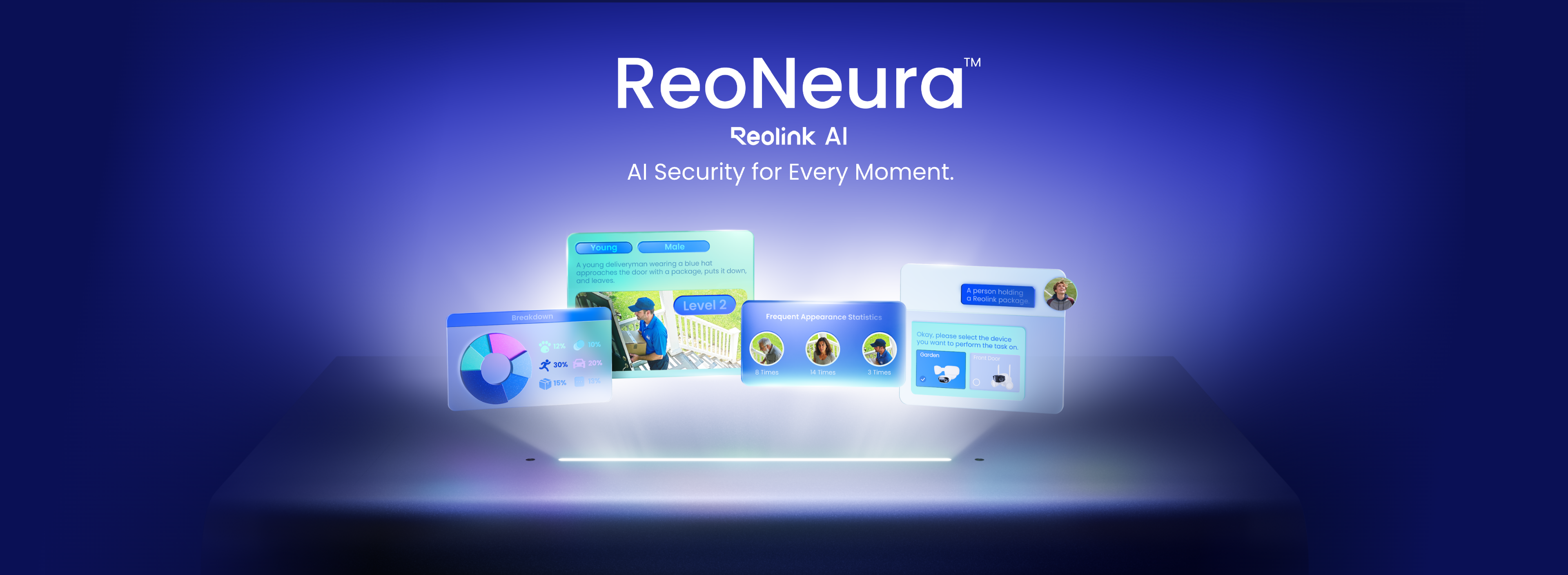


Set your own smart rules like “door open” or “someone enters the garden,” and the system instantly generates AI logic to detect and respond. It understands actions and intent, making alerts more meaningful and aligned with real-life scenarios.
Stay proactive and confident, knowing the system alerts you only to what matters most.
Find footage instantly with AI Video Search+ now offering much higher accuracy. Just type phrases such as “man in a red jacket” or select filters such as clothing color or vehicle type for enhanced search results.
Save time and gain peace of mind by finding critical footage instantly, without endless scrolling.
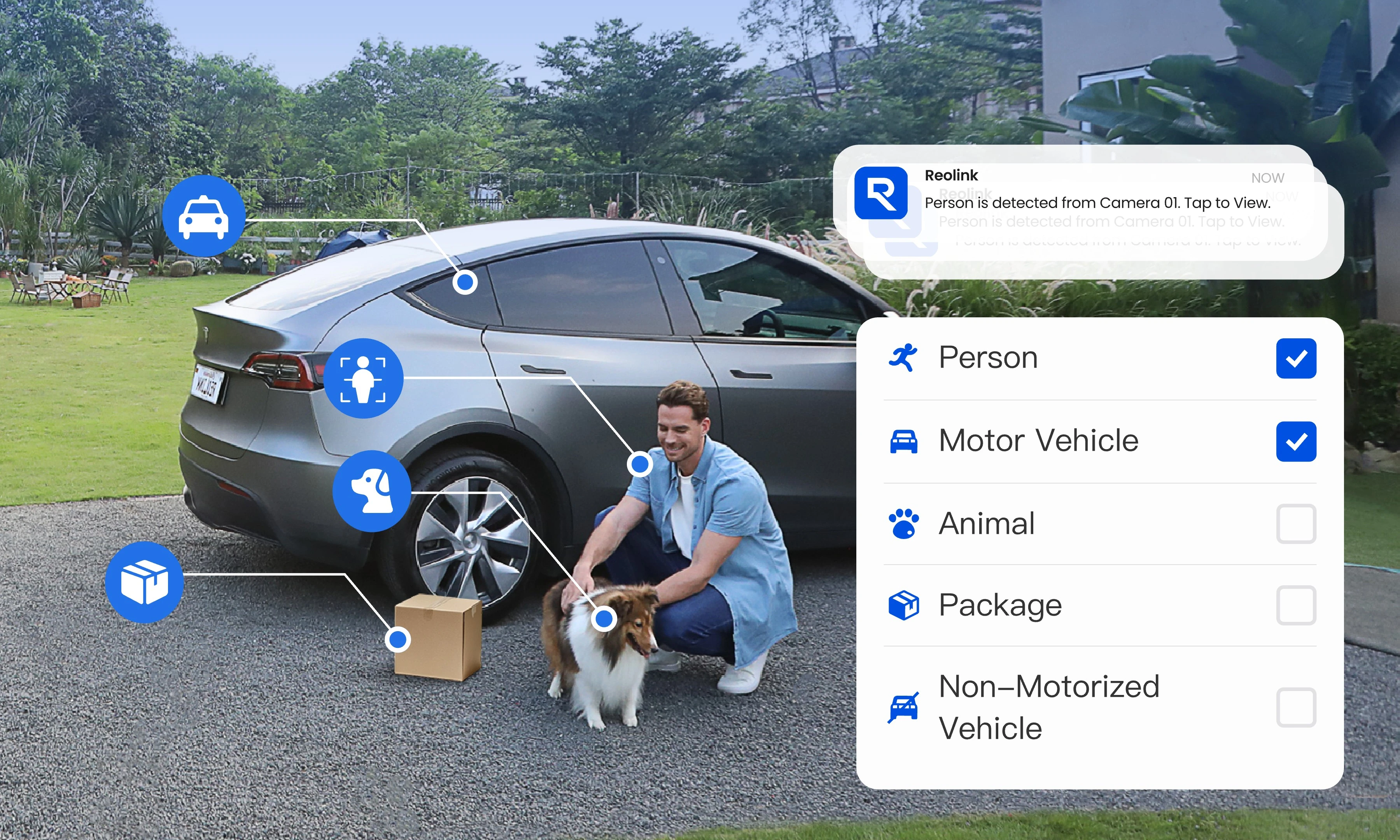
Accurately identifies people, vehicles, animals, and packages with customizable alerts tailored to your needs.
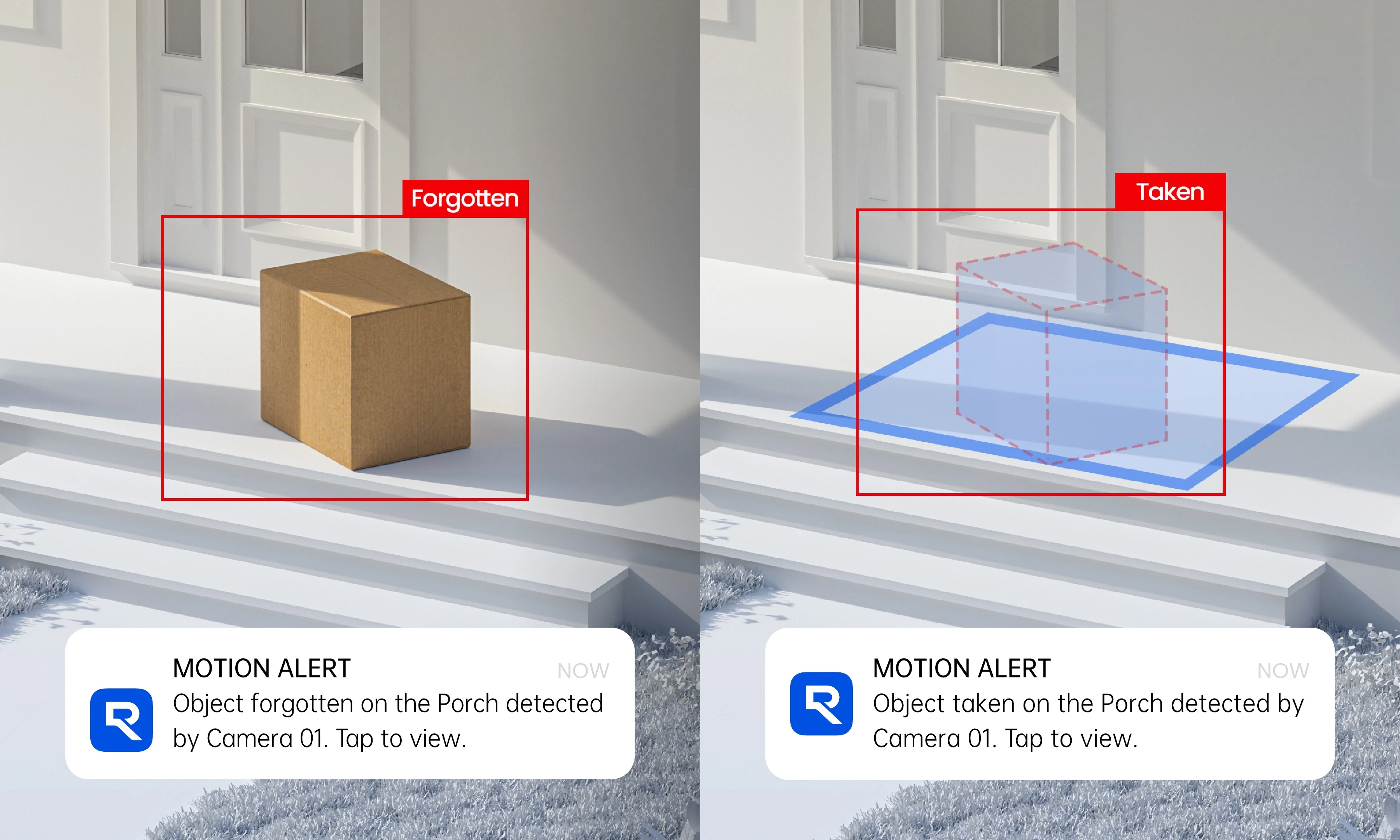
Tracks packages, missing items, and unusual changes, sending timely alerts when something important happens.
Define your safe zones and schedules and let ReoNeura handle the rest.
With AI-powered intrusion, line-crossing, and loitering detection, ReoNeura acts as a virtual fence around your property. Define custom zones and schedules, and get precise alerts when people or vehicles cross the boundaries you set. No more unnecessary triggers, just smarter, proactive protection to keep threats out before they reach you.


Let the Flow Guide Smarter Decisions
Tracks foot traffic through designated zones and provides exportable trend data.
Visualizes movement hotspots and reveals flow direction patterns over time.
Track crowd levels in key areas like queues, exits or checkout. Get real-time alerts when limits are exceeded, helping you ease congestion and improve on-site flow.
Turn real-world activity into data-driven insights with visualized analytics (charts, tables, summaries). Optimize space, staffing, and operations effortlessly.

AI-powered products designed to make home monitoring easier, faster, and more reliable — no matter where you are.
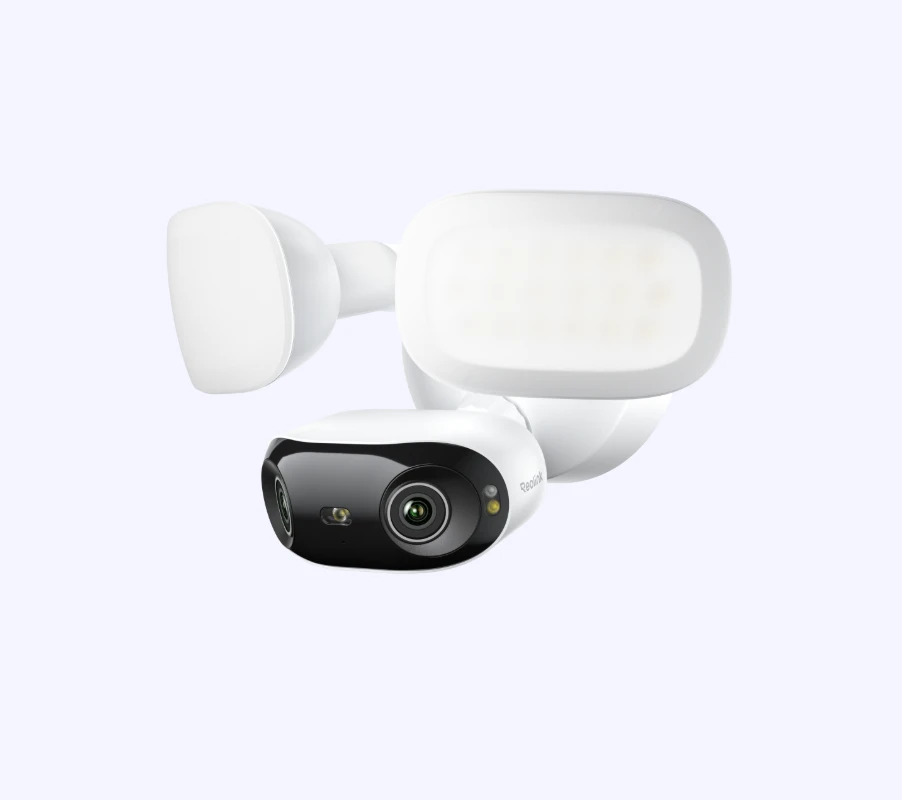
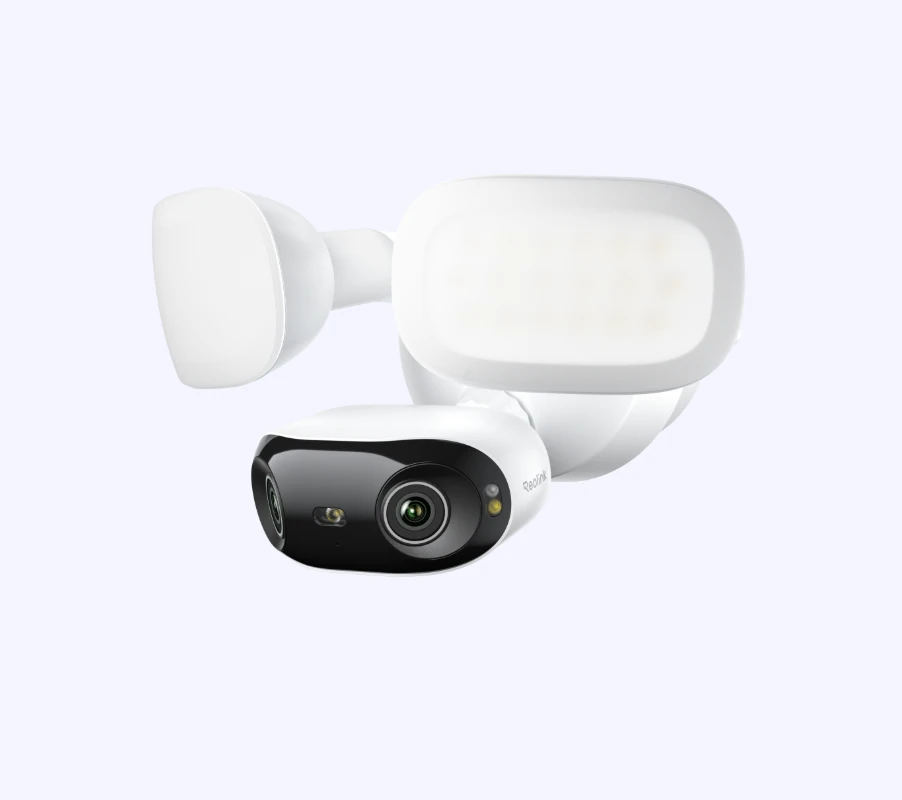
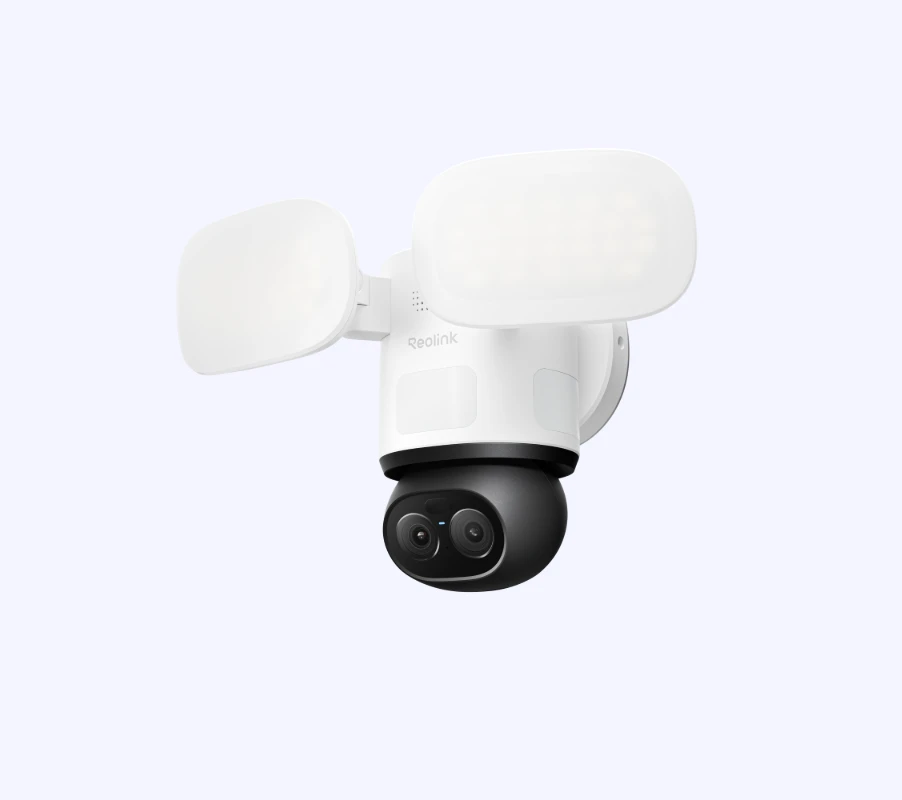
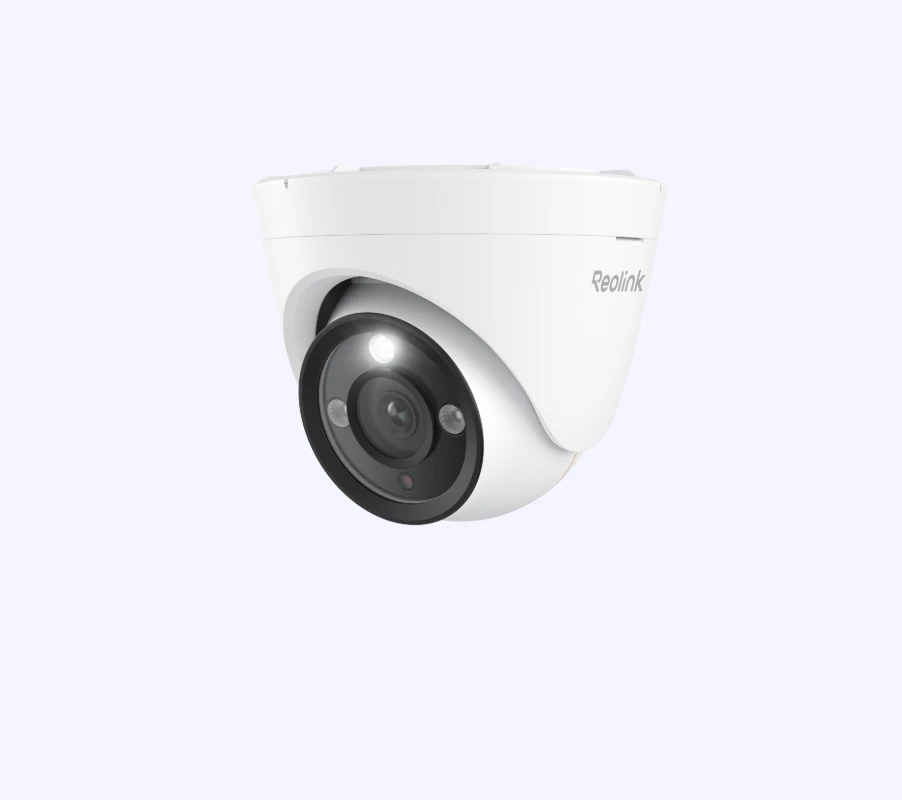
Scalable AI solutions for offices, stores, and facilities — helping you stay in control and respond faster, with less effort.
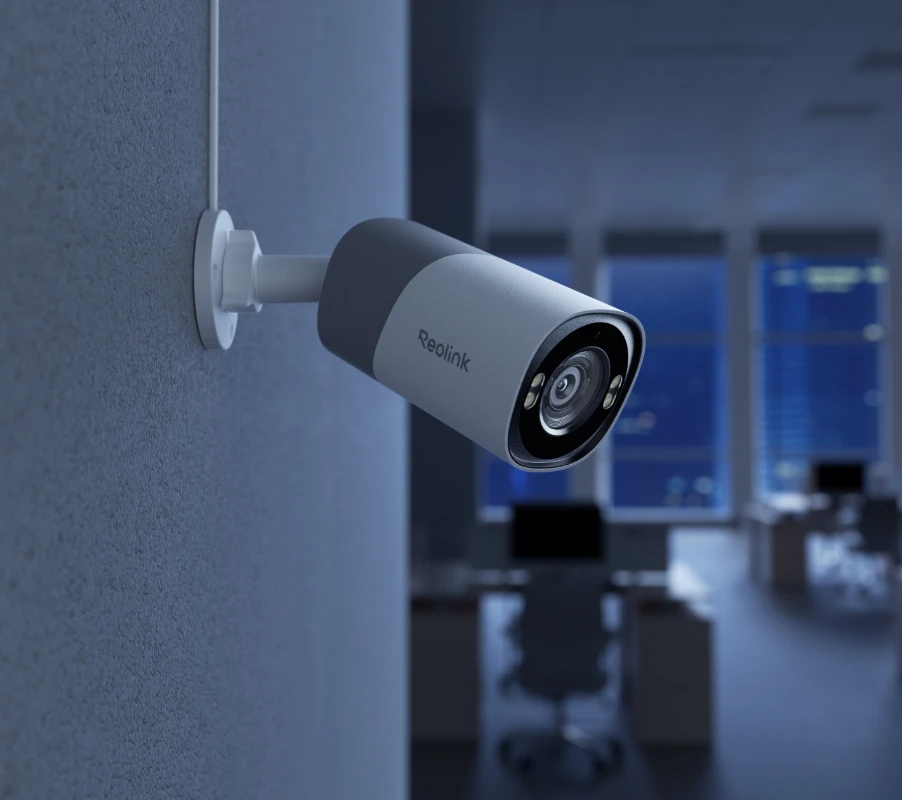
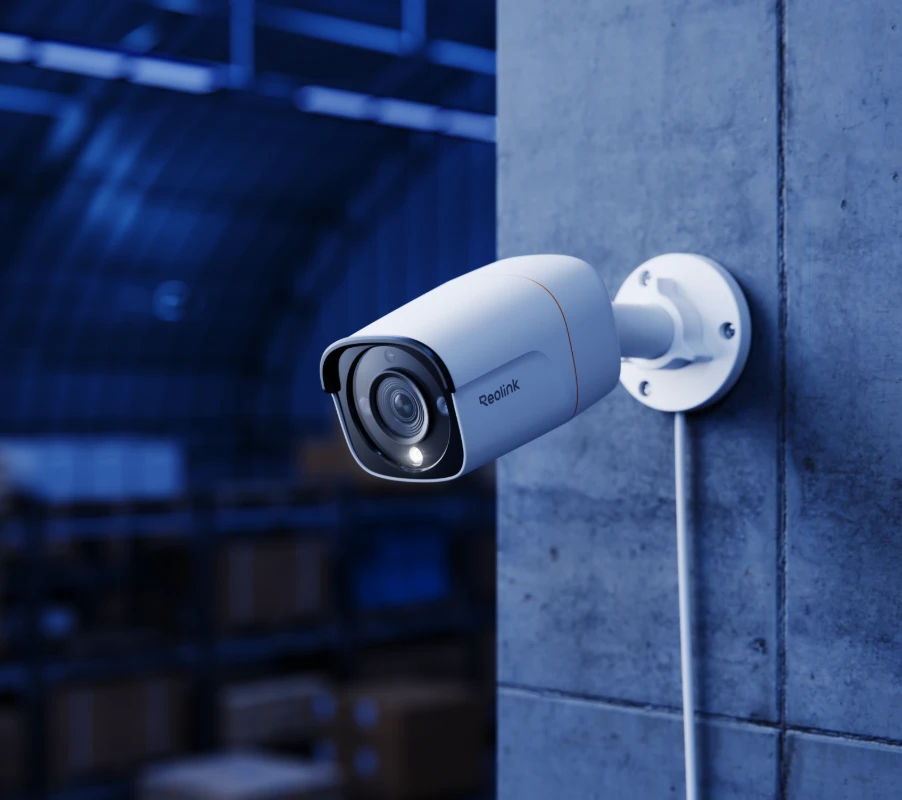
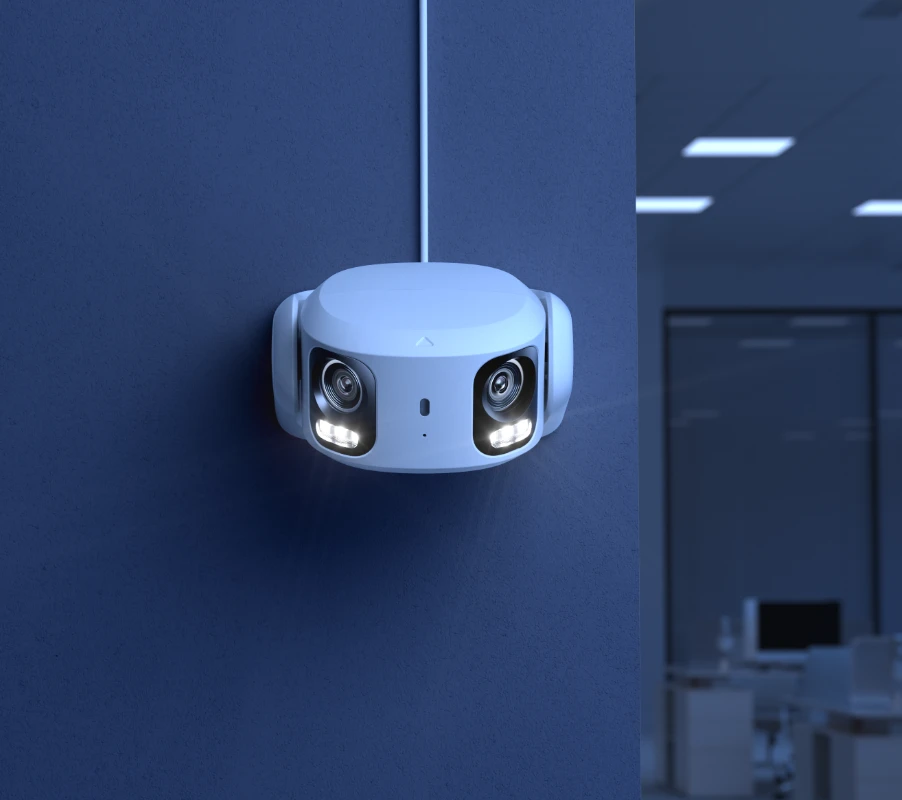
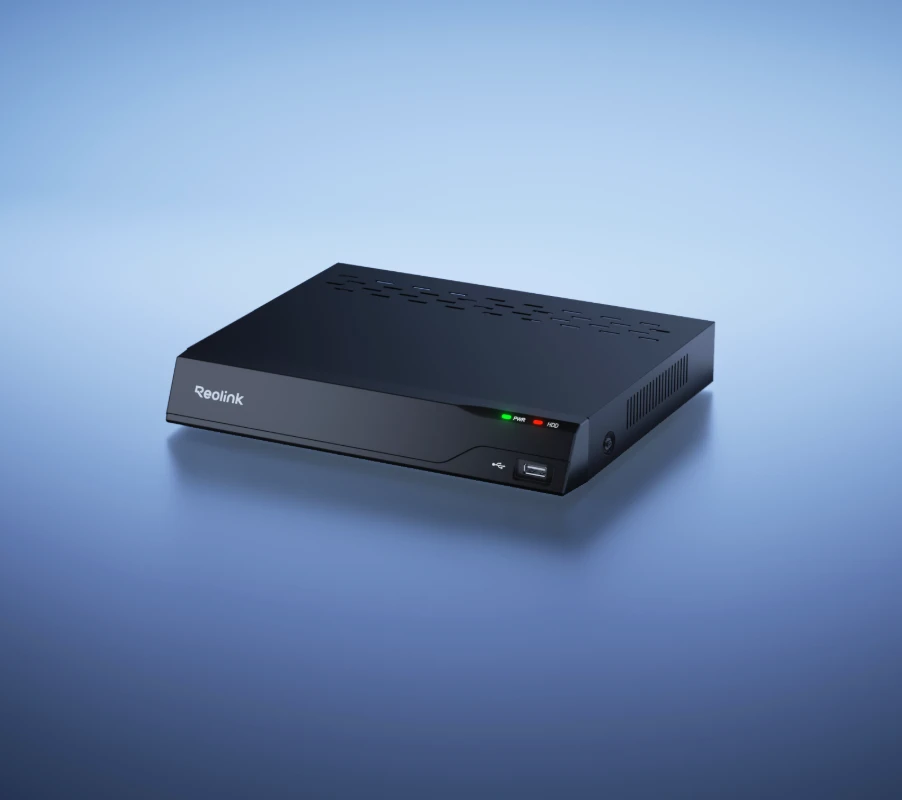
Pair AI-enabled IP cameras with NVR kits for local storage and seamless AI coordination, stay ahead with next-gen AI security.
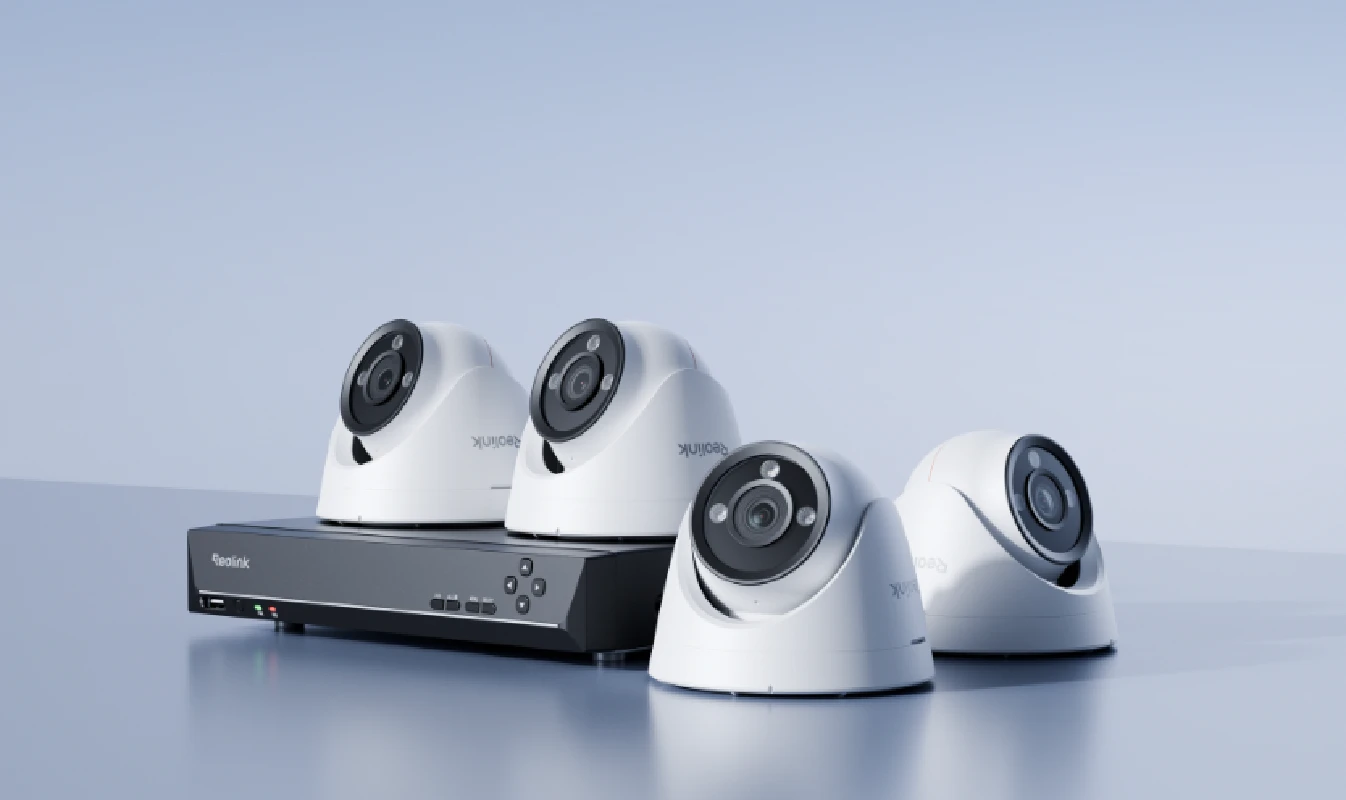
12MP UHD PoE Security System with 24/7 Full Color Images
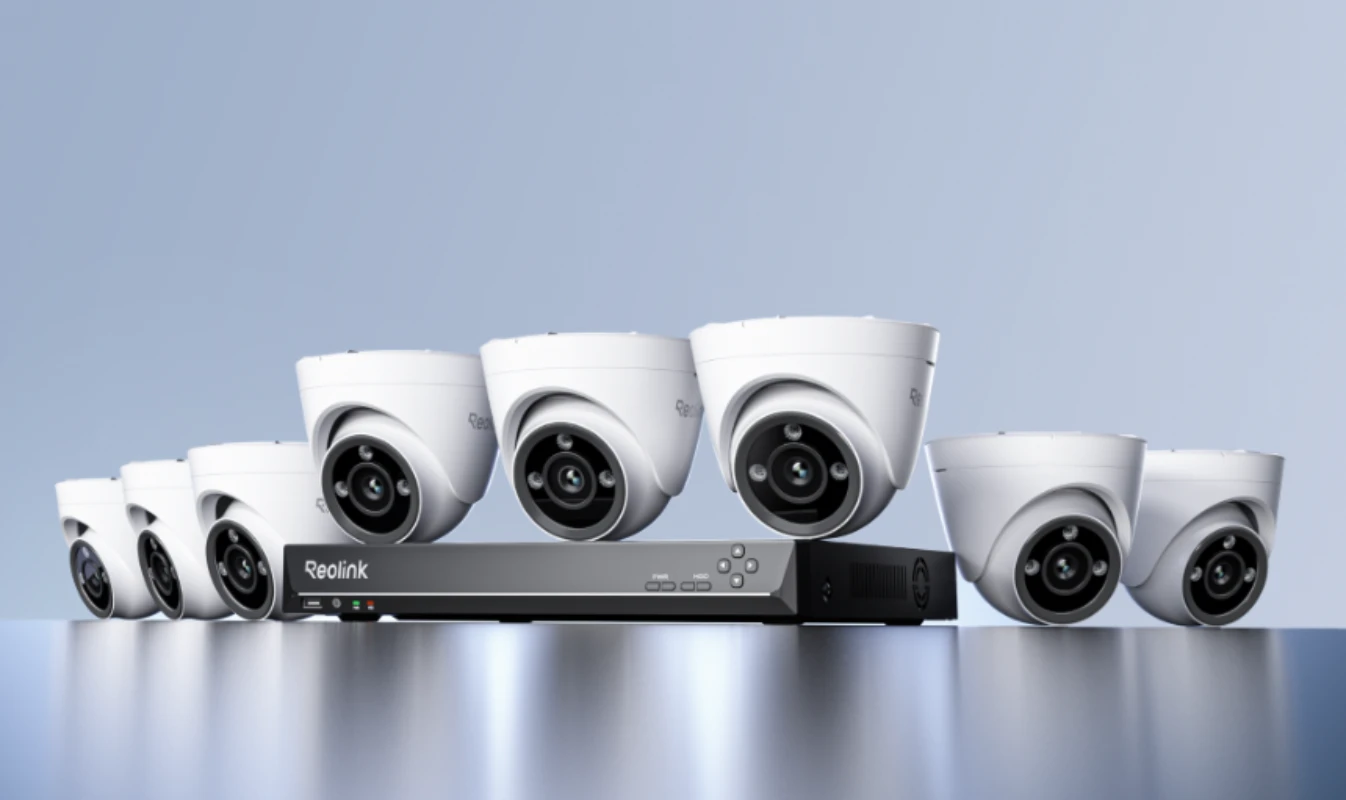
No subscription is required to use AI features.
All AI capabilities are available through on-device AI and the AI Box, without the need for any subscription or paid plan. Core features such as AI Video Search, Perimeter Protection, and other intelligent features are processed locally by the device or enhanced via the AI Box, ensuring fast response and full data privacy.
If your camera supports these AI features, or if it is connected to an AI Box, you can access and use them for free through the Reolink App, Reolink Client, and NVR interface. There are no recurring fees or additional costs required.
*Not all AI features are supported by the AI Box. For detailed information, please refer to the next FAQ.
a. IPC
AI Video Search
Smart Detection 【Person & Object Detection、Smart Event Detection(Beta)】
Perimeter Protection 【Line Crossing Alert、Zone Loitering Alert、Zone Intrusion Alert】
Customer Flow Analysis 【Zone Crowd Monitoring、People Counting】
b. AI Box
AI Video Search+
Smart Summary
Prompt-Based Alerts
Event Description
c. NVR
Customer Flow Analysis 【Heat Map】
ReoNeura is designed to work seamlessly across Reolink cameras NVRs, and cloud(AI Box). in addition to household scenarios, ReoNeura-powered devices can be used in business scenarios including retail stores, coffee shops, cafeterias, farms, supermakets, and many other places.
For all the on-device features,users can directly use this feature on Reolink mobile app or NVR users interface.
Find detailed instruction here:
Introduction to Reolink AI Video Search
Introduction to Reolink Heatmap
Comprehensive Guide to Reolink Perimeter Protection
Comprehensive Guide to Smart Event Detection
¹ Feature available only with Reolink AI Box.
² AI Video Search+ is available only with Reolink AI Box. Standard AI Video Search is supported on other compatible devices.
³ Feature available on select IPC models.
⁴ Specific sub-features under this function may vary by device.
Be Prepared, Be Reolink

Google, Google Play, Google Assistant and related marks and logos are trademarks of Google LLC.
Amazon, Alexa and all related logos are trademarks of Amazon.com, Inc. or its affiliates.
Mac and Safari are trademarks of Apple Inc.
App Store is a service mark of Apple Inc., registered in the U.S. and other countries.
Firefox and the Firefox logo are trademarks of the Mozilla Foundation in the U.S. and other countries.
Other product and company names mentioned herein may be trademarks of their respective companies.


