Local Storage
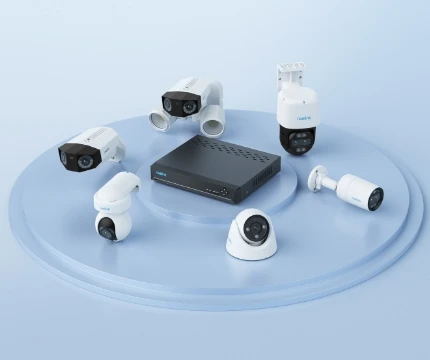
Keep security local with Reolink NVR systems.

Keep security local with Reolink NVR systems.

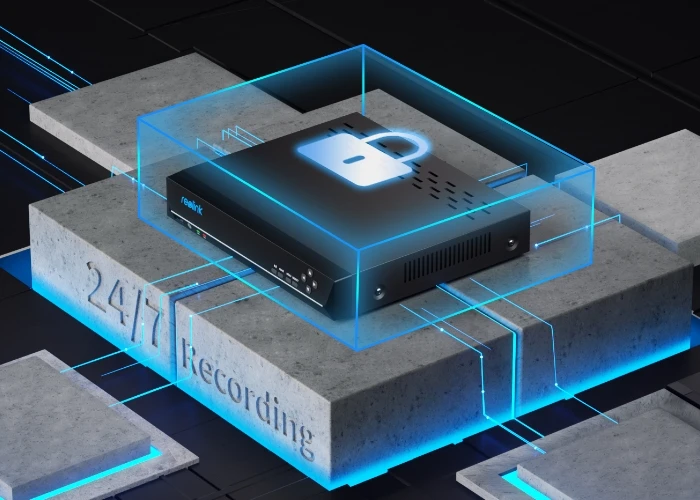
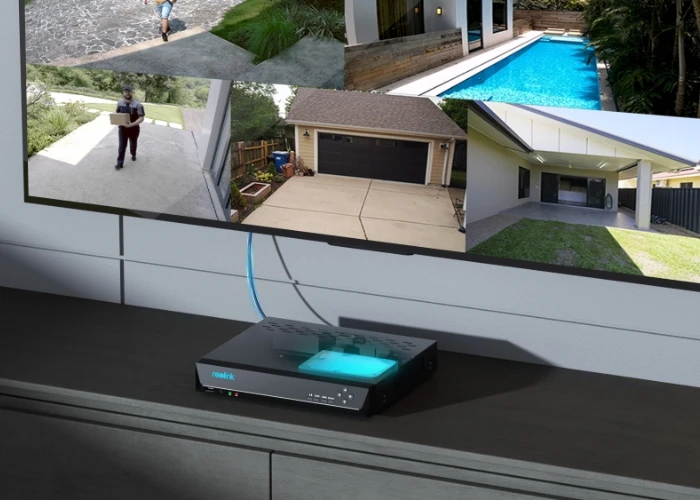
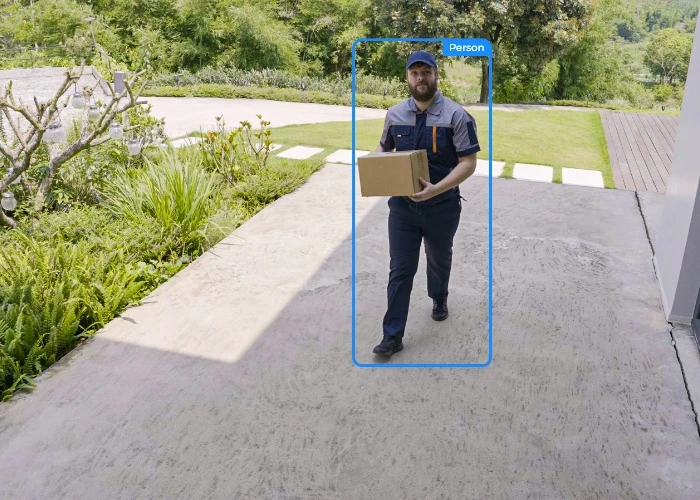
Enjoy non-stop surveillance in up to 12MP high resolution. All-round protection day and night.
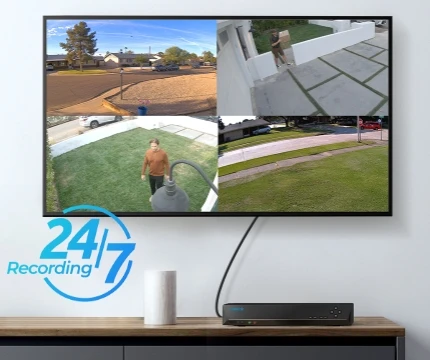
Offer a true plug-and-play experience, making installation a breeze. Say goodbye to complexity.

Compatible with various Reolink PoE/WiFi IP cameras. Customize your own security system with ease >
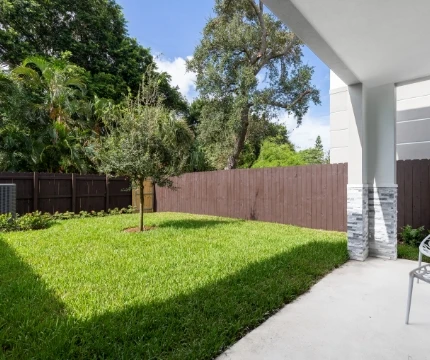
Achieve all-in-one control from your front door to backyard.
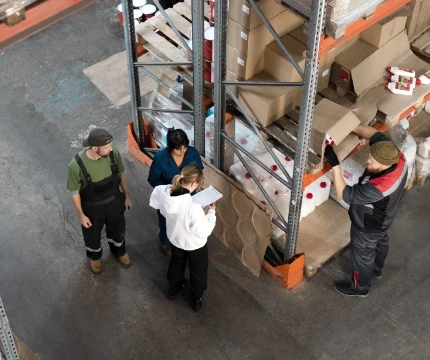
Ensure workplace safety with ease and foster a productive environment.

Secure every corner of your store to deliver 24/7 monitoring.
Yes, there are 3 methods.
Method 1: Plug the PoE NVR and the PoE switch to the same router via Ethernet cable. Then plug the PoE cameras to the PoE switch or PoE NVR.
Method 2: Plug the PoE switch to the PoE NVR, and then connect the NVR LAN port to the router.
Method 3: Plug the PoE switch to your router, then connect the NVR LAN port to your PoE switch.
For details, please refer to How to Connect PoE Switch Router and PoE NVR.
Note: By adding PoE switches, you will not expand the number of cameras supported by the NVR, since its video channels are immutable.
You can change the pre-installed HDD to a larger one and/or add an external HDD for the NVR.
The currently on-sale RLN8-410 and RLN16-410 supports Max. 12TB in total: Max. 6TB via SATA, Max. 6TB via eSATA.
With the 2TB HDD NVR, you can enjoy 8 days of 24/7 recording with 4 cameras at 8MP, and 6 days at 12MP. Opting for the 12TB HDD NVR, you'll have an impressive 50 days of 24/7 recording with 4 cameras at 8MP, and 36 days at 12MP.
* The data is based on the default bitrate of the cameras (6144 kbps/8192kbps) and is for reference only. Actual recording time depends on the settings. Results may vary. If you have any problems, feel free to contact our support team.
Yes, Reolink WiFi cameras can be connected to Reolink PoE NVR in an indirect way. You can follow these steps to connect them:
Step 1: Connect the camera to a WiFi router via WiFi signals or an Ethernet cable, and it needs to be powered via a power adapter.
Step 2: Connect the NVR to the same router by a network cable.
The NVR will pick up all the cameras on the same network.
Be Prepared, Be Reolink

Google, Google Play, Google Assistant and related marks and logos are trademarks of Google LLC.
Amazon, Alexa and all related logos are trademarks of Amazon.com, Inc. or its affiliates.
Mac and Safari are trademarks of Apple Inc.
App Store is a service mark of Apple Inc., registered in the U.S. and other countries.
Firefox and the Firefox logo are trademarks of the Mozilla Foundation in the U.S. and other countries.
Other product and company names mentioned herein may be trademarks of their respective companies.


