


Reolinkの特典キャンペーン、ニュース、最新情報を見逃さない!
あなたの考えや意見を私たちや他のユーザーと共有してください。あなたの提案で何かを作り出しましょう!
Subscribe to get real-time updates of Reolink.
Choose only show current products
Wir verwenden unsere ReoLink seit knapp 3 Jahren. Für uns ist sie die beste Kamera. Super Auflösung und die App ist einfach und verständlich. Jederzeit zu empfehlen!! Liebe Grüße
役に立つ 4 皆はこれが役に立ったと思った
Image quality is great, day and night.
The smart motion detection also works great and the apps are fast and intuitive.
Found two bugs and the support was very quick on solving and releasing a new version of the app and firmware.

役に立つ 3 皆はこれが役に立ったと思った
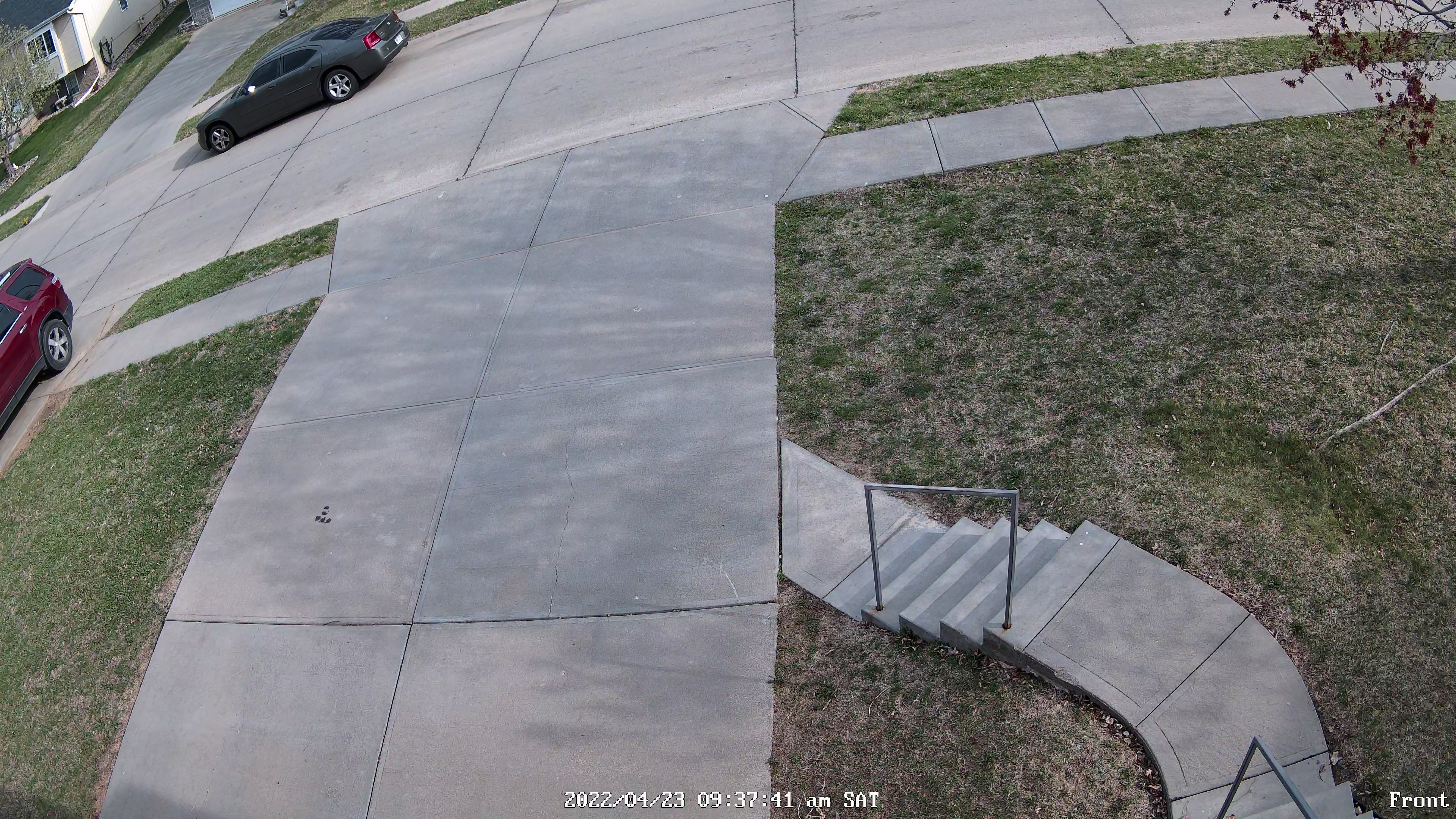
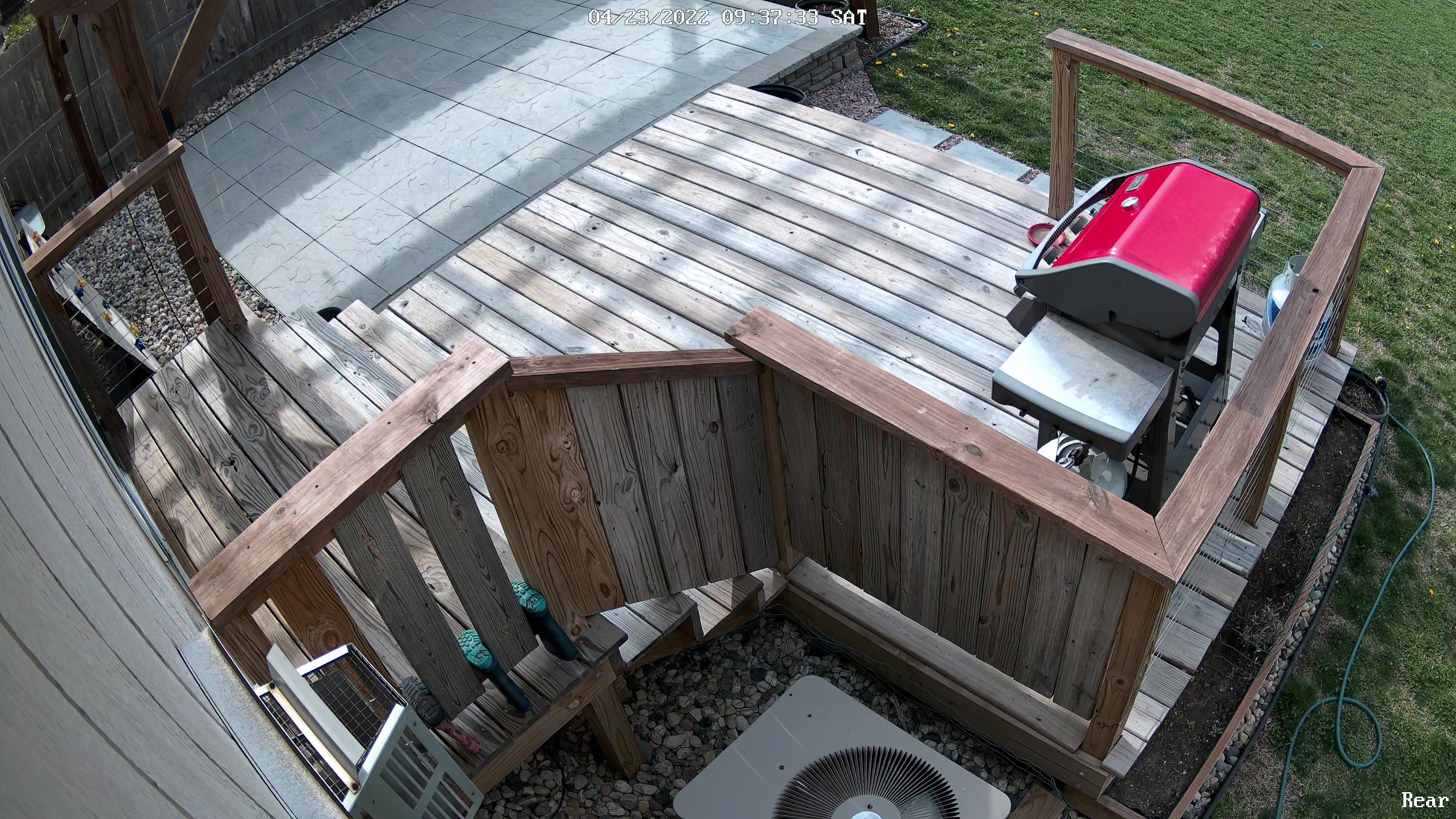
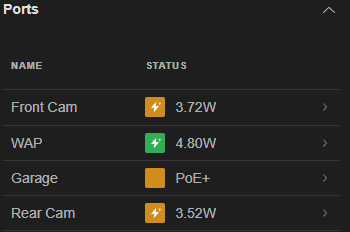
After five months of use, mostly cold winter months, these cameras have performed well. The picture quality on "Clear" stream is impressive. The PoE (Power over Ethernet) feature on these is the only way to go with security cameras. Having tried ReoLink's wall plug-in WiFi and Battery-Powered WiFi cameras, it's not even close, these RLC-820A are the best option. I had trouble tracking down the actual PoE power requirements when scoping this original purchase. So, looking at my Unifi PoE Switch as I type this review, I can confirm that required wattage is at least 3.40W / camera, and as high as 3.90W / camera. Probably safe to assume 4.00W and over-engineer. See picture for confirmation, note "Front Cam" and "Rear Cam".
役に立つ 3 皆はこれが役に立ったと思った
Dear customer,
Greetings,
You may click this link to see the required POE voltage for our cameras : https://support.reolink.com/hc/en-us/articles/900000677586-What-is-the-PoE-Voltage-of-Reolink-PoE-Cameras?source=search.
And you can see the normal power consumption for all of Reolink cameras : https://support.reolink.com/hc/en-us/articles/900000593323
If you have other questions , please feel free to contact us next time
Best regards,
Reolink Service Team
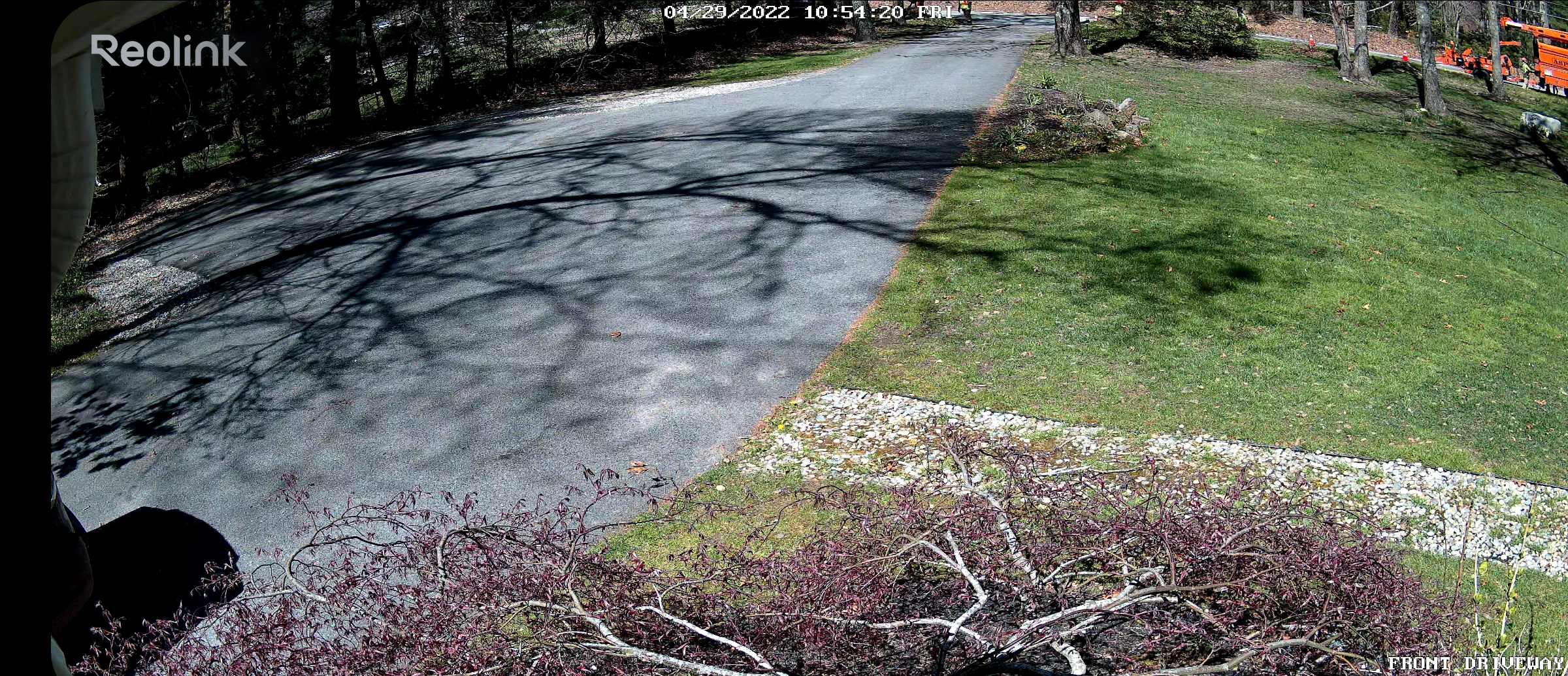
I paired this with my RLN8-410 camera system - a very good intro level camera system, to add vehicle and person alerts to the busiest part of my driveway and I could not be happier. There was a lot of false alerts during midday when tree shadows were moving in the wind which was irritating but the most recent update fixed this very well! You can now add maximum and minimum person/vehicle sizes, and choose sensitivity for each as well, in addition to the already existing customizable motion detection zones. I couldn't be happier with this product especially after the update. I would replace every camera I already have with the 820-A if I could. The 4k quality is very good, well enough to read license plates even at night. We had some tree work performed recently and it even picked up the tree guys working over 250 feet away accurately and sent an alert about a person detected! Wow!
役に立つ 2 皆はこれが役に立ったと思った
Replaced my 2MP with this 12MP camera and its a great camera. App is easy and the camera settings is easily adjustable to your preferences
If you want to know something about the camera just write an reply.
役に立つ 2 皆はこれが役に立ったと思った
Upgraded and replaced a lorex poe system. Reolink is solid and much easier to use.
役に立つ 2 皆はこれが役に立ったと思った
I bought this cam for my garden. Since 3 years everything i perfect. no interruption. I also bought the doorbell at amazon.
I have or have had numerous providers for a video doorbell. Cloud providers such as Ring and Co. had many outages and their actual operation was affected by numerous disruptions. Providers such as 2n and Grandstream work via their own SIP servers. This makes the system complex. The Reolink solution works locally and in the cloud. It is stable. What else can I say? In my opinion, that is the most important thing for a doorbell!
役に立つ 1 人はこれが役に立ったと思った
This review relates directly to combining the 833a POE cam (or most other late model Reolink cameras) to the Synology (version DSM 7.2-xxx) with Surveillance Station app (version 9.1.1-xxx).
Note: This probably applies to all Reolink Cameras that have been made for the past 5 years or more.
I have owned a Synology DS720+ for a year or two now, but had no idea that it could act as a Network Video Record for some cameras. But this is true. Synology has an app called Surveillance Station, which is not only functional as an NVR but powerful. Synology NAS can connect to the internet also, which even makes this app more appealing yet.
1) Know that you get 2 free licenses to run surveillance cameras on the Synology NAS. Just download the app and all functionality is there. The app is very easy to install and use. After 2 cameras however, you need to purchase additional license(s) for more cameras installed. Amazon has these for sale for about $70.00 each.
When you try to add your new RLC-833a (or other Reolink cam) to the Synology NAS, it will fail to find it right away. You won't even be able to manually add it. You must first make a change to the Camera software settings first. You need to change it in to a RTSP / ONVIF enabled camera.
2) Once you connect the POE cam to the network, I recommend downloading the Reolink App to your Phone (Apple or Android), and connecting to the camera with your phone. Alternatively, you can download the Reolink Desktop Client for Windows 10, and connect that way (better actually).
Assign the camera a new Name, and Password. Note down the IP address. Go in to the Network settings, under the Advanced Section and choose "Server Settings". Check the box named "RTSP", and then check "ONVIF". Save your changes and exit. The camera will reboot, so give it a minute or two. Once the camera comes back up:
Note: (High Recommend Tip) go in to the Network Settings and changing Connection Type from "DHCP" to "Static", and giving it an IP Address on your subnet which will permanently be its known IP. Otherwise, the next time your Modem/Router does a reset, it will assign your Camera a different IP address and the camera will cease to function.
Note: Change the Date & Time. It will be wrong. Go in to the "System" / Date & Time, and give it the proper time zone. Confirm the Date and Time settings that you change. The camera might need to reset.
3) Now the camera is prepared to talk to the Synology NAS app called Surveillance Station. (Note: If you had Surveillance Station already running during this time you made ONVIF changes to the camera, then shut down the app and restart it. This is important). Then Run Surveillance Station App again.
Note: Once you run Surveillance Station the first time, it will be running all of the time automatically on the NAS from that point forward. Use the "IP Camera" feature now.
You will see it "searching for cameras..." at the top. It will find one now. And it will have the MAC address for the device. It will be "Unadded" at this point. Click on the "Help" looking icon under the "Status" column, to Authenticate the camera. Use "Quick Setup", and give it the password for the camera which you assigned prior.
Note: The camera will do a reset (takes up to a minute), and then becomes active (red dot in front of the cam). Your initial camera resolution will likely be set at 2560x1440 and 10 FPS using H.264 codec. It depends on your network bandwidth i think. You might want to change this.
4) Within the Synology Surveillance Station, under the "IP Camera" app, your new camera should be highlighted by default (if it is the only one). If not, highlight this line and select "Edit" from the menu above. Under the "Device" section, and the "Video" tab, you can change the Video Format from H.264 to H.265. This does several important things. First, it enables higher resolution, and higher bitrate, and better compression ratio, and higher Frame Rate. All using the same file size on the NAS. Apply and save your settings. The camera will reset.
Note: Synology NAS Windows 10 client with Chrome or Firefox (the one you likely will have been using) will no longer see the cameras recorded files. You will receive a warning about this. You need to run a different Synology client on Windows 10 in order to view (or search) the new H.265 camera recordings using Synology NAS now.
5) Download the Synology Surveillance Station Client (version 2.1.1-xxx or better) on your W10 machine, and install it. Run it, and you will need to initially provide your NAS Administrator credentials and you also need to the know the IP address of the NAS. When you specify the NAS address, do it in the following format "192.168.0.X:5000". Of course, you will use the IP address of your own NAS on your LAN, and this is a typical reference example for syntax. Leave off the quotes.
Note: You can use port 5001 if you want to use HTTPS, but just know that your SSS Client will not be a "trusted" client by your NAS, and you will need to set up SSL in order to do so. So, don't do it unless you know what you are doing there. HTTPS will work but you will get a lot of warnings all of the time, unless the new client is trusted.
Once you authenticate to your NAS properly using the SSS Client app, then it will appear just as the old Chrome or Firefox Web client did when using your web browser. Only it works better. It will also see your H.265 codec file formats that your camera is now recording. This is a good thing.
6) File sizes. If you enable maximum resolution (3840x2160) at 15 Frames / second, then you will end up with recordings which encapsulate 30 minutes of time. The file will be approximately 1,402,880 KB (or about 1.4 Gigabytes). There are 2 each hour. And it creates 24 of these files the the AM sessions (mornings), and 24 for the PM (evenings). This should give you an idea of how much space this is using on your NAS (for each camera).
Note: Of course, you can lower resolution, bitrate, image quality, and other things to bring the file sizes down. All up to you. You can choose how long (how many days) you want the system to hold on to these recordings before flushing them (default=30 days).
The Synology Surveillance Station app has so many settings (privacy zones, alarms, notifications, recording hours and preferences, etc). There is so much to get in to here that I won't even begin to describe them all. But just know that at some point you are going to want to connect your Synology NAS to the internet (if you have not done so yet), so that you can get push notifications and also peek in to see what your cameras are doing while you are out of the house, or anywhere in the world for that matter. This is the real power of the Synology NAS abilities. No fees. No agencies or contracts to deal with. Just your network and however you want to work with your camera(s).
7) Map a network drive to the new drive location which Surveillance Station created for you, and is storing recorded files upon. The drive volume will contain typical access privileges for the Admin account on the NAS. So use the NAS Admin for now to map the drive. It will be found under "\\NAS_Volume\surveillance". Just assign it a new drive letter and you will begin to see how the NAS + Camera is now creating live files there. You can check out the file properties, or even view the files by double clicking on them (they are .MP4).
Go in to the Synology NAS, and in to the Control Panel app, and Select the "Shared Folder" tab from the options on the left side. You will see a new one "surveillance". Highlight that line and use the "Edit" feature at the top, just like you would with any other drive share. Under the "General" tab, enable the Recycle Bin. You can set access here for other users as well, but I just left it as an Admin only feature.
Now you have another method of control over the files and recycle bin. It is just another level of access which you can take advantage of more now, or later.
8) The Phone App. You can use it to also do tweaks to the camera now. It is really handy to see what the camera is looking at any time too. It is a fast and easy to use app. I found it best to use this app when installing the camera to the side of the house, to make sure that the camera was pointing exactly to where I wanted it to, and / or making minute adjustments to the recordings. The app can be downloaded from the Google Play store, free.
BUG) It is worth mentioning that when I first flipped my camera in to H.265 that the Spotlight (night vision, etc) stopped working. After some frustration, the fix to this was to go in to the Reolink Desktop Client, and turn "On" the Spotlight manually, and then turn it off. Ever since then the night vision and spotlight have been working flawlessly. No idea. But worth mentioning it. I opened a support incident with Reolink and they replied within 1 day, but really had no idea how to fix the issue. Luckily it fixed itself.
Note: I have a Gigabit home network LAN at have Cat6 RJ-45 all over the house. Note: that Cat5e is also going to be good enough for this camera. I know this because I had to use some Cat5e during initial bench setup and testing. I cannot vouch for Cat5 however. If you are not using 1Gig LAN, then I can guess that you might not only have some camera lag, but you might even introduce some unwanted latency to your network, all devices on it, and anyone who might be using it.
We all use bandwidth, right? So the camera latency (especially by adding more camera(s) to your network additionally), might impact some Roku devices, or other devices which stream digital data from the internet. It could effect PC's or phones on the network, because it hogs bandwidth (24 hours a day by default) to do it's recording. So the NAS will be busier. Streaming large recordings stored on the NAS might be effected. Just know that if this becomes a problem, then you can make changes to the way the camera records video by lowering resolution settings, Frame rate, and Quality levels. The smaller file saves will impact your network less.
But with Gigabit (or better), you can all pound on the LAN, and this Synology NAS and surveillance camera system will just grind away silently in the background giving you all kinds of peace of mind and abilities to monitor your surroundings that you might not have imagined. For example, I just found out which one of my irresponsible neighbors is allowing their dog to dig up the rocks and poop in my front yard! All at a bargain price!
Note: This particular camera seems to want about 15W of power (a lot). So you need a fairly descent POE+ or better, a POE++ injector or hub that can put out that power to the camera(s). Remember, if you buy a POE hub, you are splitting the overall Watts, by how many ports are on that hub. So a 4 port hub with 67W, will split those Watts 4 ways. Each port will get 16+ Watts. I have a Netgear GS305PP which has 83 Watts to split to those ports. Also, the further your camera(s) are away from the Injector/Hub, the more power you are going to want to send to it. My 833a is about 125 ft. away. No dropped signals, no lag, no disappointments. I believe the camera is supposed to work up to 100 METERS away, so this distance is safely within the limits.
If you only want 1 camera, then Reolink sells a high quality POE Injector for a single camera also. It will send 15.4W power to POE devices, and up to 30W to POE+ devices. That is plenty. And I believe it was advertised for only about $18. The RLC-833a is just a regular POE device.
Note: This little guy gets warm. Very warm. And once you turn it up to max resolution, bitrate and frame rate it will run even hotter. We live in Las Vegas and it will sit in the sun during the hot afternoons. I worry a bit for it, so I parked it under a ledge where it won't be exposed until after about 2:30p. We hope it can handle it. According to release notes it will handle 52+/- degrees Celsius (125 degrees F). We will see. It has a 2 year limited warranty.
The camera has some Sound options. You can hear sound recorded by the camera, or live using the Reolink app. You can also talk through the camera, as it has a speaker. It can zoom to different places within its field of view too. Just know that it is a Digital Zoom, and not an Optical Zoom. So you will lose some image quality if zooming.
Note: If will recognize the different between Cars, People, and Pets. When it records motion, then it classifies the motion based on Artificial Intelligence. And it does it pretty well too. You can search for these 3 things, from recordings. You can also filter out Cars, People or Pets so that it does not create warning events for each one of them if desired. And more.
In summary, the little $100 camera has been an unexpected smash hit. I am adding a couple of other ones now too, including a Reolink Doorbell Cam. For almost no expense at all, I have a fully functional video surveillance system that many people pay much more for. The Synology NAS is a surprise. And the Reolink 833a has so many features and is such a polished product that I can't believe that it is offered for this kind of price. But this is where tech has evolved to these days I guess.
Sorry for the long rant, but I hope that this might help out at least one other person with a thing or two.
役に立つ 23 皆はこれが役に立ったと思った
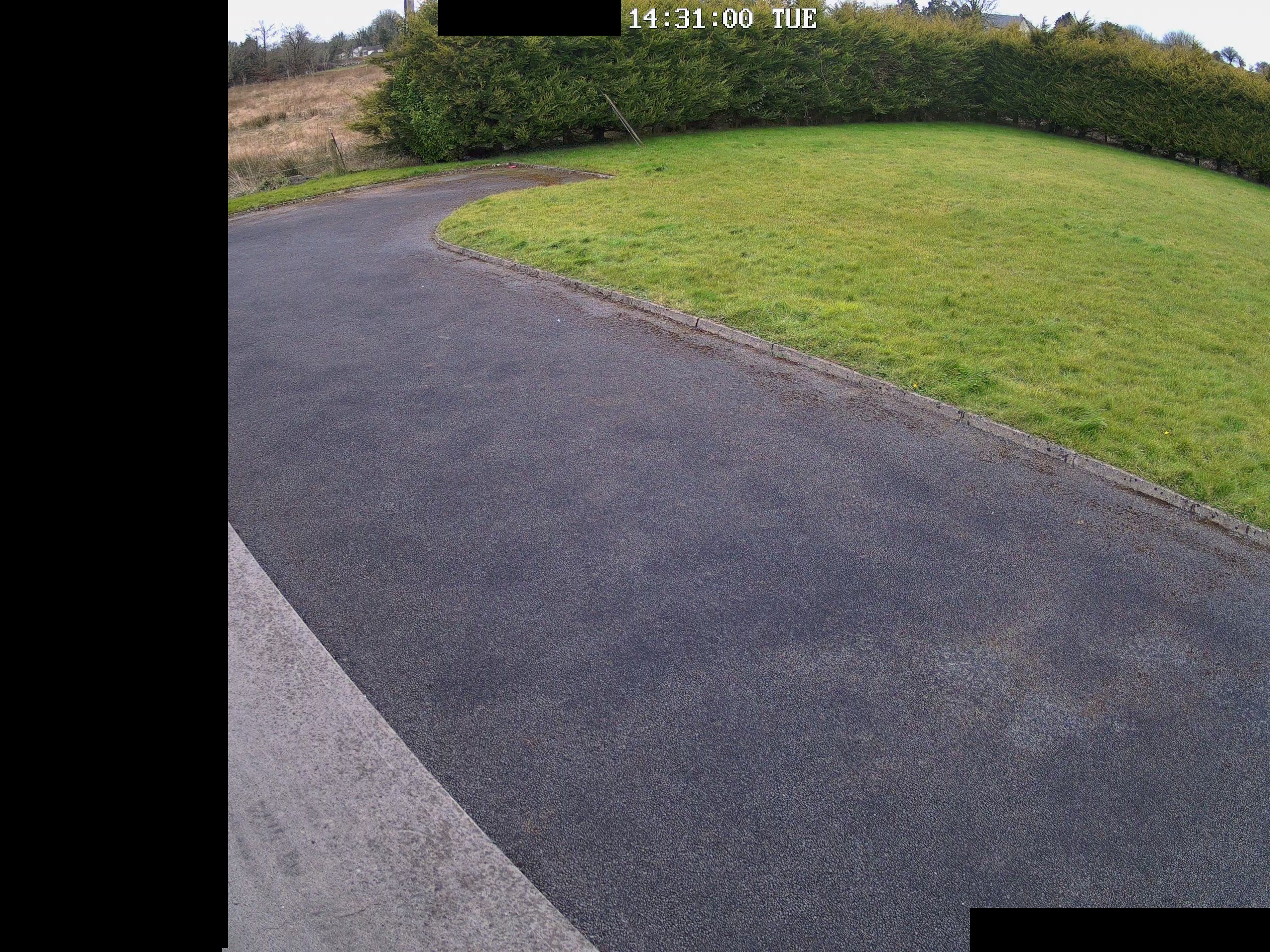
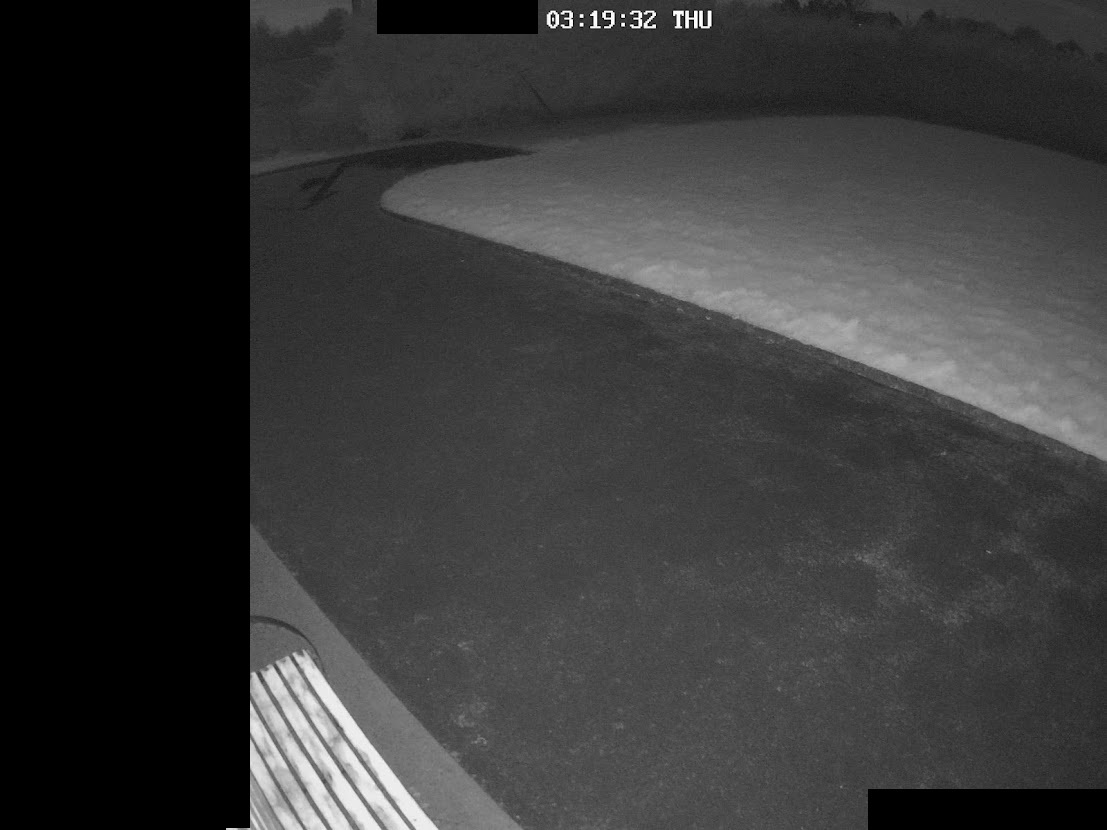
So, I just wrote my not too nice review, then a firmware upgrade came out on the same day which changed everything. With the previous fw the camera could not detect a white car on the black asphalt from 3m distance, while identified the rain in the night as a vehicle. I was really disappointed. Then I spotted a new firmware on the download centre: v3.1.0.764.
I suggest everybody with this camera to download it, it will make a huge difference.
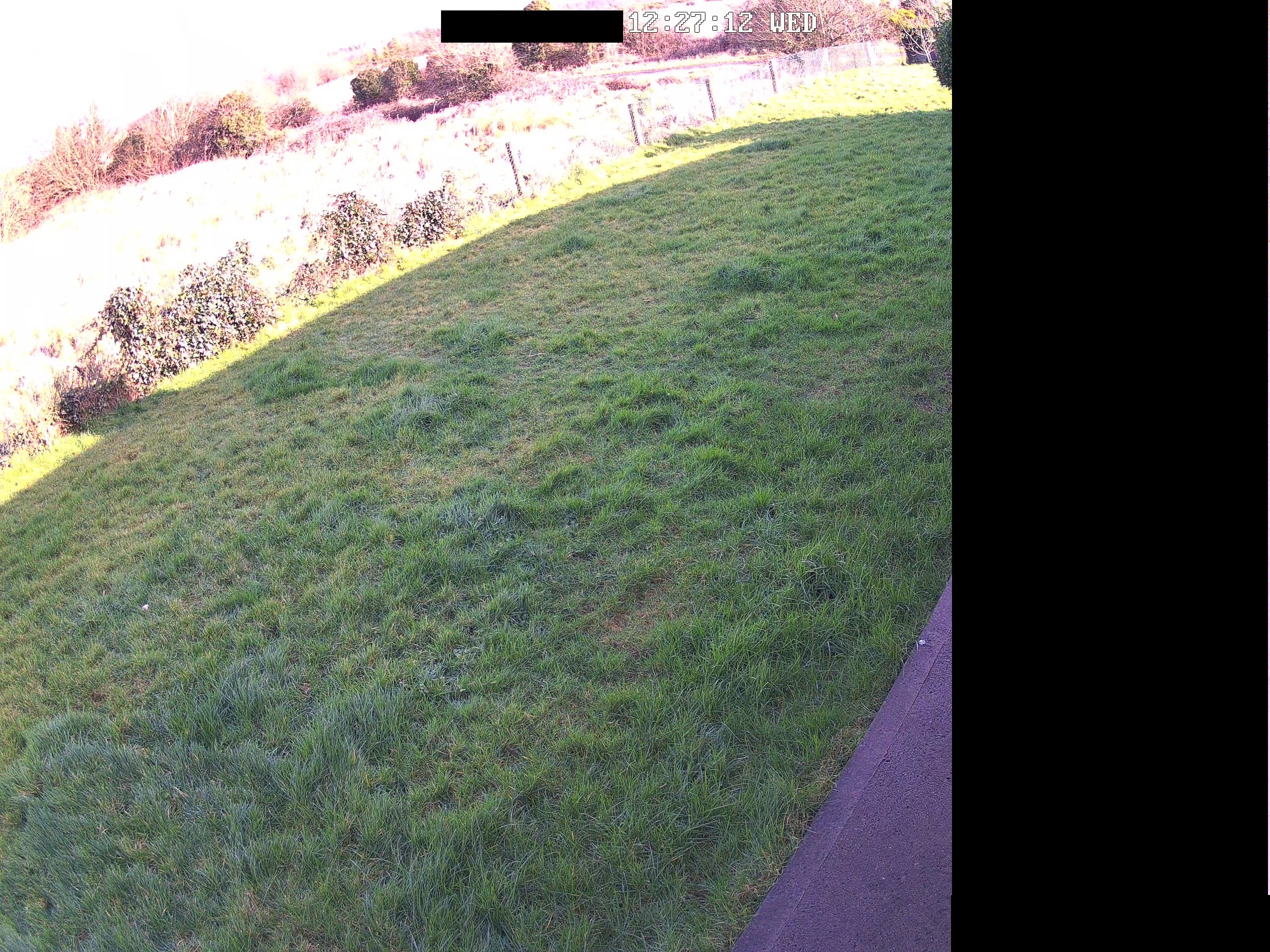
So about the camera: nicely designed, long lasting materials, easy to install. What I don't like is the fixed, bulky harness but that's OK, I used an electrical box to hide it. Connection is stable, 100% availability (that's why I prefer PoE over WiFi), power consumption is low, camera image is really 5MP so it provides decent video quality. With the new firmware person and vehicle detection became a real thing, it's very reliable. Night vision is almost amazing, I think the LEDs are too focused and facing downwards a little. Not a big deal and visible only if you have grass underneath the camera. Don't get me wrong, the night vision capability is still superb, much better than most would expect.
There's only 1 thing which can be a problem for some people: the low dynamic range of the sensor. It cannot handle even a small light difference, part of the picture can be overexposed easily. But I think it's still OK.
So it summary, it totally worth the money.
役に立つ 6 皆はこれが役に立ったと思った
I have 4 of them now and the spotlight feature is awesome. I have been waiting for this camera from reolink ever since I bought my NVR.
Great camera!!
役に立つ 5 皆はこれが役に立ったと思った



Google、Google Play、Googleアシスタント、および関連するマークとロゴは、Google LLCの商標です。
Amazon、Alexa、および関連するすべてのロゴは、Amazon.com, Inc.またはその関連会社の商標です。
MacとSafariは、Apple Inc.の商標です。
App Storeは、米国およびその他の国で登録されたApple Inc.のサービスマークです。
Firefoxの商標およびロゴは、Mozilla Foundationの米国およびその他の国における商標です。
その他、本サイトに記載されている会社名、商品名は、各社の商標または登録商標です。