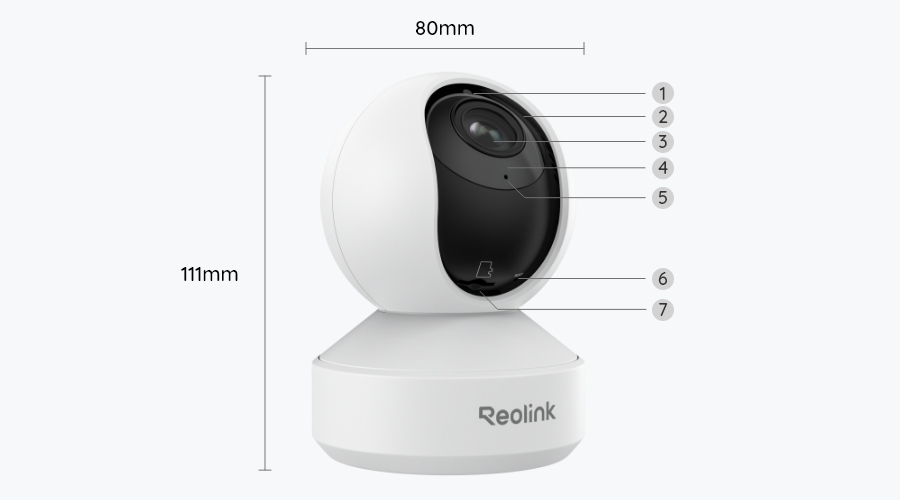
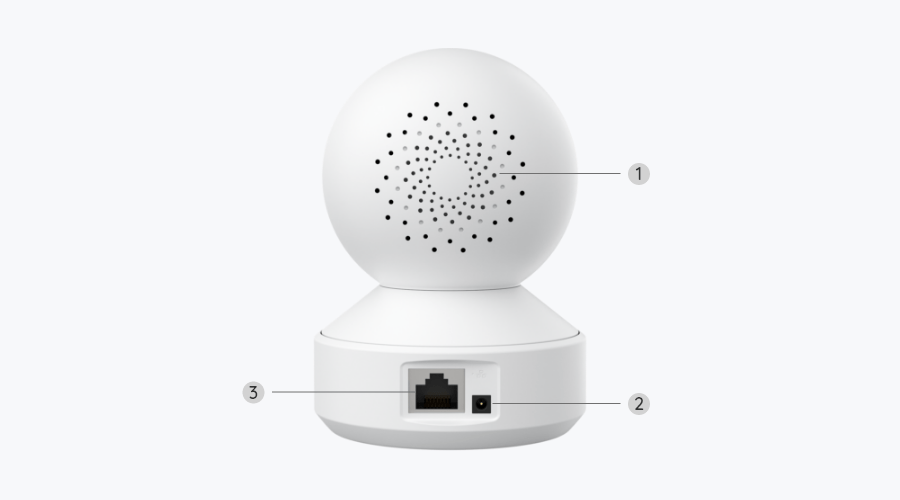
4K 8MP Dual-Band Wi-Fi 6 PTZ Indoor Camera with Auto Tracking
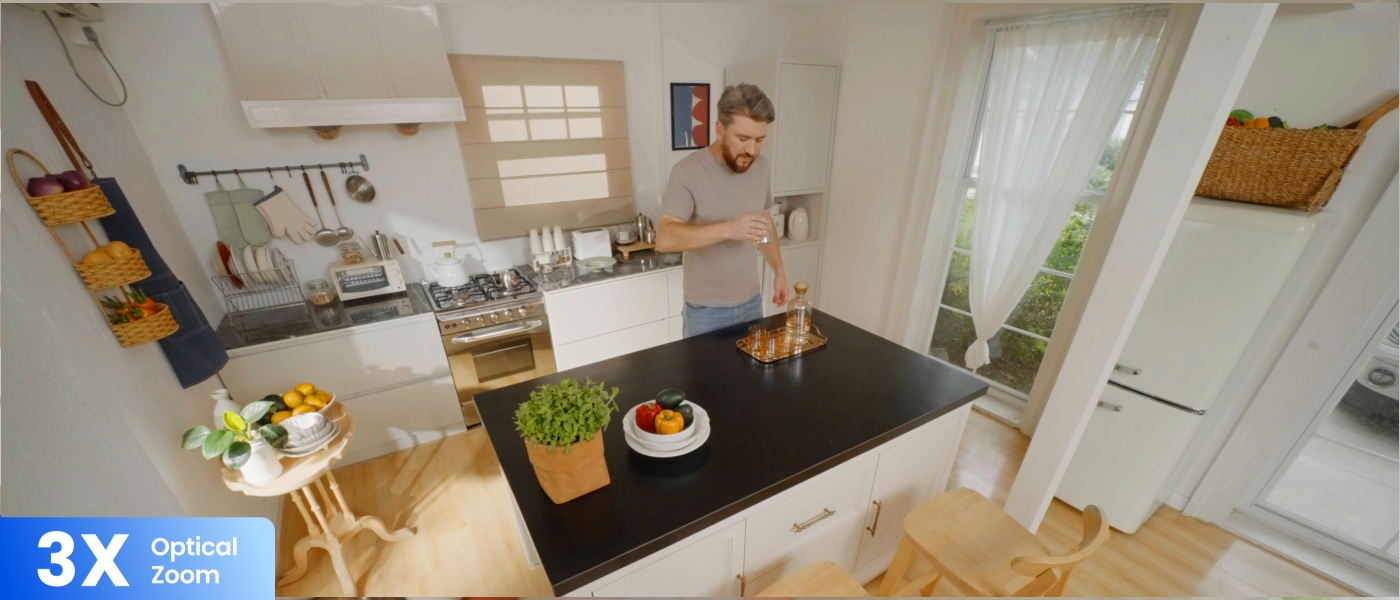
4K Ultra HD & 3× Optical Zoom
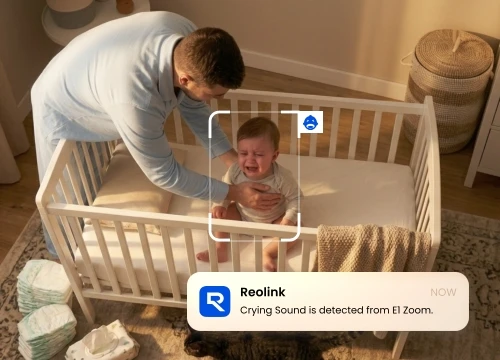
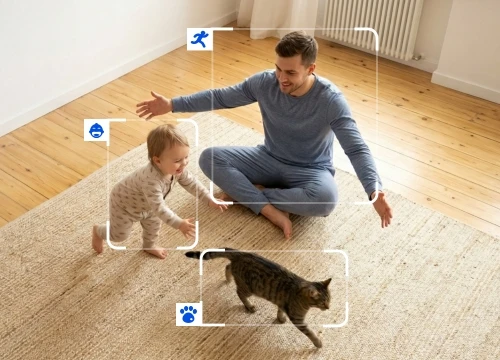
Person/Pet/Crying Sound Detection
Auto Tracking with Pan & Tilt
Dual-Band Wi-Fi 6 & Bluetooth Setup
Multiple Srotage Solutions
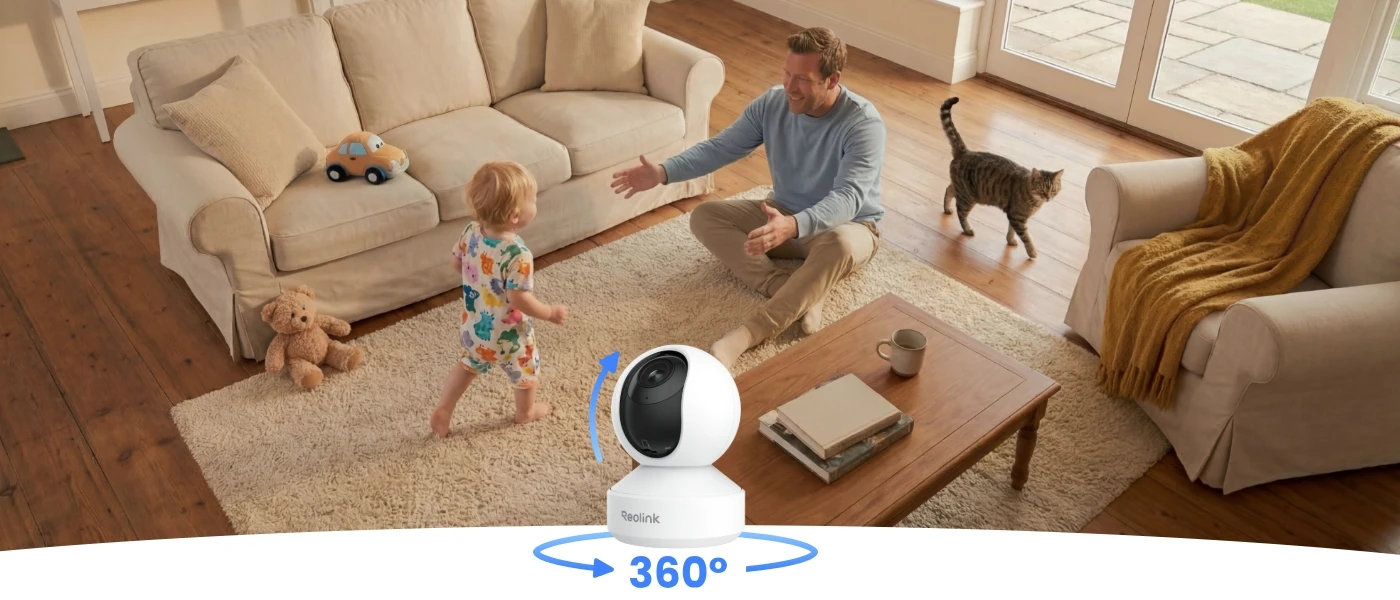
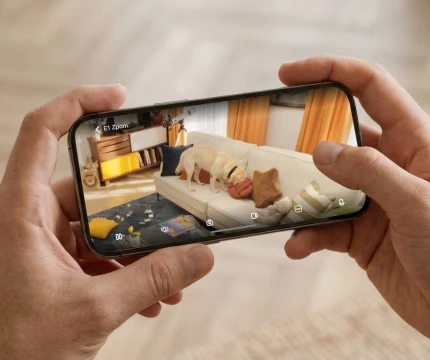
See every corner of your home in stunning 4K resolution and wide 360° coverage. With 3× optical zoom, distant objects can be brought into focus without sacrificing quality, making it easy to monitor both the full area and fine details in a single view.
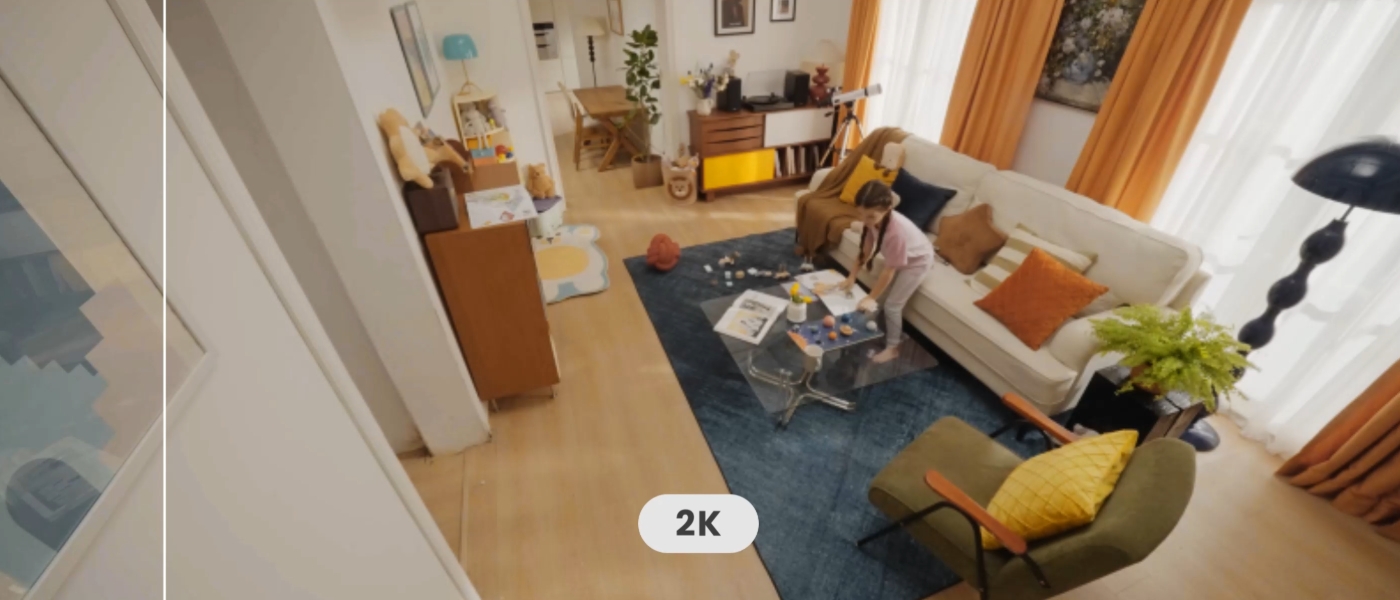

With smart detection of people, pets, and crying sounds, stay aware of what matters most, instantly know when your baby needs you, even when you are out of earshot, so you don't have to keep checking in. Powered by local Al technology, your data stays secure and private at all times.
Effortlessly track family members, monitor pets, and keep an eye on unwanted visitors.Local AI detection ensures your data remains secure.
Flexible Recording Options allow saving motion-triggered clips or continuous video recordings for flexible playback. You’ll never miss memorable moments—whether it’s your baby’s first step or a surprise birthday party.
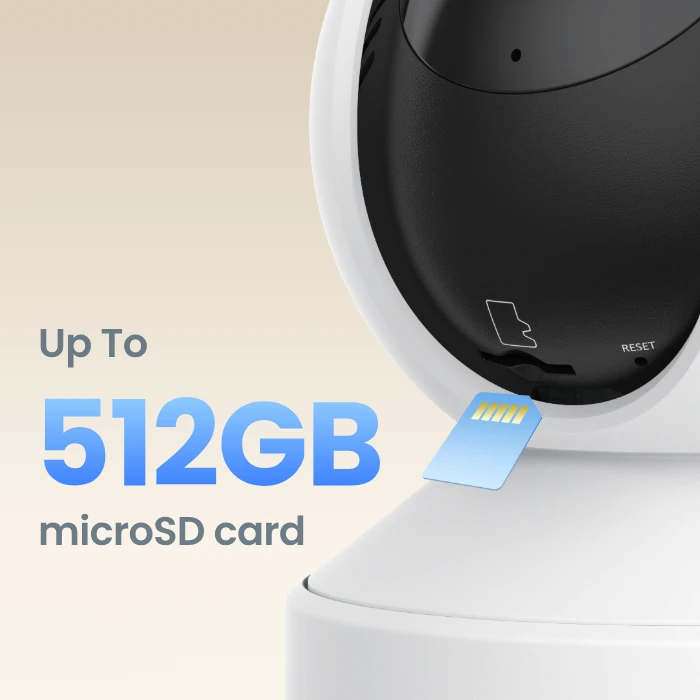
Supports a microSD card of up to 512GB, enabling continuous recording of up to 8 days at the default 3072kbps bitrate. Even during network outages, footage is safely stored on the SD card, so no moment is missed.
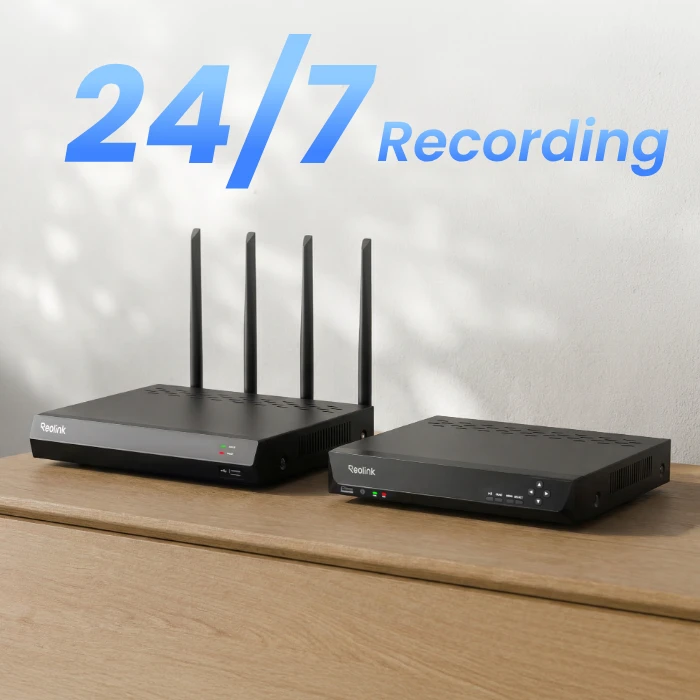
Connect your E1 Zoom to a Reolink NVR for extended local storage. Build your home security system and securely store 24/7 continuous recordings from up to 36 cameras.
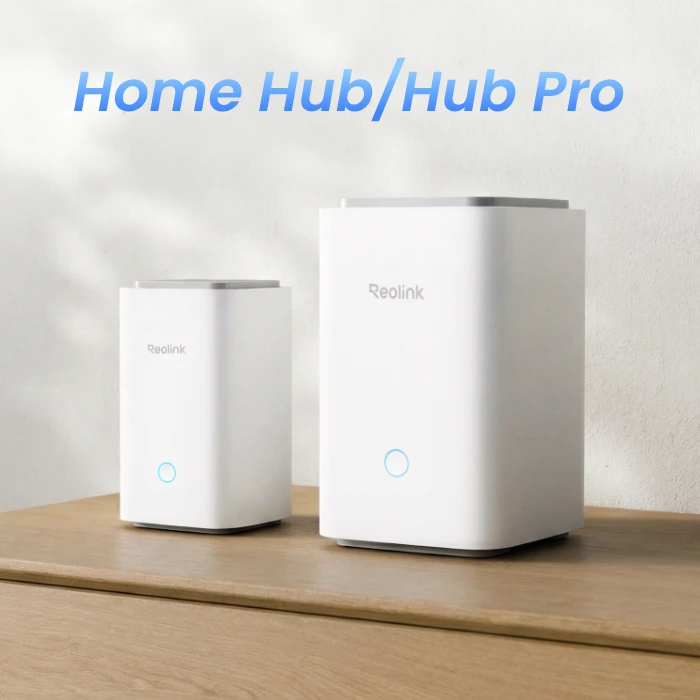
Expand your storage and enjoy seamless and centralized management with a Reolink Home Hub or Home Hub Pro. With built-in AES-128 encryption, your data is securely protected and accessible only to you—no monthly fees.
Easily integrate with your FTP/NAS system for reliable backup for your footage and images.

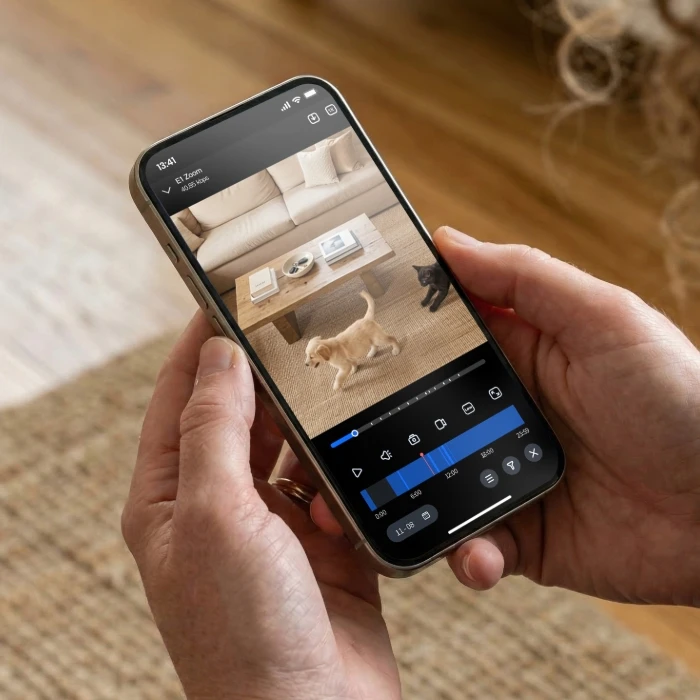
The indoor camera allows you to filter recordings by time and event type to quickly locate key moments. You can connect it to the Reolink Home Hub or Home Hub Pro for weekly insights on alarm events.
Turns hours of footage into a short, shareable video clip. Perfect for spotting what matters or cherishing life’s little moments.
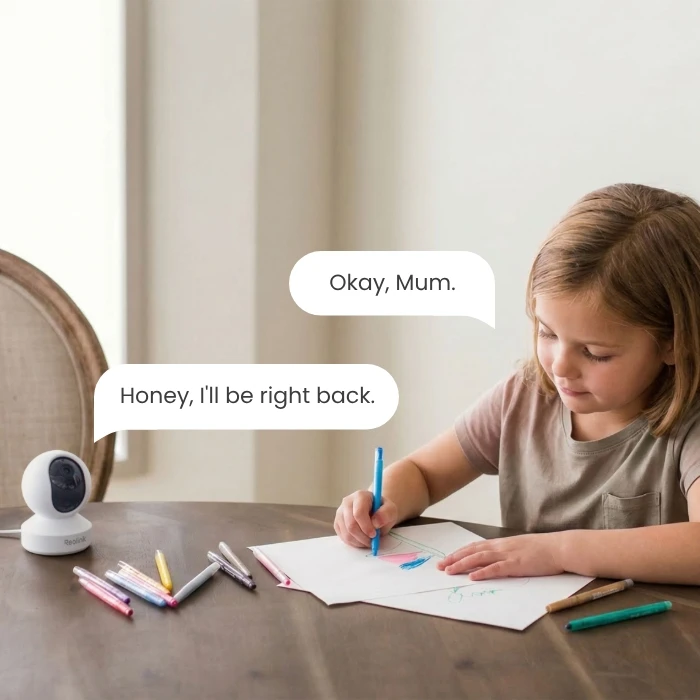
Reolink E1 Zoom lets you stay connected with your loved ones through its built-in mic and speaker. Chat with kids and calm your pets anytime, from anywhere.
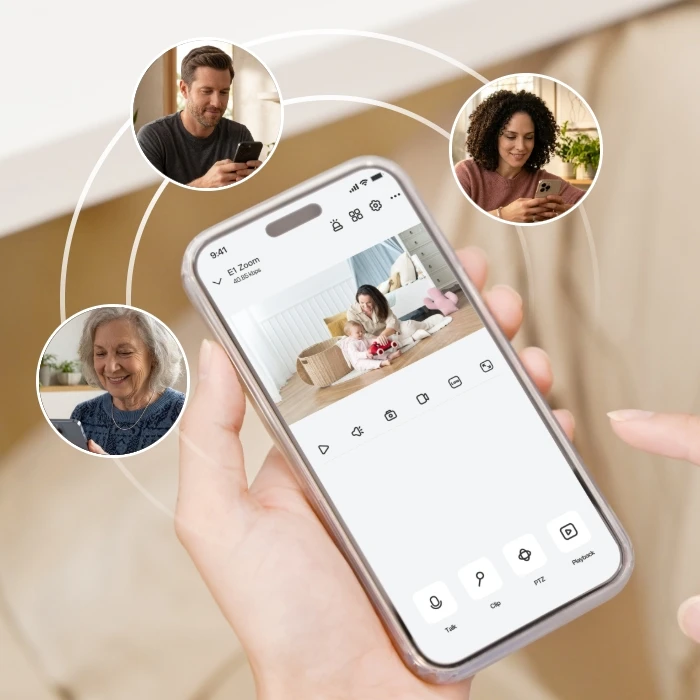
The camera lets you access live feeds and playbacks across multiple platforms, including the app, PC, NVR, and web interface. You can create one admin and up to 19 sub-accounts to share access with family or team members.
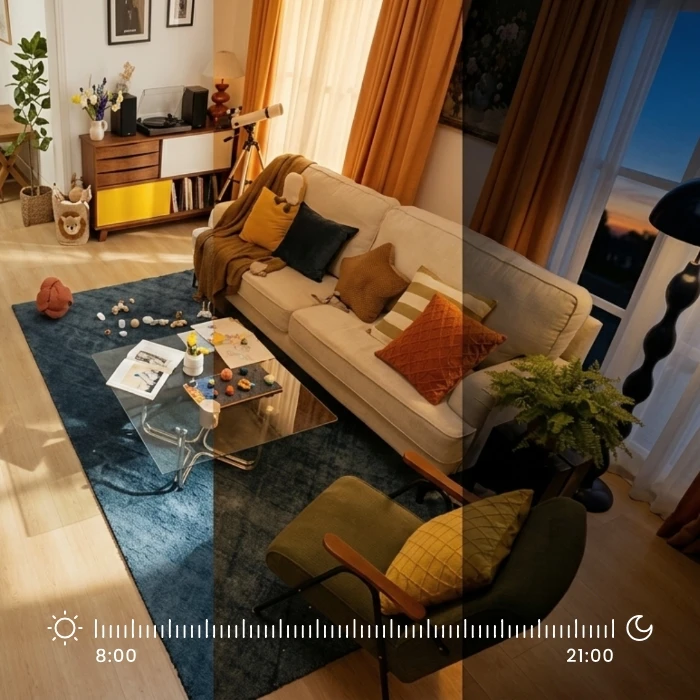
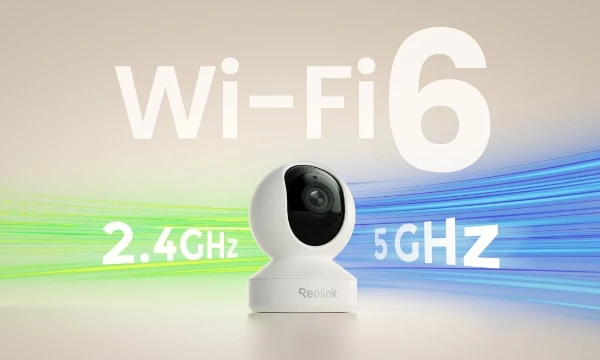
This dual-band Wi-Fi camera keeps you connected to your home with Wi-Fi 6, offering faster speeds, stronger signals, and more stable connections. Say goodbye to lags and buffering and enjoy uninterrupted live feeds.
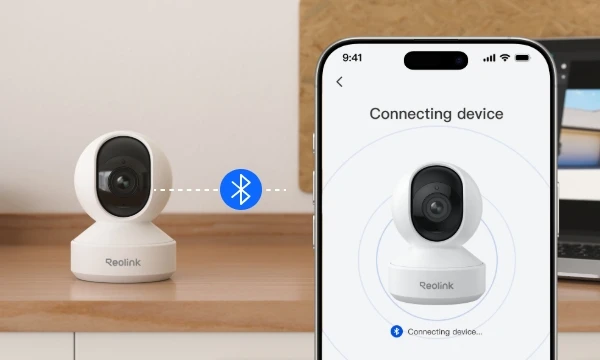
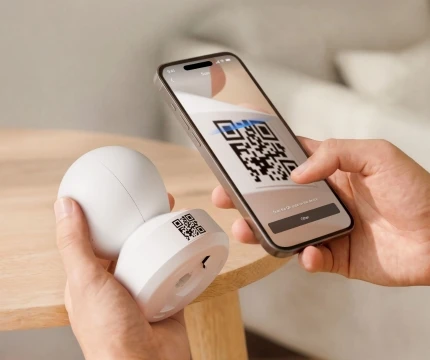
Reolink E1 Zoom supports Bluetooth setup for quick and hassle-free installation. Just bring your phone close and connect in seconds, no frustration, no failures.
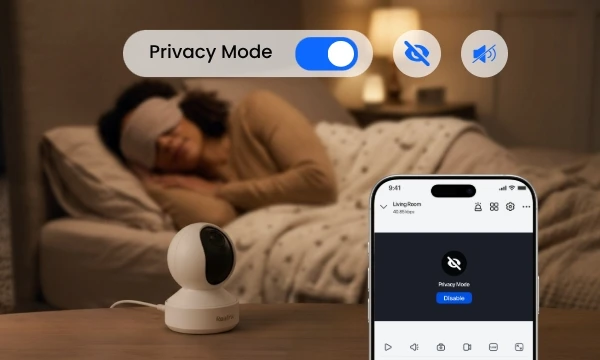
Allowing privacy mode to be enabled with just a tap when surveillance isn’t needed. Live view, alerts, and video/audio recording are instantly turned off—no need to unplug the camera.
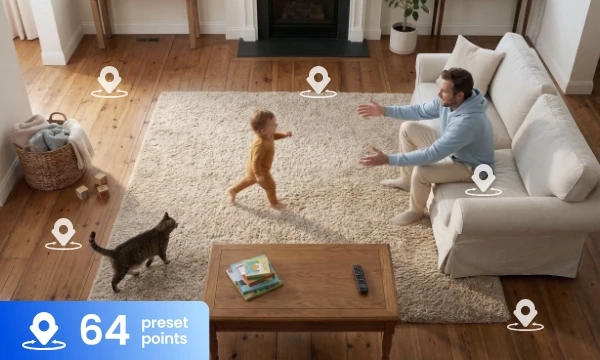
Switching to your desired viewing angle with one easy tap on your Reolink App. By setting up to 64 preset points and up to 3× optical zoom, you can go right over the key spots and see the details when it matters.
Download the Reolink App and power on the camera. Follow the in-app instructions to connect the camera to your Wi-Fi network.
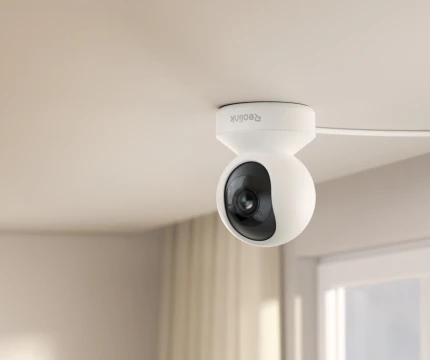
Position the camera on a table or mount it on a wall or ceiling using the included hardware. Adjust the angle for the best viewing coverage.
Open the Reolink App to view live footage, control pan and tilt, adjust settings, and receive motion alerts anytime.


Ask your Google Assistant or Alexa to show you the "Baby Monitor", you can check on your little ones anytime on your Nest Hub or Echo Show.

Check Shipping & Delivering for Areas Excluded
Be Prepared, Be Reolink

Google, Google Play, Google Assistant and related marks and logos are trademarks of Google LLC.
Amazon, Alexa and all related logos are trademarks of Amazon.com, Inc. or its affiliates.
Mac and Safari are trademarks of Apple Inc.
App Store is a service mark of Apple Inc., registered in the U.S. and other countries.
Firefox and the Firefox logo are trademarks of the Mozilla Foundation in the U.S. and other countries.
Other product and company names mentioned herein may be trademarks of their respective companies.