Smart 4MP 4G Battery Camera
Person/Vehicle/Animal Detection
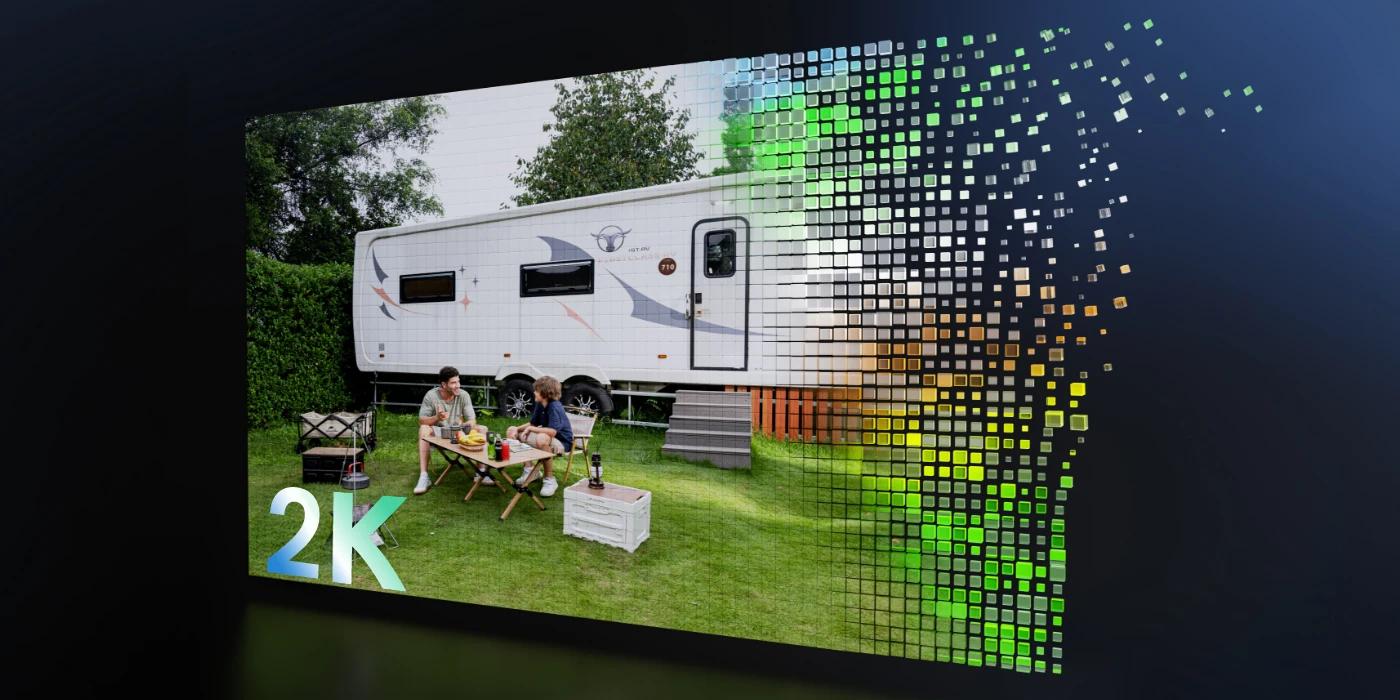
2K 4MP Super HD
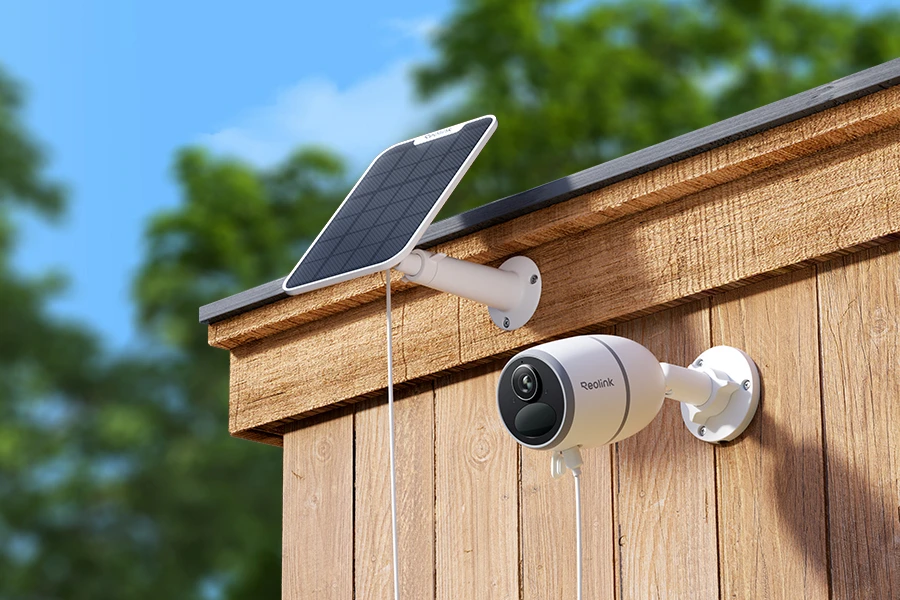
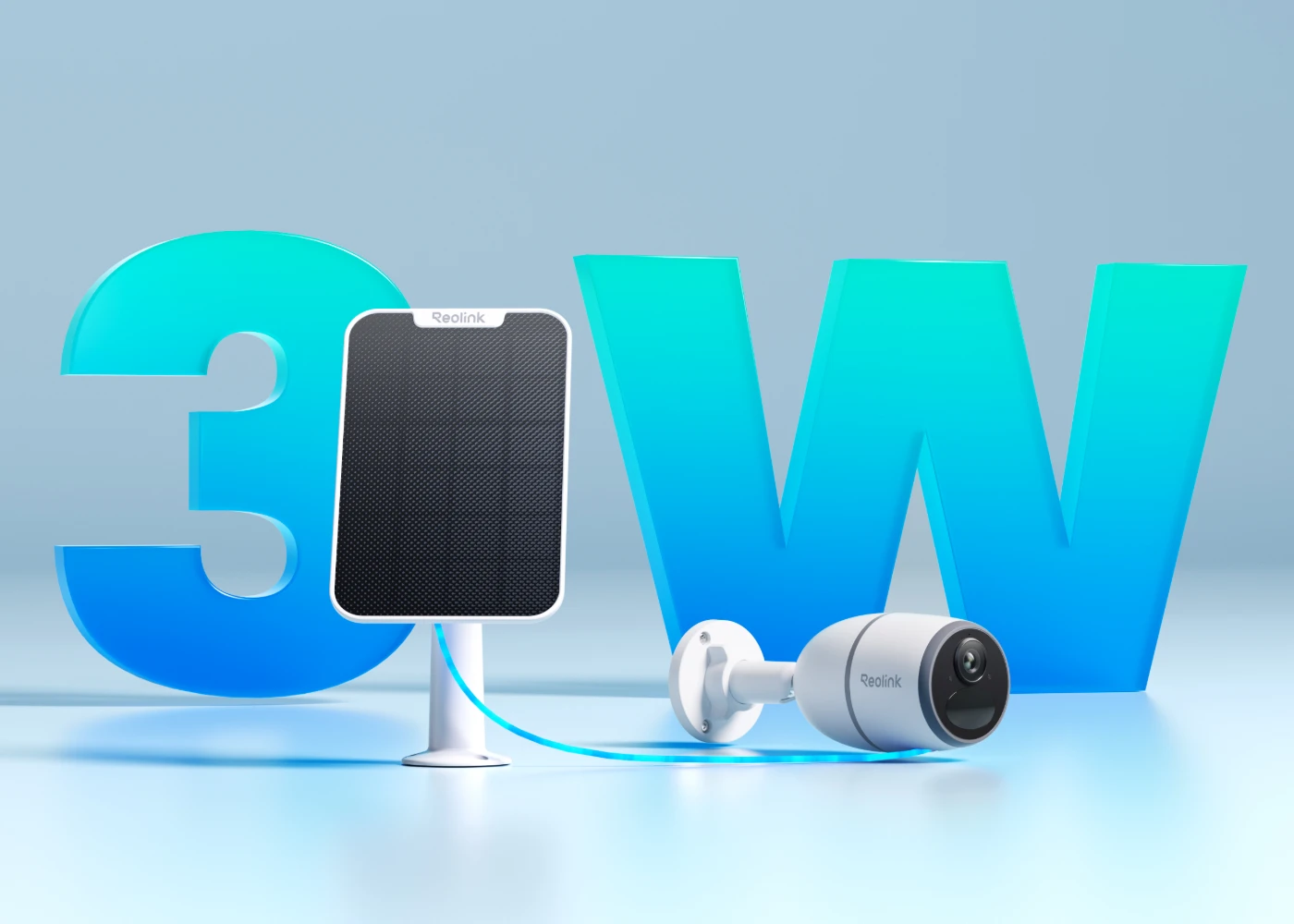
Reolink Solar Panel Supported
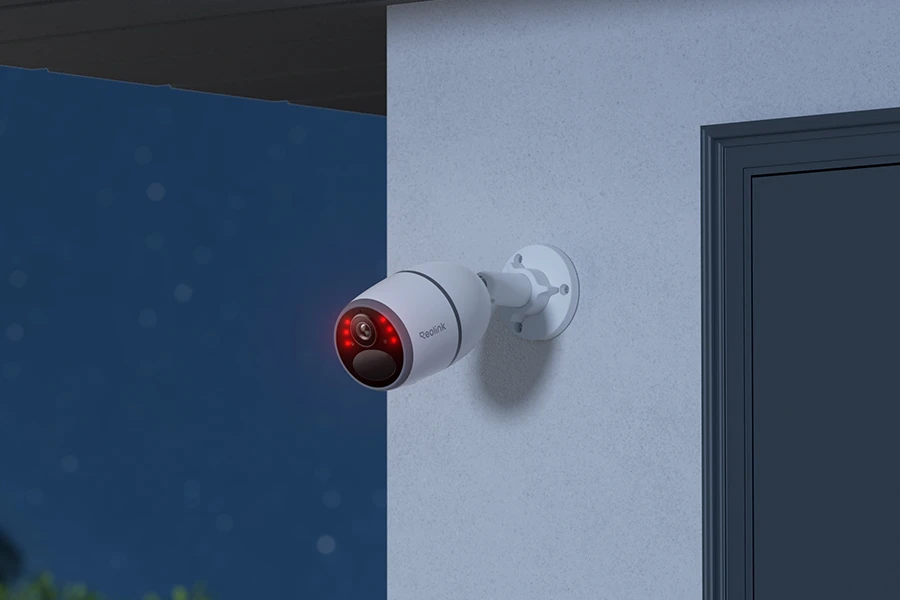
Night Vision
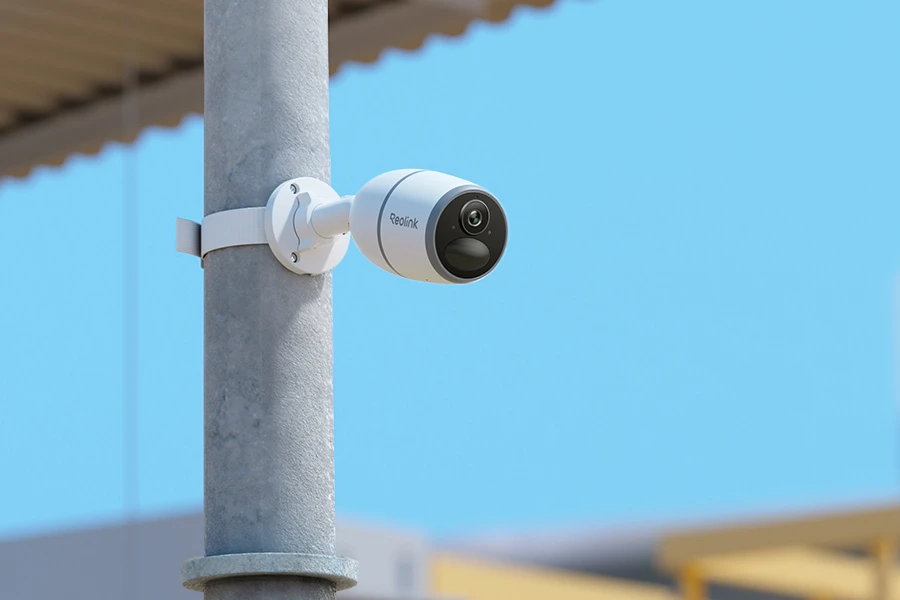
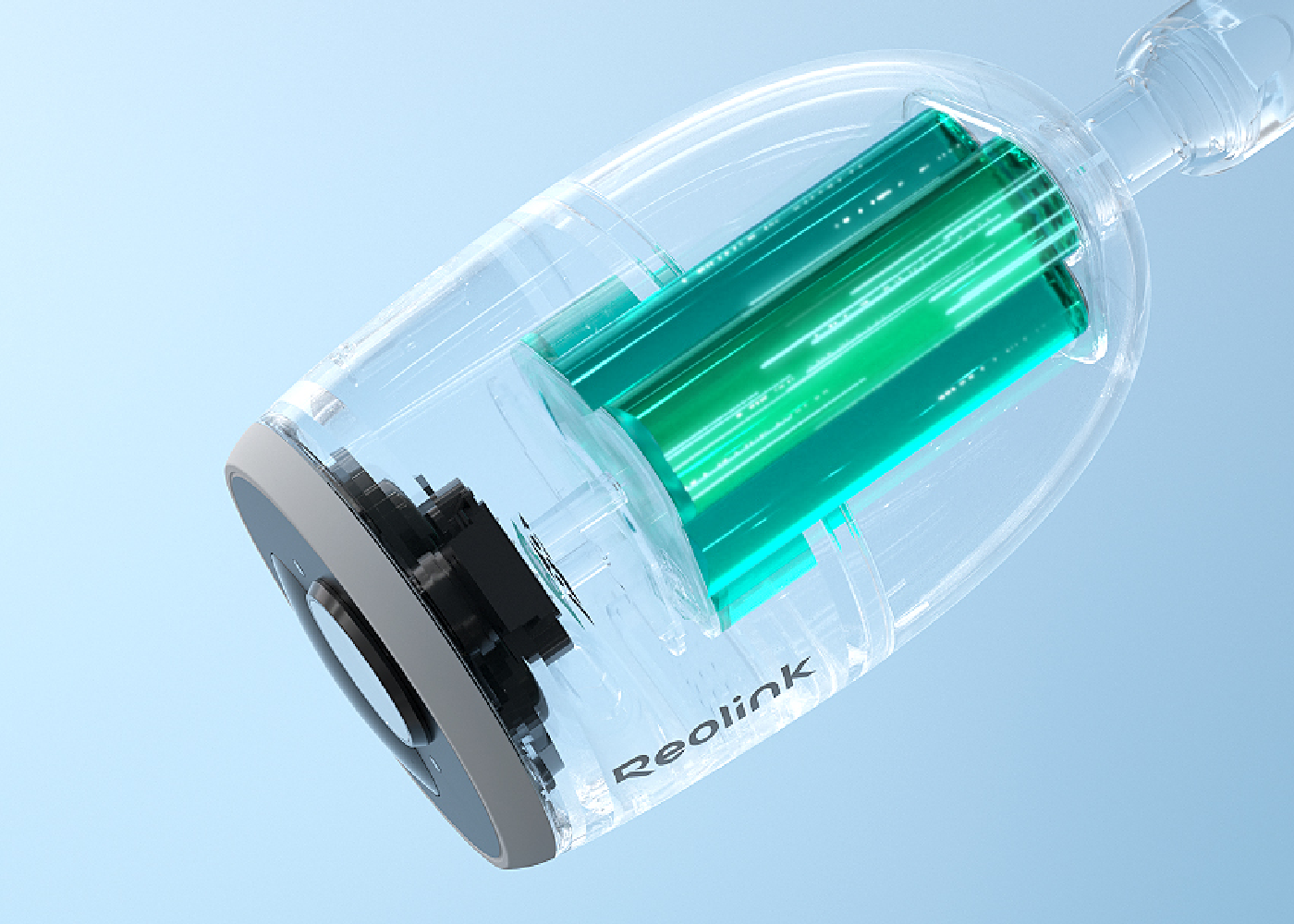
Working on a 3G/4G LTE mobile network and powered by battery and solar energy, this standalone 2K camera offers a ready-to-go security solution that is easy and flexible to install anywhere.

With 2K 4MP resolution, the battery/solar-powered camera says goodbye to annoying blurry images and videos, delivering sharp, clear footage for more visual details.
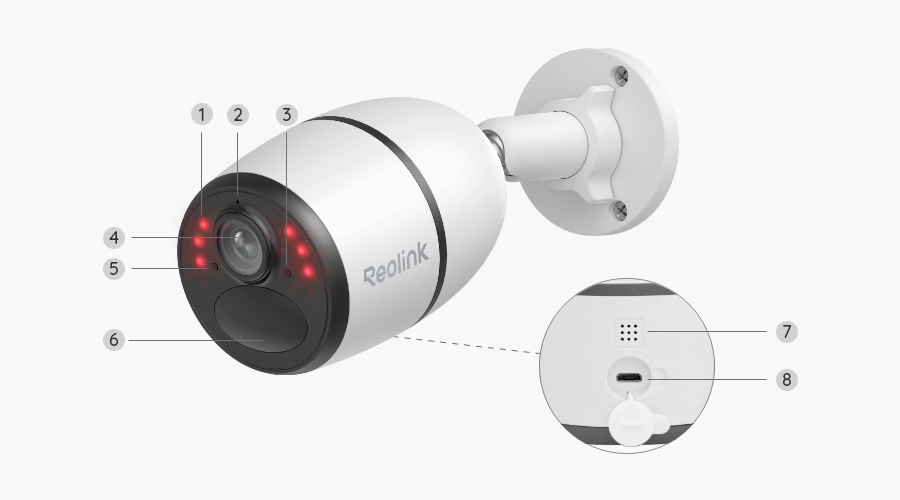
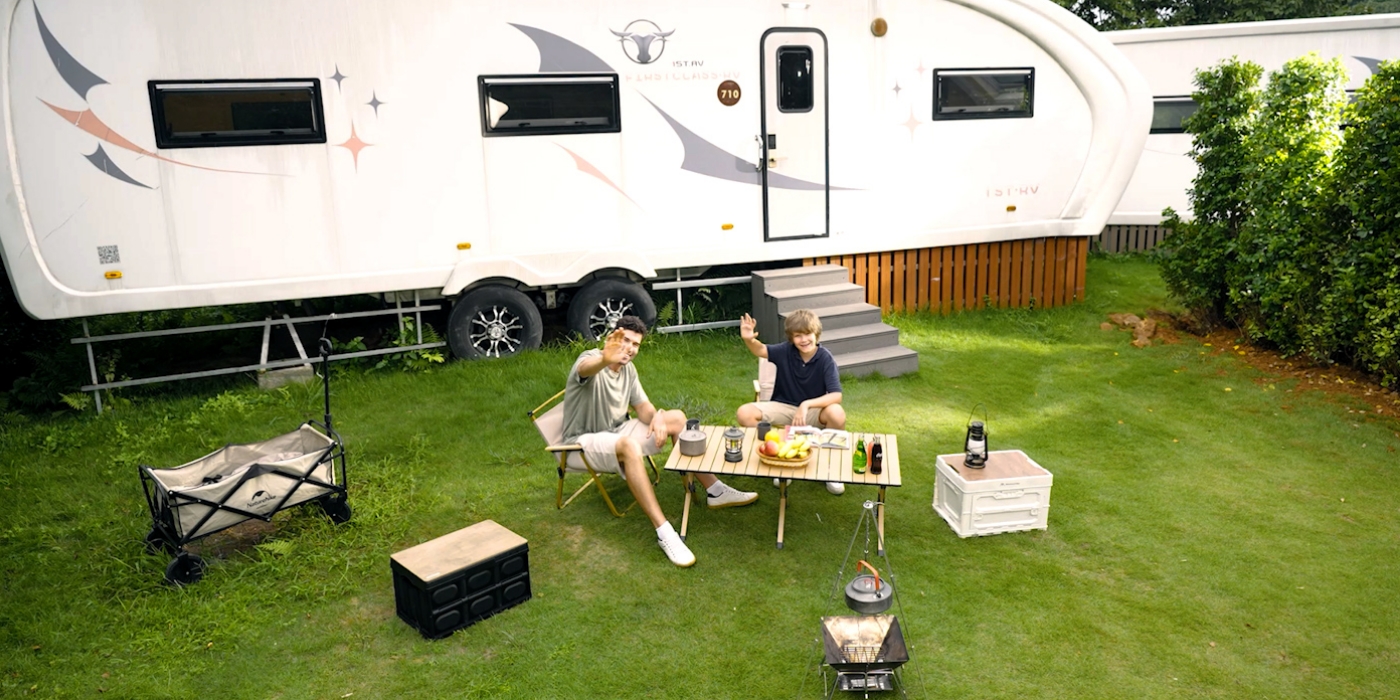
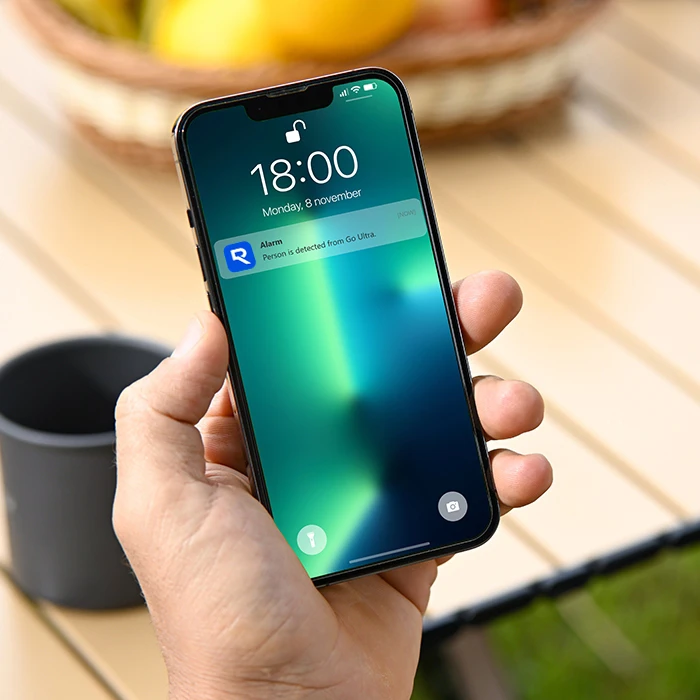
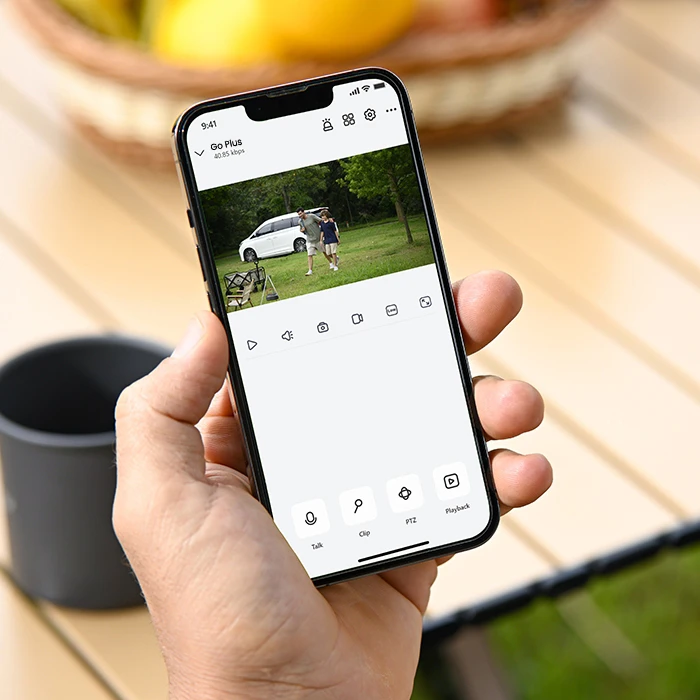
When triggered by people or vehicles, this camera will send accurate alerts to your device, and you can just tap to respond instantly through the built-in microphone and speaker. No extra fees are required.
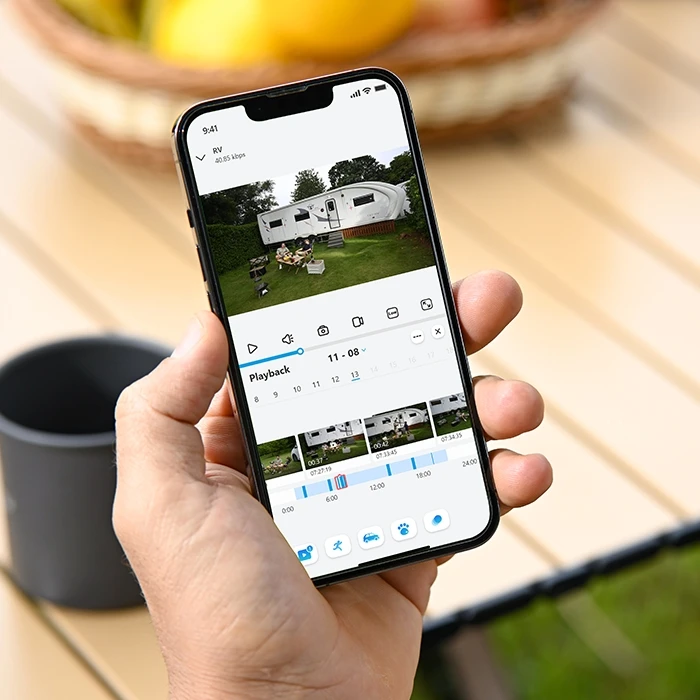
Save motion recordings locally to your microSD card (up to 128GB), so you have full control over your footage and rest assured that it remains private and secure in the palm of your hand.
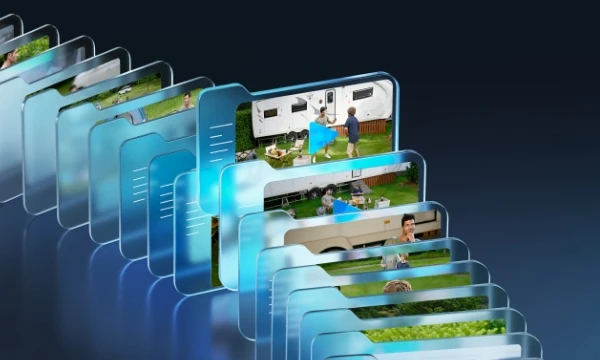
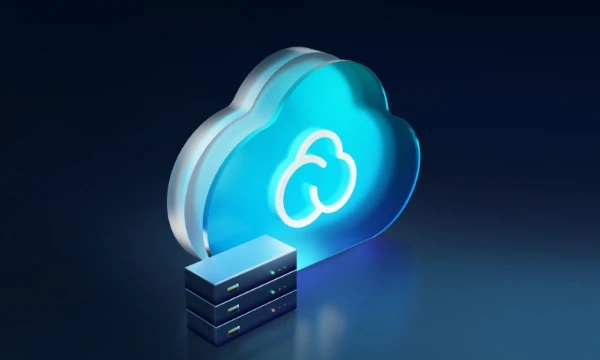
Enjoy effortless security with Reolink Cloud and say goodbye to the worries of data loss. Whether you're at home or on the go, you can easily review your footage with just a few clicks.
Receive app push notifications, email notifications and sound alerts when motion is detected. You can still adjust detection sensitivity to get more precise alerts.
Watch smooth live view at any time to keep an eye on your home, office, farm, etc.
Filter the saved videos by event type and timeline to quickly find the clip you want.
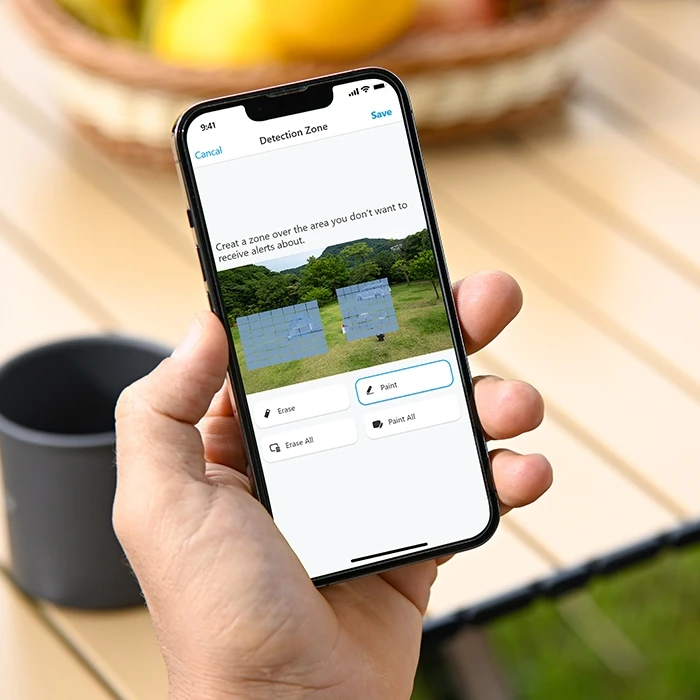
Decide to receive alerts from which areas and which not by customizing motion zones.

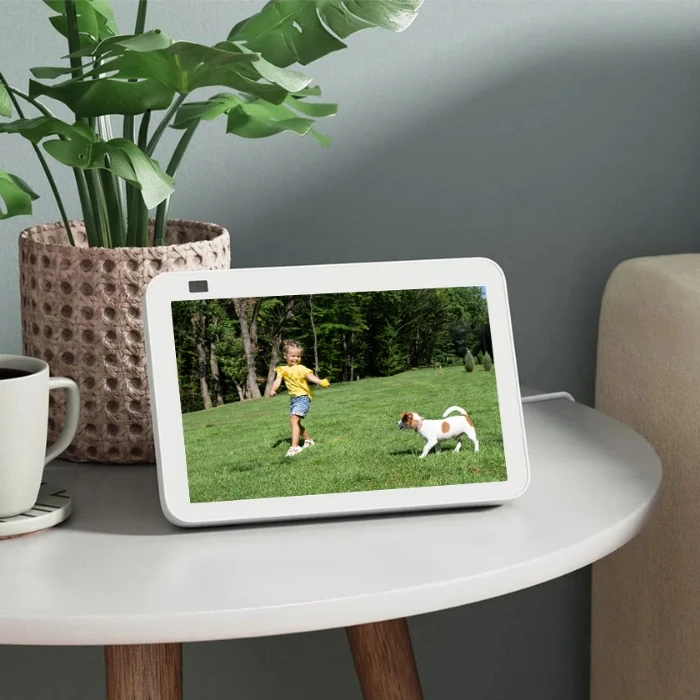
As easy as saying “Hey Google, show me the backyard”, you can check what’s happening there on your Google Nest Hub or Chromecast-enabled TVs.
Coming Soon

Discover more beauty of nature by observing long-term moments, like flower blooming, sunrise, etc., with time-lapse capture. Enjoy more fun with less time spent.
Designed with a compact and solid casing to protect against external damage, Reolink Go Plus stays in good working order even in harsh weather conditions.
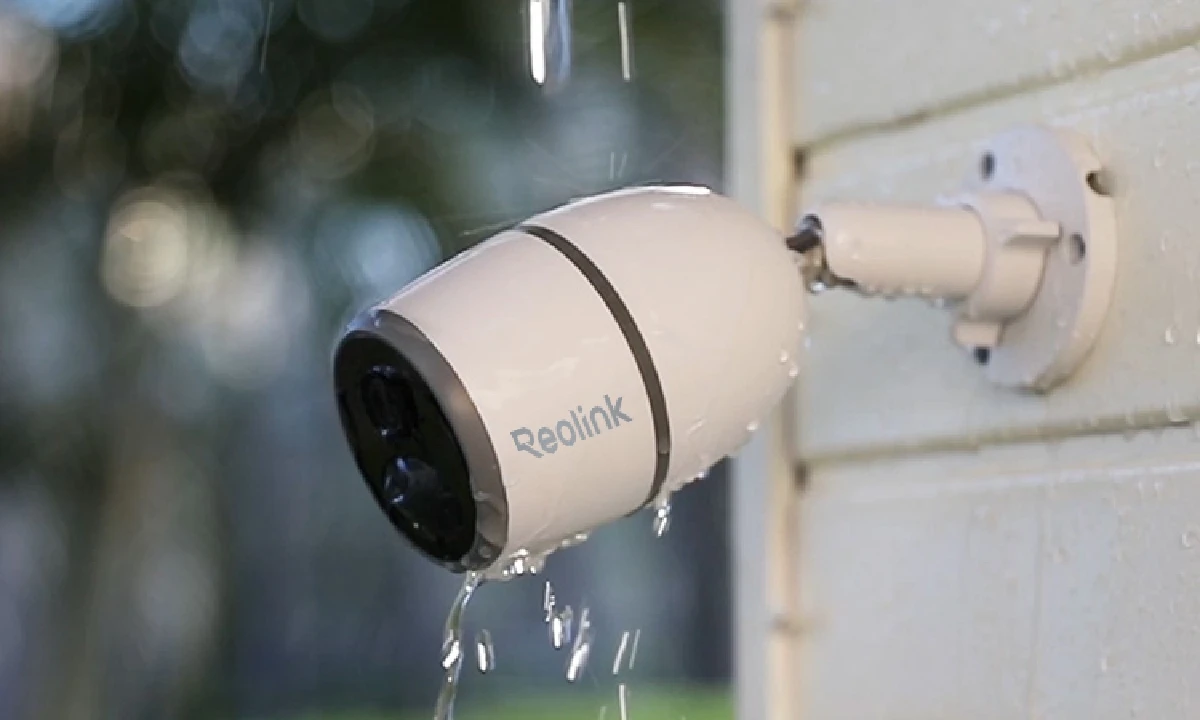
Reolink Go Plus is a 2K 4MP 4G LTE cellular security camera that offers smart motion detection, night vision, and remote access through the Reolink app, and can also be powered with a solar panel for eco-friendly charging.
In the US, Reolink Go Plus is compatible with major 4G LTE data-only SIM cards, including T-Mobile prepaid data plans, Mint Mobile SIMs, and FreedomPop plans (APN may need to be set to ERESELLER for some models like Go PT). Verizon SIM cards may also work depending on the plan, but it is recommended to test connectivity first before activating a new SIM. Note that the camera only supports 4G LTE networks and does not support 5G, and T-Mobile’s legacy 3G network has been fully retired.
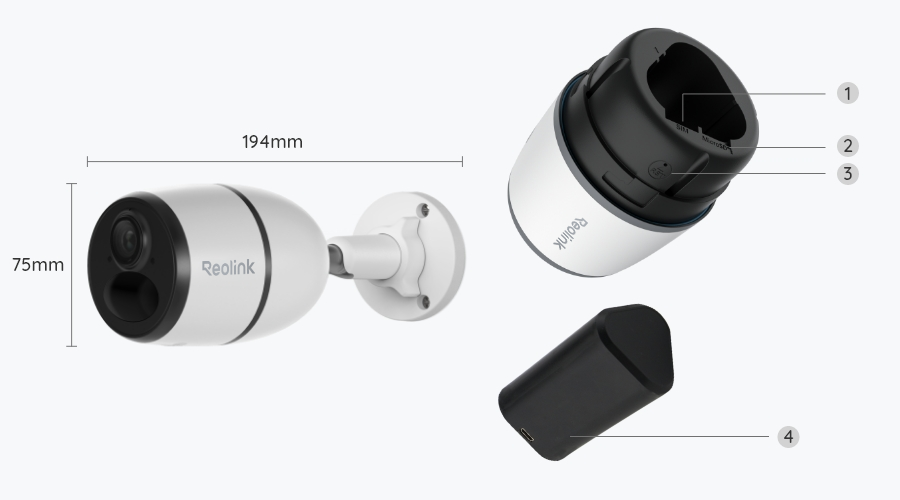
1. Insert the SIM card and microSD card (optional) Open the camera slot and insert a compatible 4G LTE data SIM card and a microSD card if you want local storage.
2. Charge or connect power: Fully charge the battery or connect the camera to a solar panel for continuous power.
3. Turn on the camera: Press the power button until the status light turns on.
4. Download the Reolink App: Install the Reolink app on your mobile device from the App Store or Google Play.
5. Add the camera in the app: Scan the QR code on the camera and follow the in-app setup instructions to connect it to your account.
6. Check network connection: Make sure the SIM card is activated and has mobile data enabled. The camera will automatically connect to the 4G LTE network.
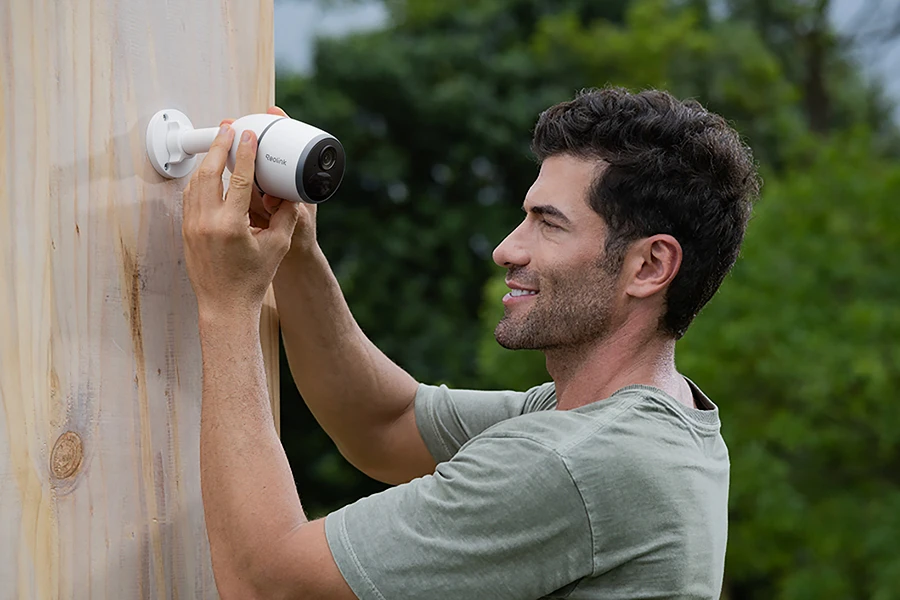
7. Adjust installation location: Mount the camera in the desired outdoor location with a clear signal and adjust the viewing angle in the app.
Battery life depends on usage, motion activity, and signal strength, but it typically lasts 1 to 6 months per charge under normal conditions. Frequent alerts or live viewing will shorten battery life, while low activity extends it. Using a solar panel can provide daytime charging.
The main difference is resolution: the Reolink Go offers 1080p HD, while the Go Plus upgrades to 2K (4MP) for clearer and more detailed images. Please note that the Reolink Go has been discontinued, but other models in the Go series are still available for purchase.
There are several possible reasons why your Reolink Go Plus is offline or failing to connect. First, the cellular signal in the installation area may be weak—try checking the signal strength with your phone in the same spot.
Second, your SIM card or mobile data plan may have expired or run out of data; you can test this by inserting the SIM card into your phone. If both the signal and SIM are fine, the issue may be with the camera itself. In that case, try resetting the device, checking the status light and voice prompts, and contacting the Reolink support team for further assistance.
Kontroller forsendelse og levering for områder, der er undtaget
Vær forberedt, vær Reolink

Google, Google Play, Google Assistant og relaterede mærker og logoer er varemærker tilhørende Google LLC.
Amazon, Alexa og alle relaterede logoer er varemærker tilhørende Amazon.com, Inc. eller dets datterselskaber.
Mac og Safari er varemærker tilhørende Apple Inc.
App Store er et servicemærke tilhørende Apple Inc., registreret i USA og andre lande.
Firefox og Firefox-logoet er varemærker tilhørende Mozilla Foundation i USA og andre lande.
Andre produkt- og firmanavne, der nævnes heri, kan være varemærker tilhørende deres respektive virksomheder.