RLK8-410B4

Smart PoE NVR System with 4 Cameras for 24/7 Recording

Person/Vehicle/Animal Detection

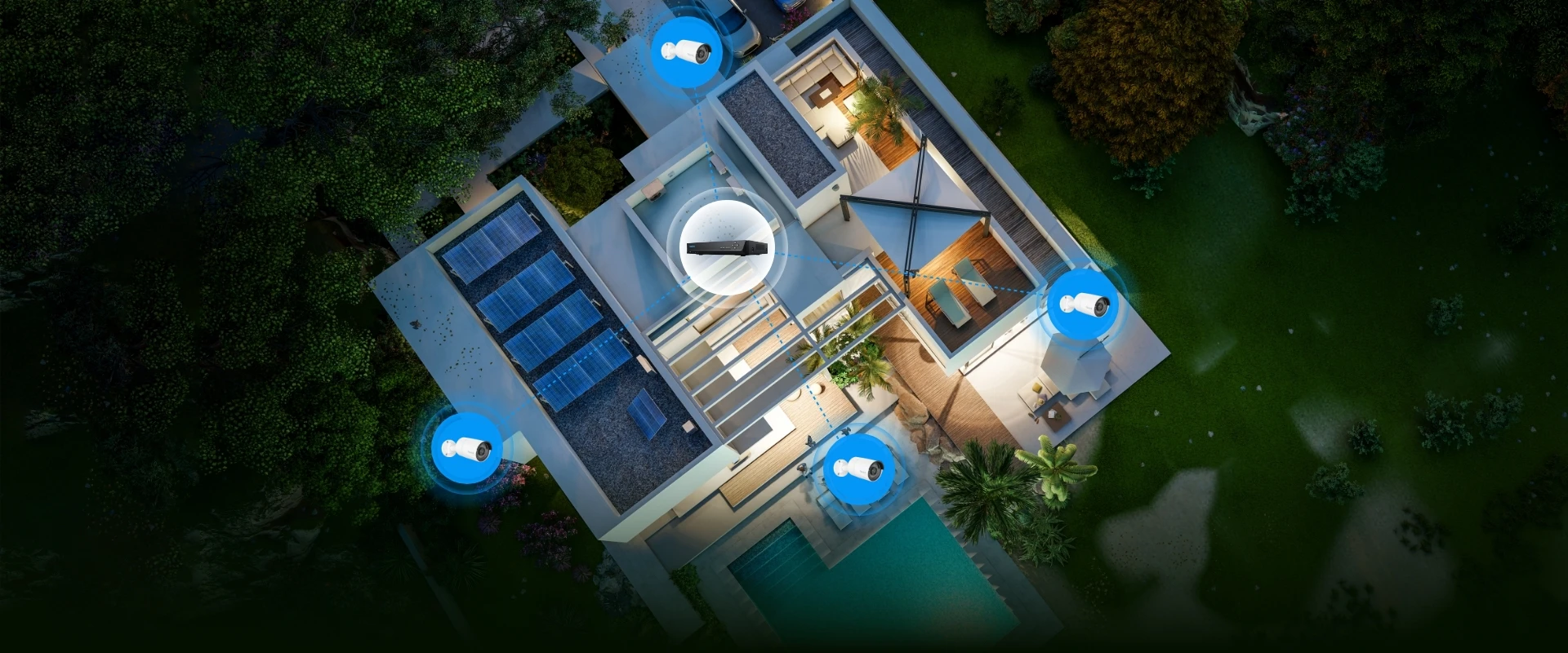
With 8-Channel NVR

2TB HDD Built-in

Audio Recording

8-Channel NVR

Built-in 2TB HDD

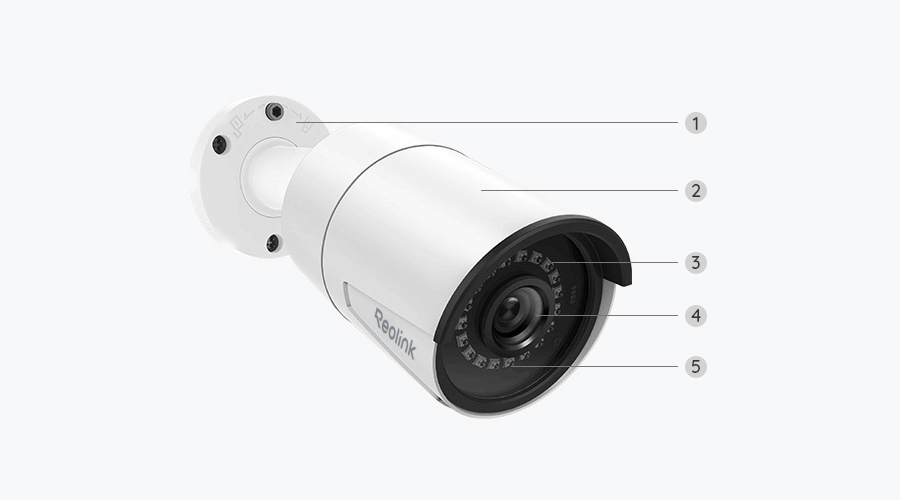
Four 2K+ Cameras

High-Resolution PoE Cameras Included

Up to 16TB

Local Storage Capacity

Day Vision
Black & White Night Vision

Stay Connected and in Control

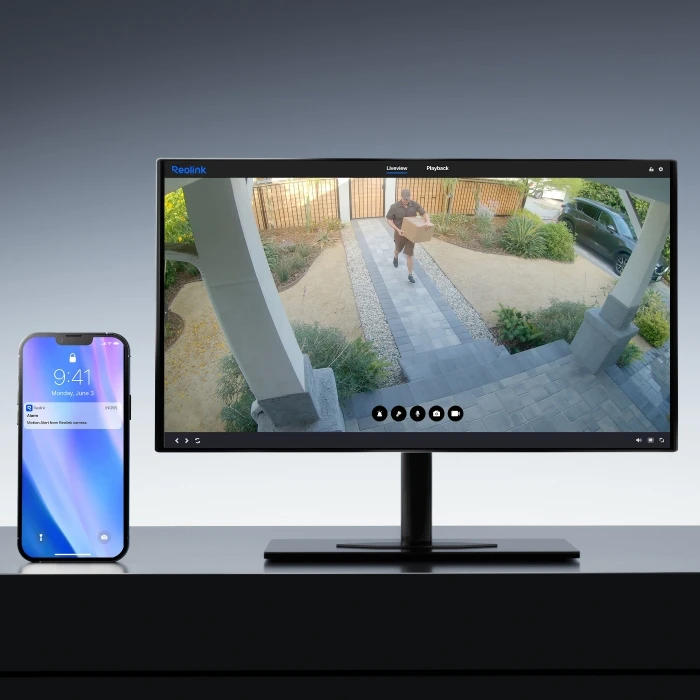
Real-Time Alerts

Receive instant push notifications and email alerts whenever motion is detected, ensuring you're always aware of what's happening.

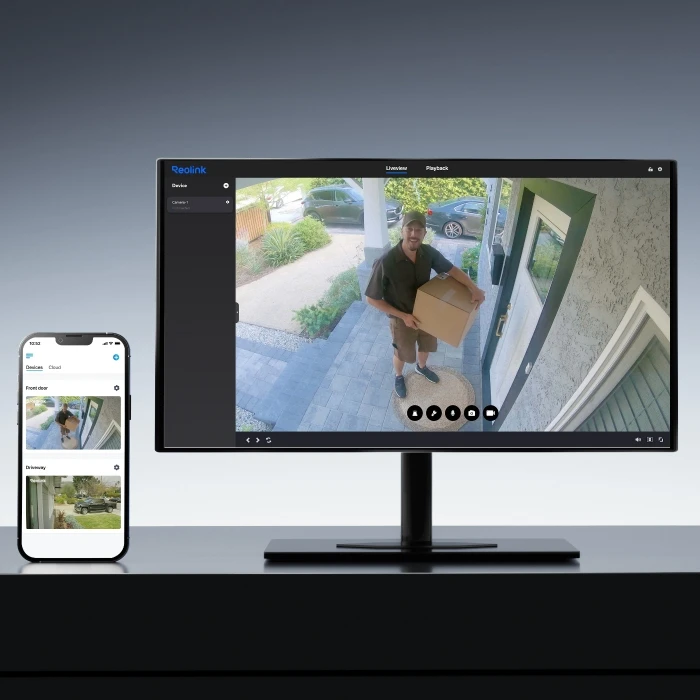
Easy Live View

Monitor multiple cameras simultaneously on a single screen, giving you a comprehensive view of your surroundings.

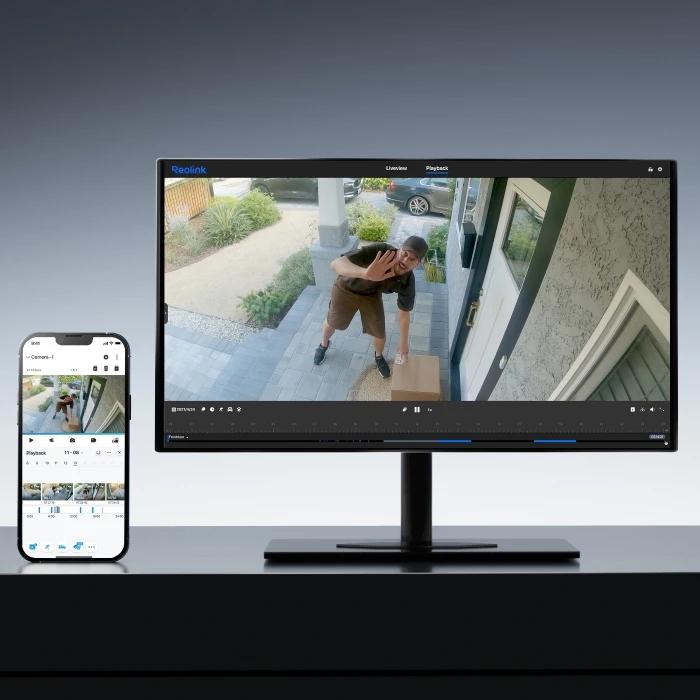
Smart Playback

Filter recordings by type (motion, person, vehicle, animal) to save time and easily locate specific events.

Step 1
Set up the NVR

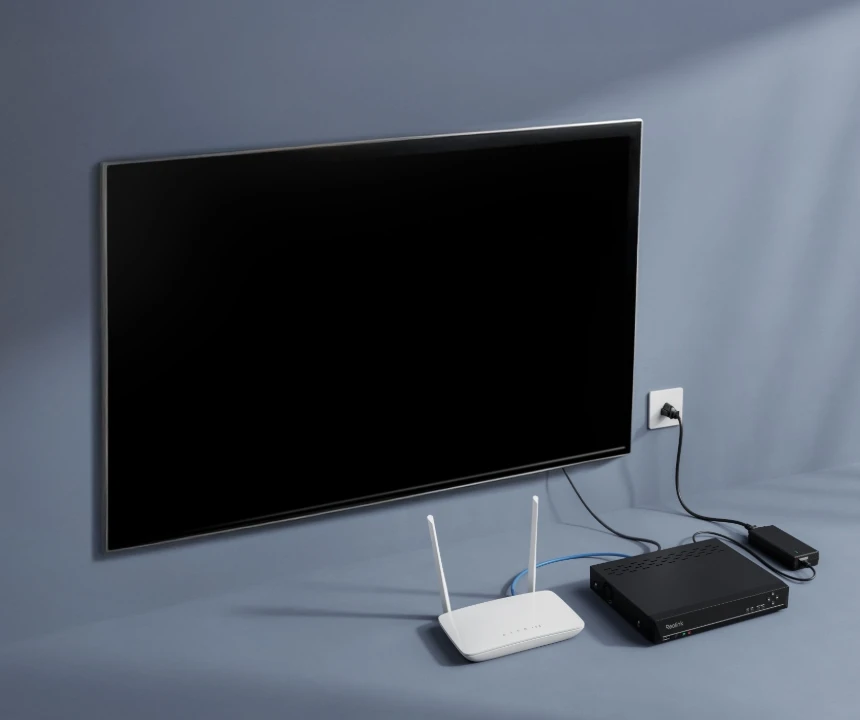
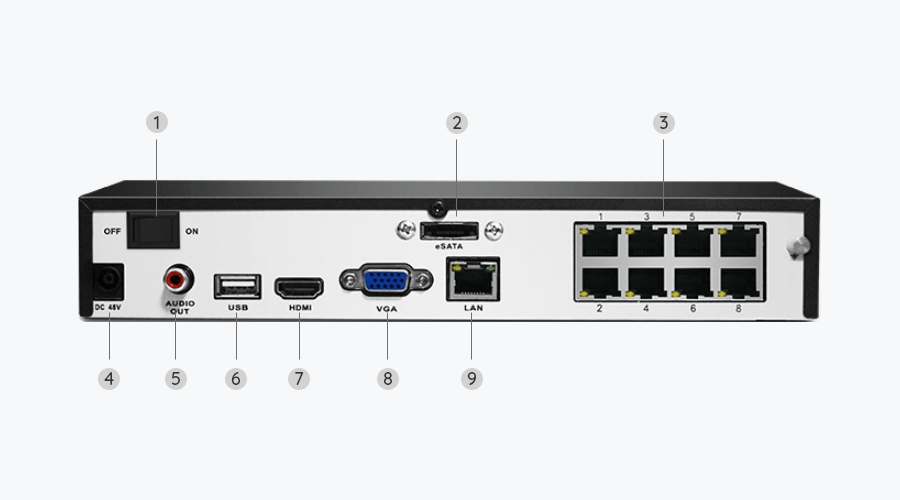
Connect the NVR to your router and a monitor/TV, then to a power outlet and turn it on.

Step 2
Set up the Cams

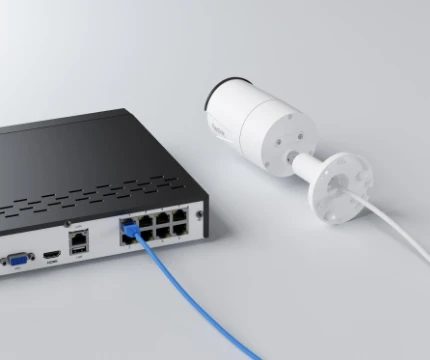
Use an Ethernet cable to connect each PoE camera directly to the NVR.

Step 3
Follow the Initiation Instructions

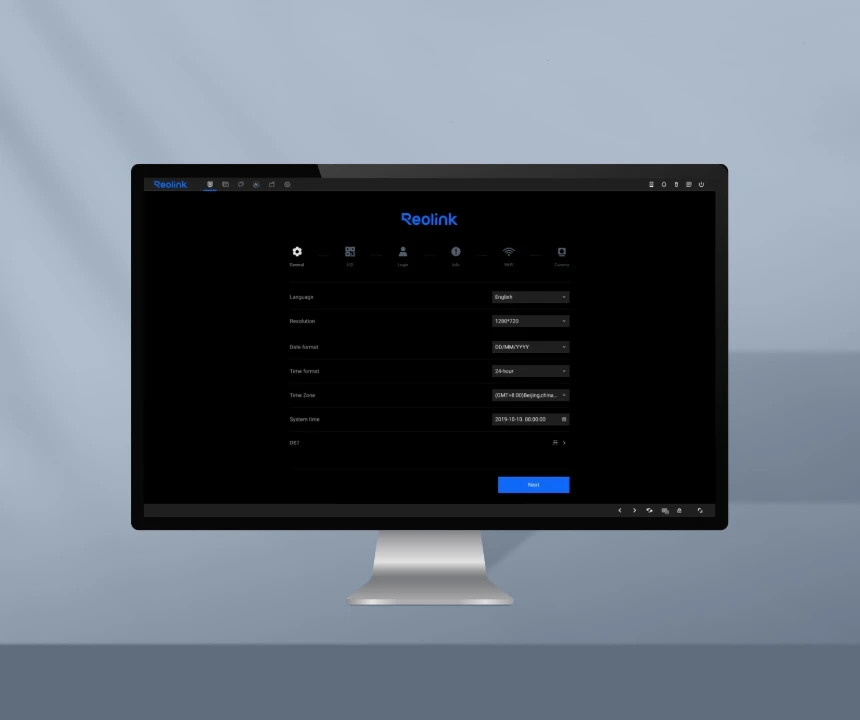
When you power on the NVR for the first time, follow the instructions to complete the basic configuration.

Comparison

What's in the box

    Compare all Reolink models