Reolink Video Doorbell (Battery) with Home Hub Mini

Reolink Video Doorbell (Battery) with Home Hub Mini

2K 4MP Battery-Powered Video Doorbell Kit with Home Hub Mini

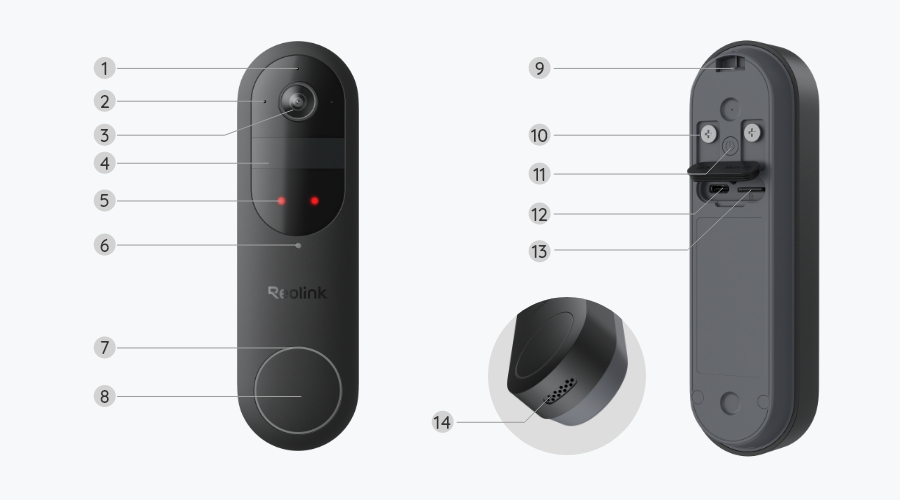
2K 4MP Head-to-Toe View

Person/Vehicle/Package Detection

Up to 1TB microSD Card Supported

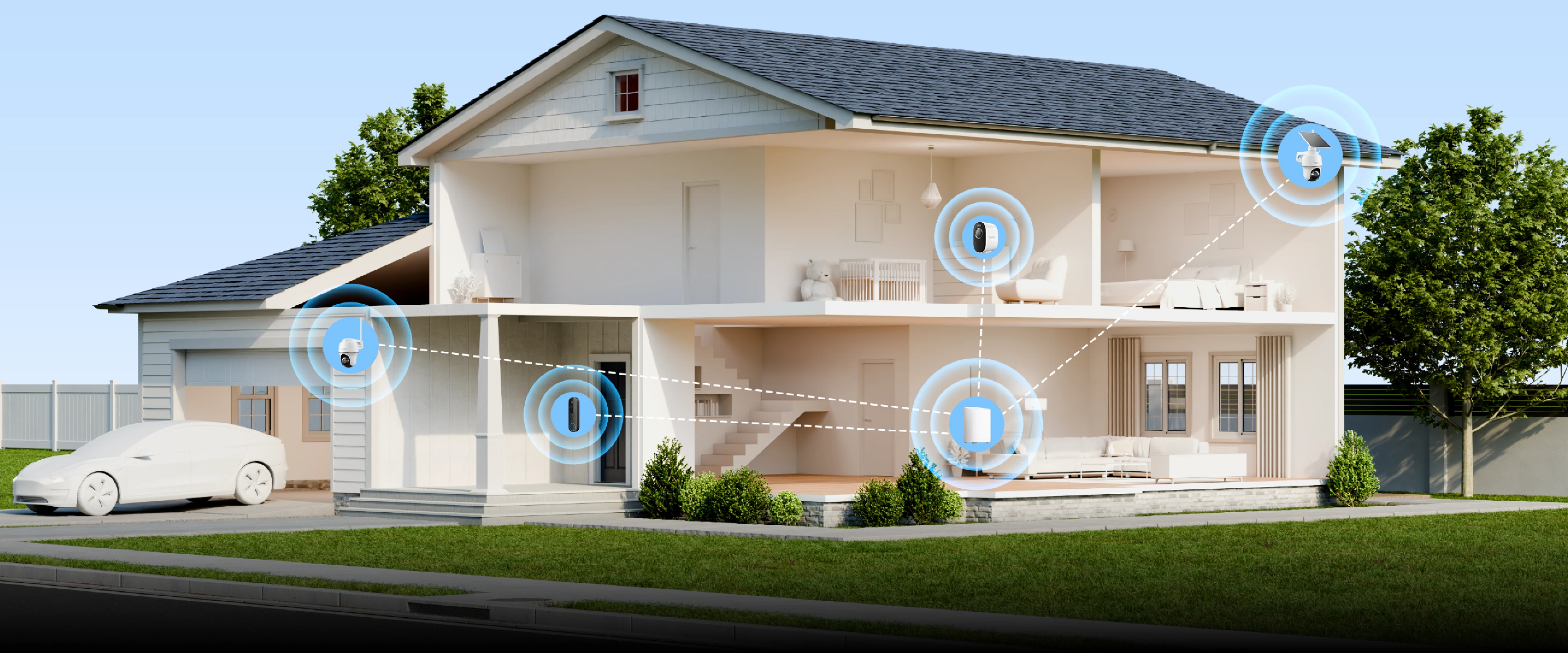
Up to 8 Reolink Cameras Supported

Video Doorbell

2K 4MP Battery-Powered Cams

Local Storage

Up to 1TB microSD Card Supported

Up to 8 Cams

All Reolink Cams Except 4G Series

Nighttime Vision
Field of View
HDR Technology

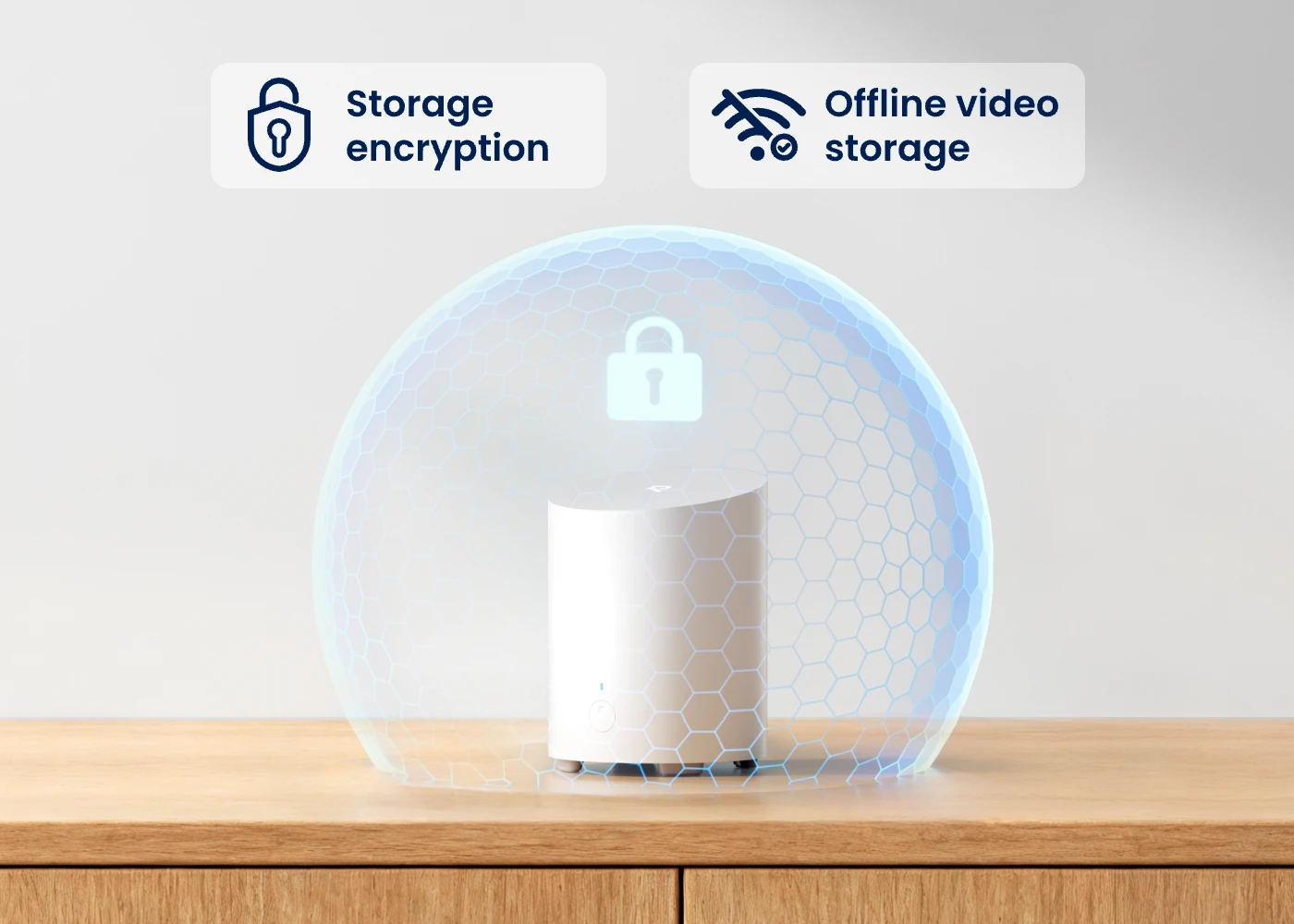
Your Privacy Exclusive to You, Even Offline

Keep your footage secure and confidential in Home Hub Mini with AES128 anti-theft encryption, a bank-level exclusive encryption algorithm. The encrypted recordings can only be accessed with your key, even if the Hub is stolen or reset.

Your privacy is still guaranteed in the case of network malfunction — the recordings from battery-powered cameras can be stored on the Home Hub Mini in encrypted form without hurdles or interruption.

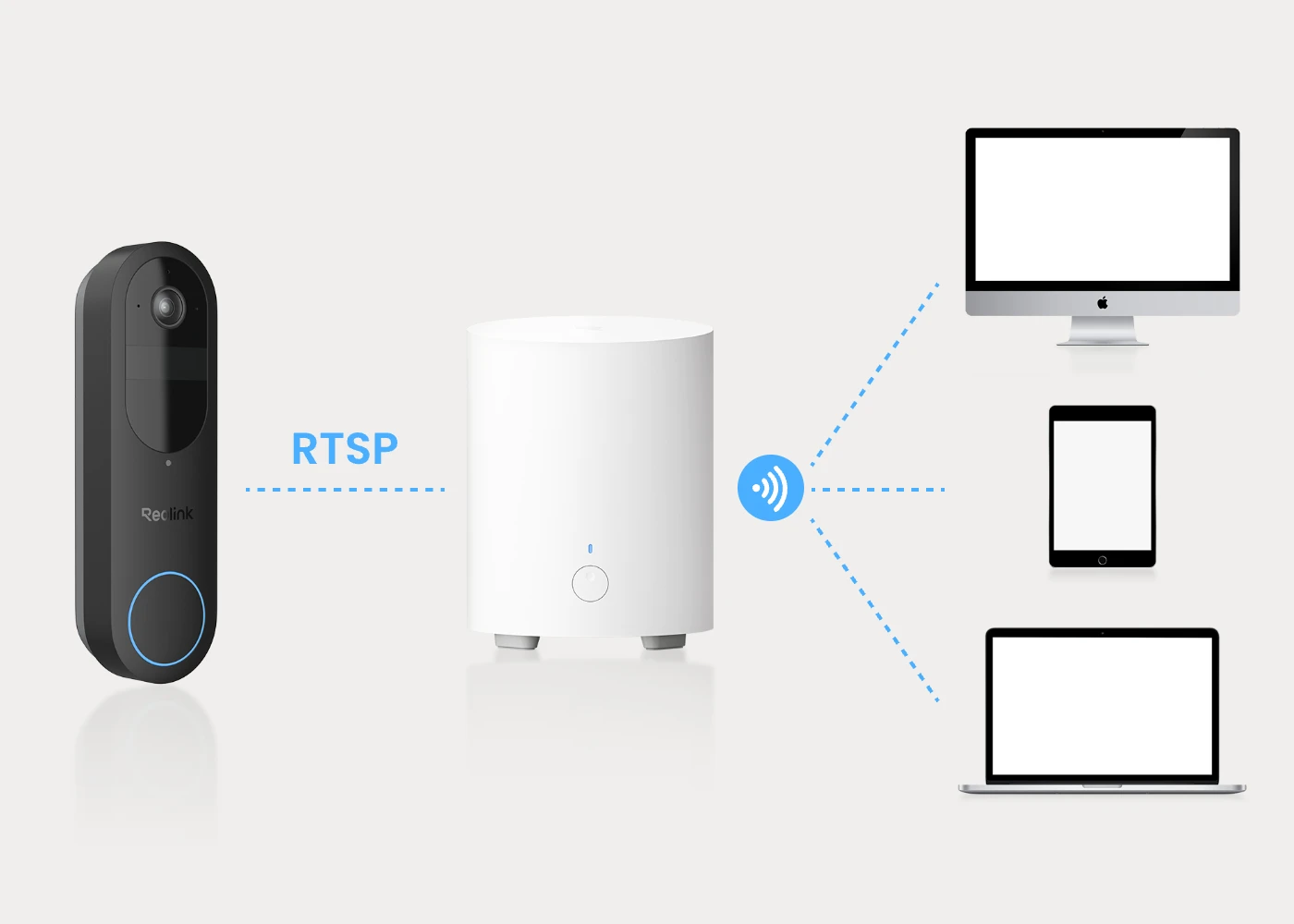
Third-Party Apps Compatibility

Connect your battery doorbell to the Home Hub Mini and access it through multiple third-party apps using RTSP or NAS protocols. Smarter, effortless integration at your fingertips.

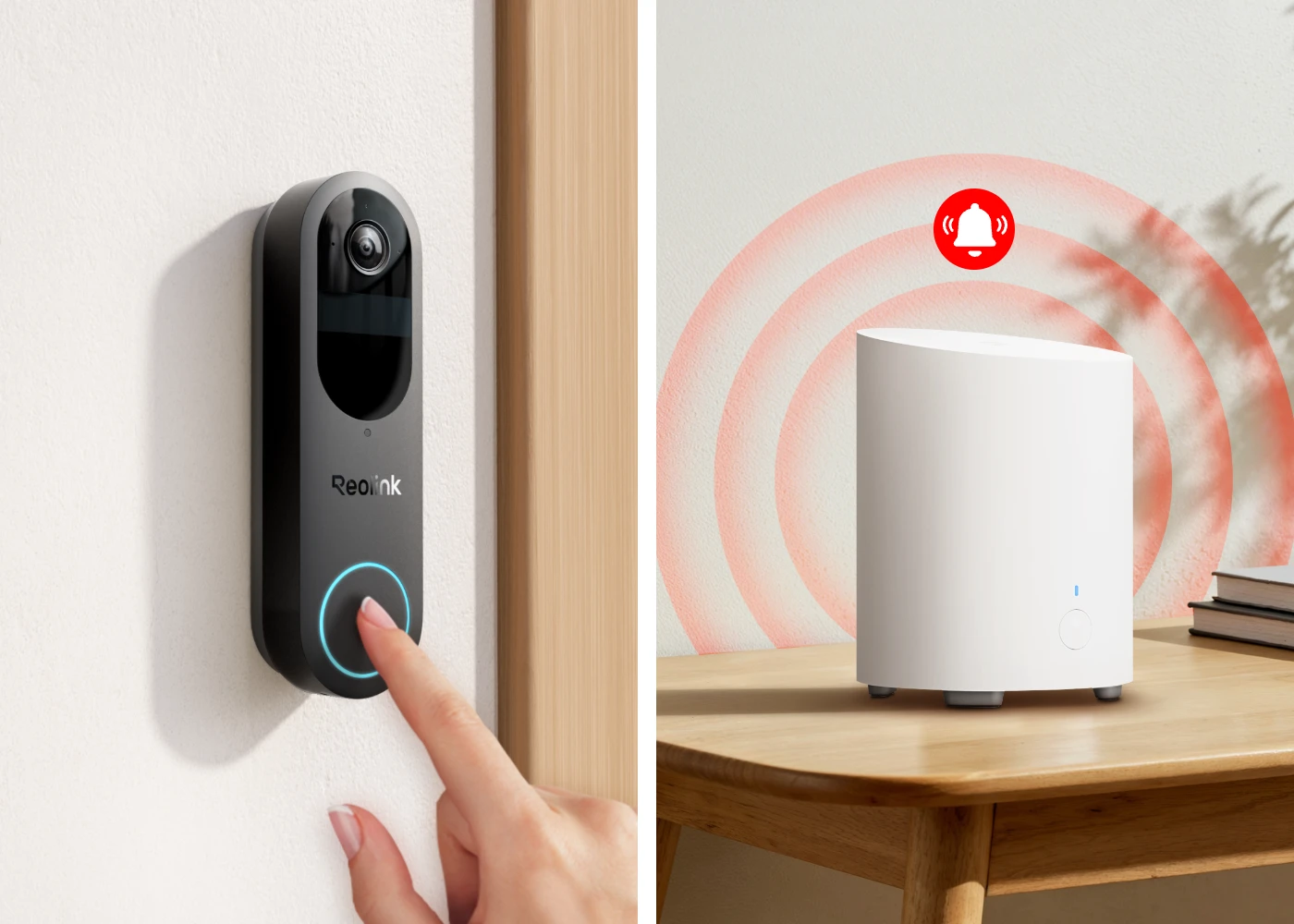
Alarm Center

Integrate the Home Hub mini with the battery doorbell for efficient, centralized alarm management. Detect people, vehicles, or packages, and get instant alerts as the hub mini’s siren sounds. No monthly fees are required. The hub mini also functions as a chime, supporting unique, 1-to-1 ringtones for multiple doorbells.

More Features to Be Explored

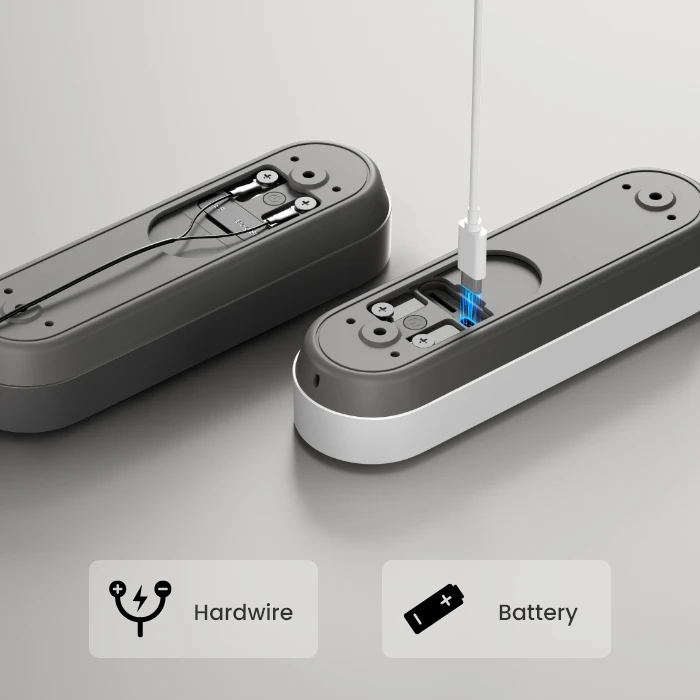
Flexible Charging Options

Power your doorbell your way—use the rechargeable battery or hardwire to existing wiring (8-24V, 5VA-40VA) for continuous operation.

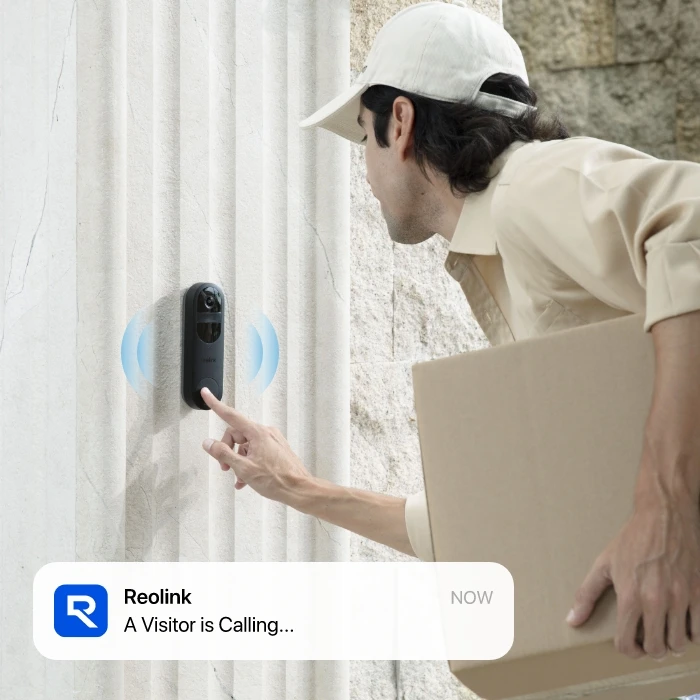
Visitor Notification

Receive the instant video call notification when the doorbell rings, so you’re always aware of visitors at your doorstep.

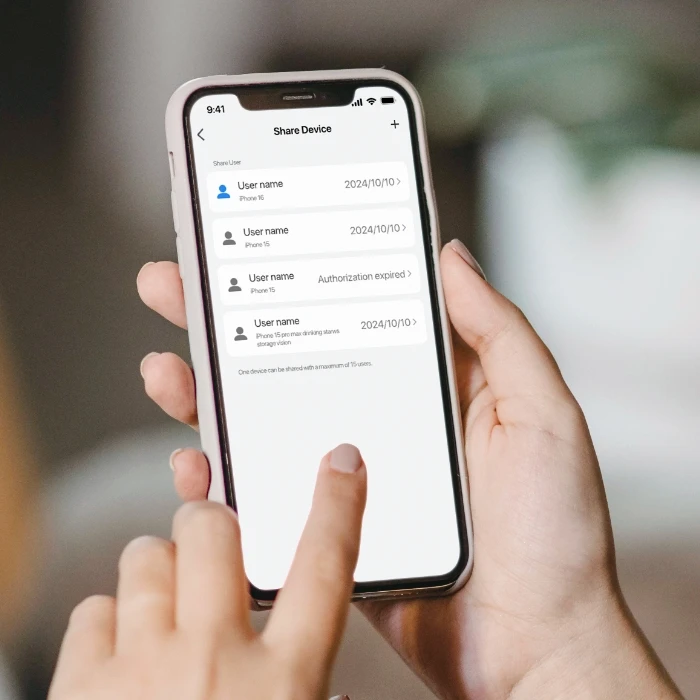
Multi-User Permission

Easily customize live view, playback, and management permissions for up to 11 users, and share permissions via QR codes.

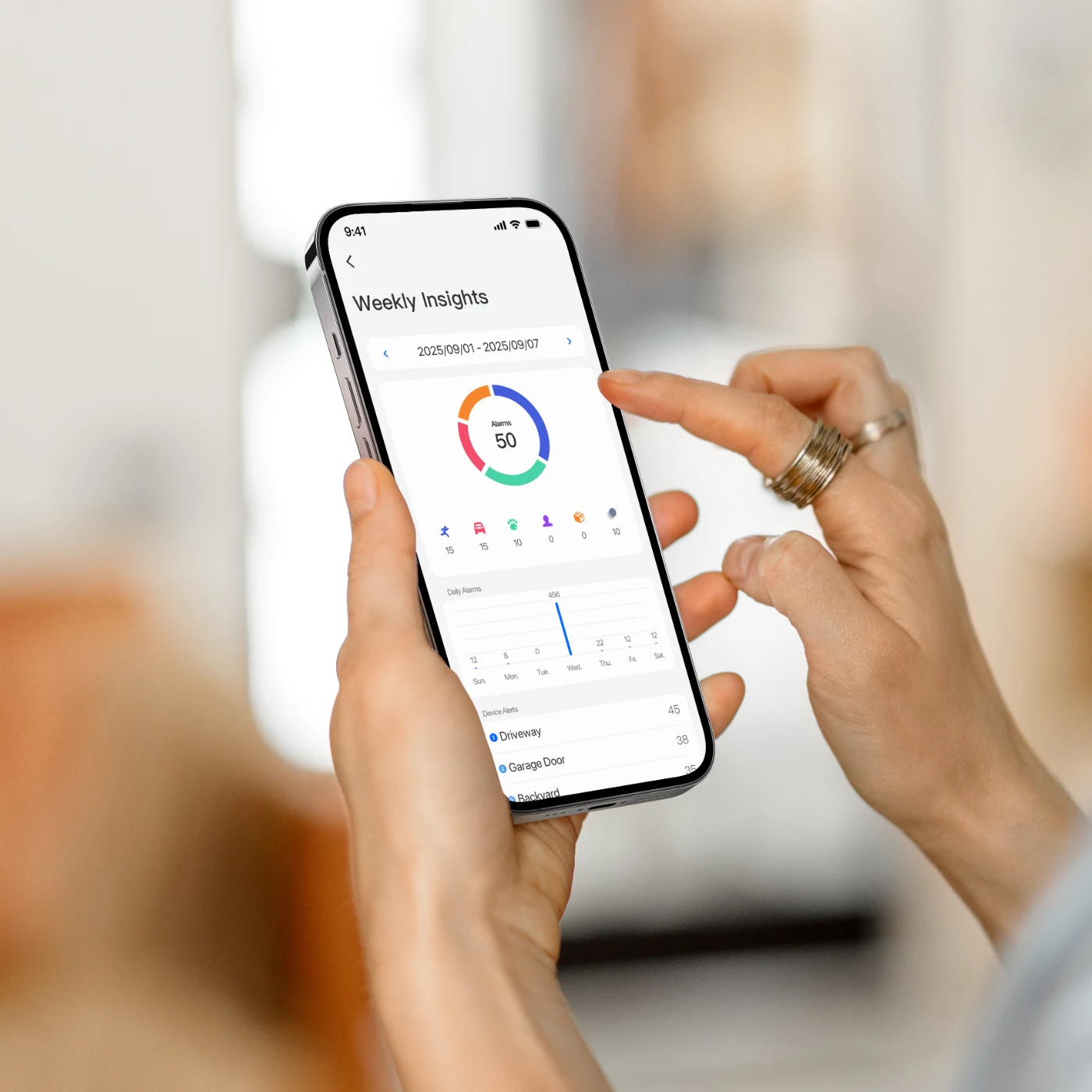
Weekly Insight

Stay updated with weekly summaries of alarm statistics, including daily alarms, types, and involved devices.

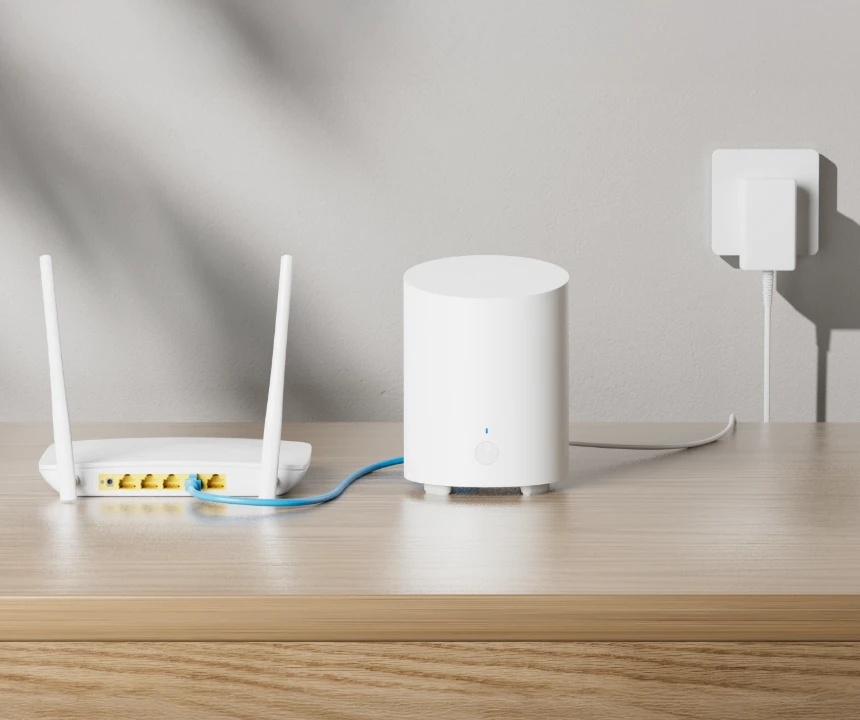
Step 1.
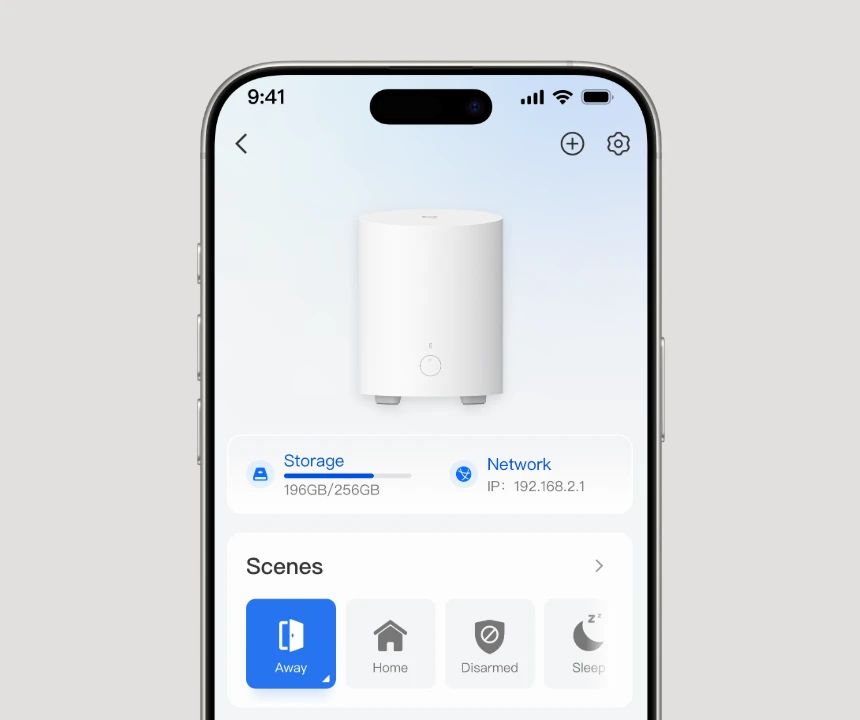
Set up the Hub Mini

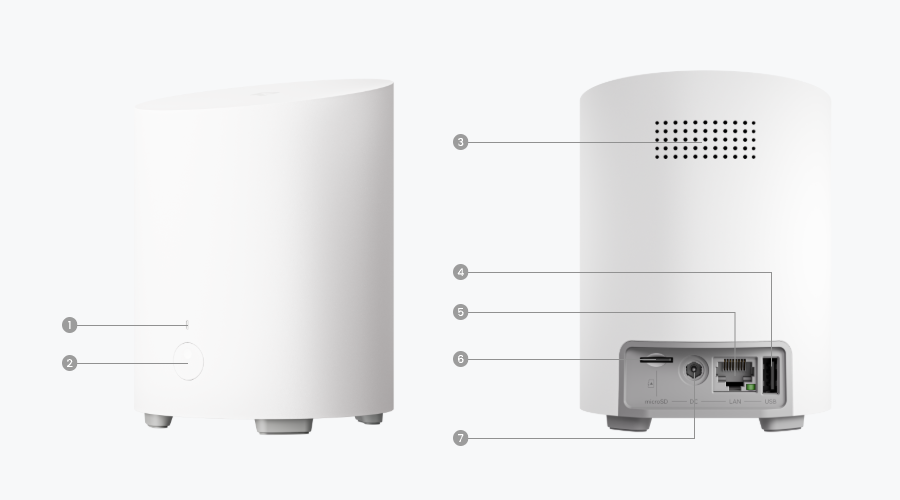
Connect the Reolink Home Hub Mini to the power supply, then to the router via an Ethernet cable.

Step 2.
Initiate the Hub Mini

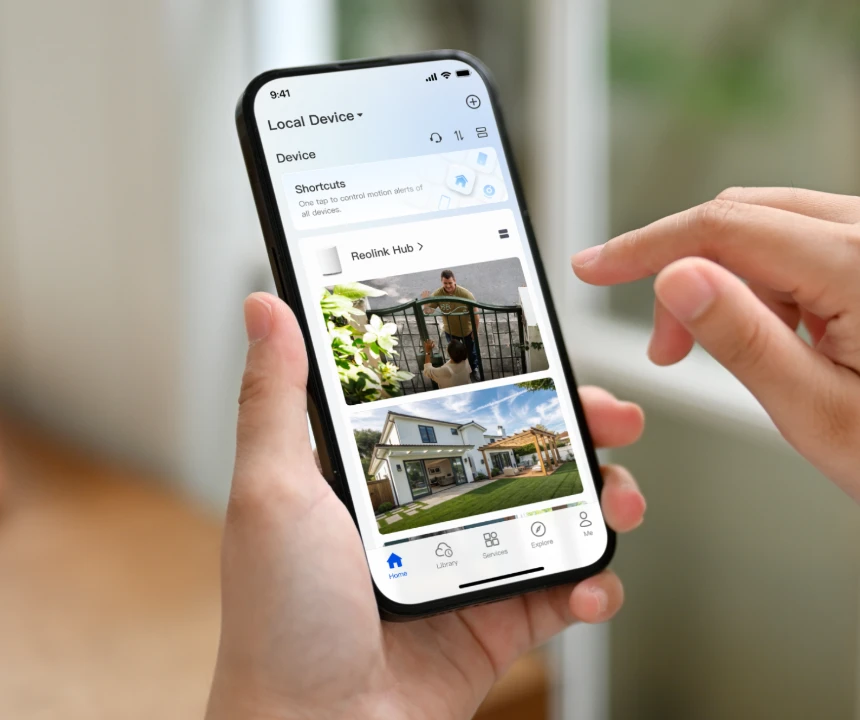
Set up the Home Hub Mini on the Reolink App and attach devices to it.

Step 3.
Use the Hub Mini

Access your camera and view live feed on the Reolink App.

Work With Alexa

Smart Home, Your Lifestyle

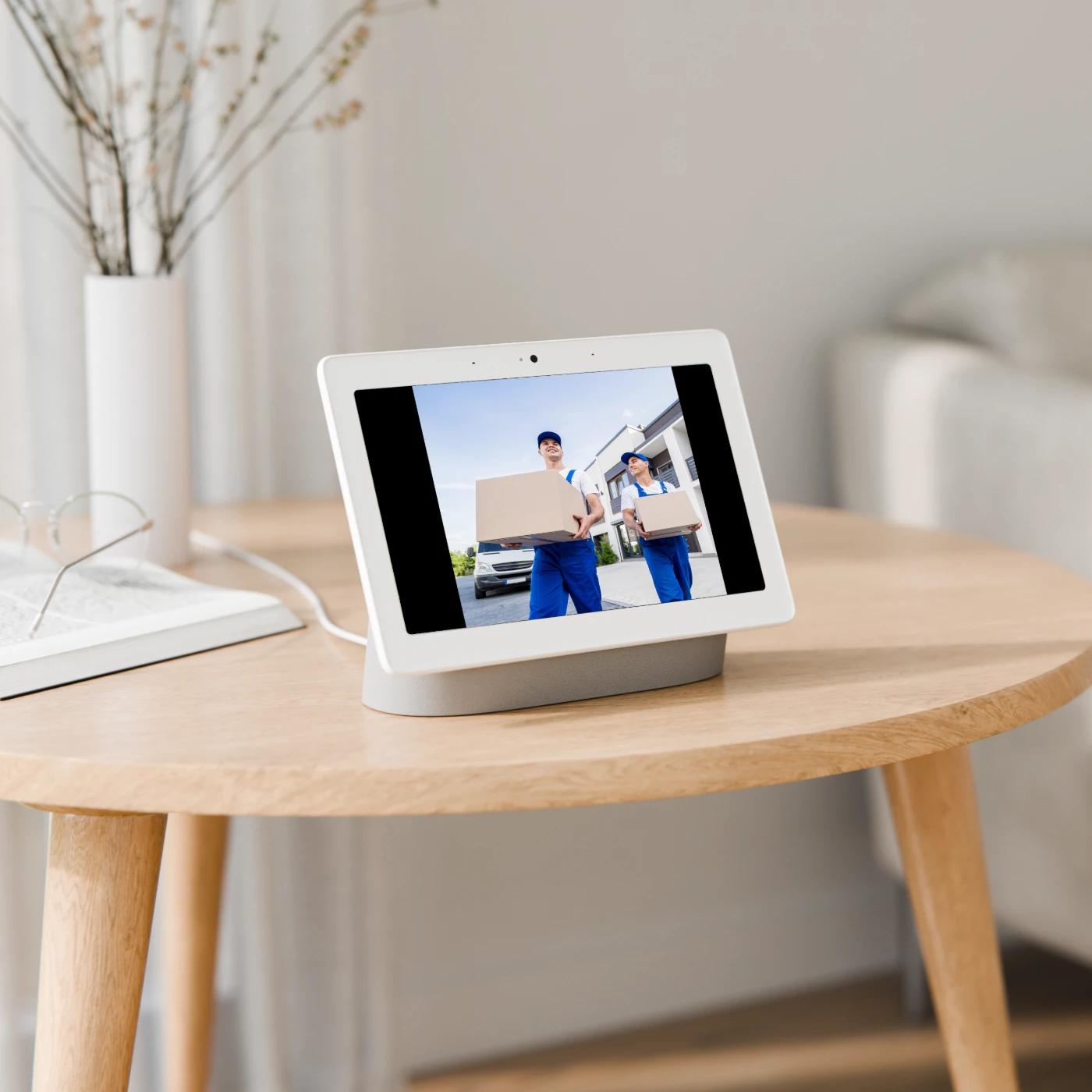
Activate Google Assistant with a voice command to view livestreaming on Google Nest Hub or a Chromecast-enabled TV.

Coming Soon

Smart Home, Your Lifestyle

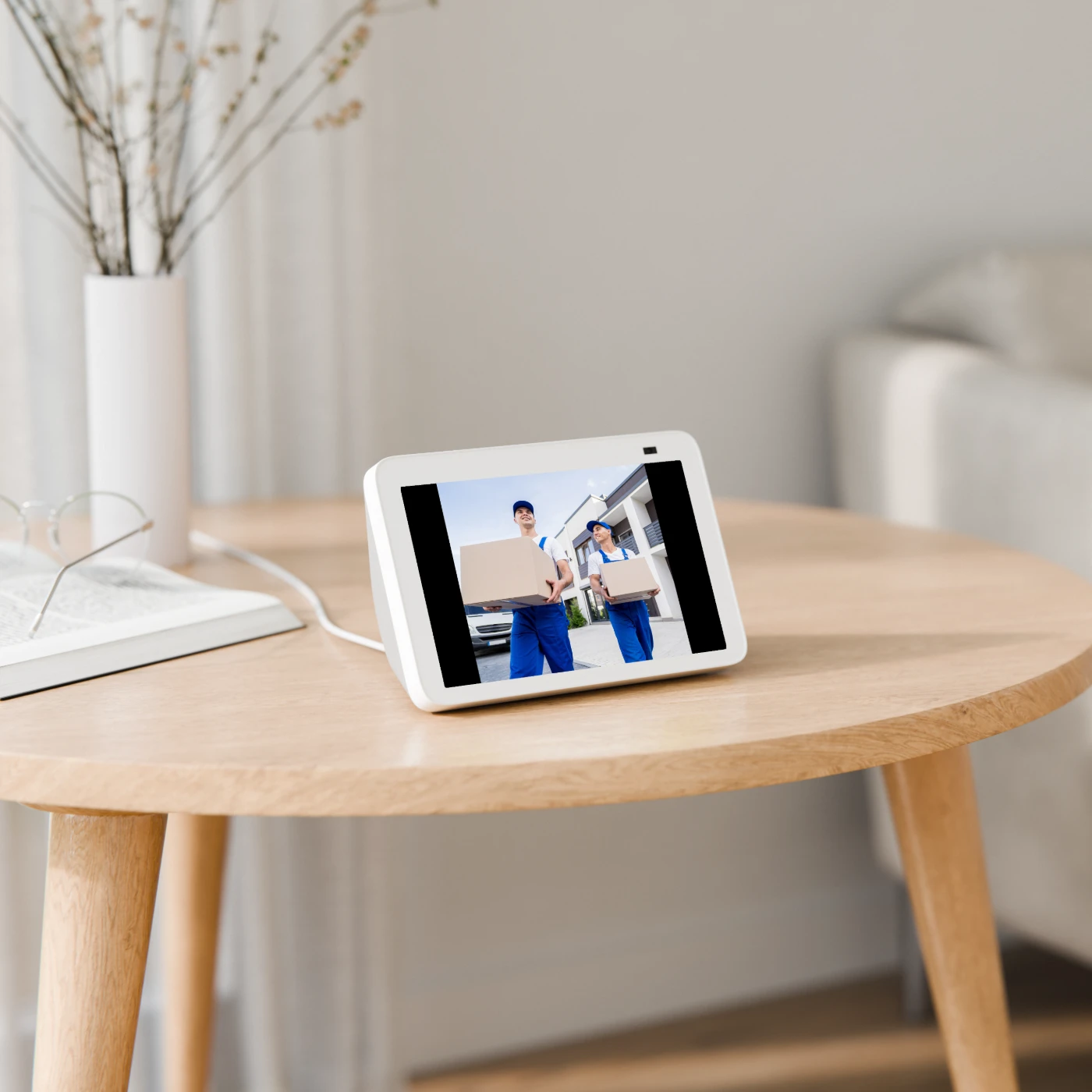
Ask Alexa to show the pictures you want - watch the live feed or playback on Echo Spot, Echo Show, or TV (Fire TV Stick).

Coming Soon

Comparison

What's in the box

    Compare all Reolink models