Your cart is empty.


16MP UHD Dual-Lens PoE Security Camera with 180° Panoramic Coverage
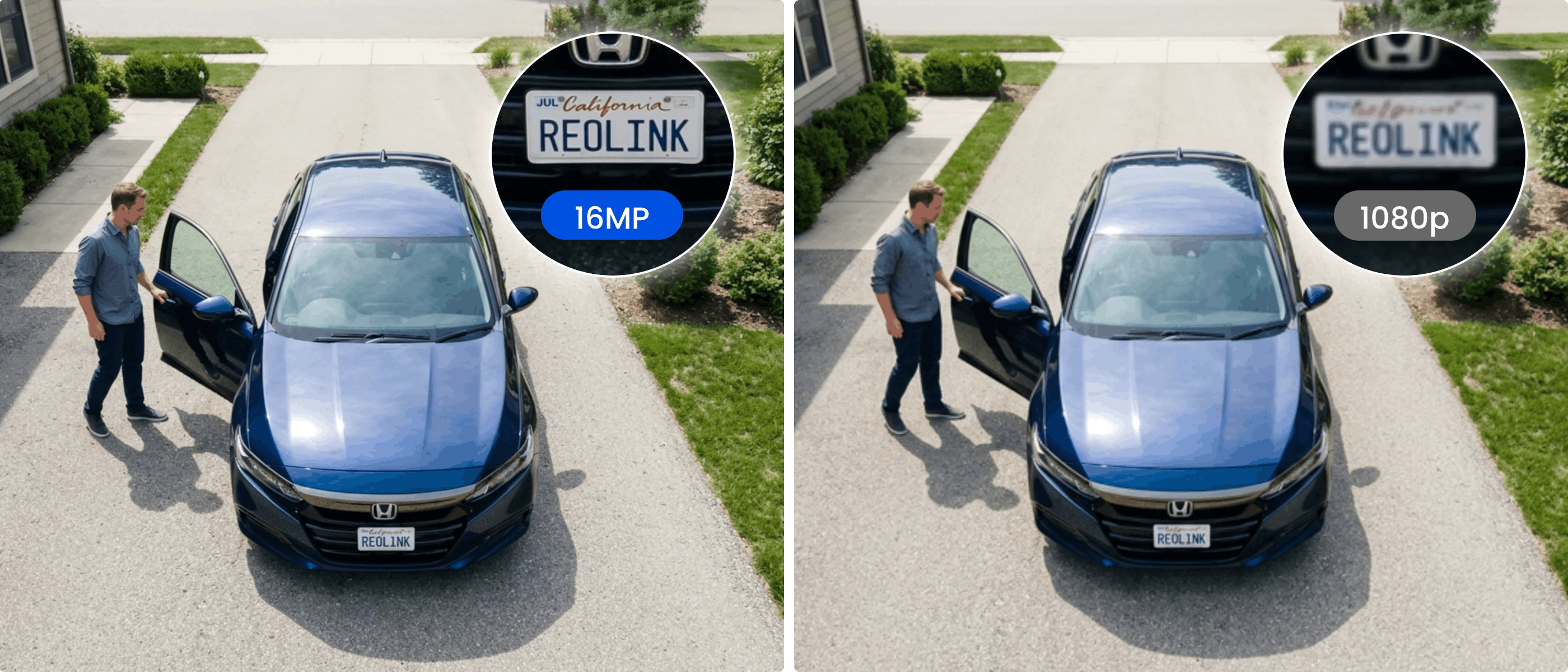
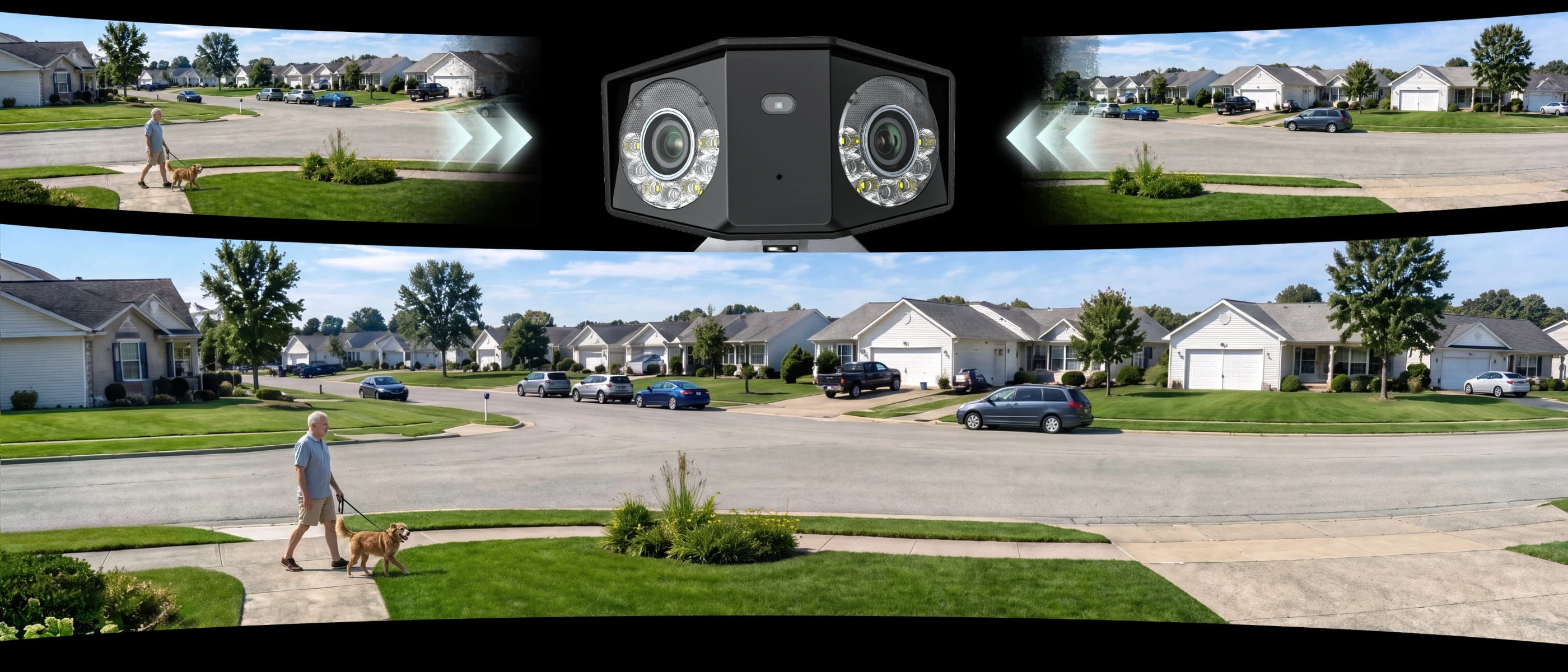
16MP UHD & 180° Panoramic View for Full-Scene Coverage
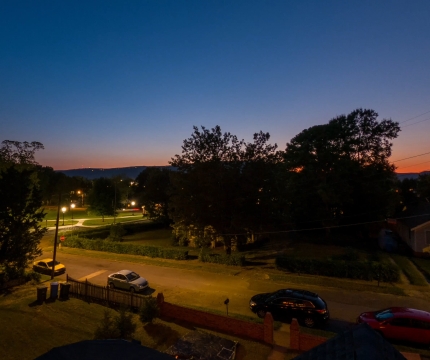
Color & Infrared Night Vision for 24/7 Protection
Beginner-Friendly PoE One-Cable Installation
Motion Track with Panoramic Event Capture

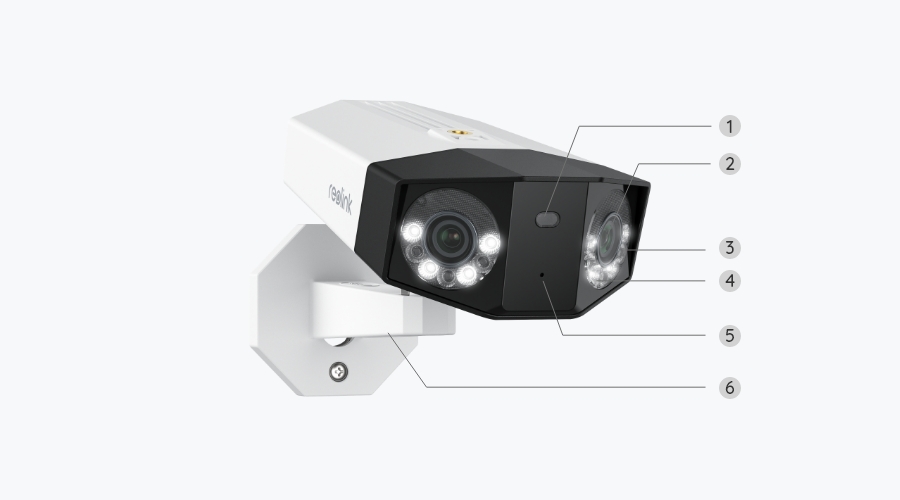
Reolink Duo 3 PoE combines dual-lens technology and 16MP UHD resolution to deliver immersive panoramic security coverage.
See more clearly after dark with flexible night vision options. The Reolink Duo 3 PoE features powerful infrared night vision for clear black-and-white footage in low light and built-in spotlights for full-color night vision when you need more detail. Switch between discreet monitoring and vivid nighttime visibility to keep your property protected around the clock.
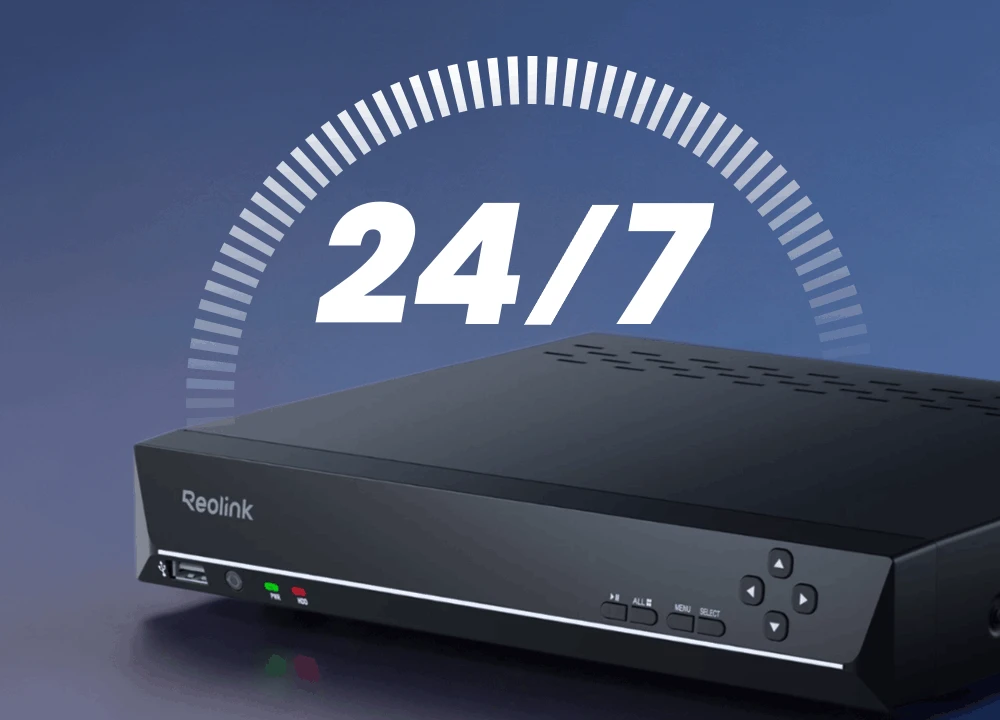
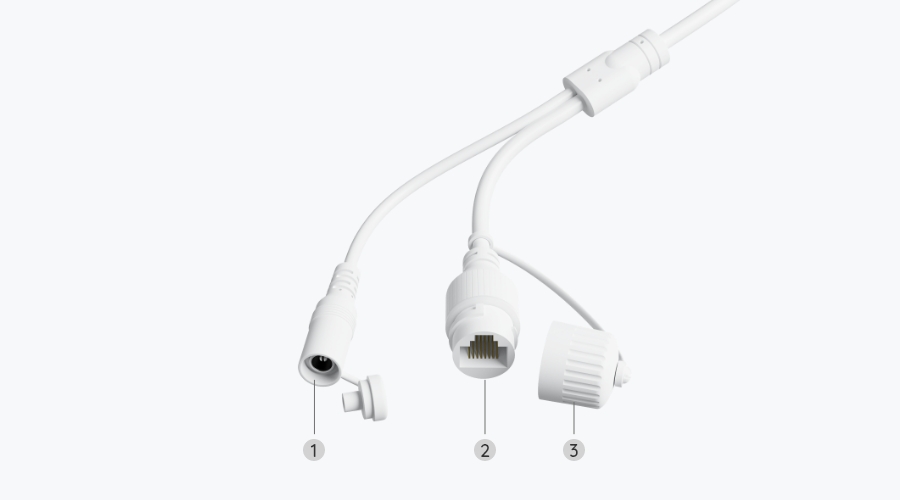
Simplify your setup with one-cable PoE connectivity. The Duo 3 PoE uses Power over Ethernet (PoE) technology to deliver both power and data through a single Ethernet cable. Enjoy a cleaner installation, a more stable connection, and reliable 24/7 recording without the need for separate power cables.

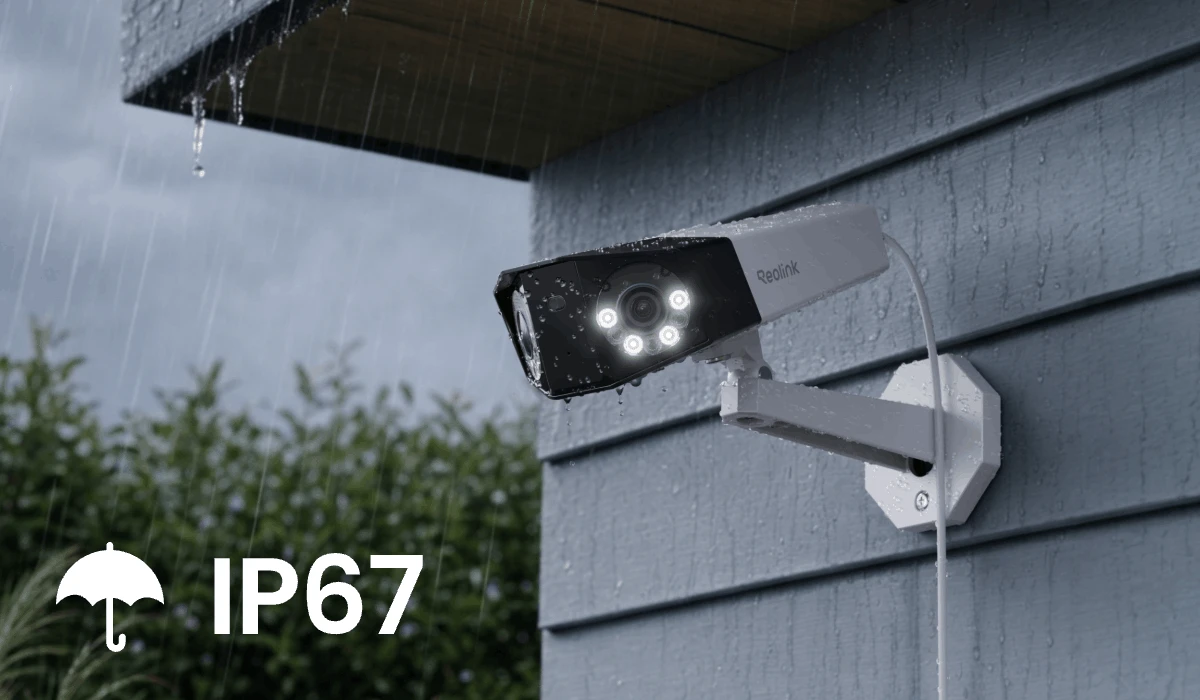
Built with an IP67 waterproof rating, Reolink Duo 3 PoE withstands rain, dust, and extreme outdoor conditions for reliable year-round protection.
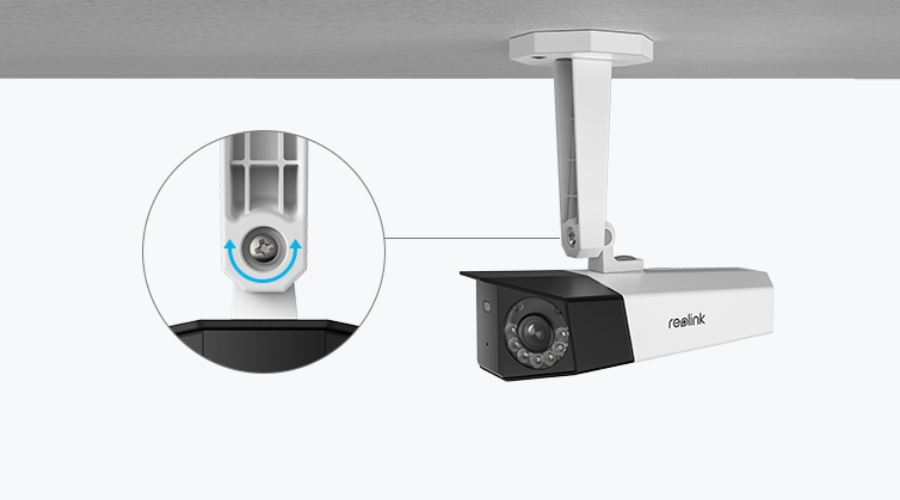
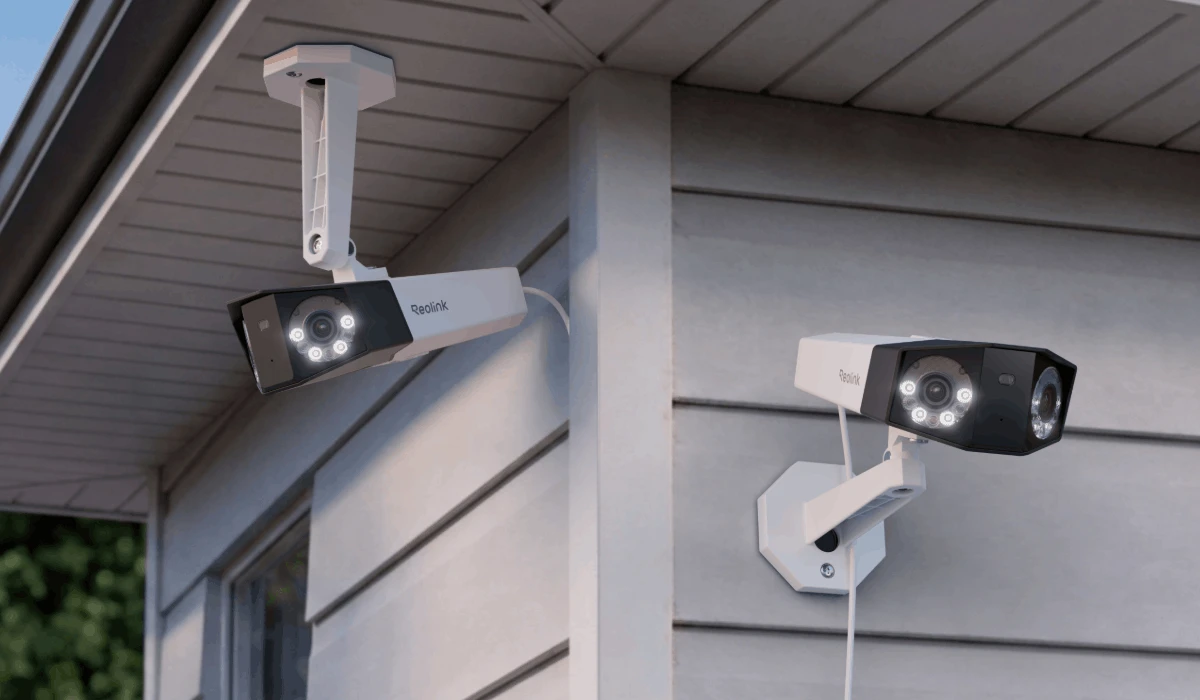
Install your Duo 3 PoE on walls, ceilings, or other surfaces with flexible mounting options for optimal viewing angles and coverage.
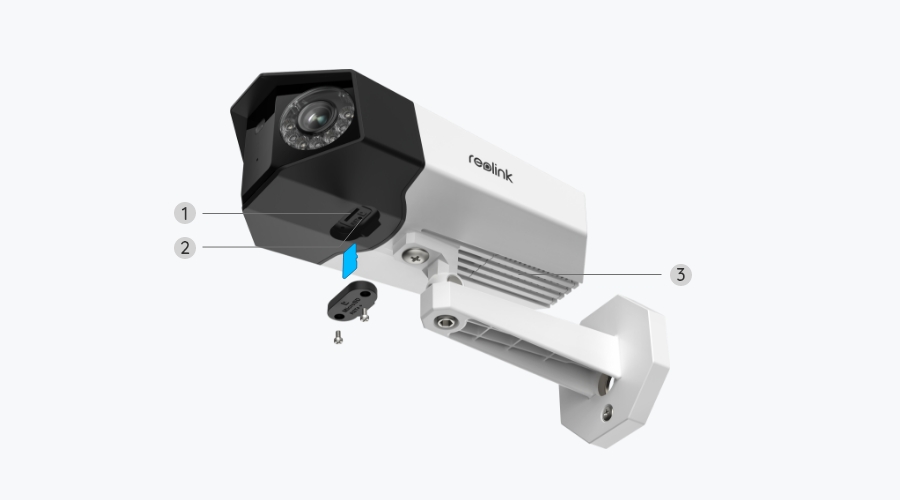
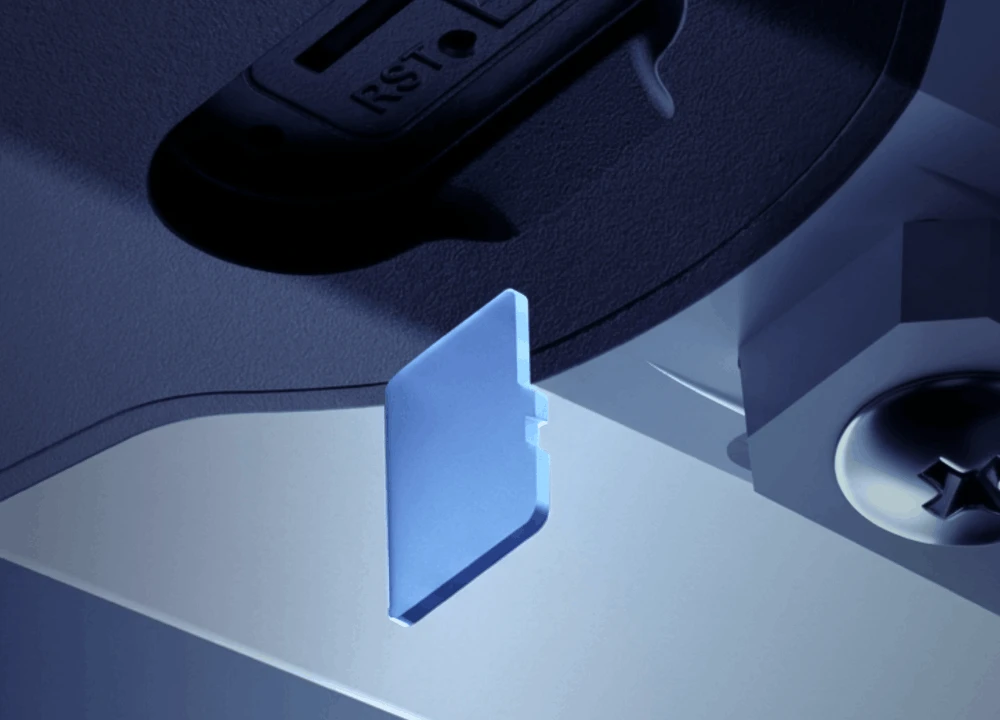
Keep full control of your footage without monthly fees. The Reolink Duo 3 PoE supports subscription-free local storage, and you can save recordings directly to a microSD card, Reolink NVR, or FTP server. Choose from 24/7 continuous recording, motion-triggered recording, or scheduled recording based on your needs.
Supports up to 512GB microSD card (sold separately). Safe and convenient.
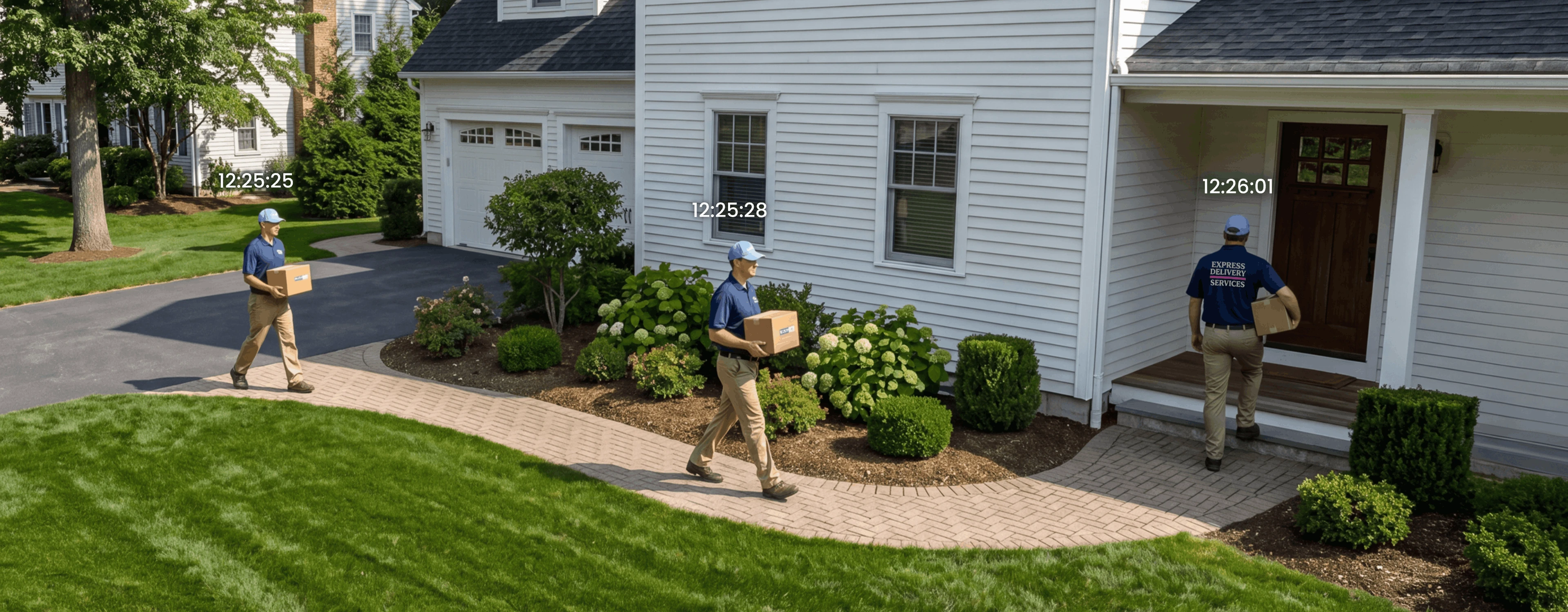
Understand motion events faster with Reolink Motion Track. This smart feature summarizes 15 seconds of activity into a single panoramic image, so you can quickly see where a person, animal, or vehicle moved without watching the entire video clip.
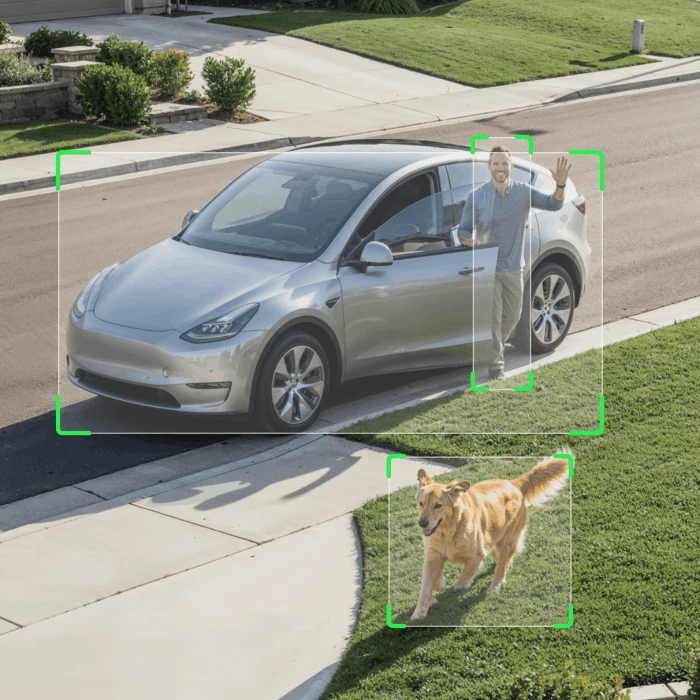
The Duo 3 PoE detects people, vehicles, and pets with customizable motion zones to reduce false alerts.
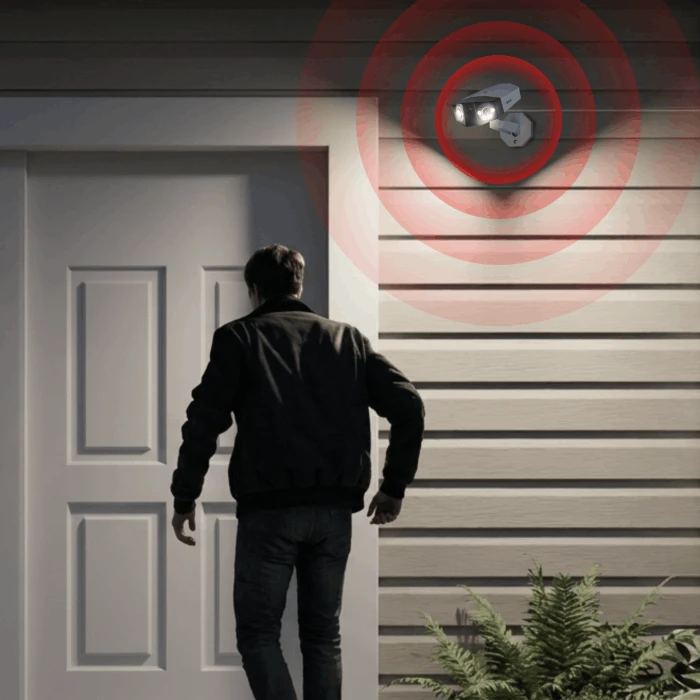
When suspicious activity is detected, your Duo 3 PoE can trigger the built-in spotlight and siren to warn off unwanted visitors.
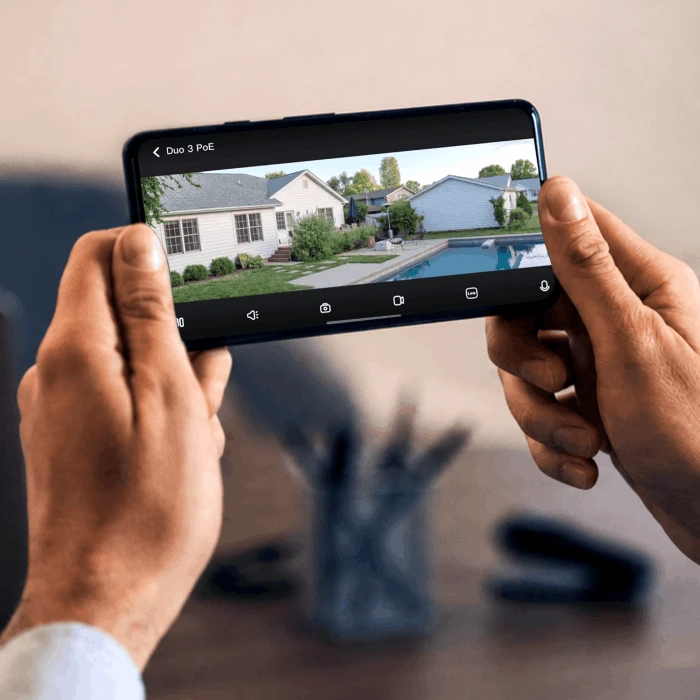
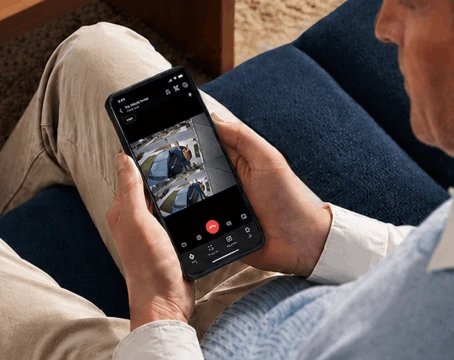
Reolink Duo 3 PoE keeps you connected anywhere. Access live view remotely through the Reolink App to check your property anytime, wherever you are.
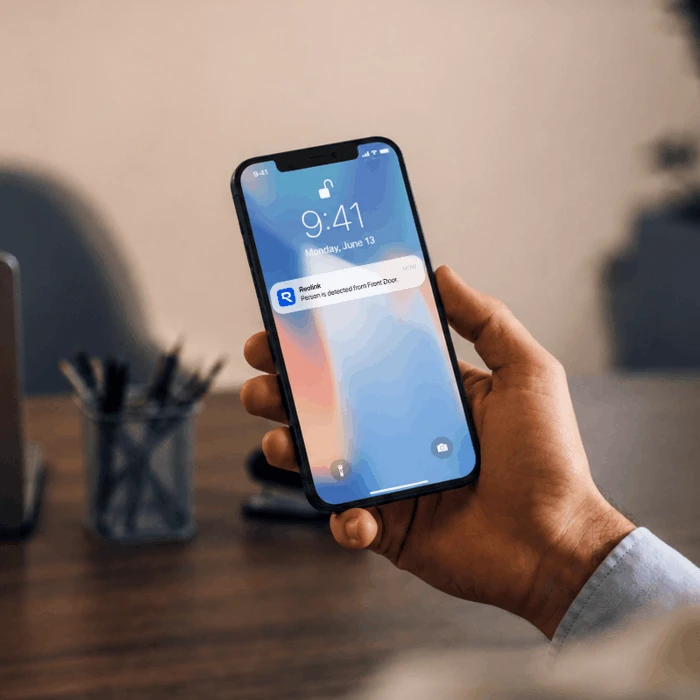
Receive real-time push notifications when people, vehicles, or pets are detected, so you can respond quickly to important events.
Create stunning time-lapse videos to quickly review long-term changes and activities.
Talk with visitors and listen to your surroundings remotely via the Reolink App.
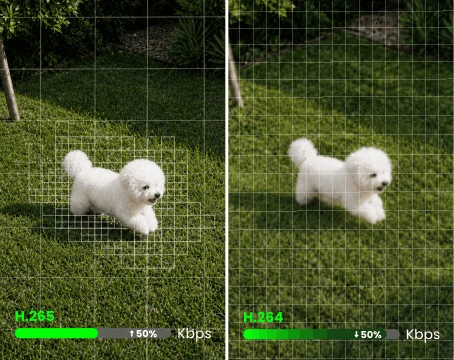
H.265 compression reduces file sizes while maintaining high-quality 16MP footage for longer recordings.


As easy as saying "Hey Google, show me the backyard", you can check what's happening on the monitor.
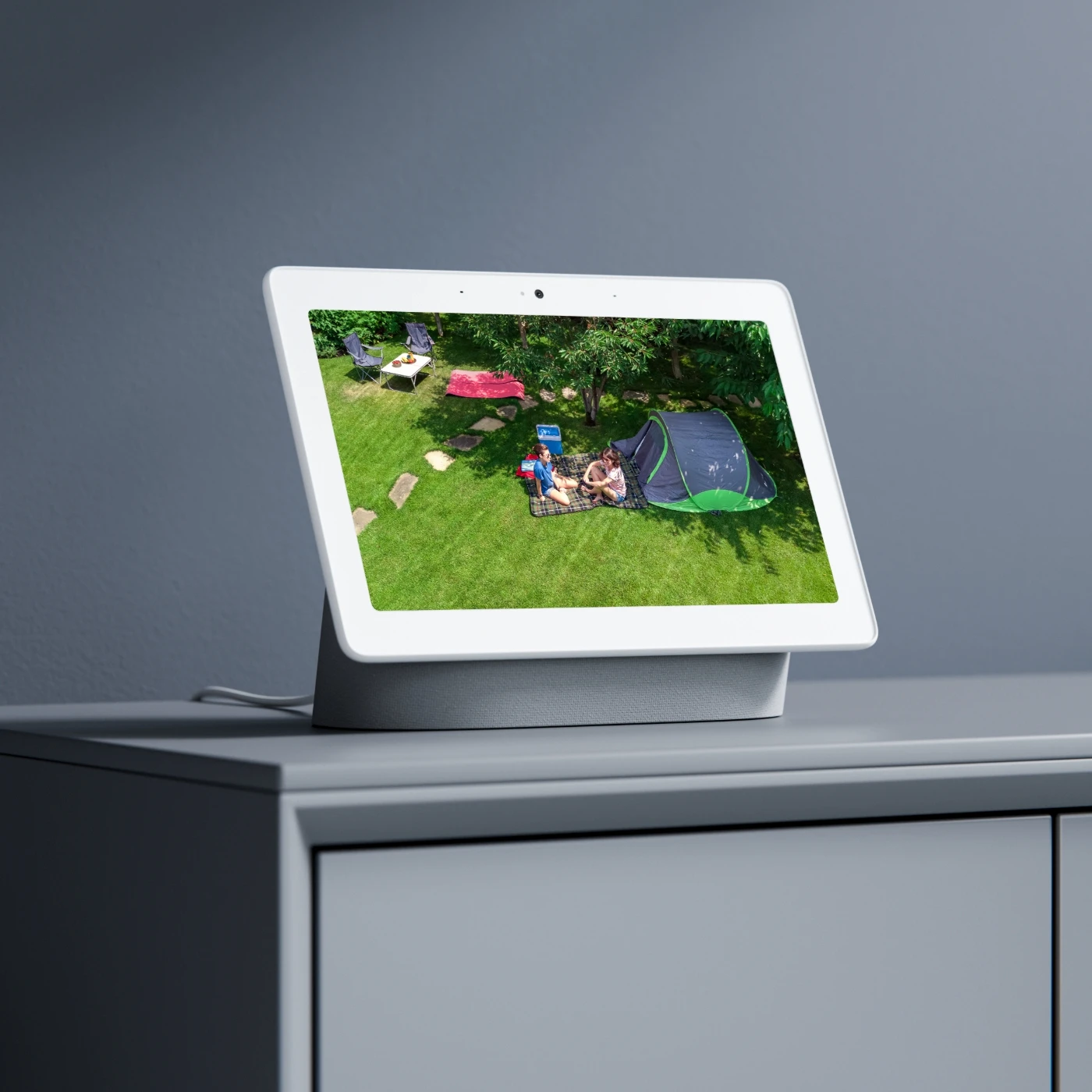
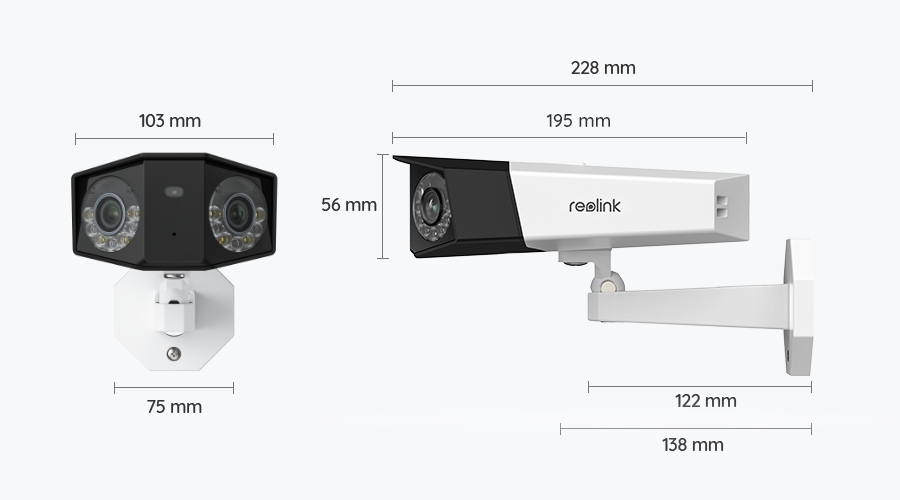
Install the Reolink Duo 3 PoE in a location with a clear view, such as under eaves, above driveways, or on exterior walls. Mount it securely, protect the Ethernet cable from weather, and avoid obstacles that may block the 180° panoramic view.
Connect the Duo 3 PoE to a PoE switch, injector, or Reolink PoE NVR using an Ethernet cable. Then add the camera through the Reolink App or Client, and configure recording, motion detection, and alerts based on your needs.
The Duo 3 PoE upgrades from the Duo 2 with 16MP Ultra HD resolution while keeping the 180° panoramic dual-lens design. It delivers clearer details, making it easier to monitor large areas like driveways, yards, and parking lots.
The Duo 3 PoE is ideal for areas that need wide coverage, including driveways, front yards, backyards, entrances, and building corners. Install it high enough for protection while keeping the viewing area clear.
Check your NVR model and firmware version before setup. Make sure it supports the Duo 3 PoE and update the firmware if needed for the best compatibility and performance.
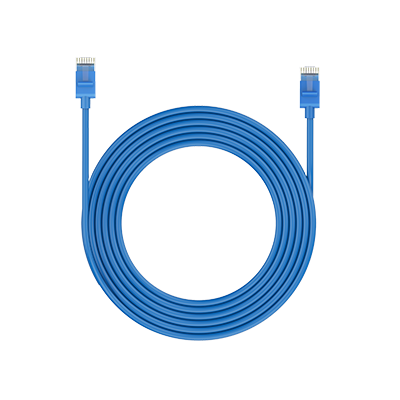 1m Network Cable ×1
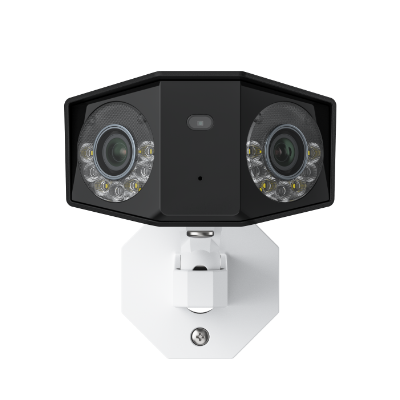 Reolink Duo 3 PoE ×1
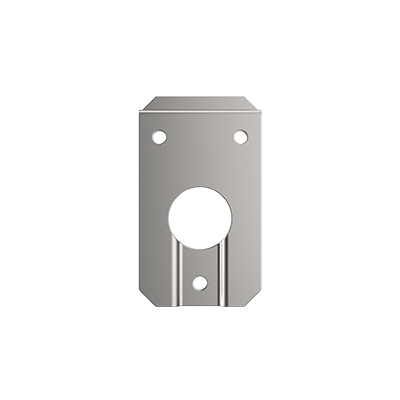 Mounting Plate ×1



Be Prepared, Be Ahead
Never miss Reolink hot deals, news, and updates tailored for you.
Be Prepared, Be Ahead
Never miss Reolink hot deals, news, and updates tailored for you.

Google, Google Play, Google Assistant and related marks and logos are trademarks of Google LLC. Amazon, Alexa and all related logos are trademarks of Amazon.com, Inc. or its affiliates. Mac and Safari are trademarks of Apple Inc. App Store is a service mark of Apple Inc., registered in the U.S. and other countries. Firefox and the Firefox logo are trademarks of the Mozilla Foundation in the U.S. and other countries. Other product and company names mentioned herein may be trademarks of their respective companies.