Tu carrito está vacío.

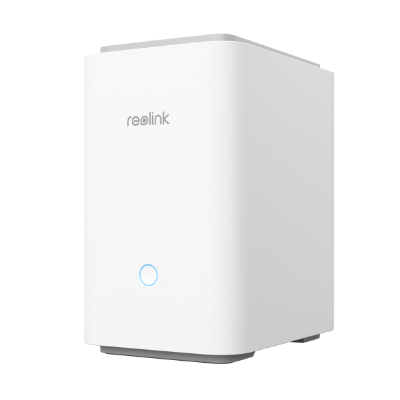
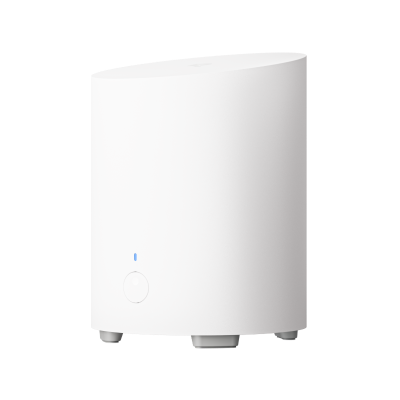
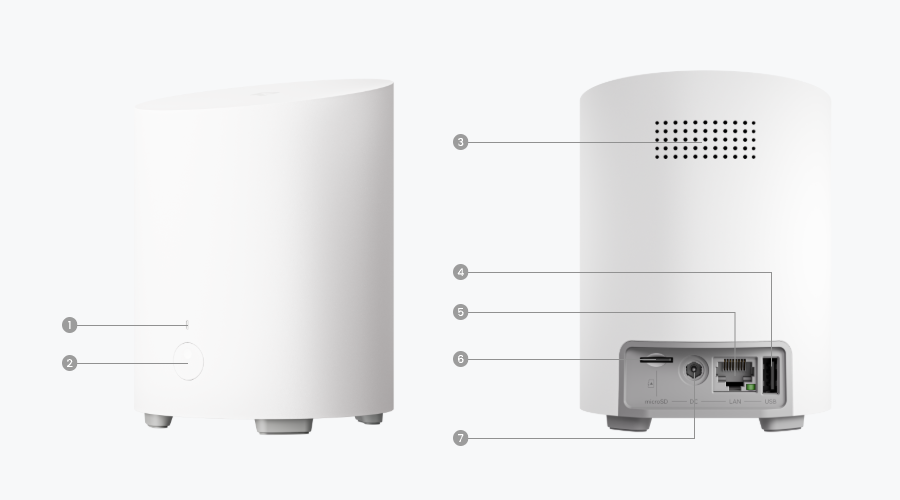
Wireless Security Center with Centralized Management
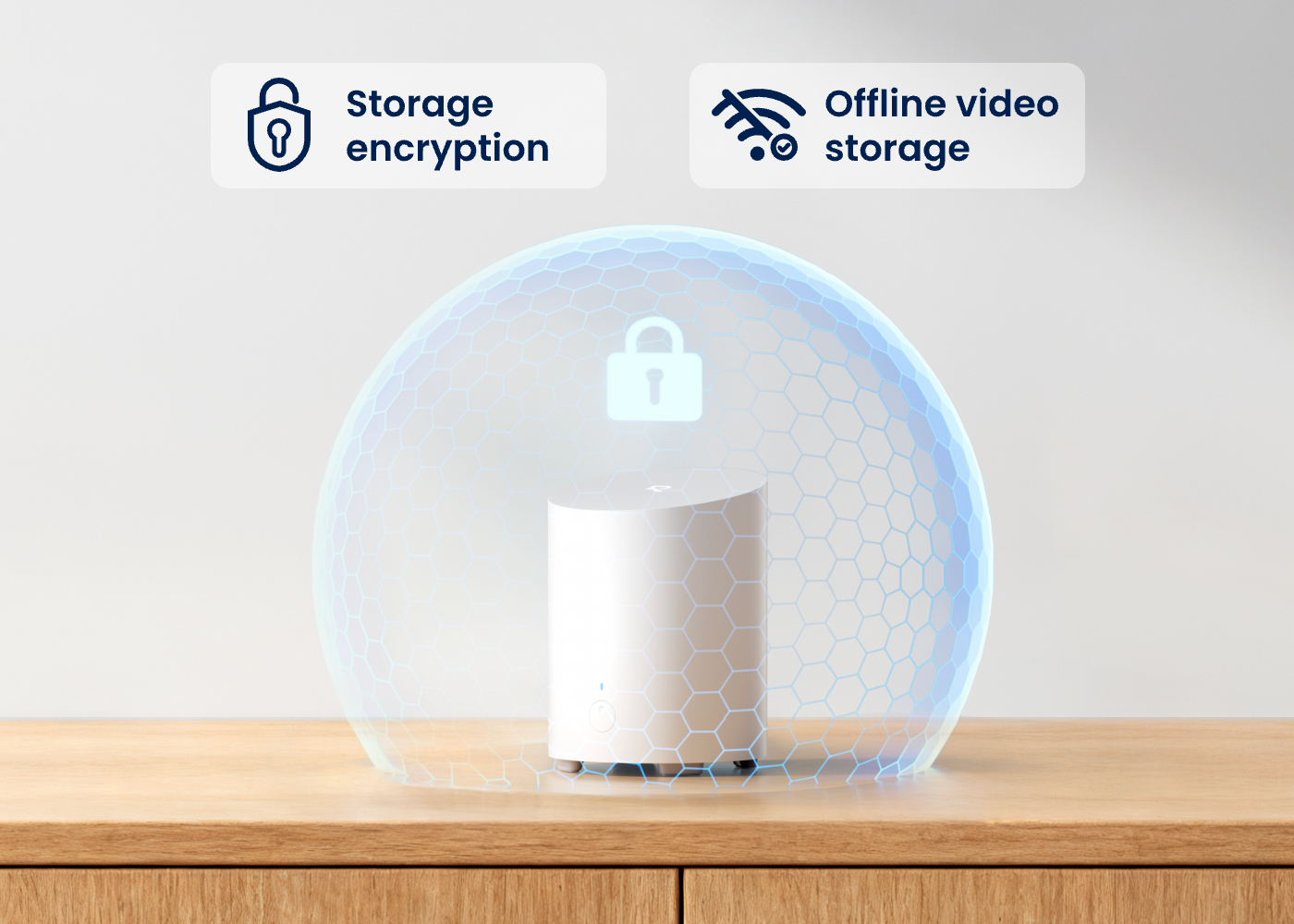
Local Storage, No Monthly Fees
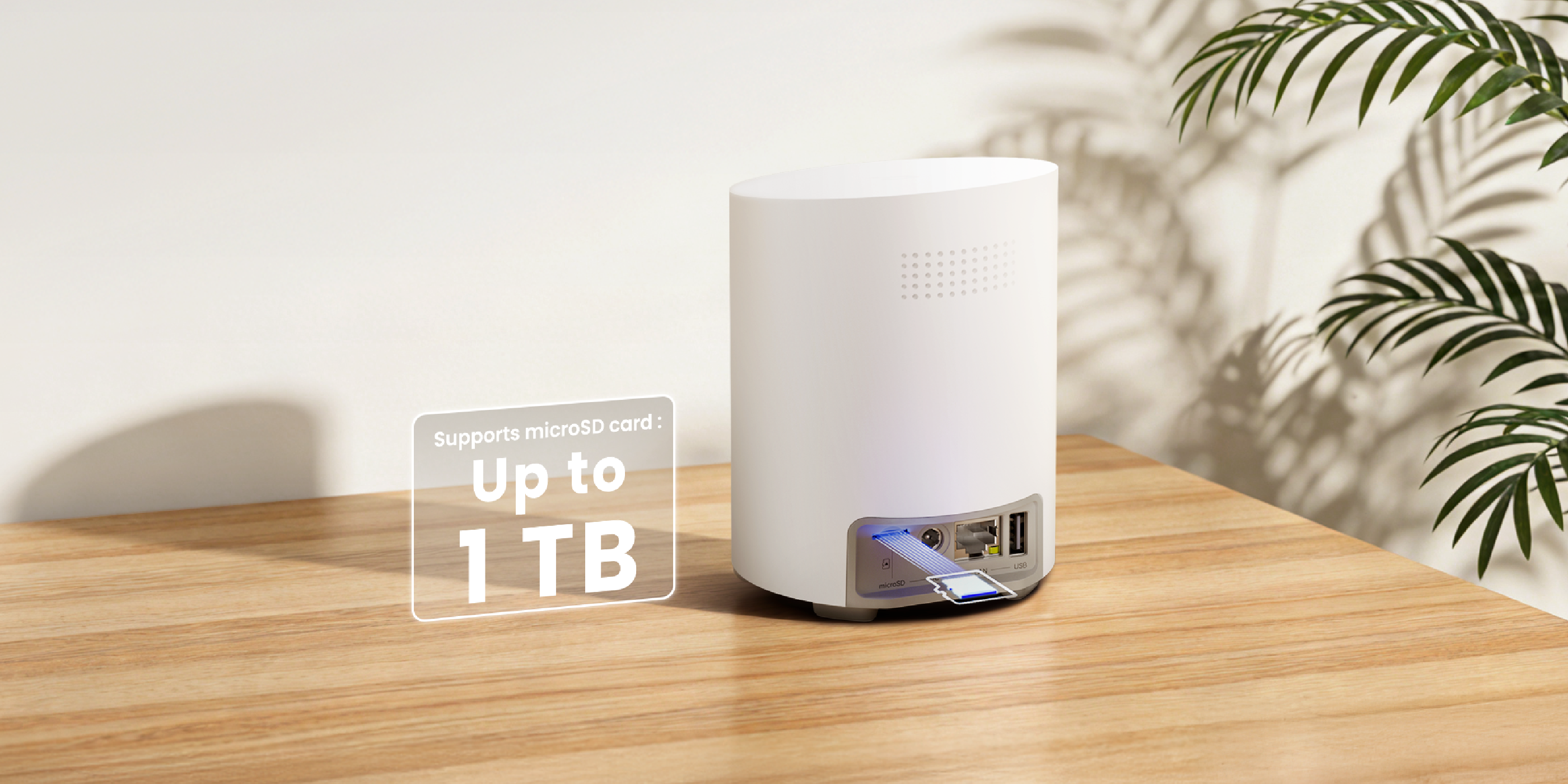
Up to 1TB microSD Card Supported
Up to 8 Reolink Cameras Supported
AI-Powered Weekly Insight
Reolink Battery-Powered Wi-Fi Cam/E Series/Lumus Recommended
Fully cover your home with the wireless connection between cameras and Home Hub Mini. Install Reolink cameras outdoors while placing the Home Hub Mini indoors as a storage and management center. Free of complicated cabling, free of worries.
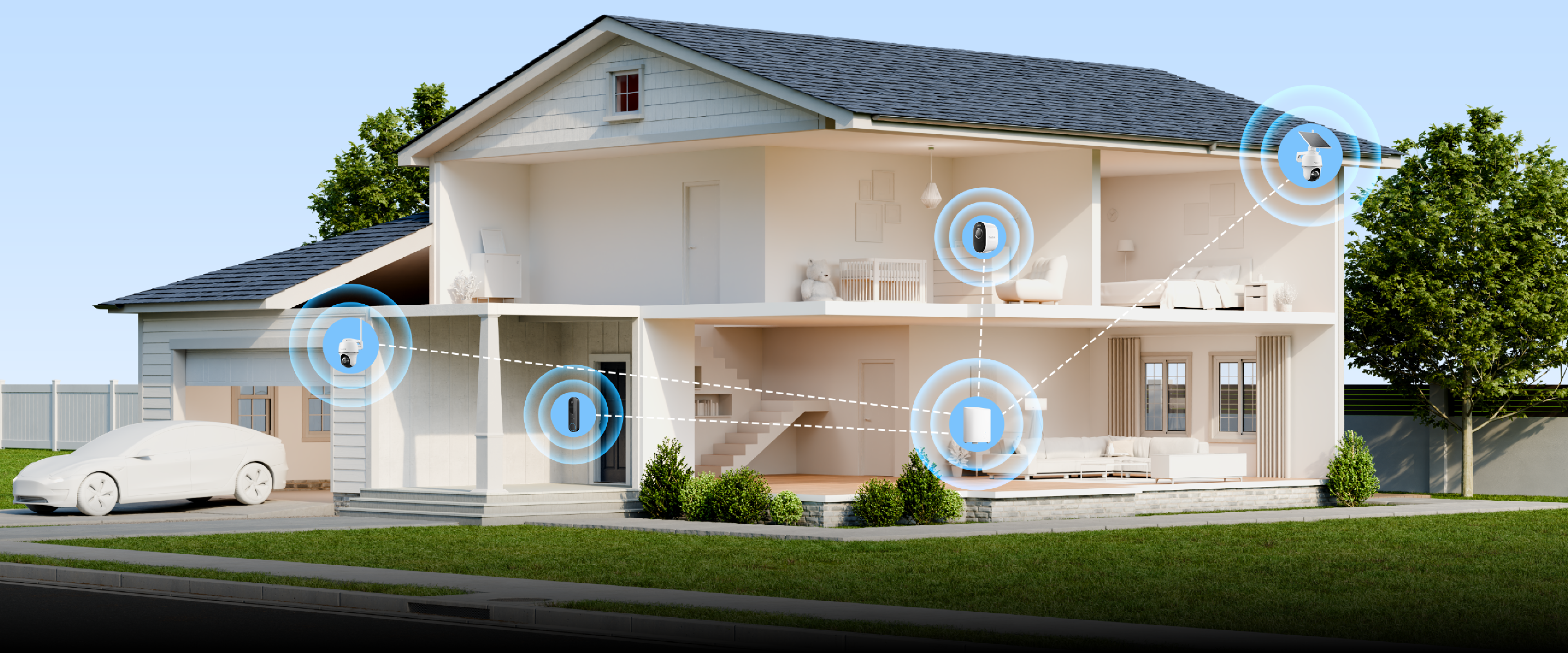
Up to 8 Cams
Reolink Battery-Powered Wi-Fi Cameras & E Series & Lumus Recommended
Up to 12MP
Multi-Cam Streaming
Dual-Band Wi-Fi
2.4/5 GHz Wi-Fi Supported
The Home Hub Mini allows for local storage of 24/7 recordings from linked cameras. Scale up storage with an up to 1TB microSD card (not included in the pack), build the storage to your needs with no monthly fees or subscription.
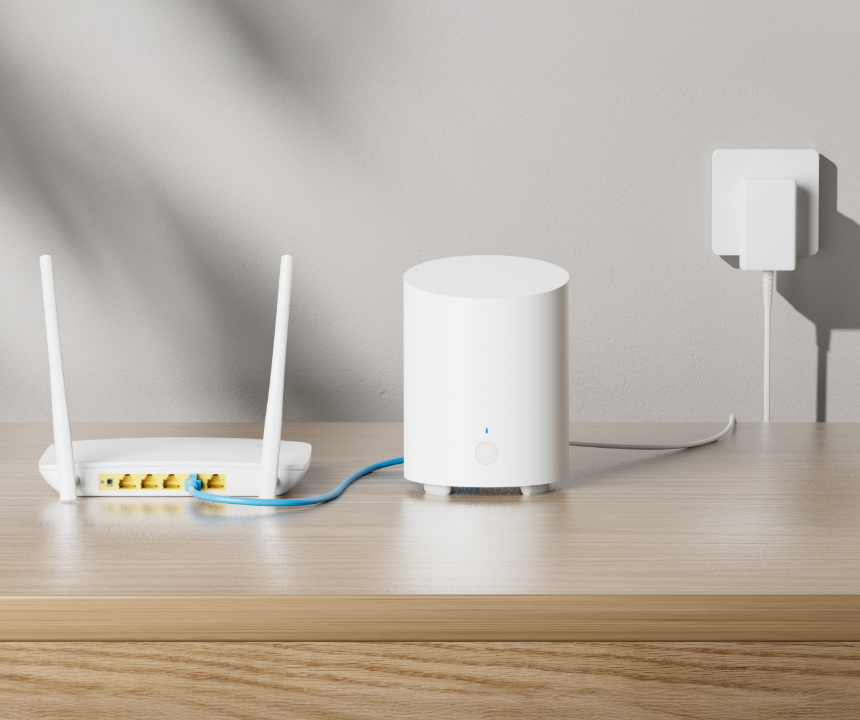
Connect the Reolink Home Hub Mini to the power supply, then to your home router via an Ethernet cable.
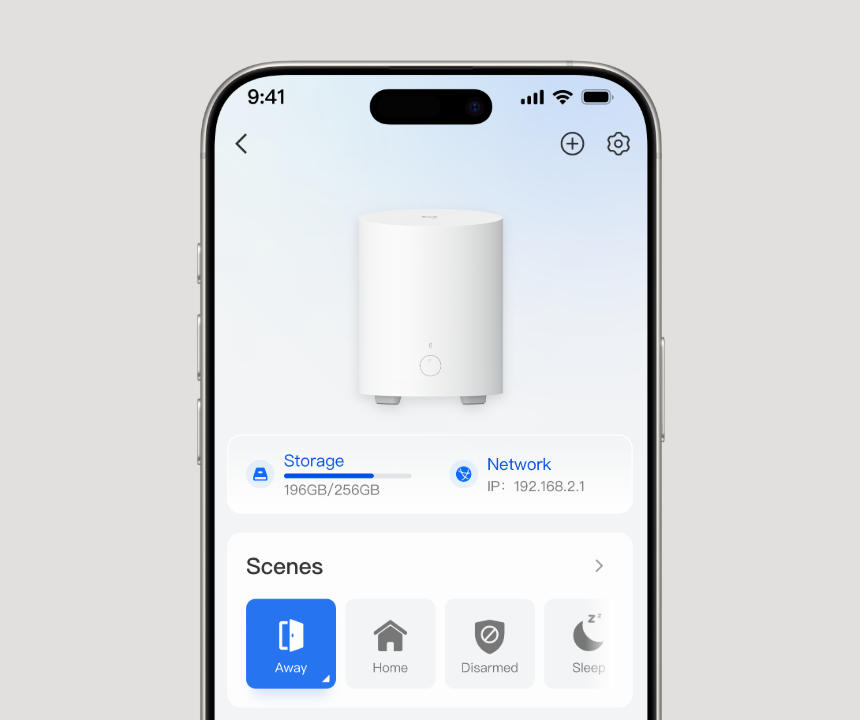
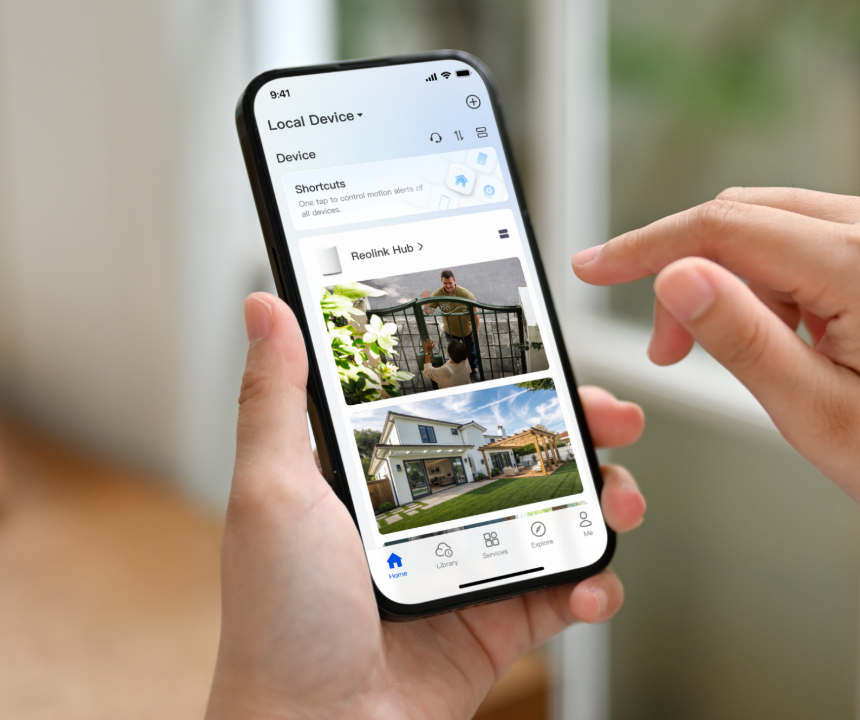
Configure the Home Hub Mini with the Reolink App and add devices to it.
Access your cameras and view live feed in the Reolink App.
 Reolink Home Hub Mini ×1
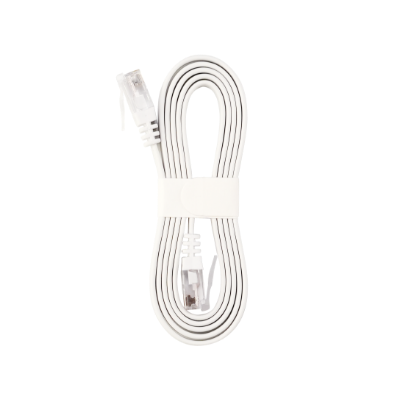 1m Network Cable ×1
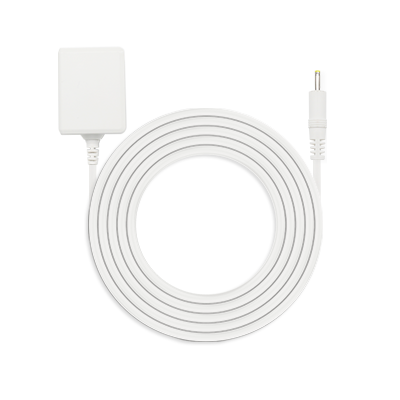 Power Adapter ×1


Home Hub Mini is discontinued. For any questions or product service, please contact Support for assistance.
You will be redirected to the Reolink Official Store in 20s.


Be Prepared, Be Ahead
No pierdas las ofertas, noticias y actualizaciones exclusivas de Reolink para ti.
Be Prepared, Be Ahead
No pierdas las ofertas, noticias y actualizaciones exclusivas de Reolink para ti.

Google, Google Play, Google Assistant y las marcas y logotipos relacionados son marcas comerciales de Google LLC. Amazon, Alexa y todos los logotipos relacionados son marcas comerciales de Amazon.com, Inc. o sus afiliados. Mac y Safari son marcas registradas de Apple Inc. App Store es una marca de servicio de Apple Inc., registrada en EE. UU. y otros países. Firefox y el logotipo de Firefox son marcas registradas de Mozilla Foundation en EE. UU. y en otros países. Otros nombres de productos y empresas mencionados en este documento pueden ser marcas comerciales de sus respectivas compañías.