Your cart is empty.


Smart 2K+ Wired PoE Video Doorbell with Chime
5MP 2K+ HD View
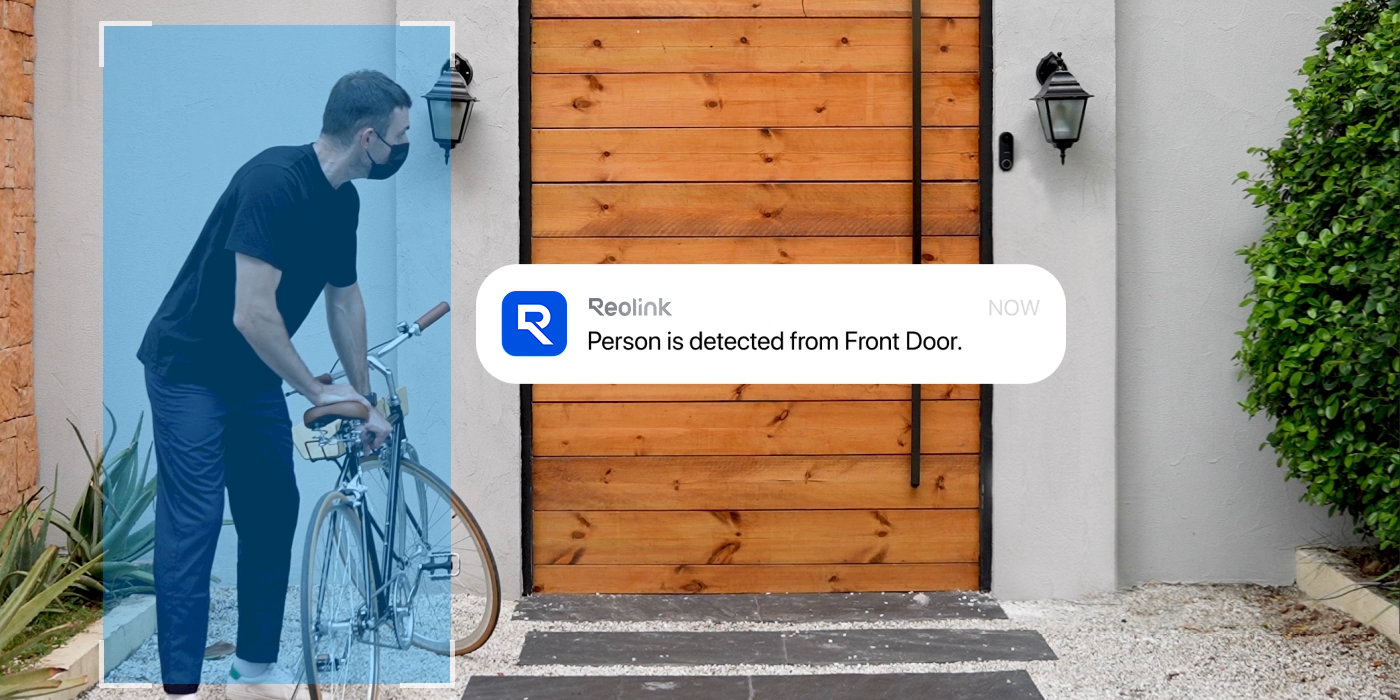
Smart Person Detection
Power over Ethernet
No Monthly Fees For Local Storage
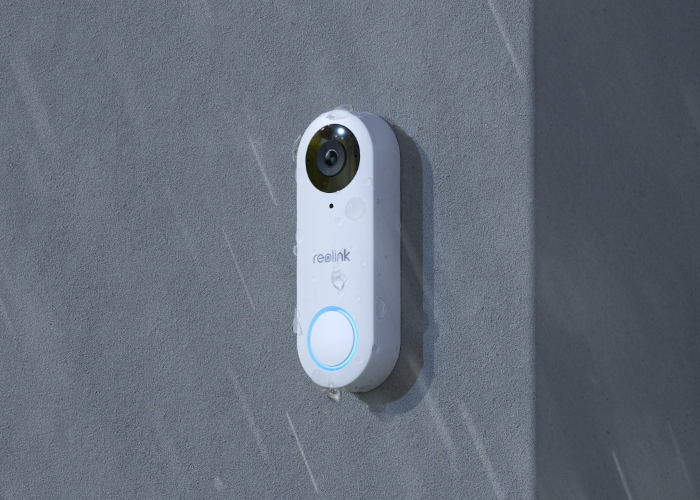
IP65 Weatherproof
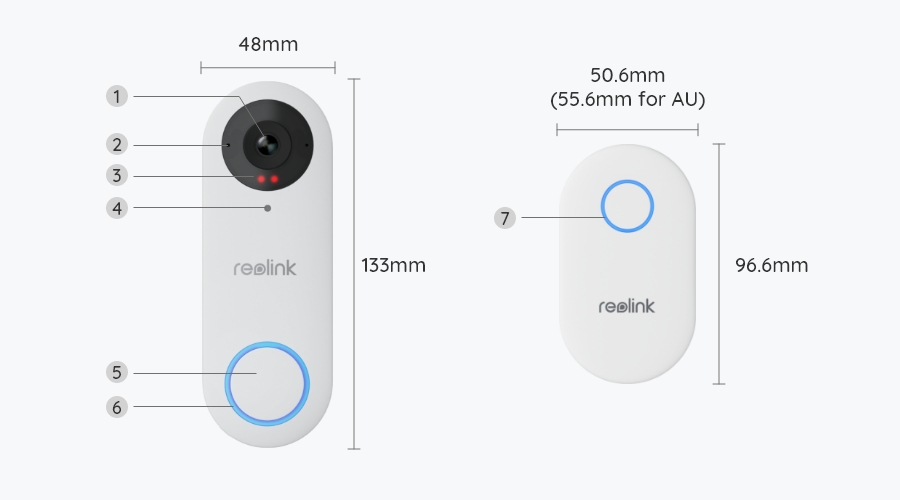
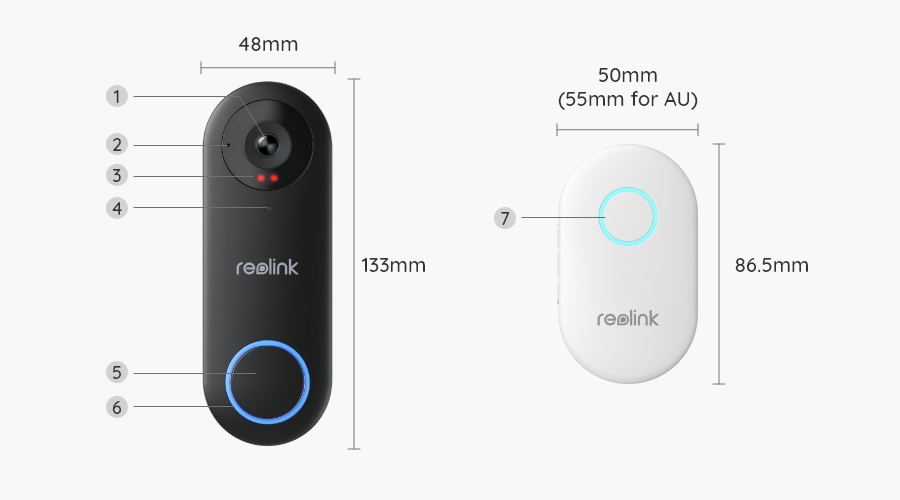
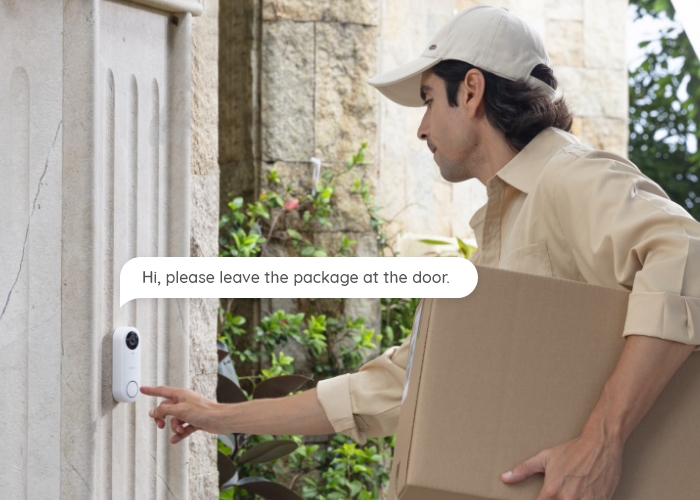
Experience enhanced security with the Reolink Video Doorbell PoE. Enjoy 2K+ clarity for detailed views, both day and night. The white version, with a 3:4 aspect ratio, offers head-to-toe visibility, making it easier to check package status and prevent porch piracy. Alternatively, the black version, with a 4:3 aspect ratio, provides wide horizontal coverage, perfect for open landscapes.
This Reolink PoE doorbell offers precise person detection around your front door, providing an added layer of security. Its white version also monitors packages left at your doorstep, helping prevent porch piracy. Receive instant alerts without delay, and benefit from the smart doorbell's pre-recording feature, which captures 6 seconds of footage before motion detection. This pre-alert video can reveal potential causes or assist in identifying criminals, enhancing your overall protection.
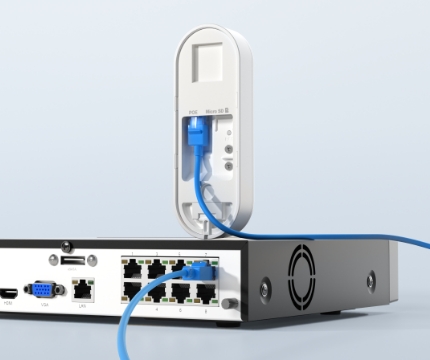
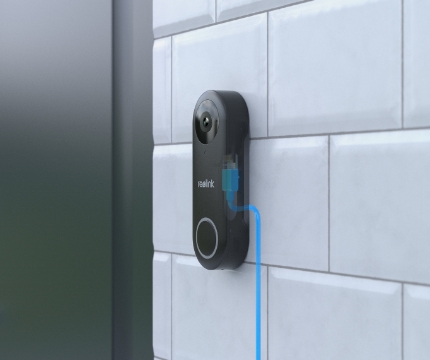
Experience a hassle-free and reliable connection with Power over Ethernet (PoE) technology. One cable provides both power and network connectivity, ensuring the PoE doorbell is always ready to monitor your front door and surroundings.
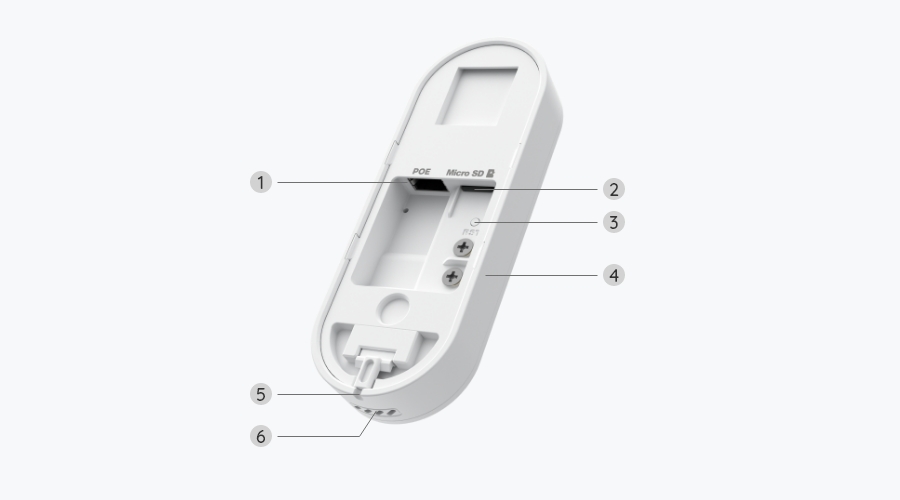
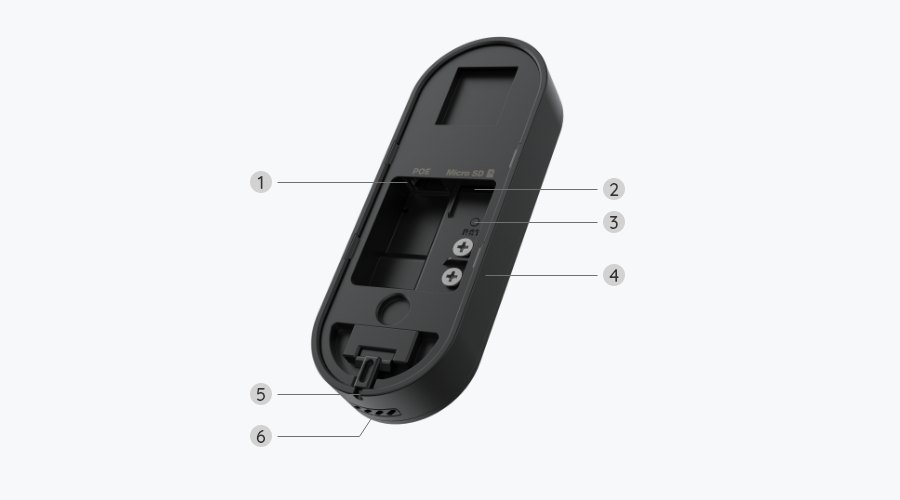
The PoE doorbell supports two methods of installation. Use a single Ethernet cable for a stable network and continuous power, or power it with a power adapter or existing doorbell wiring, then connect it to the network with the Ethernet cable.
How to install the doorbell to the existing doorbell wiring
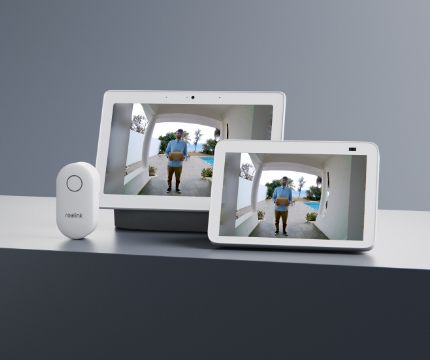
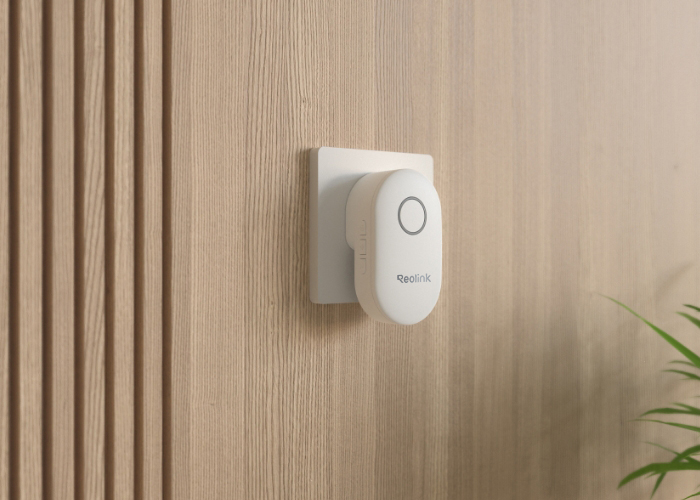
This Reolink PoE doorbell is compatible with multiple chimes, ranging from Reolink Chime, Alexa Echo show, and Google Assistant. Customize ringtones when using Reolink Chime to match your preferences.
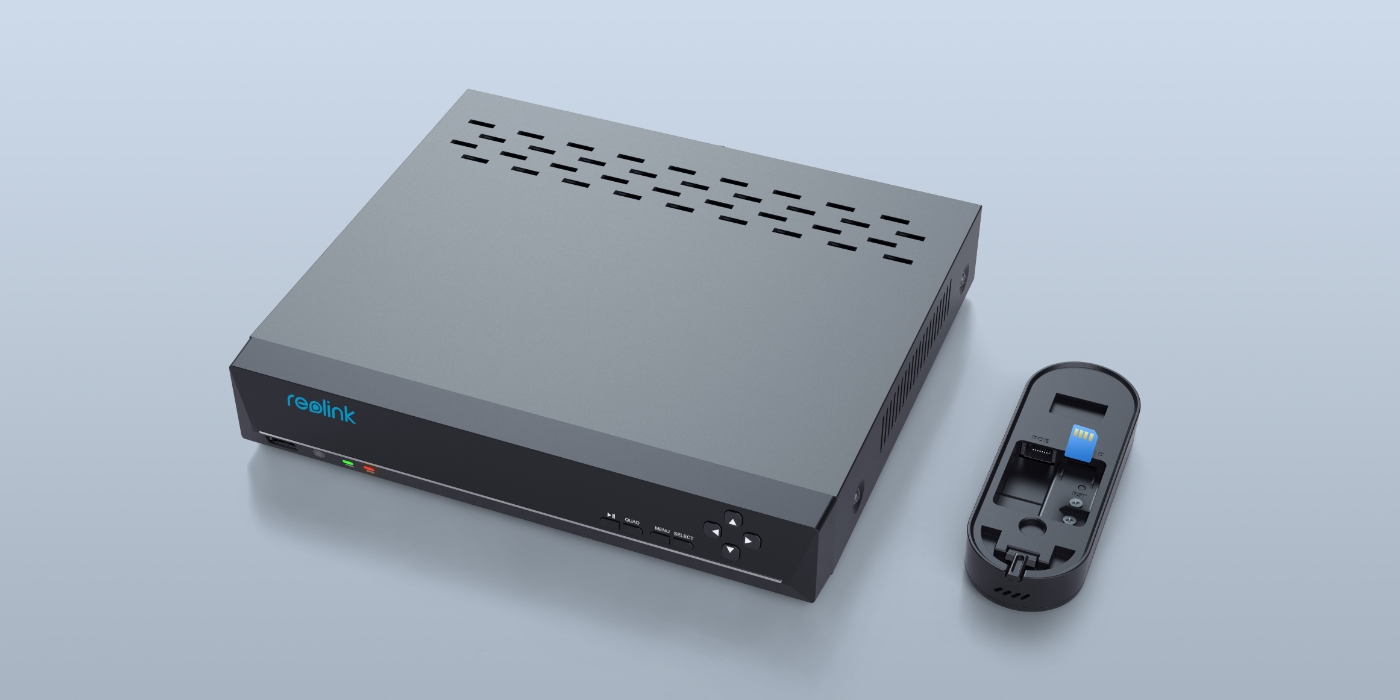
The Reolink PoE Doorbell supports 24/7 continuous, motion-triggered, and scheduled recording. So effortlessly store your recordings locally on a Reolink Home Hub Pro with pre-installed 2TB HDD, Reolink NVR (with a built-in hard drive), FTP/NAS server, or microSD card (up to 256GB). No monthly fees.
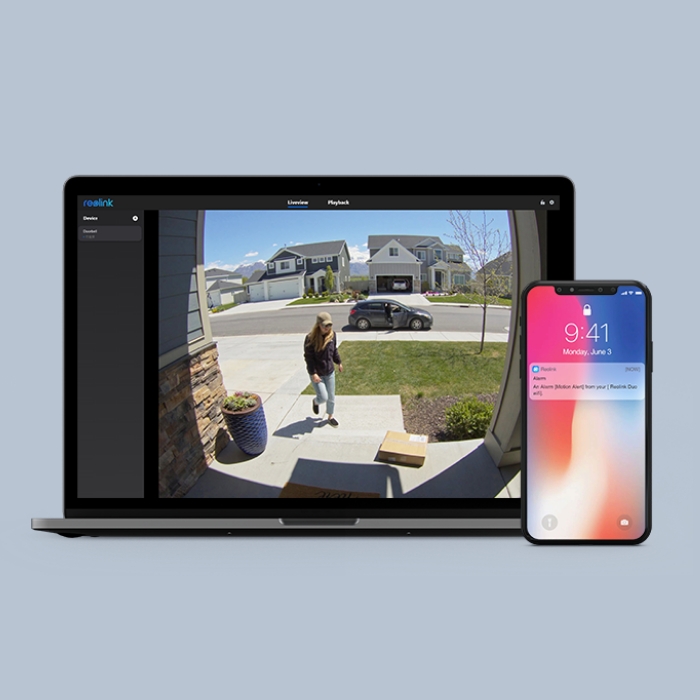
Once it detects something suspicious, the PoE doorbell will send to your device an instant push notification and an email with a detection snapshot.
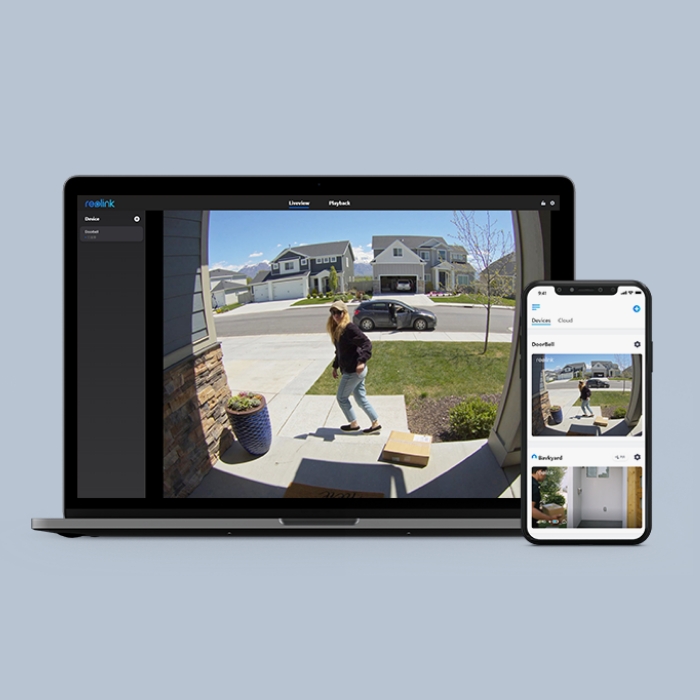
Stay informed of everything happening at your front in classic mode or full-screen mode, even on the go.
You can not only replay saved videos to find key information but also filter the video by detection modes and control the timeline to quickly locate what you want to see.
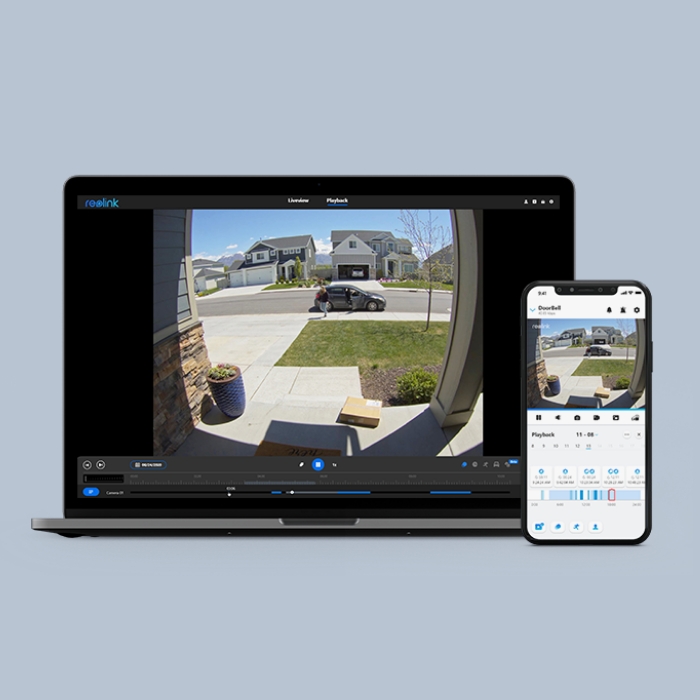

Just say, "Hey Google, show me the front door," and you'll be able to see what's happening there through your Google Nest Hub or Chromecast-enabled TV. You can also get alerted via voice notification.
Yes. Reolink does offer a PoE-powered video doorbell option in its doorbell lineup, for users who prefer a wired, always-on connection instead of Wi-Fi.
The main PoE model is the Reolink Video Doorbell PoE, which connects via Ethernet cable (Power over Ethernet) to provide both power and network access through a single line. This setup makes it more stable than wireless doorbells and ideal for users who want 24/7 reliable video, low latency live view, and no battery maintenance.
PoE doorbells use a wired Ethernet connection, so they offer a more stable signal, lower latency, and no WiFi dropouts, plus they can support continuous power without batteries. So they are ideal for users who want a set-and-forget, always-on security system.
WiFi doorbells, on the other hand, are much easier to install because they don’t require running cables, but they can be affected by signal interference, weak coverage, or network congestion.
In short, PoE is better for stability and long-term reliability, while WiFi is better for convenience and easy installation.
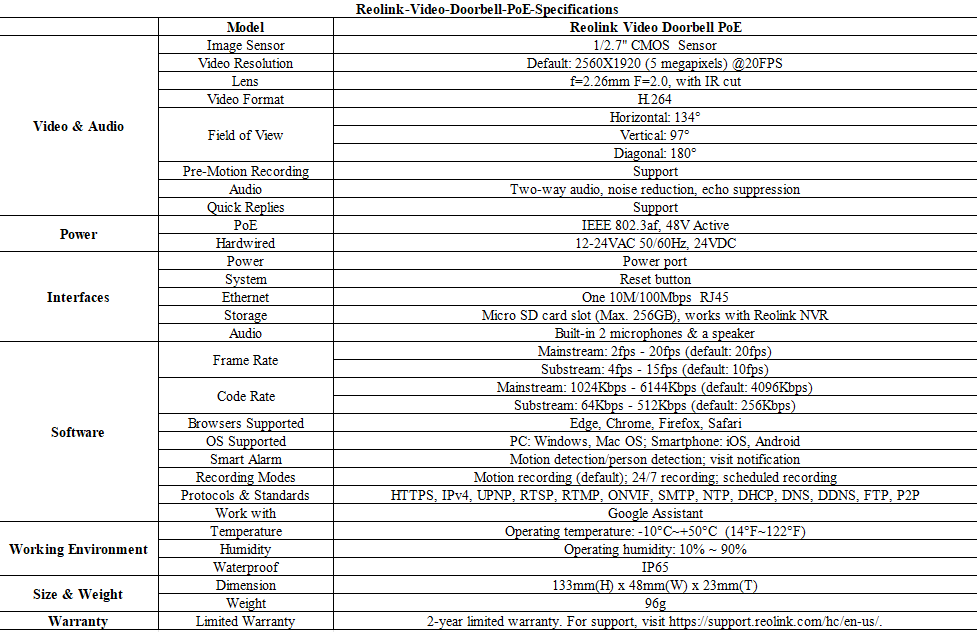
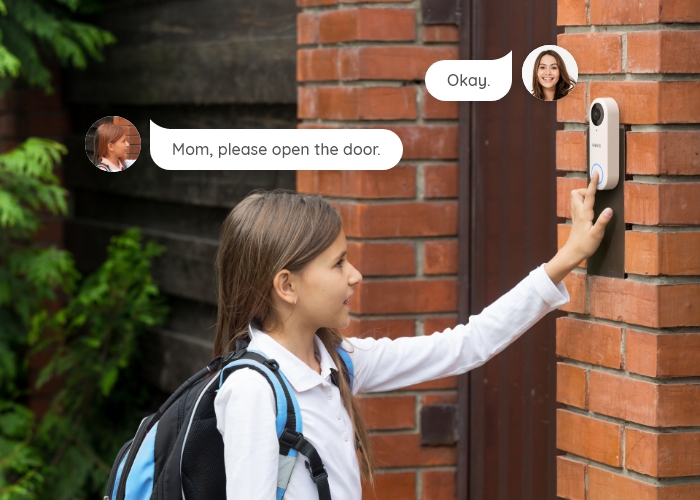
The Reolink PoE Video Doorbell features 2K+ 5MP video, person and motion detection, two-way audio, and a wide viewing angle for full doorstep coverage. It uses a single Ethernet cable for power and data (PoE), supports local storage via microSD or NVR without subscription fees, and sends real-time alerts through the Reolink app for reliable front-door security.
To set up and connect the Reolink PoE Video Doorbell to the internet, first connect it to your network using a Cat5e/Cat6 Ethernet cable plugged into a PoE switch or PoE NVR, which provides both power and internet.
Once powered, download the Reolink App or Client, then scan the QR code or let the software auto-detect the device on the same network. Follow the setup steps to create a password and finish configuration. After setup, the doorbell will be online automatically through your router.
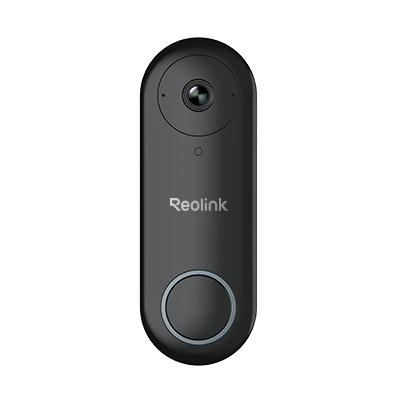 Reolink Video Doorbell PoE ×1
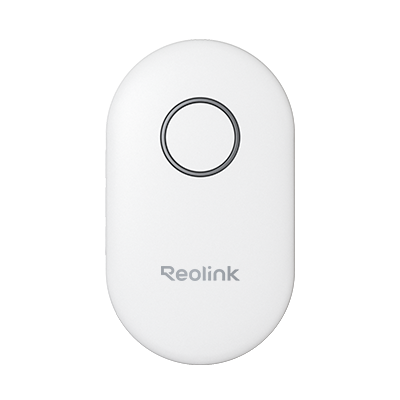 Reolink Chime ×1
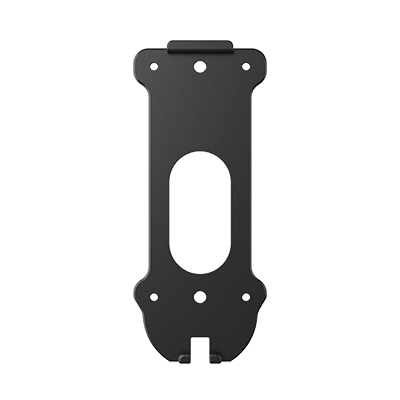 Mounting Plate ×1
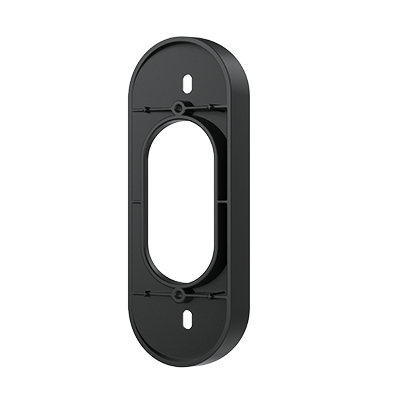 Wedge ×1
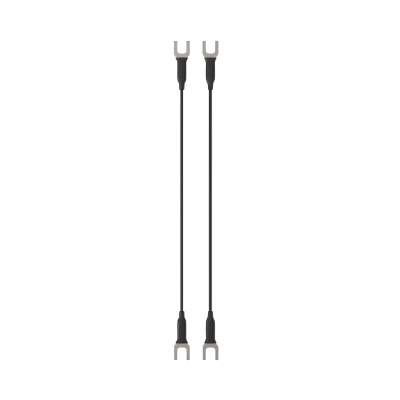 Pack of Jumper Cables ×1
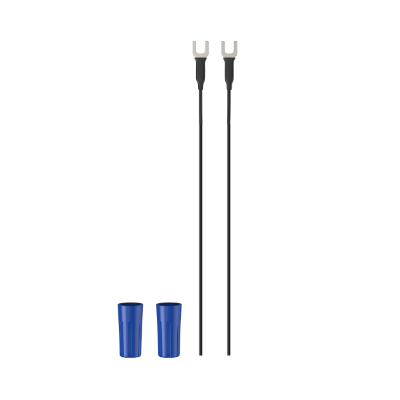 Pack of Extension Cables ×1
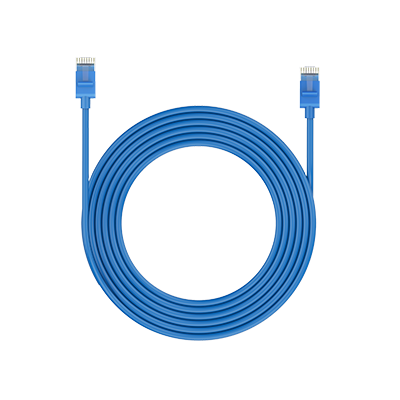 1m Network Cable ×1
 Quick Start Guide ×1



Be Prepared, Be Ahead
Never miss Reolink hot deals, news, and updates tailored for you.
Be Prepared, Be Ahead
Never miss Reolink hot deals, news, and updates tailored for you.

Google, Google Play, Google Assistant and related marks and logos are trademarks of Google LLC. Amazon, Alexa and all related logos are trademarks of Amazon.com, Inc. or its affiliates. Mac and Safari are trademarks of Apple Inc. App Store is a service mark of Apple Inc., registered in the U.S. and other countries. Firefox and the Firefox logo are trademarks of the Mozilla Foundation in the U.S. and other countries. Other product and company names mentioned herein may be trademarks of their respective companies.