Your cart is empty.

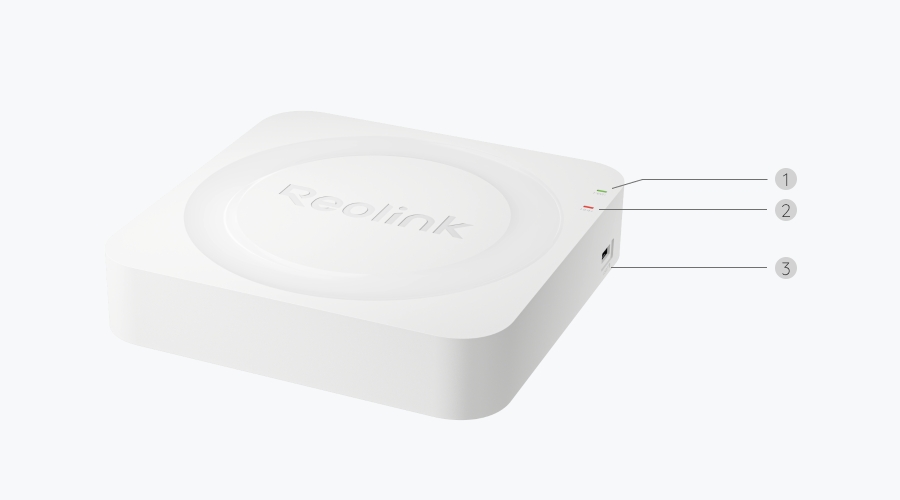
Compact 6-Channel NVR with 4 Built-In PoE Ports and Local AI Video Search
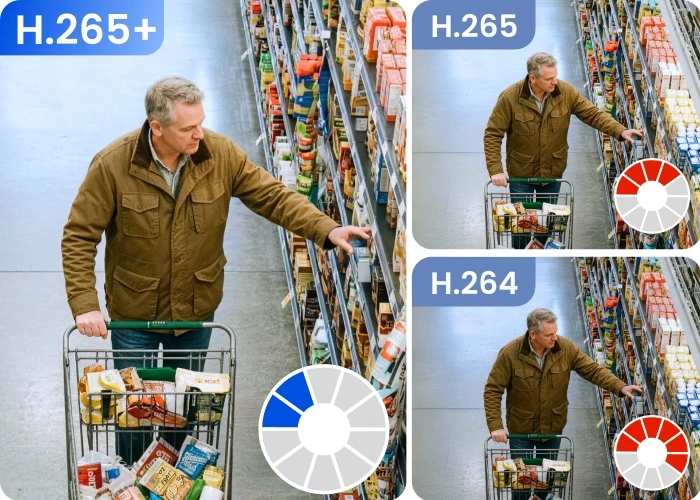
Up to 16MP UHD Supported
Power over Ethernet
Local AI Video Search
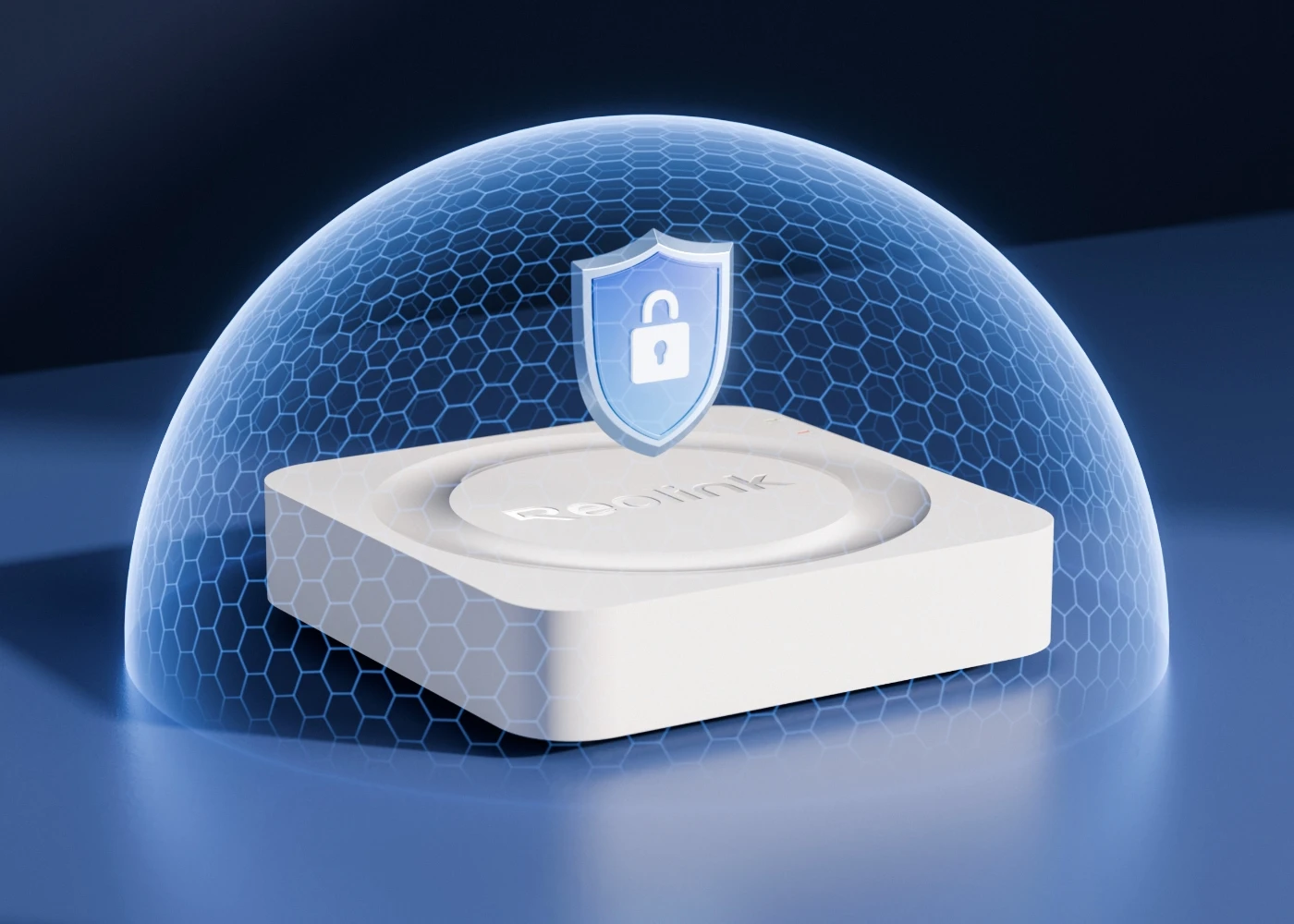
Heatmap & Data Encryption
Up to 8TB HDD Supported (HDD not included)
Instead of scrubbing manually through hours of video, just type in some simple keywords — for example, a person in blue — to instantly find the moment that matters most. Whether it's a person or an object, ReoNeura will search it for you, ensuring quick and precise results. Enjoy the convenience of AI Video Search, all while keeping your data secure and private, free of monthly fees.
All Reolink cameras compatible with RLN4E (including PoE cameras, battery-powered Wi-Fi cameras, and plug-in Wi-Fi cameras) realize AI Video Search, though the cameras themselves do not support AI Video Search.
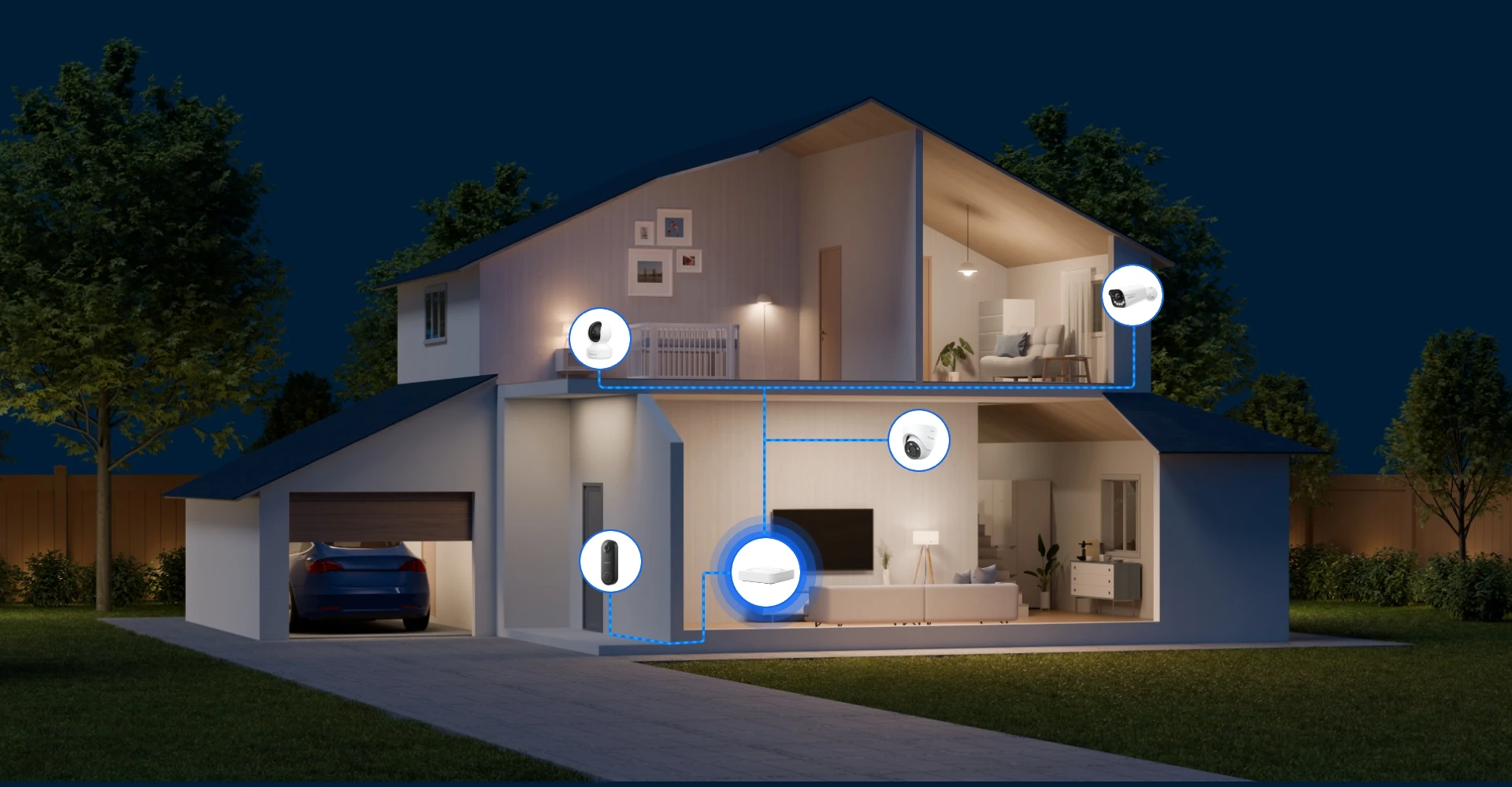
The RLN4E with 4 PoE ports supports up to 4 PoE cameras and 2 Wi-Fi cameras, plug-in or battery-powered, which could serve as a security center covering multiple scenes. Enjoy complete protection provided by RLN4E by managing all cameras at one stop.
4 PoE Ports
Expandable to 6 Channels
Up to 16MP
Ultra High Definition
Up to 8TB HDD Supported
HDD not included
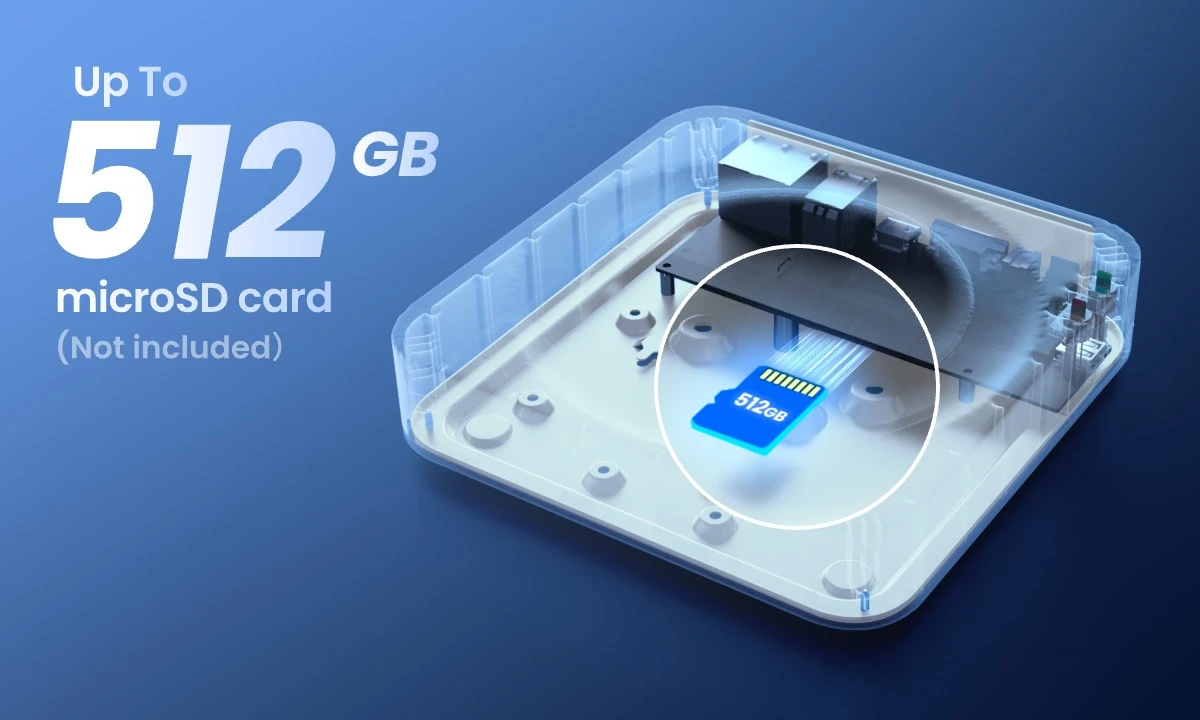
A built-in microSD card slot supports up to a 512GB microSD card, enabling offline storage that can keep your recordings safe even without a network connection.
*Note: If you use a microSD card from other brands, please make sure its read or write speed is Class 10 or above.
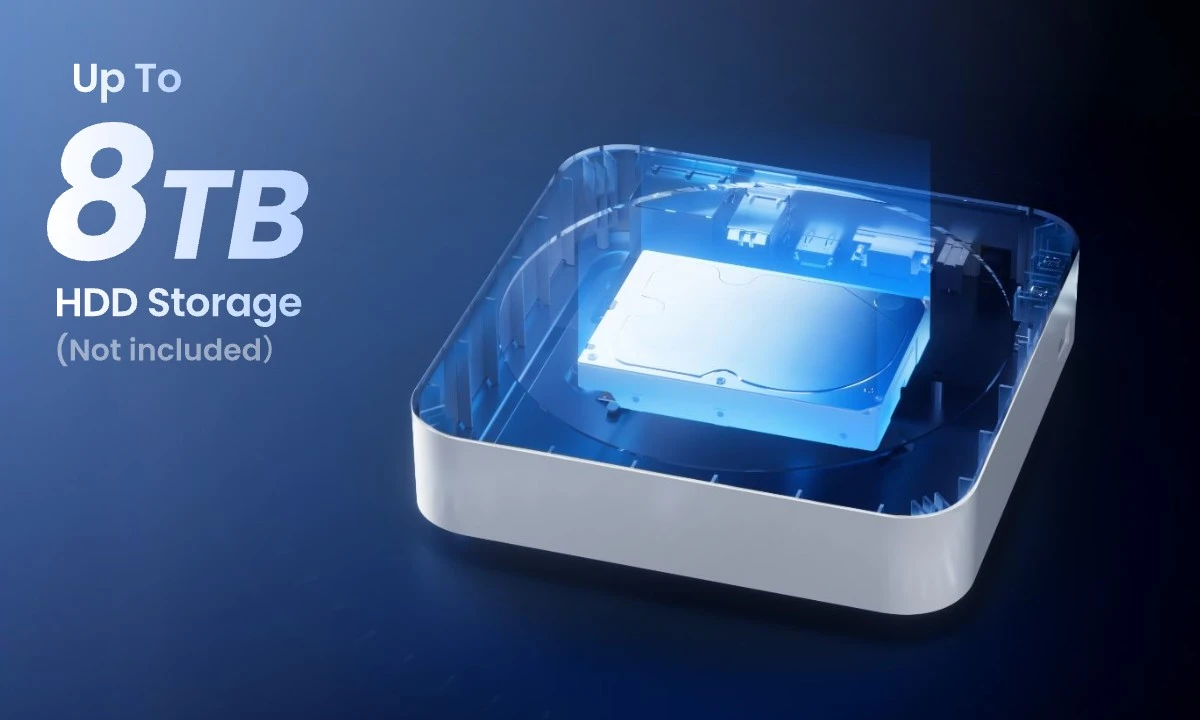
The RLN4E supports up to an 8TB 3.5''/2.5'' HDD (HDD not included) to keep recordings from all connected cameras. All the data is well stored in the NVR. Cast away your worries about data loss, and enjoy peace of mind.
*Note: If purchasing an HDD separately, you must use a surveillance-grade HDD rated at 5400 RPM spindle speed or lower.
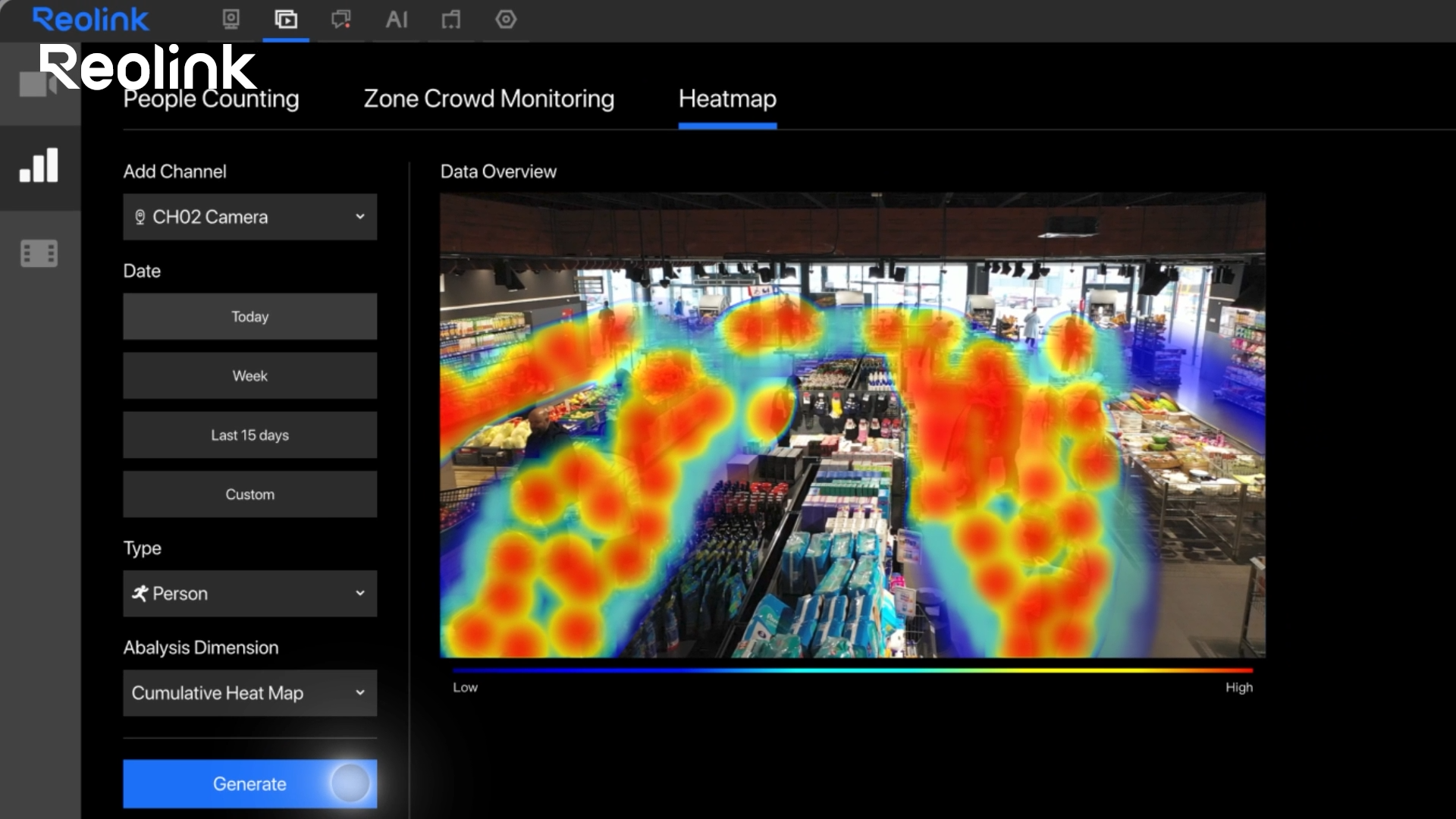
Visualize the activity pattern in your area. Turn the flow rate into sensible insights: the density of people, vehicles, and animals in a specific area is shown in different colors to see it in a split second. With Heatmap analysis, you can arrange the layout of your store as well as adjust security measures.
Free from complex cabling, install your cameras more flexibly at a lower cost. Connect the camera to the RLN4E with only one Ethernet cable that guarantees a stable power supply while transmitting data without delay. Experience the unmatched reliability of PoE connection.
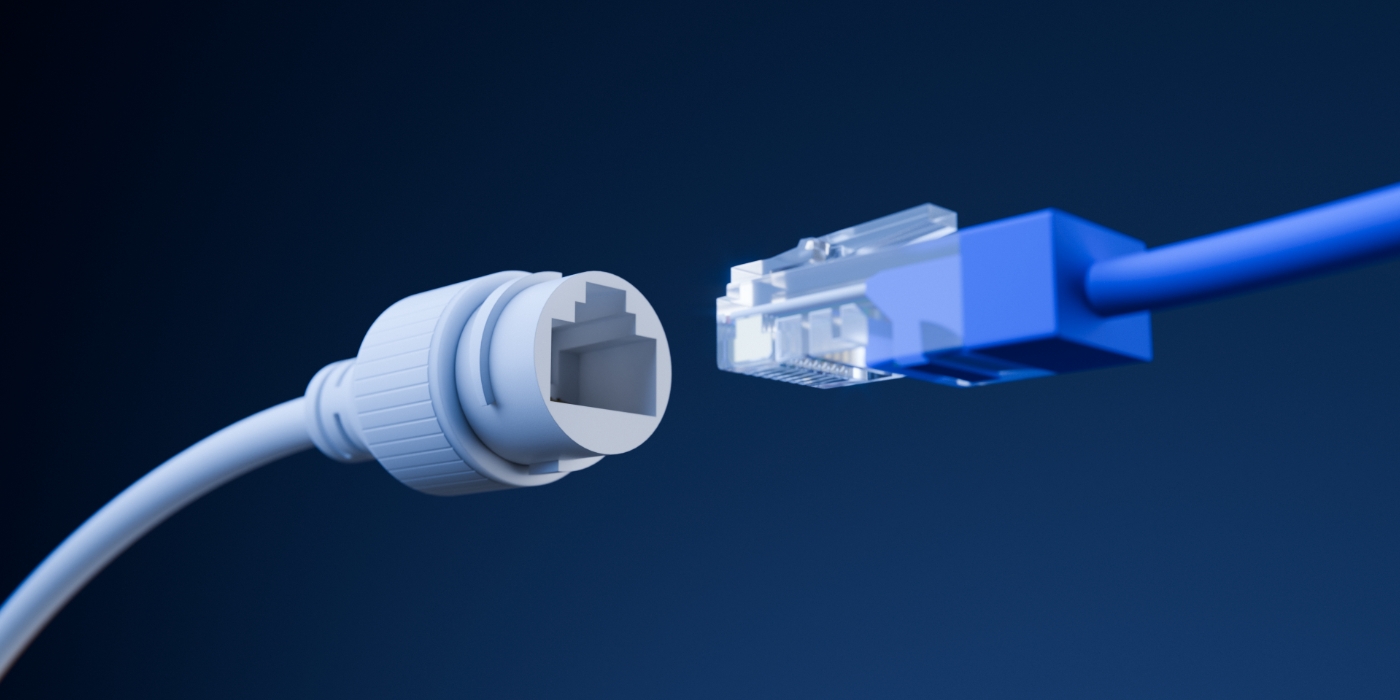
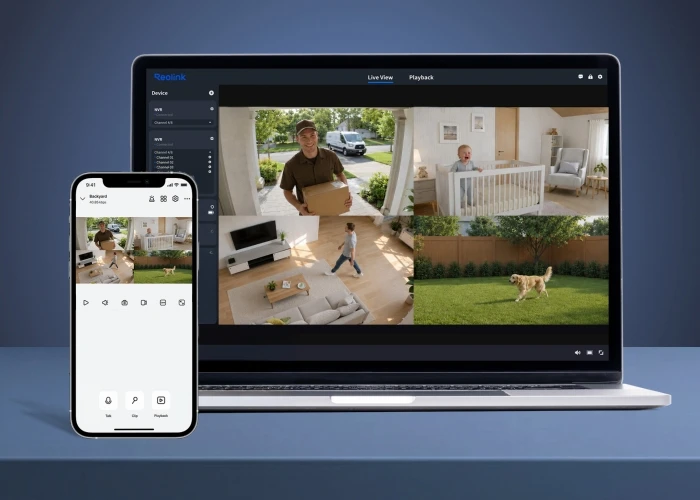
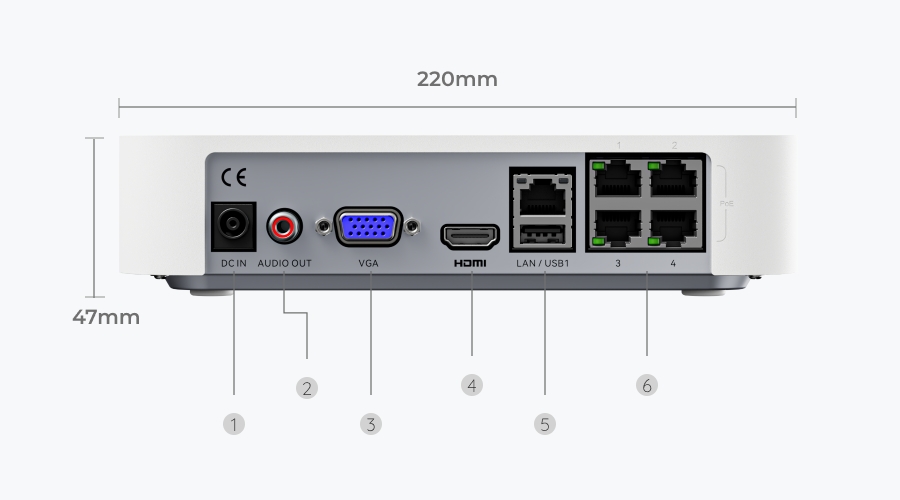
Equipped with Power over Ethernet technology, this NVR can connect to Reolink cameras in minutes, providing plug & play convenience. How to connect?
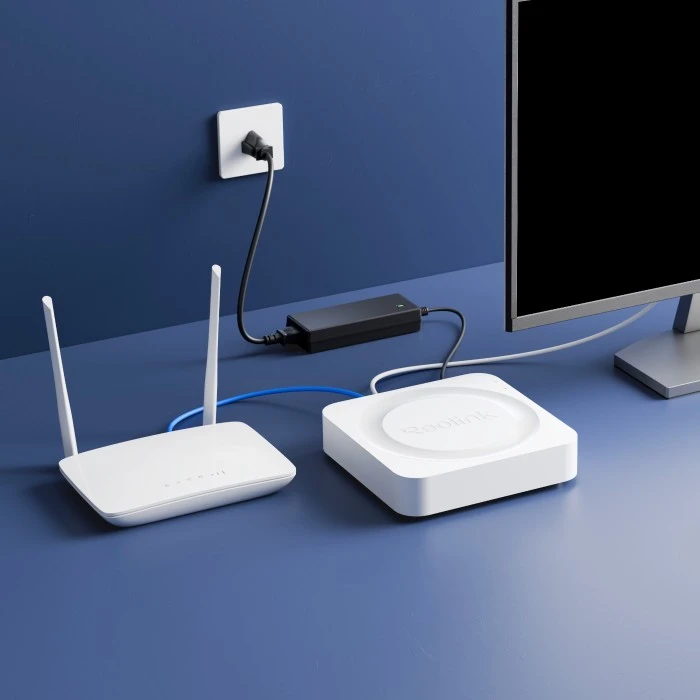
Connect the NVR to your router and a power outlet, and turn it on. Next, connect your camera to any PoE port using an Ethernet cable.
Scan the QR code in the Operational Instructions to download the Reolink App.
Scan the QR code on the NVR with the Reolink App and follow the instructions to finish setup.
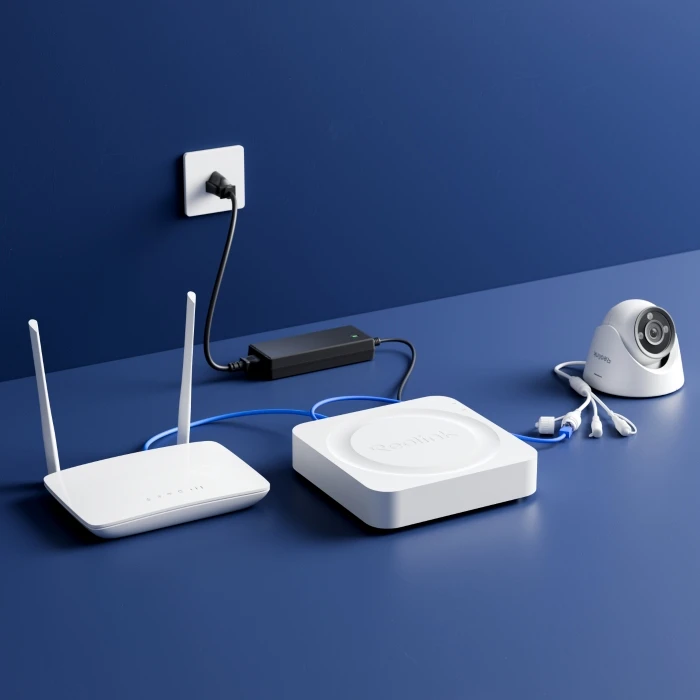
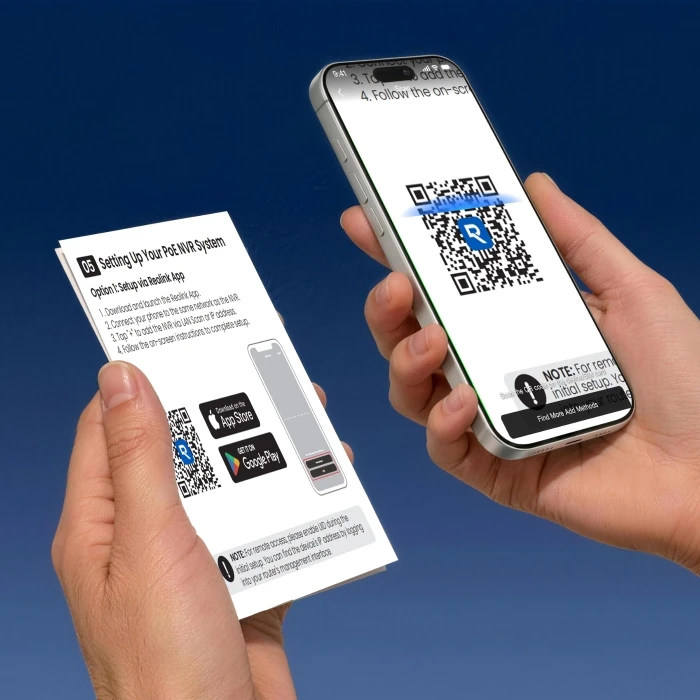
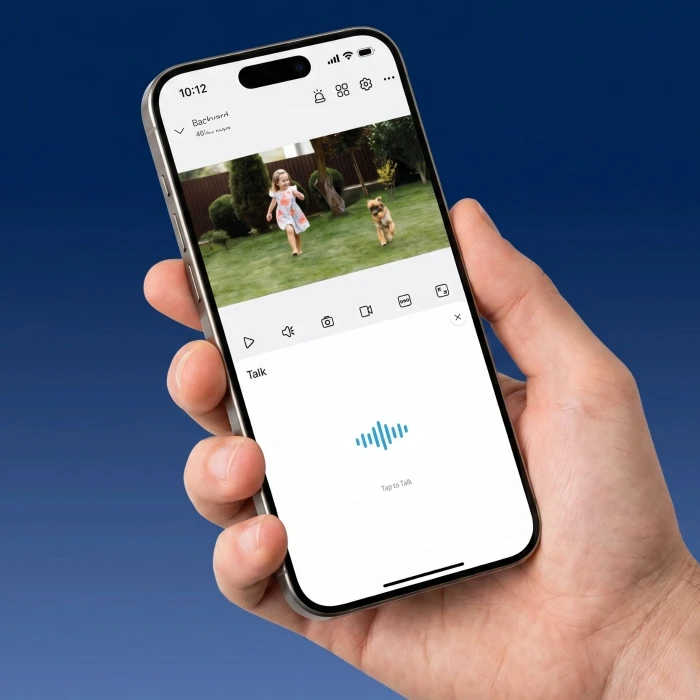
Connect the NVR to your router and a monitor/TV, then to a power outlet and turn it on.
Connect your camera to any PoE port on the NVR with an Ethernet cable.
When you power on the NVR for the first time, follow the instructions to complete the basic configuration.
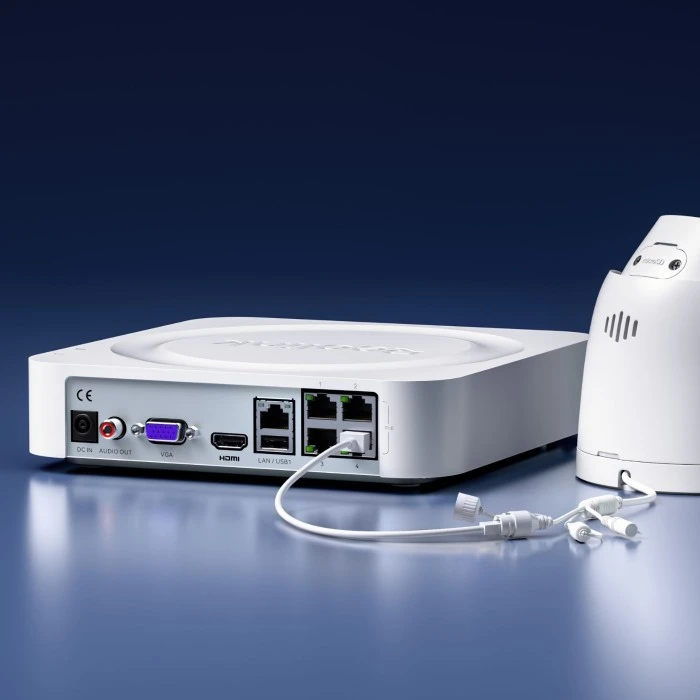
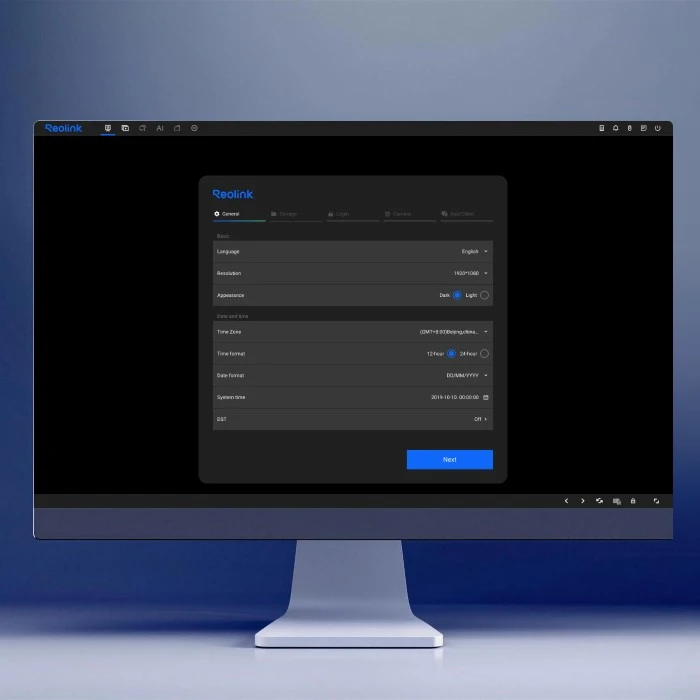
No. The RLN4E does not include an HDMI cable. If you don't have an HDMI cable, complete the initialization process via the Reolink App. For detailed instructions, please refer to the Operational Instructions.
No. The NVR does not include an HDD. But some models include a microSD card, depending on the product model you purchase.
It supports an microSD card up to 512GB and an HDD up to 8TB. If purchased from a third party, the microSD card should support Class 10 or higher read and write speeds. The HDD should be surveillance-grade with 5400 RPM or lower.
To maximize recording days with the same microSD card capacity, enable motion-triggered recording instead of continuous recording. Go to Record Schedule > Alarm > select the desired detection types (Any Motion/Person/Vehicle/Animal). You can complete the settings via the NVR interface, Reolink App, or PC Client.
If you use it via the NVR for the first time, follow the on-screen instructions to download and install the AI model files first to your HDD or microSD card. For detailed instructions, please refer to Before Using AI Video Search on Your Reolink NVR. If you replace or format the storage device, you need to download and install the AI model files again.
The RLN4E features 4 PoE ports and 6 channels in total. It can support up to 4 PoE cameras and 2 additional Wi-Fi cameras, including Wi-Fi plug-in cameras or Wi-Fi battery-powered cameras.
Please note:
1. The actual number of supported cameras may vary depending on the power consumption, RAM, and other factors.
2. Not all cameras from other brands are compatible. If you have any questions, please contact our Support Team.
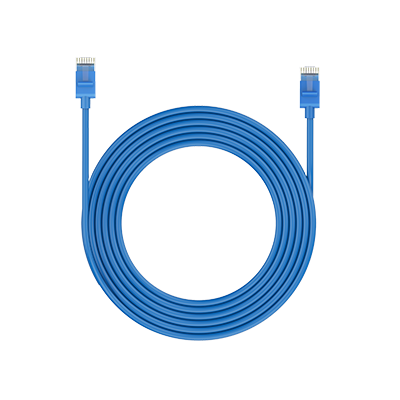 1m Network Cable ×1
 NVR Power Adapter ×1
 Operational Instruction ×1
 RLN4E ×1
 USB Mouse ×1


RLN4E is discontinued. For any questions or product service, please contact Support for assistance.
You will be redirected to the Reolink Official Store in 20s.


Be Prepared, Be Ahead
Never miss Reolink hot deals, news, and updates tailored for you.
Be Prepared, Be Ahead
Never miss Reolink hot deals, news, and updates tailored for you.

Google, Google Play, Google Assistant and related marks and logos are trademarks of Google LLC. Amazon, Alexa and all related logos are trademarks of Amazon.com, Inc. or its affiliates. Mac and Safari are trademarks of Apple Inc. App Store is a service mark of Apple Inc., registered in the U.S. and other countries. Firefox and the Firefox logo are trademarks of the Mozilla Foundation in the U.S. and other countries. Other product and company names mentioned herein may be trademarks of their respective companies.