Your cart is empty.

Smart 4K 8MP Security Kit with 4TB Built-In
Person/Vehicle/Animal Detection
4K UHD Day & Night
Power over Ethernet
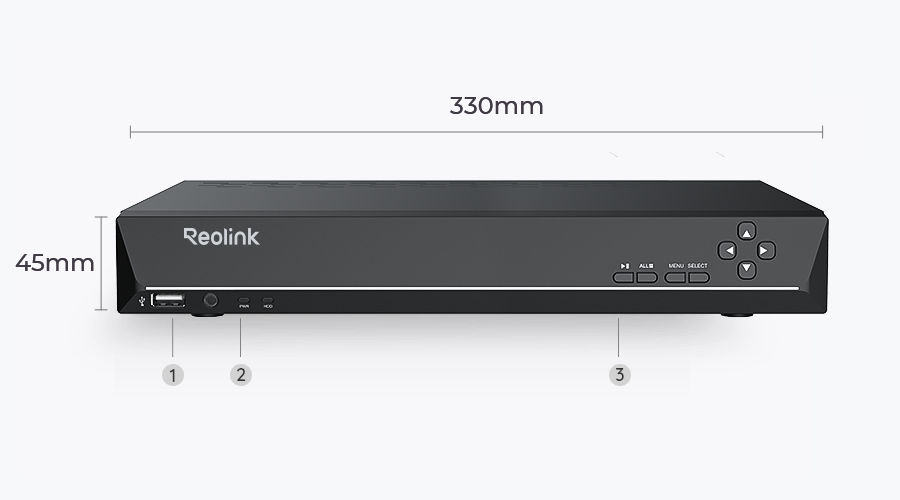
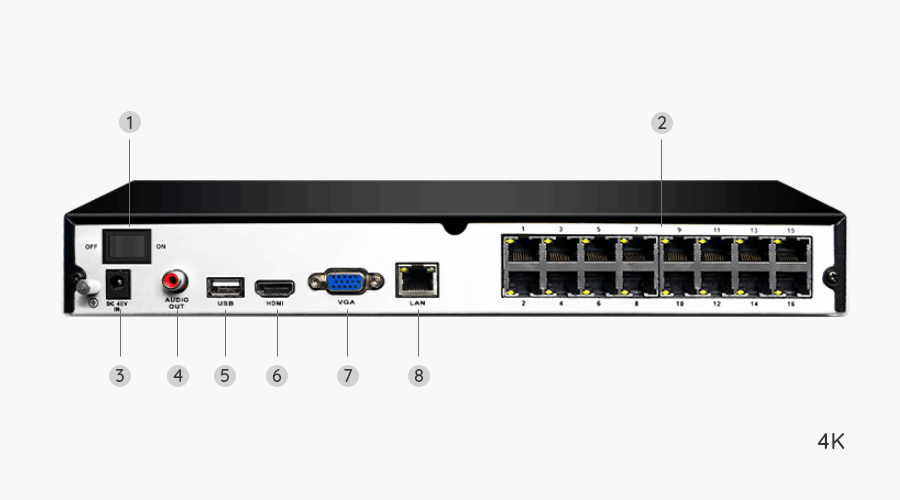
16-Channel NVR
RLK16-810B8-A accurately detects people, vehicles, and animals, sending alerts that truly matter. It filters out irrelevant motion to reduce false alarms and keeps you informed.
Person/Vehicle/Animal Detection
Accurate Alerts
No Subscription

Home security jumps from 1080p to 4K Ultra HD – 1.6X clearer than Super HD and 4X clearer than 1080p HD. Details you see around home or store will be reproduced perfectly in live streaming and playback.

The cameras’ infrared LEDs deliver clear, detailed footage at night. With up to 100 ft of night vision, this system keeps your property protected long after sundown.

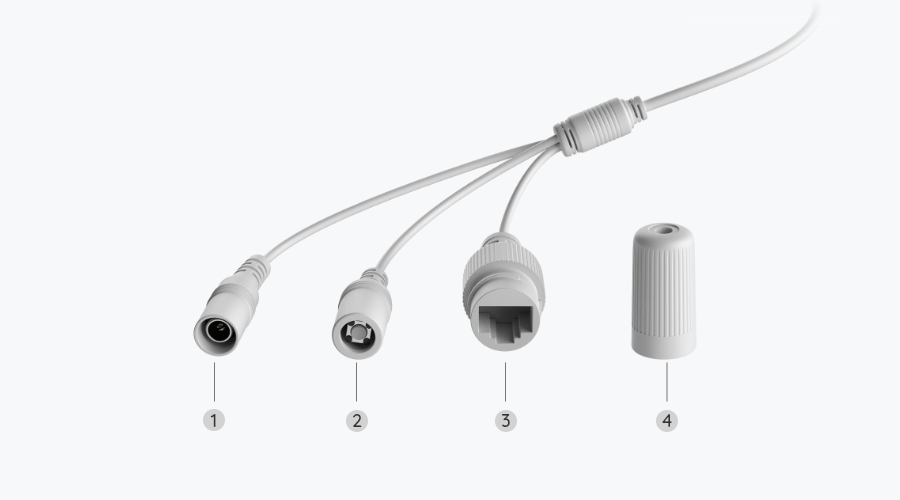
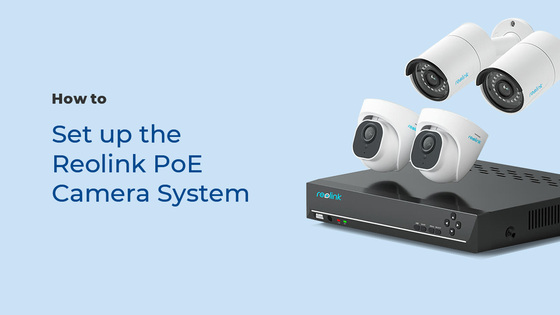
Experience the convenience of plug-and-play installation with our PoE (Power over Ethernet) system. No need for separate power cables for each camera.
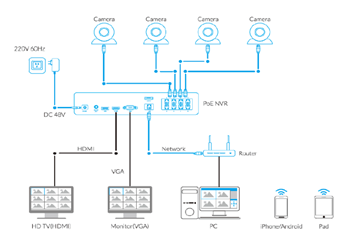
Connect the NVR to a power
source and then to your router.

Use an Ethernet cable to connect each PoE camera directly to the NVR.

Scan the NVR's QR code using the Reolink App and view your live camera feeds.

With 4TB HDD built in and up to 16TB storage capacity, this PoE surveillance kit supports all cameras to record continuously at the same time. You will have all-day videos without missing a beat.
Built-in 4TB HDD
Up to 16TB

Once it detects something suspicious, this motion-triggered camera will send to your device an instant push notification. Know what’s happening all the time.
See the live feed of multiple cams on the same screen. Easier to have an overview of your property.
You can not only replay saved videos to find key information but also filter the video by detection modes and control the timeline to quickly locate what you want to see.
You can choose to have the camera record 24/7 continuously, only when the movement is detected, or in accordance with your daily schedule.
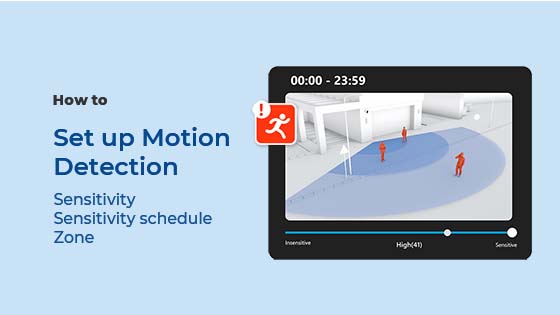
You can customize the motion zone to your like, deciding where objects’ movements will be detected and where they will not.


Build the system that fits your space. This NVR supports up to 24 Reolink cameras, including a mix of PoE and plug-in Wi-Fi models (up to 16 in total). It’s also compatible with select battery-powered Wi-Fi cameras. From high-resolution PoE setups to flexible wireless options, Reolink gives you the freedom to scale your security your way.

Armed with rugged housing, the IP67 weatherproof cameras can stand up to thunderstorms, extreme cold/heat and any other harsh weather. Your faithful guard never quits.

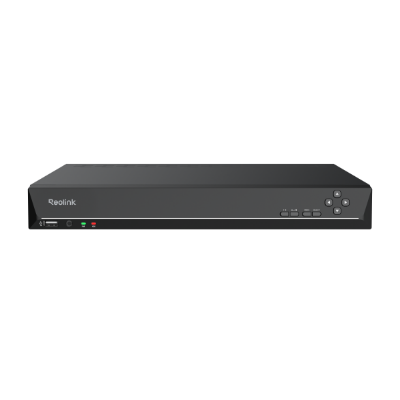 RLN16-410 ×1
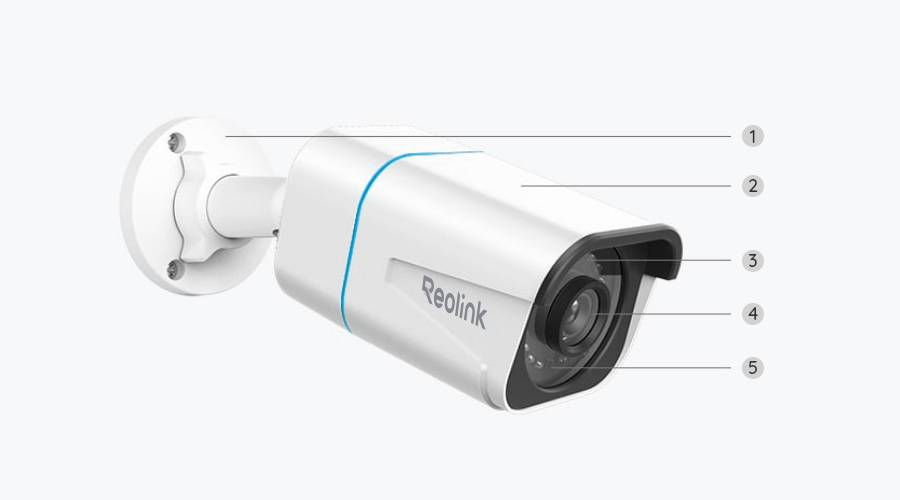
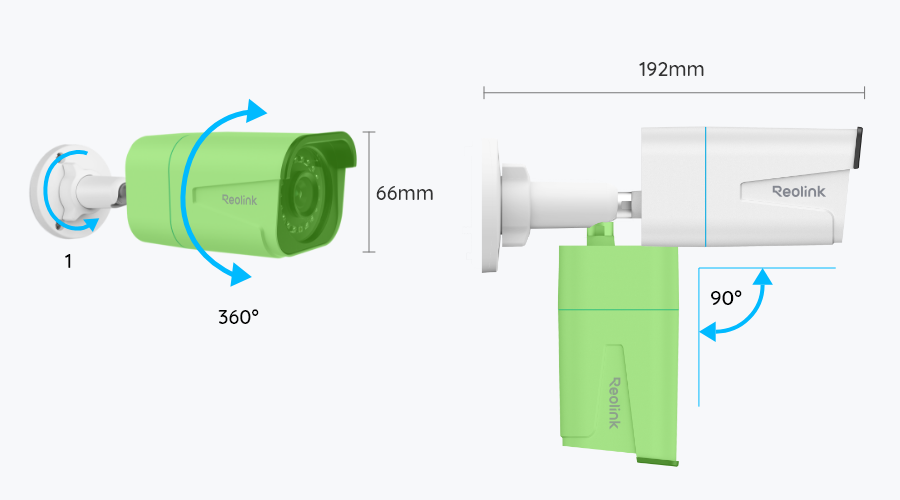
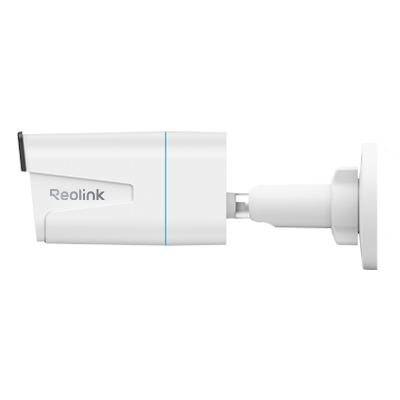 RLC-810A/B800 (Lens: 4.0mm) ×8
 NVR Power Adapter ×1
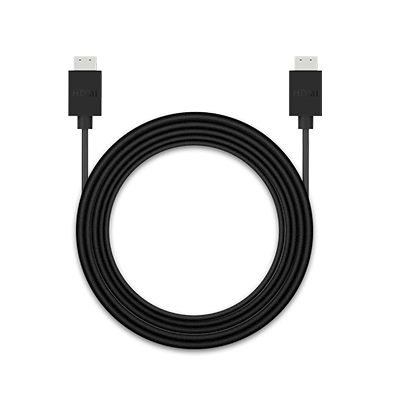 HDMI Cable ×1
 USB Mouse ×1
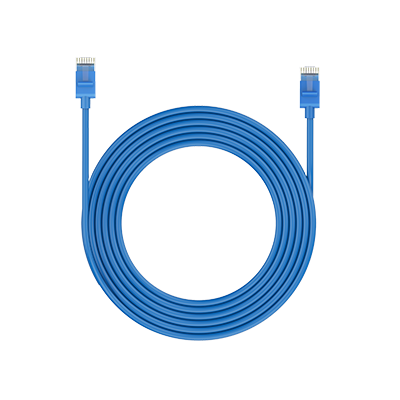 1m Network Cable ×1
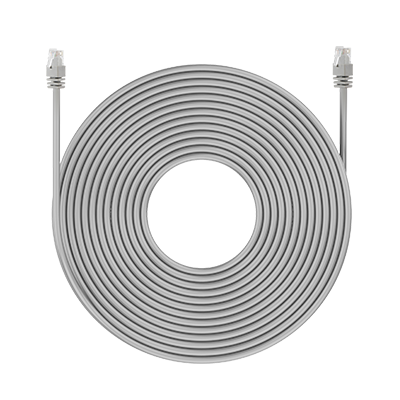 18m Network Cable ×8


RLK16-810B8-A is discontinued. For any questions or product service, please contact Support for assistance.
You will be redirected to the Reolink Official Store in 20s.


Be Prepared, Be Ahead
Never miss Reolink hot deals, news, and updates tailored for you.
Be Prepared, Be Ahead
Never miss Reolink hot deals, news, and updates tailored for you.



Google, Google Play, Google Assistant and related marks and logos are trademarks of Google LLC. Amazon, Alexa and all related logos are trademarks of Amazon.com, Inc. or its affiliates. Mac and Safari are trademarks of Apple Inc. App Store is a service mark of Apple Inc., registered in the U.S. and other countries. Firefox and the Firefox logo are trademarks of the Mozilla Foundation in the U.S. and other countries. Other product and company names mentioned herein may be trademarks of their respective companies.
Only show reviews for current product
No Reviews yet... Be the First to leave a comment!