Your cart is empty.


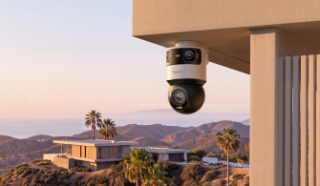
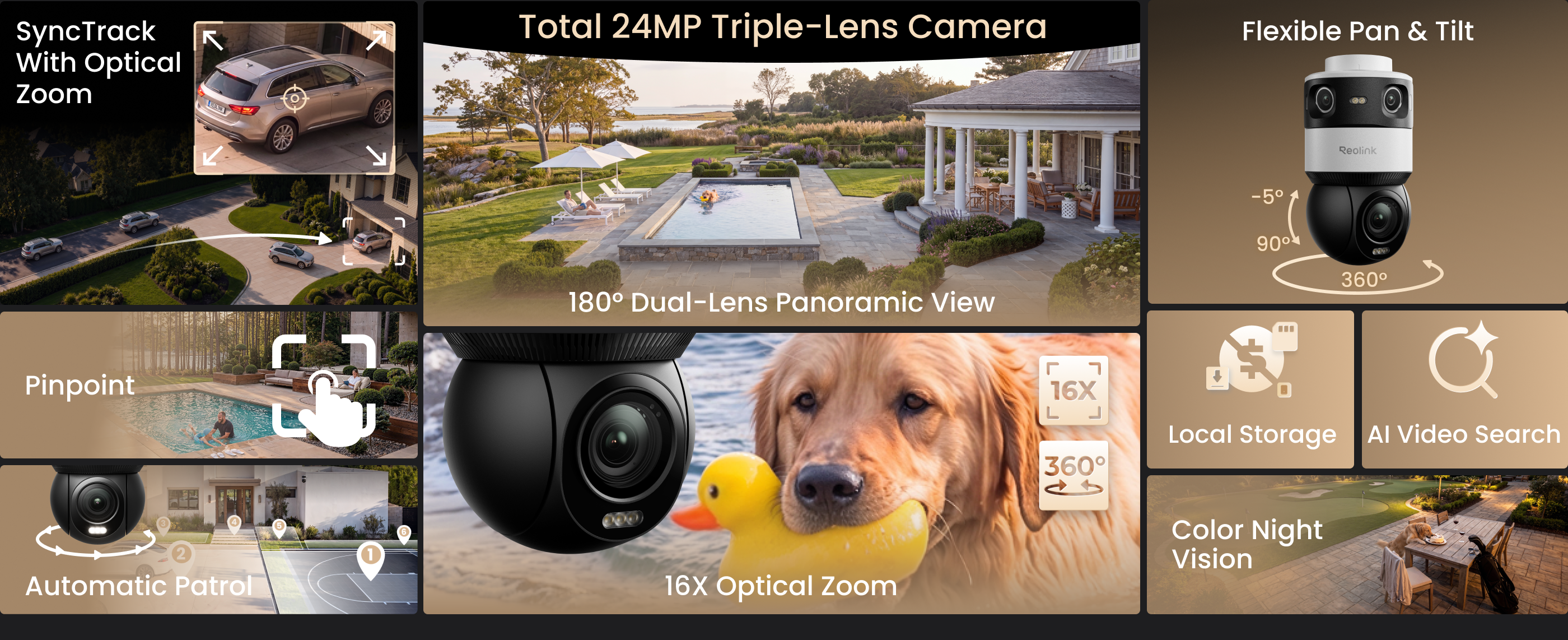
Revolutionary 16X Optical Zoom PTZ Camera with a 180° Panoramic View
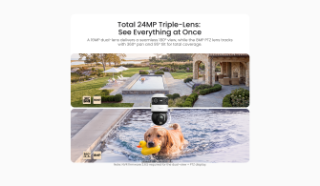
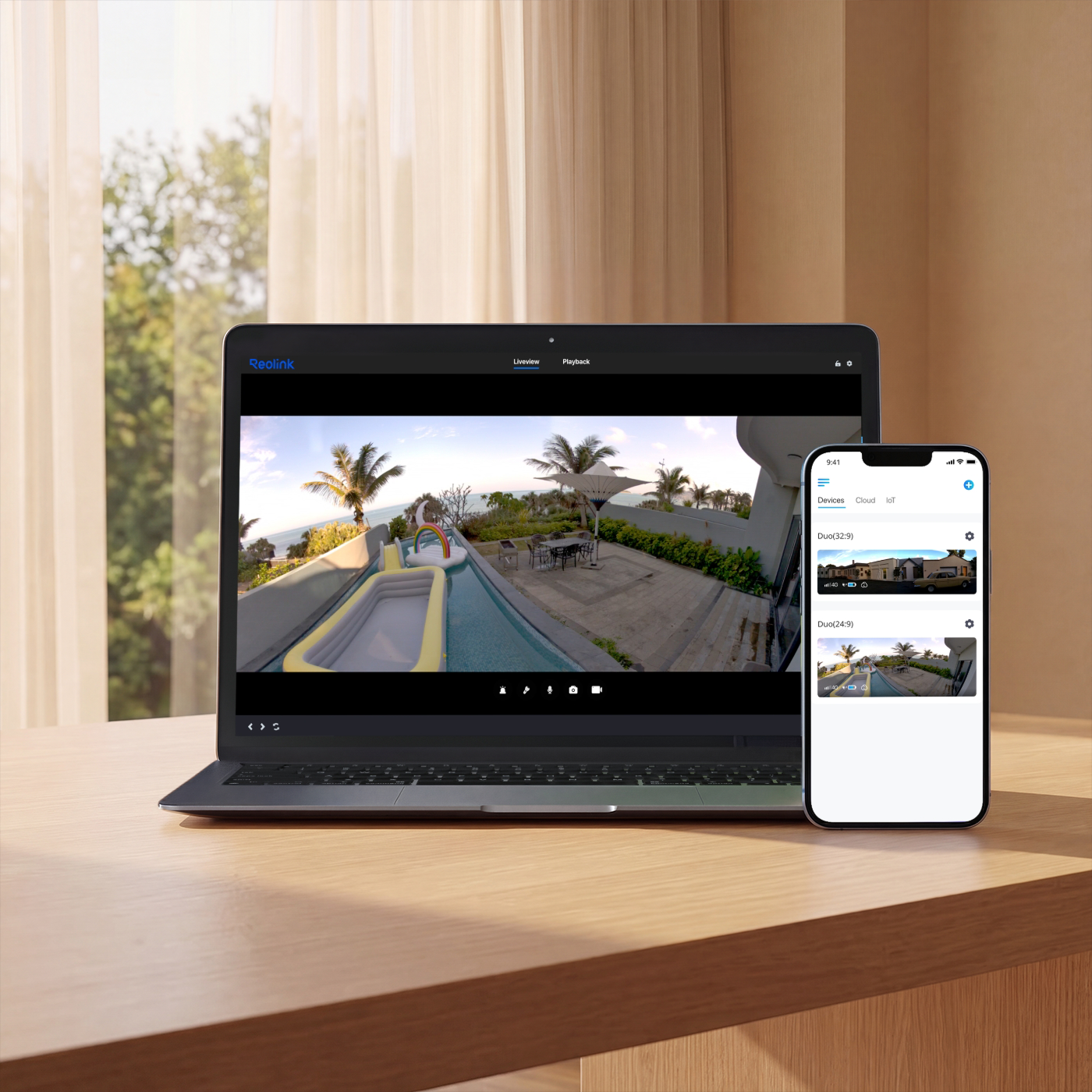
16MP Dual-Lens with 180° Panoramic view
4K 8MP PTZ with Endless 360° Rotation
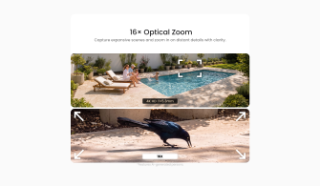
SyncTrack with 16X Optical Zoom
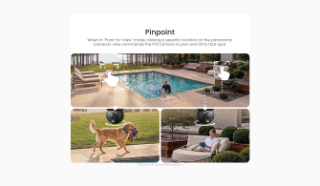
Pinpoint with One Tap
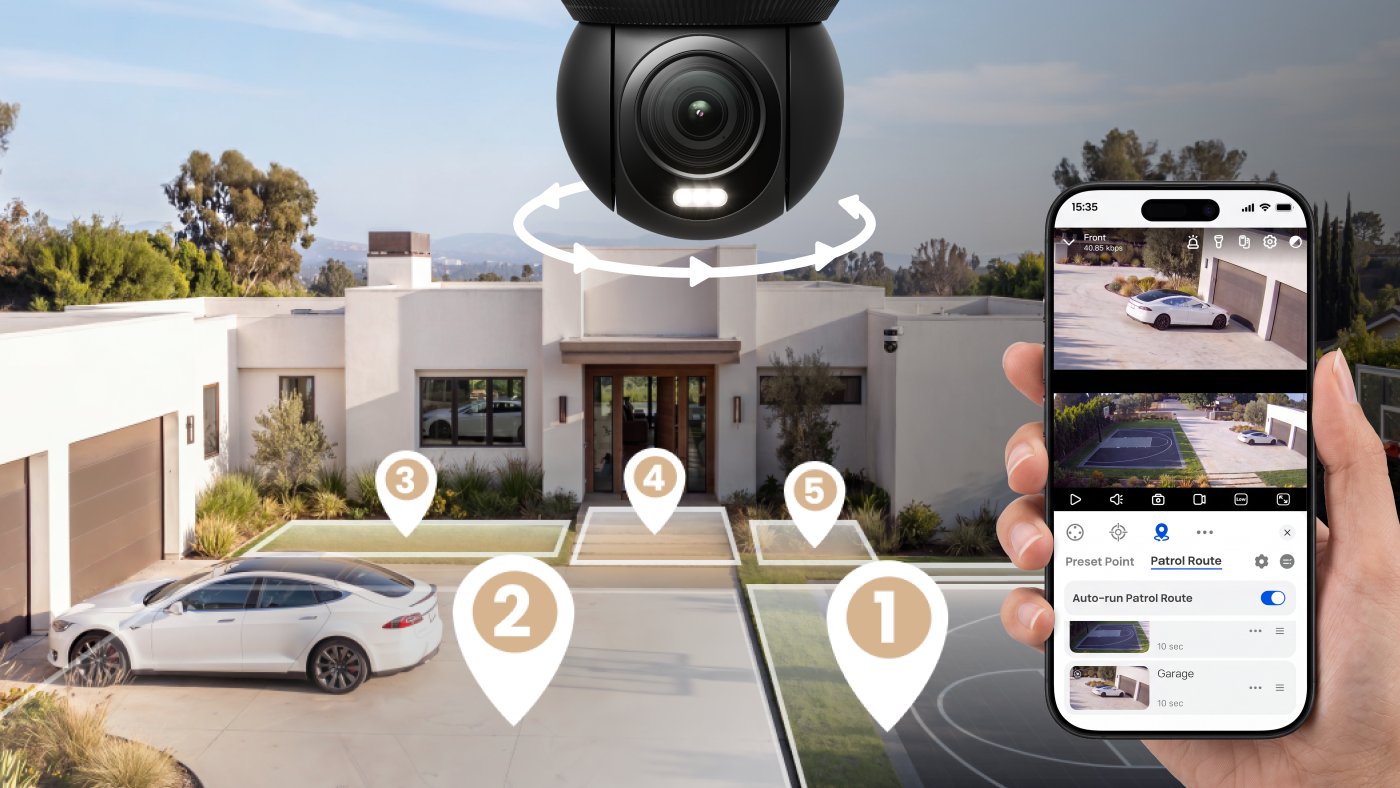
Auto Patrol
Designed with performance, durability, and aesthetics in mind.

Reolink OMVI X16 PoE combines a 16MP dual-lens panoramic camera with a 4K 8MP PTZ speed dome for expansive coverage and sharp close-ups. Its motorized PTZ design quickly moves to critical areas, capturing the details that matter most.
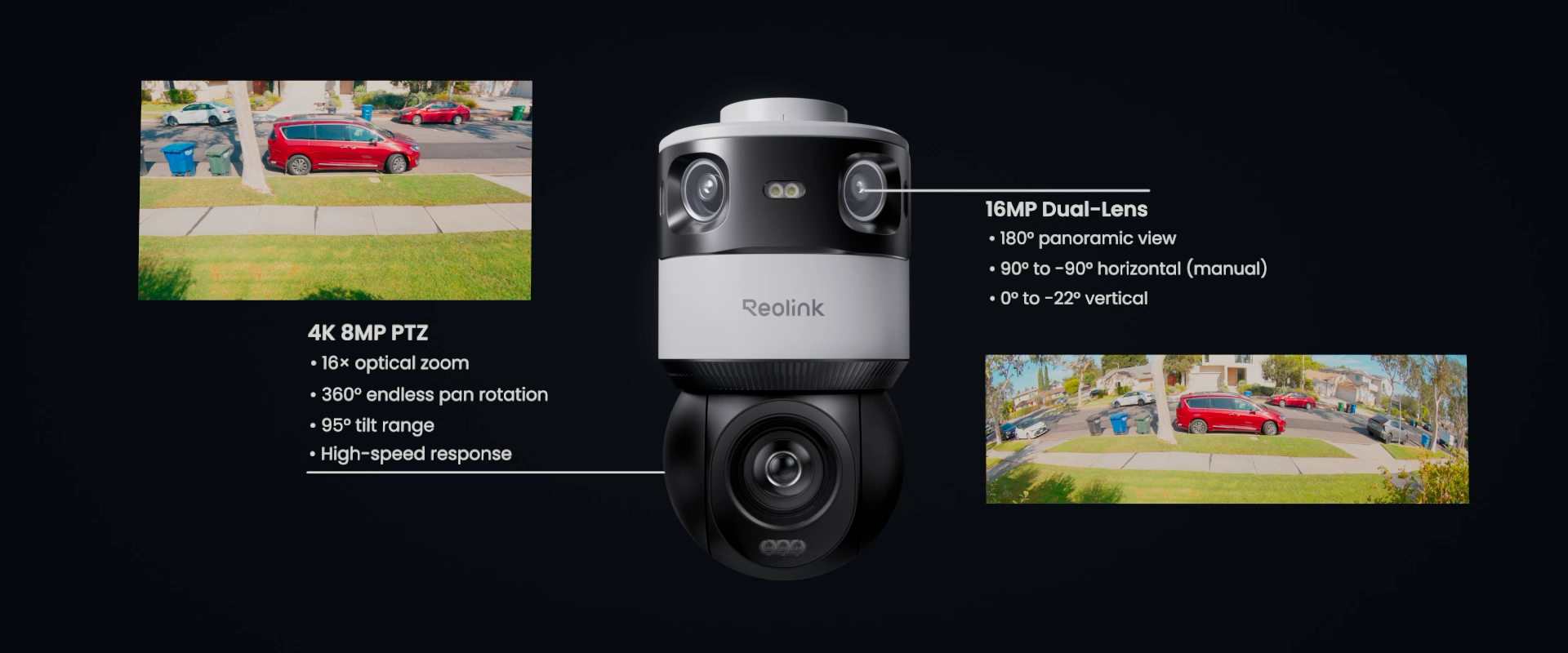
Zoom in without losing clarity with powerful 16× optical zoom. Optical zoom magnifies distant scenes while preserving image quality.
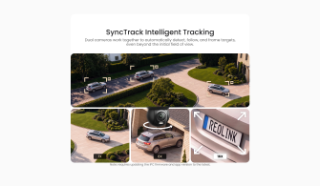
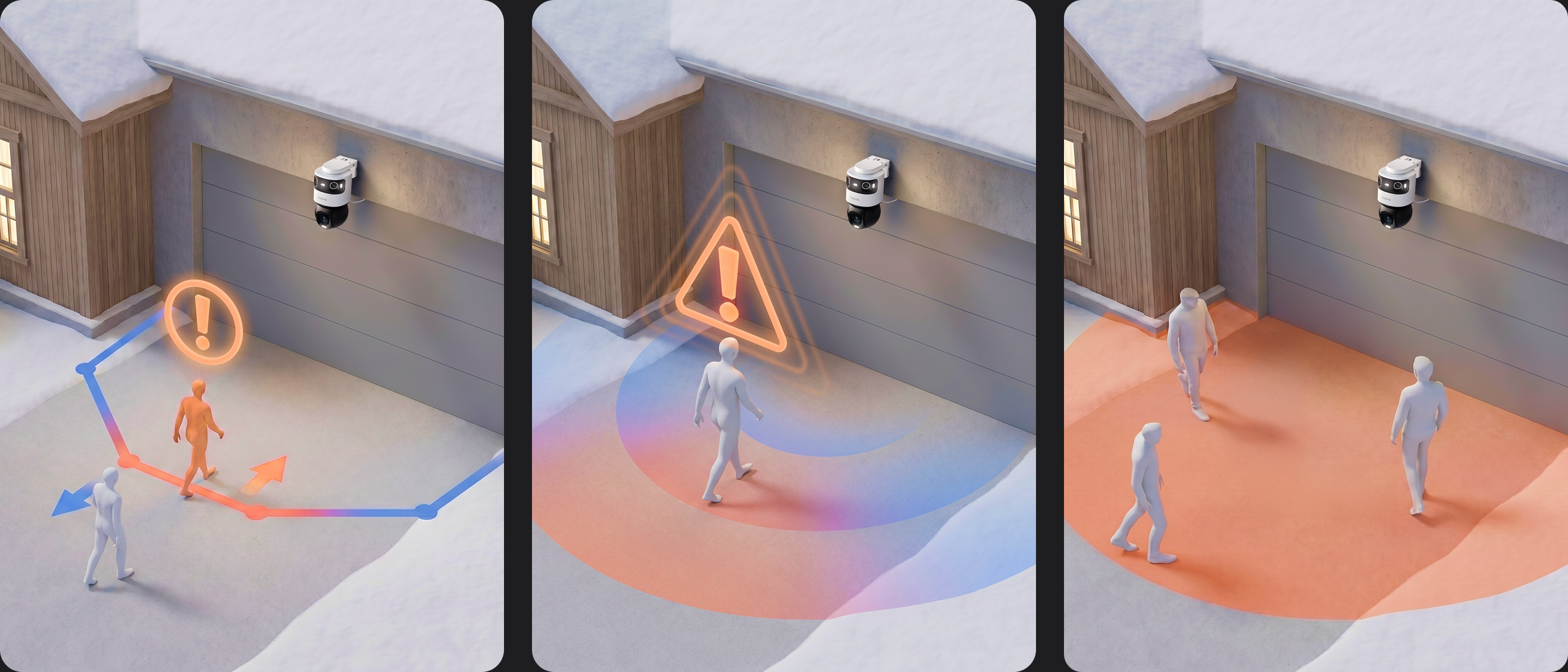
Reolink OMVI X16 PoE uses intelligent camera coordination to deliver seamless target tracking.
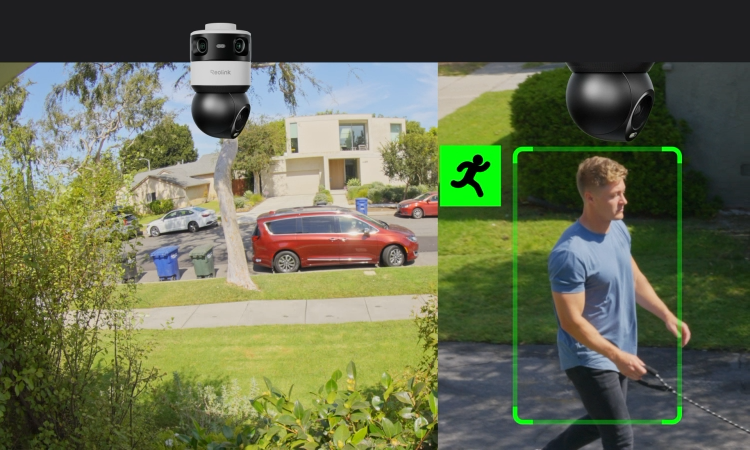
When the upper camera detects a target, the lower PT camera will automatically track the target. During tracking, it will use optical zoom to magnify the target image in real time while keeping the target centered. Even after the target leaves the panoramic view.
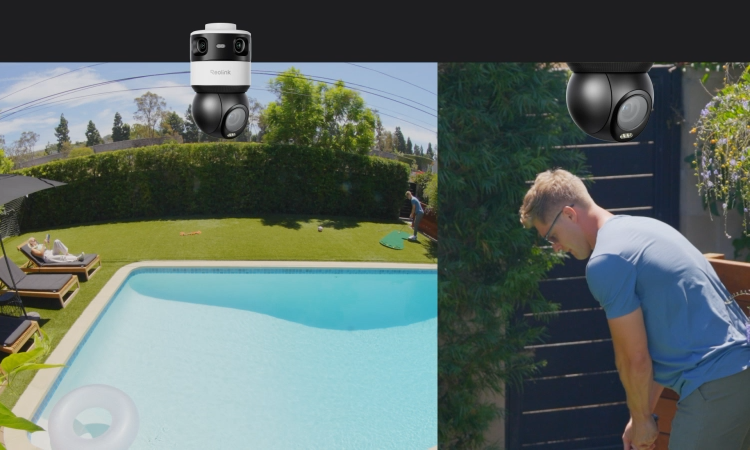
Click any location on the panoramic view, and the PTZ camera instantly moves to that position for quick detail viewing.
AI-Powered Protection Without Monthly Fees
OMVI X16 PoE provides intelligent security features for smarter detection and easier searching, without requiring a subscription.

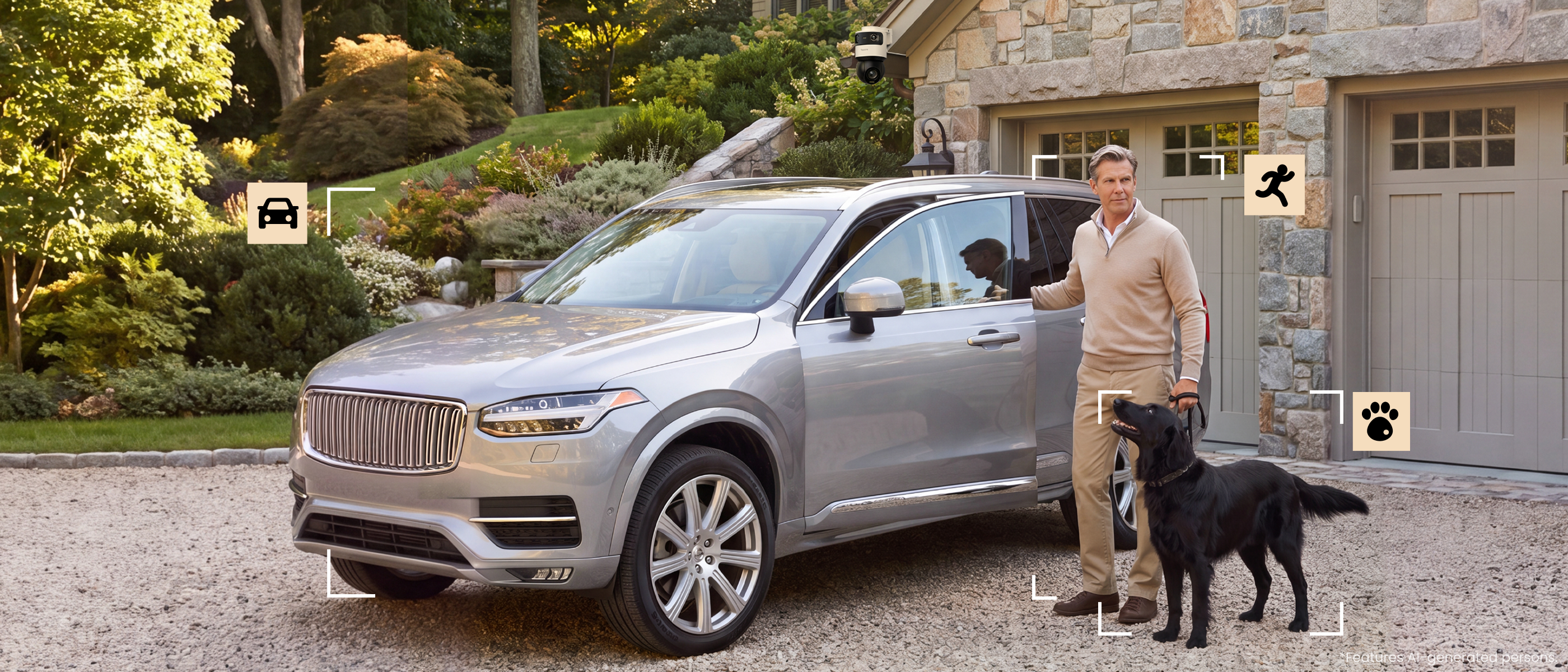
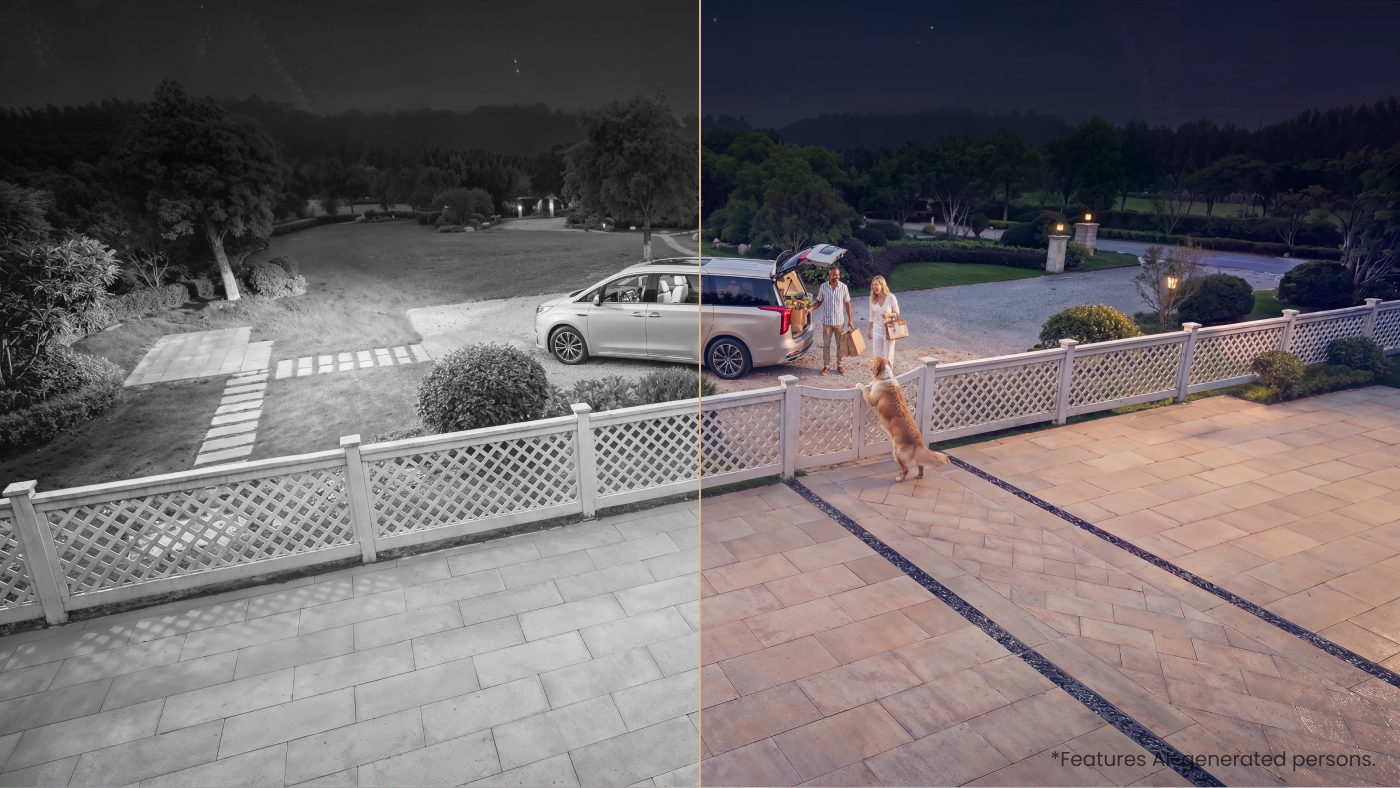
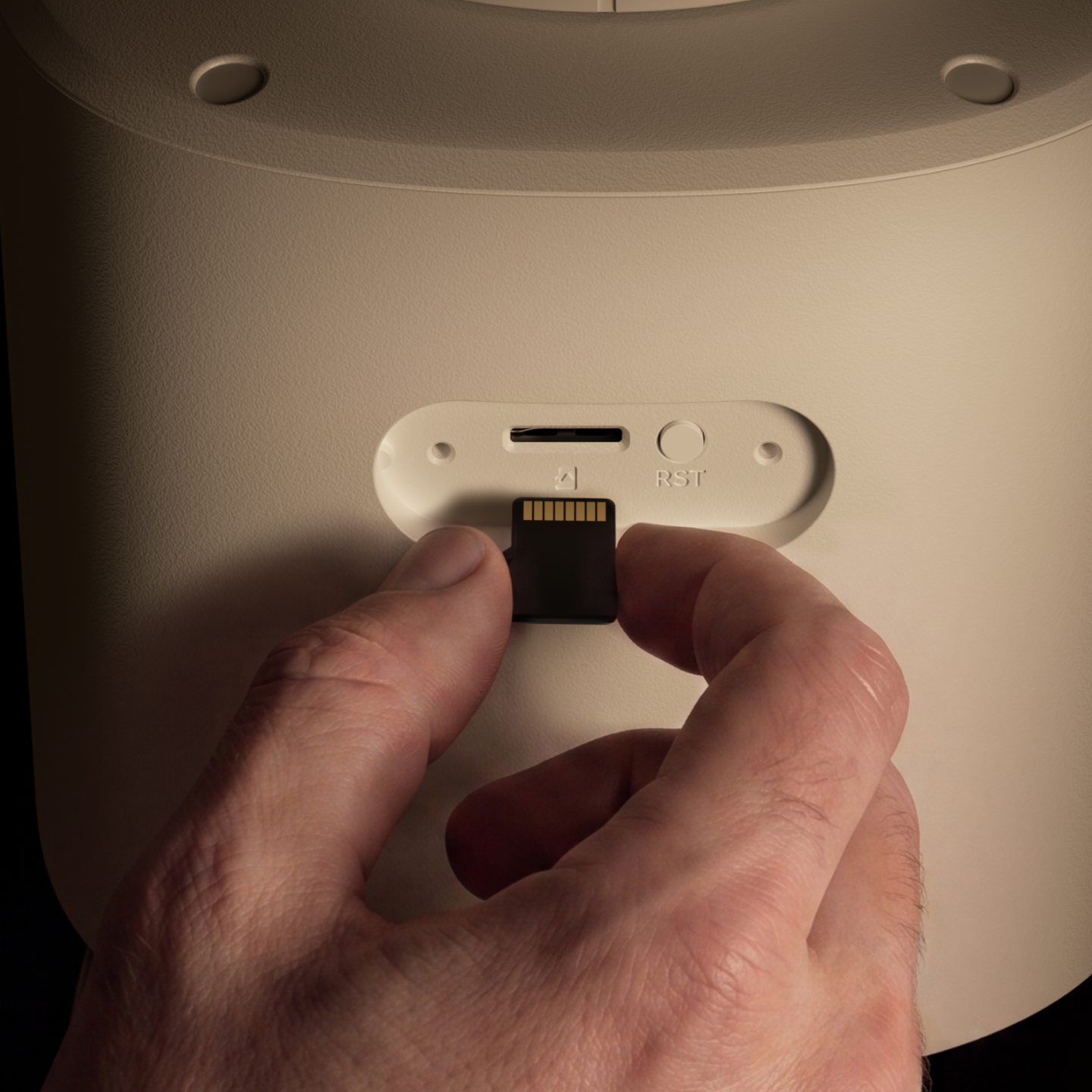
Record 24/7 and Store Footage With Multiple Storage Options
Store your recordings locally and securely on a microSD card of up to 512 GB, freeing you from being stuck with limited storage.
Expand your security system with centralized recording.
Save recordings locally with no extra subscription fees.
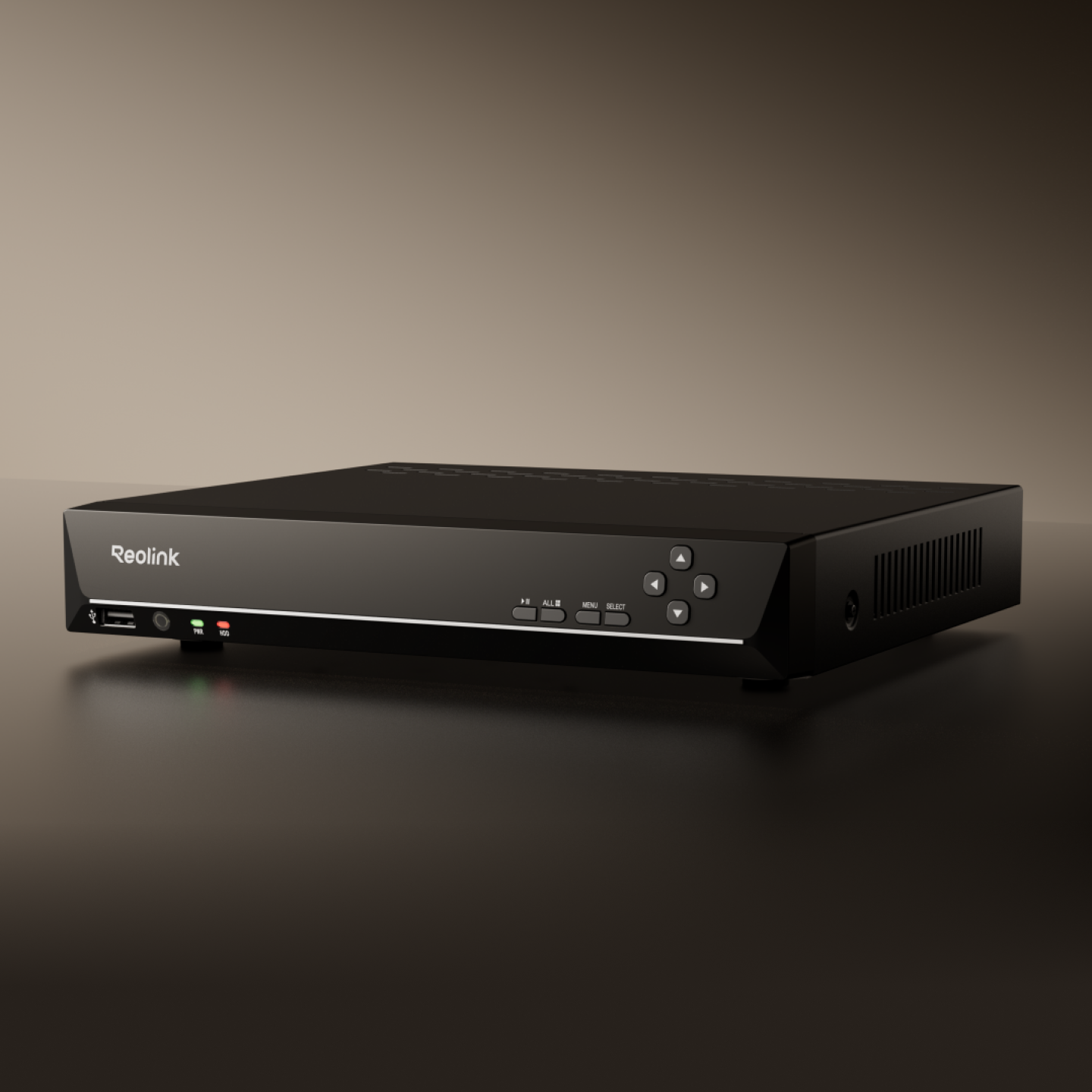

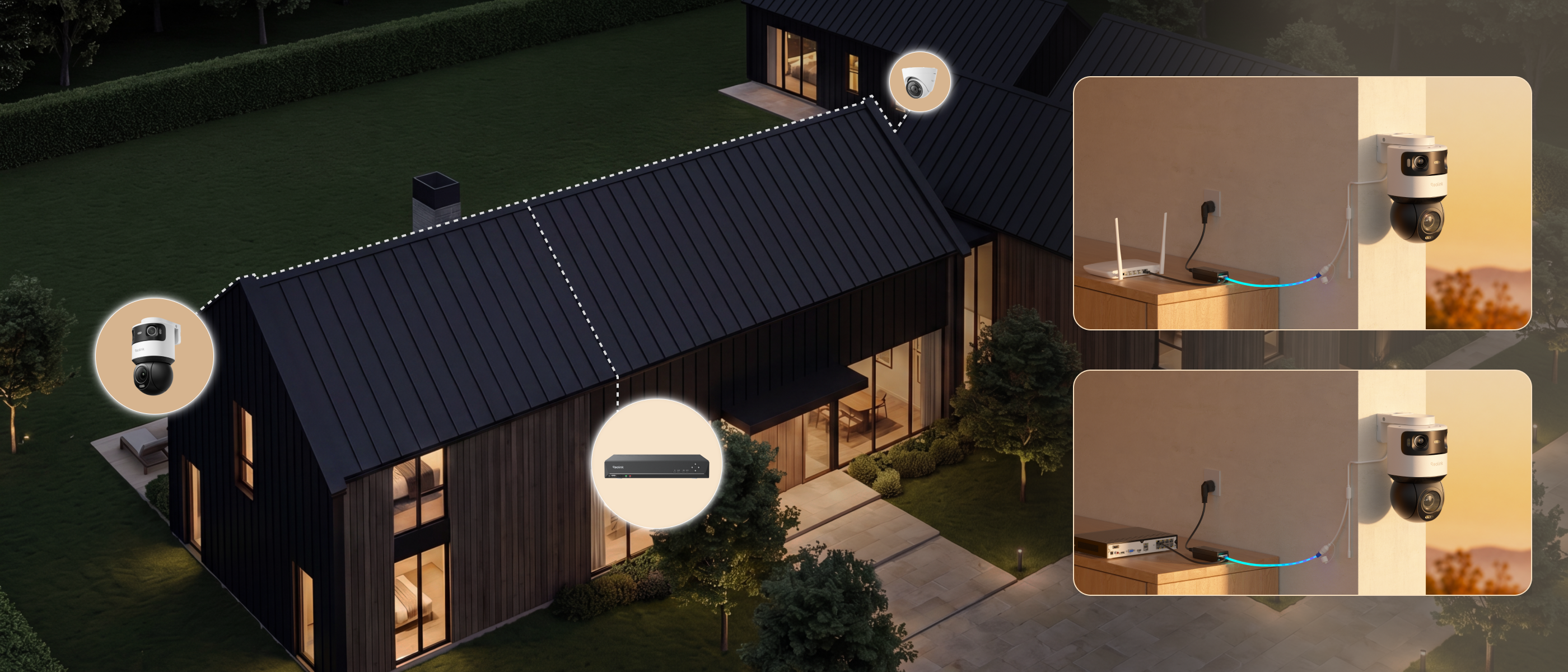
Connect the OMVI X16 PoE directly with the included 60W PoE injector, or integrate it with a compatible Reolink NVR for centralized management. Enjoy a flexible setup that fits your security system and installation needs.
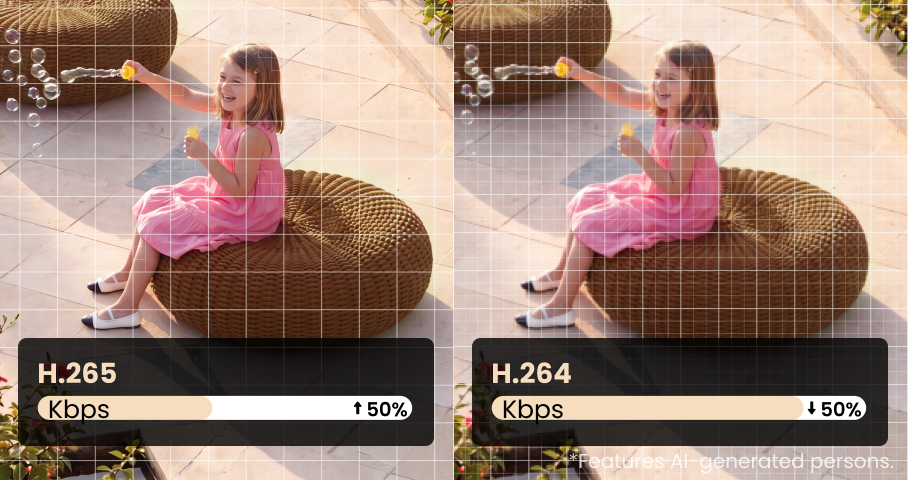
Advanced video codec support delivers efficient compression without sacrificing quality. Reduces storage requirements while maintaining crystal-clear footage.
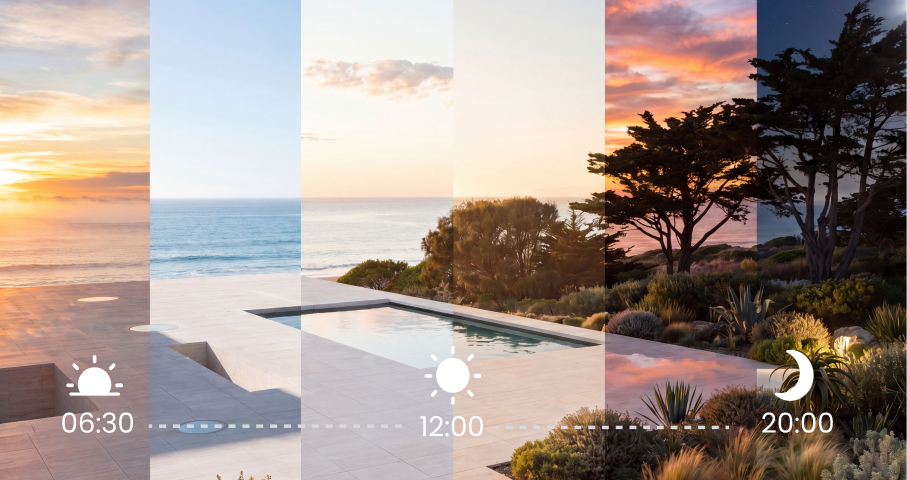
Automatically create condensed time-lapse videos of your entire day or week. Perfect for monitoring property activity, construction progress, or garden growth in fast-forward.
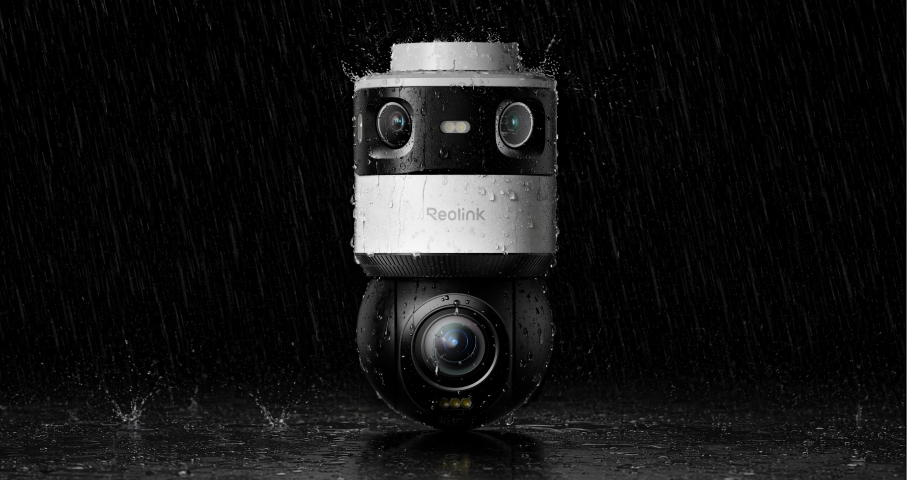
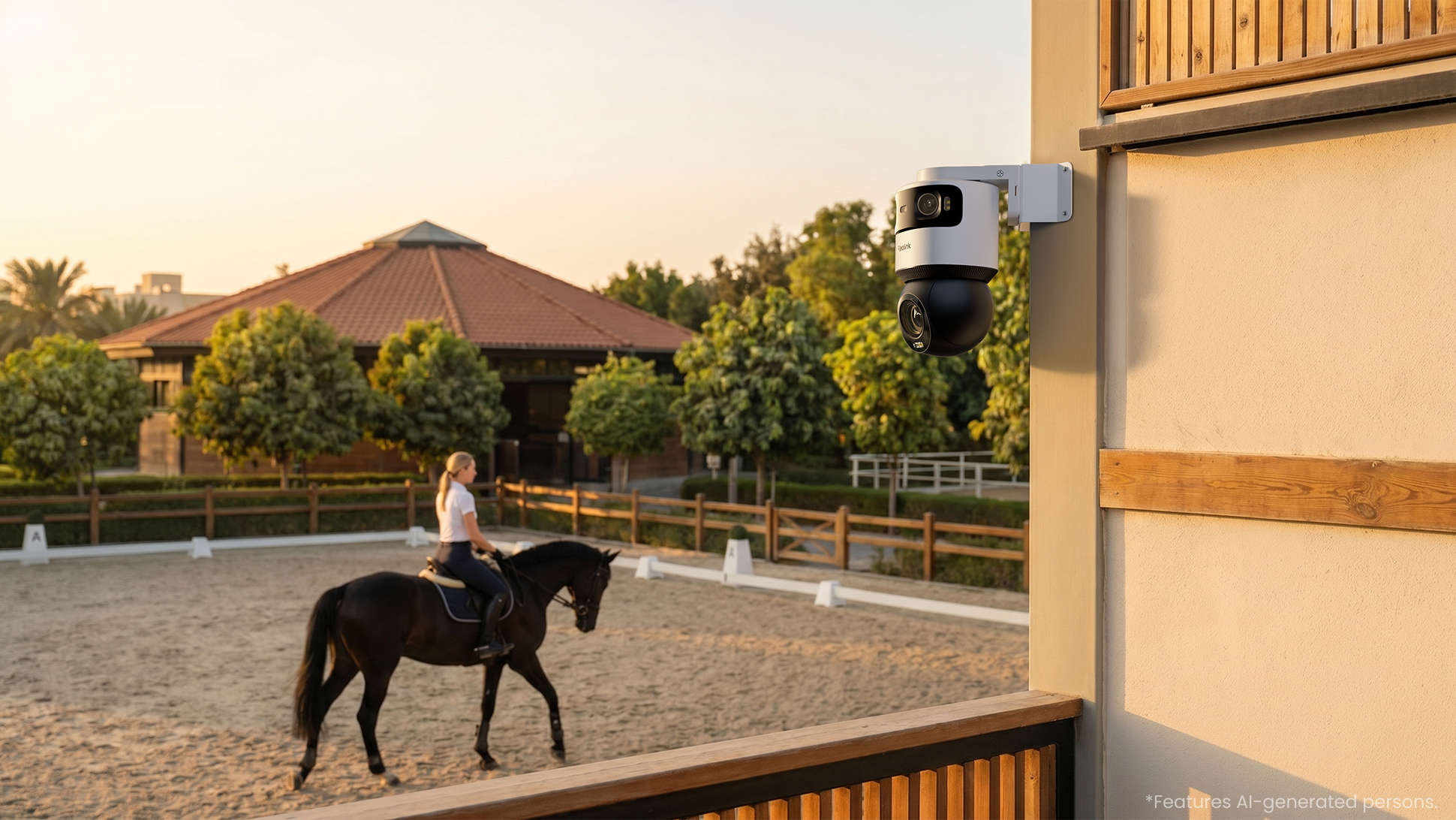
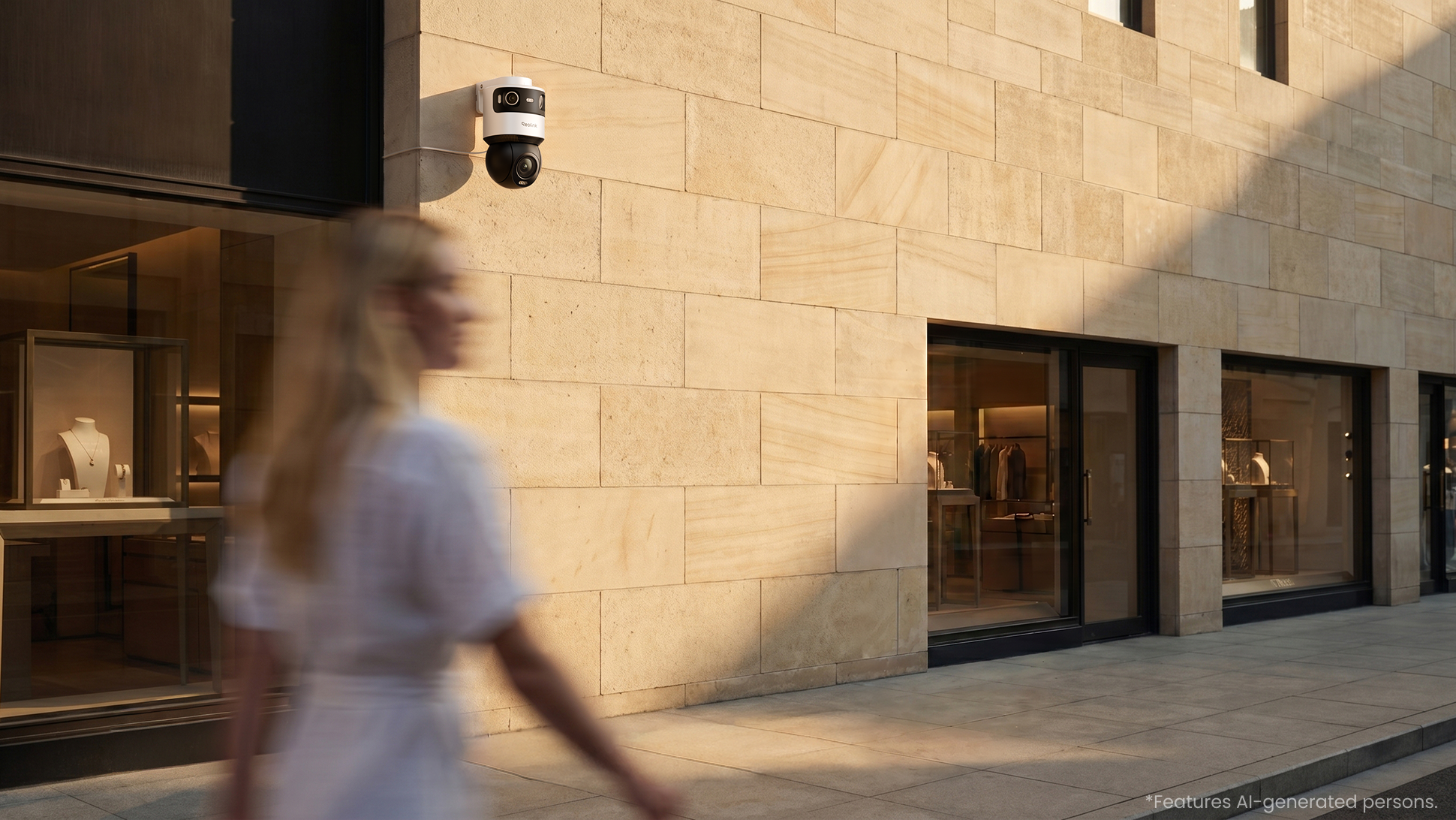
Built with a full-metal chassis to withstand the elements, the IP66-rated camera is protected against dust and powerful water jets for reliable outdoor security in all weather conditions.
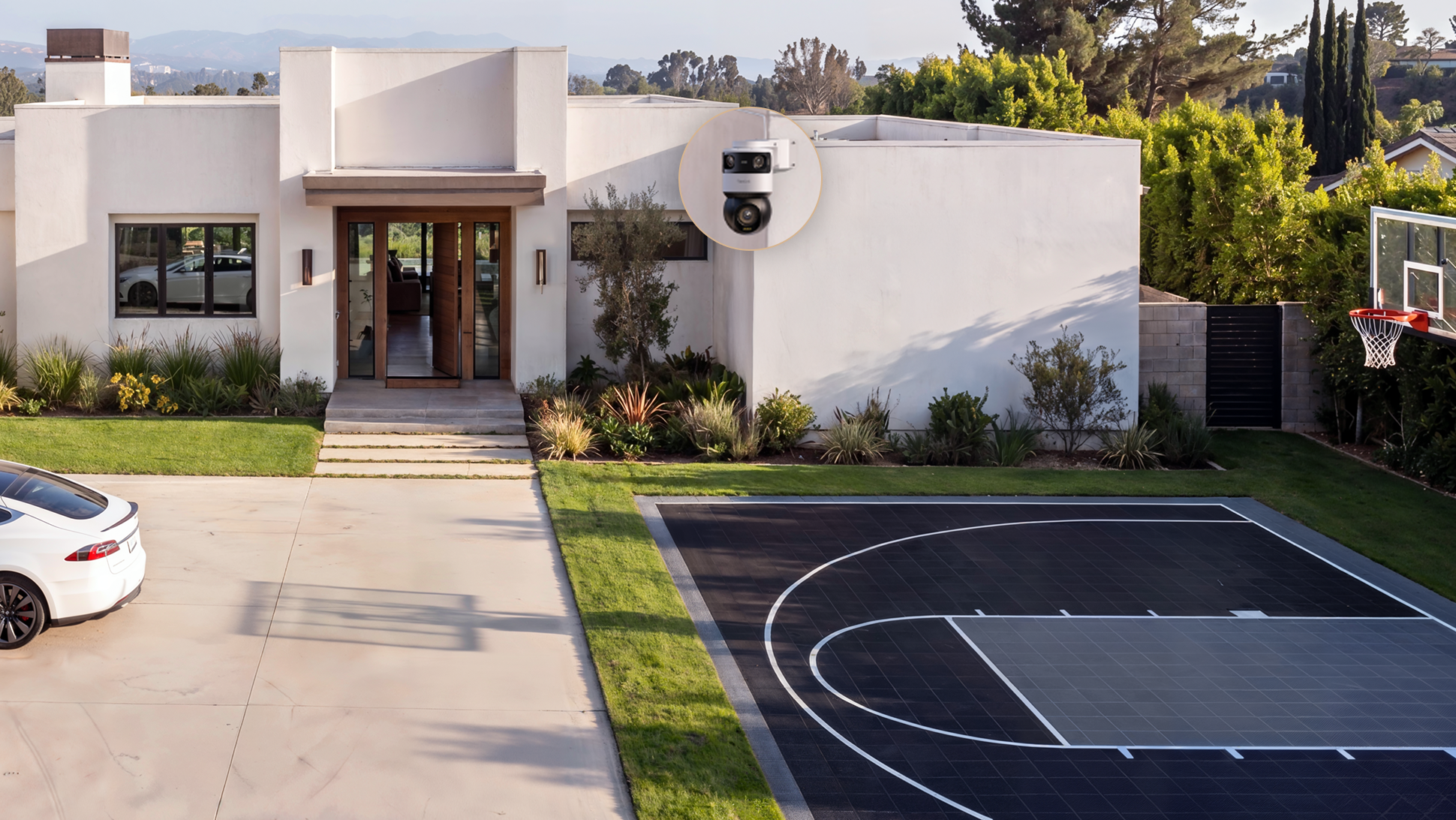
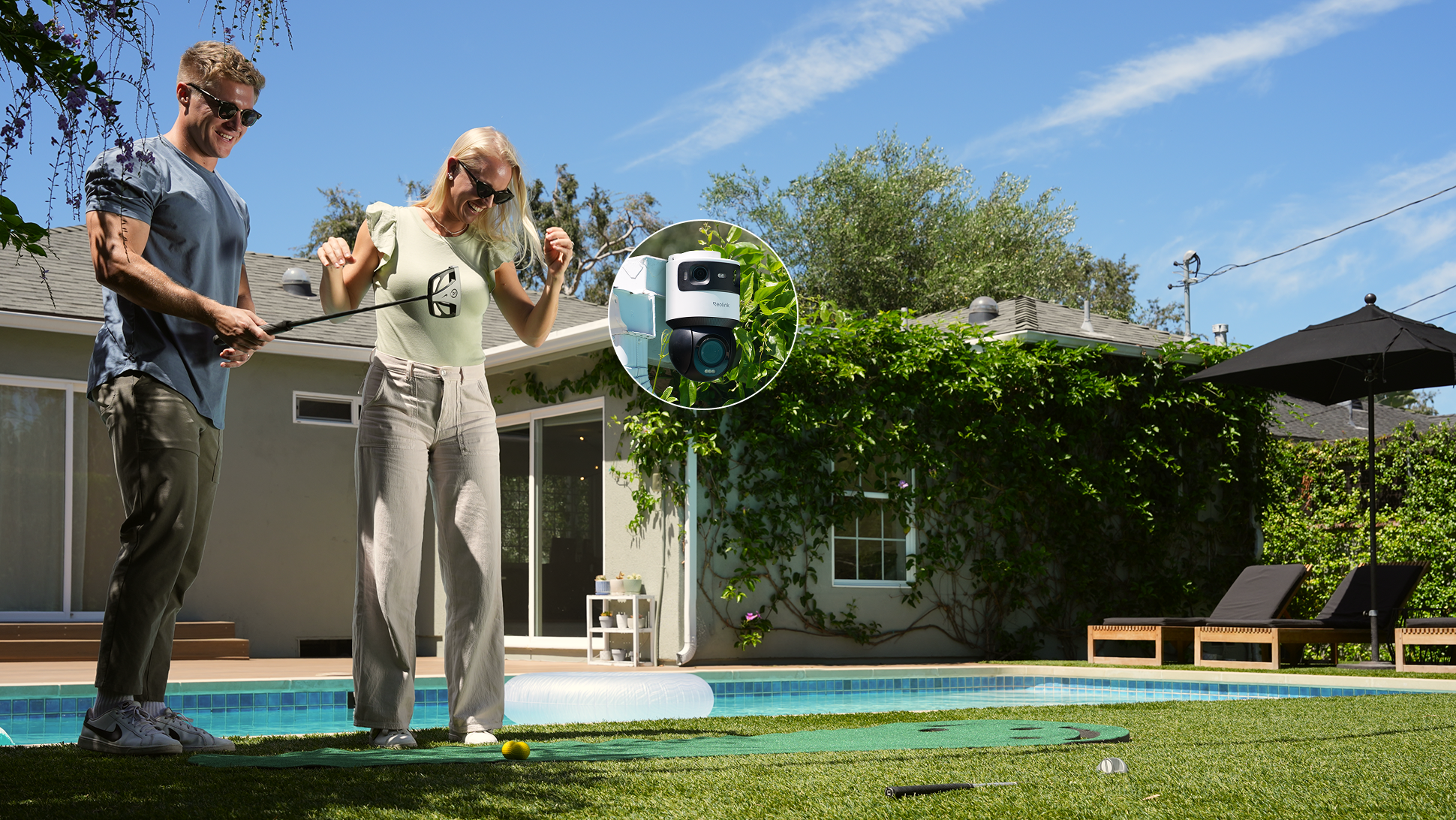
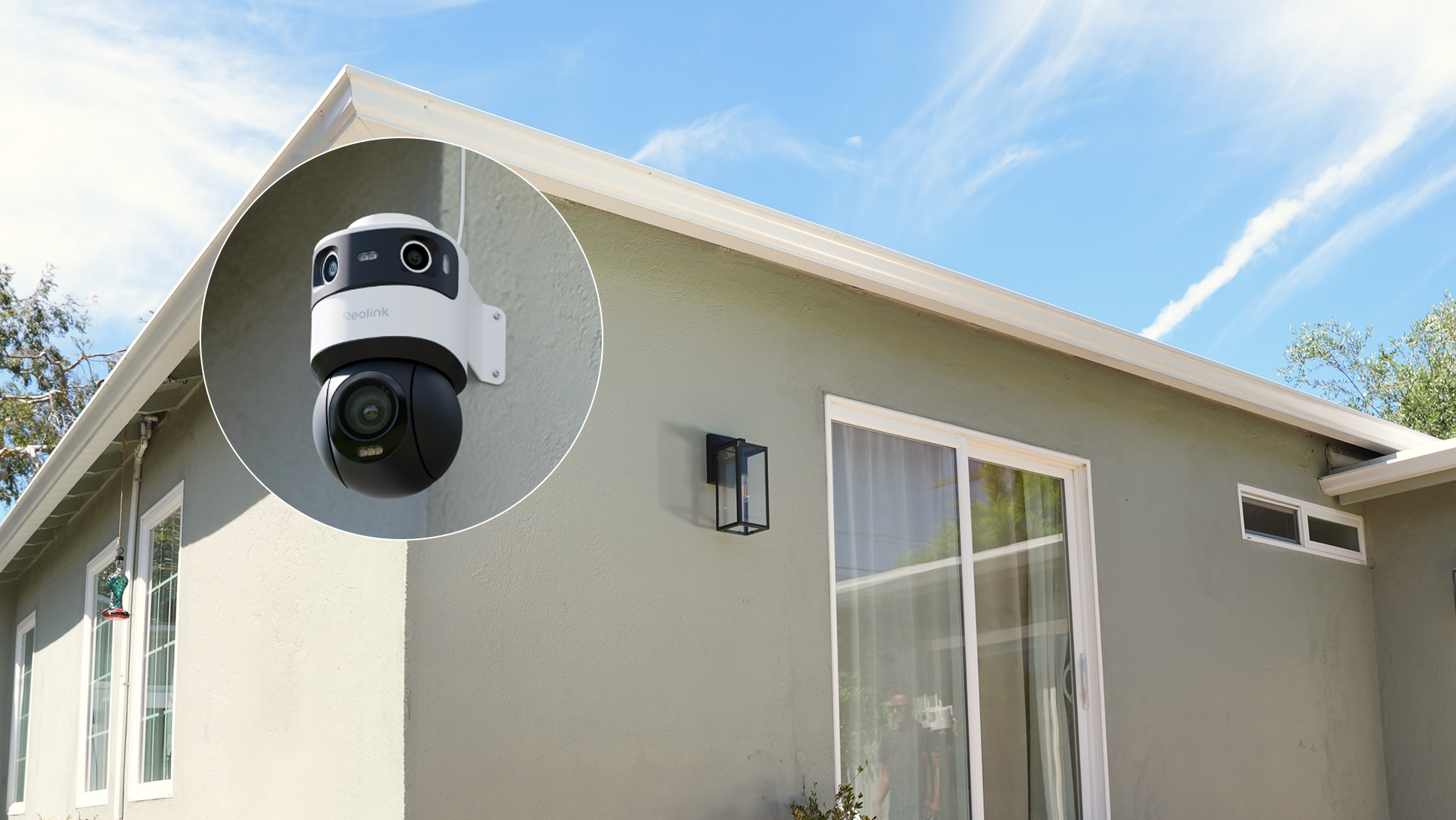
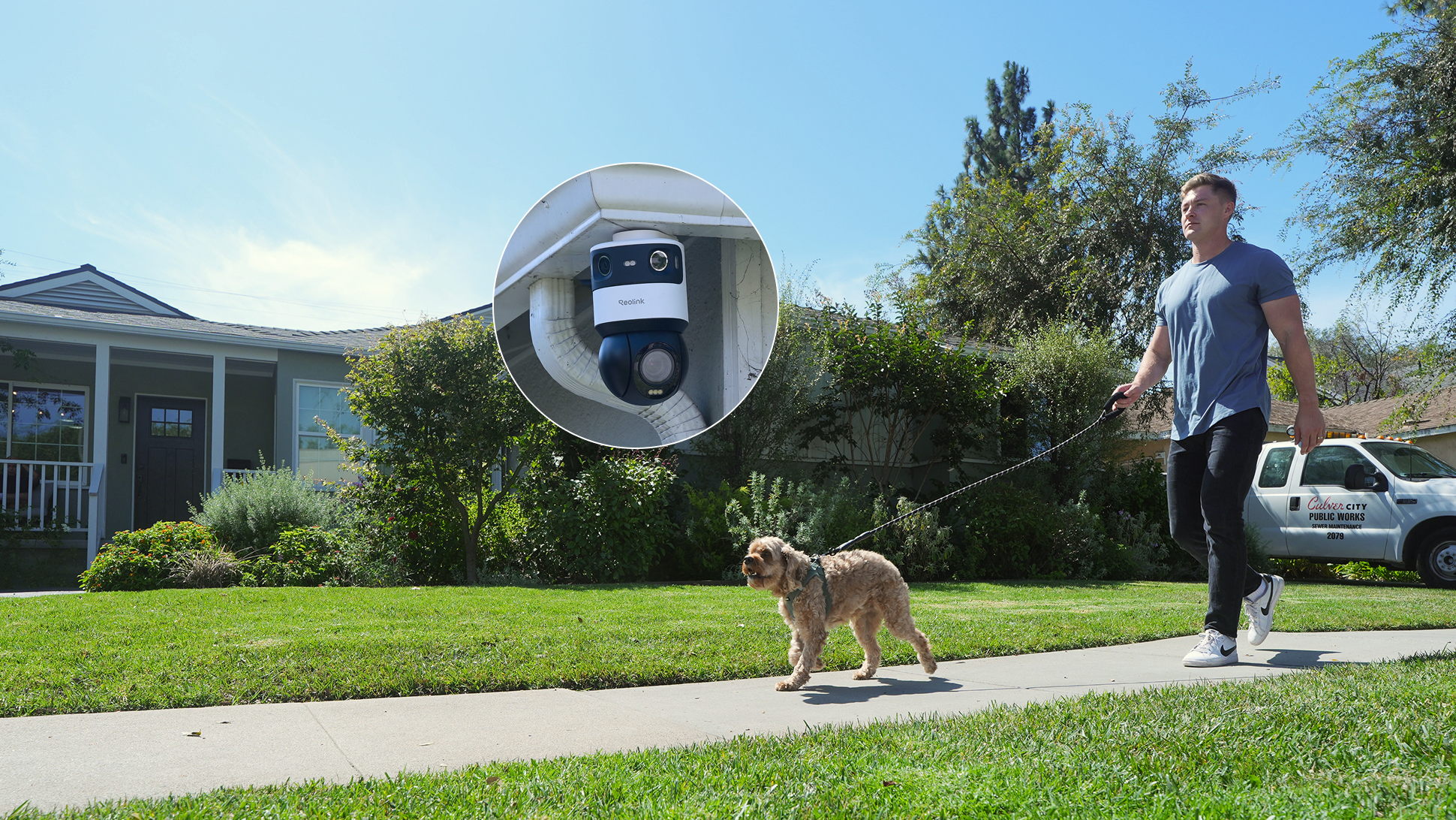
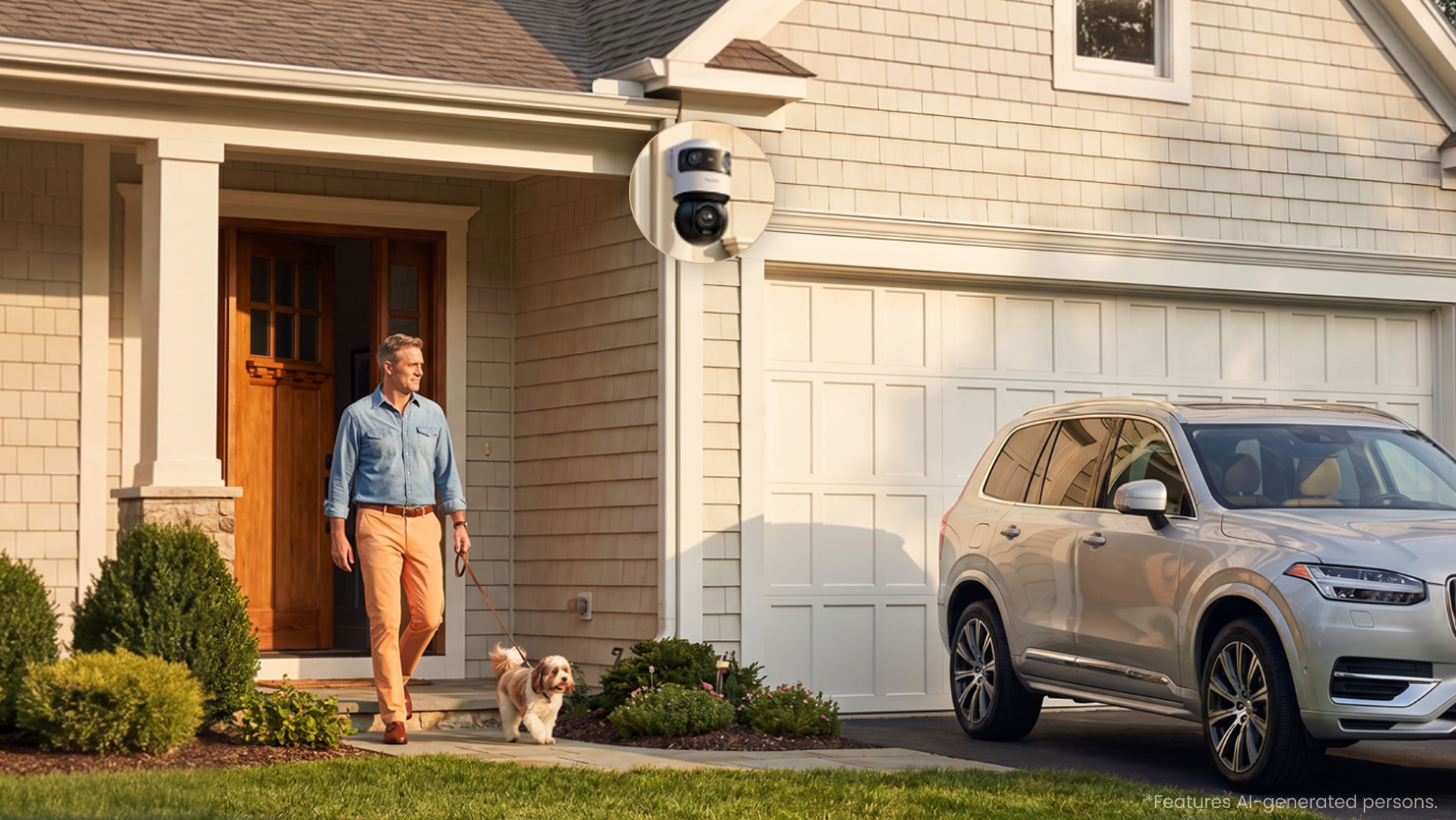
Mount OMVI X16 wherever your security needs demand.
Best way to control all your cameras
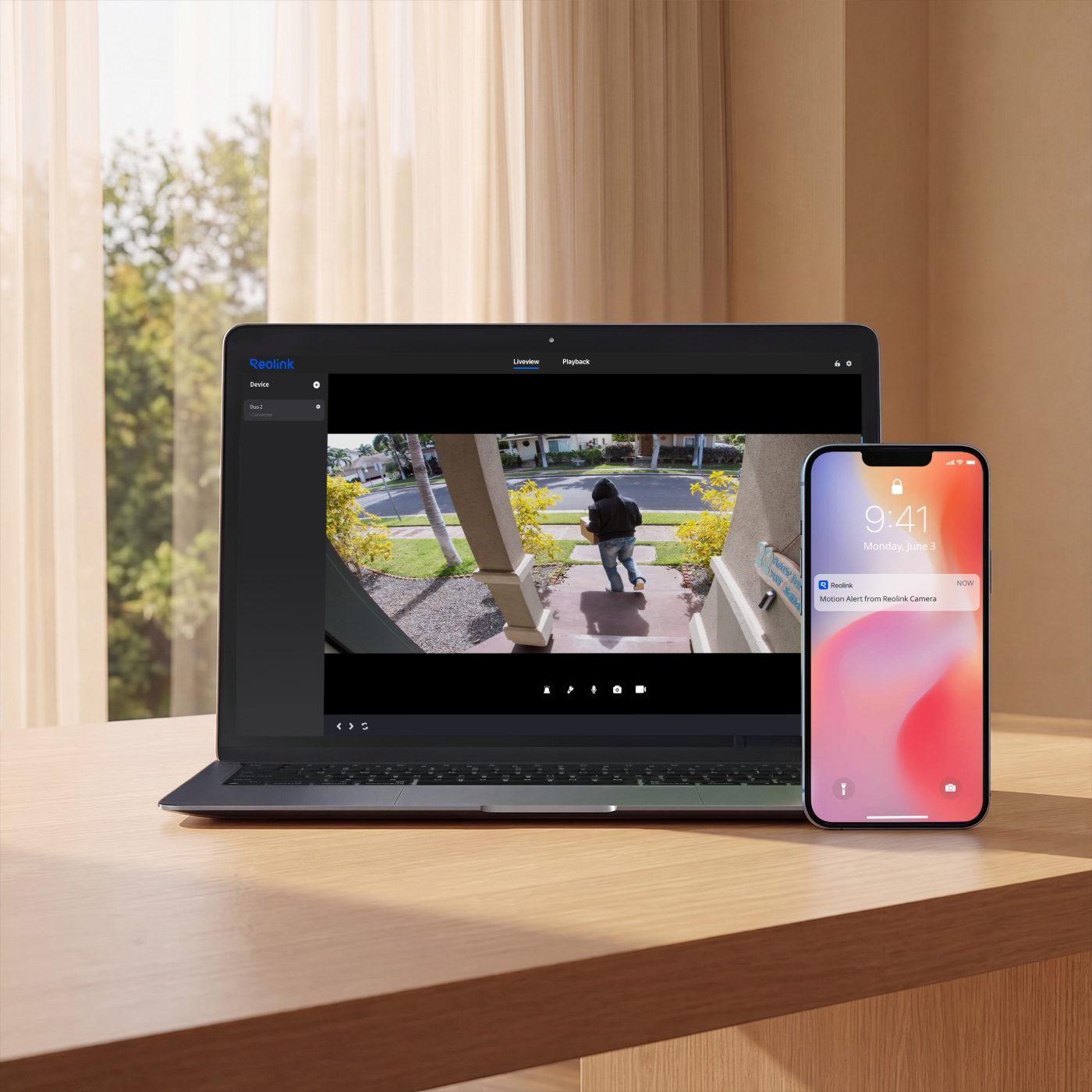
Get push and email notifications in seconds when suspicious motions are detected. No subscription fees.
Access real-time live view anytime, from anywhere, via Reolink App or Client, so you always know what's happening on your property.
With event and timeline filter, you can quickly filter out the recordings you don't need and find the clip you want within seconds.
Customize motion detection zones to monitor the areas that matter most to you and leave out what doesn’t. No more distractions.
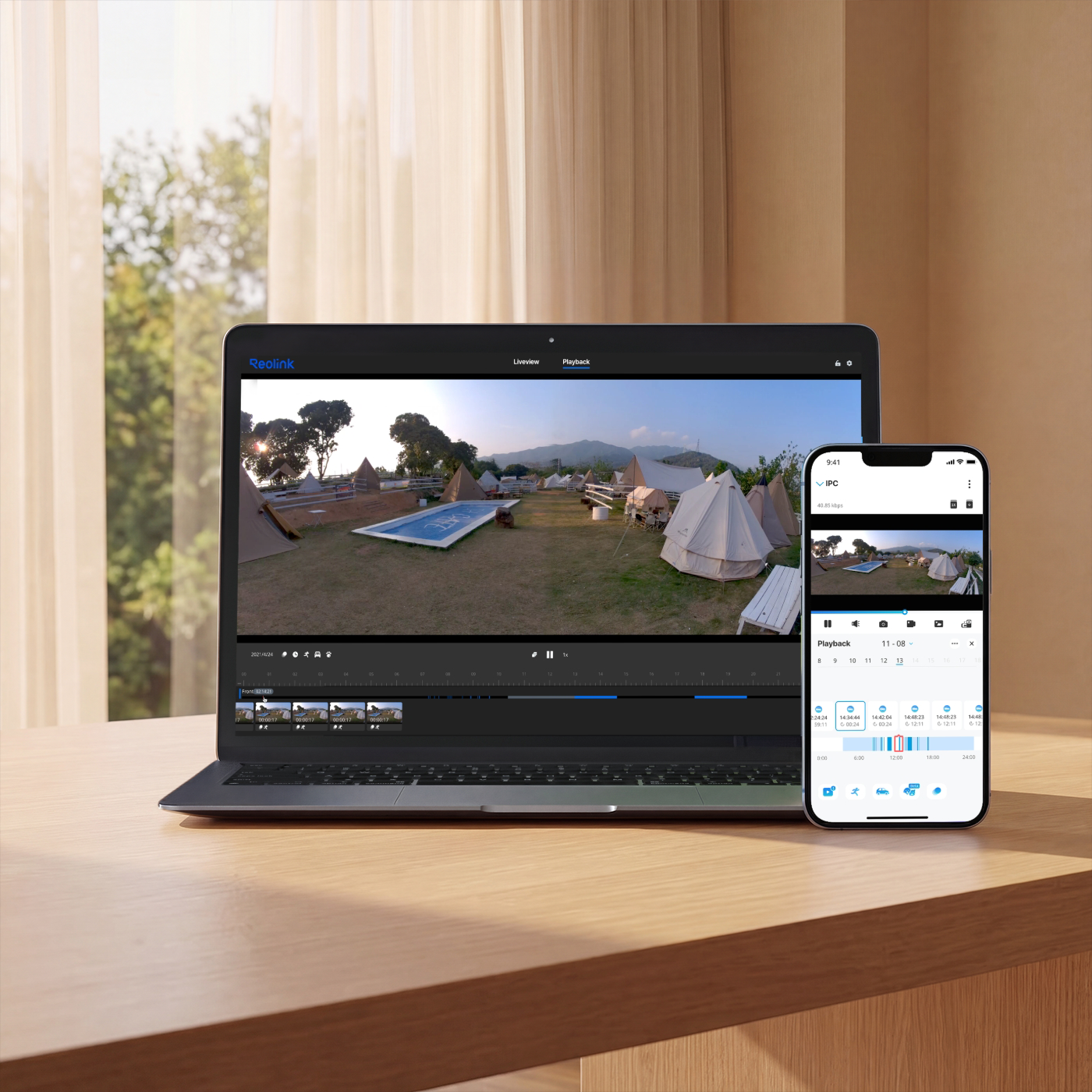
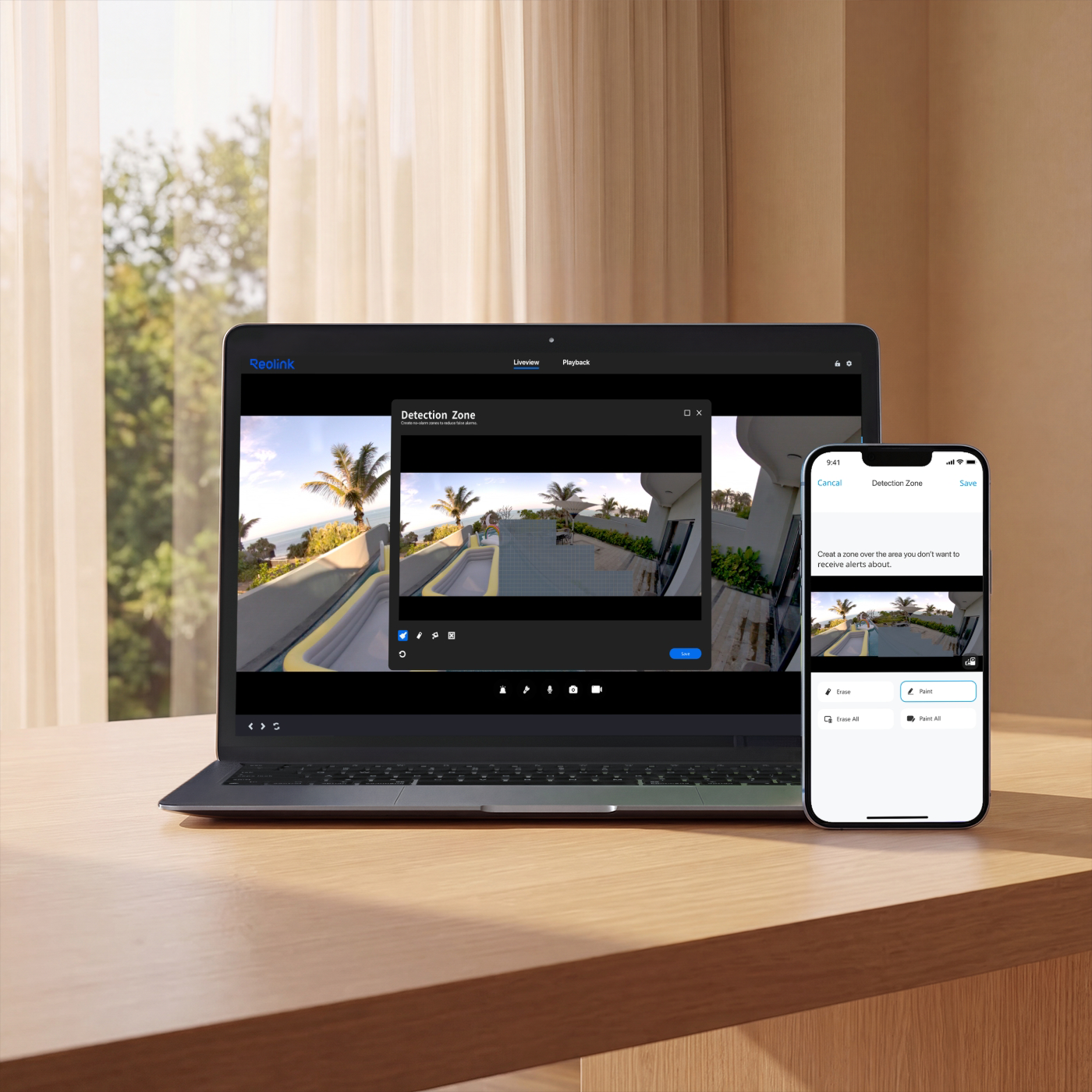

Control Your Security Smarter
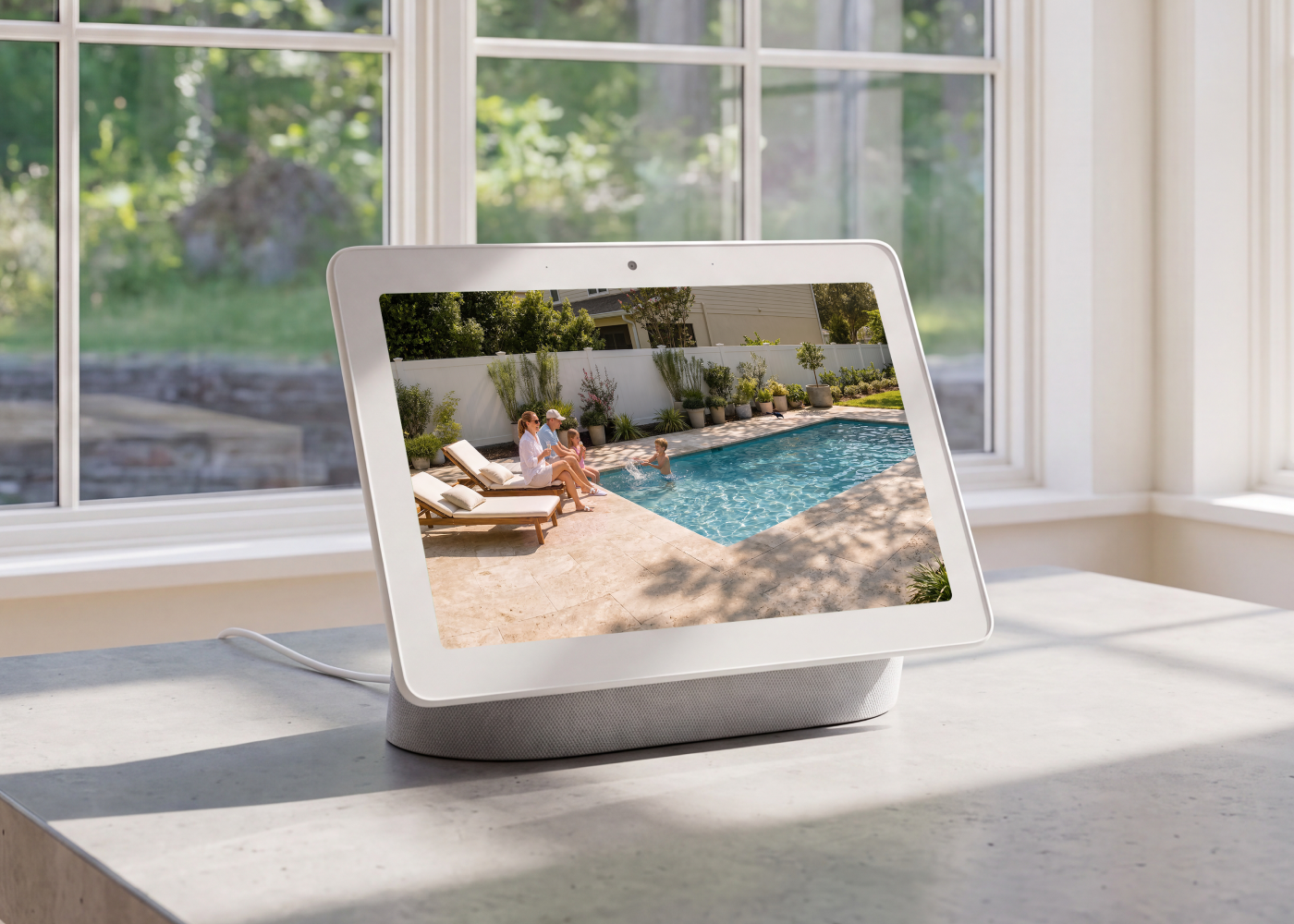
Connect OMVI X16 with your smart home ecosystem for easier monitoring and management.
Make sure the Reolink App and PC client are all updated to the latest versions.
• Reolink App: v4.62 or later
• PC Client: 8.21 or later
Check if your NVR hardware version is compatible and whether the firmware is up to date.
Supported NVRs: (with the latest firmware v3.6.5 or later)
• RLN8-410 (Hardware version: N7MB01 / NVR_NNT3NA78P)
• RLN16-410 (Hardware version: N6MB01 / NVR_NNT4NA716P)
• RLN12W
• RLN36
Note: The firmware v3.6.5 is version no. which starts with v3.6.5, e.g., v3.6.5.562_26062933. Download the firmware at https://reolink.com/download-center/
To enable both wide-angle view and PT view, please update your Client to version 8.21 or later.
For Windows users, update to version 8.21+ via the Reolink Download Center.
For Mac users, we offer separate versions for Apple Silicon and Intel, which will be updated separately going forward. Please select the specific download package that matches your Mac's architecture. The initial upgrade to version 8.21 must be downloaded manually from the Reolink Download Center, while subsequent updates can be installed directly from within the Mac Client.
Bullet camera: Horizontal - 90 degrees left and right; Vertical - Starting from the horizontal position, it can be adjusted downwards by 22 degrees (electric adjustment).
PTZ camera: Horizontal - Can rotate 360 degrees infinitely; Vertical - Starting from -5 degrees downwards, it can rotate 90 degrees.
How to Downloard the lasted firmware for your Reolink Device: How to Download the Latest Firmware for Your Reolink Device
How to find our Camera Hardware/Firmware version vis Reolink NVR: How to Find out Camera Hardware/Firmware Version via Reolink NVR (New UI)
How to find out the version of Reolink APP: How to Find out the Version of Reolink App
Introduction to Reolink NVR HyBridge Mode: Introduction to Reolink NVR HyHyBridge Mode
If the problem persists, please contact the Reolink Support Team: Submit a Request - Get More Support from Reolink
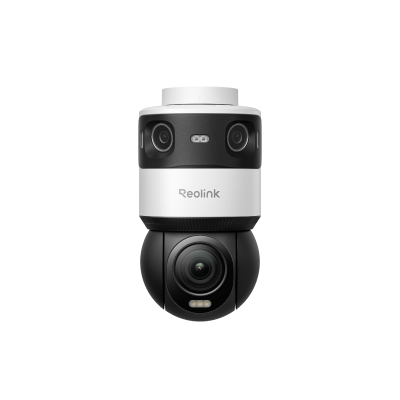 OMVi X16 PoE ×1
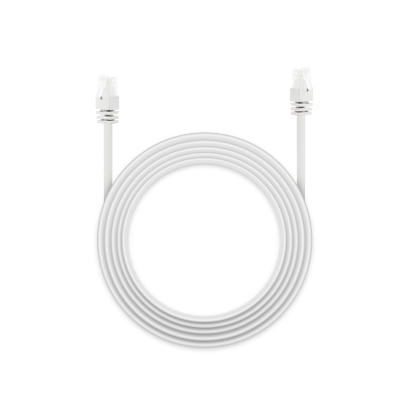 1m Ethernet Cable ×1
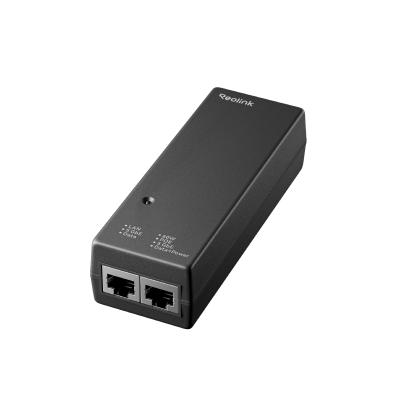 60W PoE Injector ×1
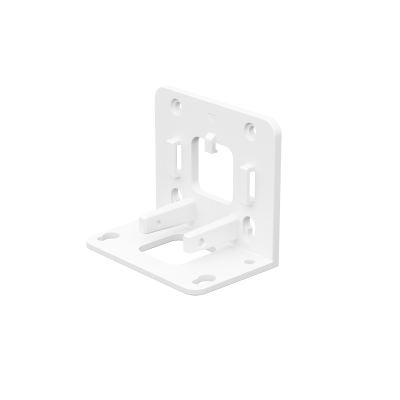 Mounting Bracket ×1


Be Prepared, Be Ahead
Never miss Reolink hot deals, news, and updates tailored for you.
Be Prepared, Be Ahead
Never miss Reolink hot deals, news, and updates tailored for you.

Google, Google Play, Google Assistant and related marks and logos are trademarks of Google LLC. Amazon, Alexa and all related logos are trademarks of Amazon.com, Inc. or its affiliates. Mac and Safari are trademarks of Apple Inc. App Store is a service mark of Apple Inc., registered in the U.S. and other countries. Firefox and the Firefox logo are trademarks of the Mozilla Foundation in the U.S. and other countries. Other product and company names mentioned herein may be trademarks of their respective companies.