Your cart is empty.

4MP PT Indoor Wi-Fi Security Camera
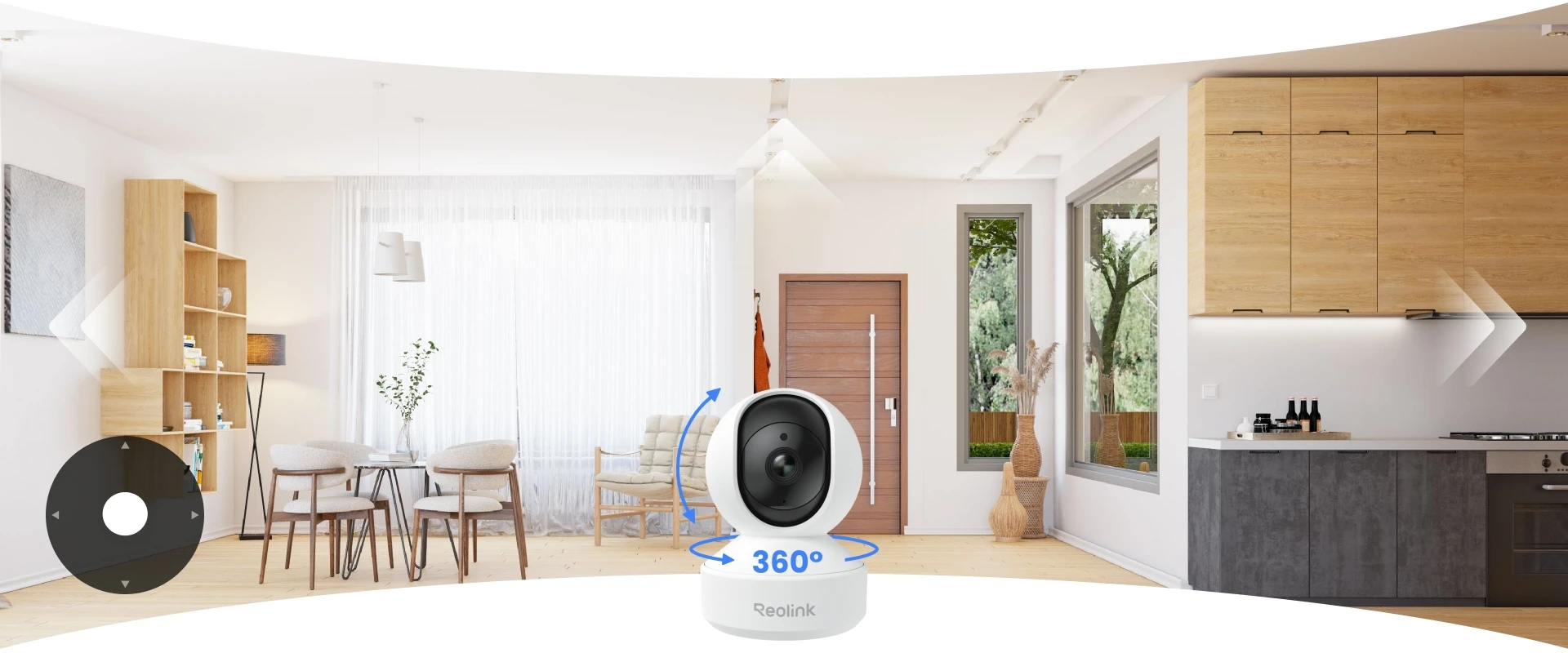
360° Pan & Tilt to Cover Every Corner
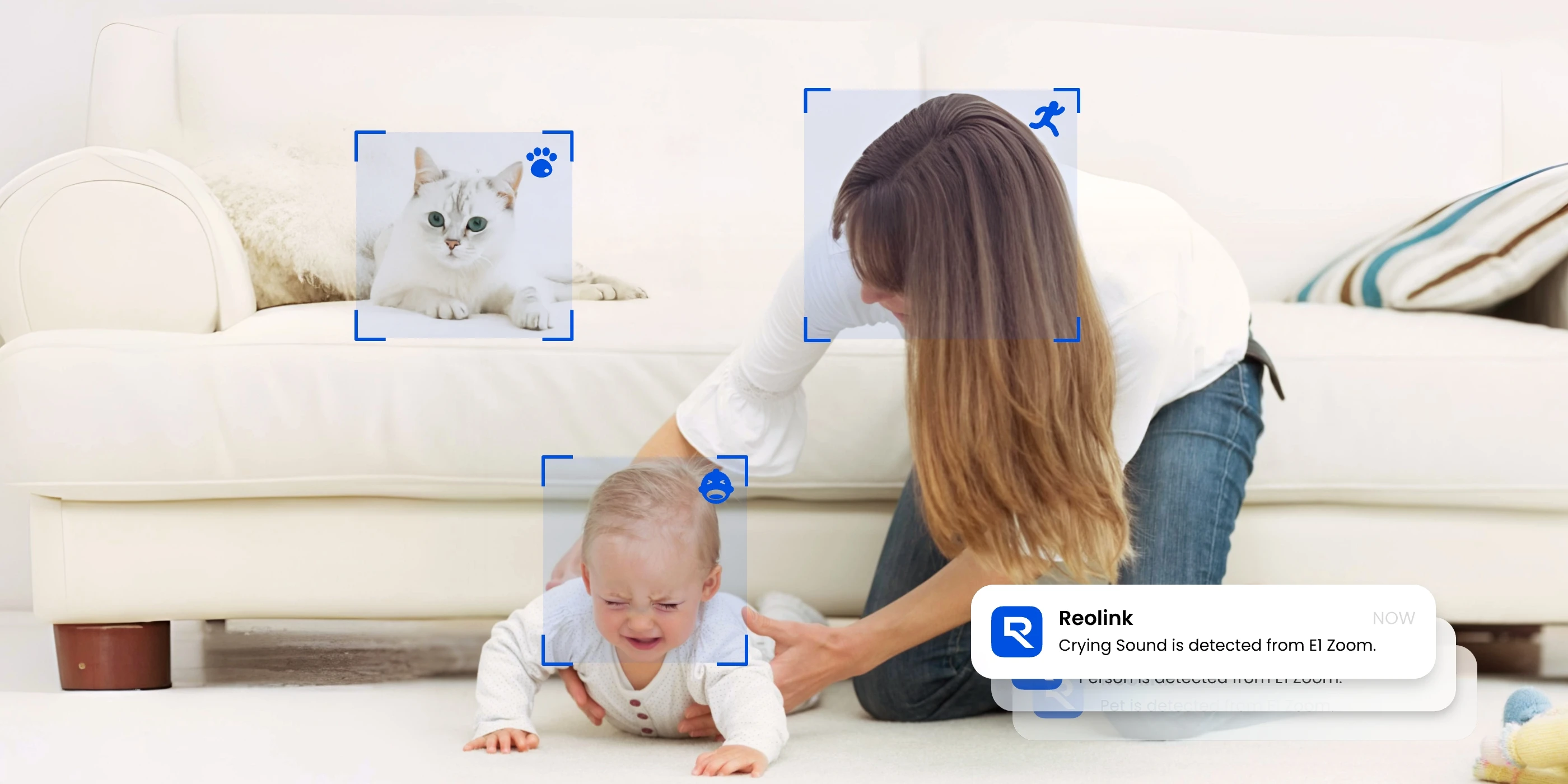
Crying Detection for Baby Monitoring
Smart Detection & Auto Tracking to Follow Movement
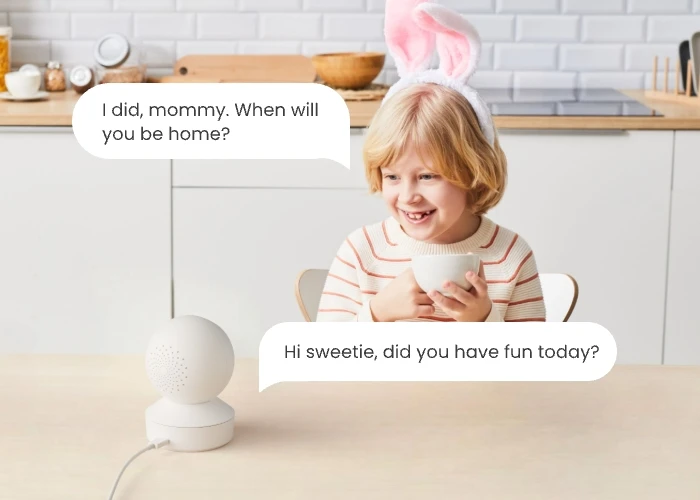
Two-Way Audio to Talk and Listen Remotely
With 360° pan-and-tilt coverage, Reolink E1 lets you look around an entire room from a single camera. Rotate the lens remotely to check different corners, keep an eye on children playing, or follow pets moving around your home without installing multiple cameras.
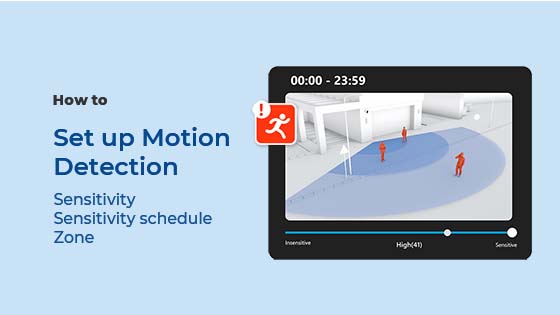
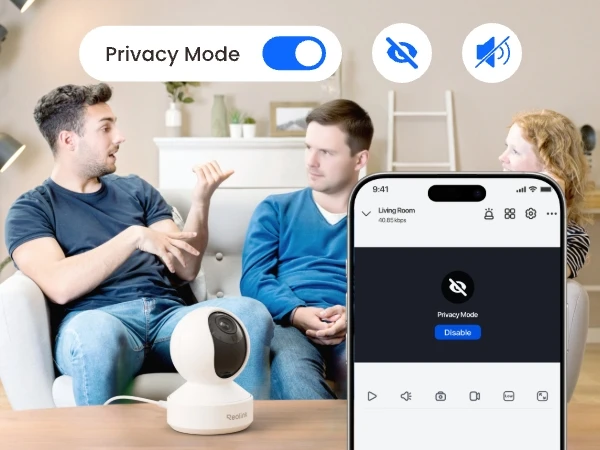
With smart detection of people, pets, and crying sounds, stay aware of what matters most. Instantly know when your baby needs you, even when you are out of earshot, so you don't have to keep checking in. Powered by on-device AI detection, Reolink E1 processes detection locally for greater privacy.
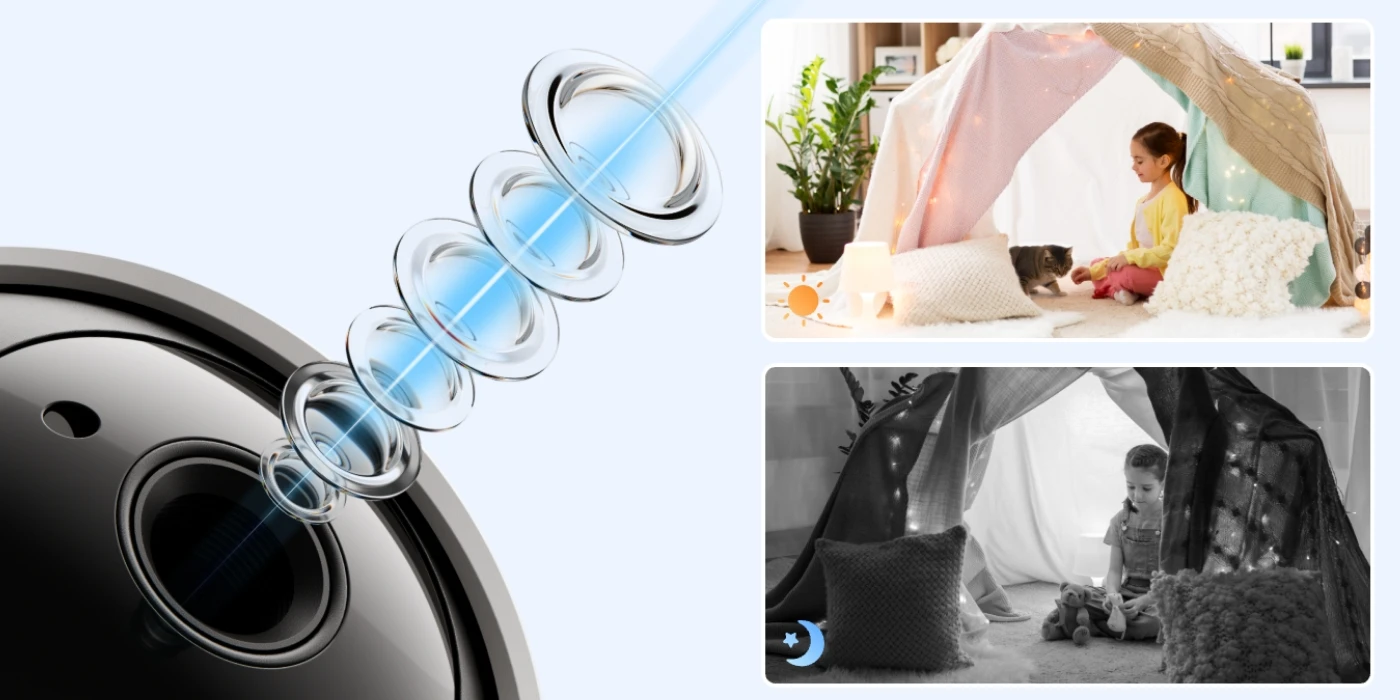
Reolink E1 captures sharp 4MP Super HD video (2560 × 1440), making it easier to see what's happening inside your home. When the lights go out, 8 infrared LEDs provide clear black-and-white night vision up to 40ft, so you can check on your children, pets, or other rooms even in complete darkness.
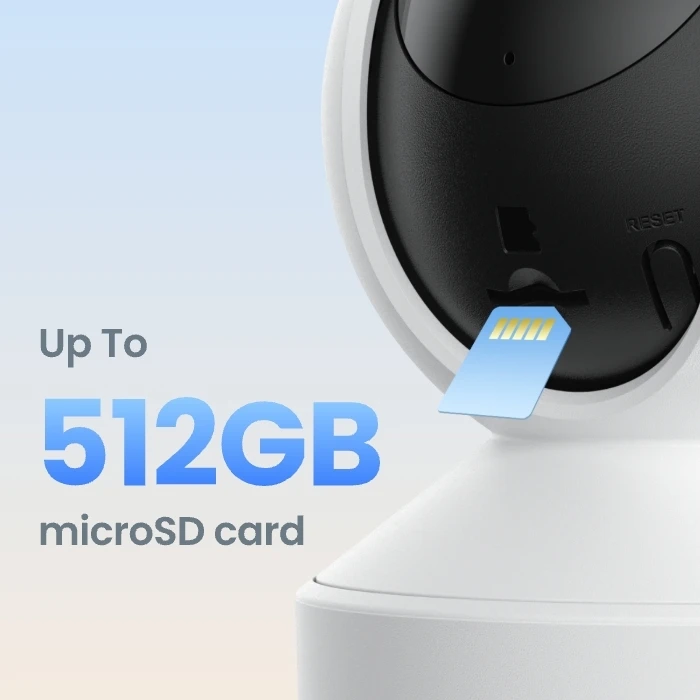
Save motion-triggered clips or continuous video recordings for later playback. Choose a microSD card of up to 512GB, a compatible Reolink NVR, or a Reolink Home Hub to store your footage locally without monthly subscription fees.
Insert a microSD card of up to 512GB and capture continuous recording of up to 17.5 Days at the default 2560kbps bitrate. Even during network outages, your footage remains safely stored on the SD card, ensuring you never miss a moment.
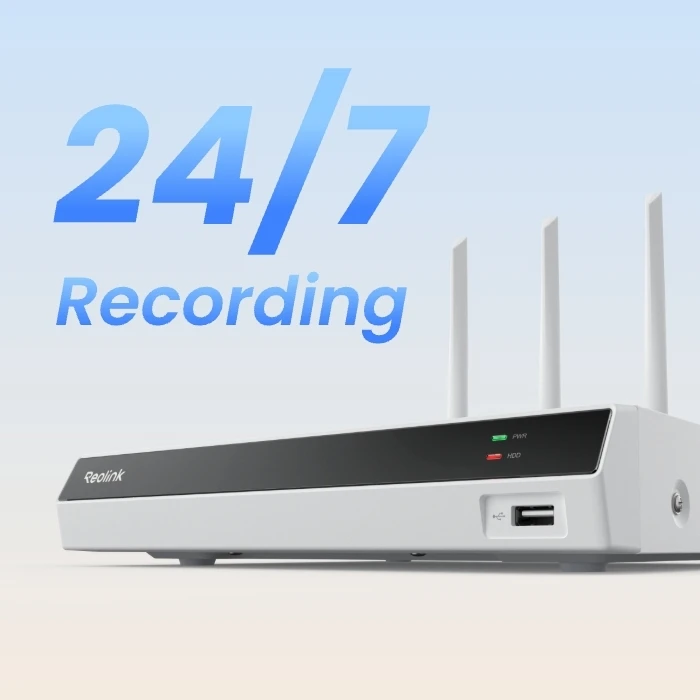
Connect your E1 to a Reolink NVR for extended local storage. Build your home security system and securely store 24/7 continuous recordings from up to 36 cameras.
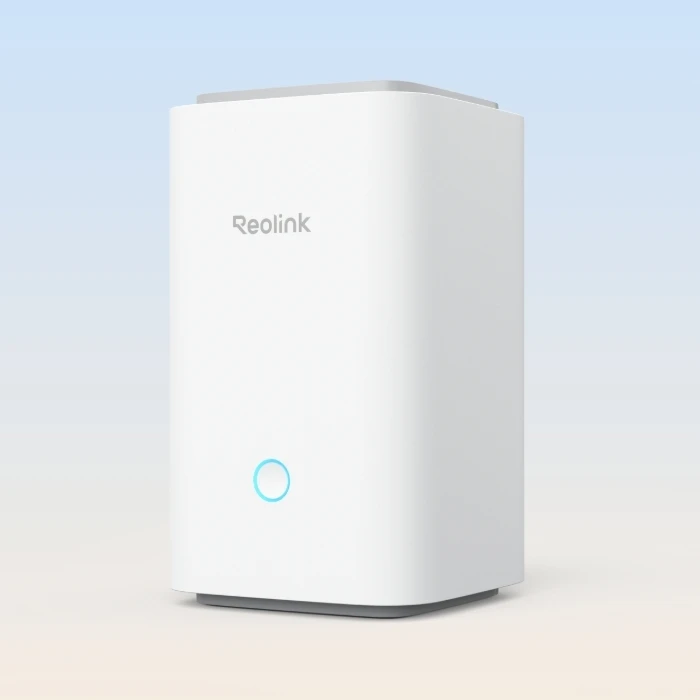
Expand your storage and enjoy seamless and centralized management with a Reolink Home Hub or Home Hub Pro. With built-in AES-128 encryption, your data is securely protected and accessible only to you—no monthly fees.

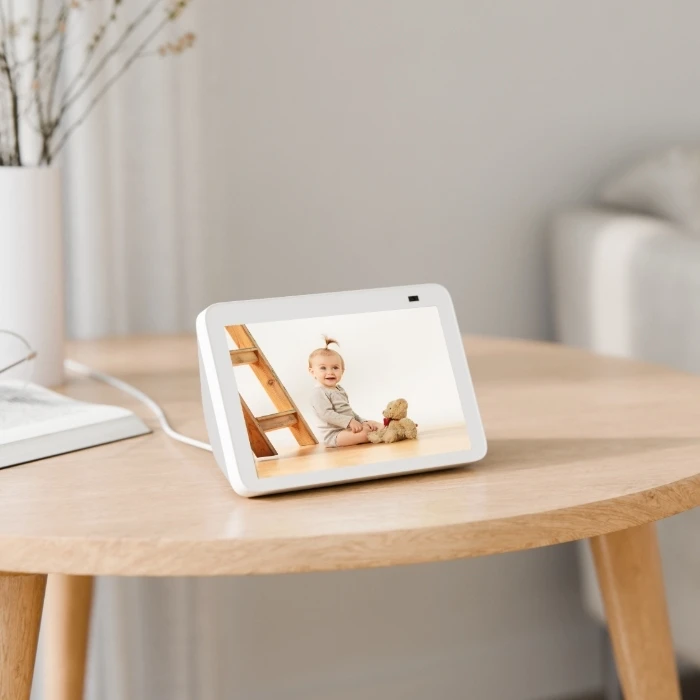
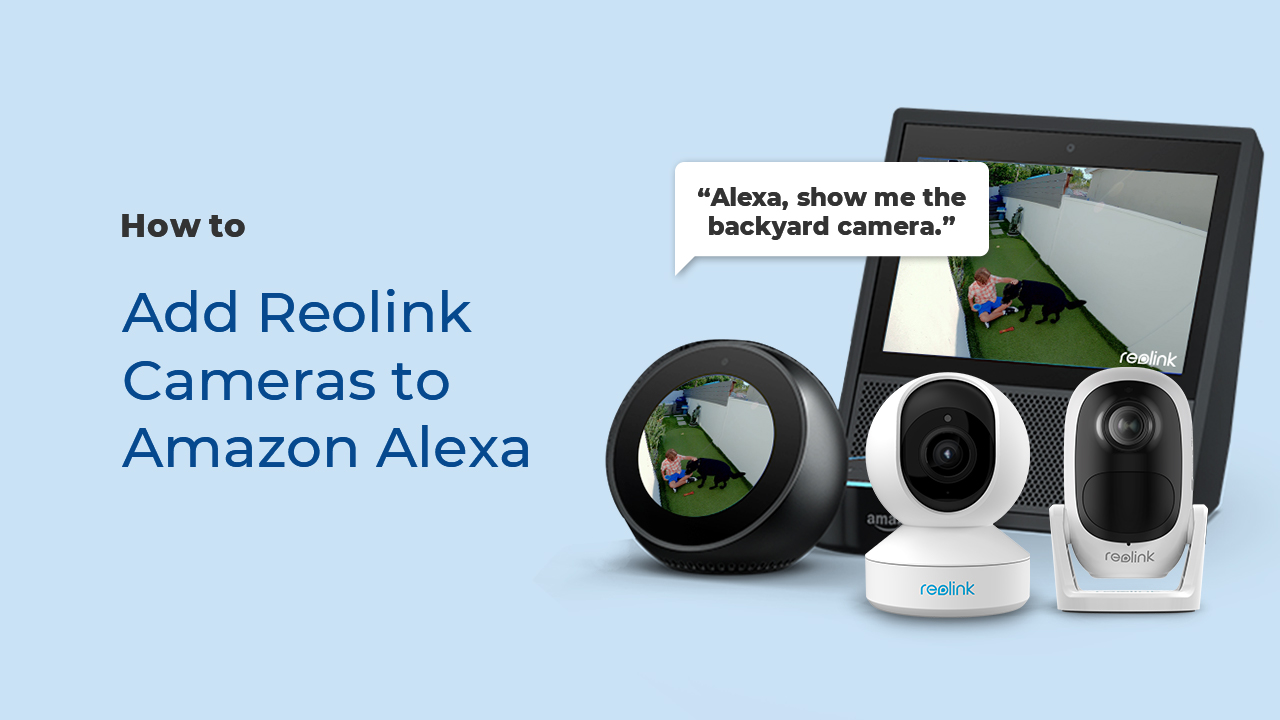
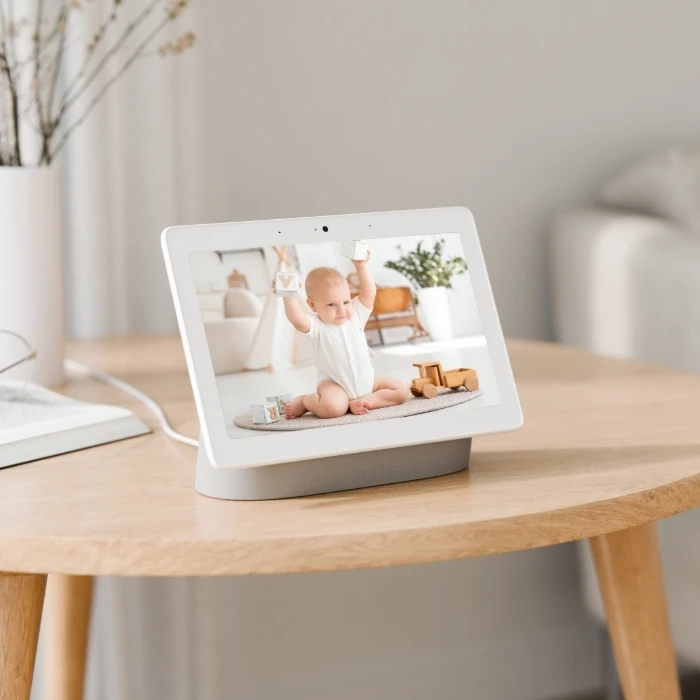
As easy as saying "Hey Google, show me the Baby Monitor", you can check on your little one's safety anytime on your Google Nest Hub or Chromecast-enabled TVs.
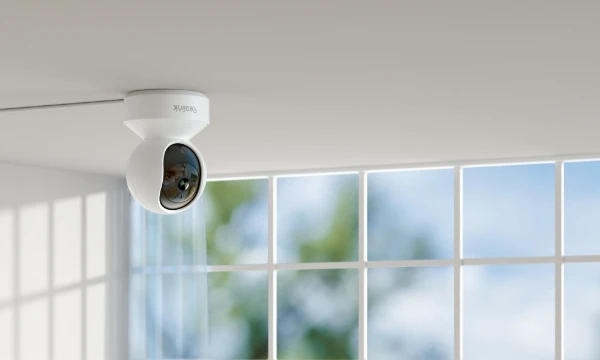
Use the removable mounting plate to install Reolink E1 on the ceiling, keeping the camera out of the way while monitoring the room from above.
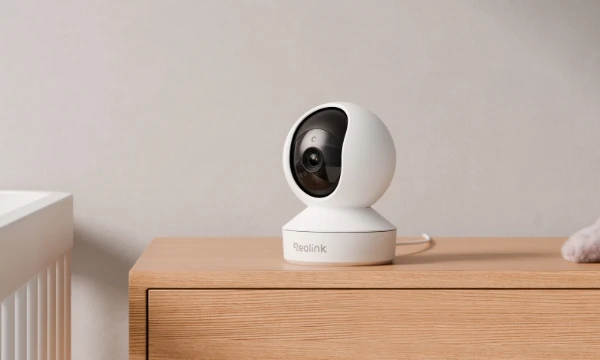
Simply place Reolink E1 on a flat surface, such as a table or shelf. No drilling is required, and you can easily move it to another room when needed.
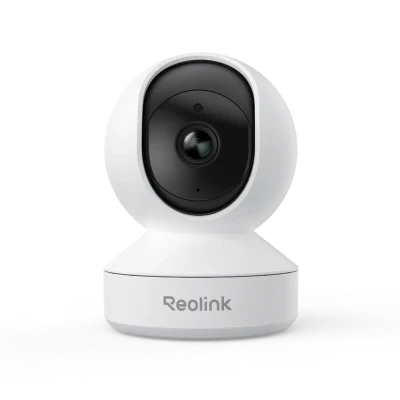
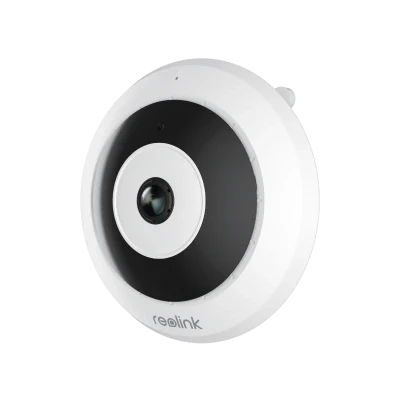
The main differences between Reolink E1, E1 Pro, and E1 Zoom are video resolution, Wi-Fi connectivity, and zoom capability. Reolink E1 offers 4MP resolution and 2.4GHz Wi-Fi for everyday indoor monitoring, while E1 Pro upgrades to 5MP resolution and dual-band Wi-Fi for sharper images and more connection options. E1 Zoom takes it further with 4K 8MP resolution, Wi-Fi 6, and 3× optical zoom to capture finer details.
Choose E1 for monitoring children, pets, or everyday activities in smaller rooms, E1 Pro for keeping an eye on larger living spaces with clearer details, or E1 Zoom for monitoring long hallways and spacious rooms where zooming in on distant details is important.
Yes. Reolink E1 will normally reconnect to Wi-Fi automatically after a temporary network interruption or router restart, provided the Wi-Fi name and password remain unchanged. If the camera stays offline, check the Wi-Fi signal and restart the camera and router.
If you've changed your Wi-Fi name or password, you'll need to reset the E1 and set up its Wi-Fi connection again.
Yes. You can access Reolink E1 remotely through the Reolink App using your phone's mobile data or another Wi-Fi network. Once the camera is connected to your home Wi-Fi and added to the app, you can watch live video, check recordings, receive motion alerts, and use two-way audio to communicate with family members or pets.
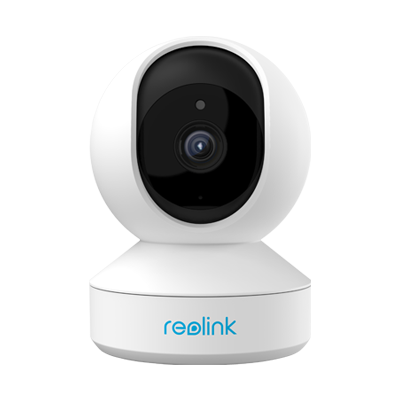 E1 ×1
E1 ×1 Mounting Plate ×1
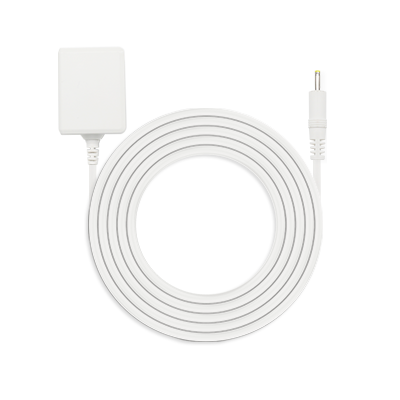 Power Adapter ×1



Be Prepared, Be Ahead
Never miss Reolink hot deals, news, and updates tailored for you.
Be Prepared, Be Ahead
Never miss Reolink hot deals, news, and updates tailored for you.

Google, Google Play, Google Assistant and related marks and logos are trademarks of Google LLC. Amazon, Alexa and all related logos are trademarks of Amazon.com, Inc. or its affiliates. Mac and Safari are trademarks of Apple Inc. App Store is a service mark of Apple Inc., registered in the U.S. and other countries. Firefox and the Firefox logo are trademarks of the Mozilla Foundation in the U.S. and other countries. Other product and company names mentioned herein may be trademarks of their respective companies.