
RLN8-410

12-Channel* PoE NVR for 24/7 Continuous Recording

Supporting Up to 16MP

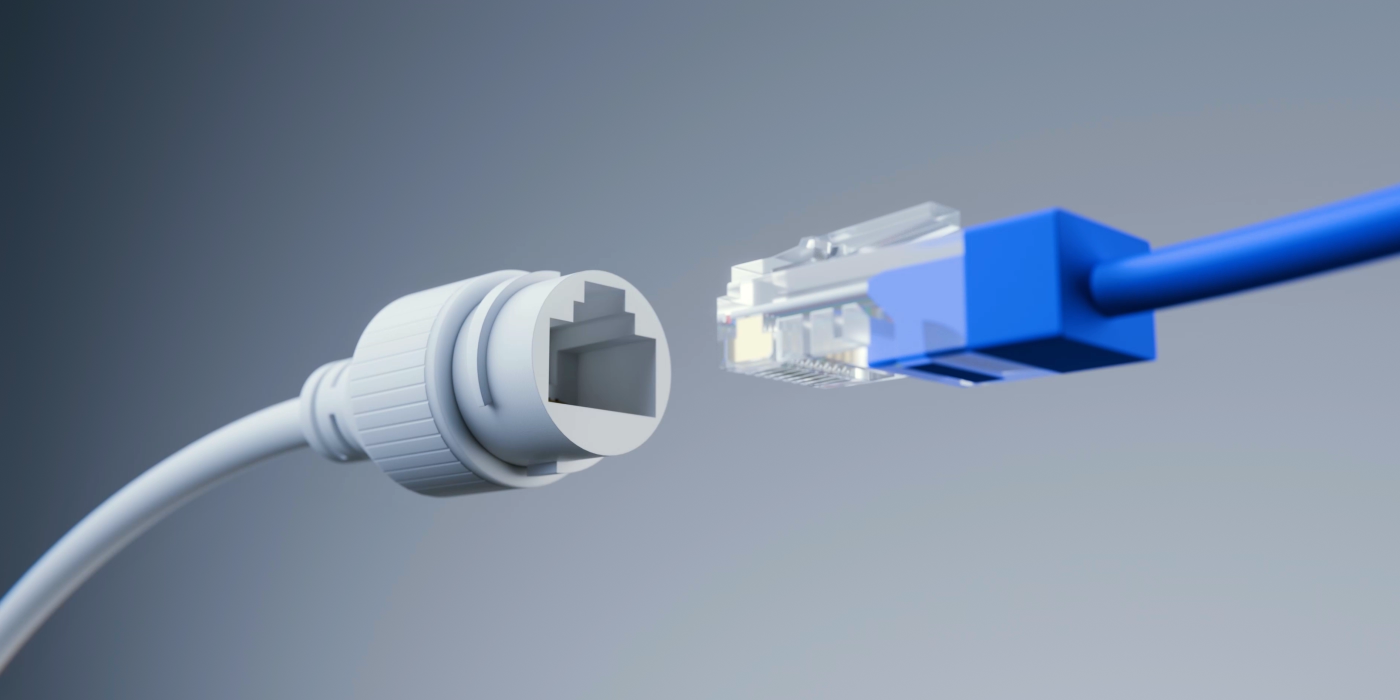
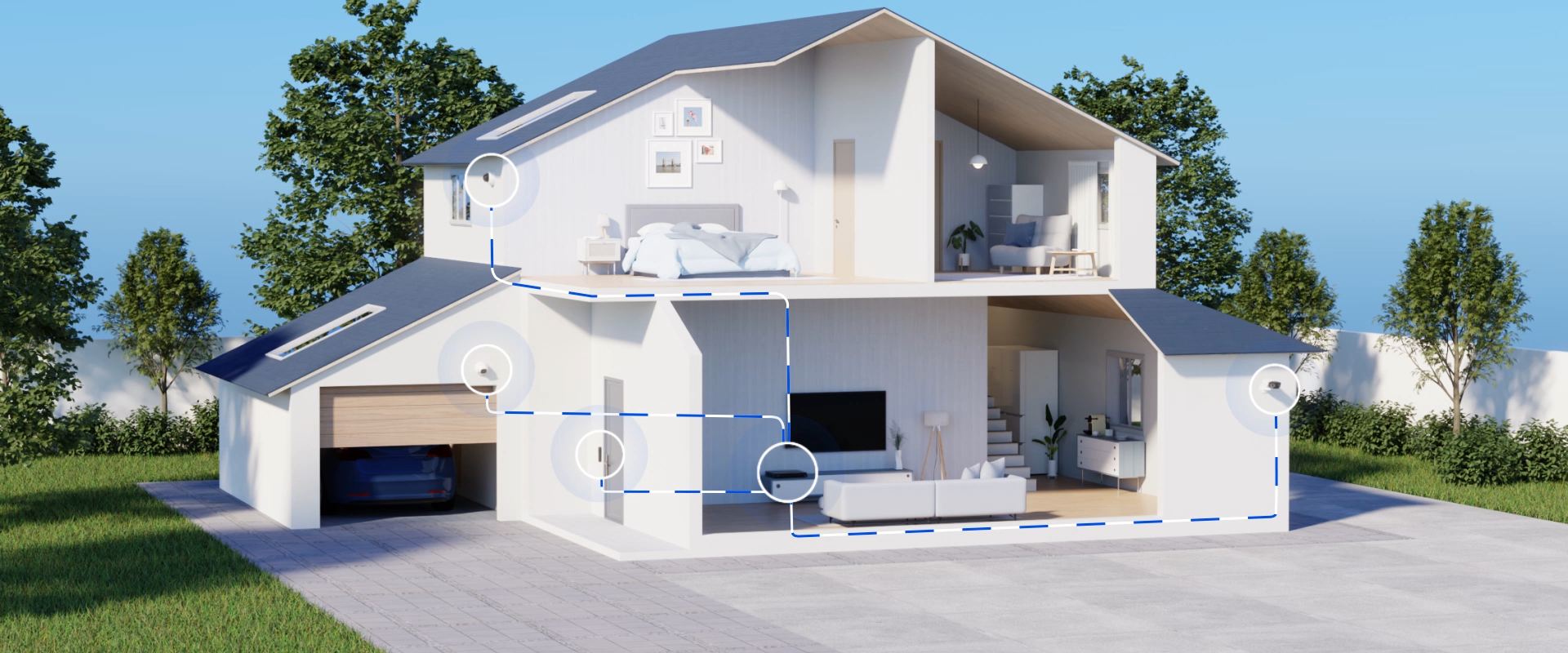
Power over Ethernet

Pre-installed 2TB HDD

Expandable Storage up to 16TB

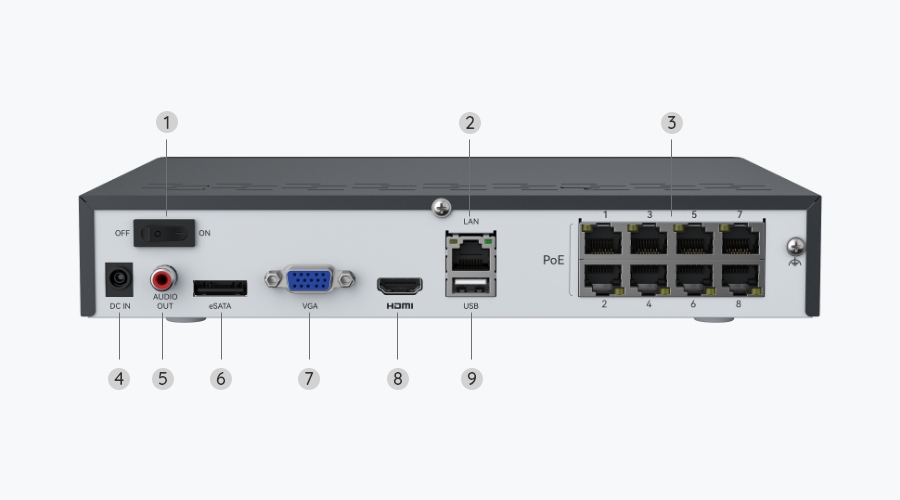
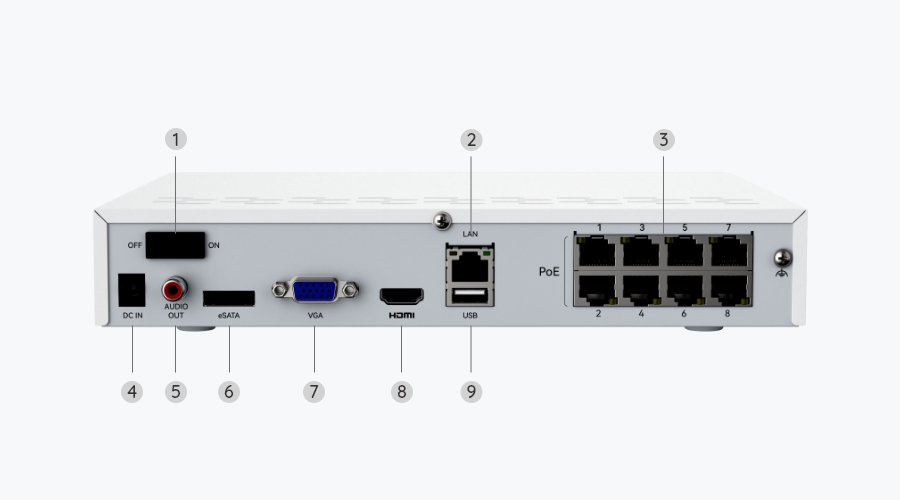
8 PoE Ports

Expandable to 12 Channels

Up to 16MP

Ultra-High Definition

Up to 16TB

Built-in 2TB HDD

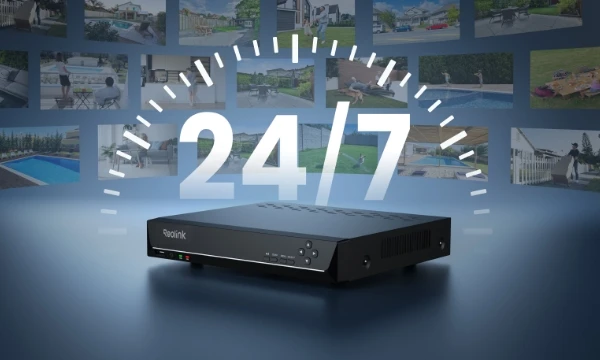
24/7 Video Recording

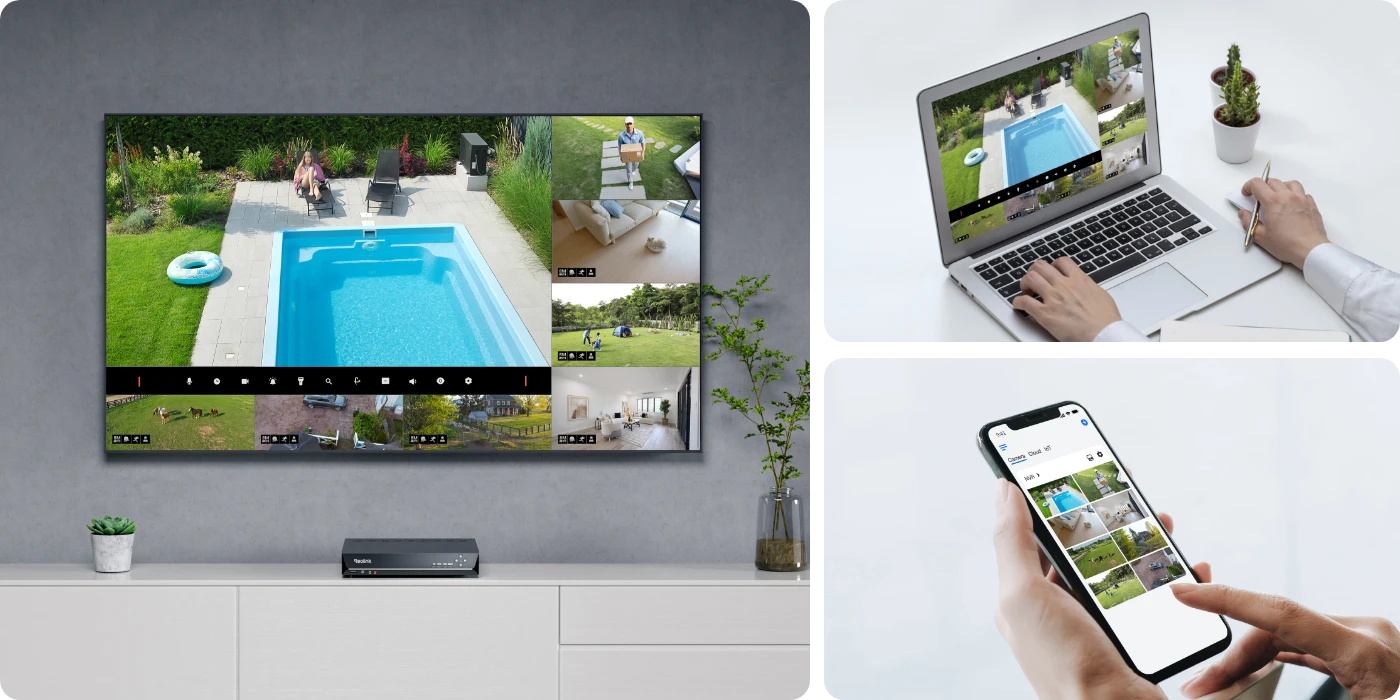
Experience the peace of mind that comes with 24/7 local recording. The Reolink RLN8-410 ensures your footage is continuously recorded and backed up, allowing for instant playback at your convenience.

Expandable Local Storage

With a built-in 2TB HDD and expandable storage up to 16TB (8TB SATA and 8TB eSATA), this 8-channel NVR eliminates storage worries, making it ideal uninterrupted continuous monitoring from multiple cameras.

Daytime Vision
Spotlight Night Vision
Nighttime Vision

Step 1
Set up the NVR

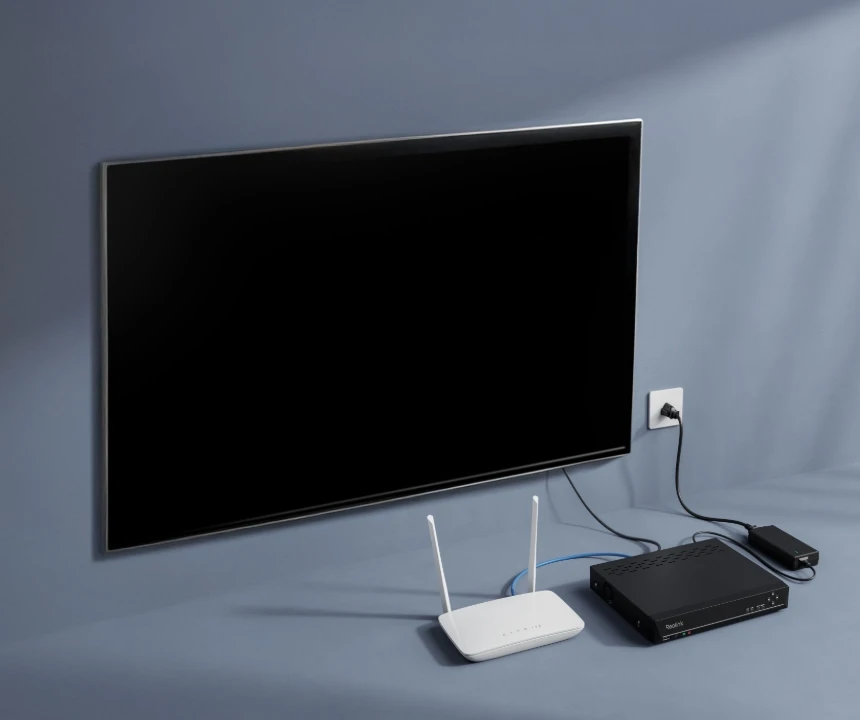
Connect the NVR to your router and a monitor/TV, then to a power outlet and turn it on.

Step 2
Set up the Camera

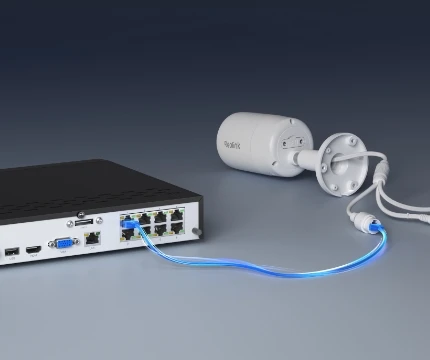
Connect your camera to any PoE port on the NVR with an Ethernet cable.

Step 3
Follow the Initiation Instructions

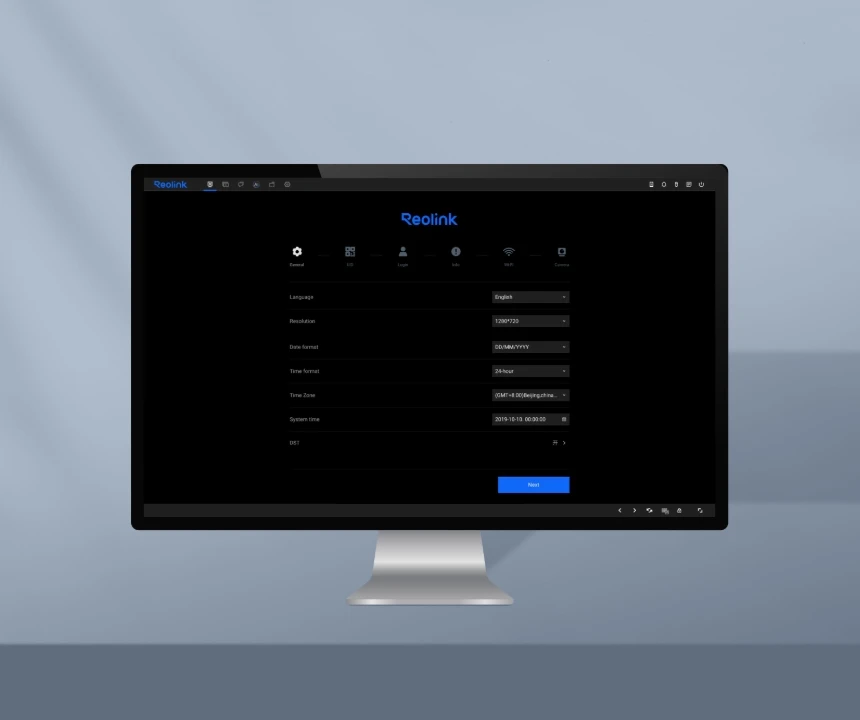
When you power on the NVR for the first time, follow the instructions to complete the basic configuration.

What cameras are compatible with RLN8-410?

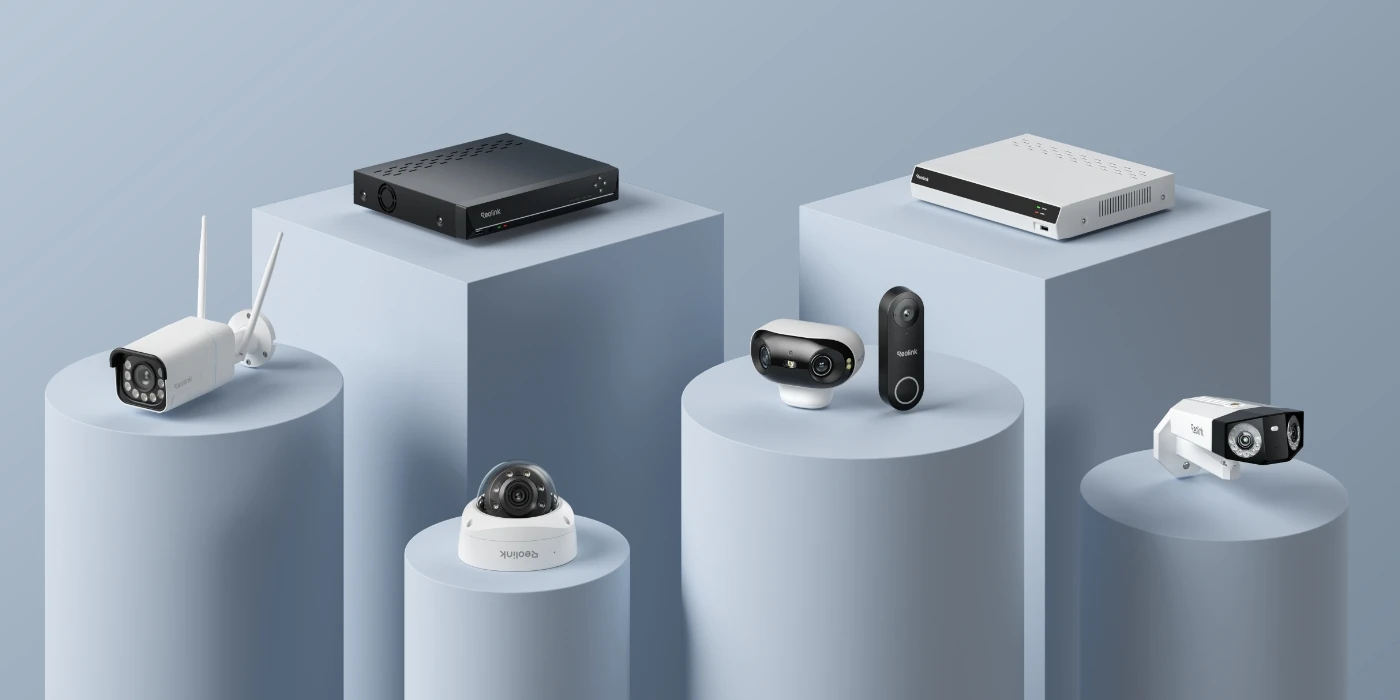
The Reolink RLN8-410 is compatible with most Reolink PoE cameras and non-battery WiFi cameras. However, supported models may vary depending on the hardware version. For detailed compatibility information, please refer to the Reolink NVR compatibility page on our support site.

How many channels is RLN8-410?

The RLN8-410 has 8 physical ports but supports up to 12 cameras in total (specific hardware version required). In addition to the 8 wired connections, you can also add up to 4 more Reolink WiFi cameras.

What is the difference between RLN16-410 and RLN8-410?

The RLN16-410 comes with 16 ports and a pre-installed 4TB HDD, while the RLN8-410 features 8 ports and a pre-installed 2TB HDD.

What is the lifespan of a Reolink NVR?

The typical lifespan of a Reolink NVR is around 5–10 years, but this can vary significantly depending on usage conditions and how well it is maintained. Several factors can affect its longevity. For example, continuous 24/7 recording, high ambient temperatures, or poor ventilation can put extra strain on the system and shorten its lifespan.

What tools and materials are needed to set up the Reolink RLN8-410?

To set up the Reolink RLN8-410, you’ll need a monitor or TV (HDMI) and a mouse for initial configuration, Ethernet cables (Cat5e/Cat6) for camera connections, and a stable internet connection for remote access.

If mounting cameras, you may also need basic tools such as a drill, screws, anchors, a screwdriver, and possibly a ladder depending on installation height.

Comparison

What's in the box

    Compare all Reolink models