Your cart is empty.

36-Channel NVR with Up to 48TB Local Storage
Manage Up to 36 Reolink Cameras in One NVR System
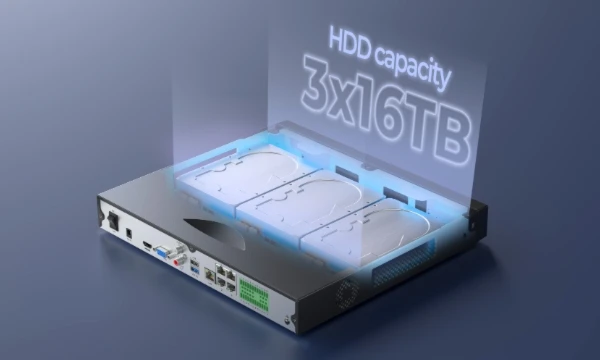
Up to 48TB Local Storage with SATA HDDs (drives sold separately)
Capture Finer Details with Up to 16MP Resolution
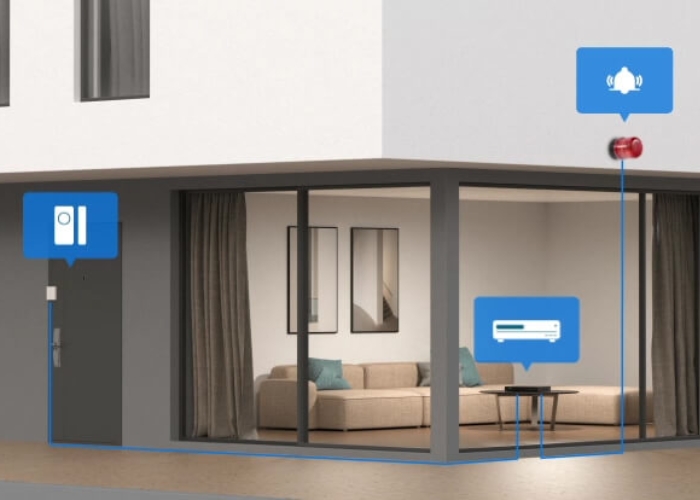
8 Alarm Inputs & 4 Outputs for Smart Integration
Eliminate the need to split your security system across multiple recorders. The Reolink RLN36 NVR brings up to 36 PoE, Wi-Fi, or battery-powered camera feeds together into a single, intuitive dashboard on the Reolink App or Client. Manage, monitor, and configure all your indoor and outdoor cameras from one unified hub and mobile interface.
Up to 36 Channels
Alarm In/Out
Up to 16MP
Ultra-High Definition
Up to 48TB
3× 16TB HDD (Not Included)
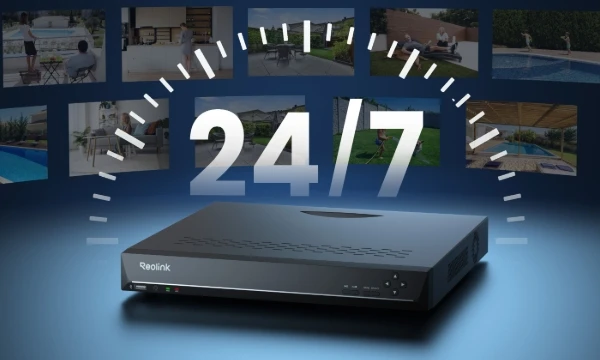
The Reolink RLN36 NVR delivers continuous 24/7 video recording and up to 48TB of subscription-free local storage across three internal SATA hard drive bays.
Never miss a critical moment. By recording continuously 24 hours a day, the RLN36 captures everything that happens on your property—allowing you to go back and examine unflagged activity, background movements, or context before and after an incident.
Equipped with 3 internal SATA hard drive slots supporting up to 16TB each, the RLN36 scales up to a 48TB total capacity. This local-first setup gives high-channel installations the storage headroom needed for weeks or months of continuous video history without monthly service fees.
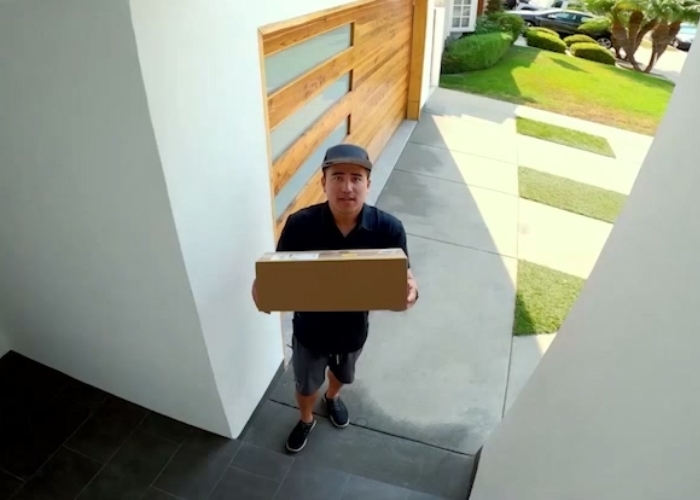
The Reolink RLN36 NVR decodes and records video from connected Reolink cameras up to 16MP Ultra HD day and night. High-resolution recording ensures that broad-coverage setups (like 180° panoramic dual-lens cameras) retain crisp detail from corner to corner. Whether monitoring driveways, loading docks, or expansive yards, the RLN36 records full-fidelity footage across all active channels.
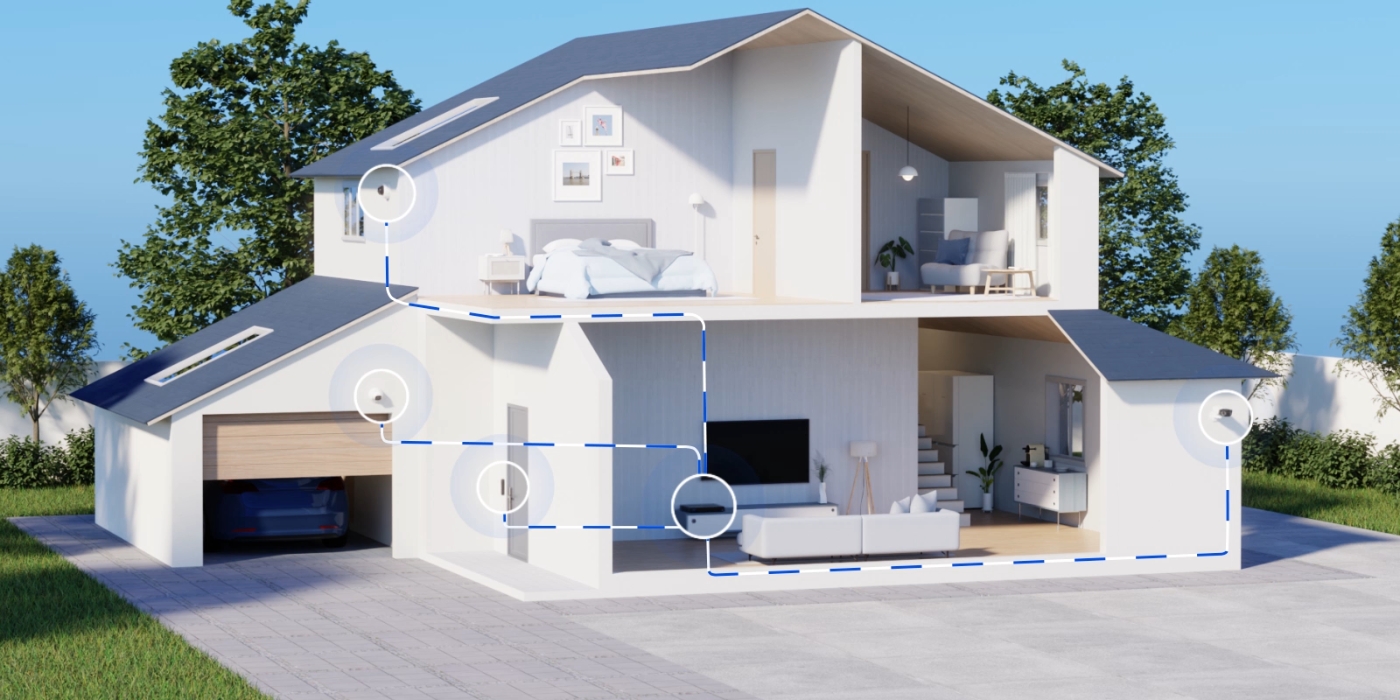
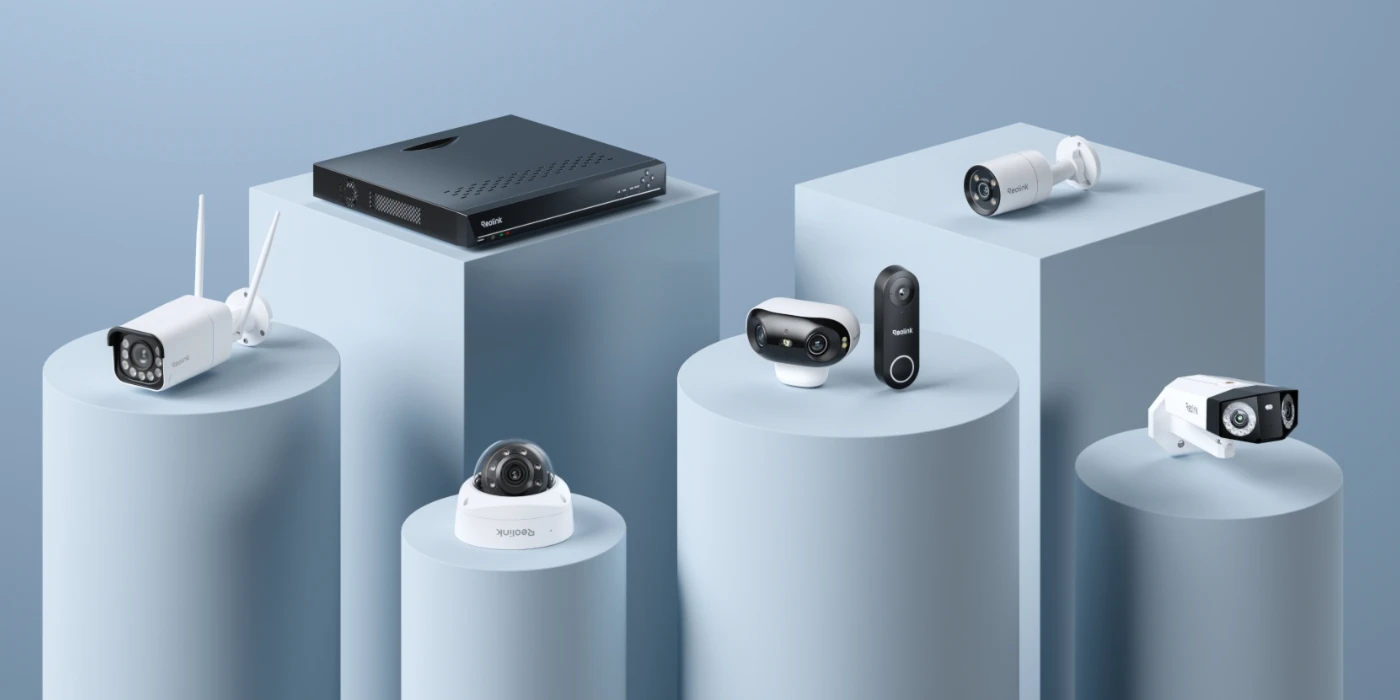
The Reolink RLN36 NVR supports multi-camera ecosystems by connecting up to 36 Reolink PoE, plug-in Wi-Fi, and battery-powered Wi-Fi cameras onto a single centralized recorder.
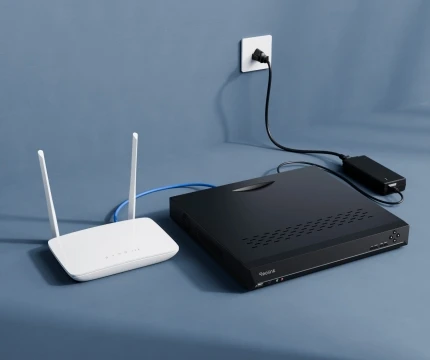
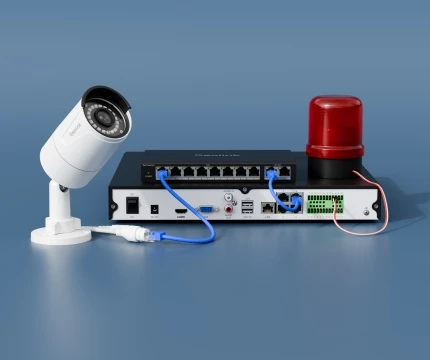
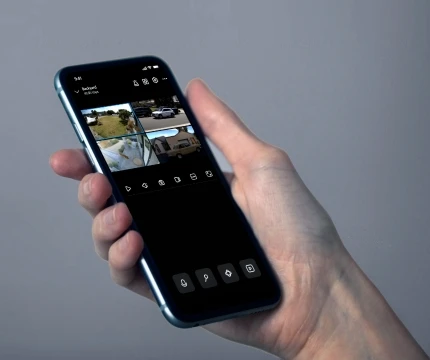
Get your Reolink RLN36 36-channel NVR operational in three simple steps: powered local setup, camera network connection, and instant mobile pairing. For detailed installation instructions, refer to the Reolink RLN36 manual.
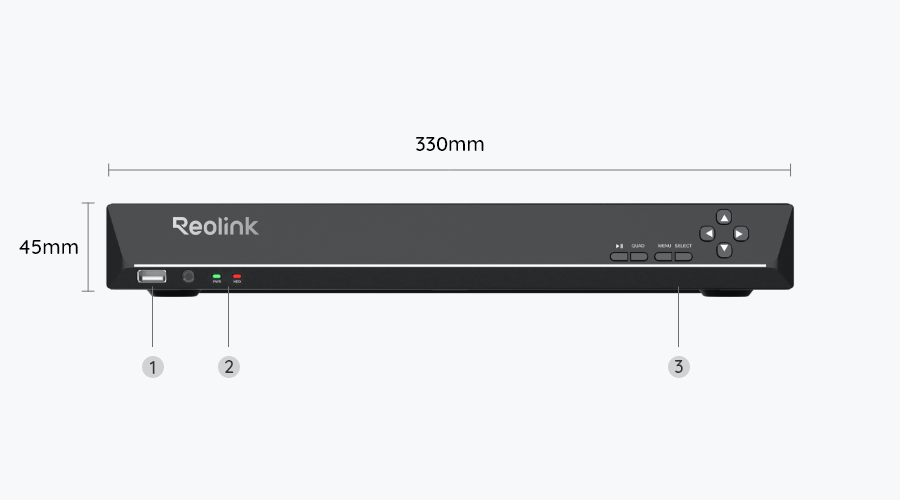
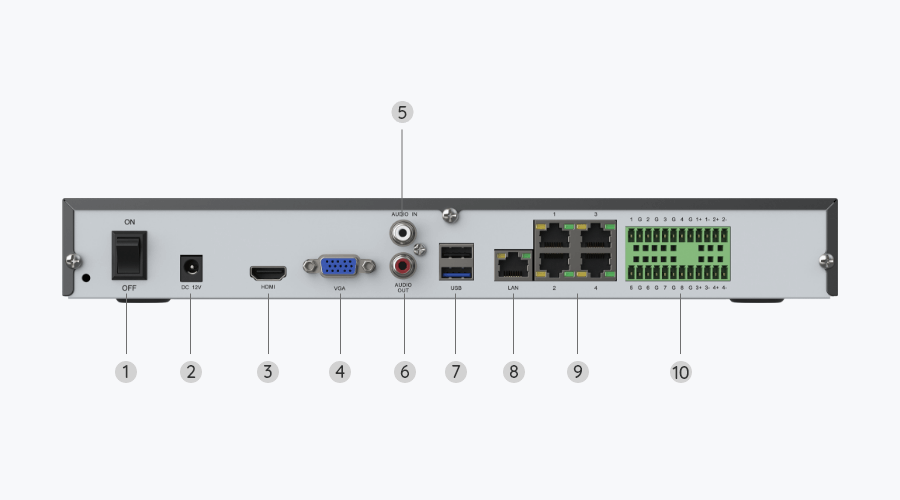
Connect the RLN36 to your local router using an Ethernet cable, and attach a monitor or TV via HDMI/VGA. Plug the power cable into an electrical outlet and flip the rear power switch on.
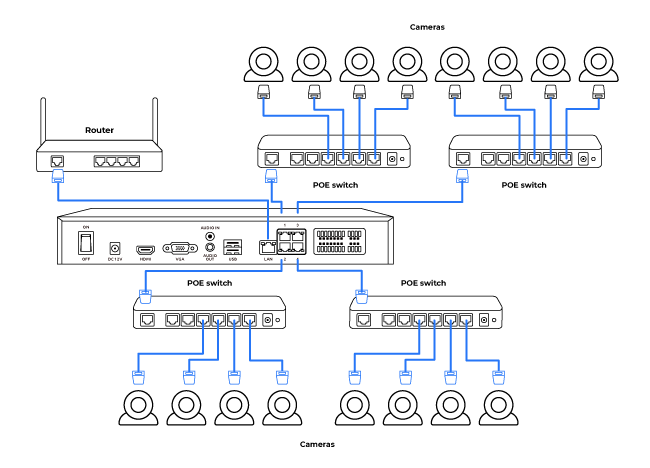
Connect an external PoE switch to any standard network port on the RLN36 harness, then plug your PoE cameras into the switch. For wireless setups, connect Reolink Wi-Fi cameras to the same local network or sync them directly to the NVR interface.
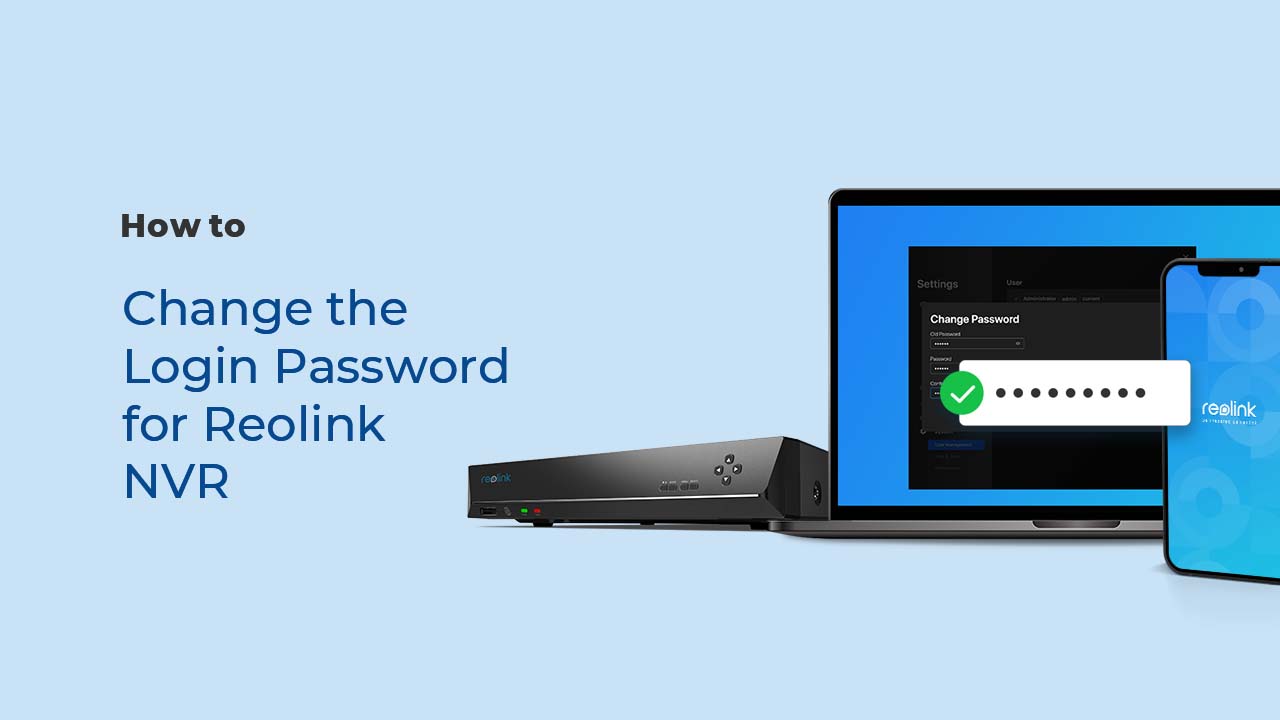
Open the Reolink App on your mobile device, tap the + icon, and scan the QR code located on the RLN36 housing. Follow the on-screen prompts to set a master password and access live video feeds.
The Reolink RLN36 NVR offers dual-access flexibility—providing zero-latency local monitoring on connected screens without internet access, alongside secure remote viewing worldwide. Connect a monitor or TV directly to the NVR for real-time, offline multi-camera monitoring on-site. Or stream live feeds, receive real-time push alerts, and manage camera settings remotely through the Reolink App or Client.
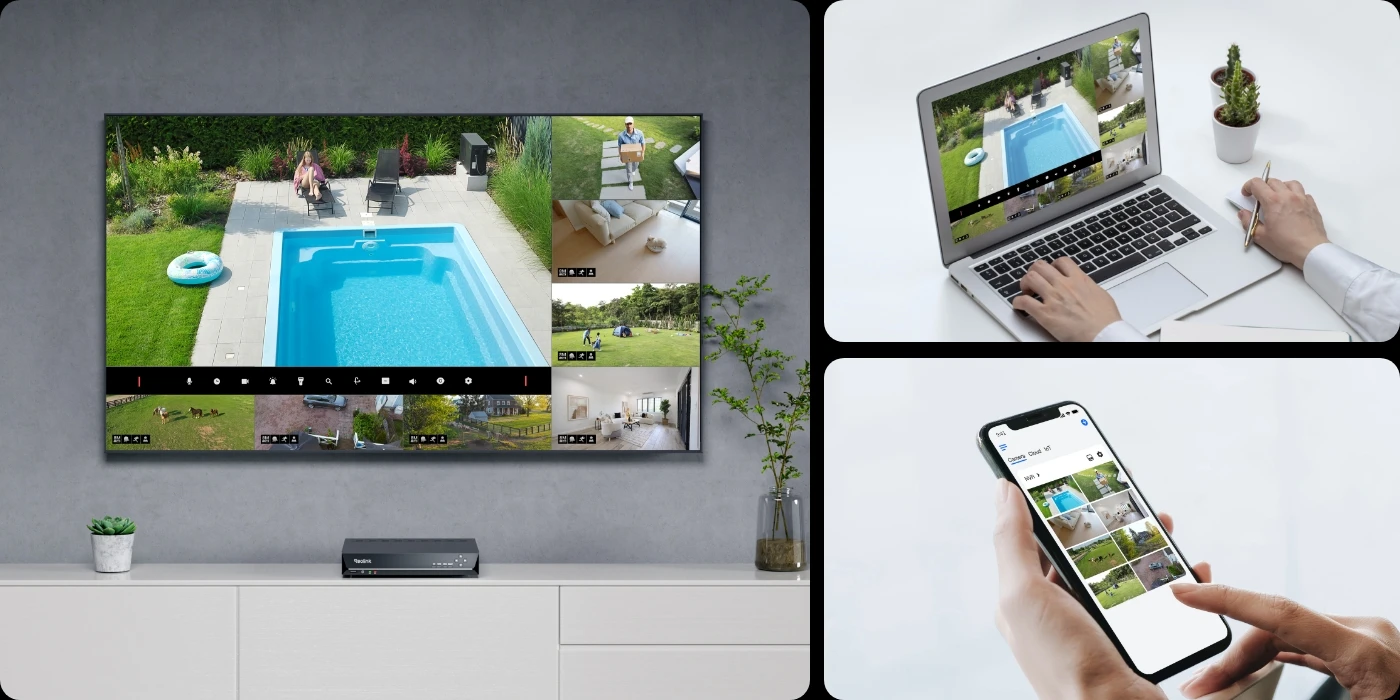
The Reolink RLN36 is a 36-channel Network Video Recorder designed to centralize live viewing, 24/7 continuous recording, and smart alert management for up to 36 compatible security cameras.
It supports camera resolutions up to 16MP, expands up to 48TB of local HDD storage across three SATA bays, and includes 12 physical alarm I/O ports for external security hardware integration.
No, the RLN36 is a 36-channel NVR, giving you 4 extra channels compared to standard 32-channel units. If you operate a 32-camera system, the RLN36 manages all existing feeds while leaving four open channels for future expansion without requiring a second recorder.
Yes, the RLN36 is well-suited for large residential estates, acreage properties, and smart homes requiring multi-zone camera coverage.
Its high channel density allows homeowners to monitor front gates, long driveways, perimeter fences, detached garages, and outdoor living areas on a single centralized system.
Yes, the RLN36 delivers enterprise-grade channel density and expandable storage ideal for warehouses, retail hubs, and commercial facilities.
It unifies monitoring across loading docks, inventory rooms, customer entrances, and parking lots, while its 8-in/4-out alarm ports allow connection to compatible commercial door sensors and sirens.
Yes, you can seamlessly integrate existing Reolink cameras and add new units up to the 36-device limit. The NVR accommodates up to 36 cameras (PoE, plug-in Wi-Fi, and supported battery models) and features 3 internal SATA bays so storage scales alongside your camera count.
No, the RLN36 does not feature integrated Power over Ethernet (PoE) ports on its rear panel. To power and connect PoE cameras, plug your cameras into external PoE switches, then link the switch to one of the RLN36's high-speed network ports.
The RLN36 supports up to 48TB of total local storage across three internal SATA hard drive bays (max 16TB per drive). Hard drives are sold separately. Total recording duration depends on active camera count, video resolution, frame rate, and continuous vs. motion-triggered settings.
You can access official user manuals, quick setup guides, and firmware updates on the Reolink Official Support Page.
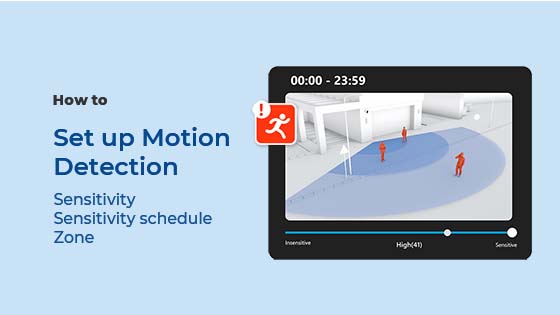
These resources provide step-by-step documentation for installing hard drives, configuring network switch topology, setting up motion detection, and updating system firmware.
The RLN36 offers higher channel capacity (36 vs. 16) and larger storage expansion (48TB vs. 12TB/16TB), but requires external PoE switches.
- Reolink RLN36: Supports up to 36 channels, 48TB storage capacity (3 SATA bays), and 12 alarm I/O ports. Requires external PoE switches.
- Reolink RLN16-410: Supports up to 16 channels with built-in PoE ports directly on the back panel for direct camera plug-in.
Choose the RLN36 for large-scale or expanding multi-zone properties, and the RLN16-410 for mid-sized direct plug-and-play PoE setups.
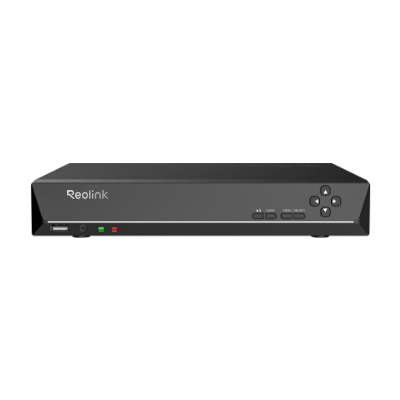 RLN36 ×1
 NVR Power Adapter ×1
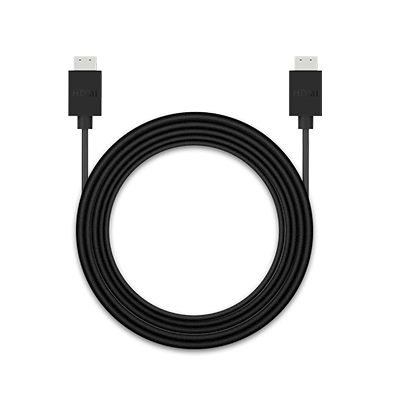 HDMI Cable ×1
 USB Mouse ×1
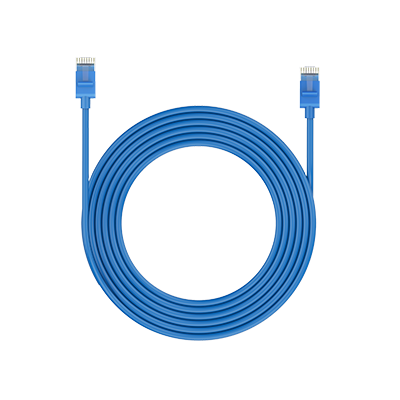 1m Network Cable ×1



Be Prepared, Be Ahead
Never miss Reolink hot deals, news, and updates tailored for you.
Be Prepared, Be Ahead
Never miss Reolink hot deals, news, and updates tailored for you.

Google, Google Play, Google Assistant and related marks and logos are trademarks of Google LLC. Amazon, Alexa and all related logos are trademarks of Amazon.com, Inc. or its affiliates. Mac and Safari are trademarks of Apple Inc. App Store is a service mark of Apple Inc., registered in the U.S. and other countries. Firefox and the Firefox logo are trademarks of the Mozilla Foundation in the U.S. and other countries. Other product and company names mentioned herein may be trademarks of their respective companies.