Your cart is empty.
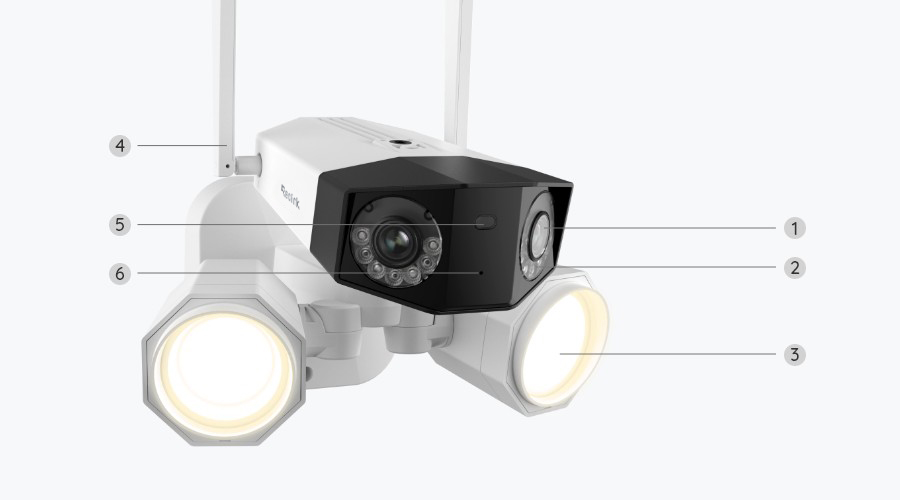
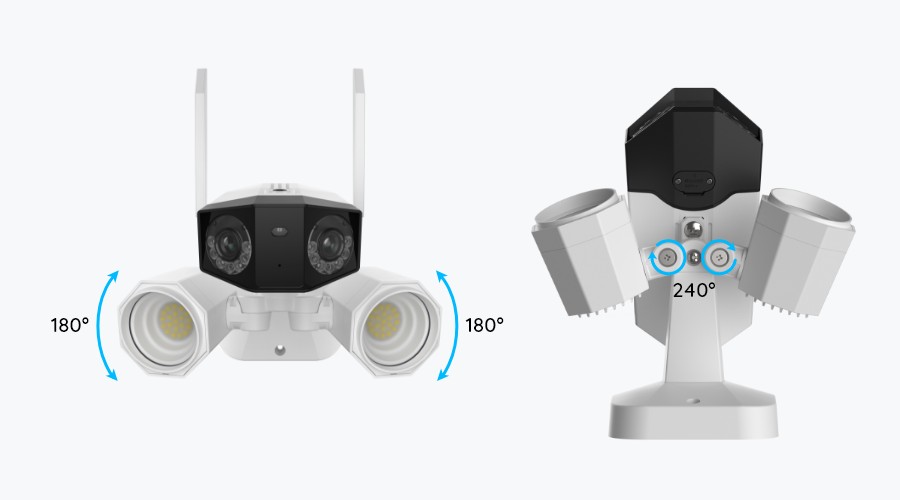
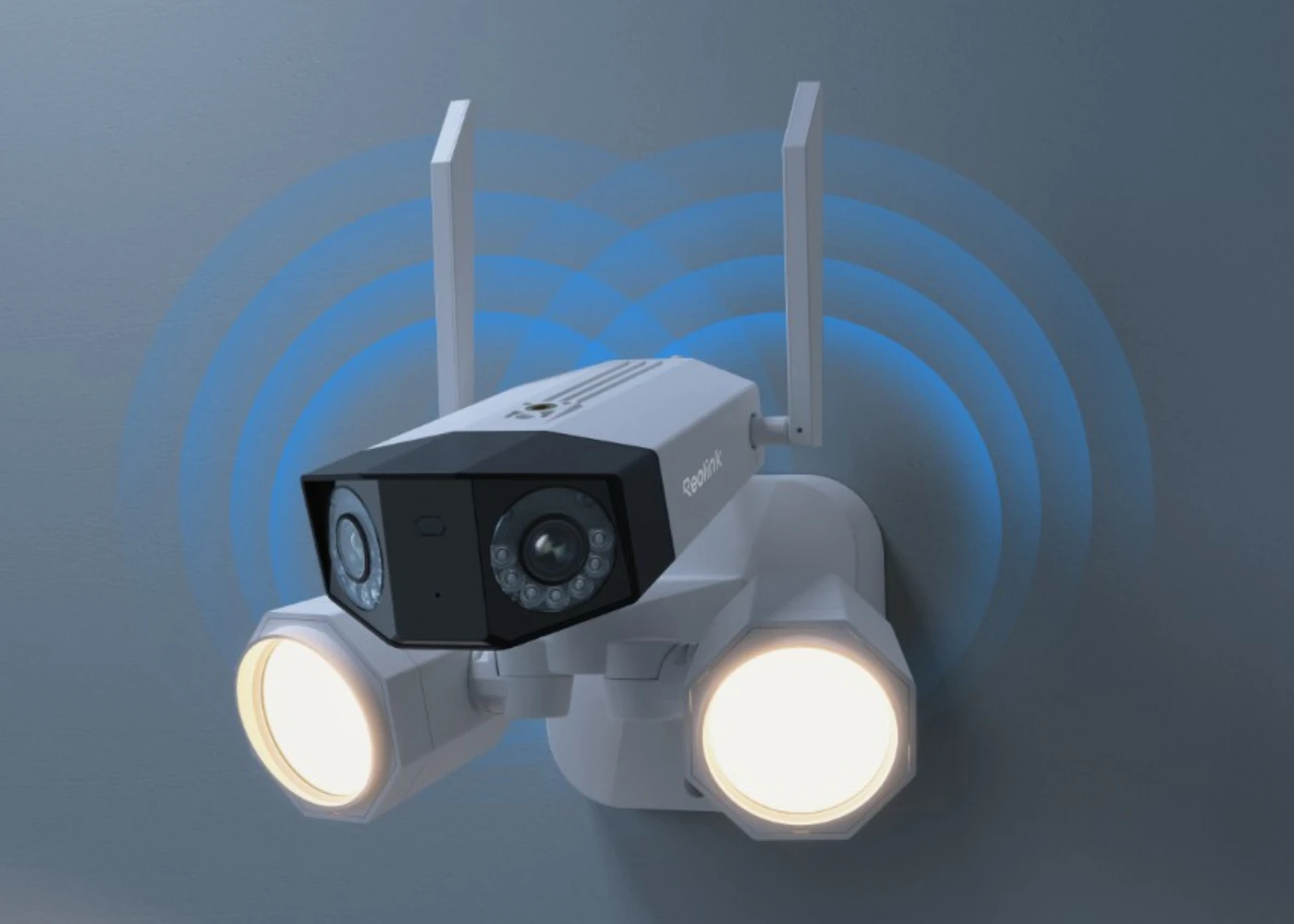
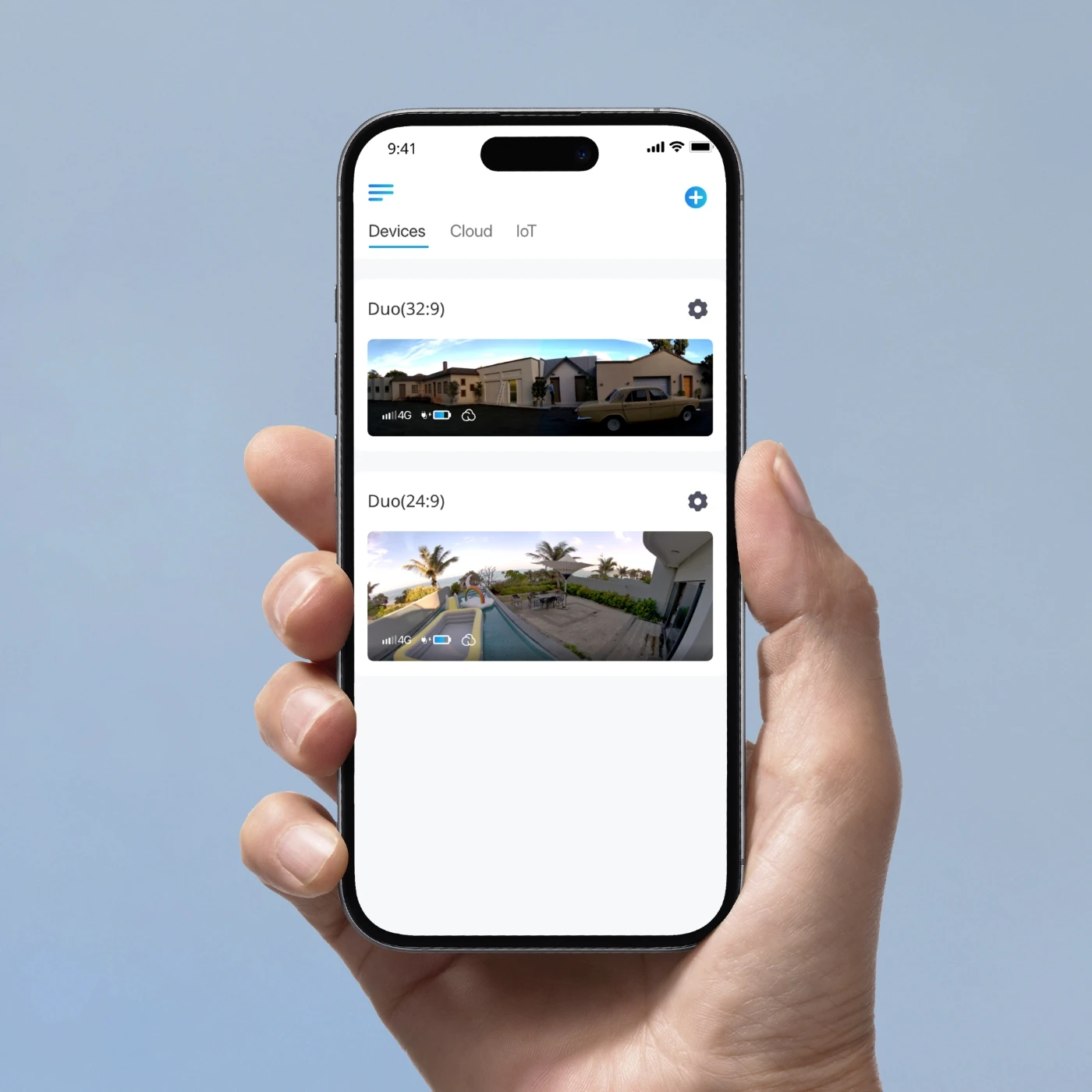
Reolink Duo Floodlight WiFi features a super-wide 180° viewing angle with two lenses. It covers more areas. Also, the images captured by the two lenses are perfectly stitched into one for an impressive visual experience.
Boasting a remarkable 4K 8MP resolution, Duo Floodlight WiFi delivers 4 times the clarity of standard 1080p cameras. Whether you're viewing in real time or playing back recorded footage, the camera ensures that previously elusive details are now effortlessly discernible.

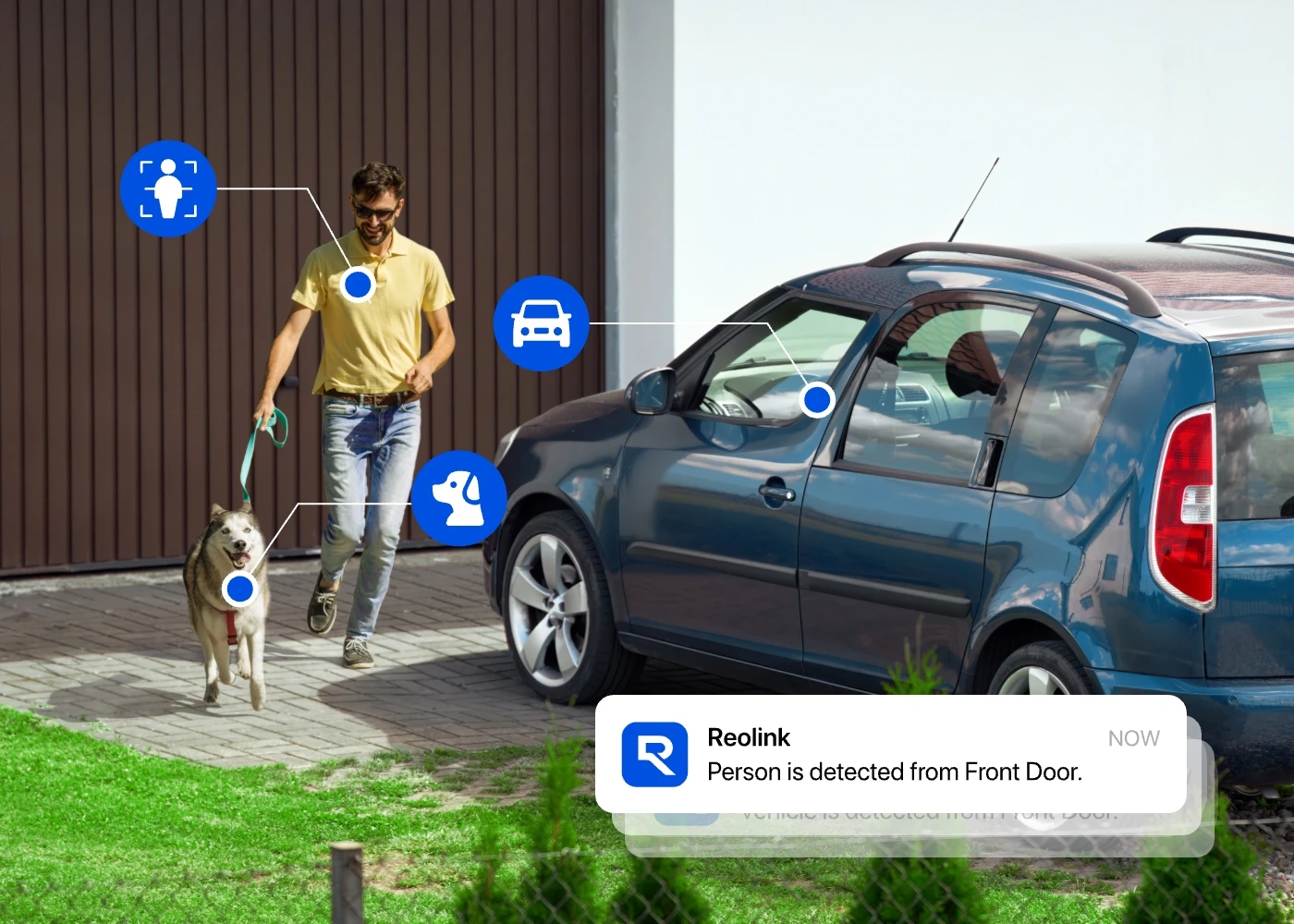
This camera comes with two floodlights (15W, 1800 lumens, 4200K), providing an ultra-bright view of what's happening. Once people/vehicles/animals are detected, the floodlights will be turned on automatically. You can also customize the lights to match your daily routines.

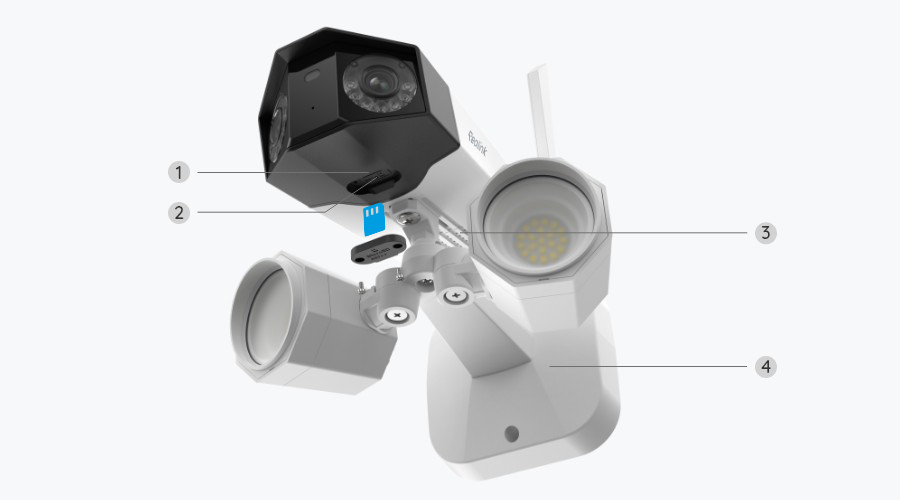
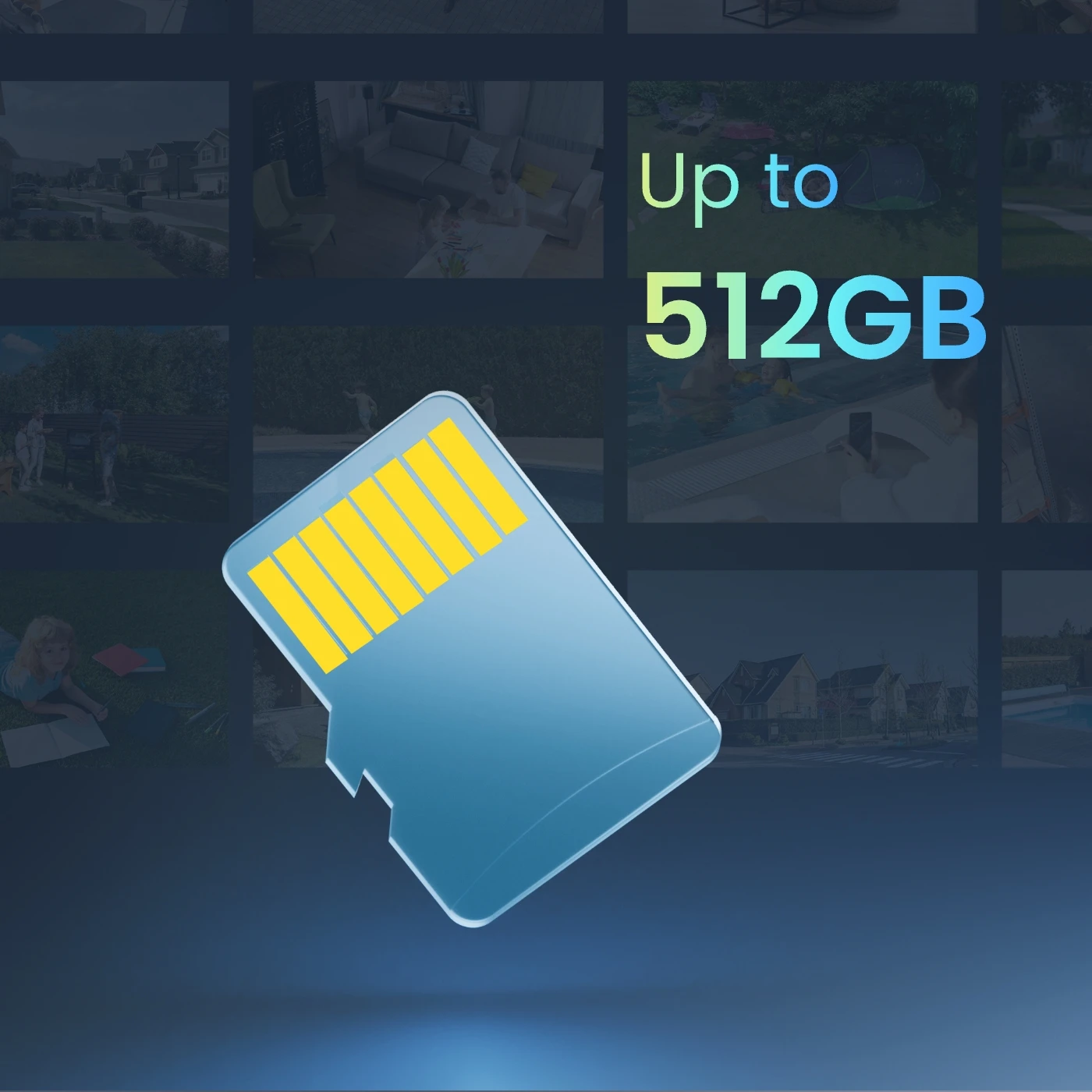
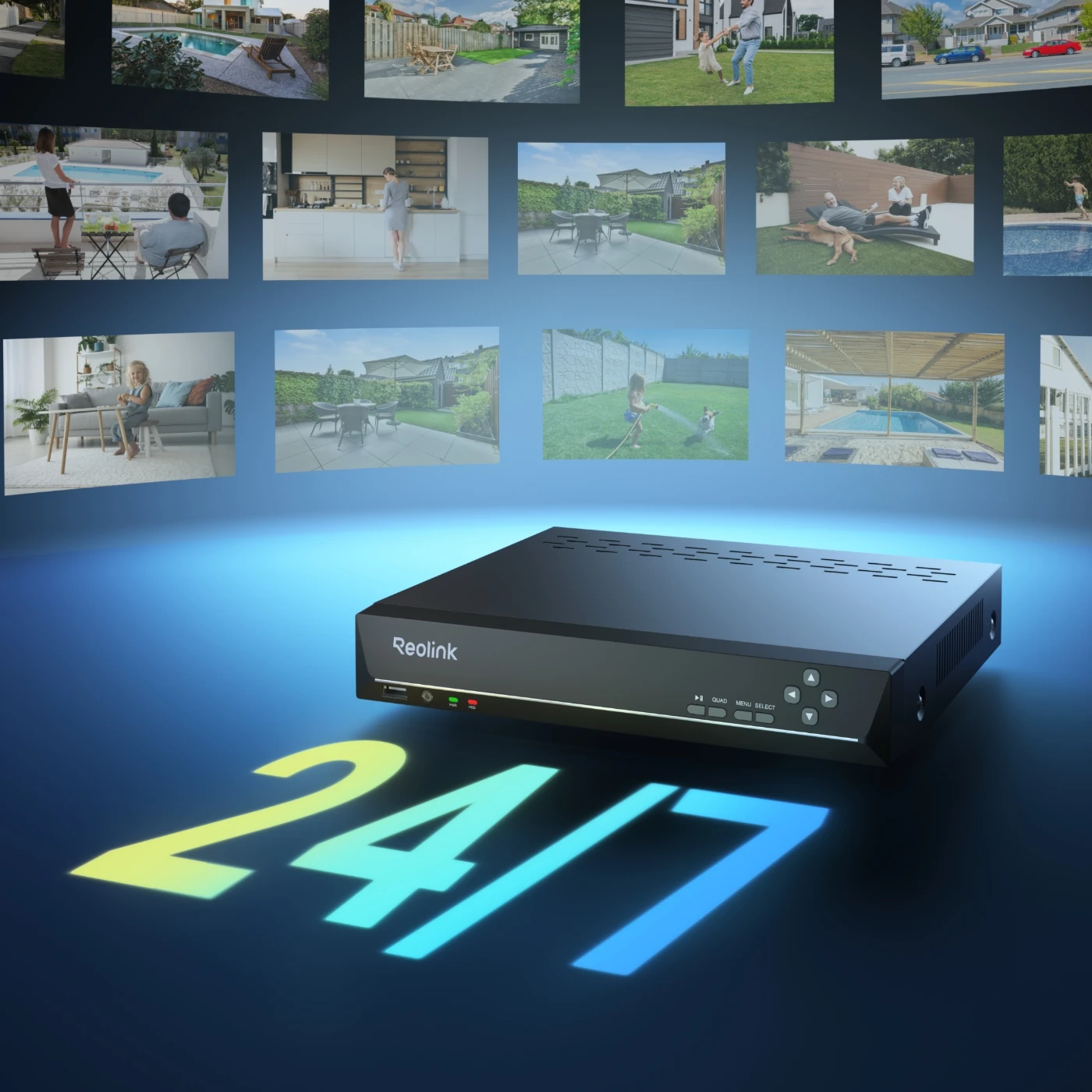
Versatile storage options are offered: microSD card, FTP/NAS server, Reolink Home Hub Series, and NVRs. Choose the solution that suits you best and enjoy reliable access to your footage, whether stored locally or on the network.
Supports up to 512GB microSD card for local storage.
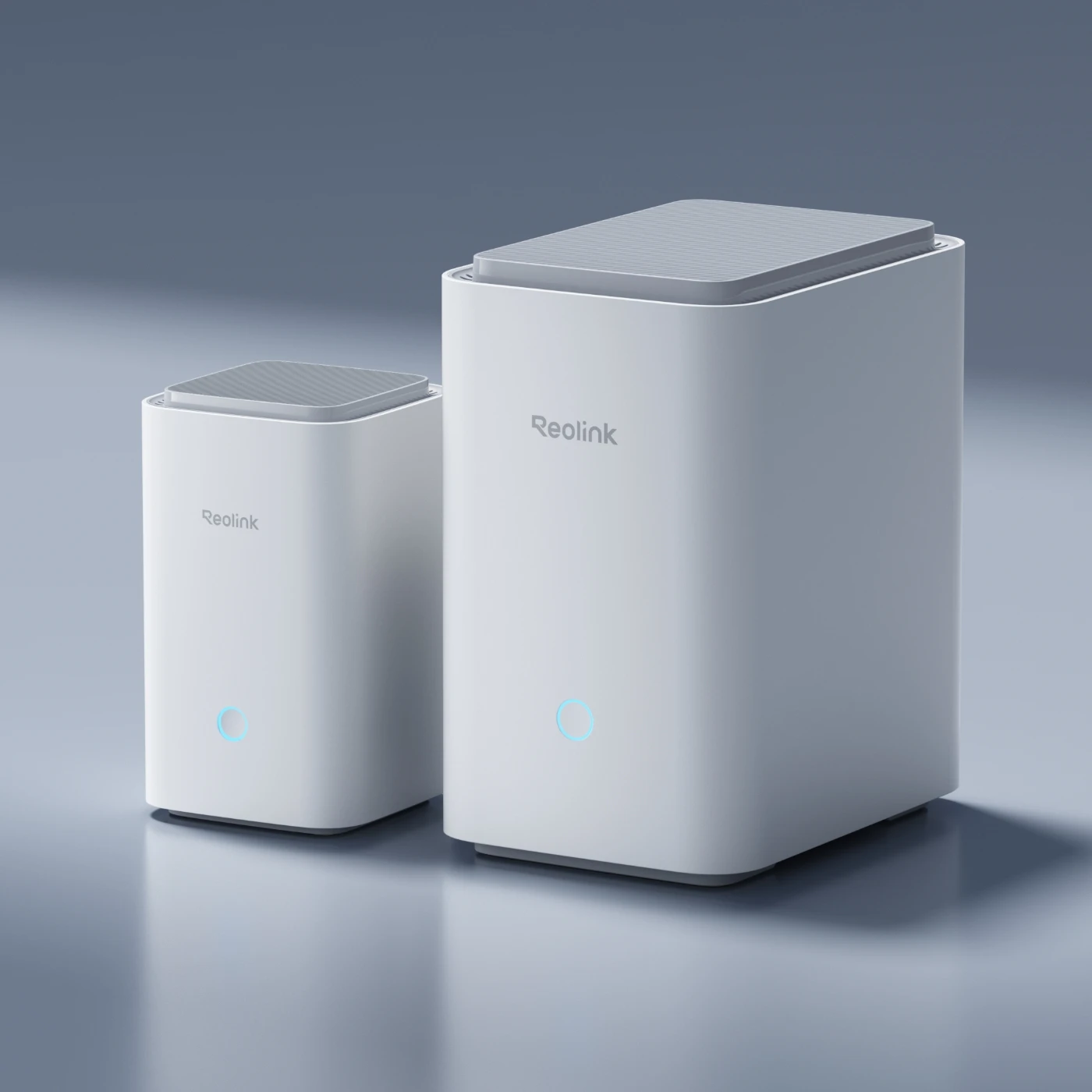
Works effortlessly with the Reolink Home Hub and its Pro version for encrypted and centralized storage.
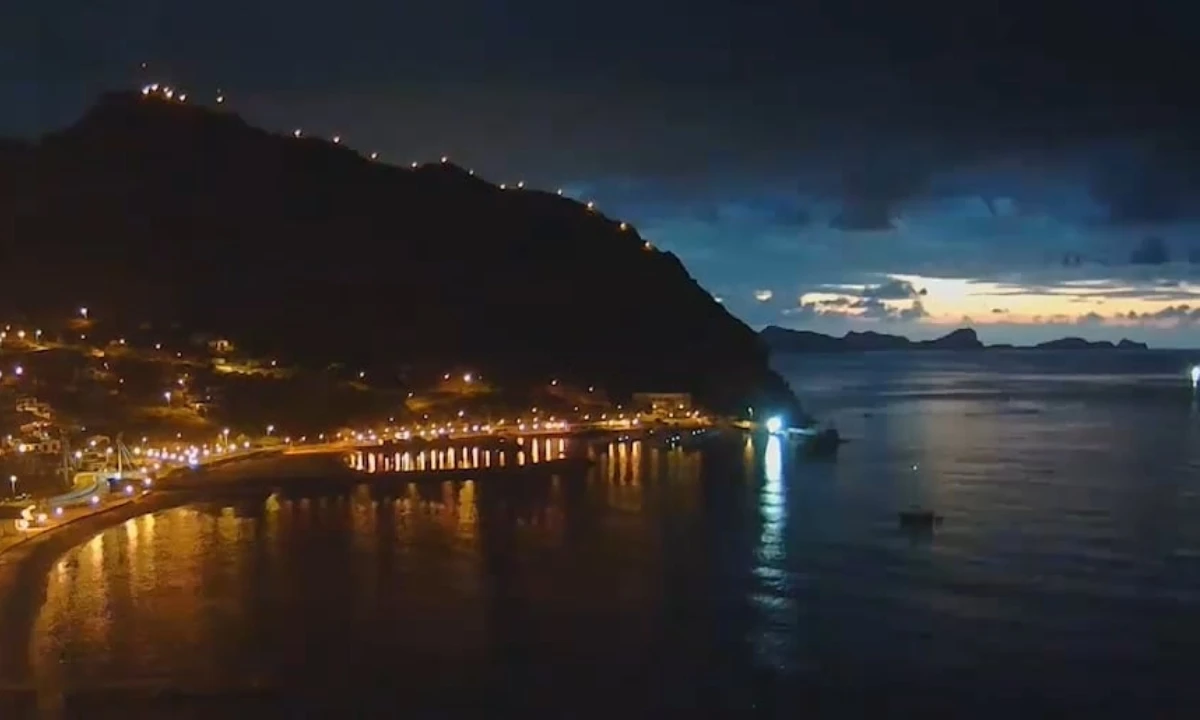
It's easy to make short fun videos of your own with the time lapse function. Get ready to immerse yourself in the dynamic process of flower blossom or the beautiful sunrise.
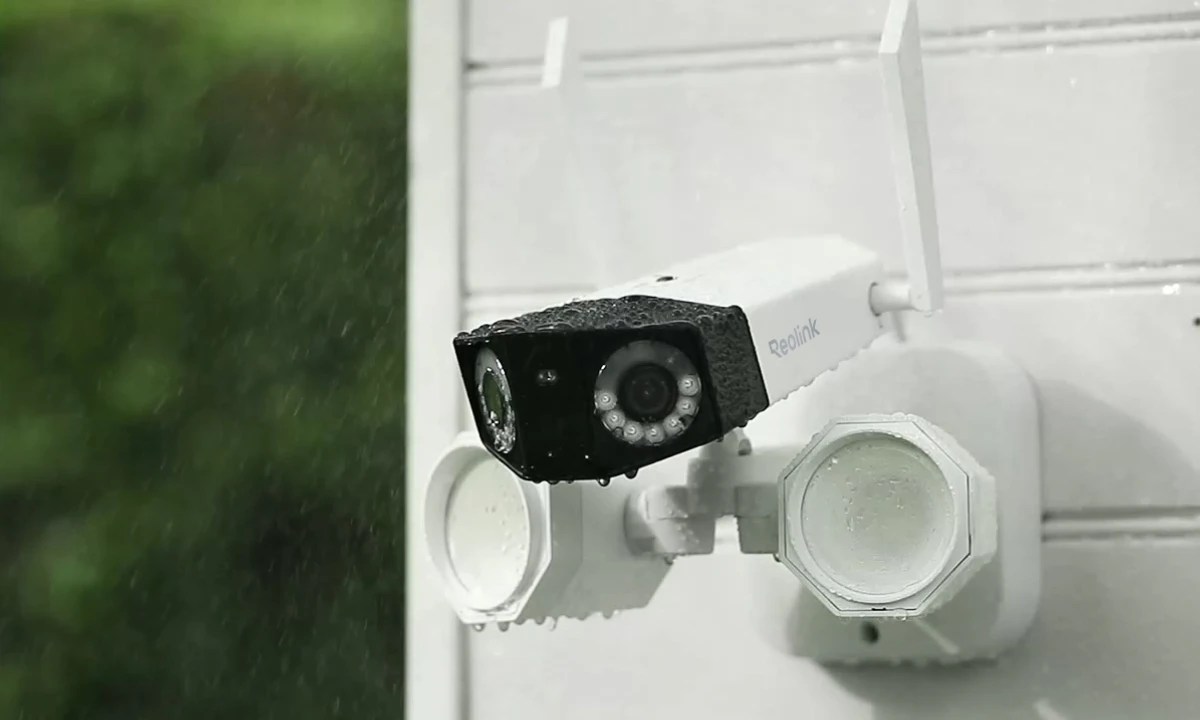
The rugged and IP67-rated waterproof housing ensures that Duo Floodlight WiFi can withstand severe weather conditions like rain or snow. Ready for any season.
Life can be easier when you control the camera with just a few clicks on Reolink App or Client, whenever and wherever you are.
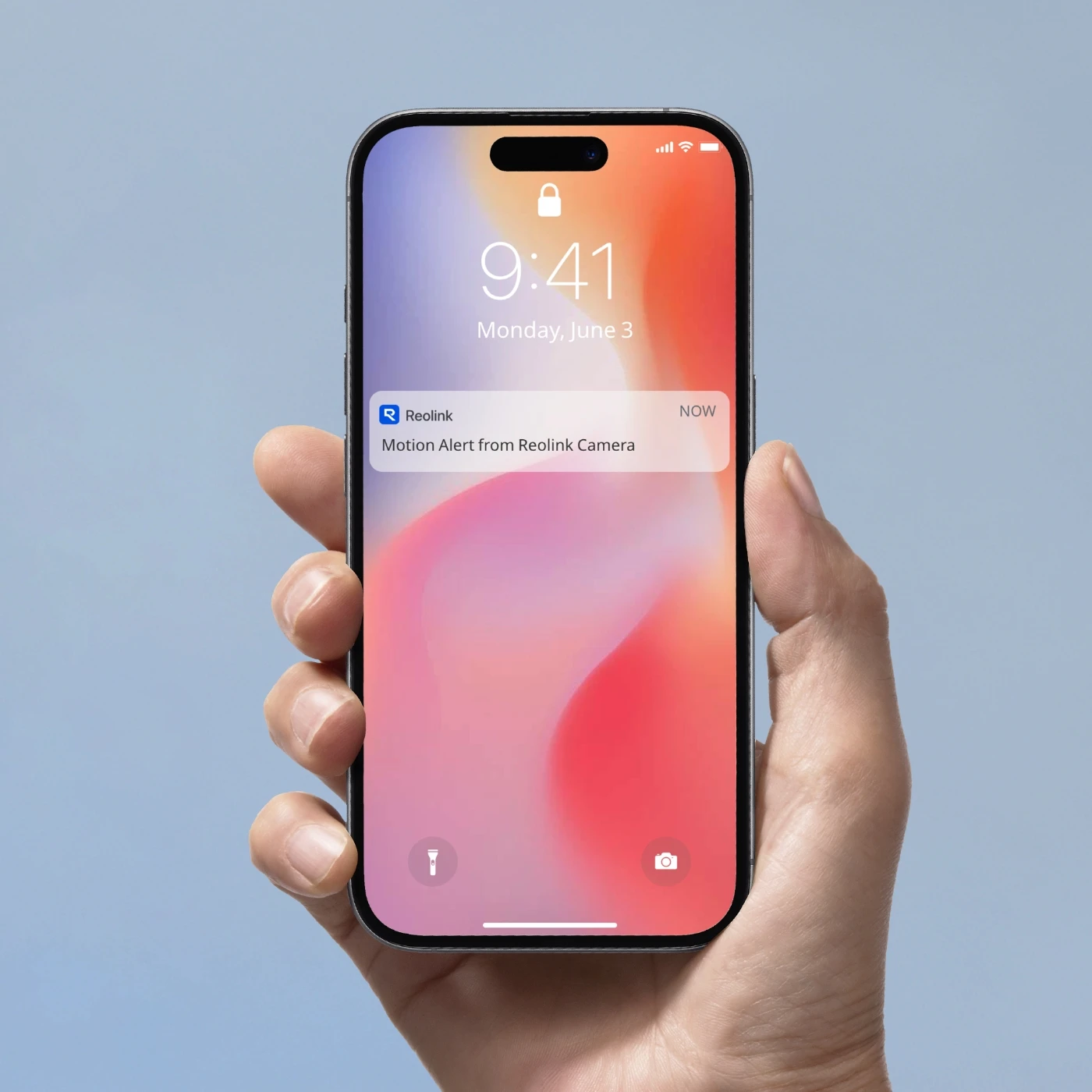
Once a motion is detected, real-time notifications or email alerts will be pushed to your phone immediately.
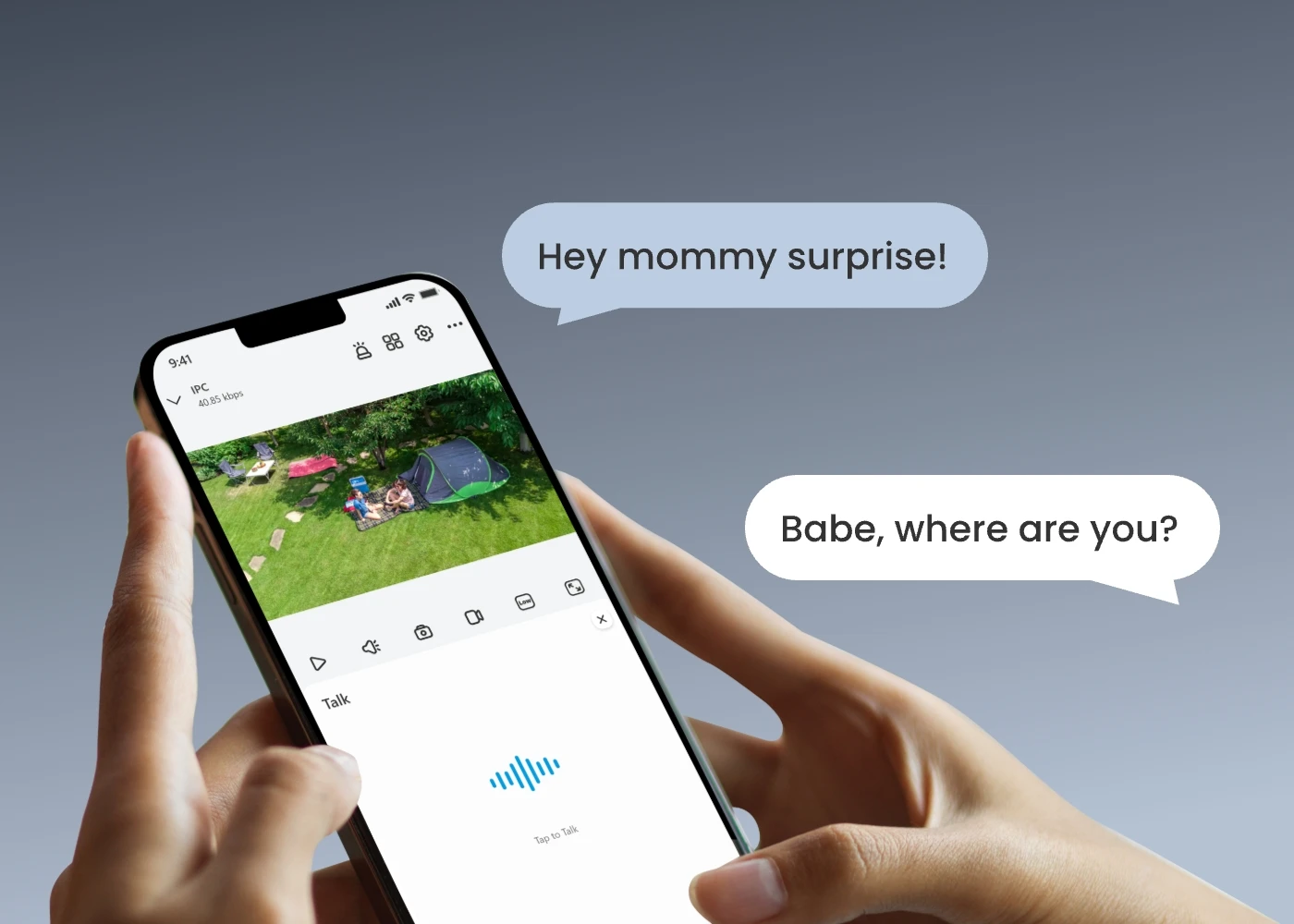
Wherever you are, you can always know what's going on in your home with live feeds. Everything is under control with your phone.
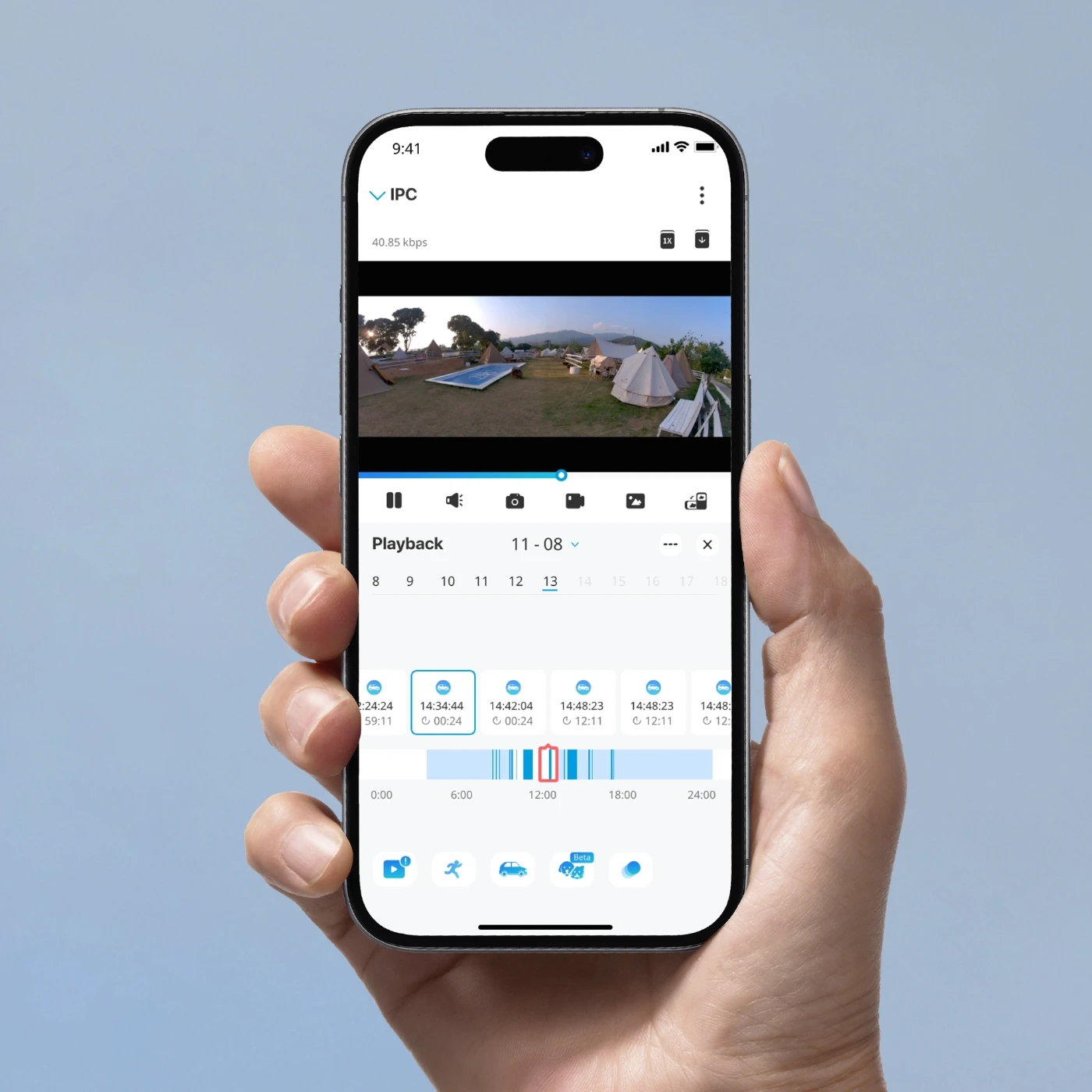
You can replay the saved videos, filter them by detection modes, and control the timeline to quickly locate what you want to see.
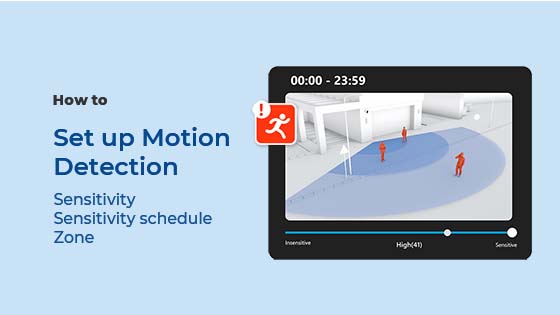
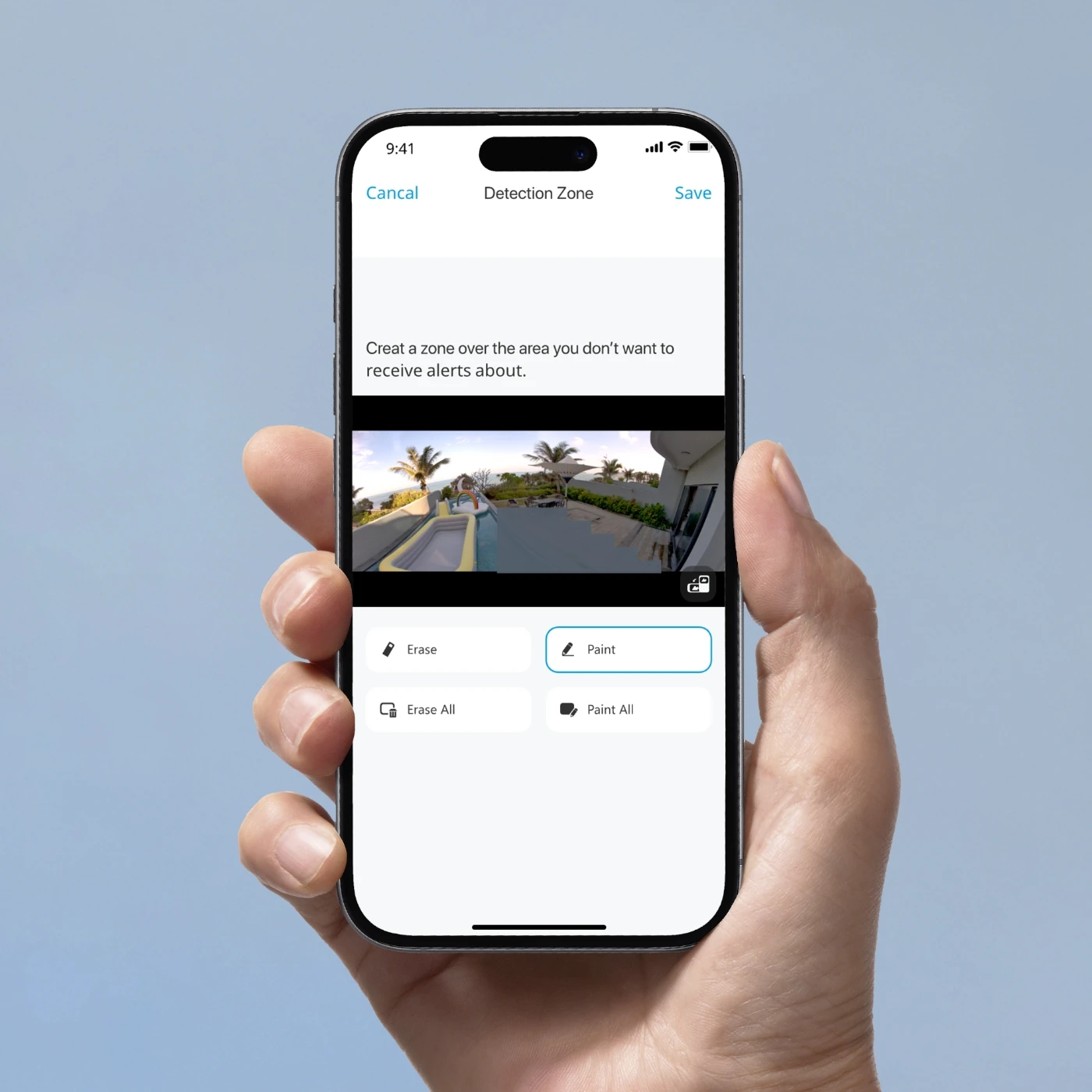
We value your privacy. You can freely customize motion zones by masking out the area where you don't want the camera to detect motions.
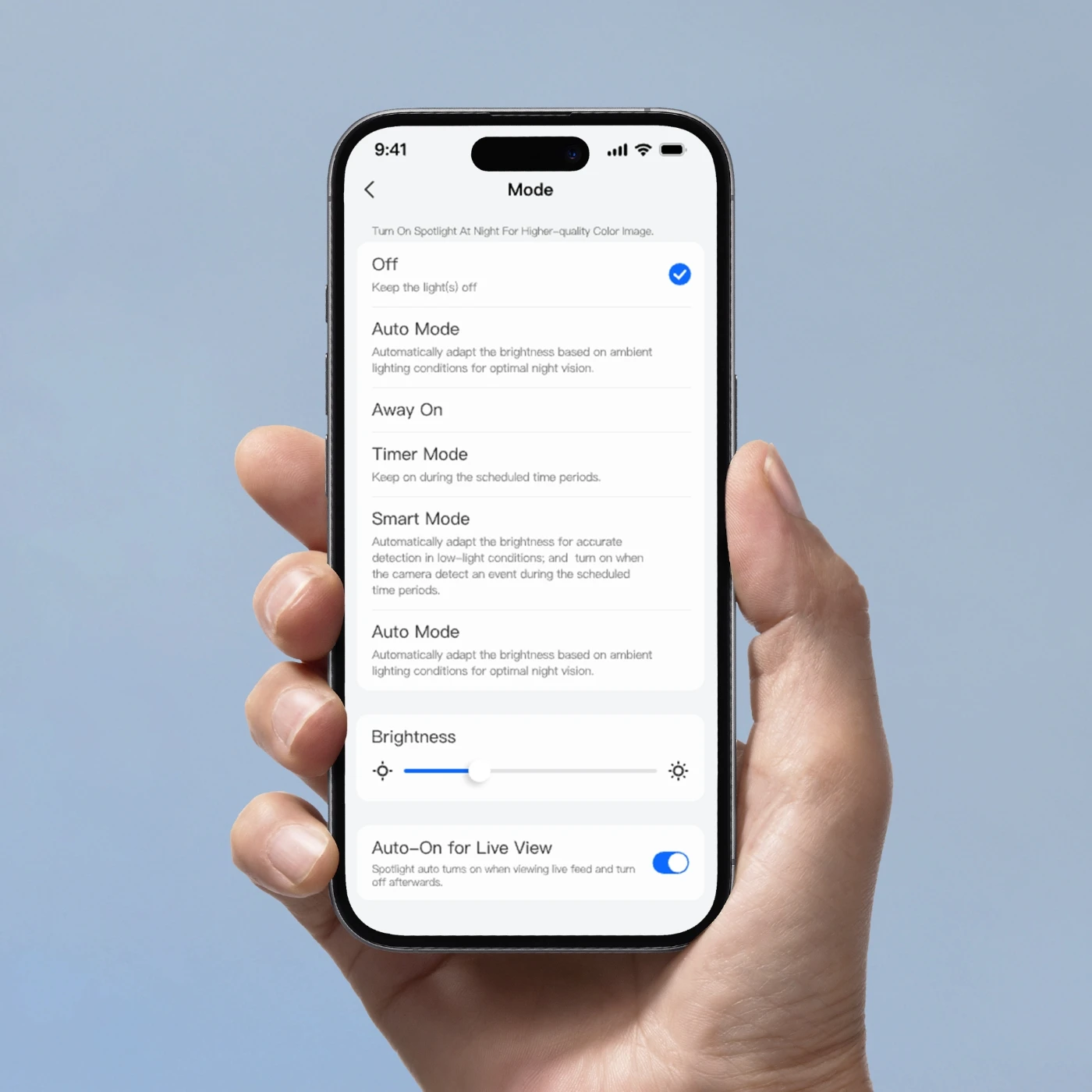
Set the brightness of floodlights and the sound volume of the built-in siren to better suit your needs.

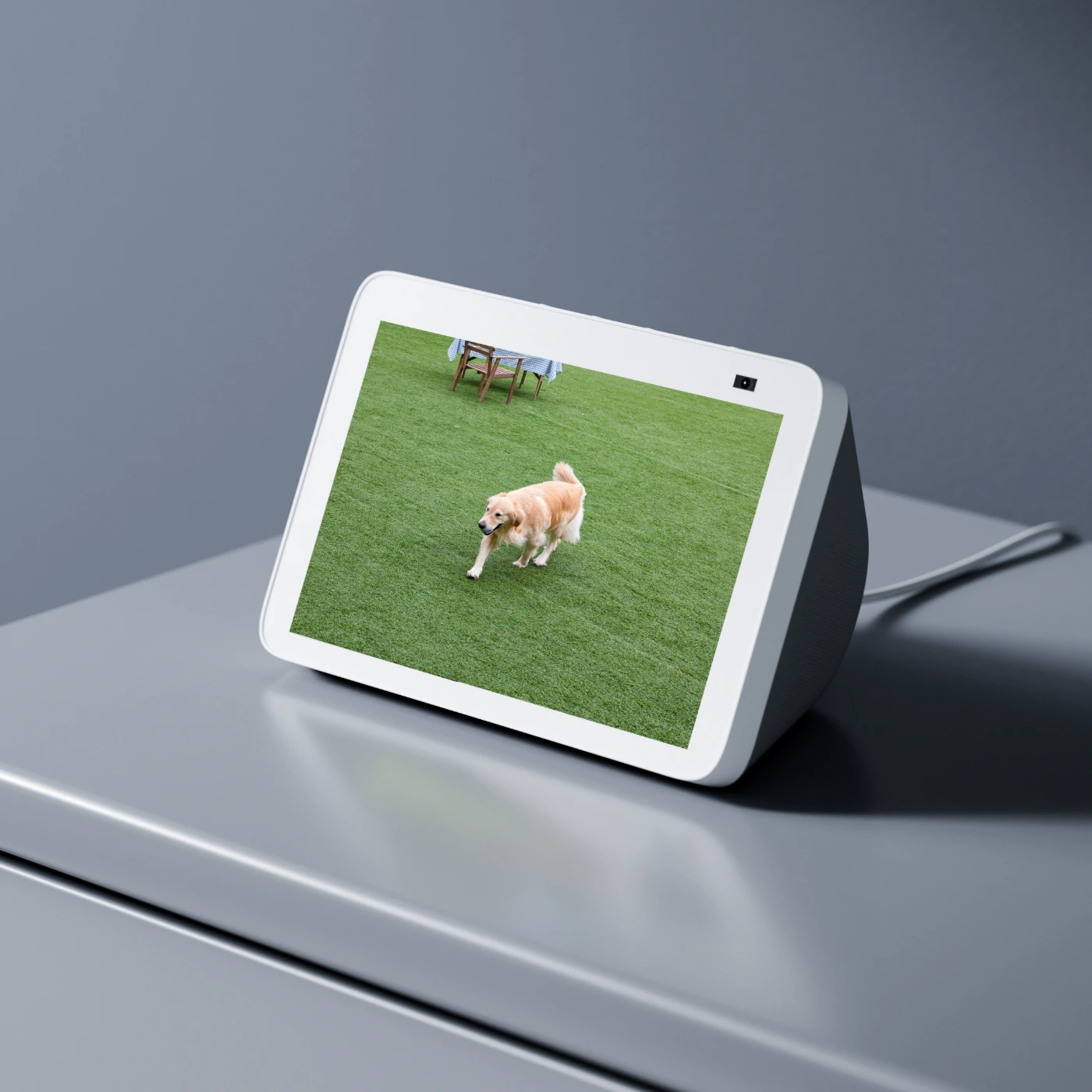
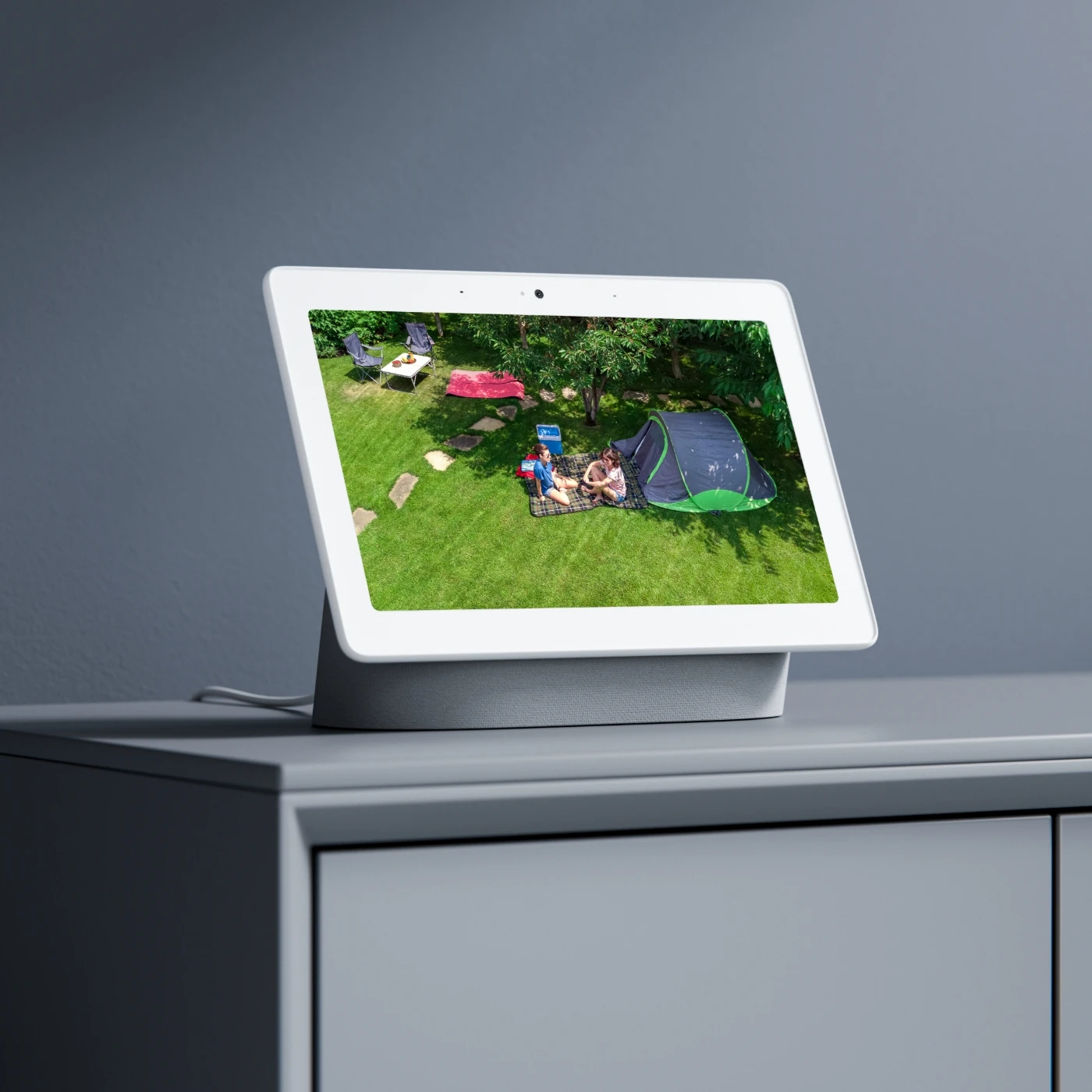
Duo Floodlight WiFi works with Google Assistant. As easy as saying "Hey Google, show me the front door", you can check what's happening there on your Google Nest Hub or Chromecast-enabled TVs.
The Reolink Duo Floodlight WiFi is a dual-lens 4K security camera with built-in floodlights that provides a 180° ultra-wide view for full-area coverage. It uses WiFi to connect for remote viewing and alerts, and features motion-activated lights, color night vision, and smart detection for people, vehicles, and animals. It is designed for outdoor security and deterrence in one all-in-one device.
1. Choose the installation location: Select a stable outdoor wall or ceiling area about 2–3 meters (7–10 ft) high. Make sure it has a strong WiFi signal and a clear view of the area you want to monitor.
2. Prepare the camera: Unbox the Reolink Duo Floodlight WiFi and assemble the camera and floodlight unit if needed. Make sure all cables are properly connected before mounting.
3. Mark and drill holes: Use the included mounting template to mark screw holes on the wall. Drill the holes and insert wall anchors if required.
4. Mount the bracket: Secure the mounting bracket to the wall using screws. Ensure it is tightly fixed to support the weight of the camera and floodlight.
5. Install the camera: Attach the camera and floodlight unit to the bracket and tighten it securely. Adjust the angle to cover the desired area.
6. Connect power: Plug the camera into a nearby outdoor power outlet. Make sure the connection is safe and protected from weather exposure.
7. Set up in the Reolink app: Download and open the Reolink app, then scan the QR code on the camera. Follow the setup instructions to connect it to your 2.4GHz or 5GHz WiFi network.
8. Test and adjust settings: Check the live view in the app, adjust motion detection zones, and test the floodlights, alerts, and camera angles.
If your Reolink Duo Floodlight WiFi won’t connect to the internet, try the following steps:
- Make sure you are connecting to a 2.4GHz or 5GHz WiFi network, as incompatible bands can prevent setup.
- Check that you have entered the correct WiFi password during the connection process.
- Restart both your router and the camera to refresh the network connection.
- Move the camera closer to the router to ensure a strong and stable WiFi signal during setup.
- Reset the camera by holding the reset button for a few seconds, then try setting it up again.
- Confirm that your router is not blocking new devices from joining the network.
- Reduce physical obstructions, such as walls or appliances, that may weaken the WiFi signal.
The Reolink Duo Floodlight WiFi and Reolink Elite Floodlight WiFi are both 4K dual-lens security cameras with built-in floodlights, but they differ in design, features, and performance.
The Duo Floodlight WiFi provides a fixed 180° ultra-wide view using dual-lens image stitching, making it ideal for simple, wide-area coverage like yards or driveways.
The Elite Floodlight WiFi also offers a 180° view, but it includes more advanced AI detection, improved image processing, and smarter search features, delivering a more intelligent security experience.
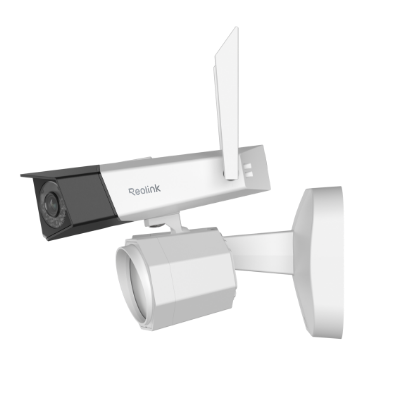 Reolink Duo Floodlight WiFi ×1
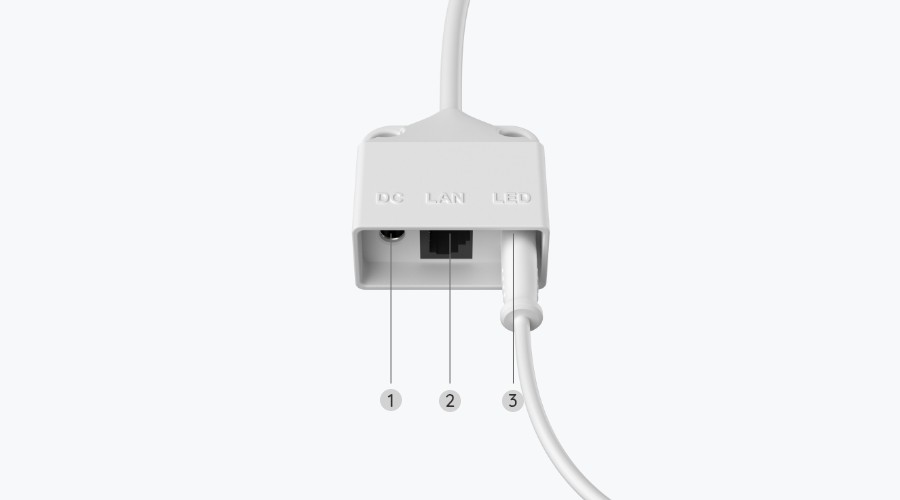
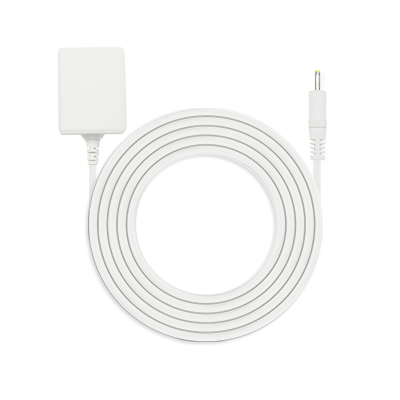 Power Adapter 12V/2A ×1
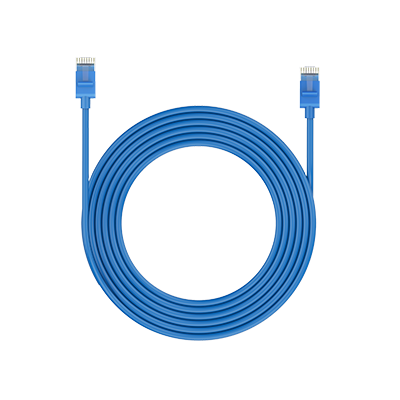 1m Network Cable ×1
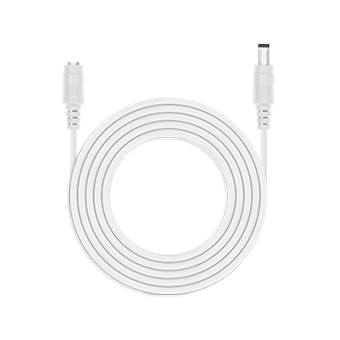 4.5m Power Extension Cable ×1
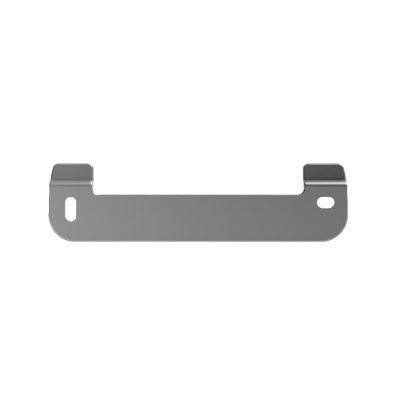 Mounting Plate ×1



Be Prepared, Be Ahead
Never miss Reolink hot deals, news, and updates tailored for you.
Be Prepared, Be Ahead
Never miss Reolink hot deals, news, and updates tailored for you.



Google, Google Play, Google Assistant and related marks and logos are trademarks of Google LLC. Amazon, Alexa and all related logos are trademarks of Amazon.com, Inc. or its affiliates. Mac and Safari are trademarks of Apple Inc. App Store is a service mark of Apple Inc., registered in the U.S. and other countries. Firefox and the Firefox logo are trademarks of the Mozilla Foundation in the U.S. and other countries. Other product and company names mentioned herein may be trademarks of their respective companies.