Uw winkelwagen is leeg.

Bright Motion-Activated Security Floodlight for a Smart Home
IoT Device
Built-in Siren
Works With Security Cameras
PoE/WIFI Versions Available
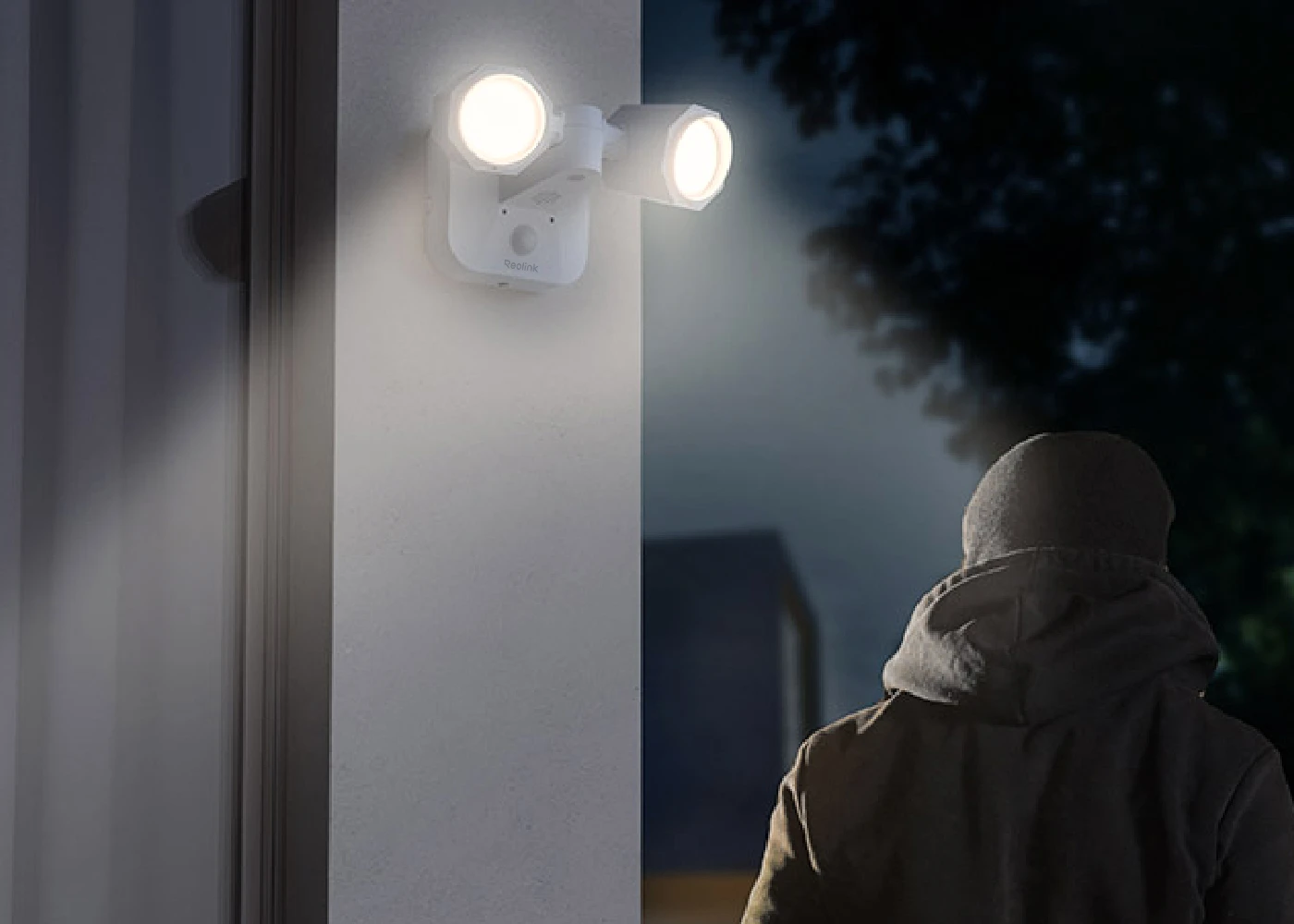
Reolink Floodlight is a motion-activated outdoor security floodlight of 2000 lumens and 4200K. The ultra-bright floodlight can illuminate a larger area, such as your backyard and garage, for greater safety at night. It saves more than 80% of electric bills compared to the traditional 175W halogen light.
With an IP65 rating, the Reolink Floodlight can withstand heavy rain, snow, storms, and other severe weather. Ideal for use in various places.

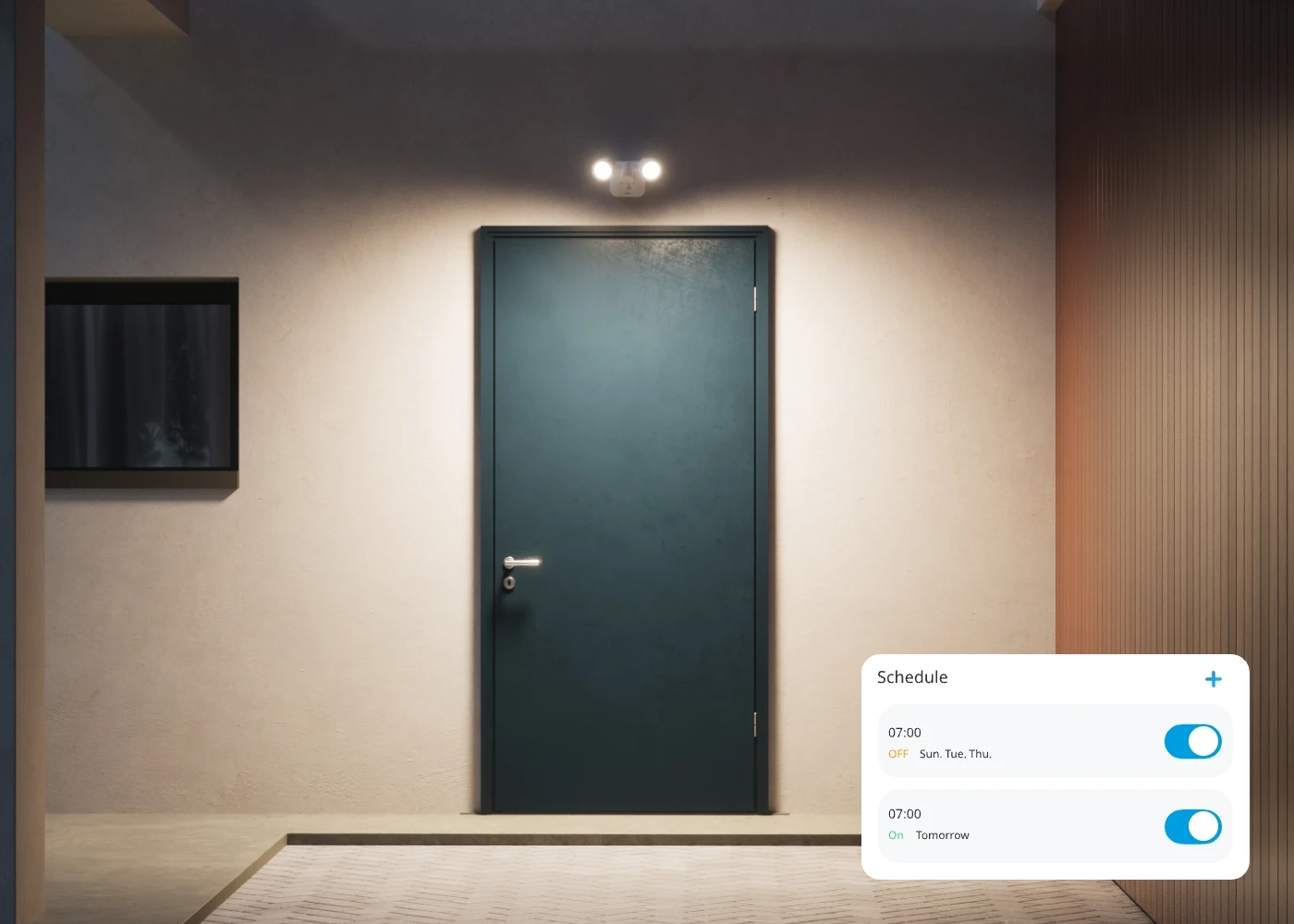
Equipped with an advanced light sensor, the powerful security floodlight has three lighting modes. As an IoT device with smarter features, it is tailored to meet your needs and bring convenience to your life.
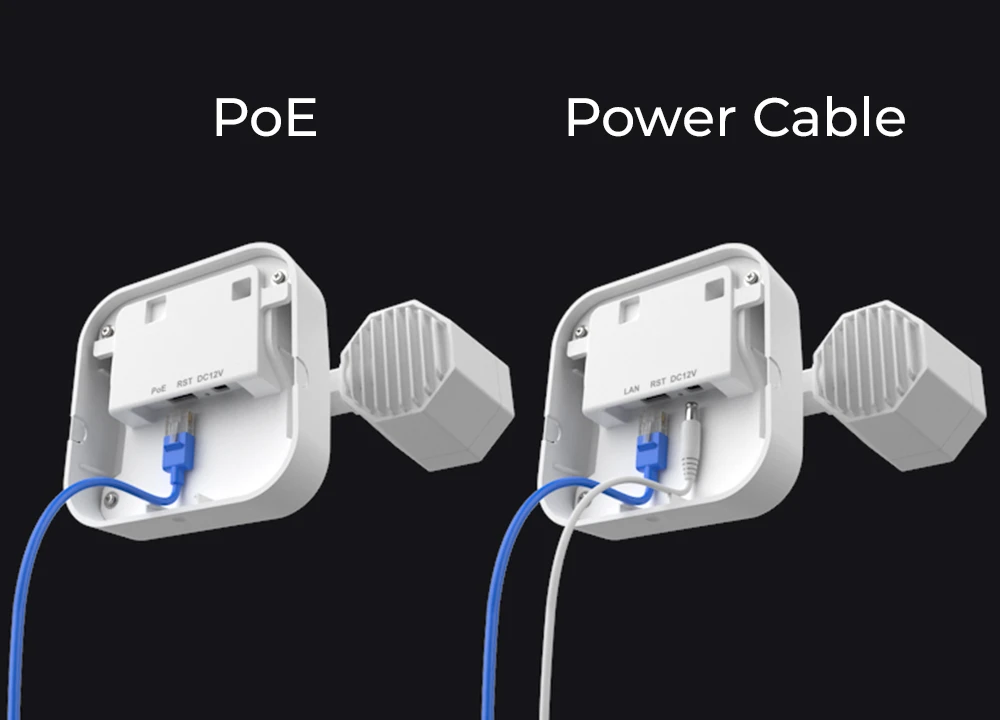
Reolink Floodlight is available in PoE and WiFi versions. Compared with conventional floodlights, it can be powered more easily and more efficiently.
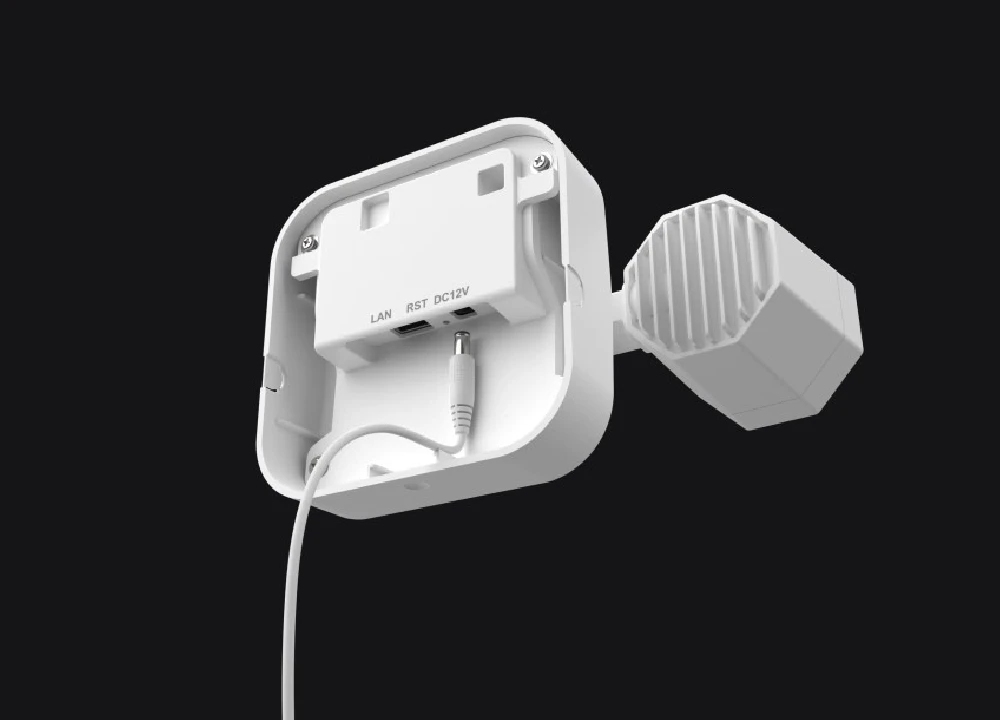
Power over Ethernet (PoE) technology allows for network transmission and power supply with only one network cable. Or charge the Reolink Floodlight via a power cable and use another cable for network connection.
Note: You're recommended to connect the floodlight to an 802.3at (PoE+) compliant PoE switch or Reolink NVR. Otherwise, it might not work properly.
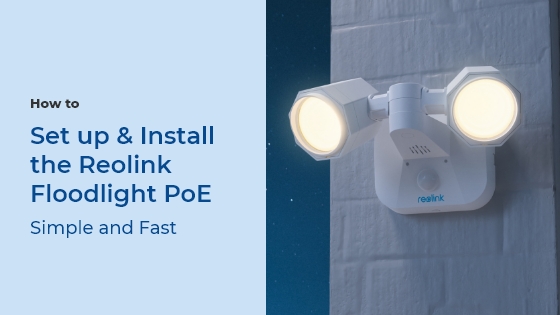
How to connect Reolink Floodlight with an NVR or PoE switch.>
You can easily customize key features of Reolink Floodlight to your preference for various needs.
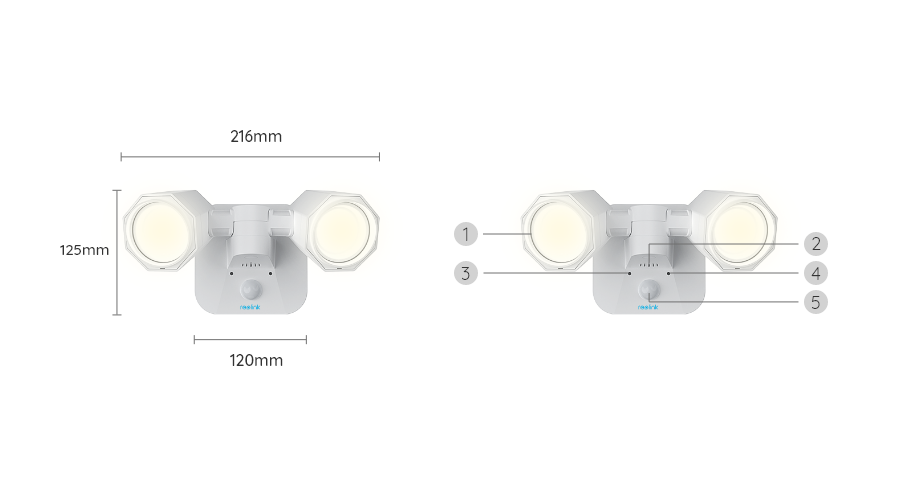
Manually, you can adjust the heads to any direction with an extension of up to 240° horizontally.
Note: You can only manually adjust the angle.
Via the Reolink App, you can adjust the brightness of the floodlight based on the surrounding lighting conditions.
Via the Reolink App, you can adjust the volume of the built-in siren to avoid unnecessary disturbance to neighbors.
Note: The siren can be triggered only when the floodlight is linked to a camera.
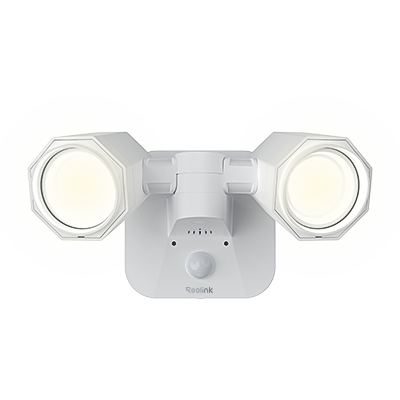 Reolink Floodlight ×1
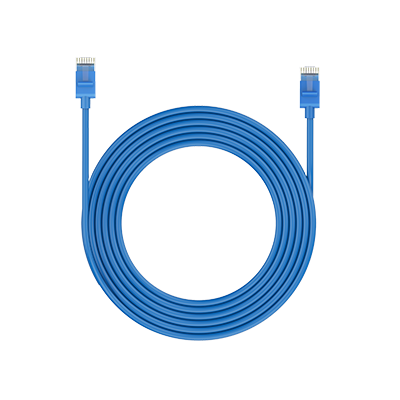 1m Network Cable ×1
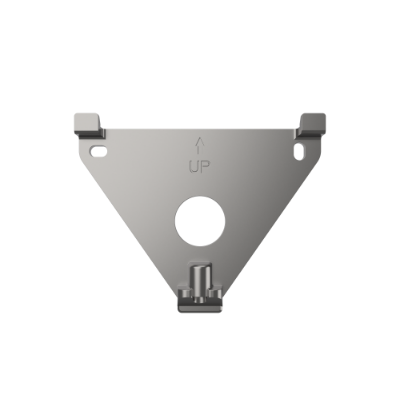 Mounting Plate (Wall Mount) ×1
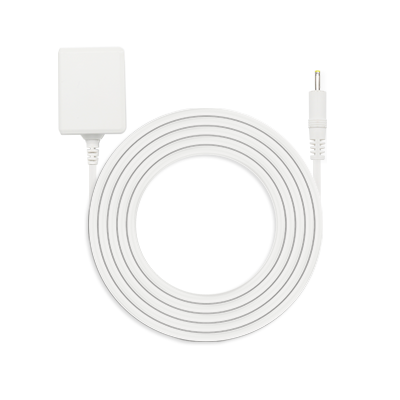 Power Adapter (WiFi Version Only) ×1
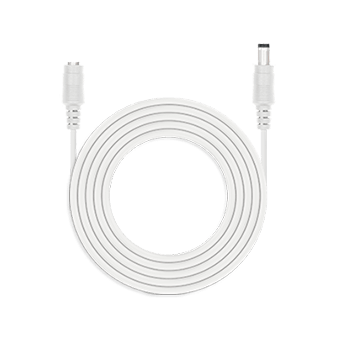 4.5m Power Extension Cable (WiFi Version Only) ×1



Wees voorbereid, wees een stap vooruit
Mis nooit de geweldige aanbiedingen, het nieuws en de updates van Reolink die speciaal op u zijn afgestemd.
Wees voorbereid, wees een stap vooruit
Mis nooit de geweldige aanbiedingen, het nieuws en de updates van Reolink die speciaal op u zijn afgestemd.



Google, Google Play, Google Assistant en gerelateerde merken en logo's zijn handelsmerken van Google LLC. Amazon, Alexa en alle gerelateerde logo's zijn handelsmerken van Amazon.com, Inc. of haar gelieerde ondernemingen. Mac en Safari zijn handelsmerken van Apple Inc. App Store is een servicemerk van Apple Inc., geregistreerd in de VS en andere landen. Firefox en het Firefox-logo zijn handelsmerken van de Mozilla Foundation in de VS en andere landen. Andere product- en bedrijfsnamen die hierin worden genoemd, kunnen handelsmerken zijn van hun respectieve bedrijven.

Only show reviews for current product
No Reviews yet... Be the First to leave a comment!