カートは空です。
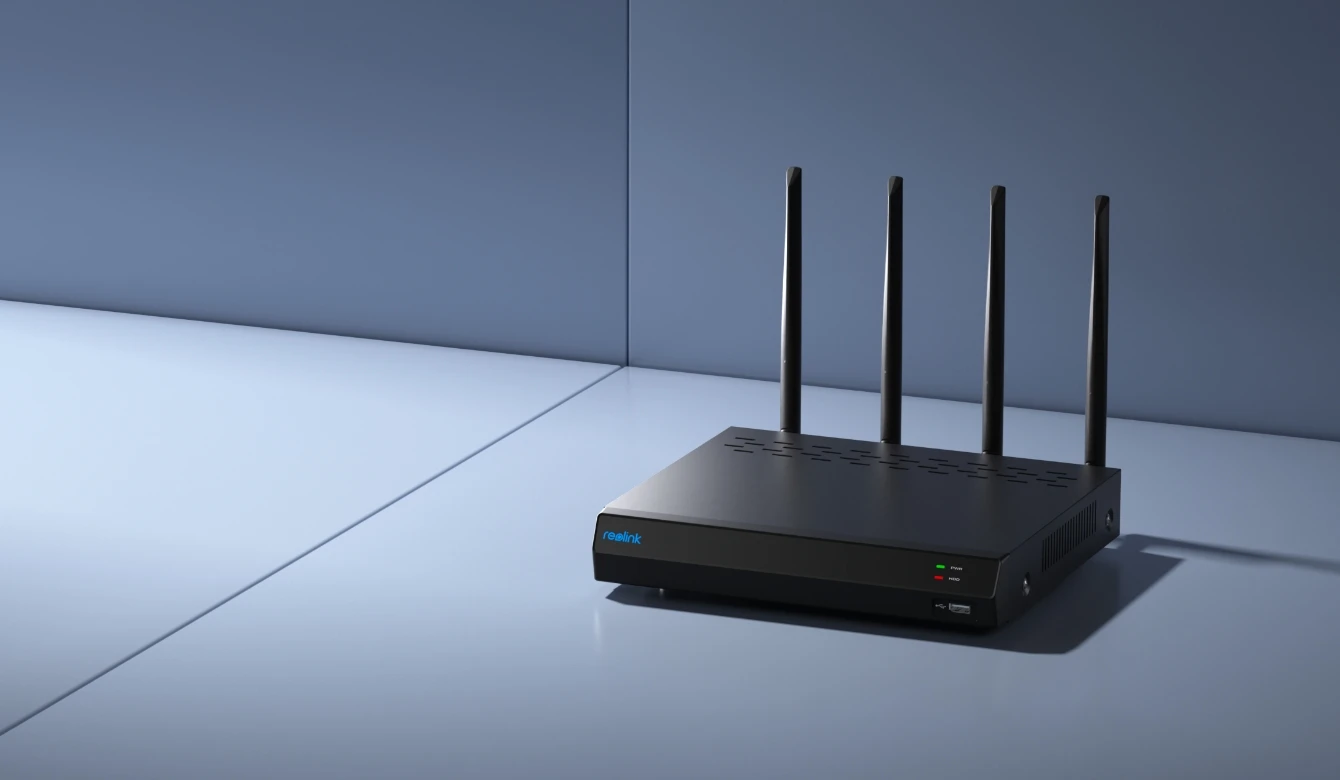
16-Channel Wi-Fi 6 NVR Recorder for 24/7 Local Recordings
16 Channels for Expanding Your Security System
16 Channels for Expanding Your Security System
Dual-Band Wi-Fi 6 for More Stable Camera Connections
Pre-installed 2TB HDD for 24/7 Local Recording
Wireless Camera Connectivity Without PoE Cabling
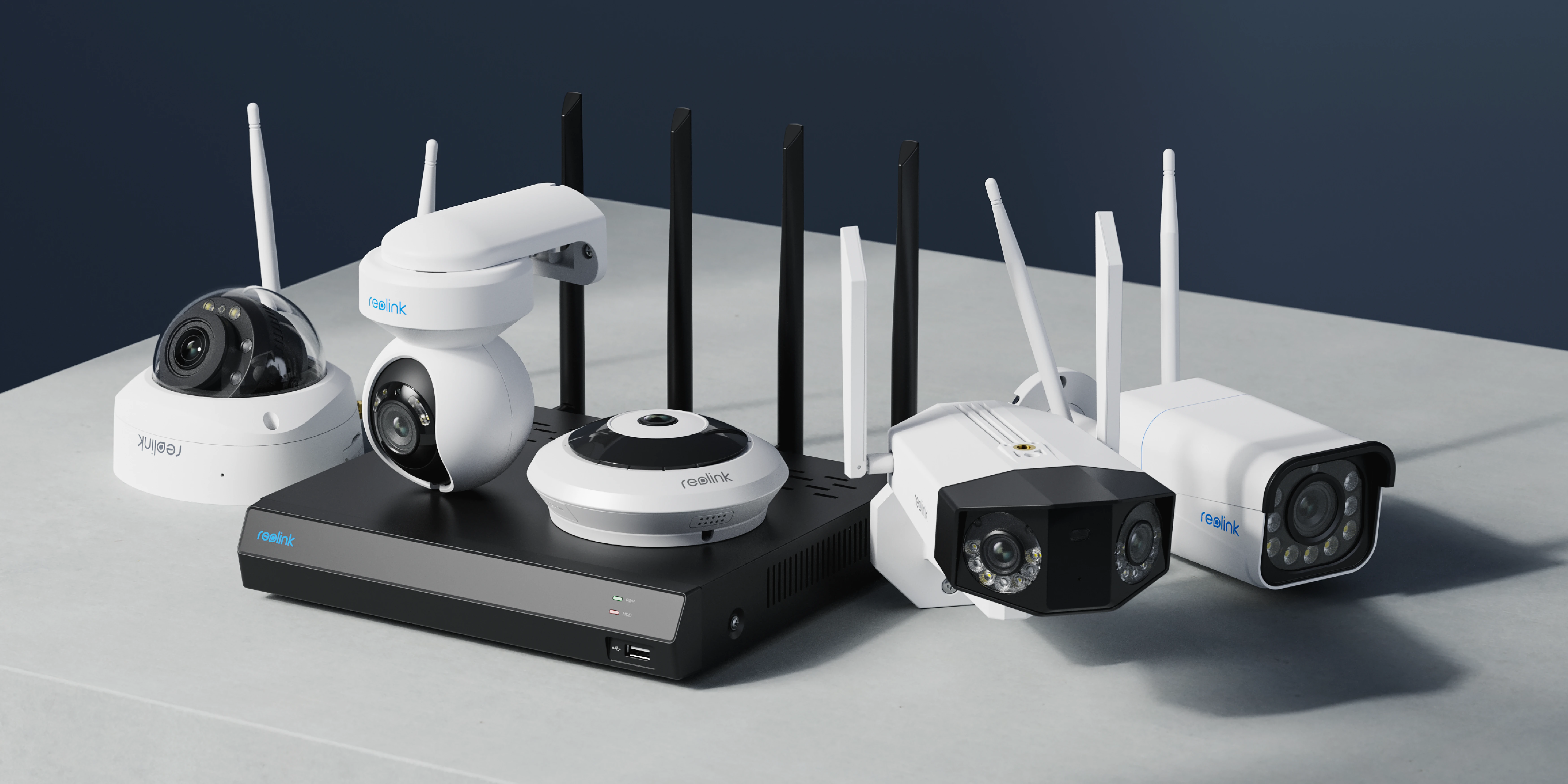
Connect your Reolink cameras to the Wi-Fi 6 NVR for centralized management and monitoring across multiple areas. The built-in 2TB HDD supports 24/7 local recording, while wireless camera connectivity reduces the need for network cabling. Manage your cameras, view live feeds, and review recordings from one place.

16-Channels
Wi-Fi NVR Recorder
5/2.4 GHz
Wi-Fi Connection
Up to 8TB
Storage Capacity
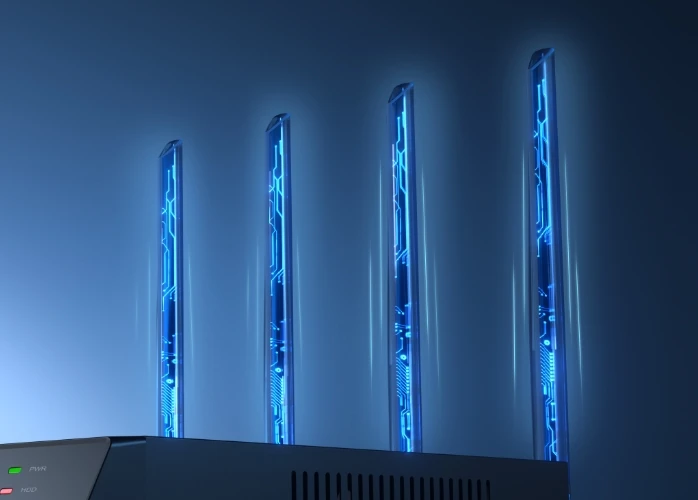
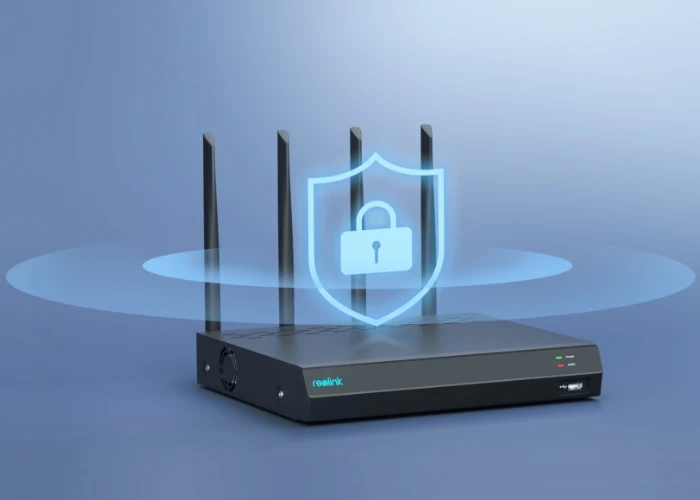
Wi-Fi 6 with 1024-QAM offers up to 25% faster transfer rates compared to the standard Wi-Fi 5. Technologies such as OFDMA and MU-MIMO further contribute to higher network efficiency. All this ensures a smoother live view.
BSS coloring technology improves network immunity, even in network environments with multiple devices, so you can enjoy stable UHD video streaming at all times.
The NVR RLN12W supports 24/7 recording. It can work independently without the use of Internet, completely offline. The recorded videos are securely stored locally on a 2TB HDD (upgradable to 8TB) without worrying about data loss or data leakages.

The RLN12W supports up to 16 Reolink IP cameras, including plug-in Wi-Fi, battery-powered Wi-Fi, and PoE models. Mix and match compatible cameras to cover different areas of your property and expand your surveillance system as your needs grow.
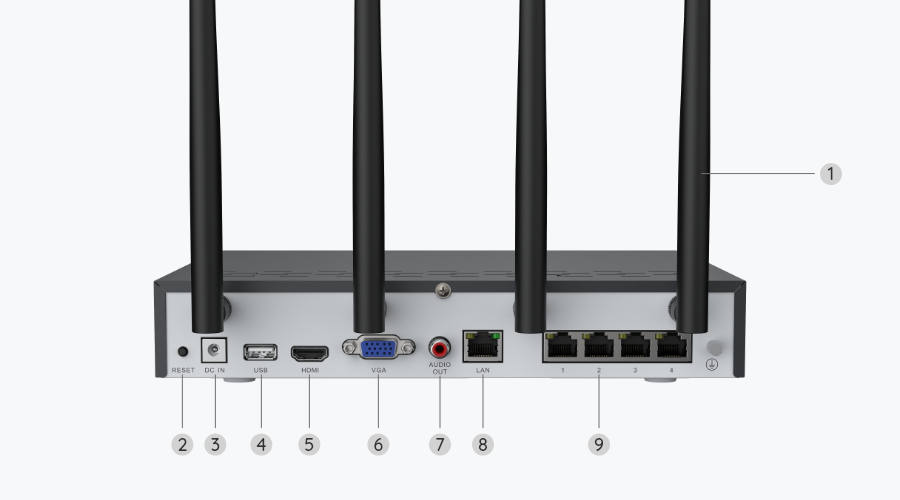
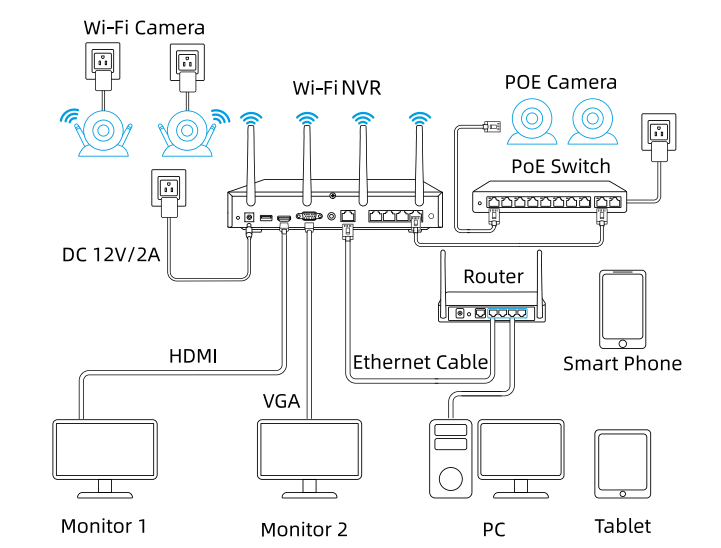
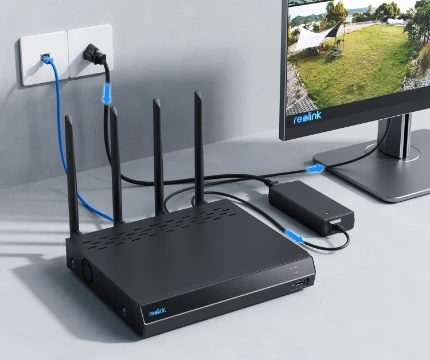
First connect the NVR to the power supply, then to the monitor via an HDMI/VGA cable and to the router via a network cable.
Power on the camera and connect it to the NVR via a network cable, then initialize it on the monitor and synchronize the Wi-Fi.
Disconnect the network cable from the camera and mount it in the desired location, then view the live view on your monitor/Reolink App/Reolink Client.
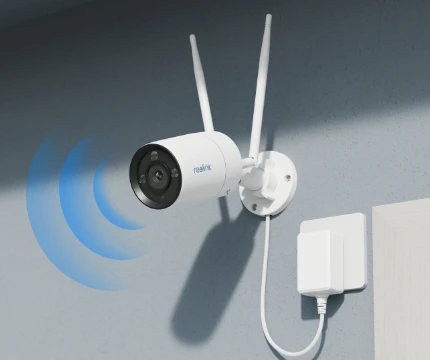
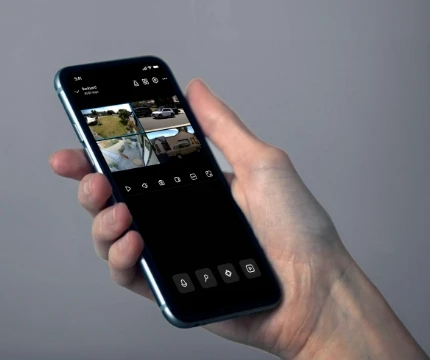
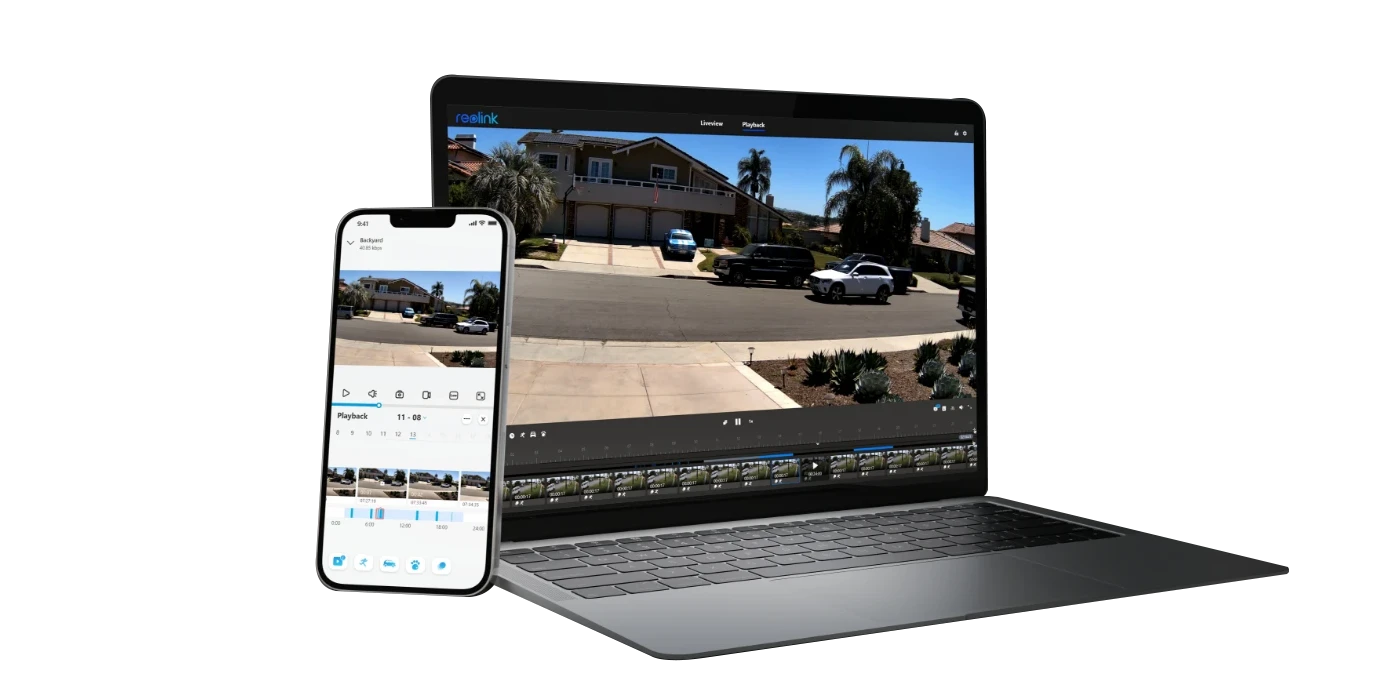
With the free Reolink app or client, you can conveniently view the live-stream of the cameras connected to the NVR, play back the recorded videos and adjust the settings or connect the NVR to a monitor for local management and monitoring.
The Reolink RLN12W supports Reolink plug-in Wi-Fi cameras, PoE cameras, and selected battery-powered Wi-Fi cameras, with resolutions up to 16MP. It supports up to 12 plug-in Wi-Fi and PoE cameras combined, plus 4 compatible battery-powered cameras, or up to 16 battery-powered cameras. Since the RLN12W has no PoE ports, PoE cameras require a separate power source. Compatibility varies by camera model and firmware version. Check the official compatibility guide for supported models.
The Reolink RLN12W connects to your router via an Ethernet cable, not Wi-Fi. Its built-in dual-band Wi-Fi 6 network is designed to connect compatible Reolink cameras wirelessly.
To set it up, connect the NVR's LAN port to your router, power on the NVR, and complete the initial setup using a connected monitor. Then add your Wi-Fi cameras under Channel > Channel Management and sync the NVR's Wi-Fi settings to establish wireless connections.
For detailed instructions, see the official RLN12W camera setup guide.
No. The RLN12W does not require a Wi-Fi 6 router. It connects to your router through an Ethernet cable and provides its own dual-band Wi-Fi 6 network for compatible cameras. You can continue using your existing Wi-Fi 5 router while connecting supported Wi-Fi 6 cameras directly to the NVR.
Yes. The RLN12W supports local recording to its pre-installed 2TB HDD without an internet connection. As long as the NVR and cameras remain powered on and connected, recording can continue during an internet outage. However, remote access outside your local network requires an internet connection.
The key difference is how they connect and power security cameras. The RLN12W uses dual-band Wi-Fi 6 to connect compatible cameras without Ethernet cables running to each camera, making it suitable for existing homes, detached garages, and other locations where network cabling is difficult. It supports up to 16 cameras but has no PoE ports, so cameras require separate power sources.
The RLN8-410 features 8 built-in PoE ports that deliver power and video through a single Ethernet cable per camera. It is better suited for new installations where Ethernet cabling is available, particularly for multiple cameras requiring continuous recording. Newer hardware versions support up to 12 cameras.


準備を整え、一歩先を行きましょう
Reolinkのユーザー向けのお得な情報、ニュース、アップデートをお見逃しなく。
準備を整え、一歩先を行きましょう
Reolinkのユーザー向けのお得な情報、ニュース、アップデートをお見逃しなく。

Google、Google Play、Google Assistantおよび関連するマークおよびロゴは Google LLCの商標です。 Amazon、Alexa、およびそれらに関連するすべてのロゴは、Amazon.com, Inc. またはその関連会社の商標です。 MacおよびSafariは、Apple Inc.の商標です。 App Storeは、Apple Inc.のサービスマークであり、米国およびその他の国で登録されています。 FirefoxおよびFirefoxのロゴは、米国およびその他の国におけるMozilla Foundationの商標です。 ここに記載されているその他の製品名および会社名は、それぞれの会社の商標である場合があります。