Your cart is empty.

4K Dual-Lens PoE 180 Degree Security Camera
4K 8MP Resolution for Detailed Footage
180° View for Wider Coverage
Two Lenses Combine into One Panoramic Image
Spotlight Night Vision for Clear Day-to-Night Security
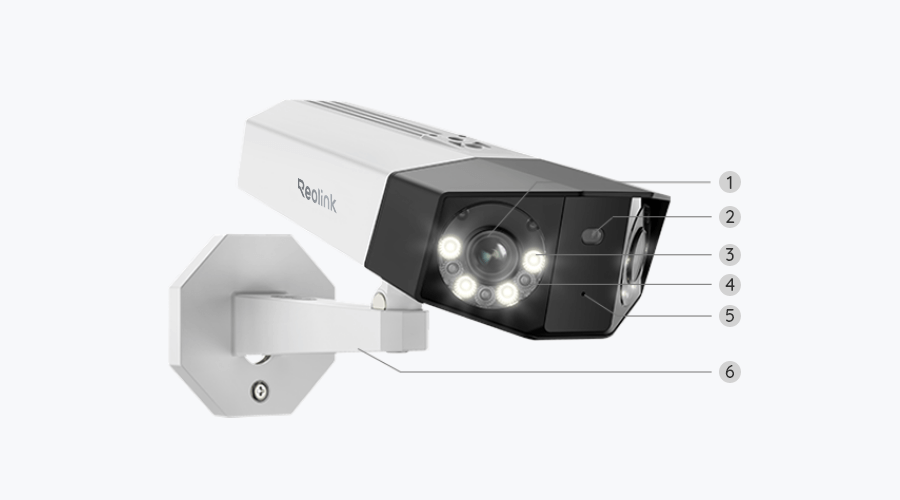
With its dual-lens design, the Reolink Duo 2 PoE combines two camera views into one 180° panoramic image. Unlike the original Duo PoE, it eliminates gaps and overlapping areas, delivering a wider, more natural view without the need for two separate cameras.
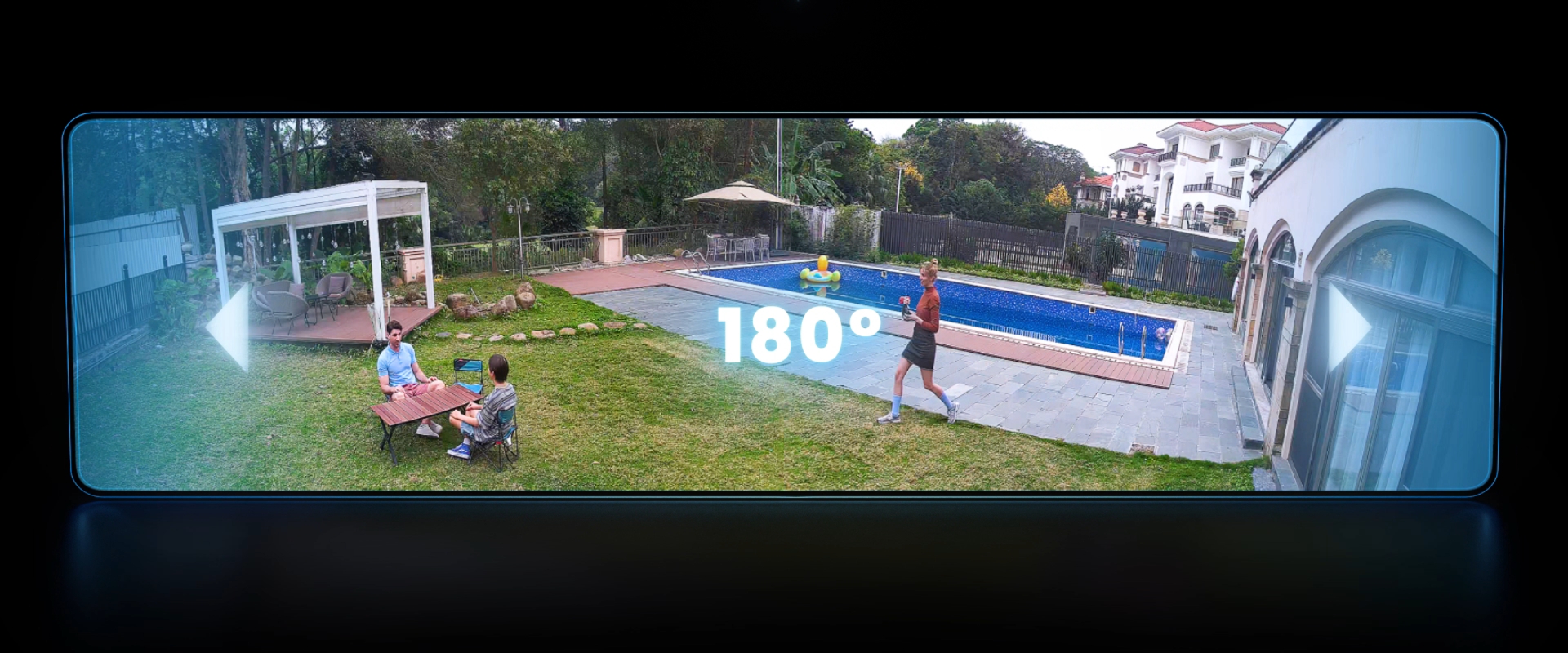
Capture sharp, detailed footage in 4K 8MP resolution with a 180° panoramic view. At night, choose between color night vision with built-in spotlights and black-and-white infrared night vision to suit different lighting conditions.

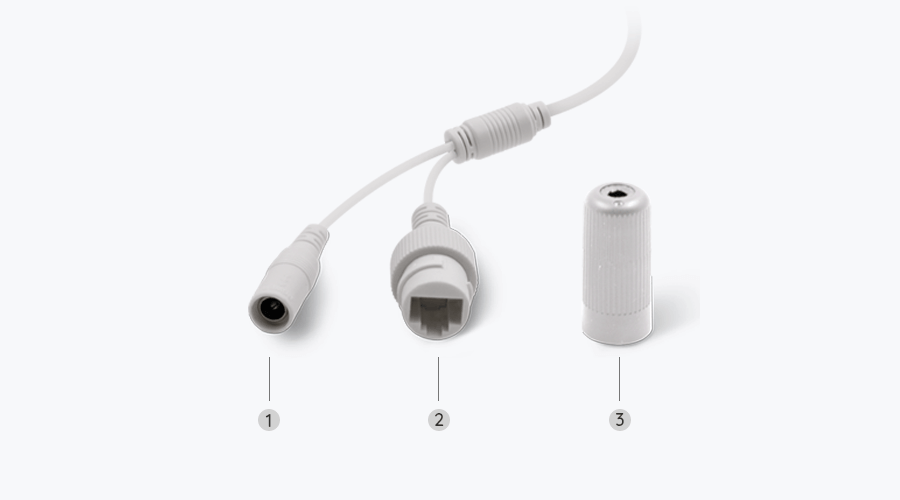
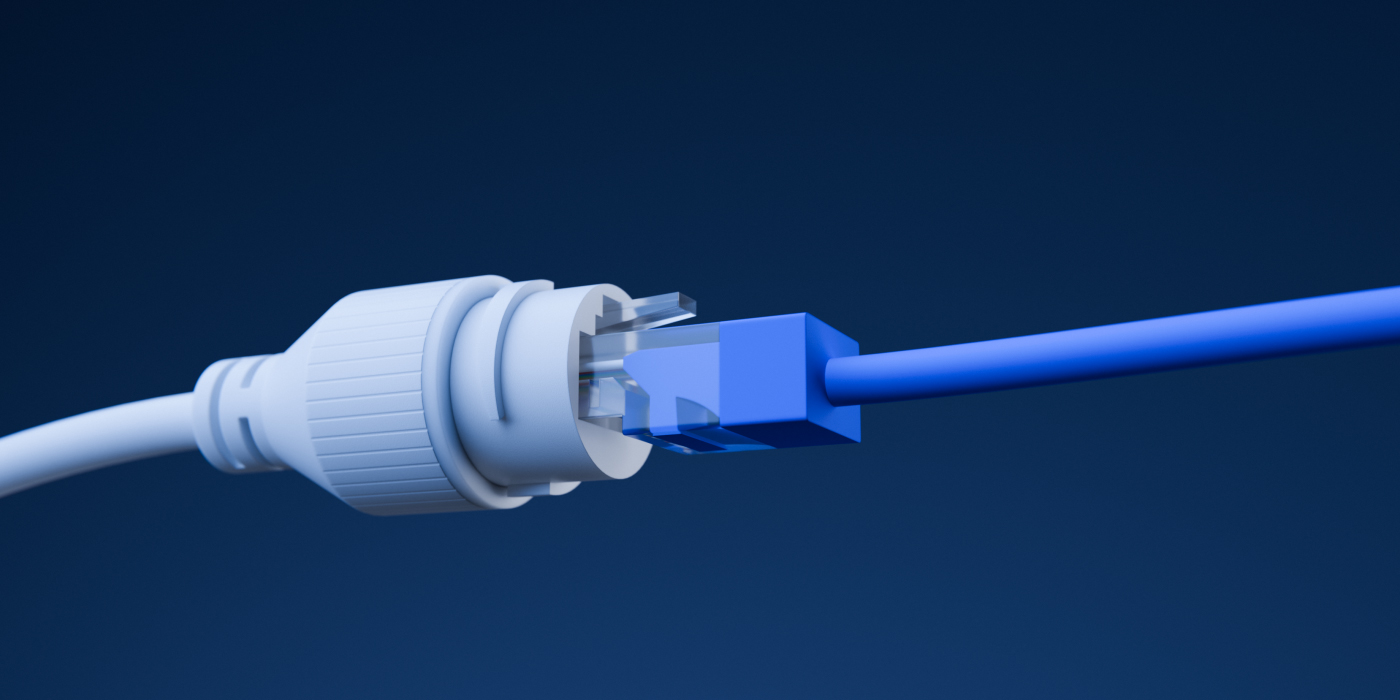
With PoE technology, the Duo 2 PoE powers both lenses and transmits video through a single Ethernet cable. One camera, one cable, and no need for separate wiring for each lens.
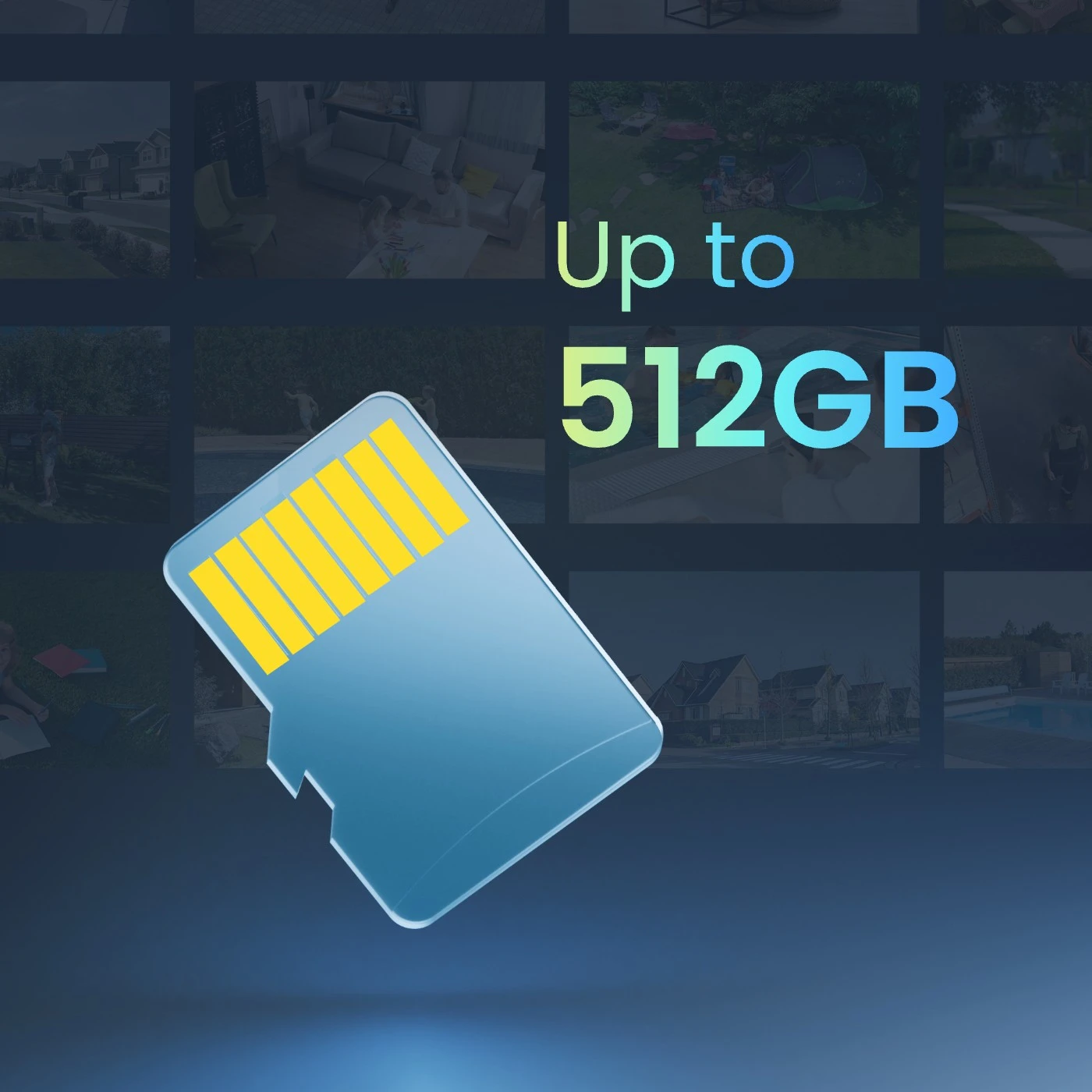
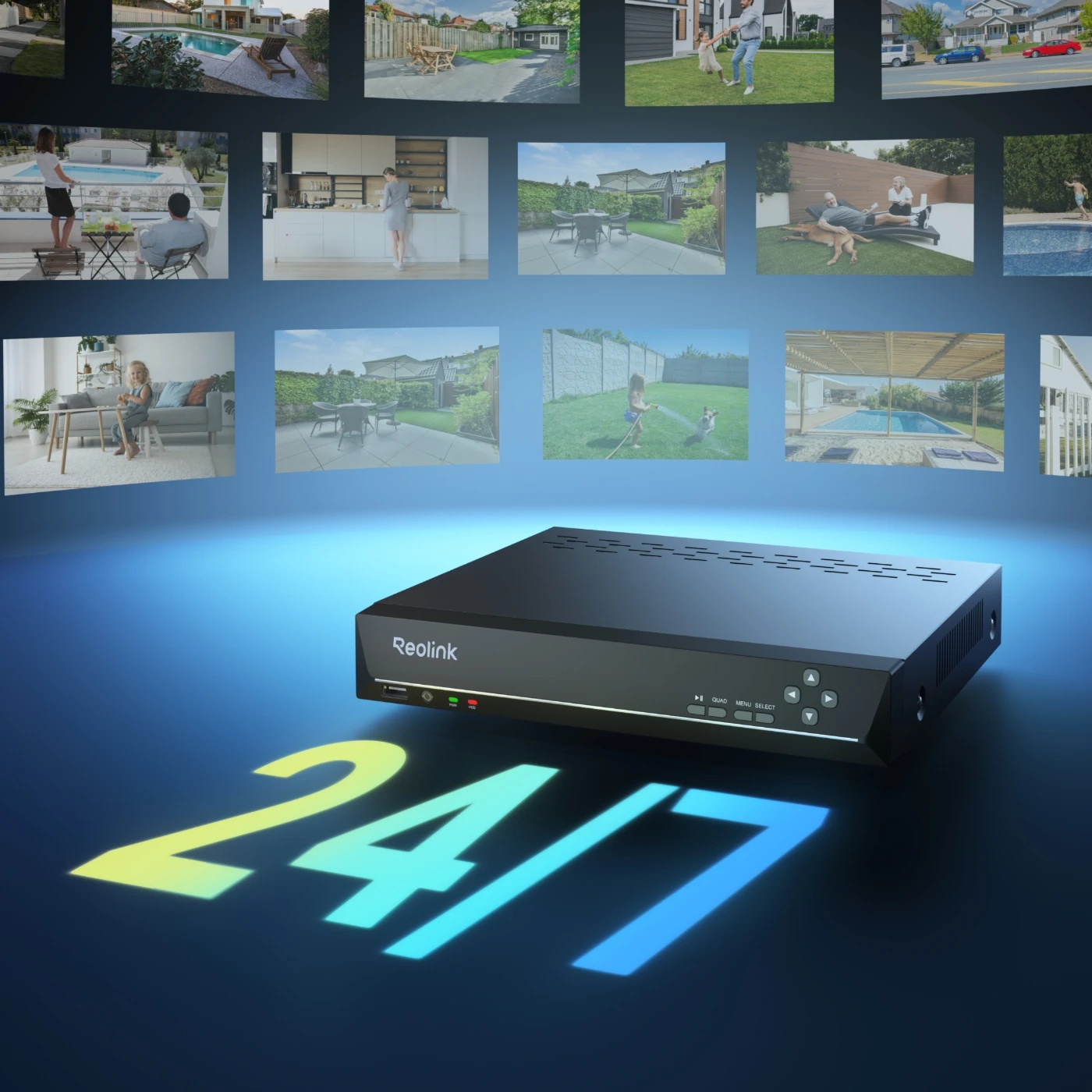
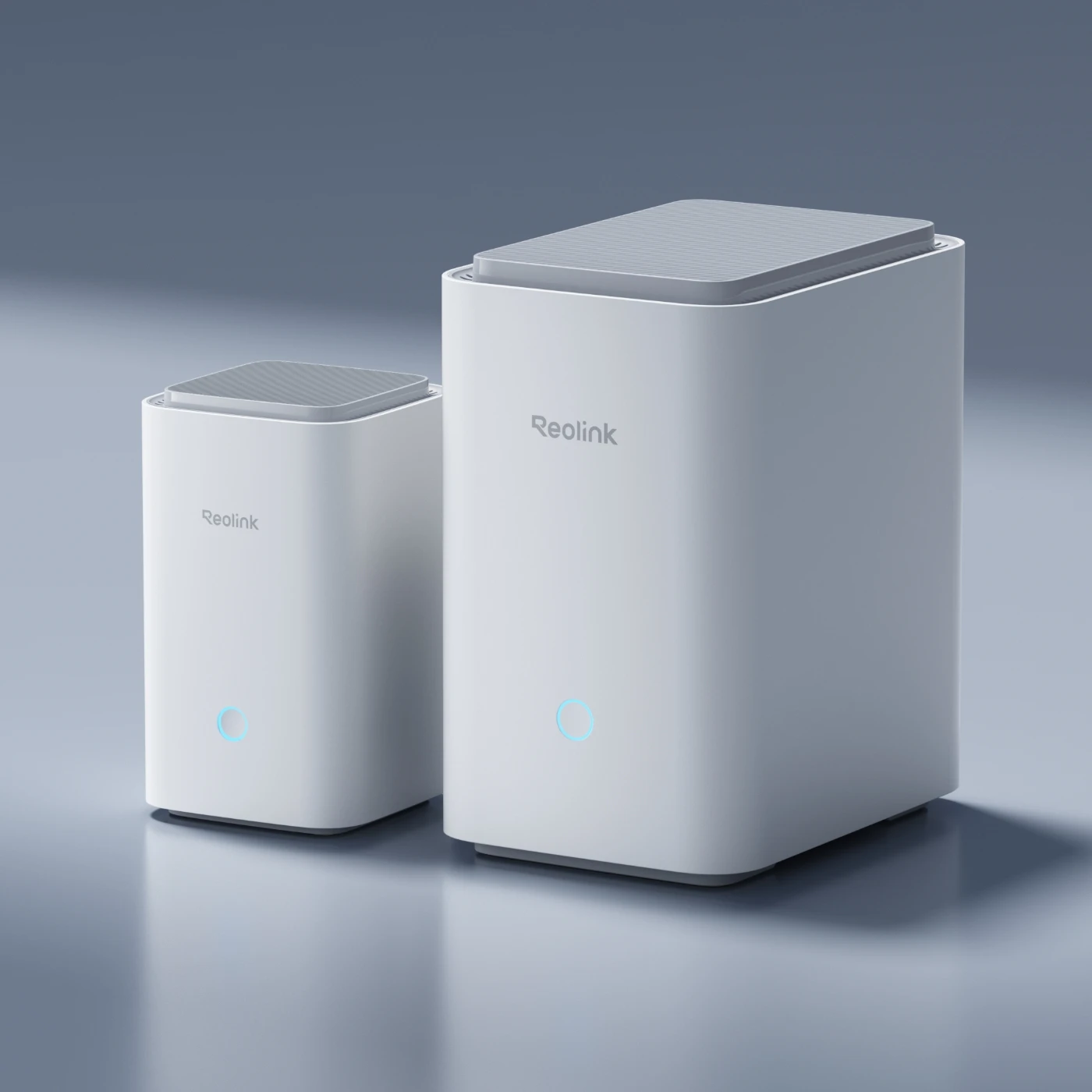
Versatile storage options are offered: microSD card, FTP/NAS server, Reolink Home Hub Series, and NVRs. Choose the solution that suits you best and enjoy reliable access to your footage, whether stored locally or on the network.
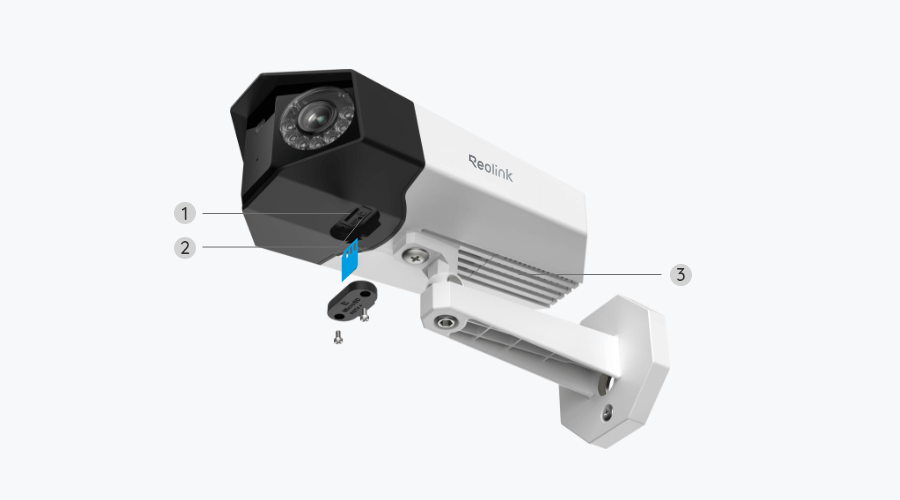
Supports up to 512GB microSD card for local video storage without additional recording devices.
Connect to a compatible Reolink PoE NVR for 24/7 recording, larger storage capacity, and centralized camera management.
Enjoy encrypted, centralized storage with up to 2TB via microSD cards on Reolink Home Hub or up to 16TB of HDD storage on Reolink Home Hub Pro.
With the time-lapse feature, Duo 2 PoE turns slow changes, such as sunrises, sunsets, and moving clouds, into short, accelerated videos. Combined with its 180° panoramic view, you can capture the entire scene as it changes over time.
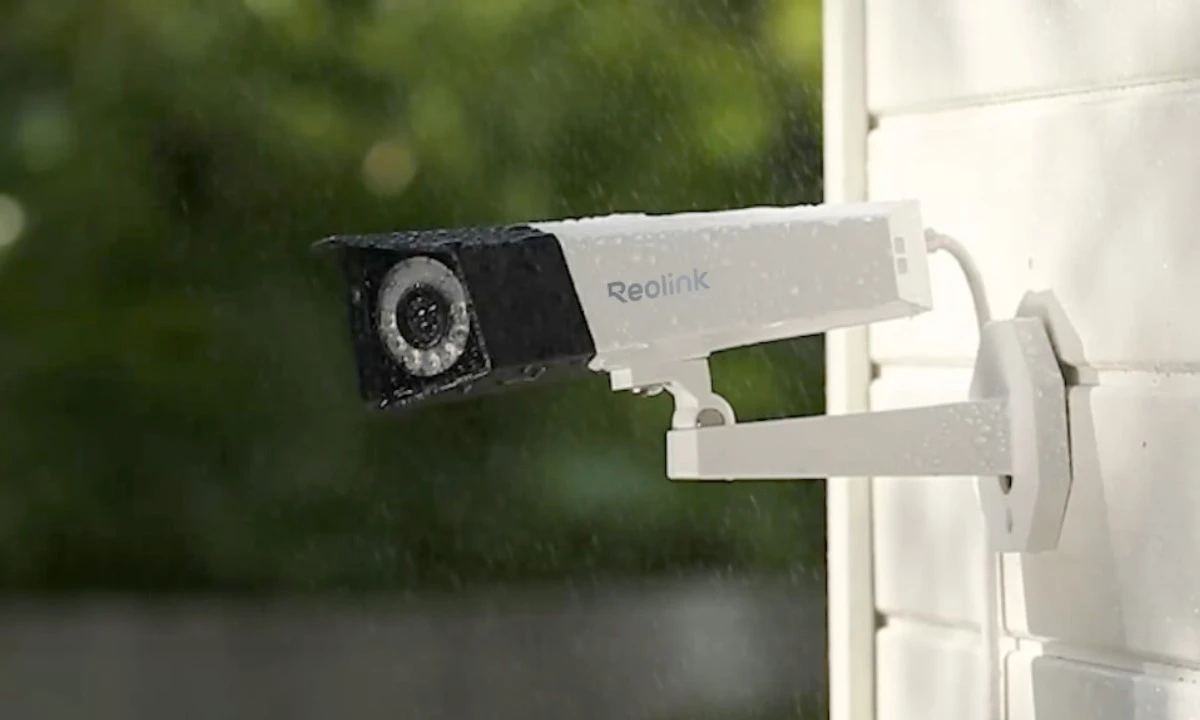
With an IP67-rated weatherproof housing, Duo 2 PoE is protected against dust, rain, and snow. It is built to withstand changing outdoor conditions, keeping your property monitored throughout the year.
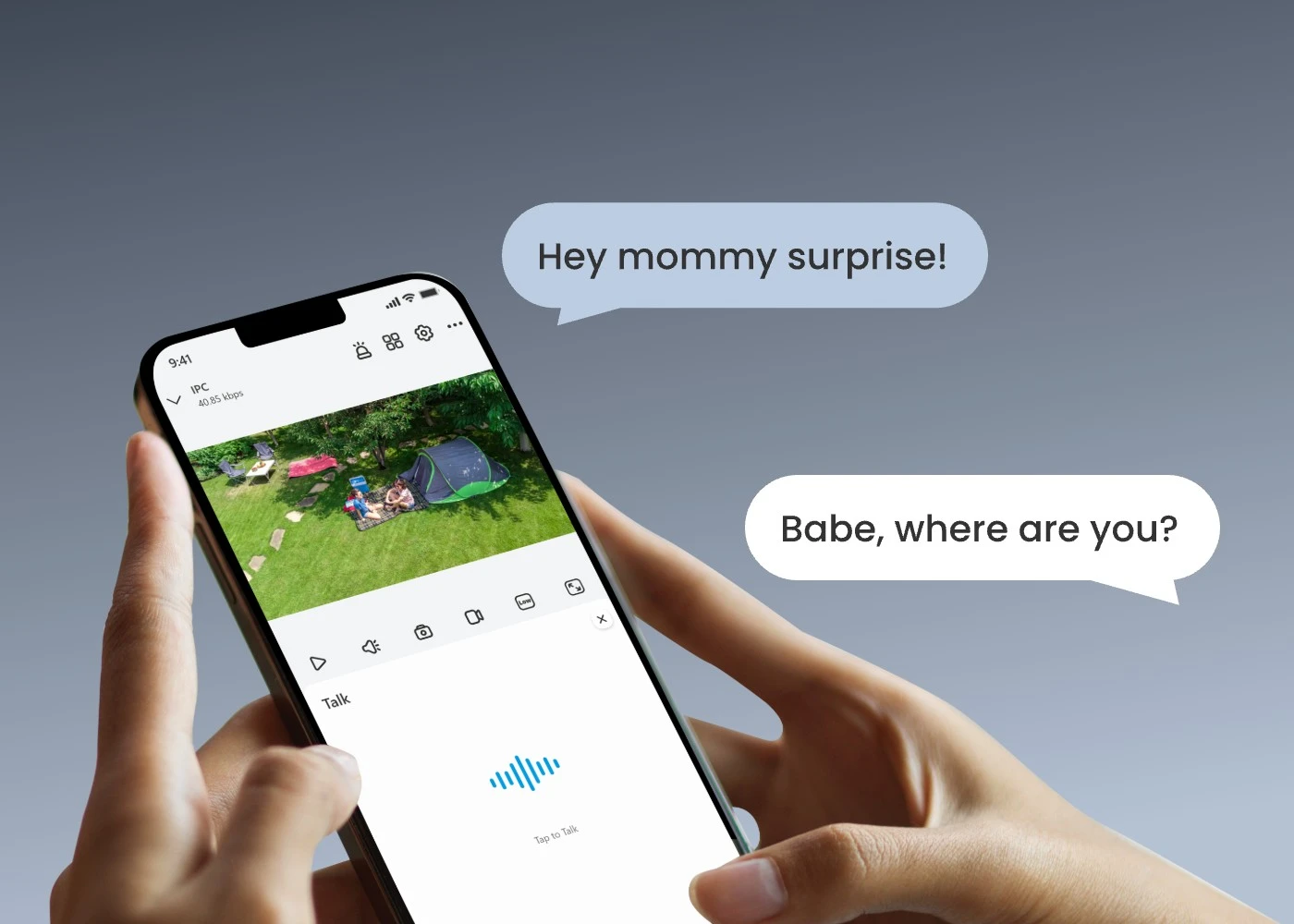
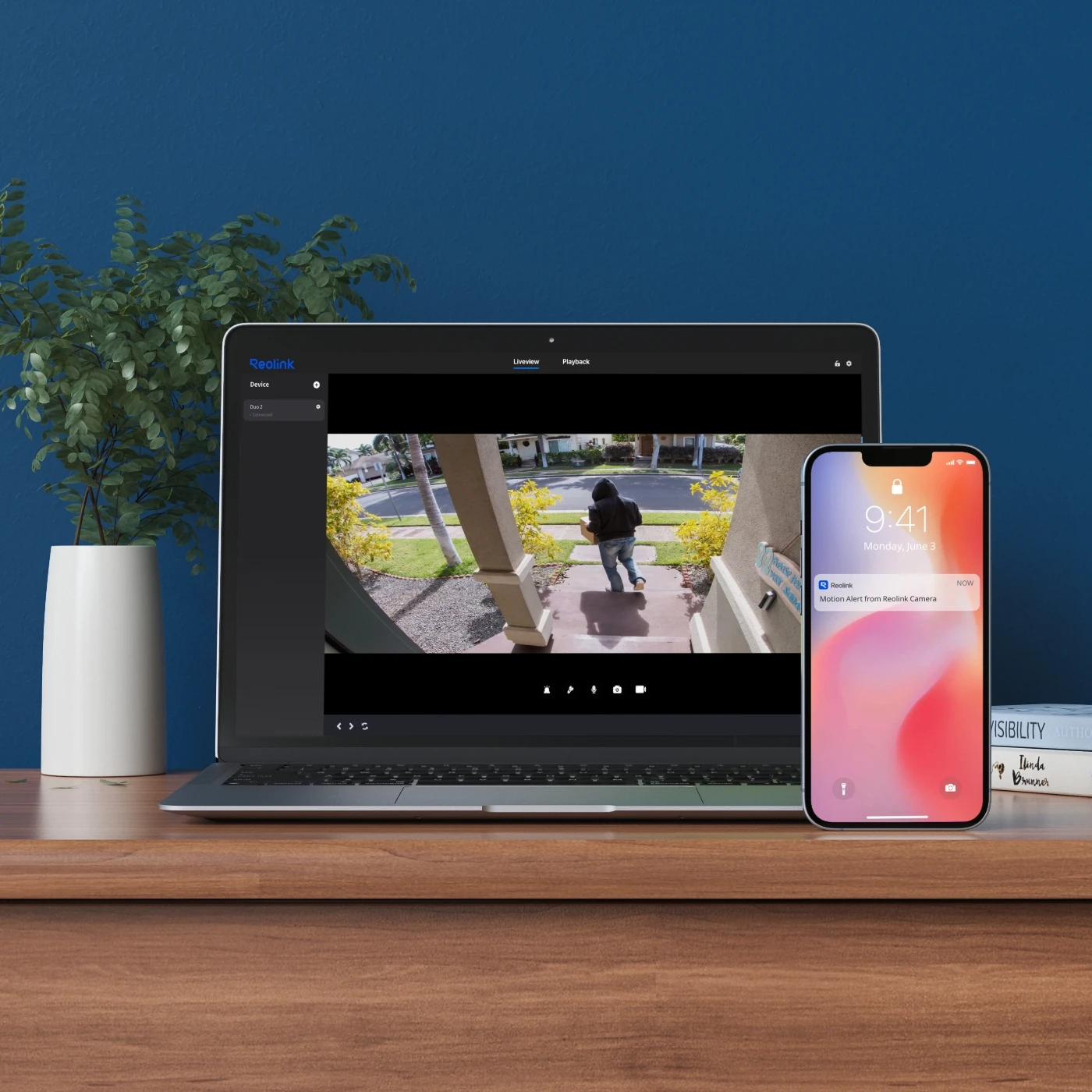
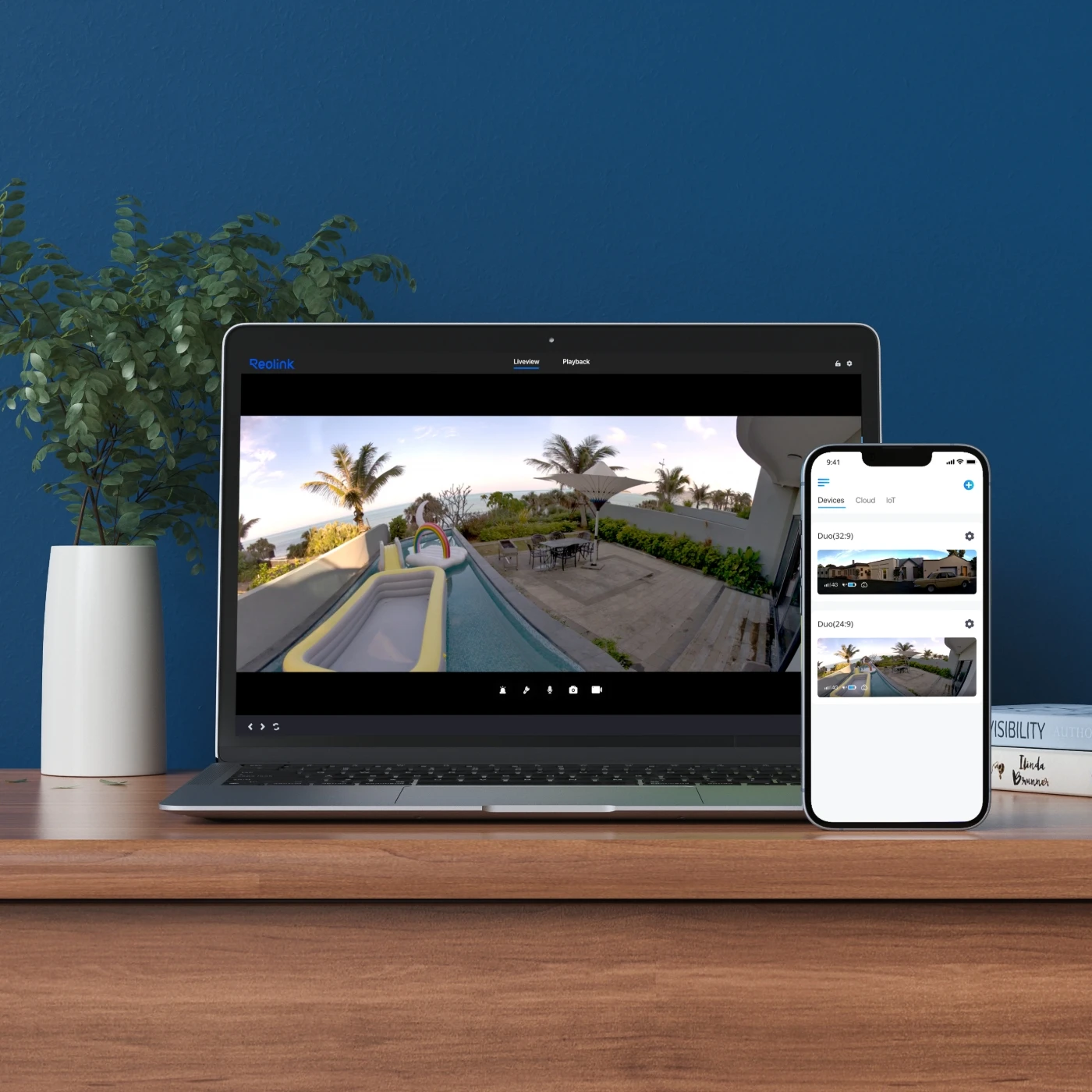
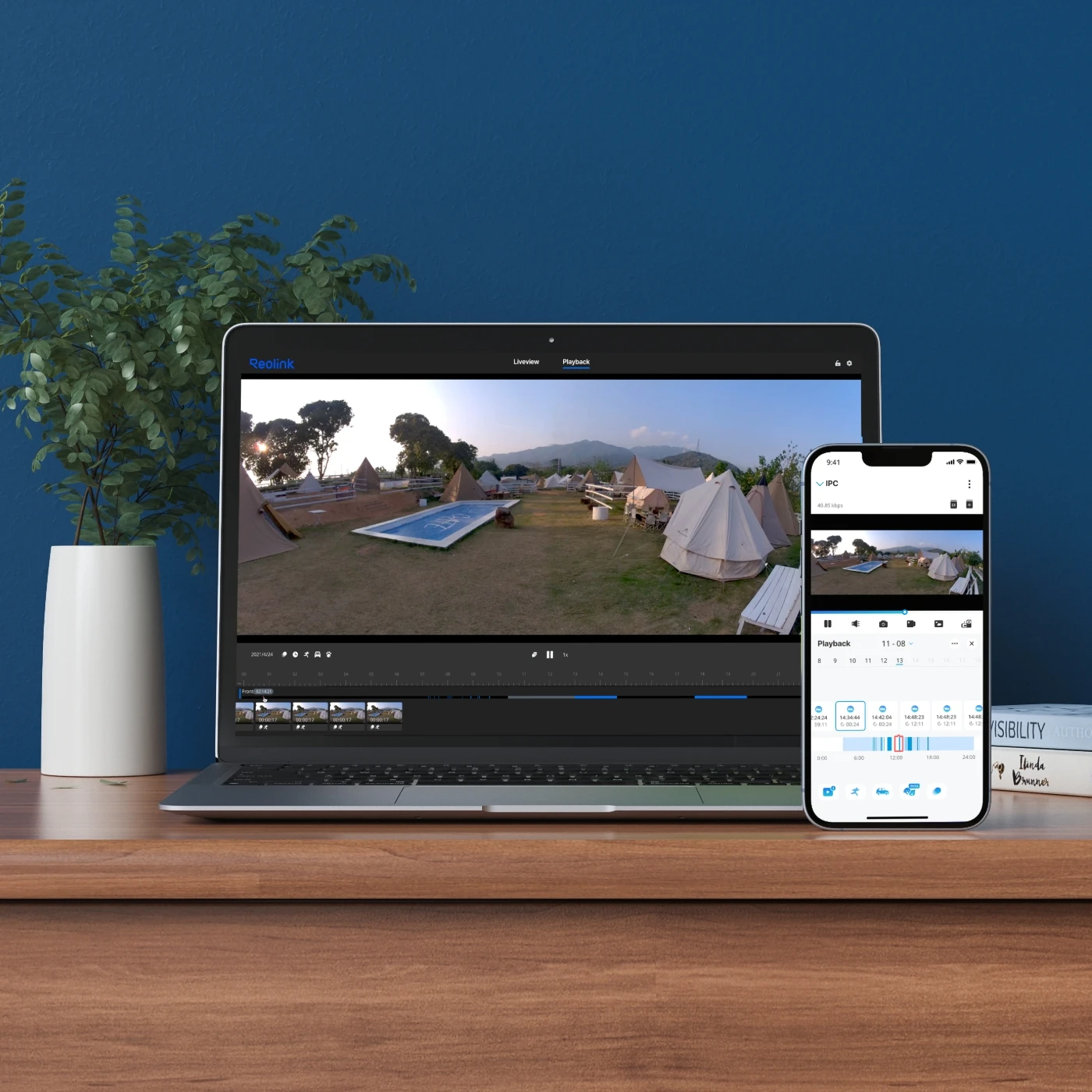
With the Reolink App or Client, you can stay connected to your Duo 2 PoE wherever you are. Easily check on your home or business and manage your camera remotely.
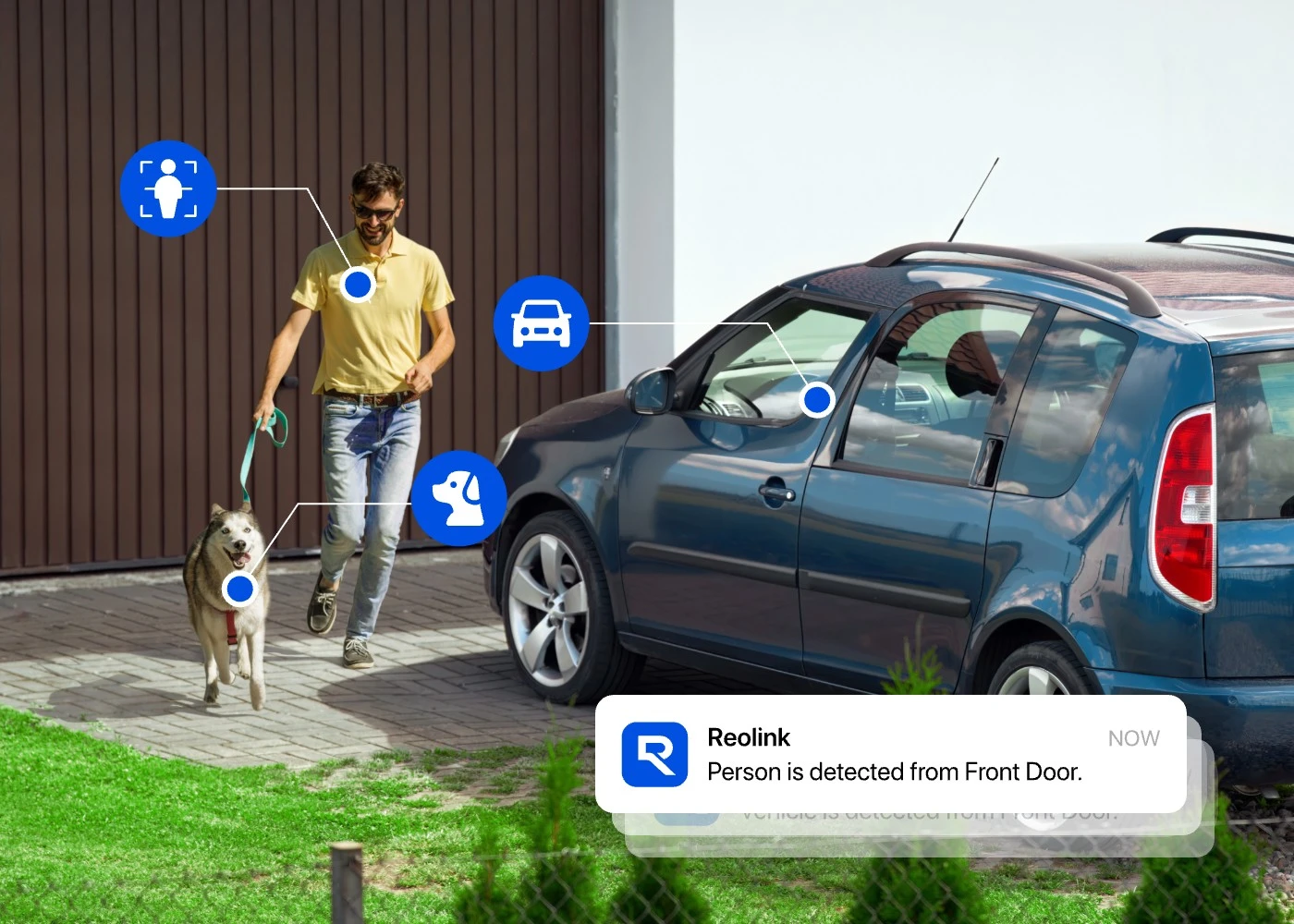
Get instant push notifications through the Reolink App when the camera detects a person, vehicle, or animal. You can check the event directly on your phone without constantly watching the live feed.
Check what's happening at your property in real time through the Reolink App or Client, whether you're at home, at work, or away.
Find recorded events faster by filtering footage by date, time, or detection type. Review important moments without having to watch hours of recordings.
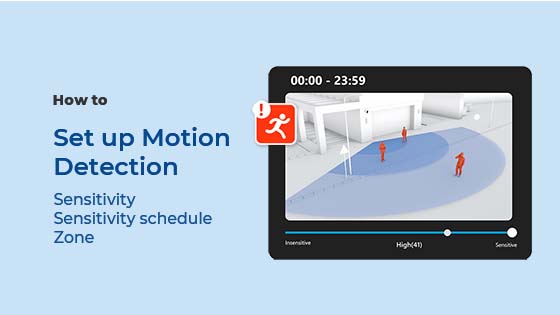
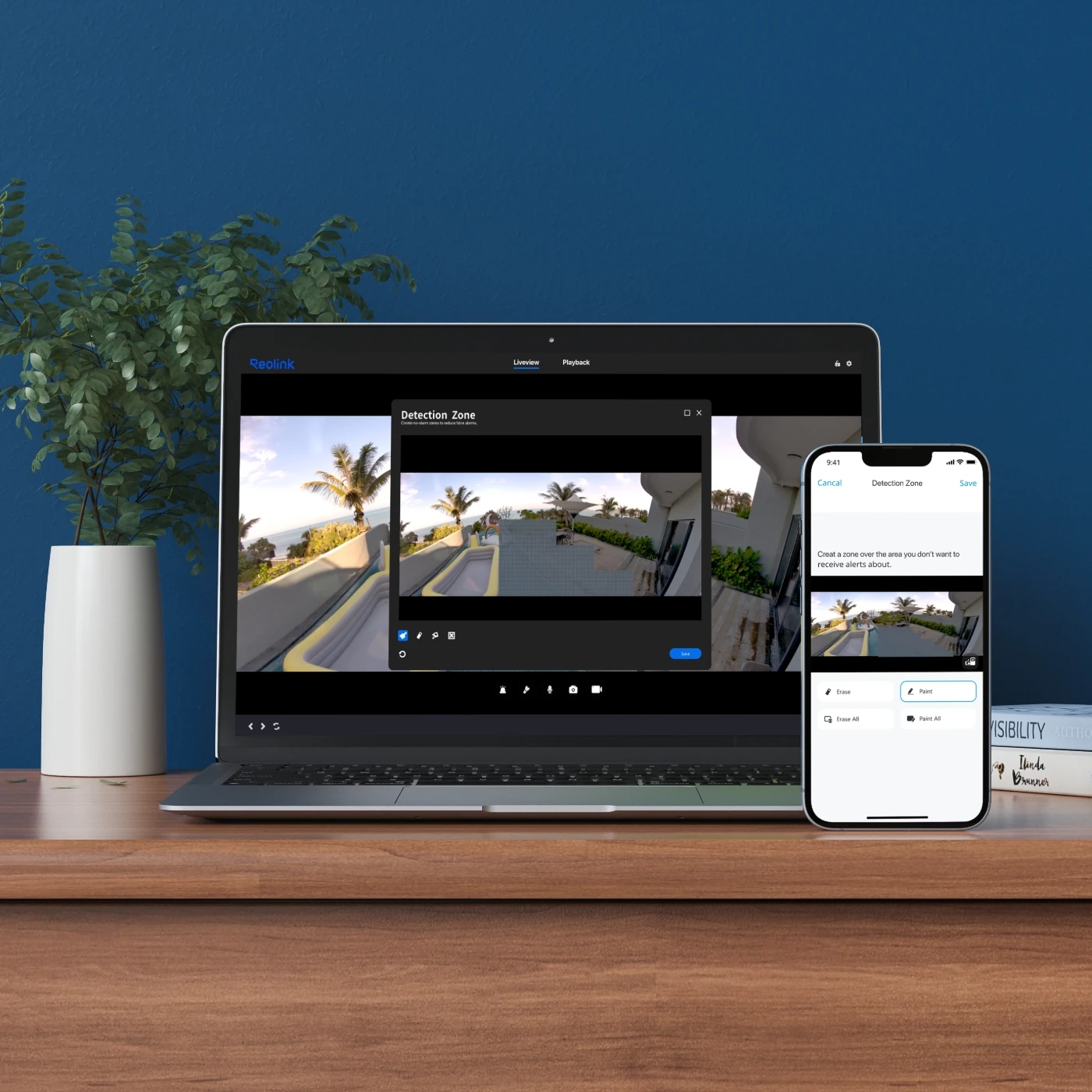
Select the areas you want the camera to monitor for motion. Exclude areas that aren't important to you to reduce unnecessary alerts.

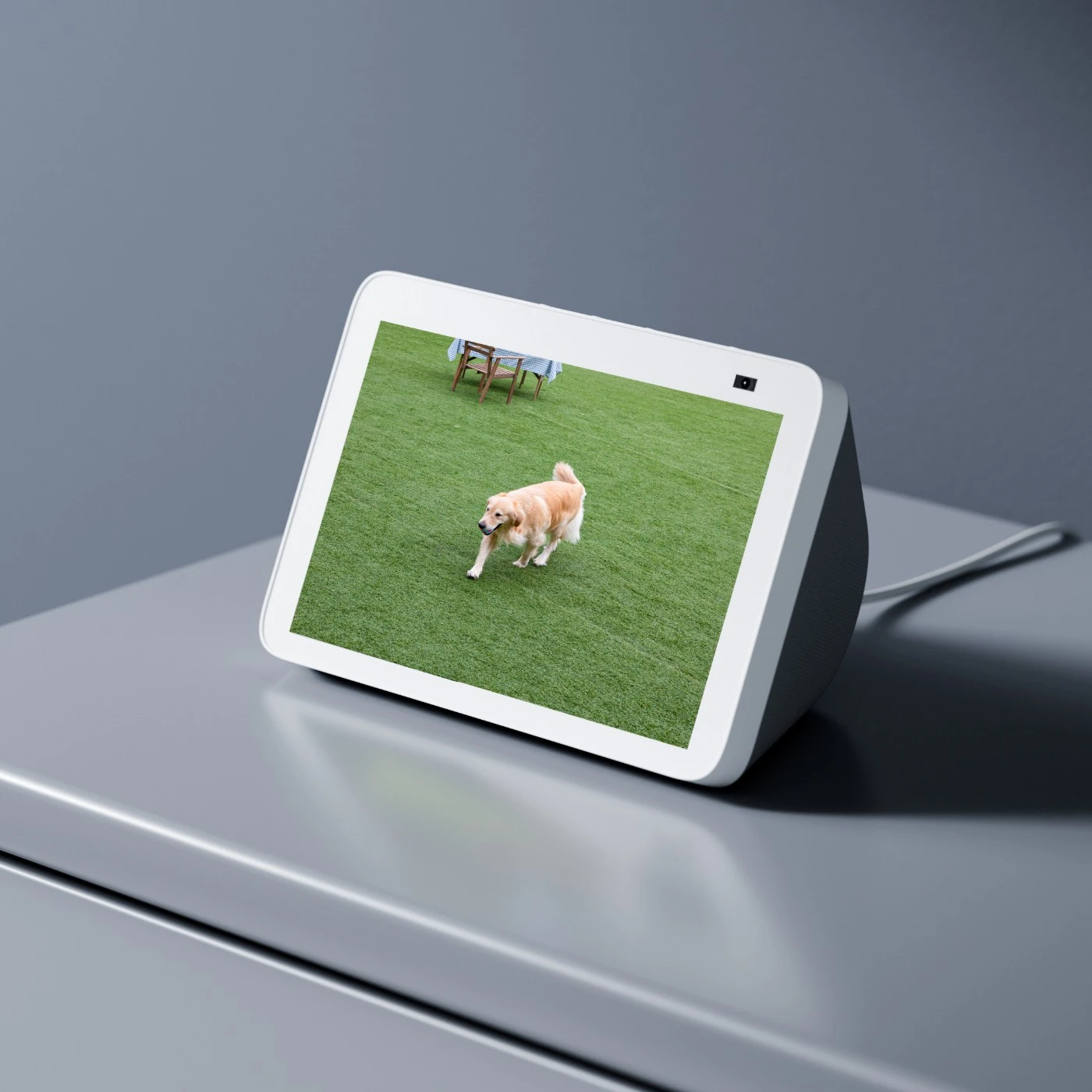
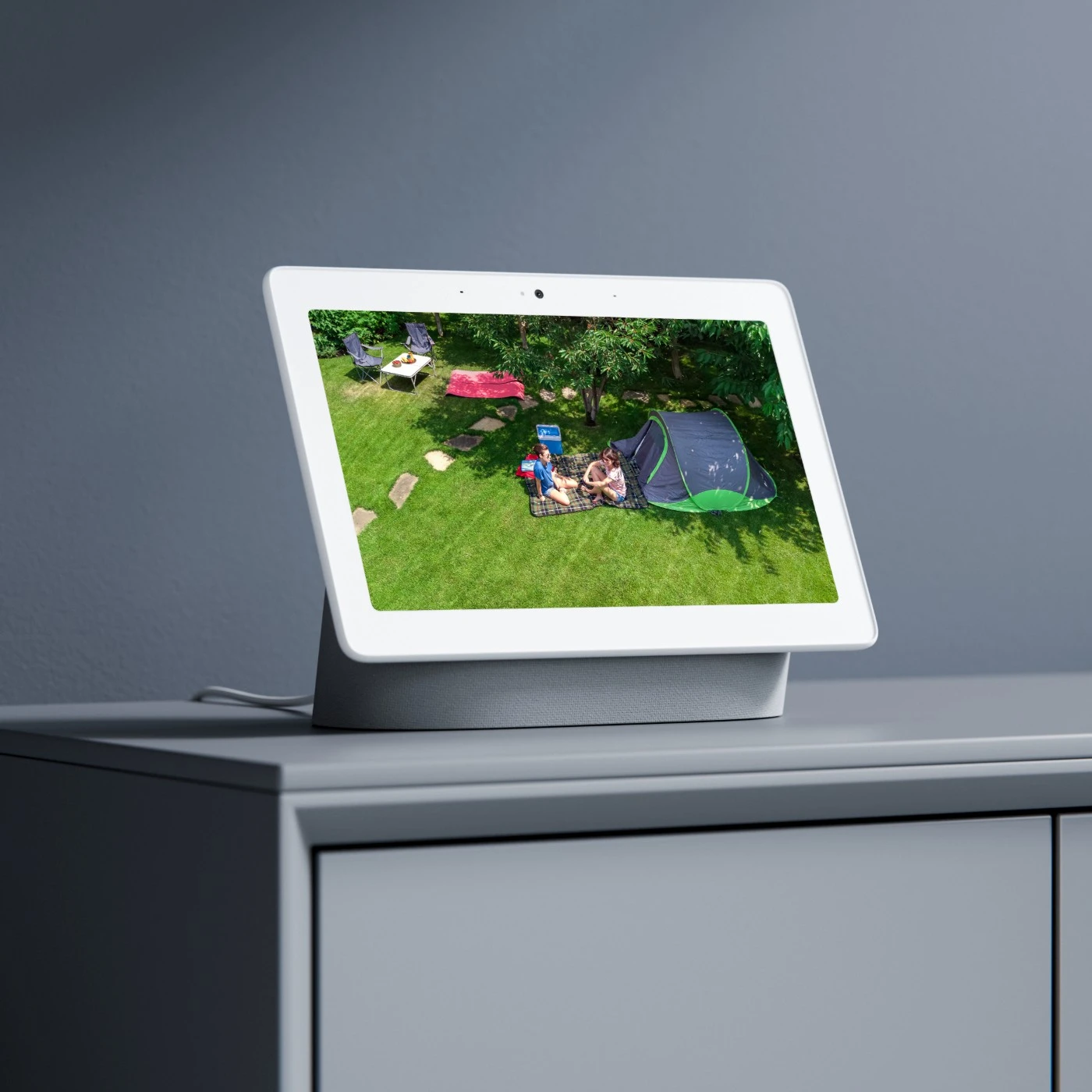
Duo 2 PoE works with Google Assistant. As easy as saying "Hey Google, show me the front door", you can check what's happening there on your Google Nest Hub or Chromecast-enabled TVs.
The main difference is resolution. Reolink Duo 2 PoE offers 4K 8MP resolution (4608 × 1728), while Duo 3 PoE delivers 16MP resolution (7680 × 2160) for greater image detail. However, Duo 2 PoE provides a wider vertical field of view at 60°, compared to 55° on Duo 3 PoE, allowing it to capture more of the scene vertically.
Yes, Reolink Duo 2 PoE can replace two traditional security cameras when both are monitoring the same wide, open area from a similar position. Its dual lenses create a single 180° panoramic view, making it ideal for wide driveways, front yards, parking lots, and long storefronts.
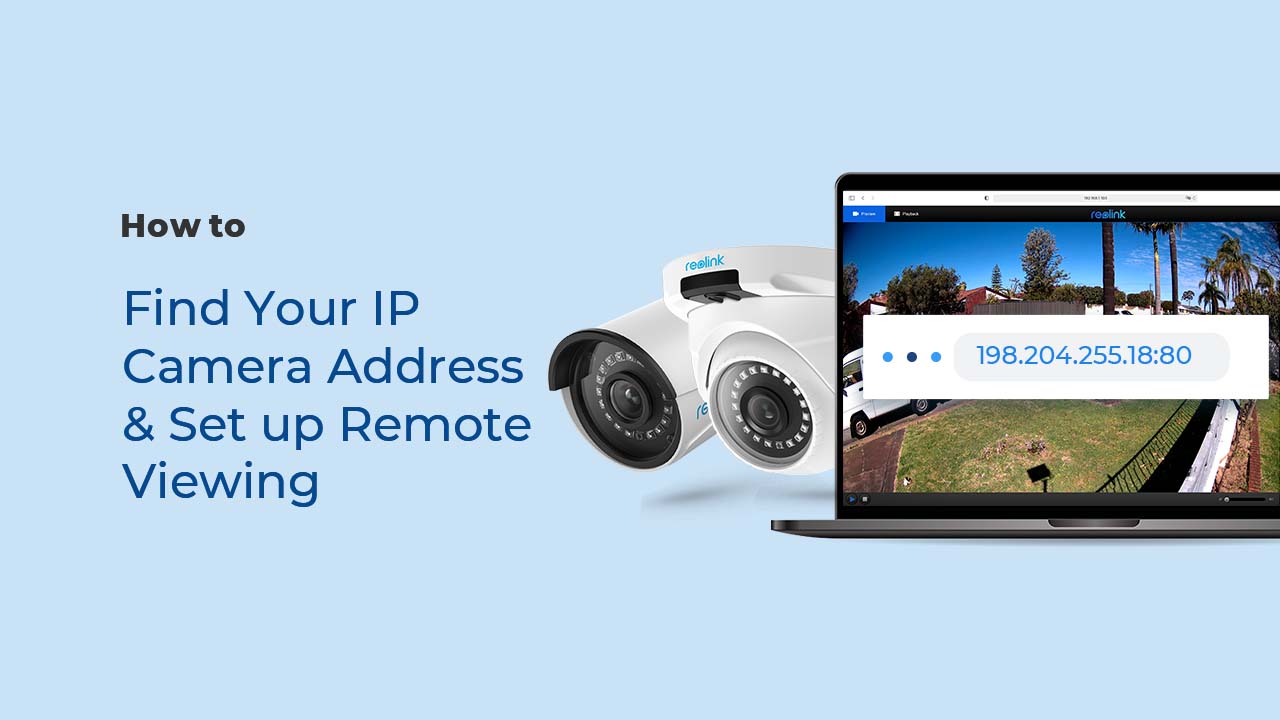
Yes. Reolink Duo 2 PoE supports ONVIF and RTSP and works with compatible third-party NVRs and software like Blue Iris and Synology Surveillance Station. To set it up, enable ONVIF and RTSP in the camera settings, connect both devices to the same local network, and add the camera using its IP address and login details. You can also check our guide on integrating third-party cameras with Reolink NVRs for more information on NVR compatibility.
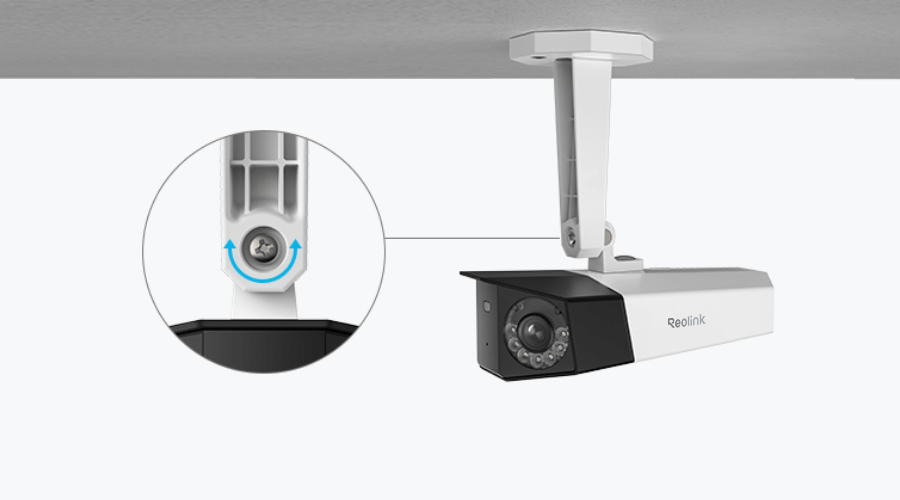
Reolink Duo 2 PoE is best installed on a sturdy wall or ceiling, about 7–10 feet (2–3 meters) above the ground, overlooking areas such as driveways, entrances, garages, or yards. For better motion detection, position the camera so people move across its field of view rather than directly toward it. Keep the view clear of tree branches and avoid direct sunlight or reflective surfaces that may affect image quality.
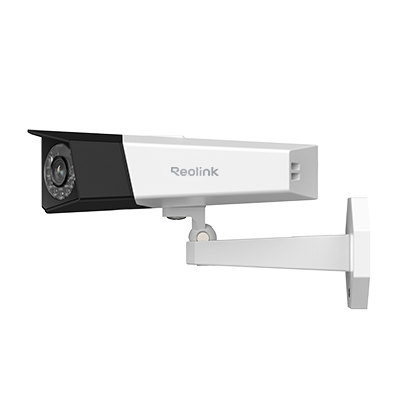 Reolink Duo 2 PoE ×1
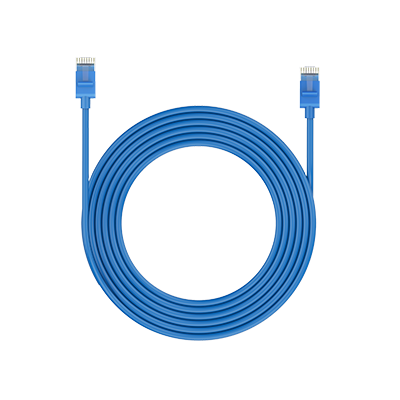 1m Network Cable ×1
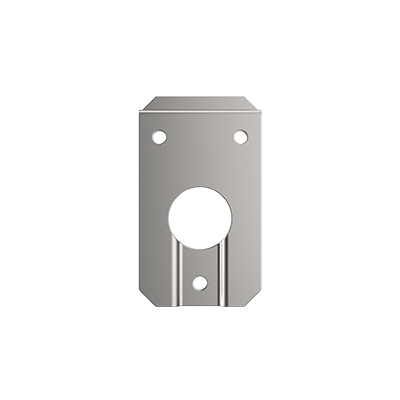 Mounting Plate ×1



Be Prepared, Be Ahead
Never miss Reolink hot deals, news, and updates tailored for you.
Be Prepared, Be Ahead
Never miss Reolink hot deals, news, and updates tailored for you.

Google, Google Play, Google Assistant and related marks and logos are trademarks of Google LLC. Amazon, Alexa and all related logos are trademarks of Amazon.com, Inc. or its affiliates. Mac and Safari are trademarks of Apple Inc. App Store is a service mark of Apple Inc., registered in the U.S. and other countries. Firefox and the Firefox logo are trademarks of the Mozilla Foundation in the U.S. and other countries. Other product and company names mentioned herein may be trademarks of their respective companies.