Vaša košarica je prazna.


Total 18MP Triple-Lens Panoramic-PT PoE Security Camera System with SyncTrack
10MP Dual-Lens 180° View
4K 360° Full Coverage
SyncTrack with Auto Framing & Auto Tracking
Local Storage with 2TB HDD Built-in
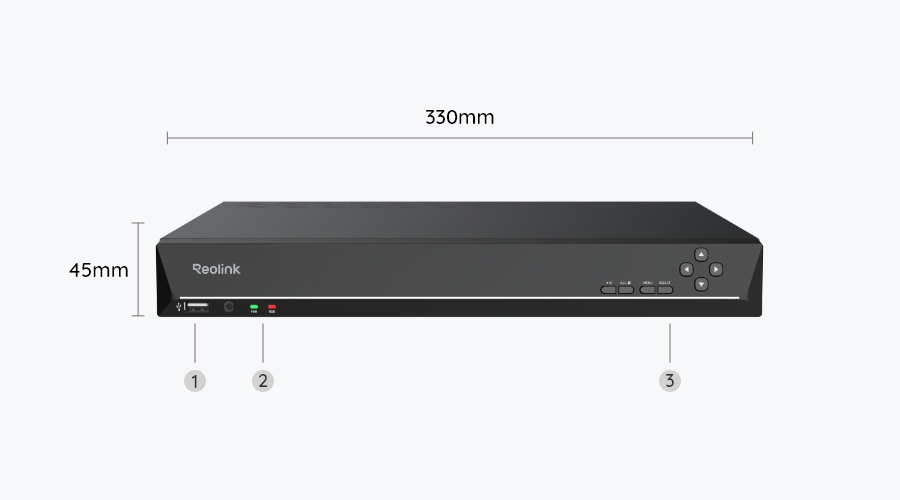
Experience comprehensive protection and seamless control with our NVR-centered system. Manage all your cameras from a single interface, effortlessly adapting to any installation scenario. Your security, now simpler than ever.
180° Panoramic with Auto Framing
One camera replaces two.
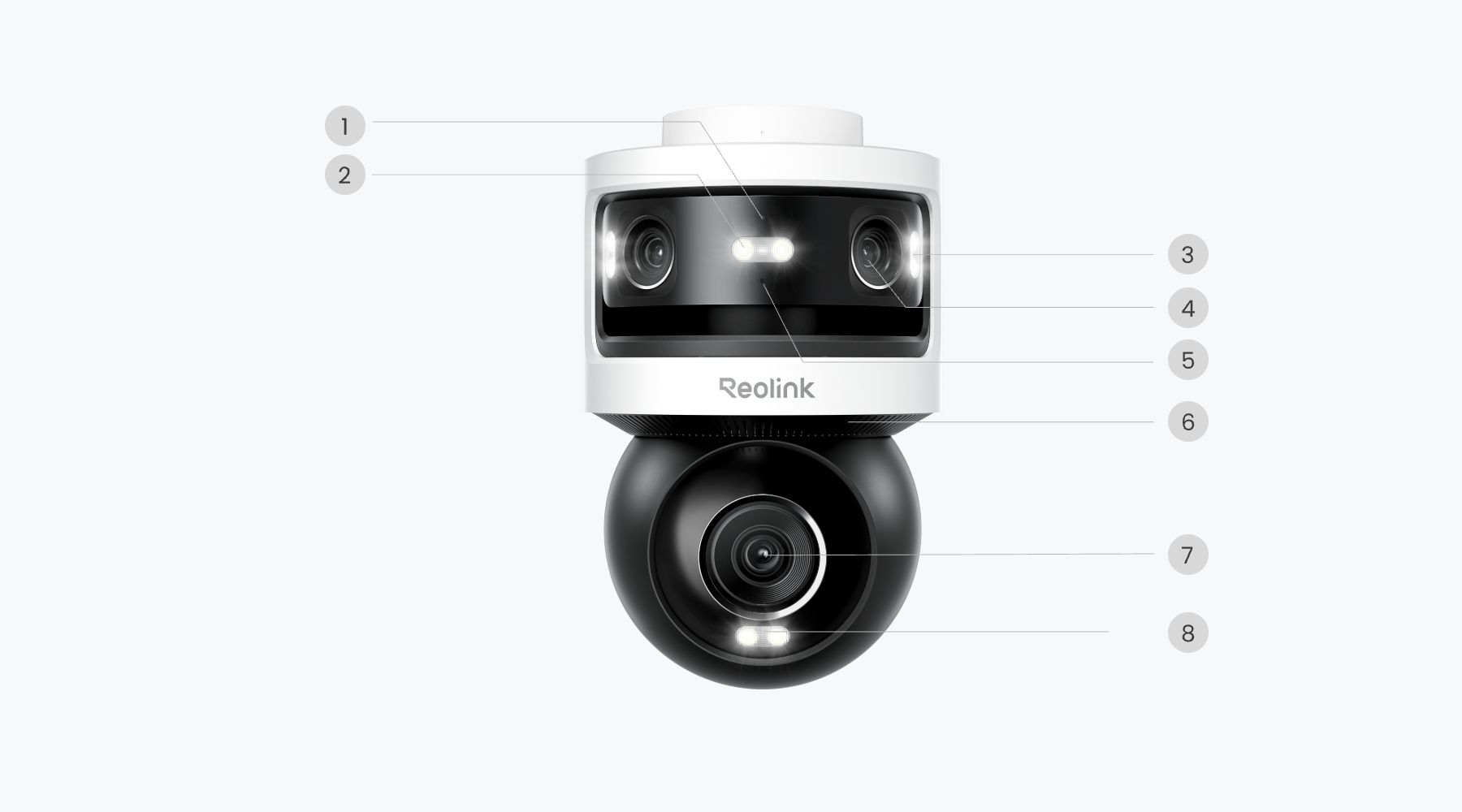
The OMVI 3i's 18MP triple-lens system delivers a sweeping panoramic view while simultaneously tracking movement in real time. Watch the full scene and zoom in on important details, both visible on your screen at the same time.
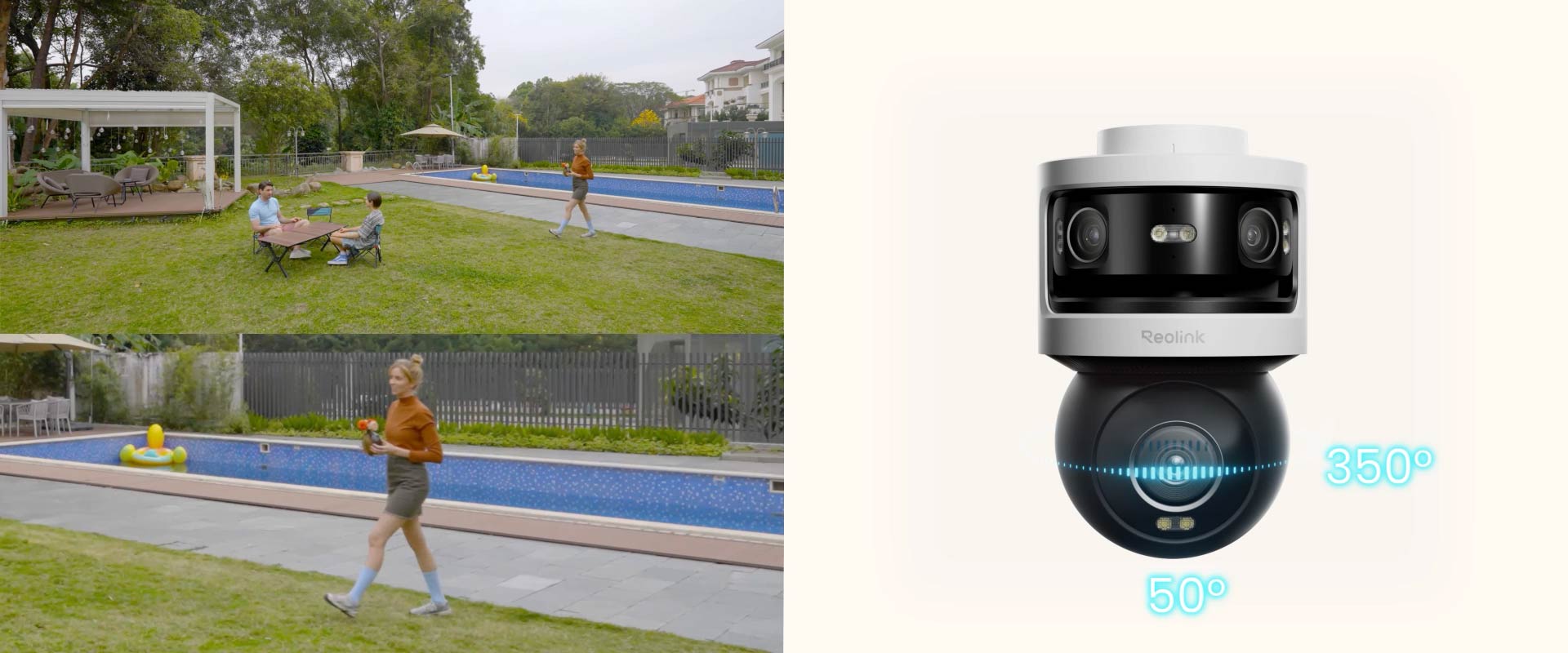
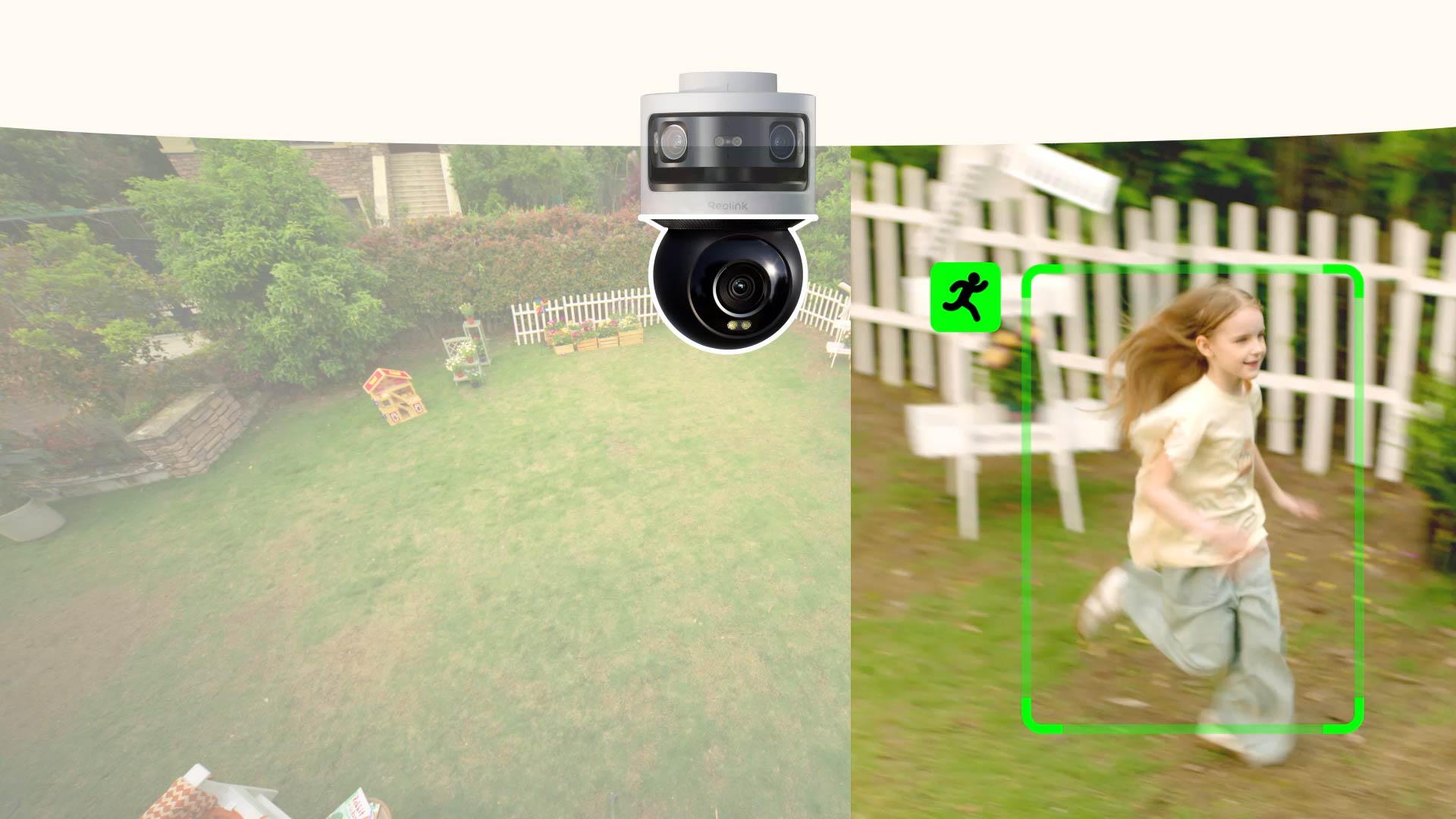
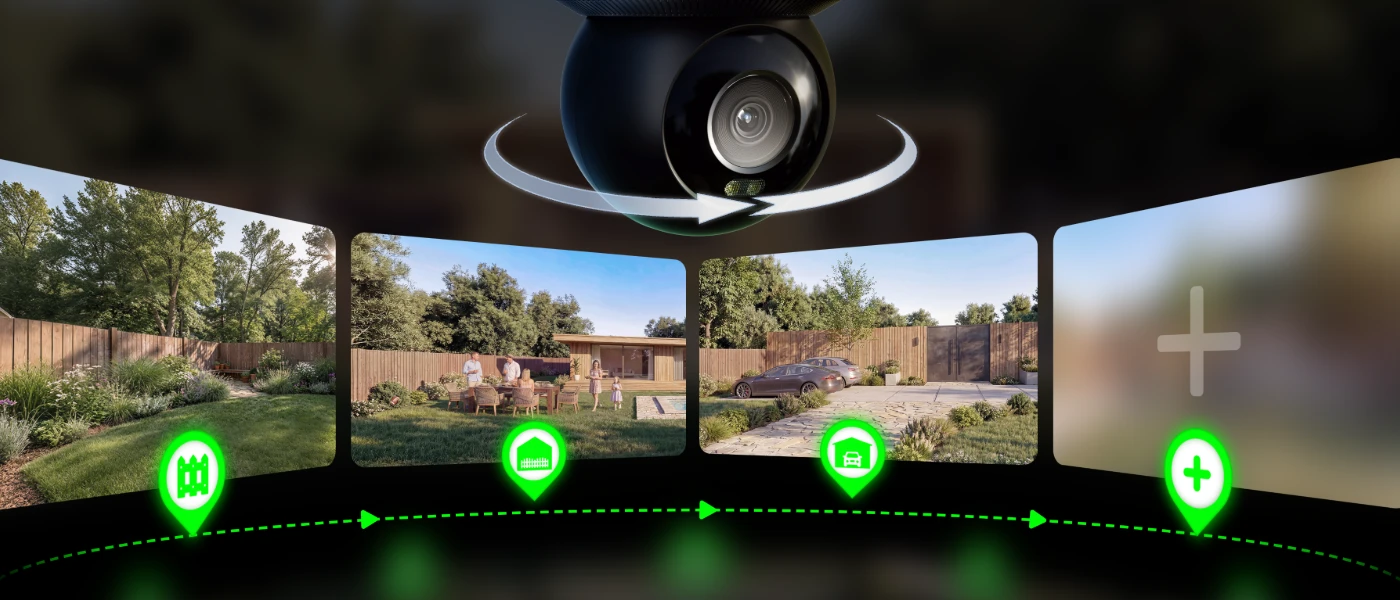
When Auto Framing is enabled, the OMVI 3i PoE's pan-tilt camera locks on and follows if someone or something moves, keeping the tracked object centered in the frame. Tracking continues even if the subject walks out of the panoramic view.
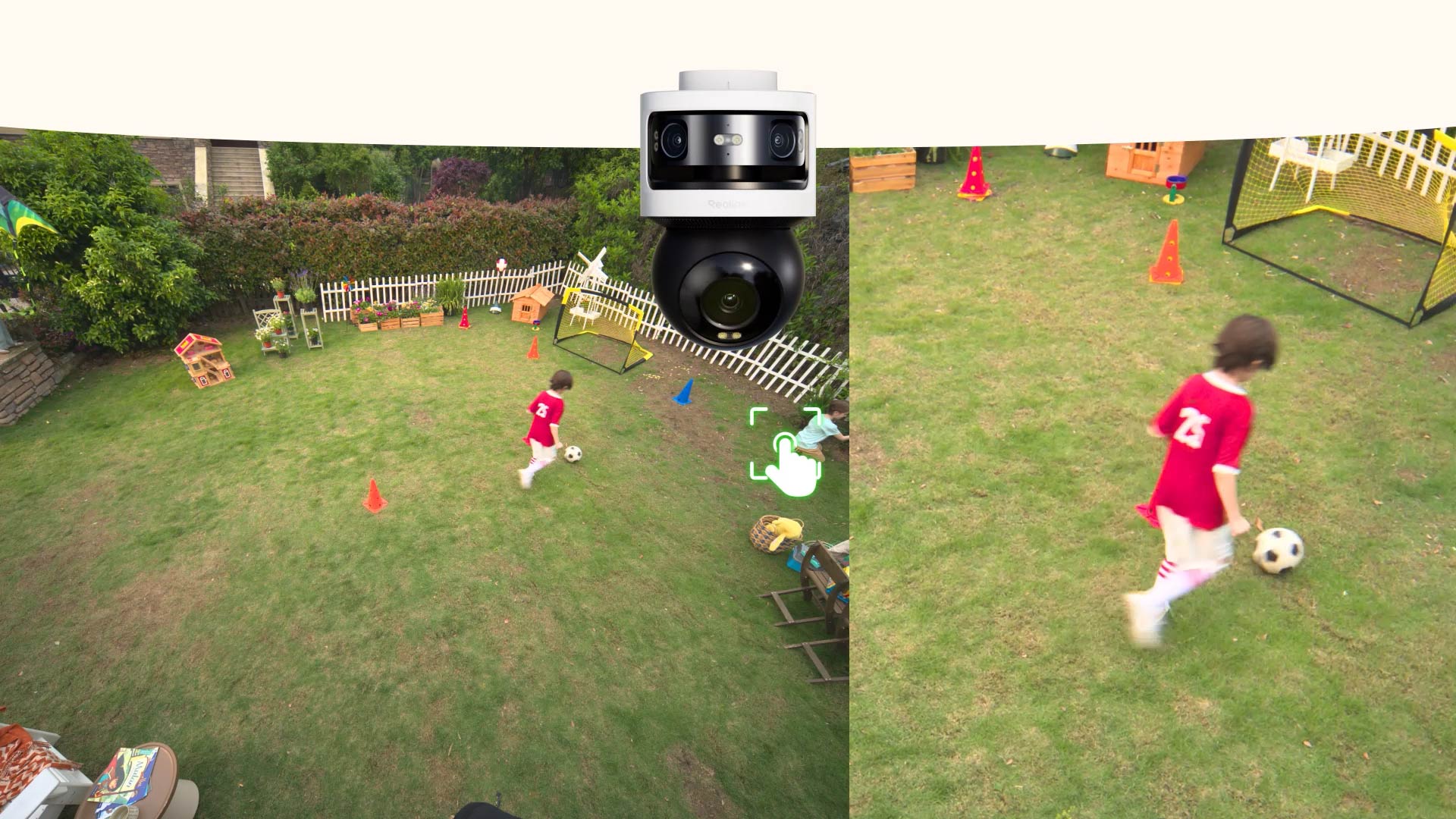
Pan and Focus on a Specific area. Ideal for quickly checking key areas such as driveways, courtyards, and corners.
Local AI Detection
Reduce False Alerts
Local AI runs directly on your camera, no cloud required. Precisely distinguishes people from vehicles, animals, and motion noise. Customize detection zones, draw virtual fences, and set loitering alerts.
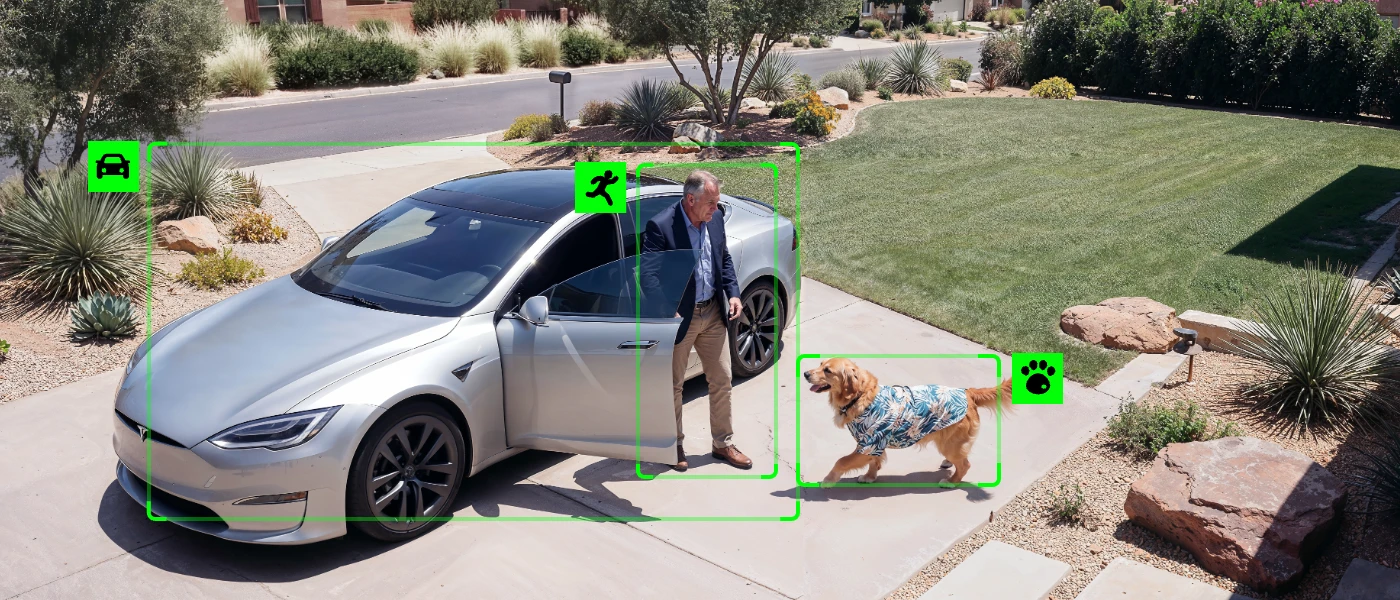
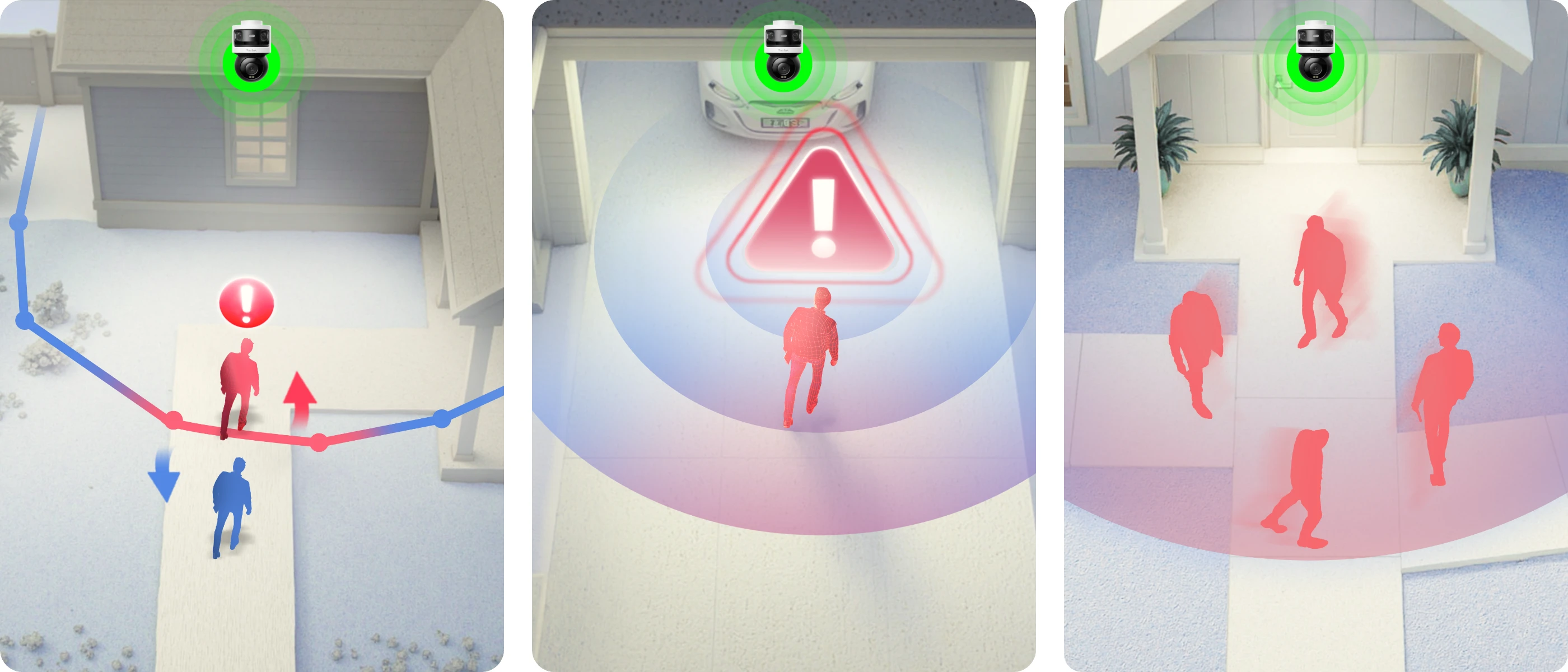
This smart camera kit with spotlights offers full-color video recording day and night. It continues to keep your family firmly guarded after sundown.
With a pre-installed 2TB HDD (expandable to up to 16TB), the PoE system can save days of 24/7 footage from 2 cameras locally. It stands guard even offline, capturing every moment without missing a beat. Your recordings are safe with large local storage, without monthly fees.
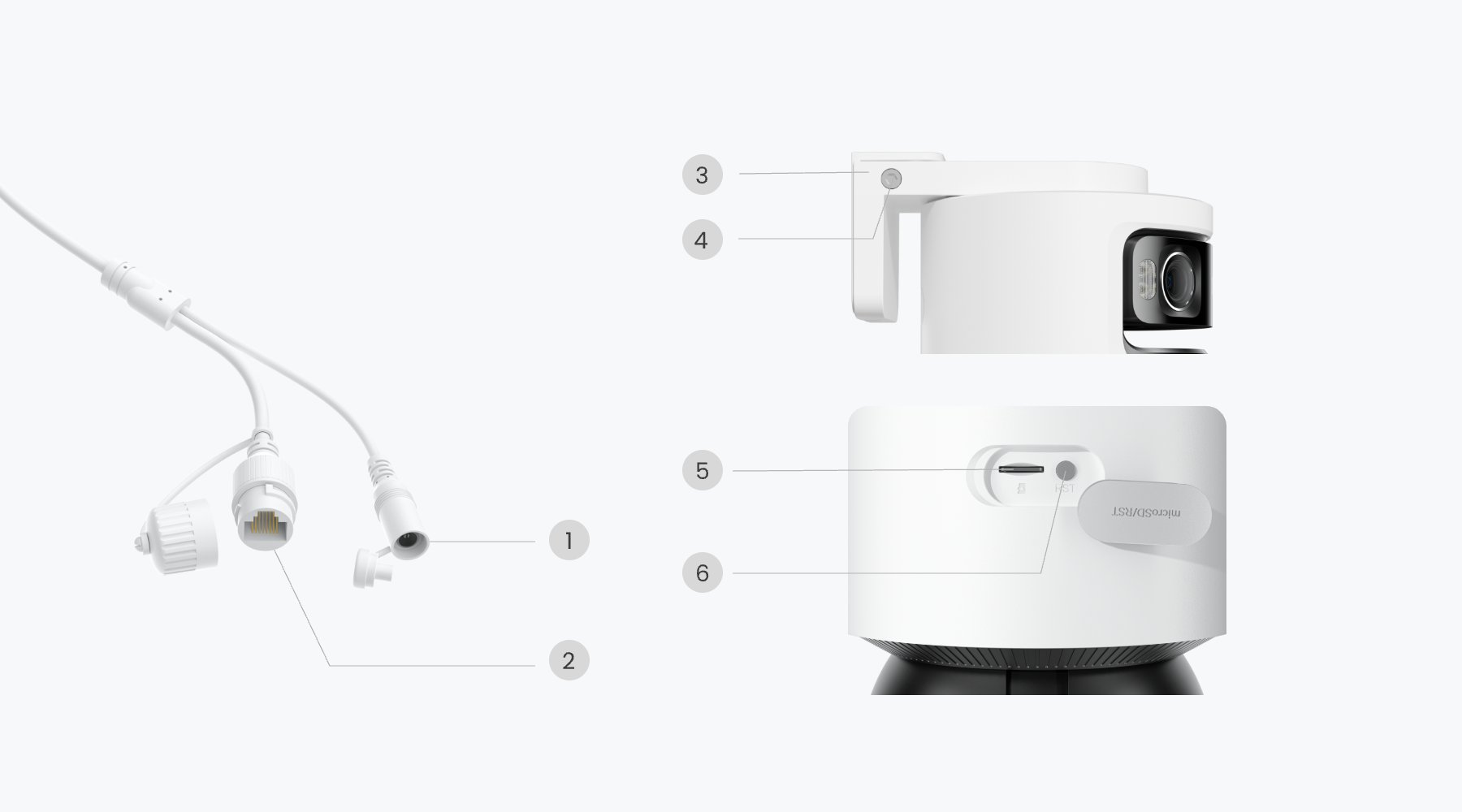
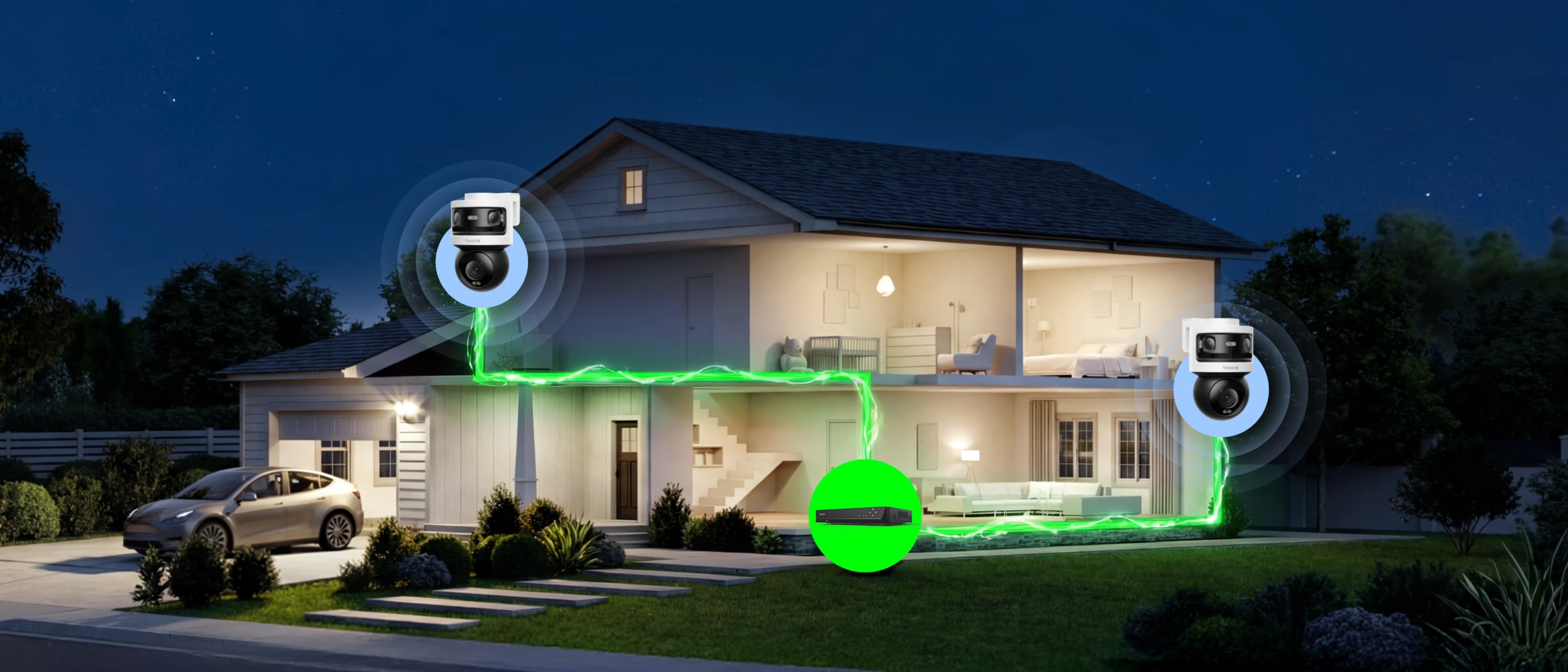
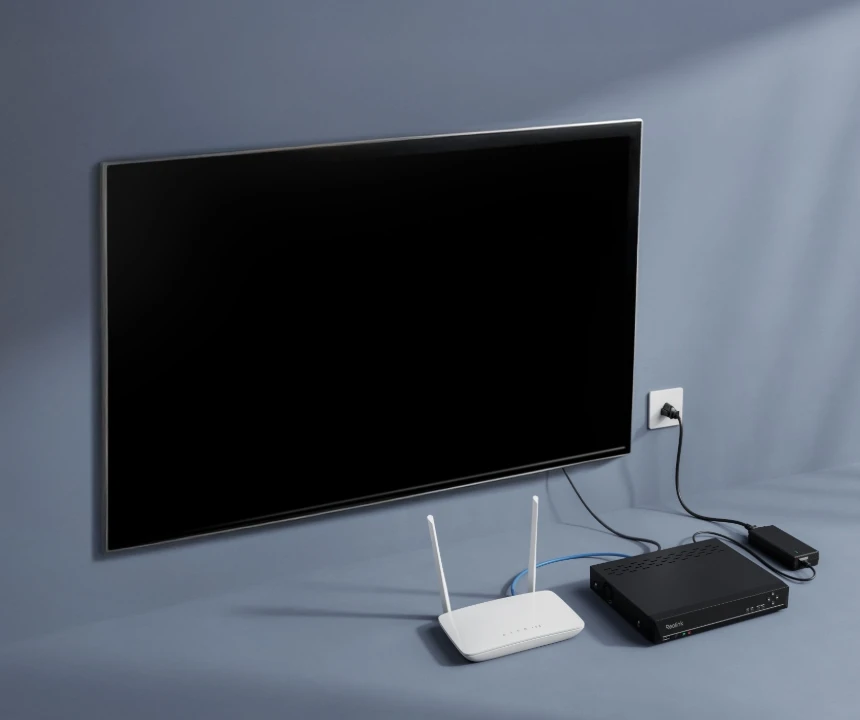
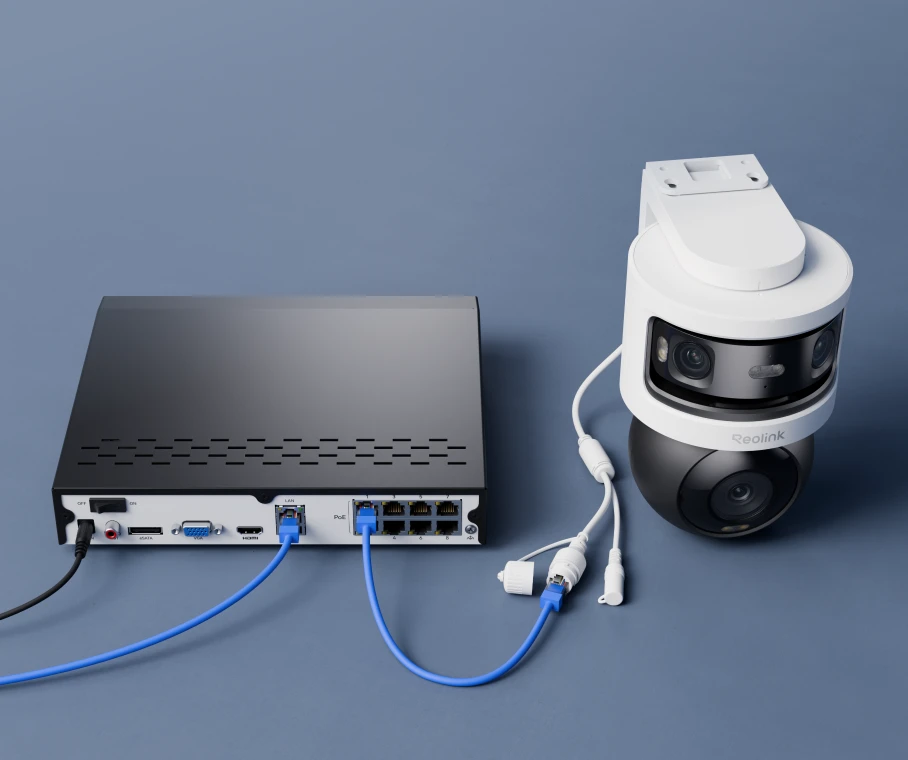
No hassle of charging. Just plug the cable and get the system working.
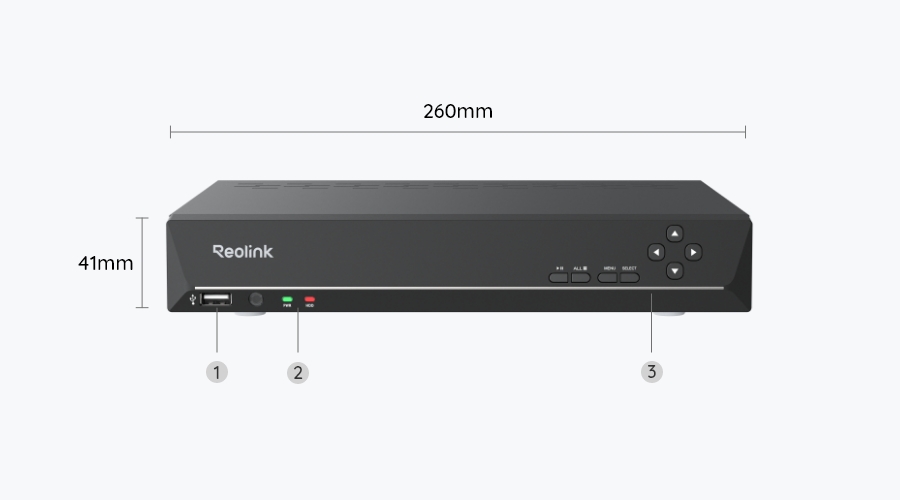
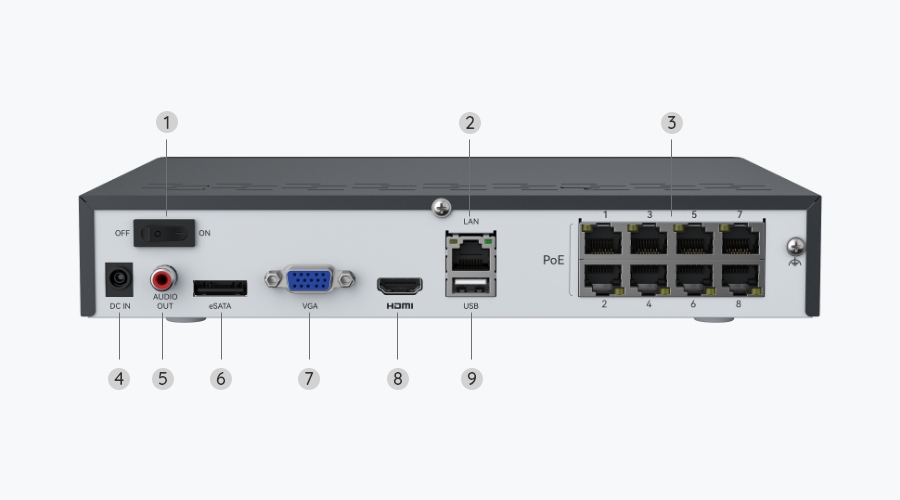
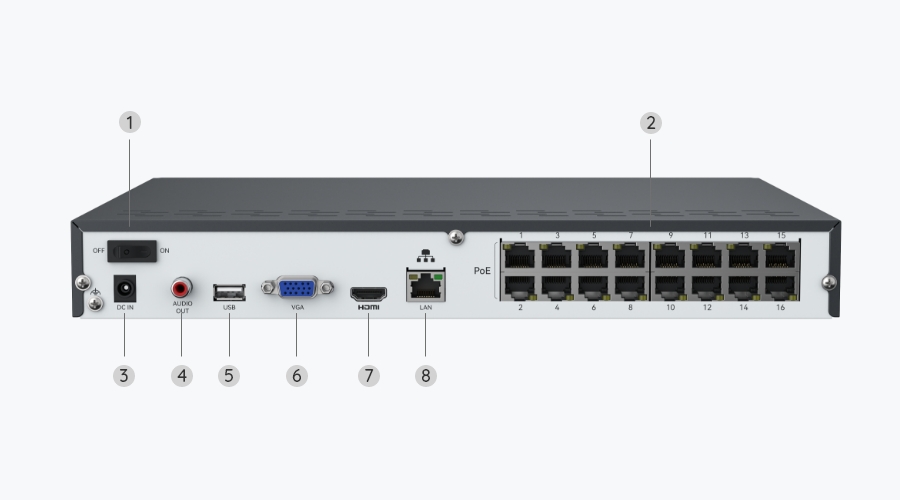
Connect the NVR to your router and a monitor/TV, then to a power outlet and turn it on.
Connect a PoE camera to the NVR using an Ethernet cable.
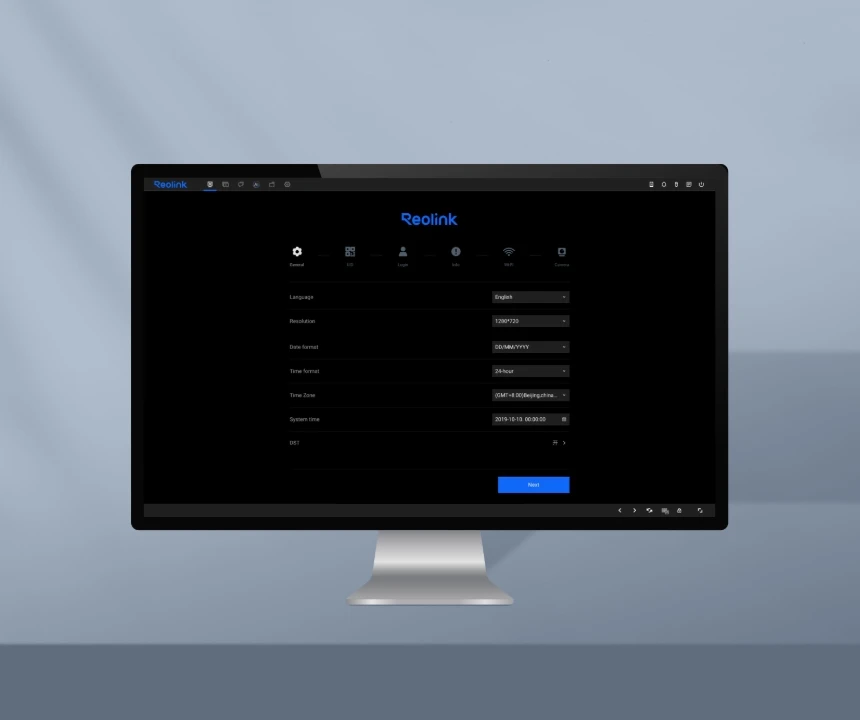
When you power on the NVR for the first time, follow the instructions to complete the basic configuration.
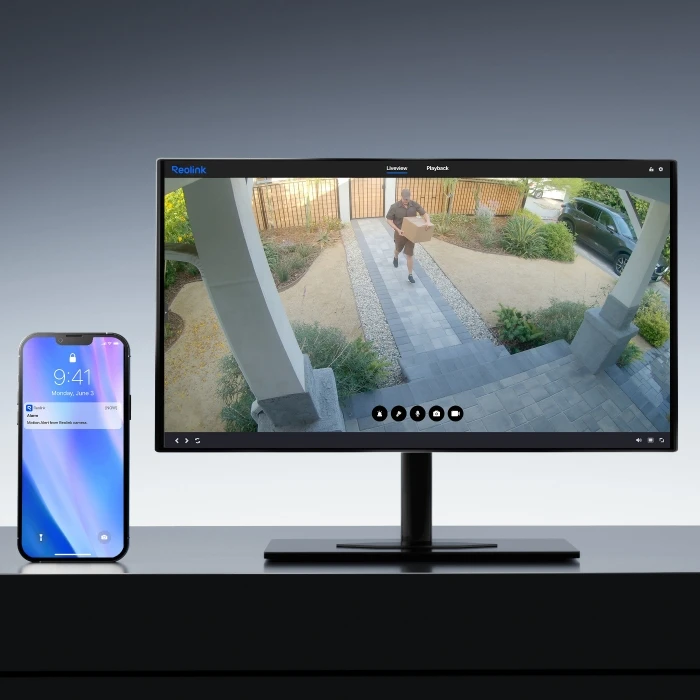
Once something suspicious is detected, the cameras will send you an instant push notification or email. Stay informed about what's happening all the time.
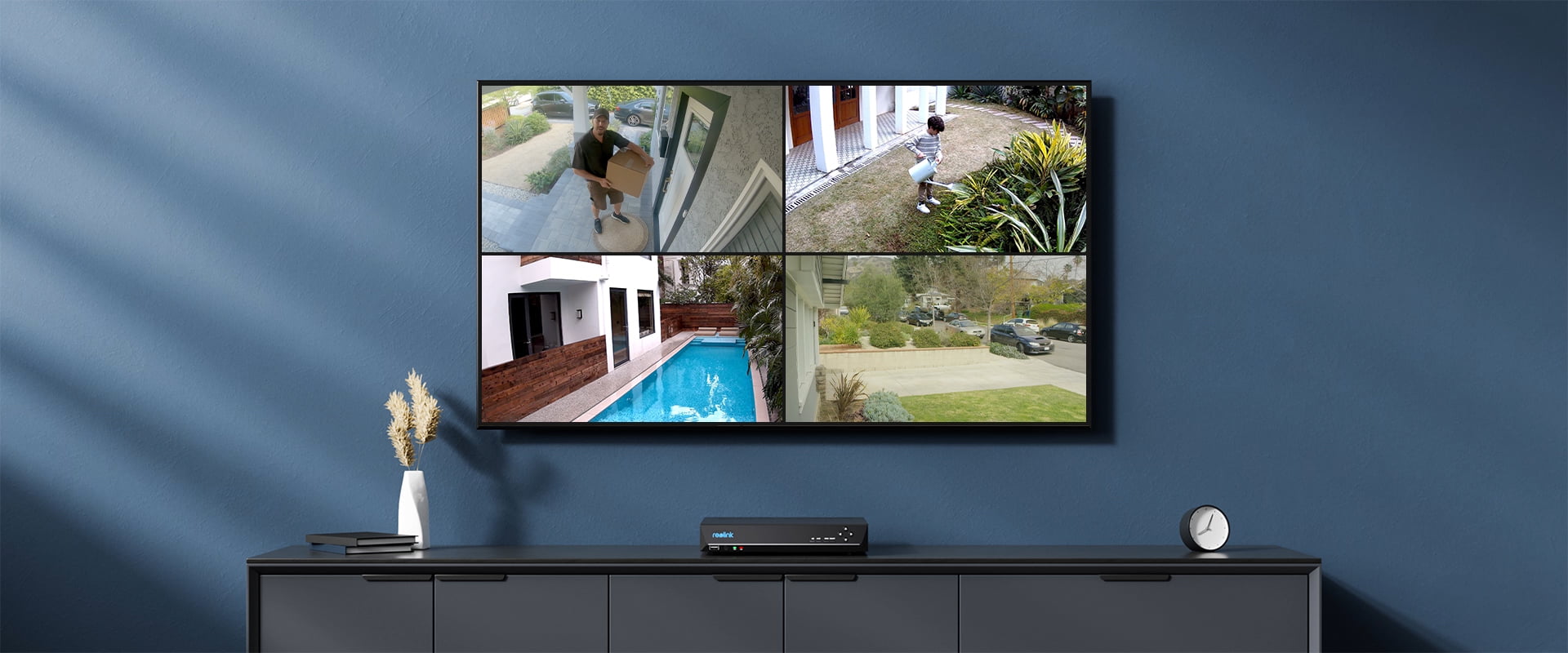
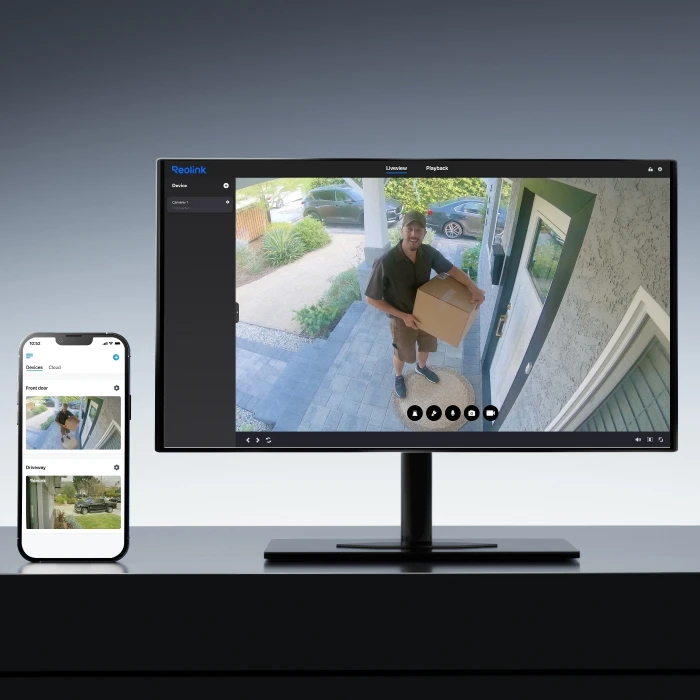
View the live feed from multiple cameras on the same screen. Easier to have an overview of your property.
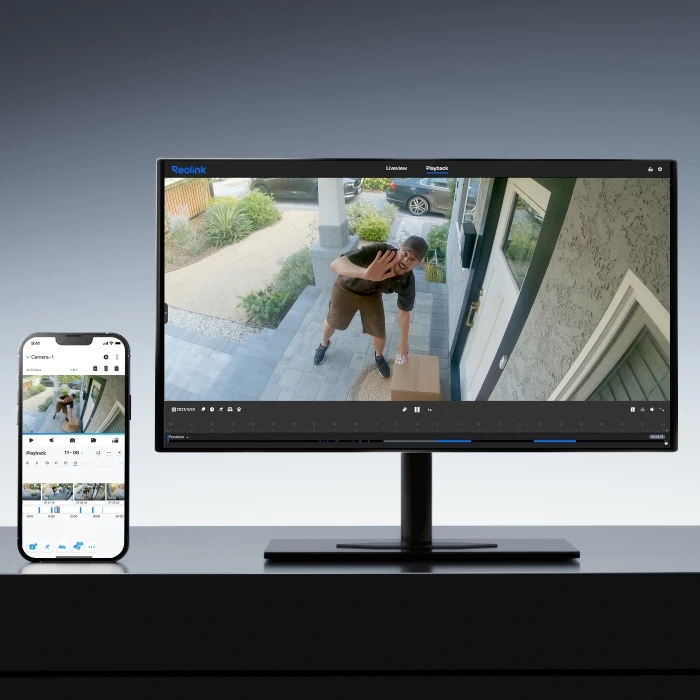
You can filter the video by detection types and control the timeline to quickly locate what you want to see.
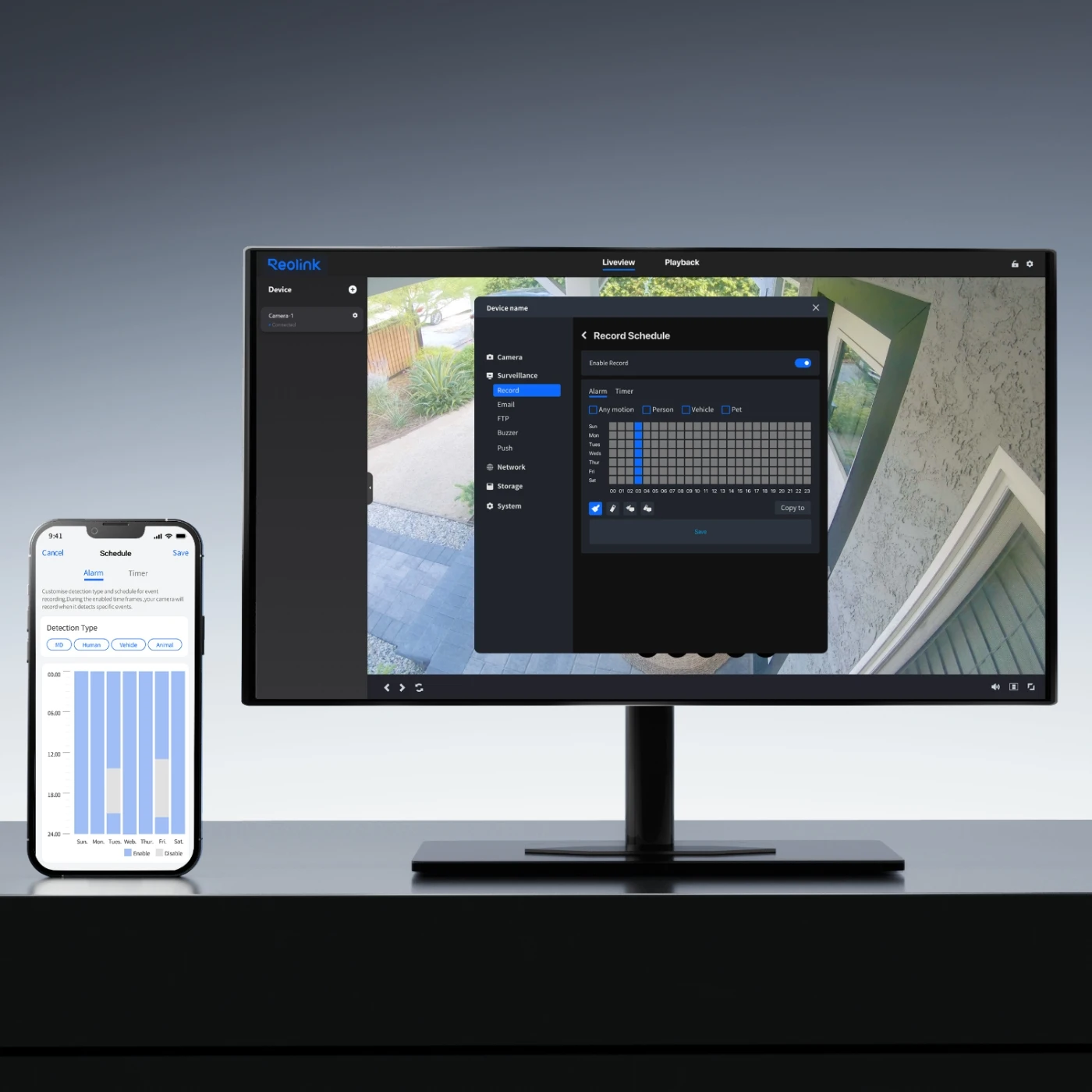
You can set a timetable for the camera when it detects and records.
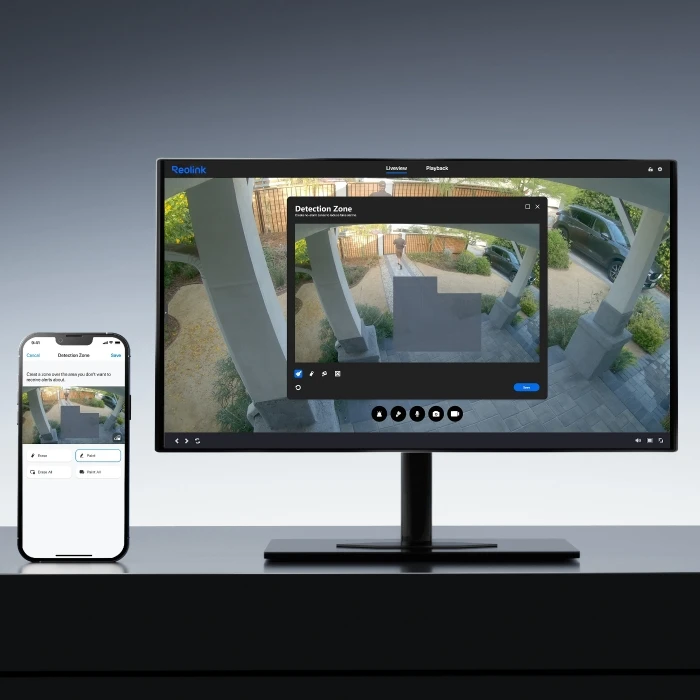
You can customize the motion zone to your liking, where movements are recorded.
Check if your NVR hardware version is compatible and whether the firmware is up to date.
✔ Supported NVRs: (with the latest firmware v3.6.5 or later)
RLN8-410/NVS8 (Hardware version: N7MB01 / NVR_NNT3NA78P)
RLN16-410/NVS16 (Hardware version: N6MB01 / NVR_NNT4NA716P)
RP-PN8 / RP-PN16
✔ Supported NVRs: (with the latest firmware v3.6.4 or later)
RLN12W / NVS12W
RLN36 / NVS36
Note: The firmware v3.6.4 is version no. which starts with v3.6.4, e.g., v3.6.4.473 26021143.
https://reolink.com/download-center/
To enable both panoramic and PT views, please update your Client to version 8.21 or higher.
For Windows users, update to version 8.21+ via the Reolink Download Center.
For Mac users, we offer separate versions for Apple Silicon and Intel, which will be updated separately going forward. Please select the specific download package that matches your Mac's architecture. The initial upgrade to version 8.21 must be downloaded manually from the Reolink Download Center, while subsequent updates can be installed directly from within the Mac Client.
Please check Auto Framing compatibility before using.
Standalone use (without NVR): Auto Framing is supported only on Reolink App v4.60 or later.
With NVR: Auto Framing is currently supported on NVRs with firmware v3.6.5 or later.
PC Client: Auto Framing is currently unavailable. Support is expected to be added by the end of August, 2026.
Supported NVRs:
• RLN8-410/NVS8 (Hardware version: N7MB01/NVR_NNT3NA78P)
• RLN16-410/NVS16 (Hardware version: N6MB01/NVR_NNT4NA716P)
• RP-PN8/RP-PN16
Currently unsupported NVRs (support expected in August, 2026)
• RLN12W/NVS12W
• RLN36/NVS36
How to Downloard the lasted firmware for your Reolink Device: How to Download the Latest Firmware for Your Reolink Device
How to find our Camera Hardware/Firmware version vis Reolink NVR: How to Find out Camera Hardware/Firmware Version via Reolink NVR (New UI)
How to find out the version of Reolink APP: How to Find out the Version of Reolink App
Introduction to Reolink NVR HyBridge Mode: Introduction to Reolink NVR HyHyBridge Mode
If you encounter other issues, please refer to the FAQ: FAQs - Reolink OMVI 3i PoE
If the problem persists, please contact the Reolink Support Team: Submit a Request - Get More Support from Reolink
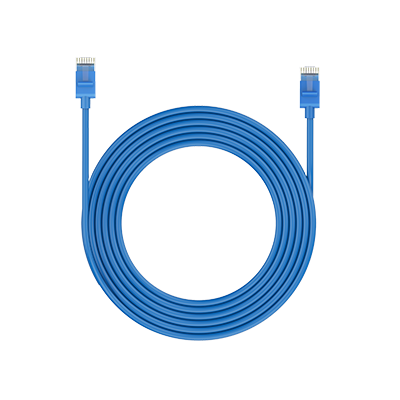 1m Network Cable ×1
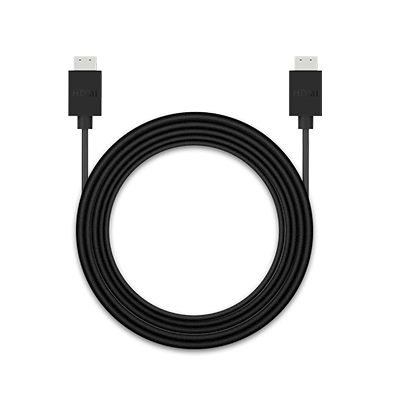 HDMI Cable ×1
 NVR Power Adapter ×1
 OMVI 3i PoE ×2
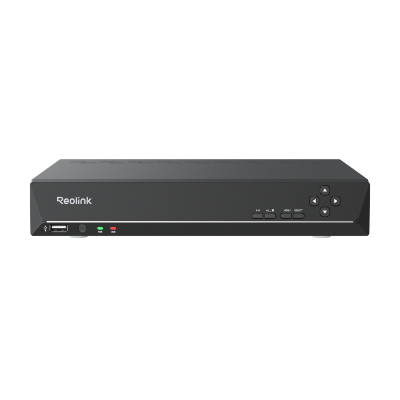 RLN8-410 ×1
 USB Mouse ×1



Budite spremni, budite korak ispred
Ne propustite Reolinkove vruće ponude, vijesti i ažuriranja koja su prilagođena vama.
Budite spremni, budite korak ispred
Ne propustite Reolinkove vruće ponude, vijesti i ažuriranja koja su prilagođena vama.

Google, Google Play, Google Assistant i pripadajući znakovi i logotipi zaštitni su znakovi tvrtke Google LLC. Amazon, Alexa i svi povezani logotipi zaštitni su znakovi tvrtke Amazon.com, Inc. ili njezinih podružnica. Mac i Safari su zaštitni znakovi tvrtke Apple Inc. App Store je uslužni znak tvrtke Apple Inc., registriran u SAD-u i drugim zemljama. Firefox i logotip Firefoxa su zaštitni znakovi Mozilla Foundation u SAD-u i drugim zemljama. Ostali proizvodi i nazivi tvrtki spomenuti ovdje mogu biti zaštitni znakovi odgovarajućih tvrtki.