Your cart is empty.

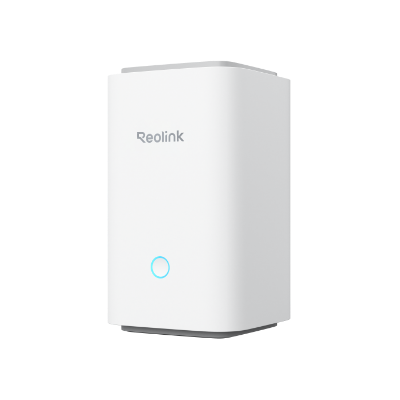
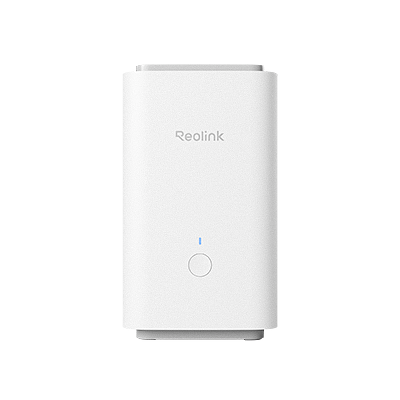
Wireless Security Center with AI Video Search
Home Security Management Center
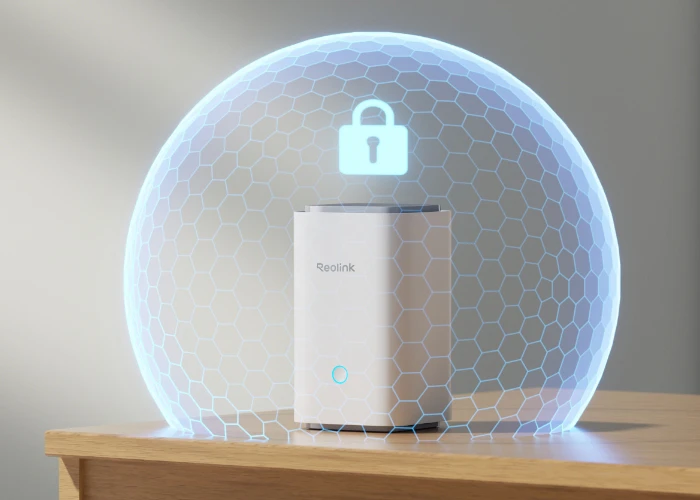
Privacy Protection & No Monthly Fees
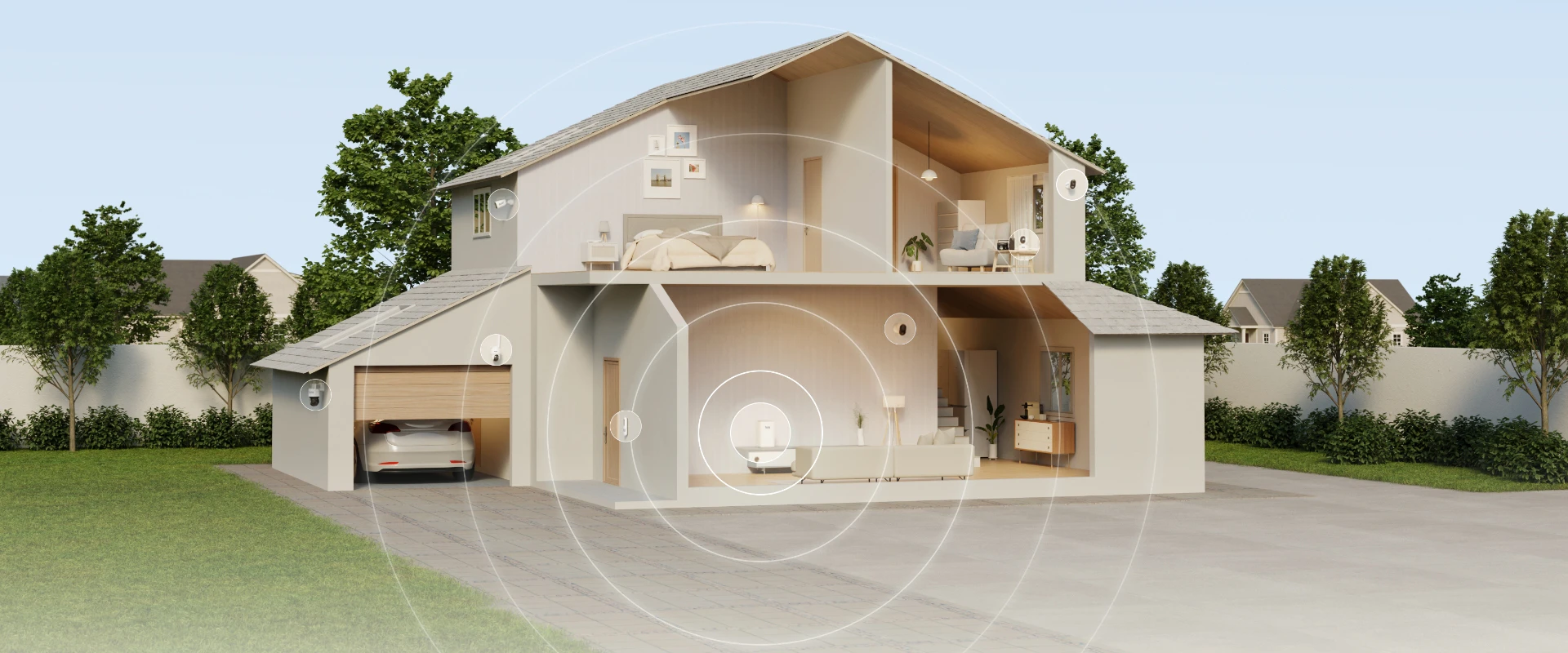
Works with Up to 8 Reolink Cameras
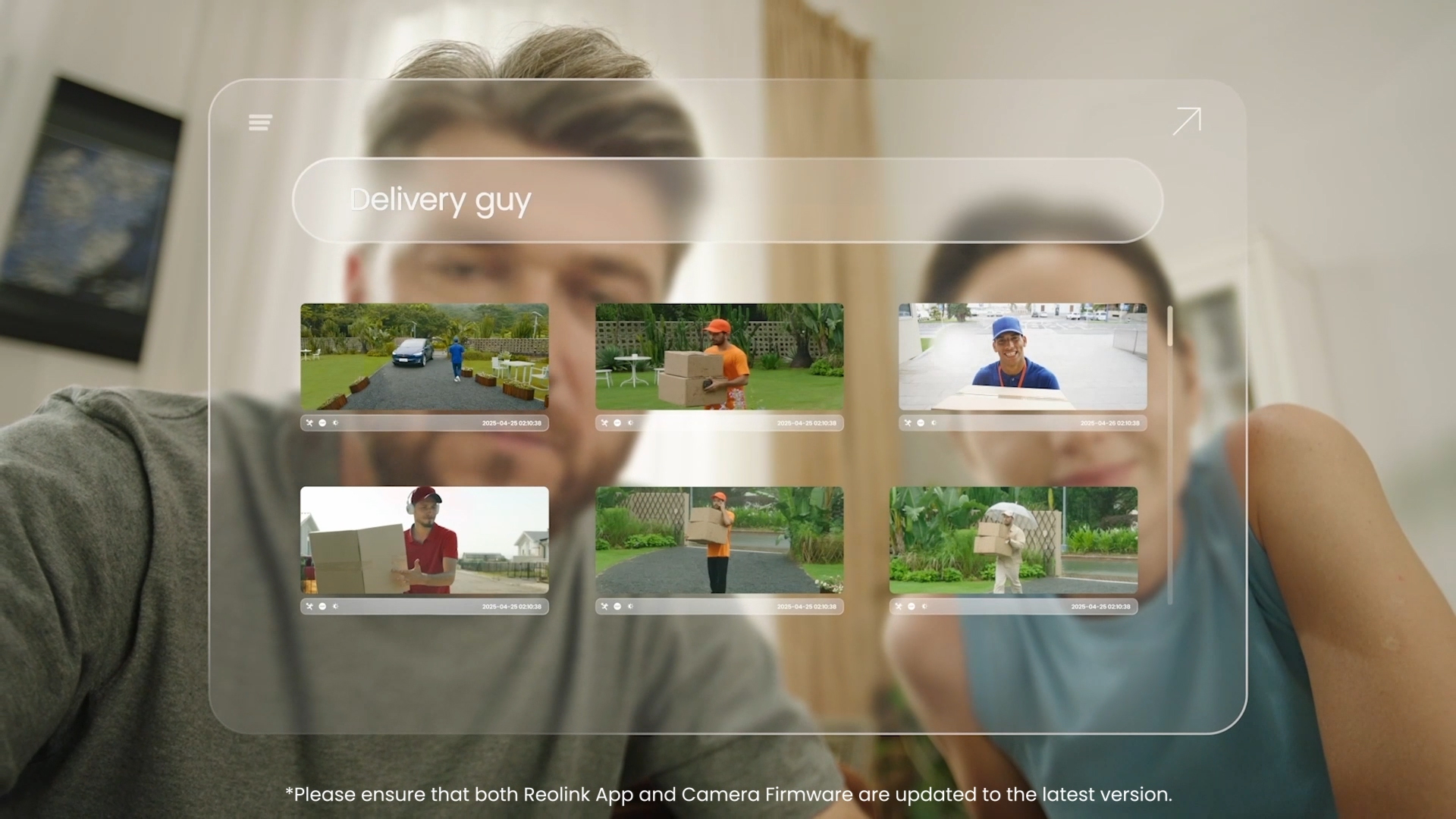
Local AI Video Search
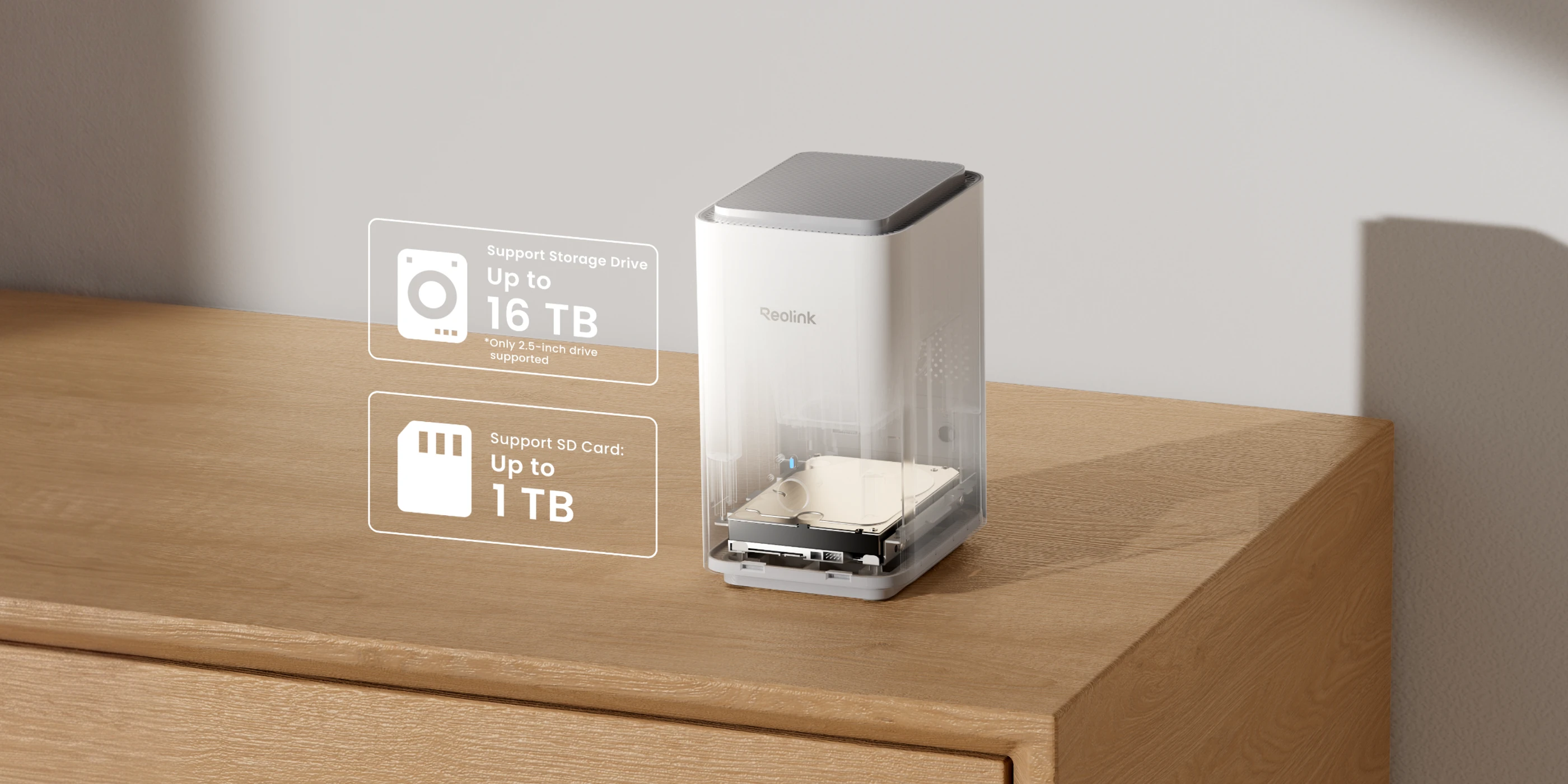
Up to 16TB Local Storage
Unlock Smarter Security with AI
Home Hub 2 brings advanced AI capabilities to your connected cameras, helping you quickly find important footage, understand security activity, and manage your surveillance system with ease.
Never miss a moment with our security kit. Enjoy the freedom of large storage without worrying about the monthly fees. With sufficient space to store your videos and data, you can keep everything you need in one place.
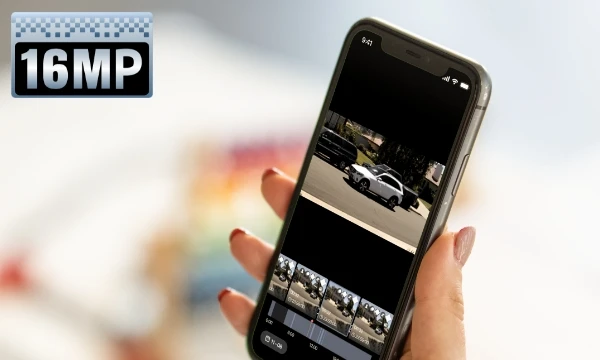
Supercharge your security system management with the Reolink Home Hub 2. Supporting up to 16MP ultra-high definition and up to 8 Reolink cameras, including dual-band Wi-Fi cameras and Wi-Fi 6 cameras, it offers great flexibility to customize your security center to match your preferences.
*Reolink Home Hub Series products are currently compatible with all Reolink PoE cameras, plug-in Wi-Fi cameras, and most recently released battery Wi-Fi cameras, except 2MP battery cameras and 4G cameras. Check compatible Reolink cameras.
Up to 16MP Resolution
UHD Video Quality
Supports Wi-Fi 6
5/2.4 GHz Dual-Band Wi-Fi & Wi-Fi 6
Up to 8 IP Cameras
Reolink Cams Except 2MP Battery
Cams & 4G Cams
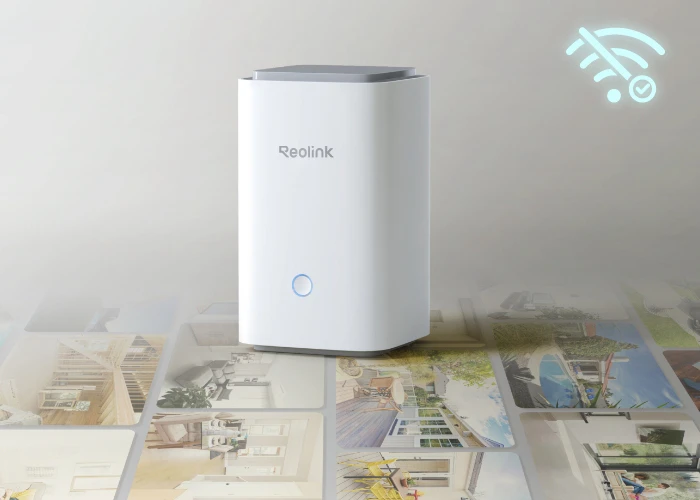
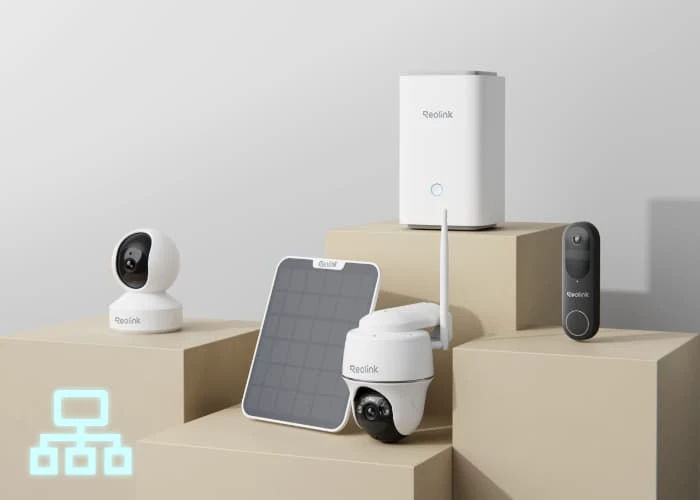
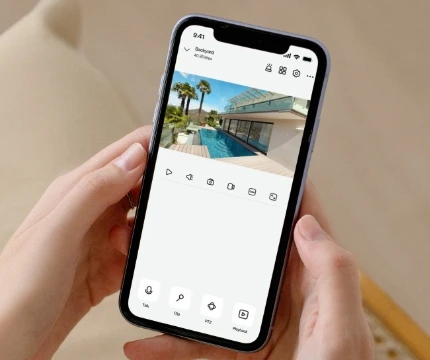
With just a few taps on the Reolink App, you can easily access live feeds and playback of high-definition main streams from multiple devices.
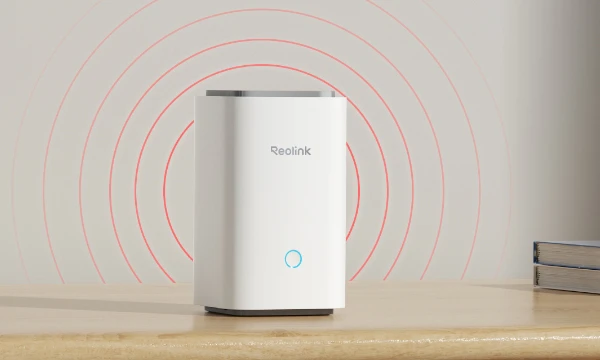
The Reolink Home Hub 2 will sound an alarm when any connected IP camera is triggered, providing comprehensive protection with multi-layered alarms. It features a variety of alarm ringtones for you to choose from, or you can customize your own.
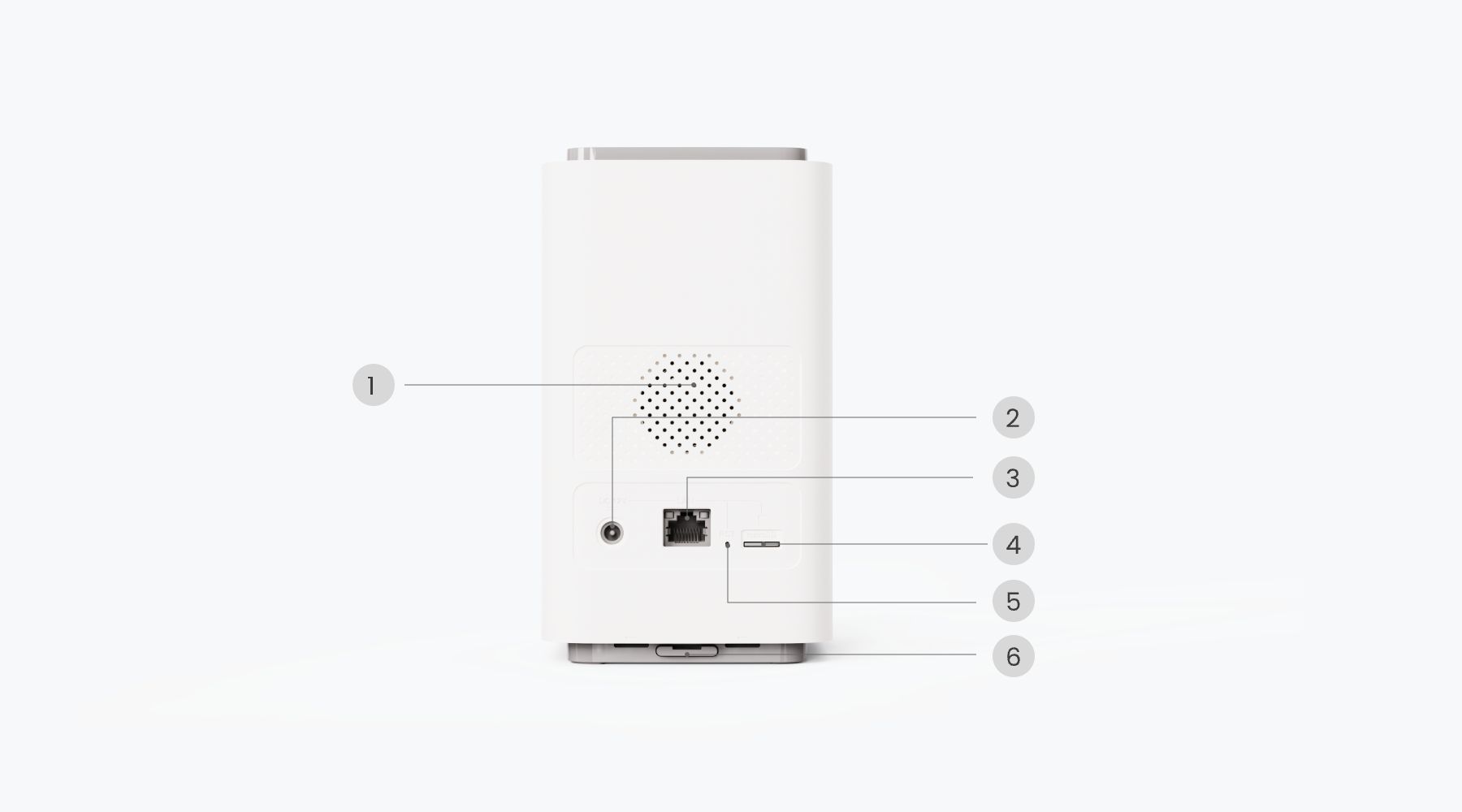
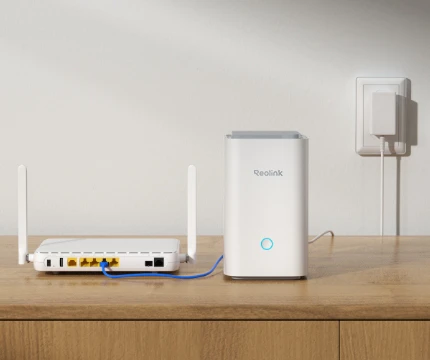
Connect the Reolink Home Hub 2 to the power supply, then to your home router via an Ethernet cable.
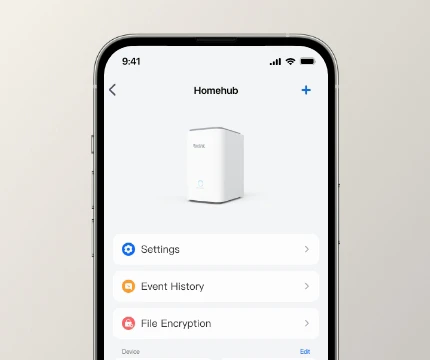
Configure the Home Hub 2 with the Reolink App and add devices to it.
Access your cameras and view the live feed in the Reolink App.
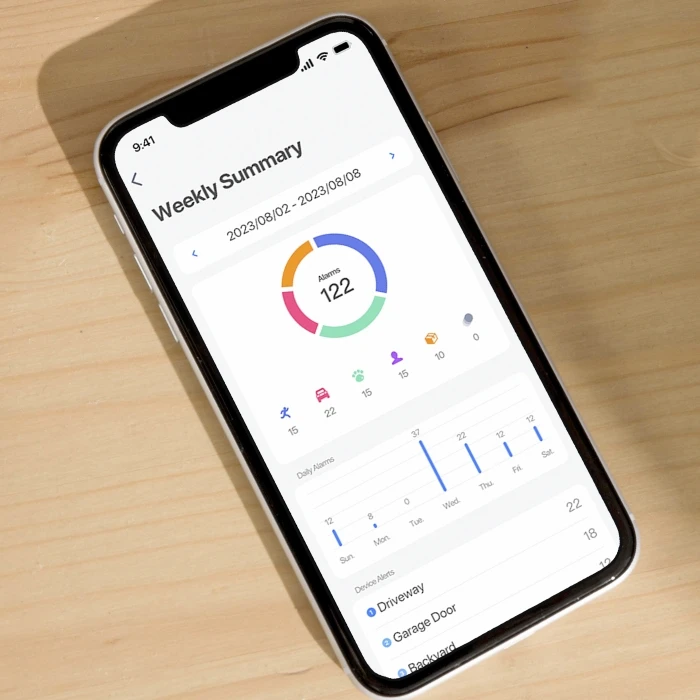
Quickly view daily, weekly, or monthly statistics of motion detection events through the Reolink App and easily check detection times. With all events presented in chronological order, it helps you stay informed about everything and easily access playback.
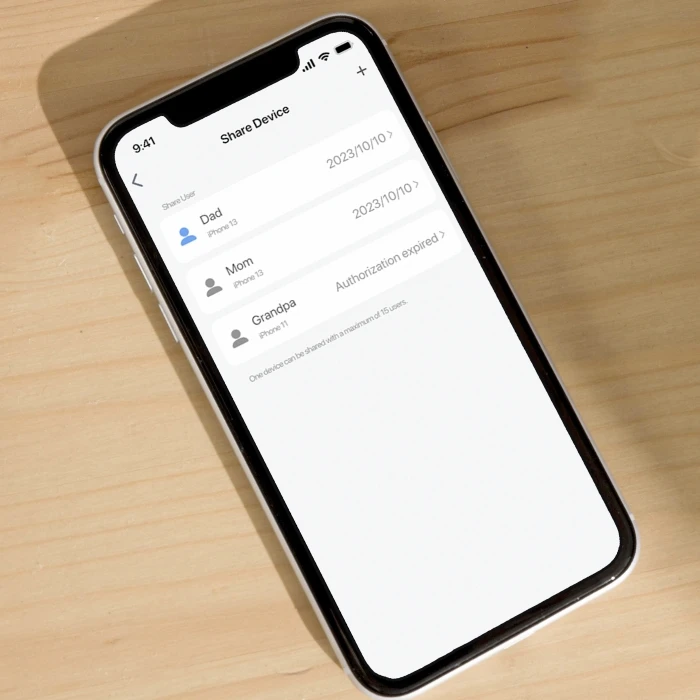
Customize the preview and access permissions for multiple users, including setting the expiration dates. Additionally, you have the flexibility to update or remove the permissions at any time. Each device is allowed to set up 1 admin account and up to 19 sub-accounts.
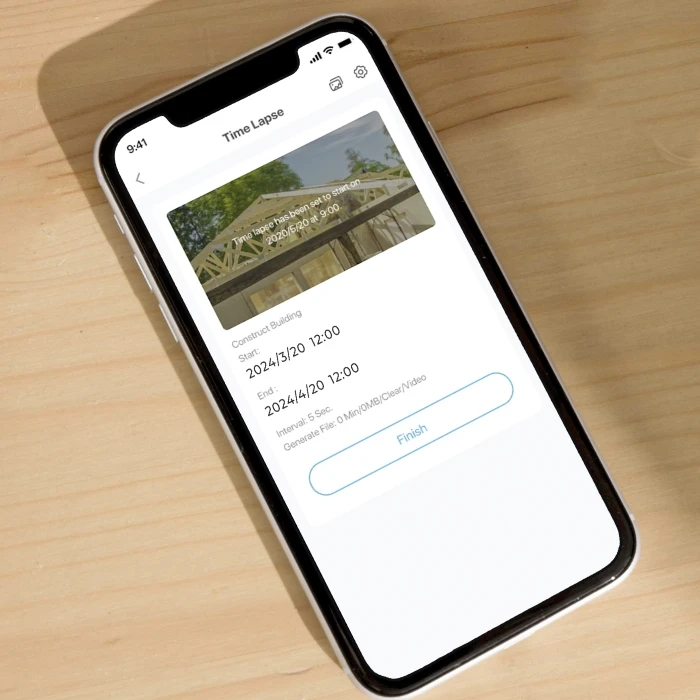
With the timelapse feature, you are able to explore a magical world where long-term events, such as sunrise and construction processes, take place in minutes or seconds.

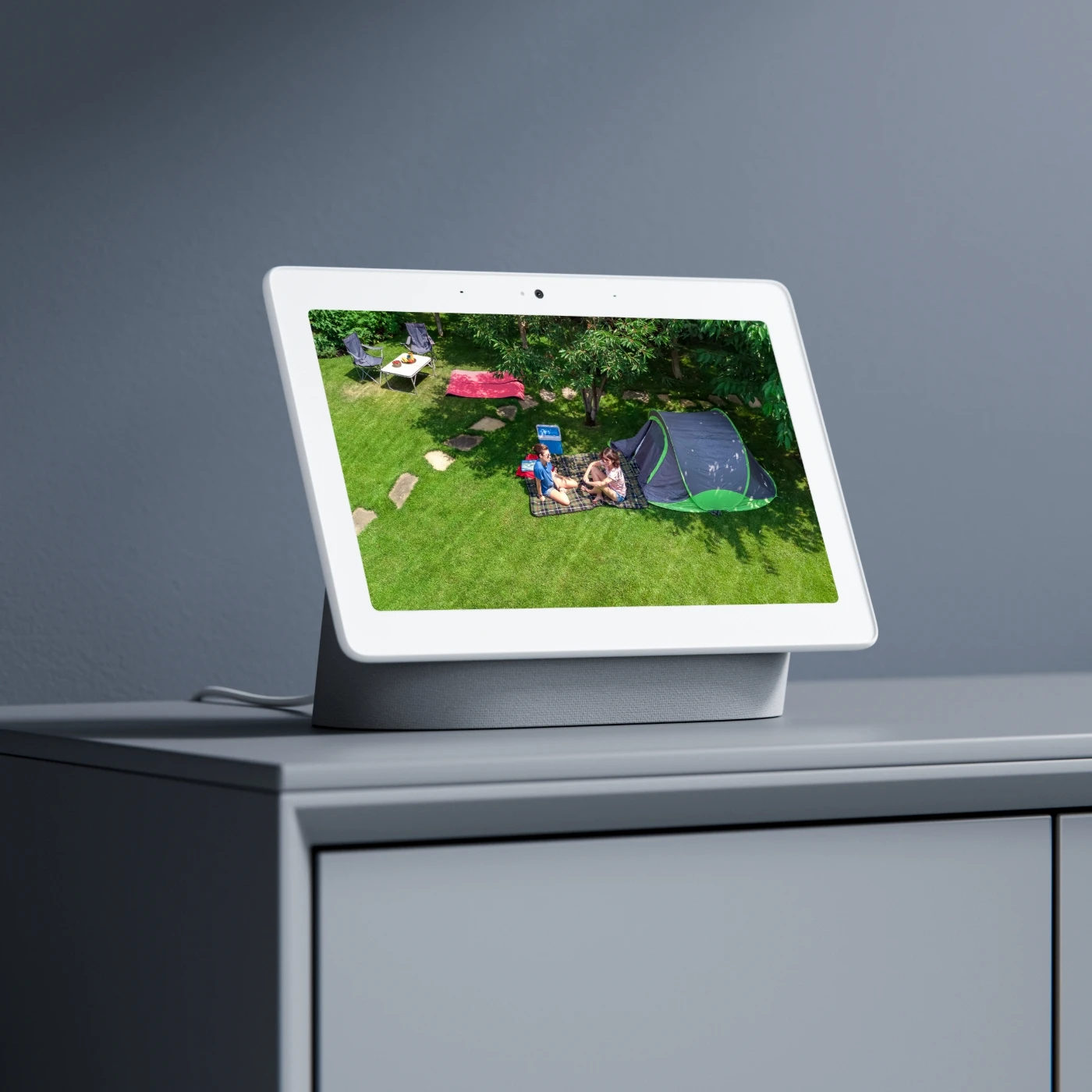
As easy as saying "Hey Google, show me the Front Door", you can check what's happening there on your Google Nest Hub or Chromecast-enabled TVs.
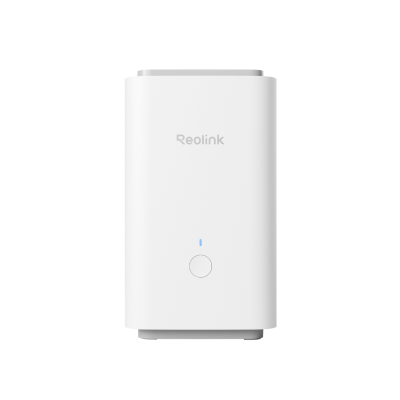 Reolink Home Hub 2 ×1
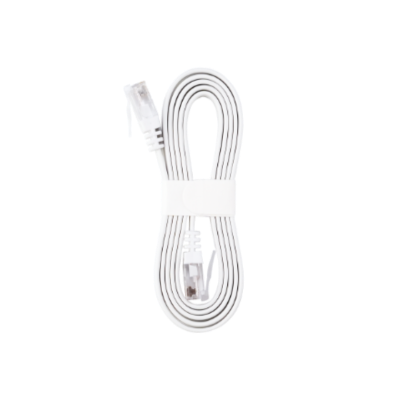 1m Ethernet Cable ×1
 Operational Instructions ×1
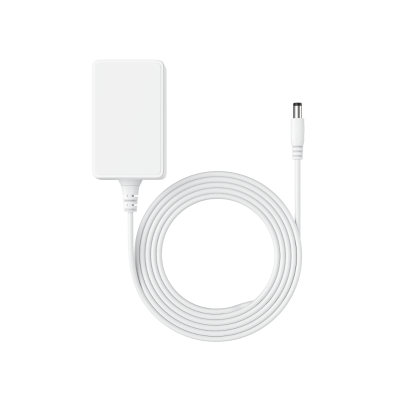 Power Adapter ×1
 Reset Needle ×1



Be Prepared, Be Ahead
Never miss Reolink hot deals, news, and updates tailored for you.
Be Prepared, Be Ahead
Never miss Reolink hot deals, news, and updates tailored for you.

Google, Google Play, Google Assistant and related marks and logos are trademarks of Google LLC. Amazon, Alexa and all related logos are trademarks of Amazon.com, Inc. or its affiliates. Mac and Safari are trademarks of Apple Inc. App Store is a service mark of Apple Inc., registered in the U.S. and other countries. Firefox and the Firefox logo are trademarks of the Mozilla Foundation in the U.S. and other countries. Other product and company names mentioned herein may be trademarks of their respective companies.