Your cart is empty.

4K UHD Wi-Fi 6 Dual-lens Security System with Auto-Zoom Tracking
Dual Lenses for Wide-Angle and Close-Up Views
Auto Tracking & 6× Hybrid Zoom for Closer Details
2TB Local Storage for Private Video Recording
24/7 Offline Recording, No Monthly Fees
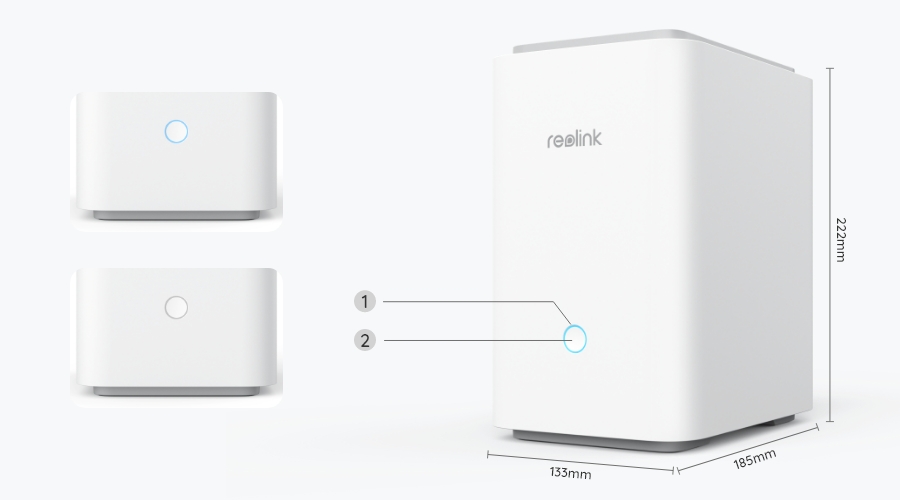
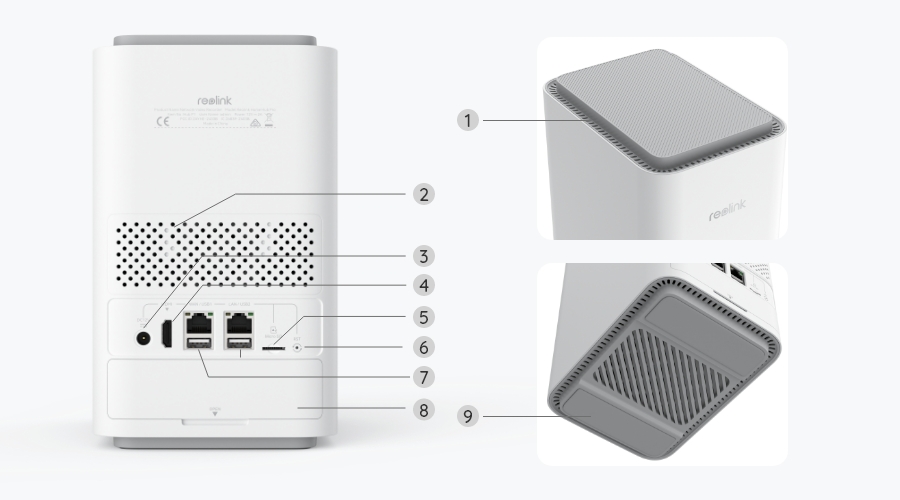
The Reolink Home Hub Pro with TrackMix WiFi brings multiple cameras together in one system for easier monitoring and management. View live feeds, review recordings, and manage your cameras through a single interface. The included 2TB HDD also supports 24/7 local recording without monthly fees.
*The Reolink Home Hub series products are currently compatible with all Reolink PoE cameras, plug-in Wi-Fi cameras and the latest battery Wi-Fi cameras, excluding 2MP battery cameras and 4G cameras.
Check compatible Reolink cameras >
4K Dual-Lens Cam ×4
Support 2.4GHz & 5GHz Wi-Fi
2TB HDD Included
Expandable Up to 16TB HDD
Up to 24 Reolink IP Cams
Up to 12 Wired Cams
TrackMix WiFi uses dual lenses to capture a wide-angle view and a close-up of moving targets at the same time. With auto-zoom tracking, it automatically follows people, vehicles, or animals and zooms in for a closer look, so you can see both the surrounding area and important details without switching between views.
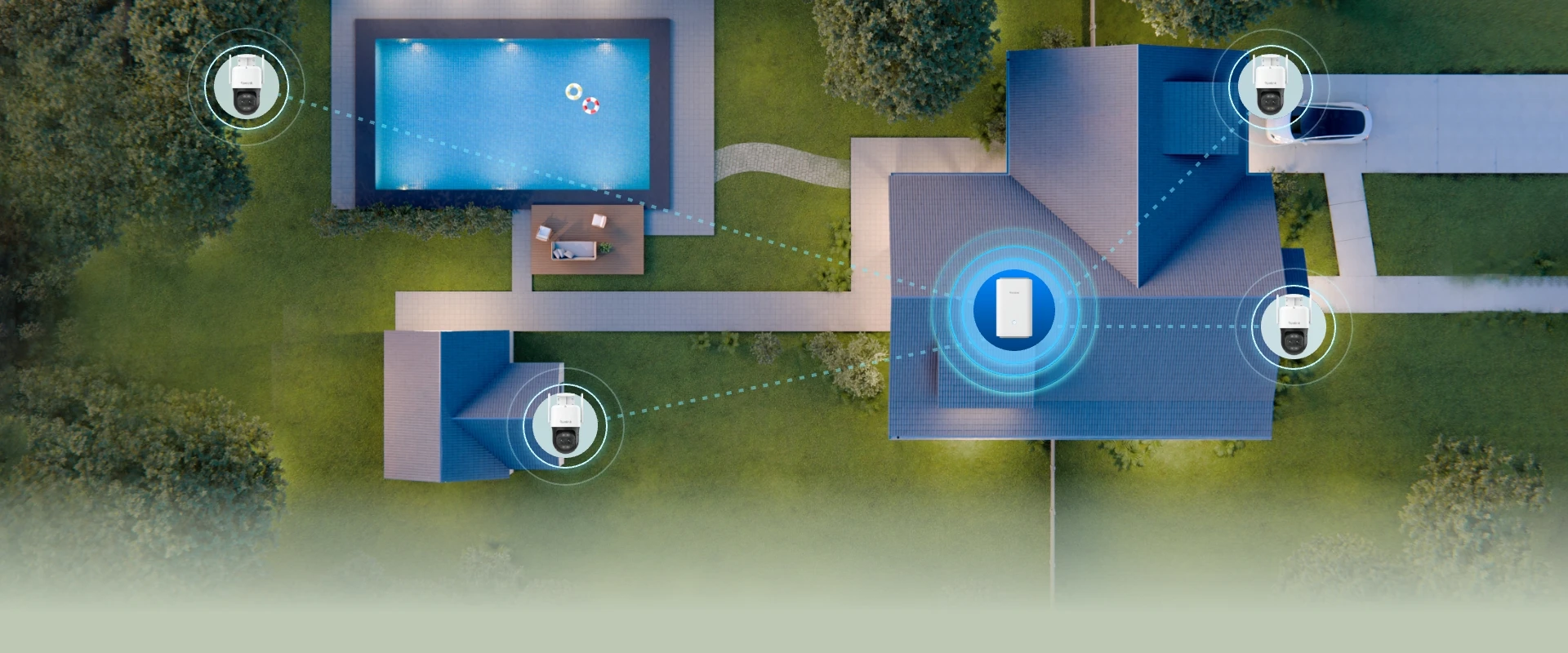
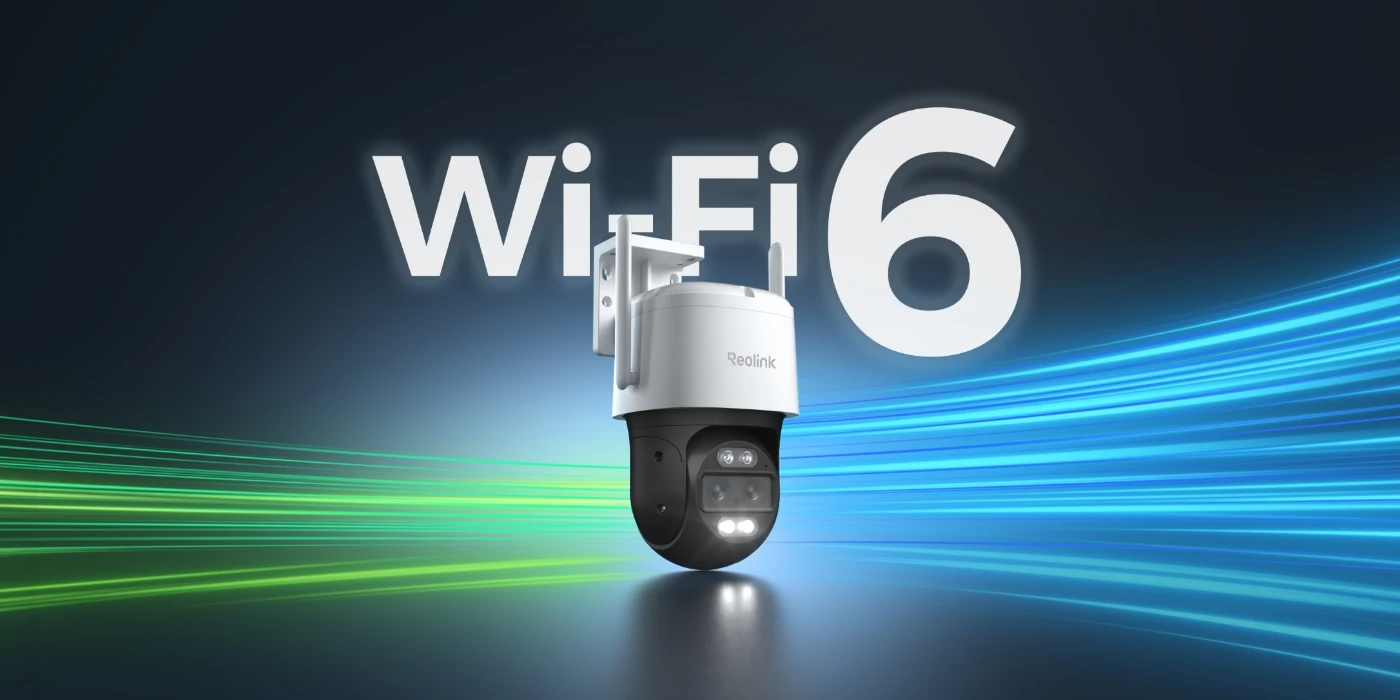
Dual-band Wi-Fi 6 supports both 2.4 GHz and 5 GHz frequencies, combining the longer range of 2.4 GHz with the faster data speeds of 5 GHz. Its increased network capacity supports multiple cameras streaming 4K video simultaneously. With wireless coverage of up to 1,000 m²*, the system offers more flexibility when installing cameras across large homes and outdoor areas.

The Reolink Home Hub Pro with TrackMix WiFi system captures 4K video to reveal details of people, vehicles, and surrounding areas. The cameras' F1.6 aperture lets more light reach the sensor in low-light conditions, while motion-activated spotlights provide additional illumination for full-color night vision. For monitoring without visible lighting, switch to infrared night vision to capture black-and-white footage in the dark.
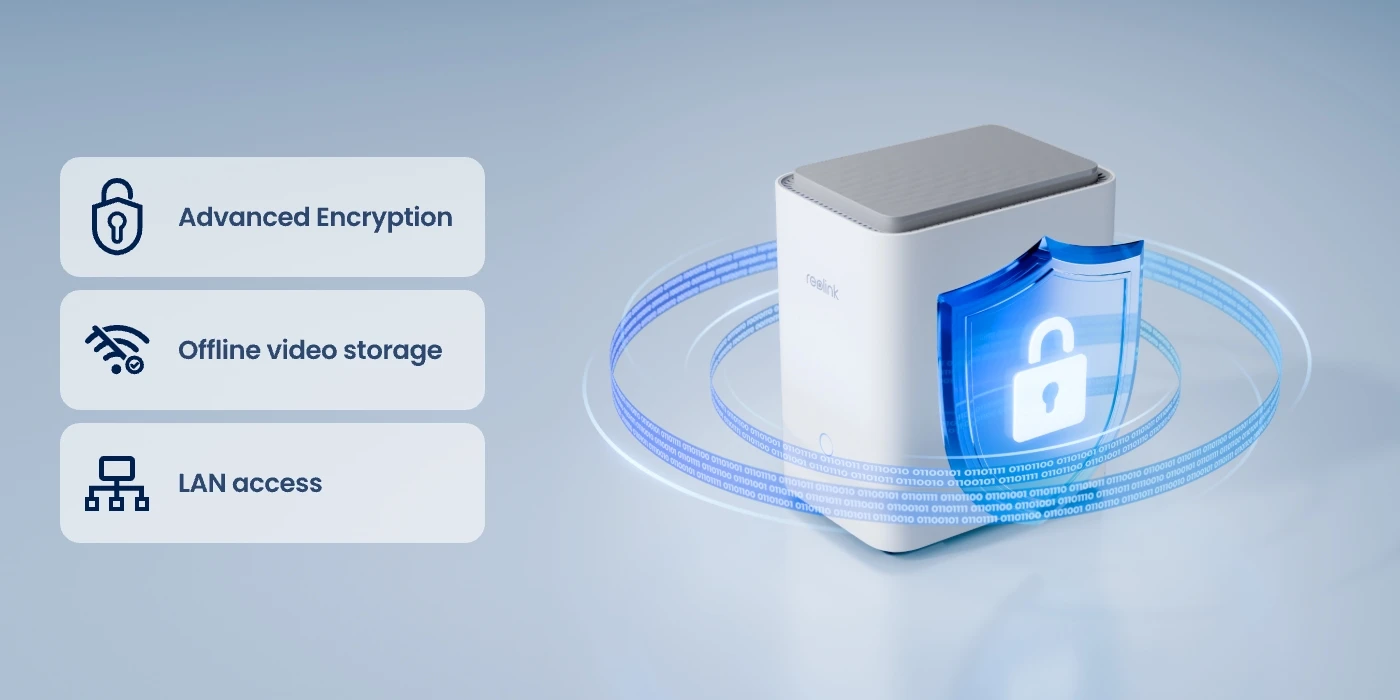
The Reolink Home Hub Pro with TrackMix WiFi system uses advanced encryption to protect your recordings. Stored footage remains accessible only with the correct password, even after a device reset. Videos are saved directly to the Hub rather than the cameras, so your recordings remain stored in the hub even if a camera is stolen.
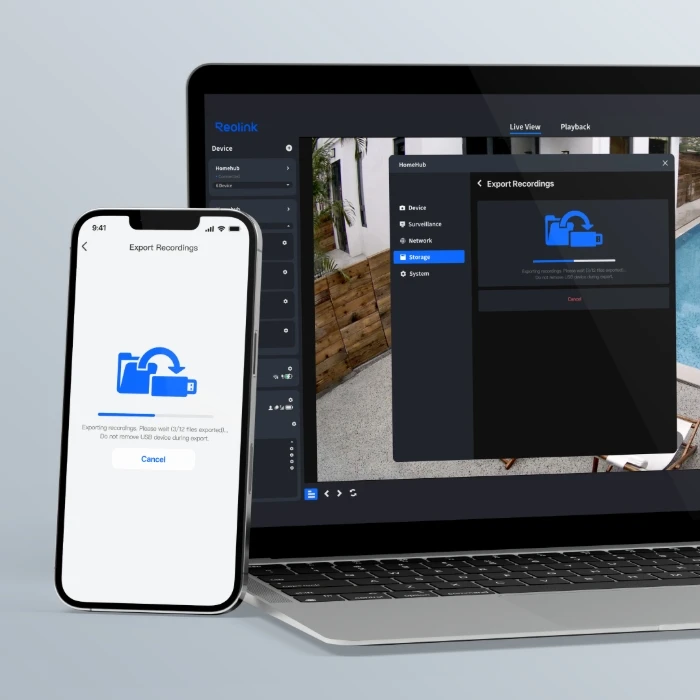
The system allows you to export recordings to external USB drives, so you can keep a separate backup of important footage whenever needed.
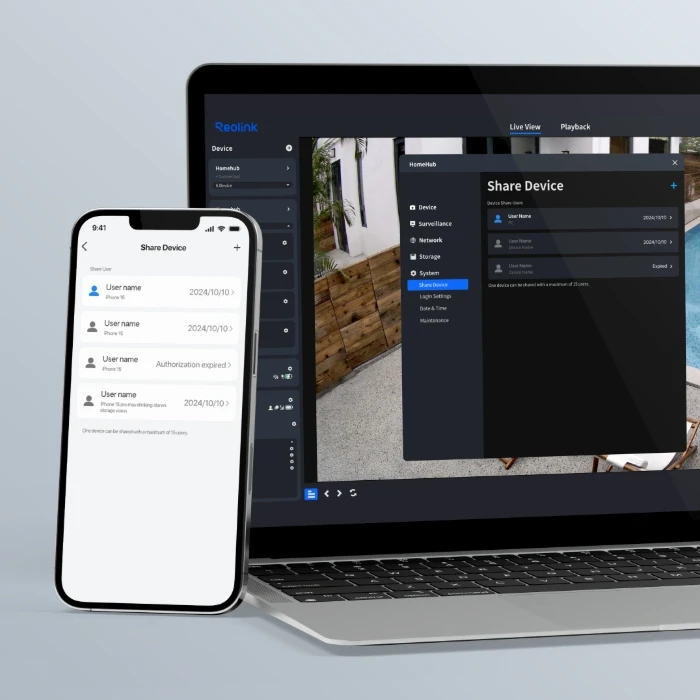
Manage access for multiple users by setting individual permissions for live view, playback, and device management, with QR codes for convenient sharing.
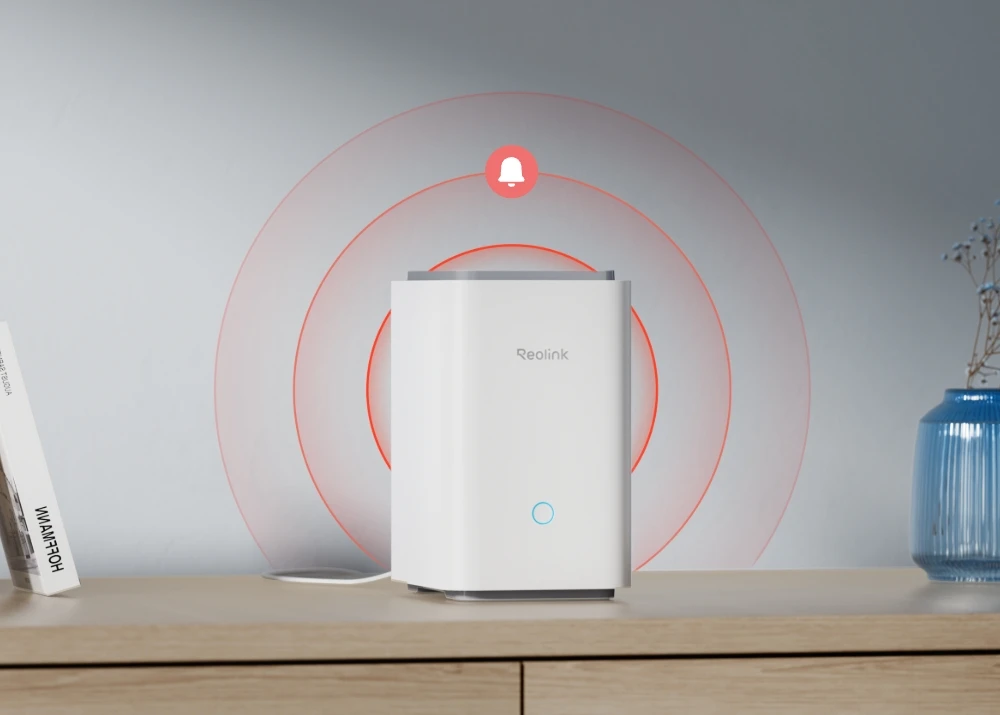
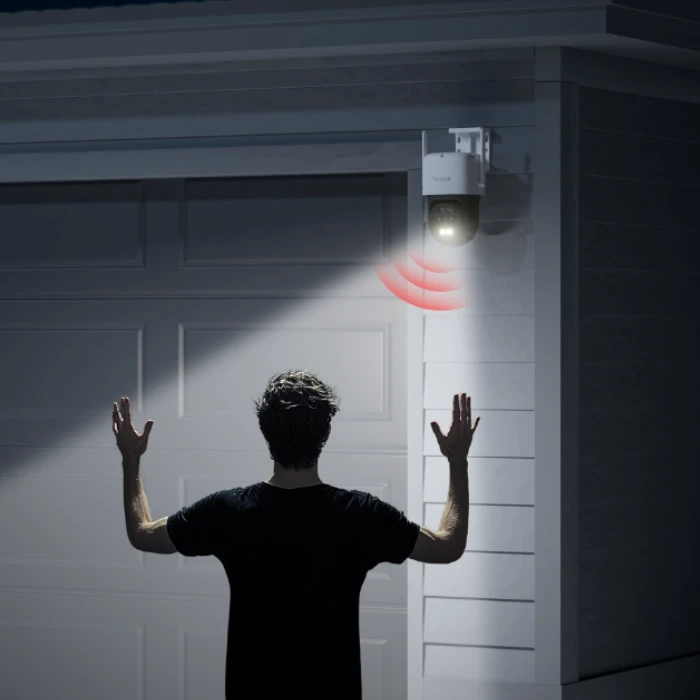
When suspicious activity is detected, the cameras can activate their spotlights and sirens to deter intruders while sending alerts to your phone. You can also set alarm schedules to control when these warnings are active.
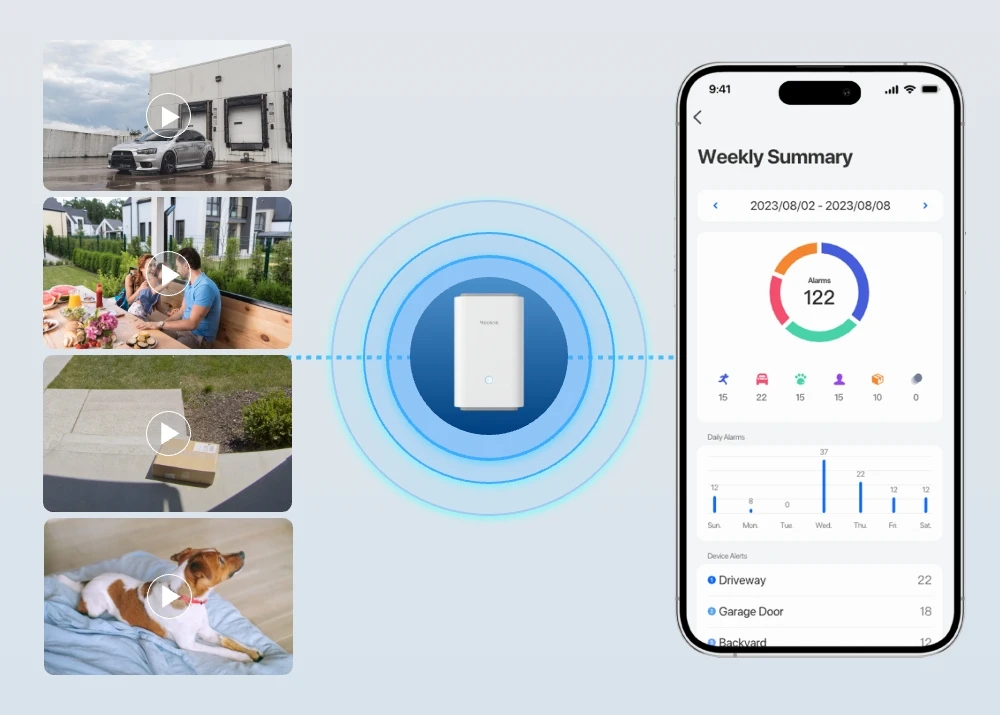
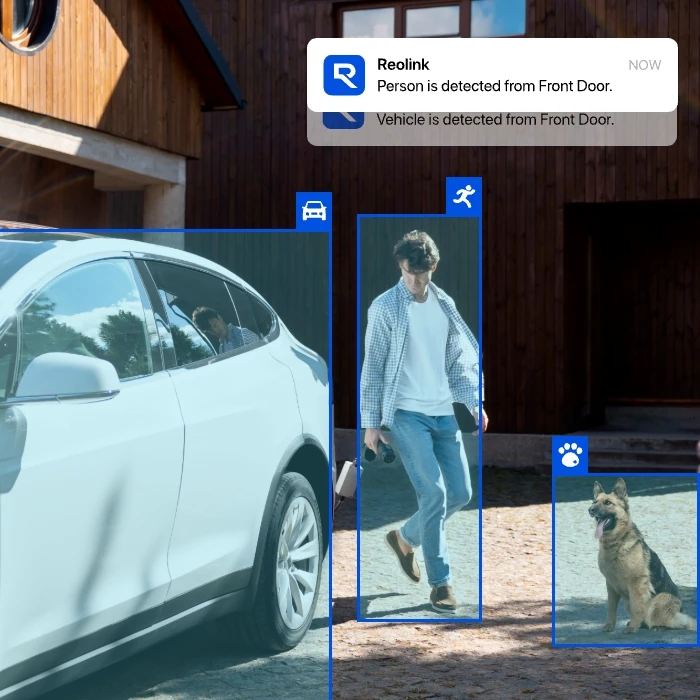
Smart detection distinguishes between people, vehicles, and animals, allowing you to receive alerts for relevant activity while reducing unnecessary notifications.
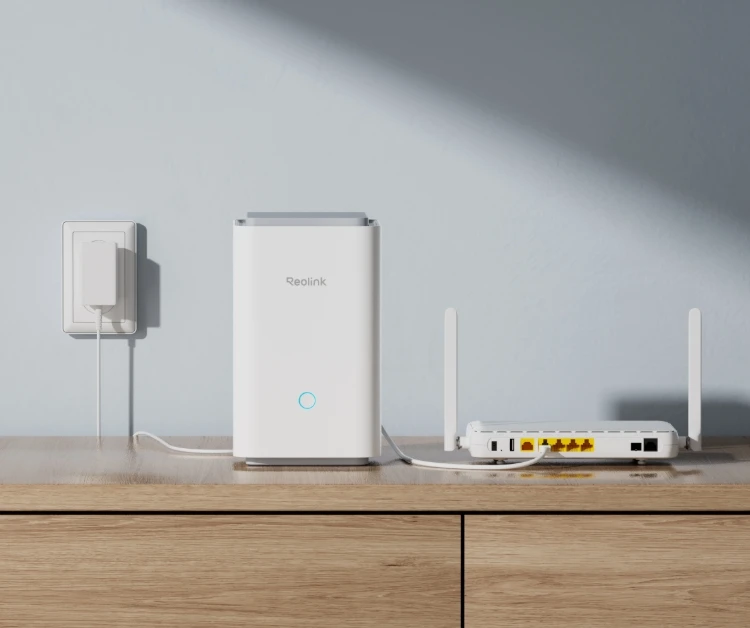
Connect the Reolink Home Hub Pro to the power supply, then to your home router via an Ethernet cable.
Configure the Home Hub Pro with the Reolink App and add devices to it.
Access your cameras and view live feed in the Reolink App.
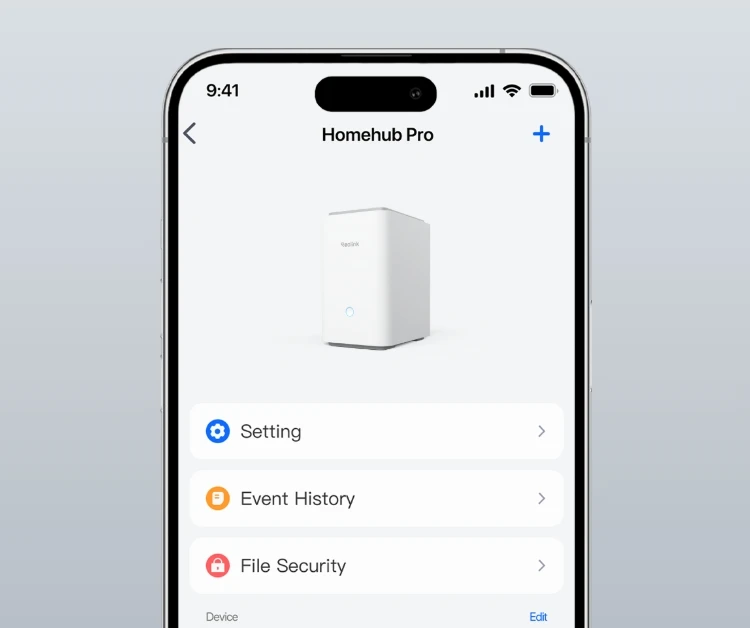
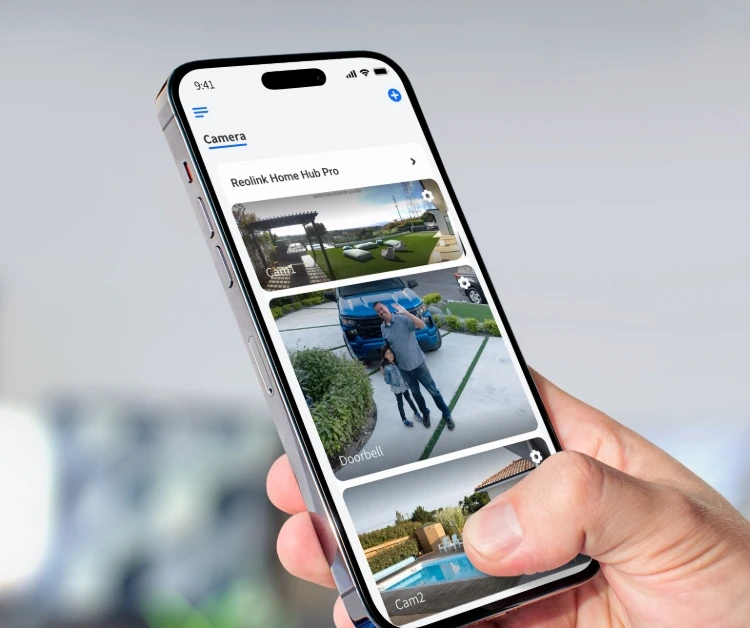
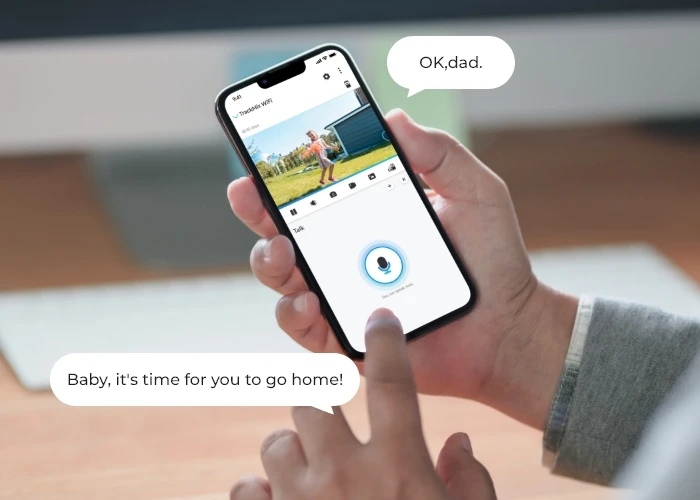
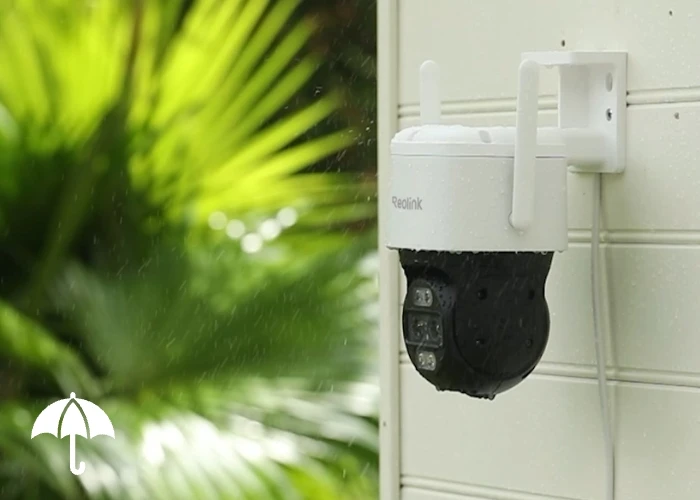

Reolink Home Hub Pro with TrackMix WiFi is a 4K Wi-Fi 6 security camera system that pairs dual-lens TrackMix WiFi cameras with the Home Hub Pro. Each camera captures wide-angle and close-up views simultaneously, with auto-zoom tracking to follow moving targets. The Home Hub Pro manages live feeds and recordings from multiple cameras, with a built-in 2TB HDD for 24/7 local recording without monthly fees.
This system is ideal for monitoring driveways, front yards, backyards, and small business premises, especially where you need to track movement across different areas while keeping all recordings in one place.
1. Connect the Home Hub Pro: Plug the hub into a power outlet and connect it to your router using an Ethernet cable.
2. Set Up the Hub: Open the Reolink App, tap the “+” icon, and scan the QR code on the hub to complete the initial setup.
3. Add TrackMix WiFi Cameras: Power on the cameras, connect them to Wi-Fi, and add them to the Home Hub Pro through the app.
4. Adjust Camera Settings: Position the cameras and configure auto tracking, motion detection, recording schedules, and alerts based on your needs.
For more detailed instructions, refer to the Reolink Home Hub Setup Guide.
The main differences lie in camera design, zoom capabilities, tracking range, and storage. TrackMix WiFi features dual lenses with 6× hybrid zoom, capturing wide-angle and close-up views simultaneously while automatically tracking targets with 355° pan and 90° tilt. It also offers infrared night vision up to 100ft (30m), making it ideal for monitoring driveways, garden entrances, and areas where you need to follow moving people or vehicles while keeping the wider scene in view.
E1 Outdoor Pro uses a single lens with 3× optical zoom, allowing you to zoom in on distant objects without losing image quality. It supports 355° pan, 50° tilt, and horizontal auto tracking, with infrared night vision up to 40ft (12m). It is a good choice for monitoring front doors, patios, and garden paths where you want to adjust the viewing angle or zoom in on a specific area.
For storage, the Home Hub Pro includes a 2TB HDD expandable to 16TB, while the Home Hub supports two microSD cards of up to 1TB each.


Be Prepared, Be Ahead
Never miss Reolink hot deals, news, and updates tailored for you.
Be Prepared, Be Ahead
Never miss Reolink hot deals, news, and updates tailored for you.

Google, Google Play, Google Assistant and related marks and logos are trademarks of Google LLC. Amazon, Alexa and all related logos are trademarks of Amazon.com, Inc. or its affiliates. Mac and Safari are trademarks of Apple Inc. App Store is a service mark of Apple Inc., registered in the U.S. and other countries. Firefox and the Firefox logo are trademarks of the Mozilla Foundation in the U.S. and other countries. Other product and company names mentioned herein may be trademarks of their respective companies.