Your cart is empty.

4K 8MP Wi-Fi 6 Security System with Built-in 2TB HDD
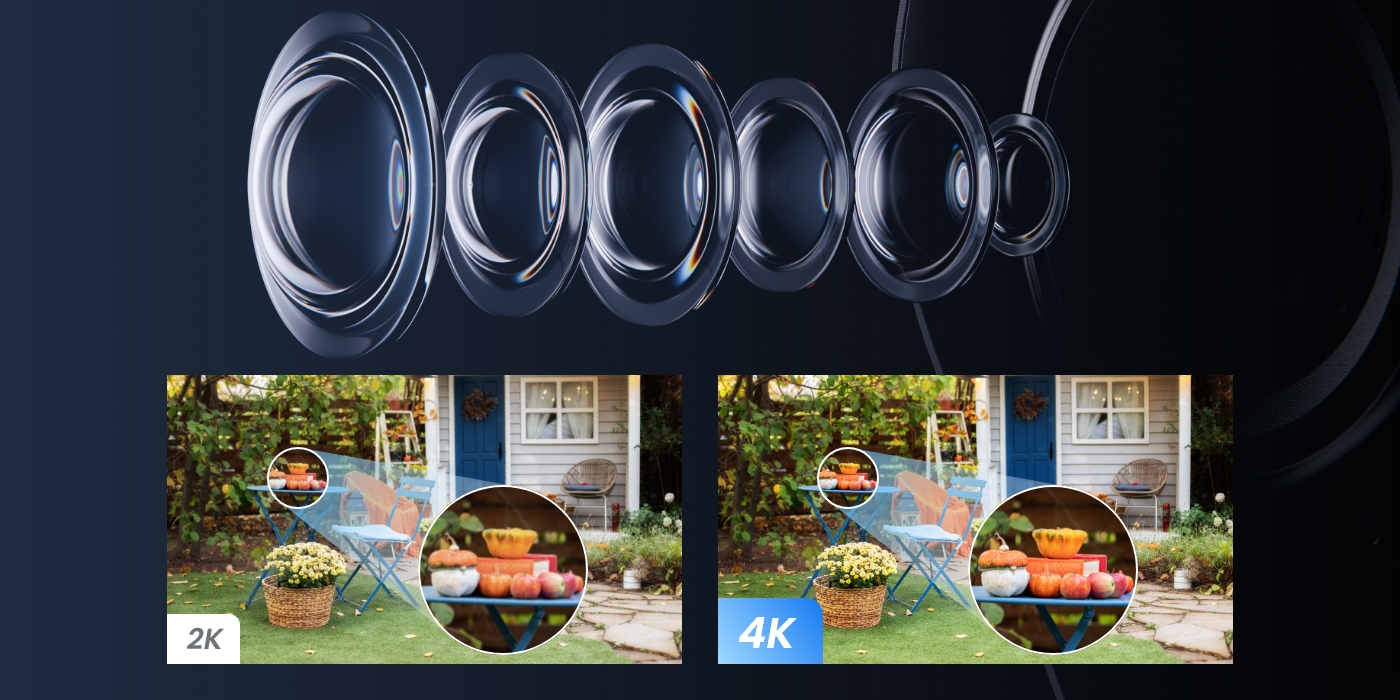
F1.6 Super Aperture
Built-in 2TB HDD for 24/7 Recording
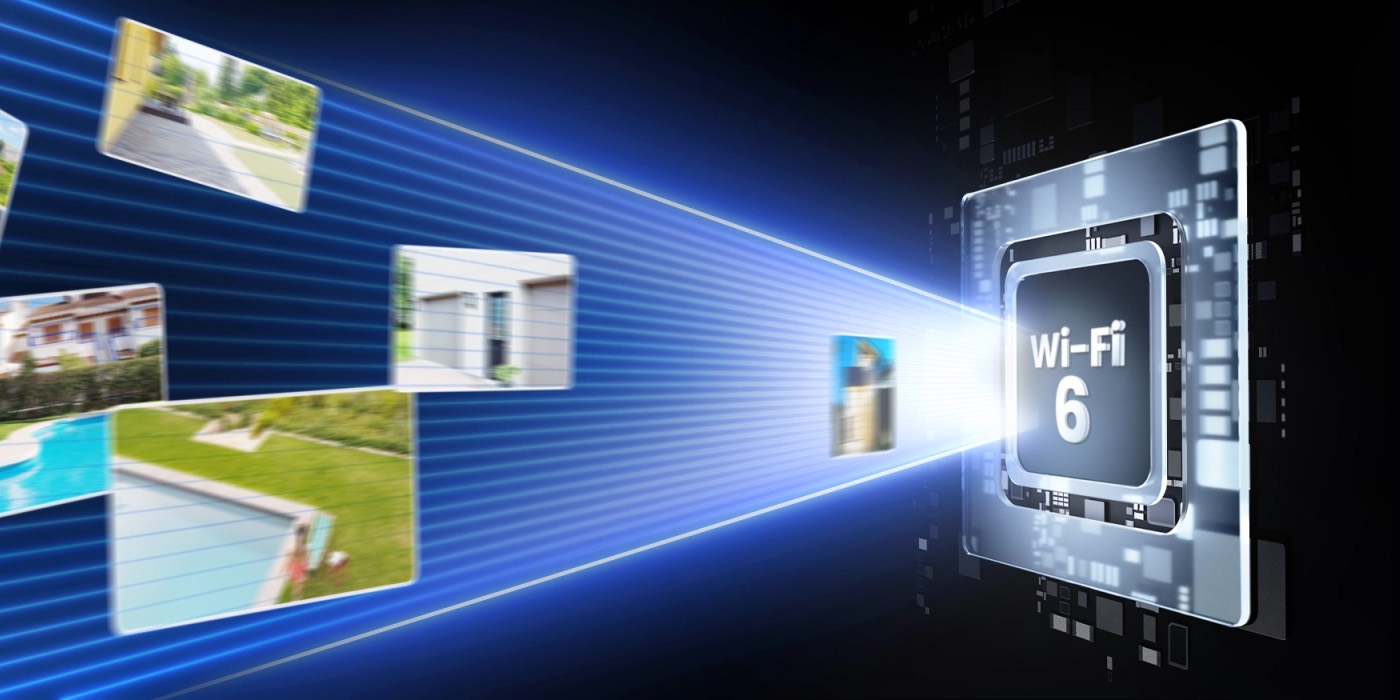
Wi-Fi 6 & 2.4/5 GHz Dual-Band Wi-Fi
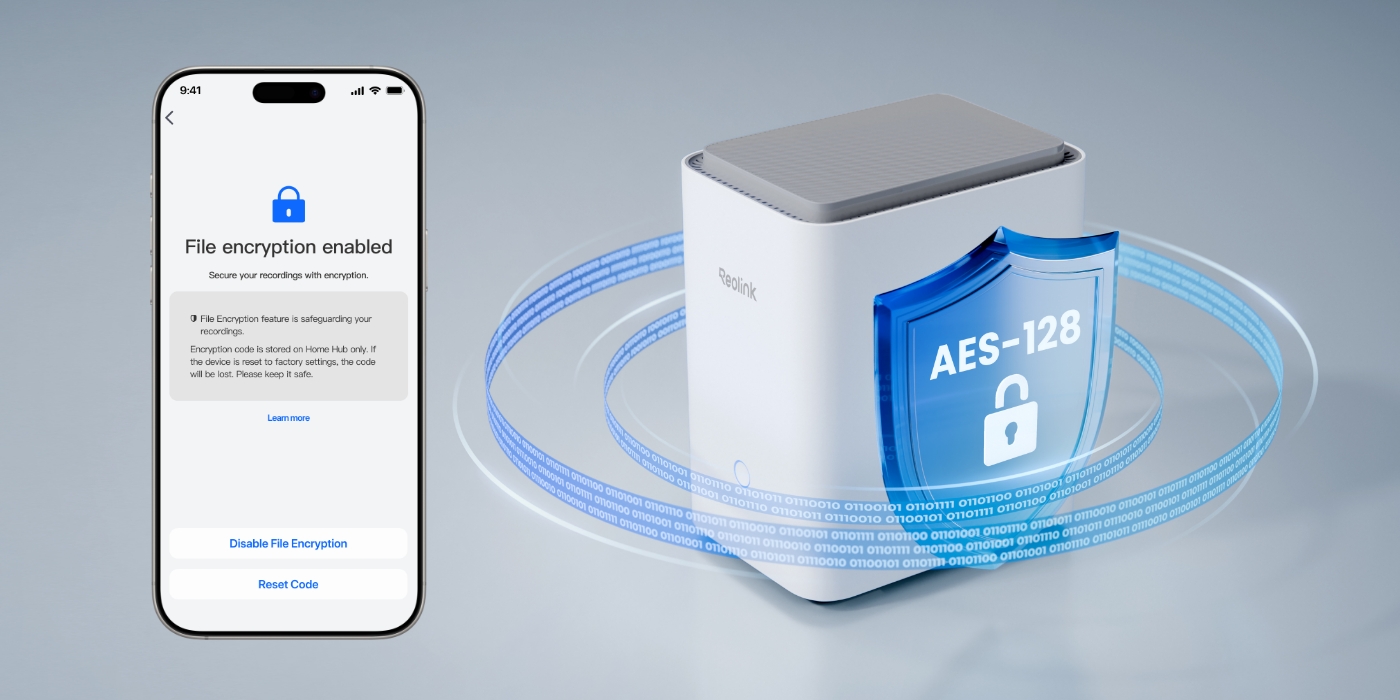
AES-128 Encryption Protection
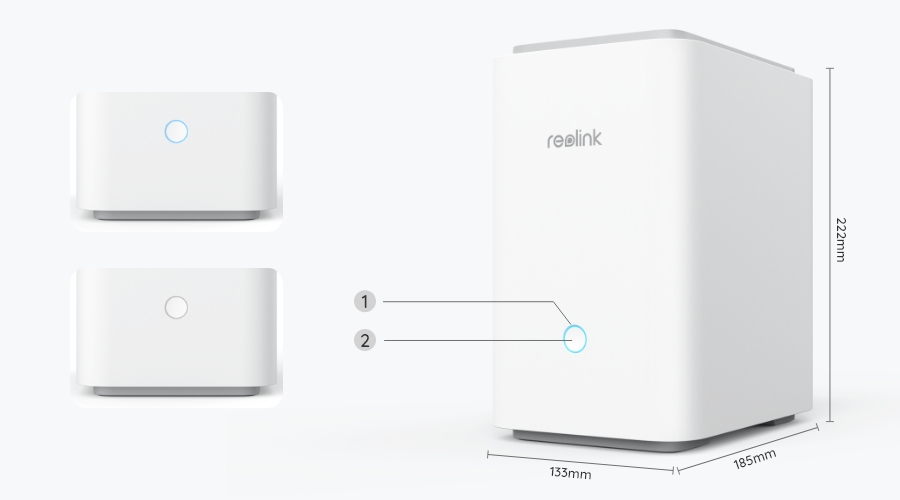
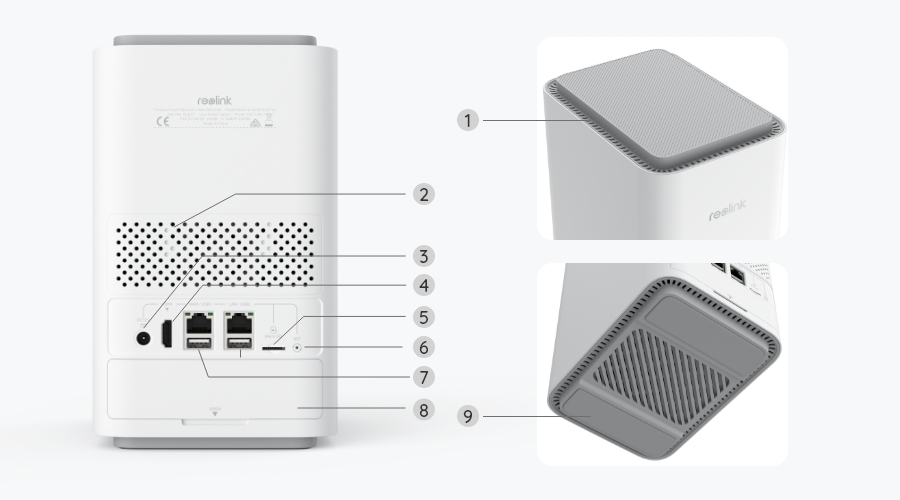
Take your security to the next level with Home Hub Pro—a single hub that puts you in full control. Seamlessly connect all your Reolink cameras and recordings in one easy-to-use interface, making management a breeze. With the built-in 2TB hard drive, enjoy 24/7 recording without any extra fees.
*The Reolink Home Hub series products are currently compatible with all Reolink PoE cameras, plug-in Wi-Fi cameras and the latest battery WiFi cameras, excluding 2MP battery cameras and 4G cameras.
Check compatible Reolink cameras

4K Wi-Fi 6 Cam ×4
Support 2.4GHz & 5GHz Wi-Fi
Built-in 2TB HDD
Expandable Up to 16TB HDD
Up to 24 Reolink IP Cams
Up to 12 Wired Cams
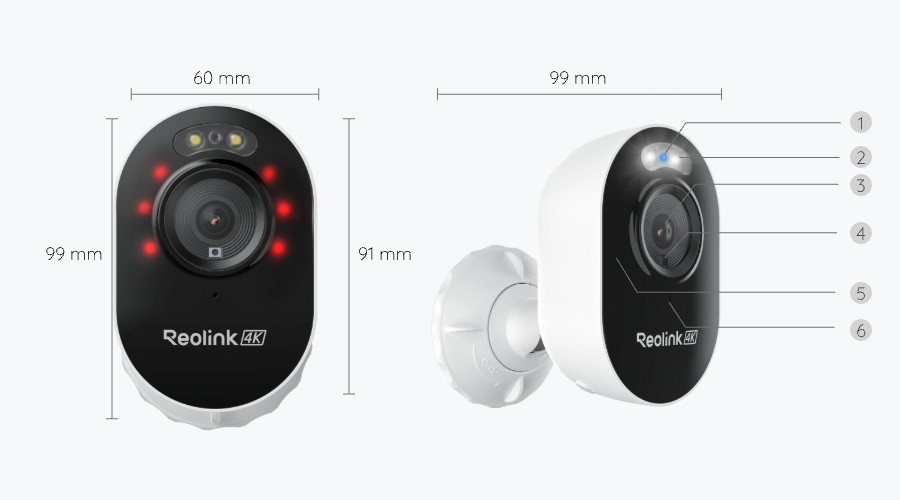
Equipped with an 8MP lens, Lumus Pro captures pro-level footage, revealing every detail in stunning 3840x2160 resolution. Its F1.6 large aperture allows more light intake, delivering vibrant nighttime footage even in low-light conditions—far beyond what F2.0 cameras can offer.
Wi-Fi 6 technology upgrades your security system with blazing speeds for lag-free 4K live streaming. With higher capacity for more devices working simultaneously and coverage extending up to 1000 square meters*, it ensures every corner of your property is under vigilant surveillance.
*Data obtained under laboratory conditions. Results may vary in practice.
With advanced encryption, Reolink Home Hub Pro ensures your recordings are protected and accessible only with the correct password—regardless of a reset. Its separate storage design keeps your footage securely stored in the hub, even if the camera is stolen.
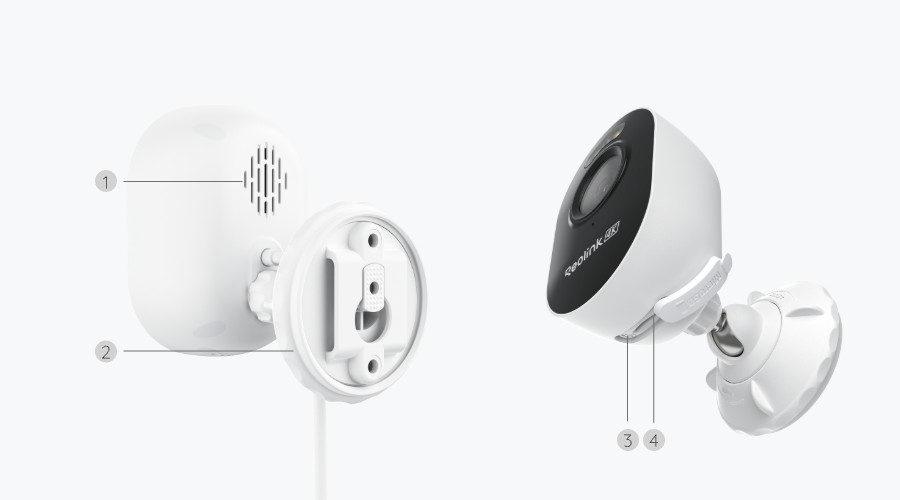
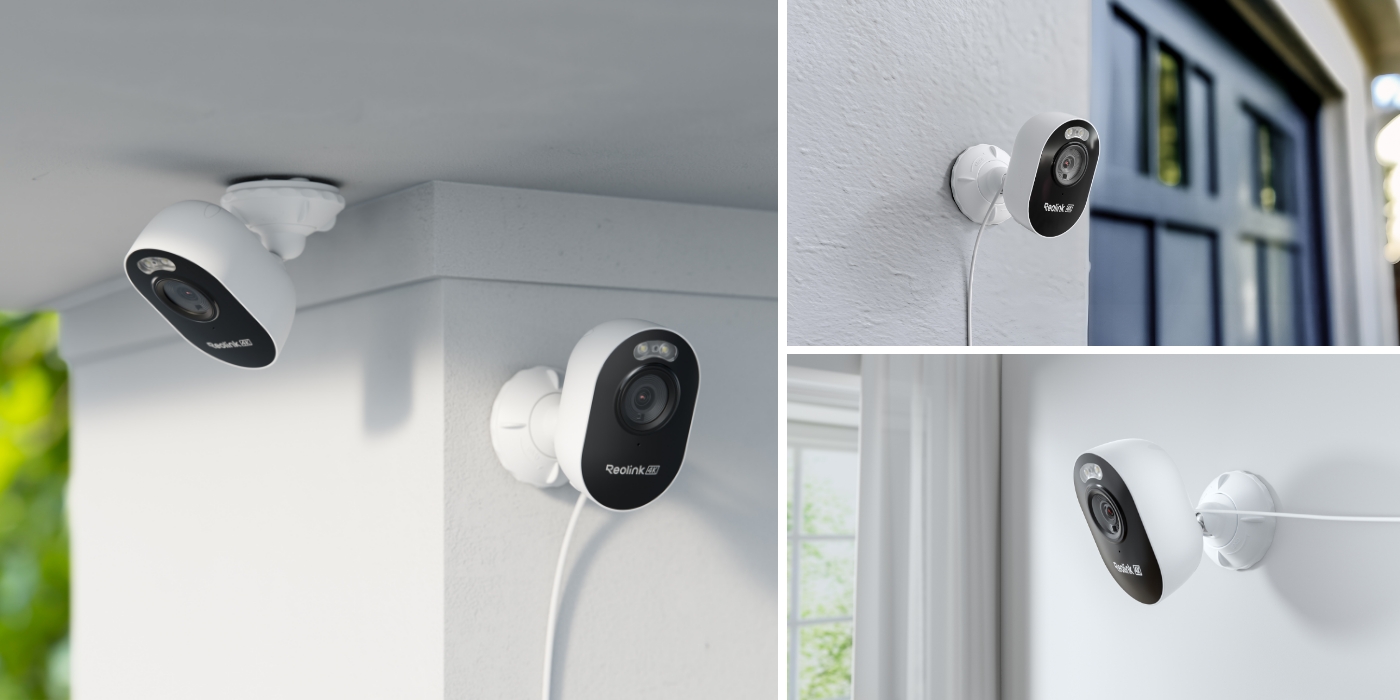
Enjoy flexible placement anywhere with a power source. The slim, cube-shaped design of the Lumus Pro offers discreet protection, seamlessly blending into any interior. Its rugged, weatherproof housing ensures reliable performance outdoors, no matter the weather.
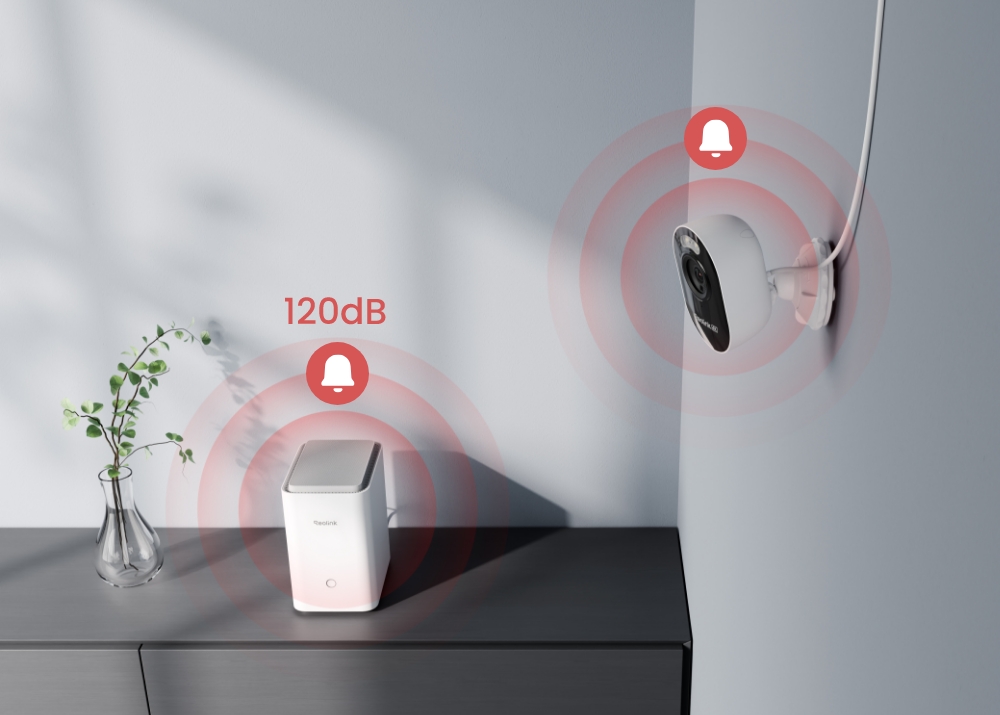
Integrate the Home Hub Pro with smart cameras for efficient, centralized alarm management. Any motion detected by a camera, whether from people, vehicles, or animals, triggers the hub's 120dB customizable siren for immediate alerts, all without monthly fees.
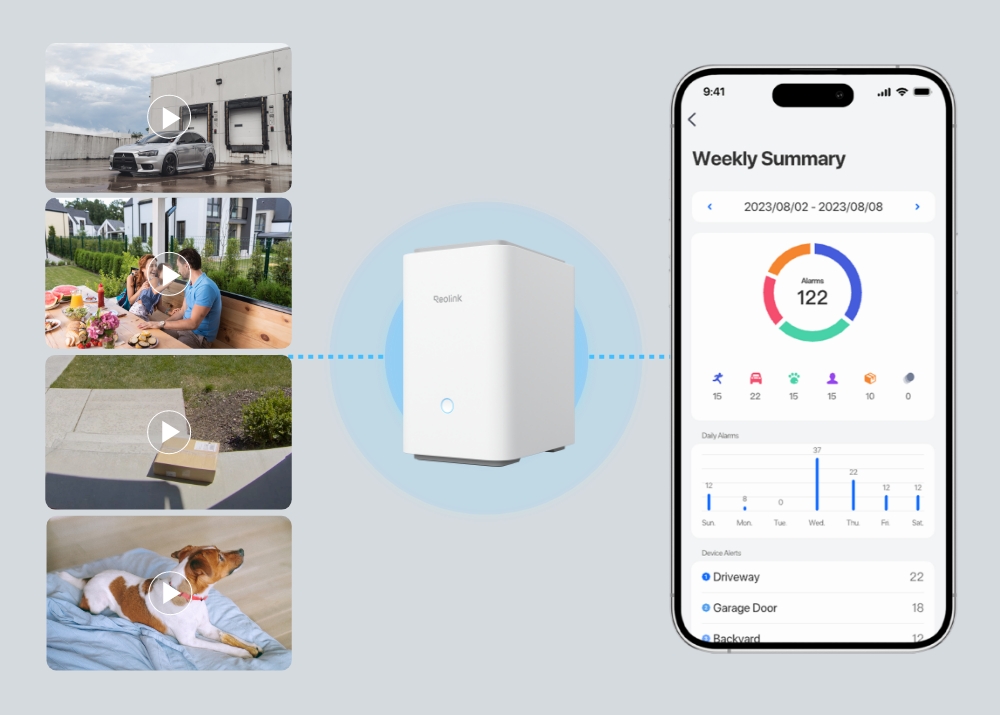
View event history to effortlessly track and filter detection events from all connected cameras by date range, device, and event type. Stay informed with weekly insights of alarm events, including event types and involved devices.
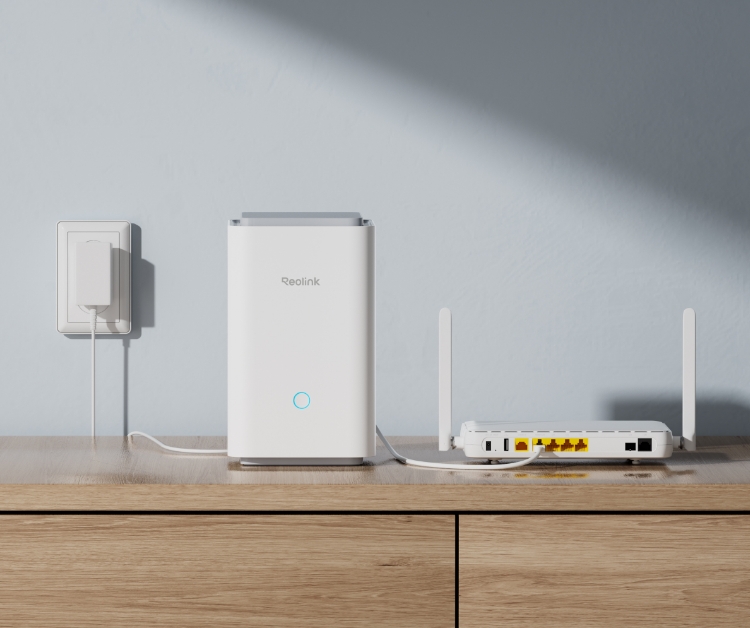
Connect the Reolink Home Hub Pro to the power supply, then to your home router via an Ethernet cable.
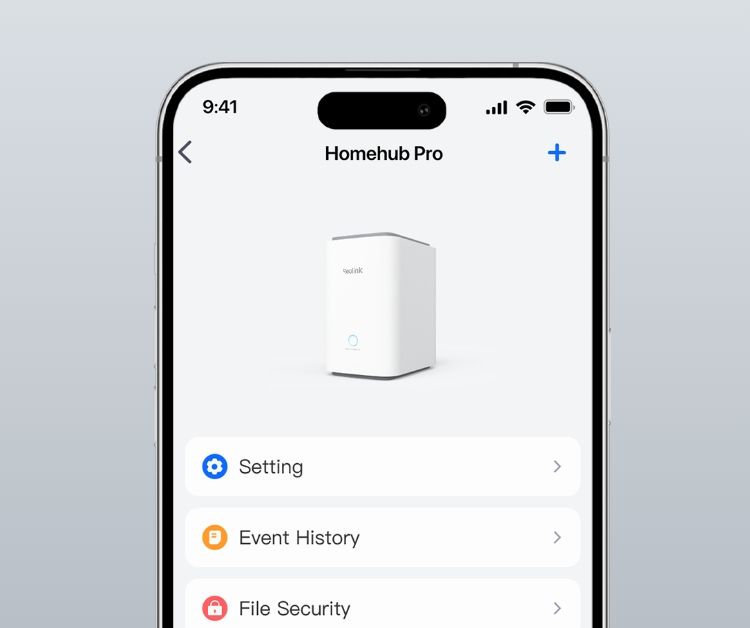
Configure the Home Hub Pro with the Reolink App and add devices to it.
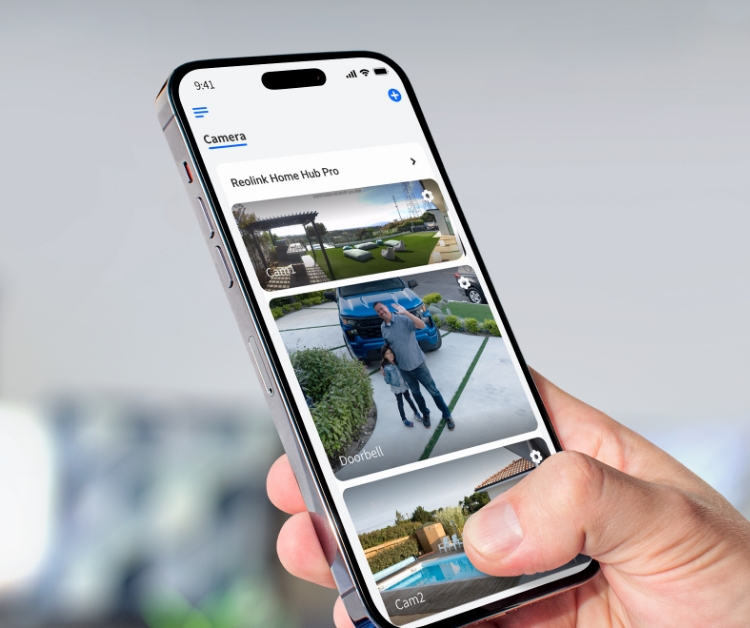
Access your cameras and view live feed in the Reolink App.
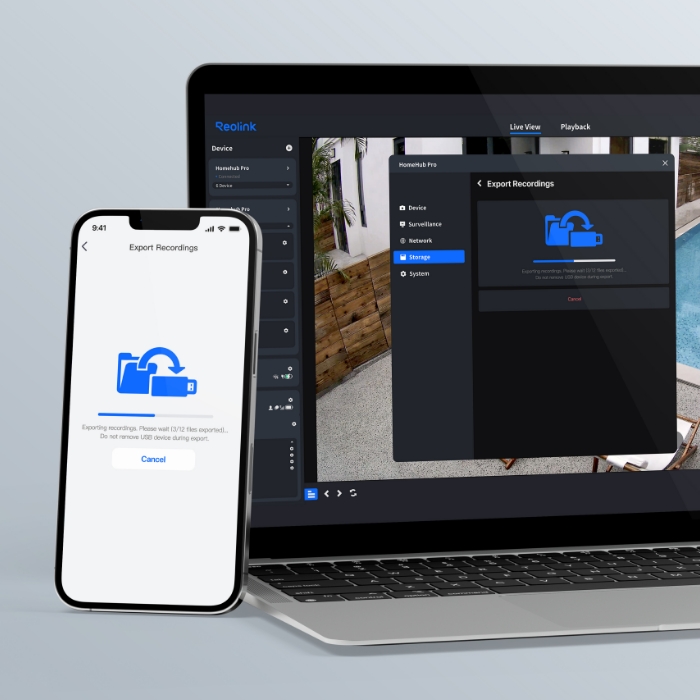
Supports exporting videos to external USB drives, offering multiple secure backup options for your footage.
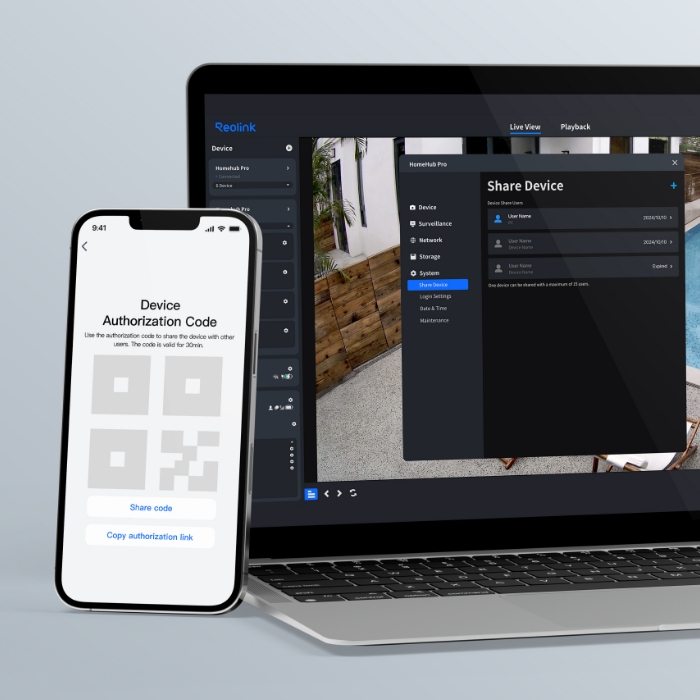
Easily customize preview, playback, and management permissions for multiple users, and share permissions via QR codes.
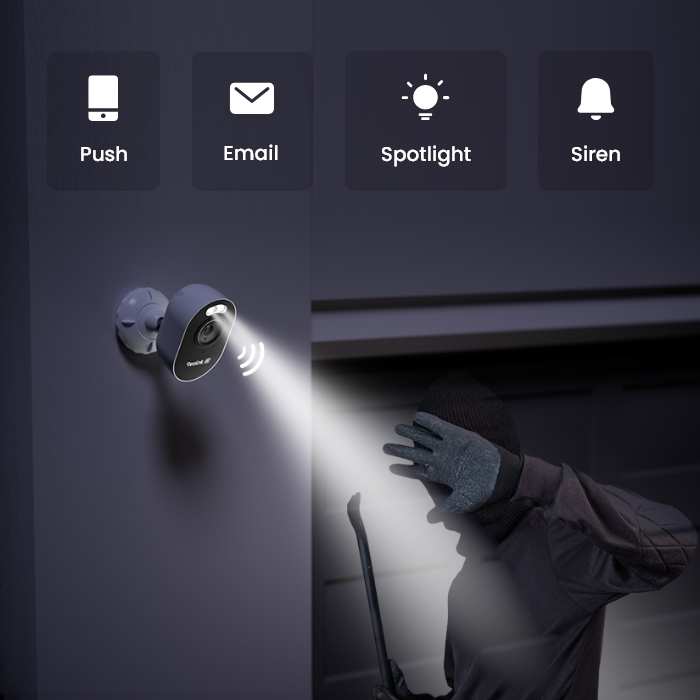
Warn off intruders with powerful spotlights and loud siren, while instantly sending an alert to your phone. Set alarm schedule for tailored protection.
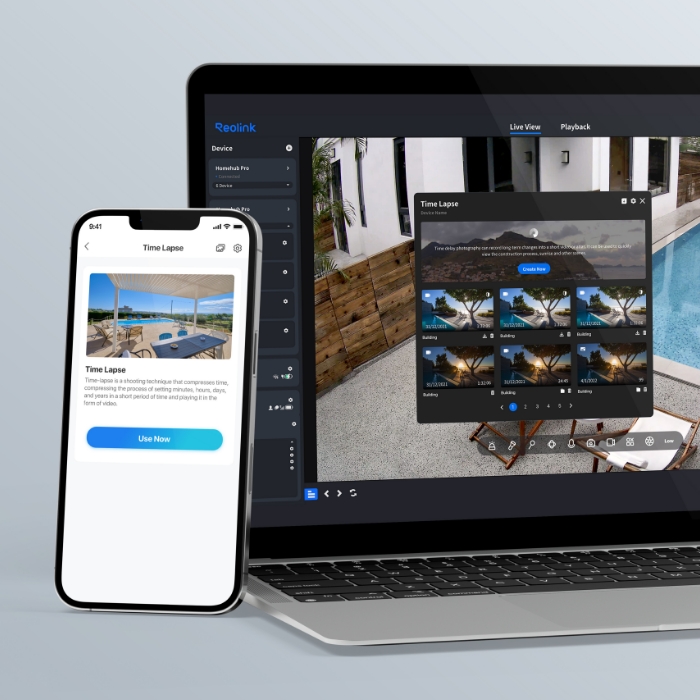
With the timelapse feature, you can explore a magical world where long-term events, like sunrises and construction projects, unfold in just minutes or seconds.
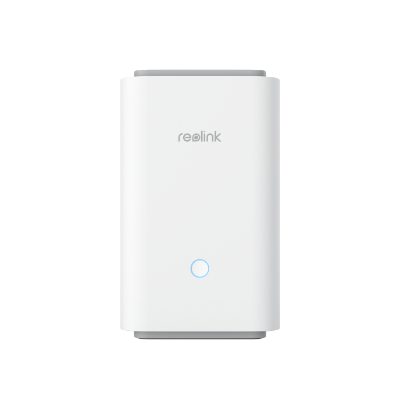 Reolink Home Hub Pro ×1
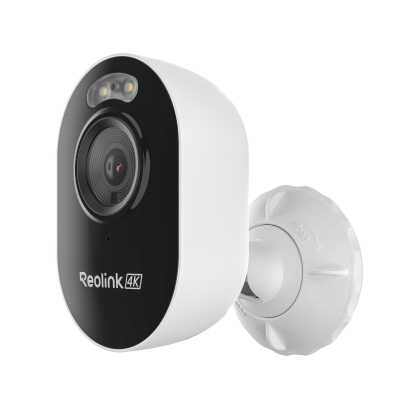 Lumus Pro ×4
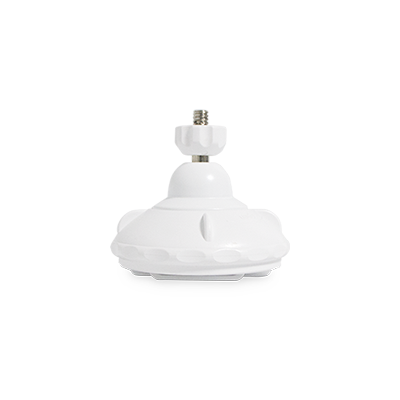 Bracket ×4
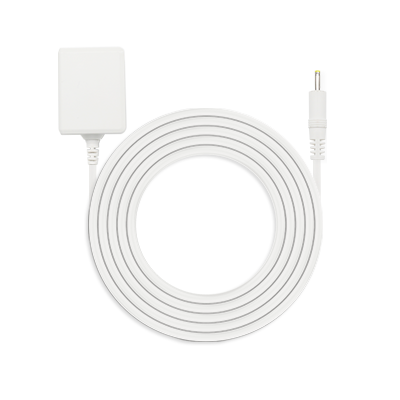 Power Adapter ×5
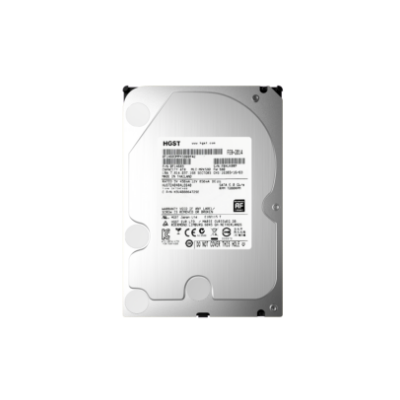 2TB HDD ×1
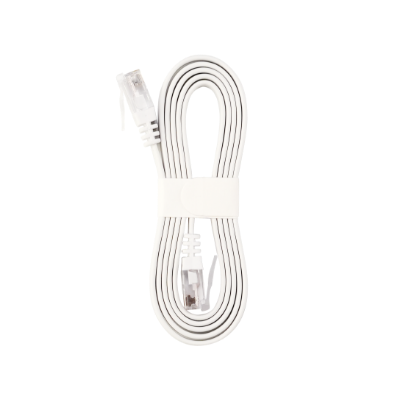 1m Network Cable ×1



Be Prepared, Be Ahead
Never miss Reolink hot deals, news, and updates tailored for you.
Be Prepared, Be Ahead
Never miss Reolink hot deals, news, and updates tailored for you.

Google, Google Play, Google Assistant and related marks and logos are trademarks of Google LLC. Amazon, Alexa and all related logos are trademarks of Amazon.com, Inc. or its affiliates. Mac and Safari are trademarks of Apple Inc. App Store is a service mark of Apple Inc., registered in the U.S. and other countries. Firefox and the Firefox logo are trademarks of the Mozilla Foundation in the U.S. and other countries. Other product and company names mentioned herein may be trademarks of their respective companies.