Your cart is empty.

Intelligent Dual-Lens Pan & Tilt PoE Camera System with 2TB HDD
Total 10MP Dual Views (5MP+5MP)
165° Ultra-Wide Coverage
SyncTrack with Auto Tracking & Pinpoint
Smart Detection & Perimeter Protection
24/7 Local Recording with Built-in 2TB HDD
See the Bigger Picture, Capture Every Detail
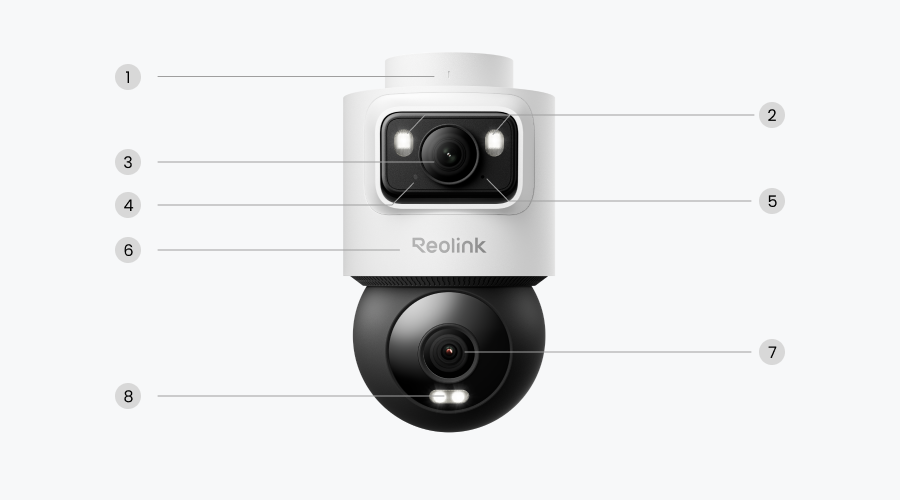
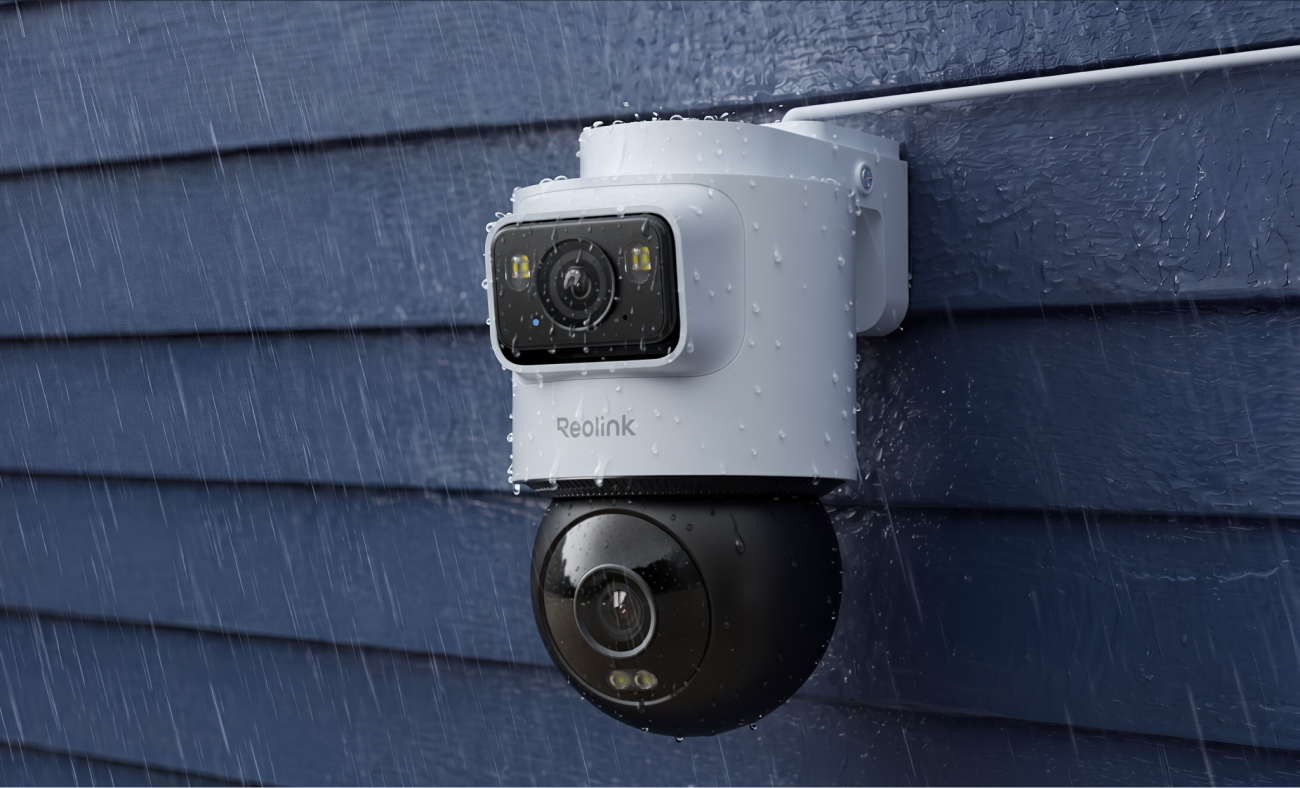
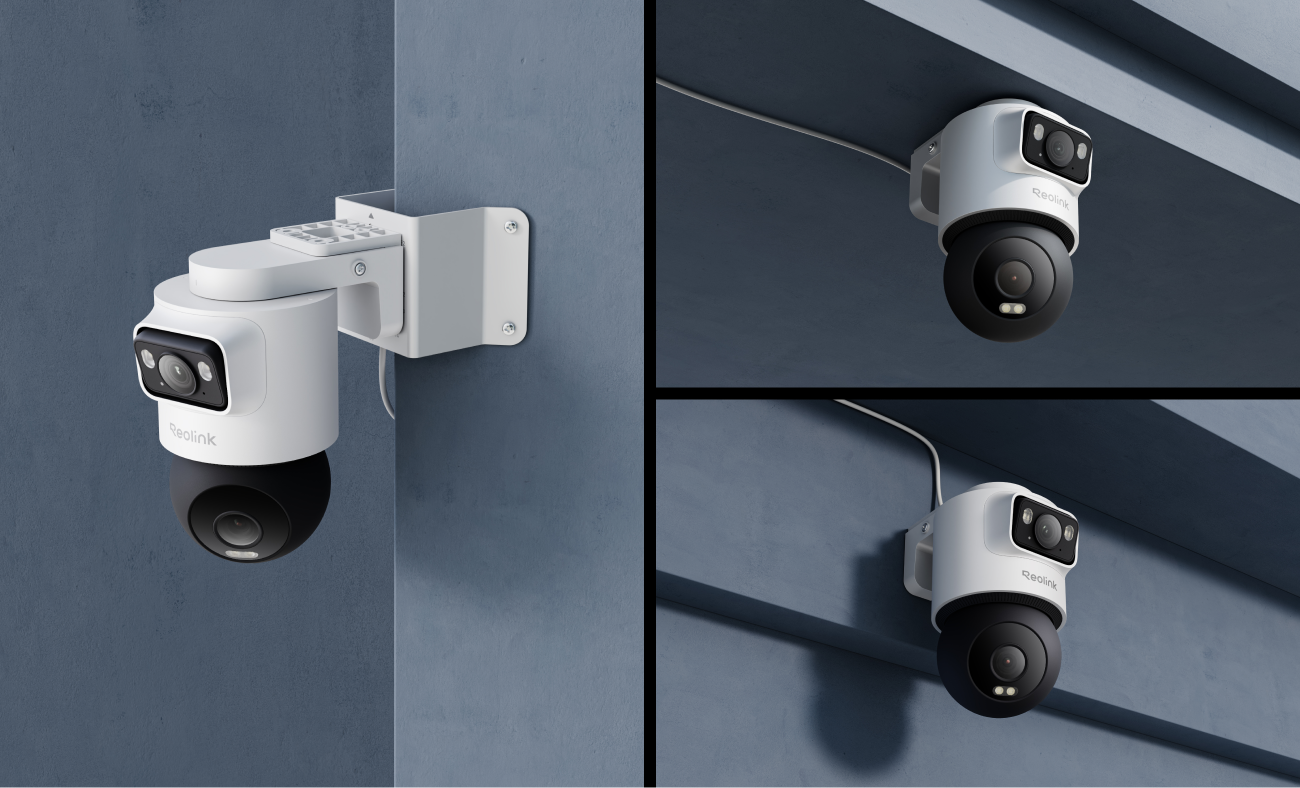
The OMVI 2i PoE combines two 5MP lenses to deliver both wide coverage and detailed monitoring in one integrated design. The upper lens captures a broad overview of your surroundings, while the lower lens focuses on key subjects with enhanced detail, helping you keep track of important activity across larger outdoor spaces with only one camera.

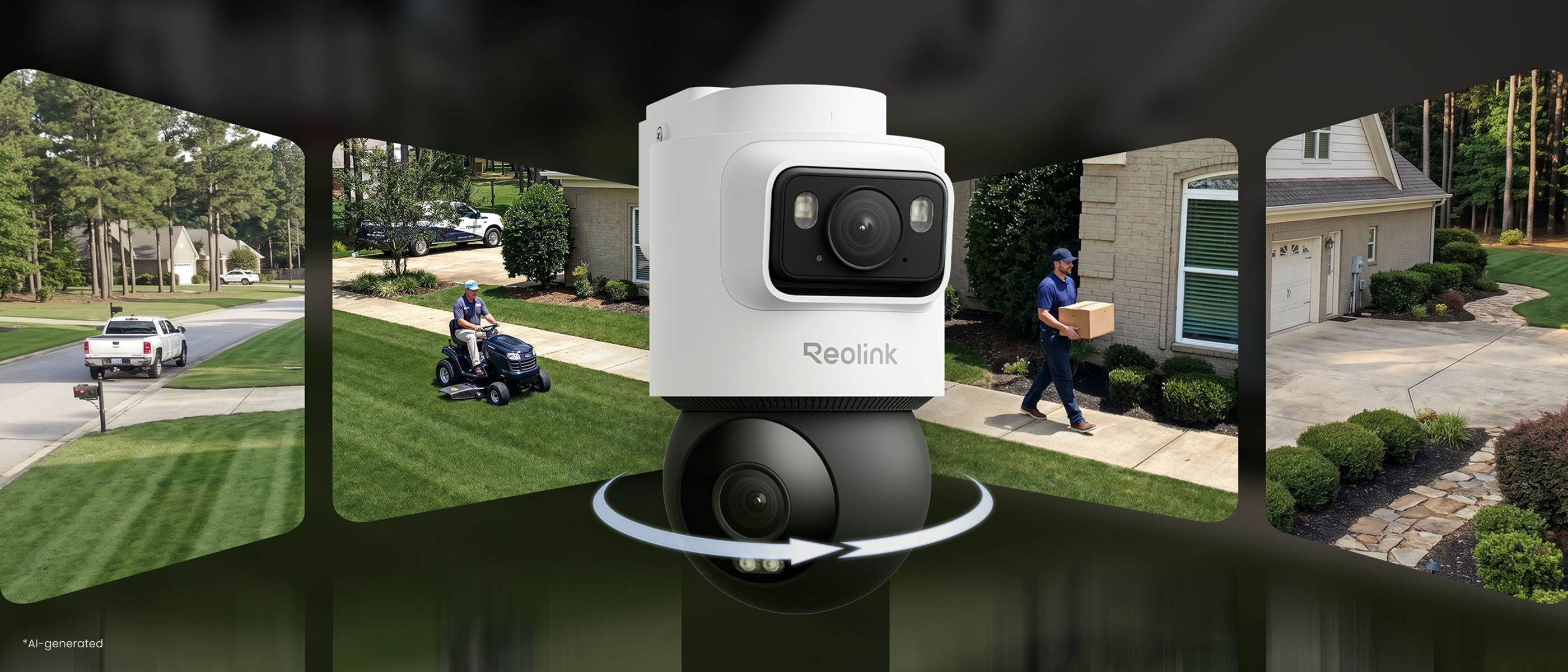
With a combined 165° horizontal field of view from its dual-lens system, the OMVI 2i PoE captures wider scenes without compromising coverage. The 105° upper lens provides broad environmental awareness, while the 60° lower lens adds focused visibility where it matters. From driveways to warehouses, monitor more areas with fewer blind spots and maintain a clearer understanding of your surroundings.

The OMVI 2i PoE combines two lenses into one intelligent security system. Through intelligent linkage and coordination between the two lenses, it captures both the overall scene and important details, giving you a more complete view with fewer blind spots.
The upper wide-angle lens provides overall pictures, while the lower PT lens helps capture closer views of important events, even when they move out of the overall view.
Simply tap the location on the screen to quickly bring that point into focus. Pinpoint gives you direct control to explore important details whenever you need them.
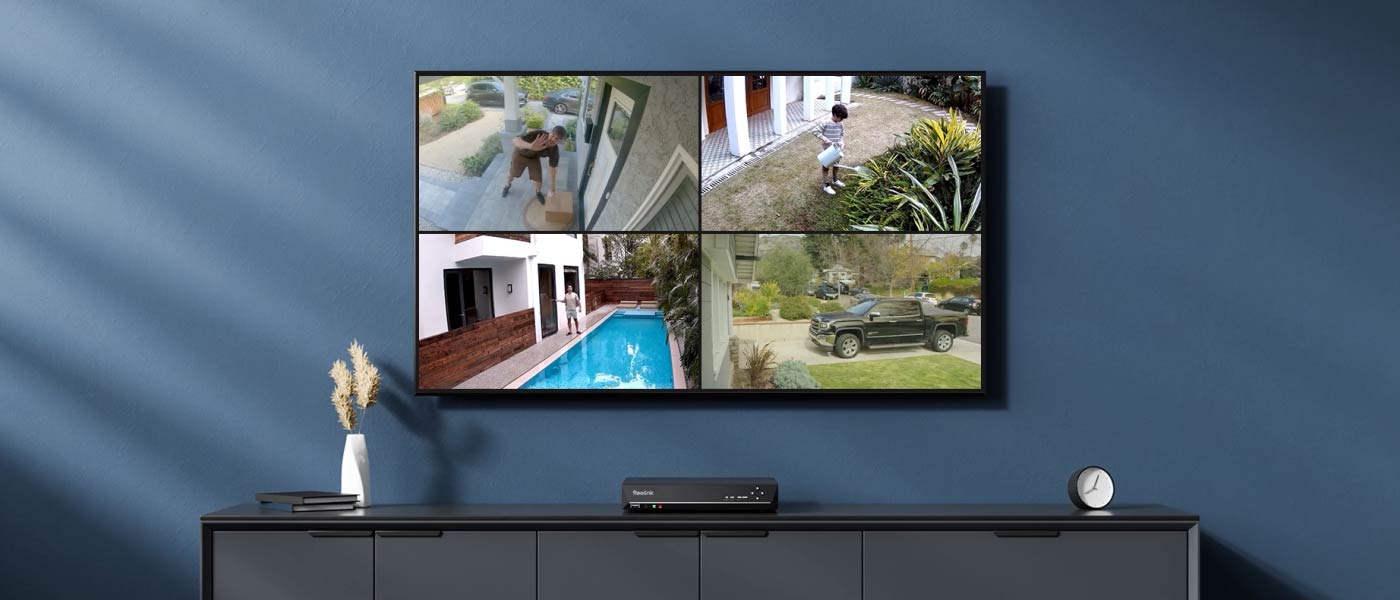
Build your whole-home surveillance system with an NVR and four OMVI 2i PoE cameras working together to deliver centralized control and reliable recording.
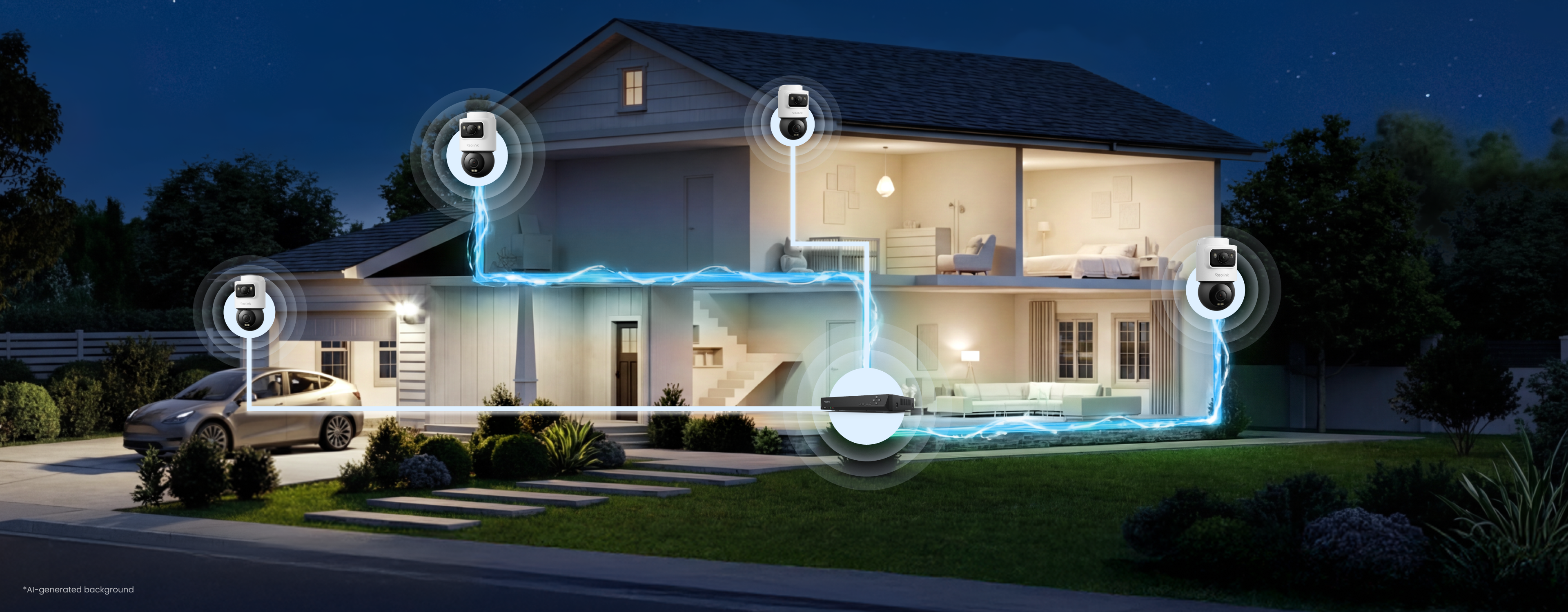
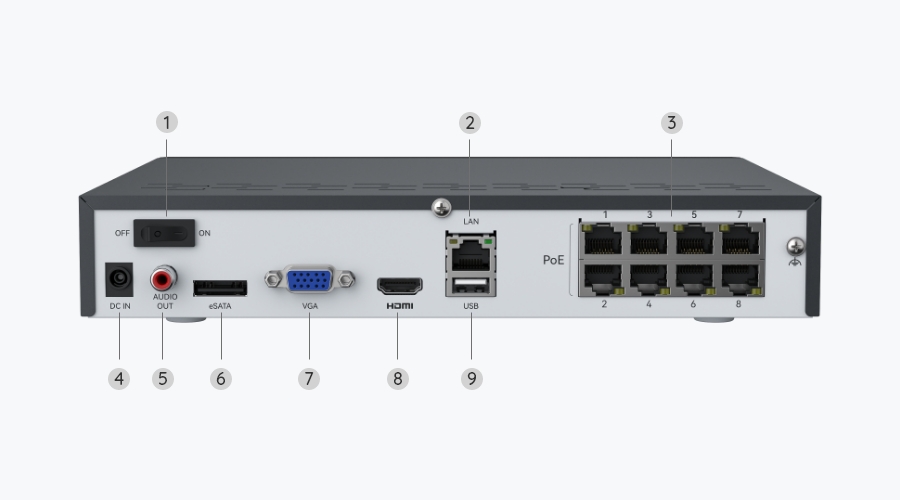
8 PoE Ports
Up to 12 Channels
Four 10MP Cameras
High-res PoE Cameras Included
Up to 16TB
Storage Capacity
Intelligent Protection That Keeps You Focused
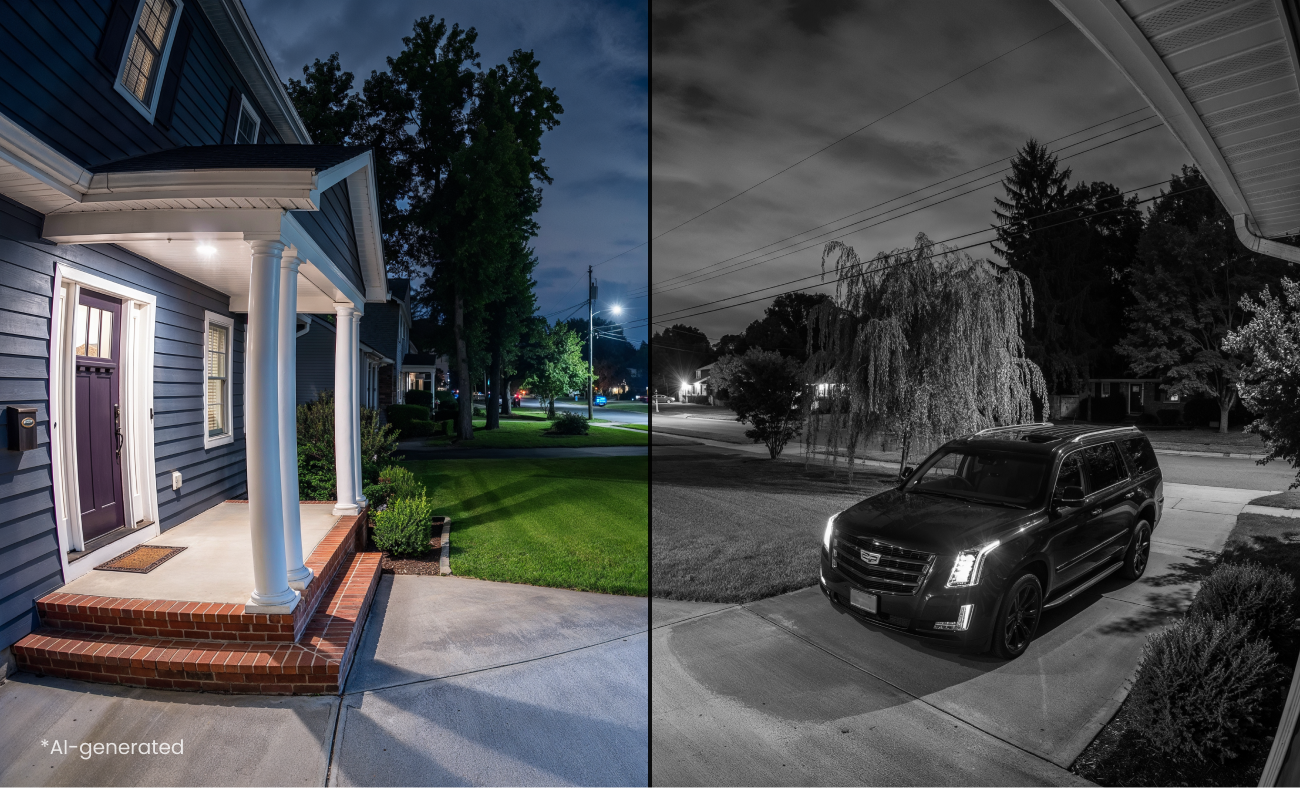
The OMVI 2i PoE combines smart detection, perimeter protection, and automated sweep to help reduce irrelevant alerts and keep critical activity in focus. Spend less time sorting through routine movement and more time responding to events that matter.
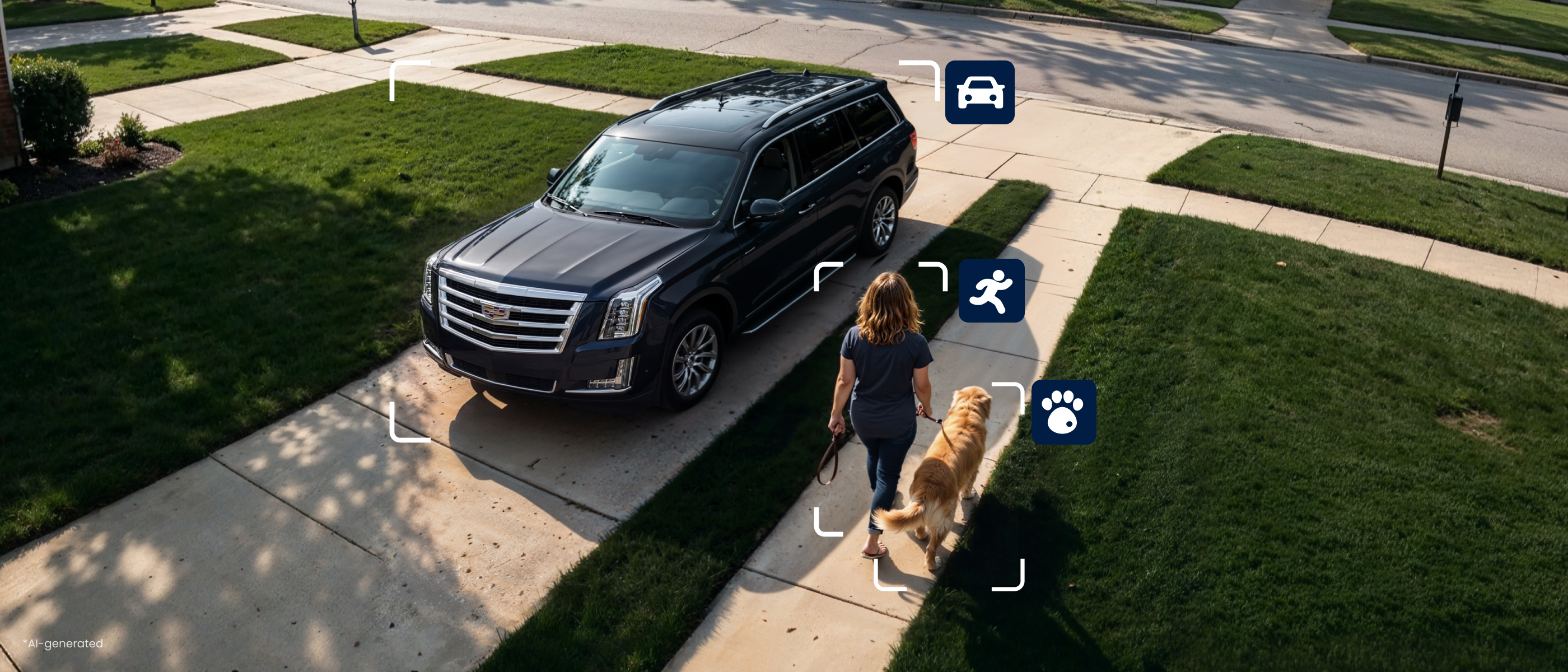
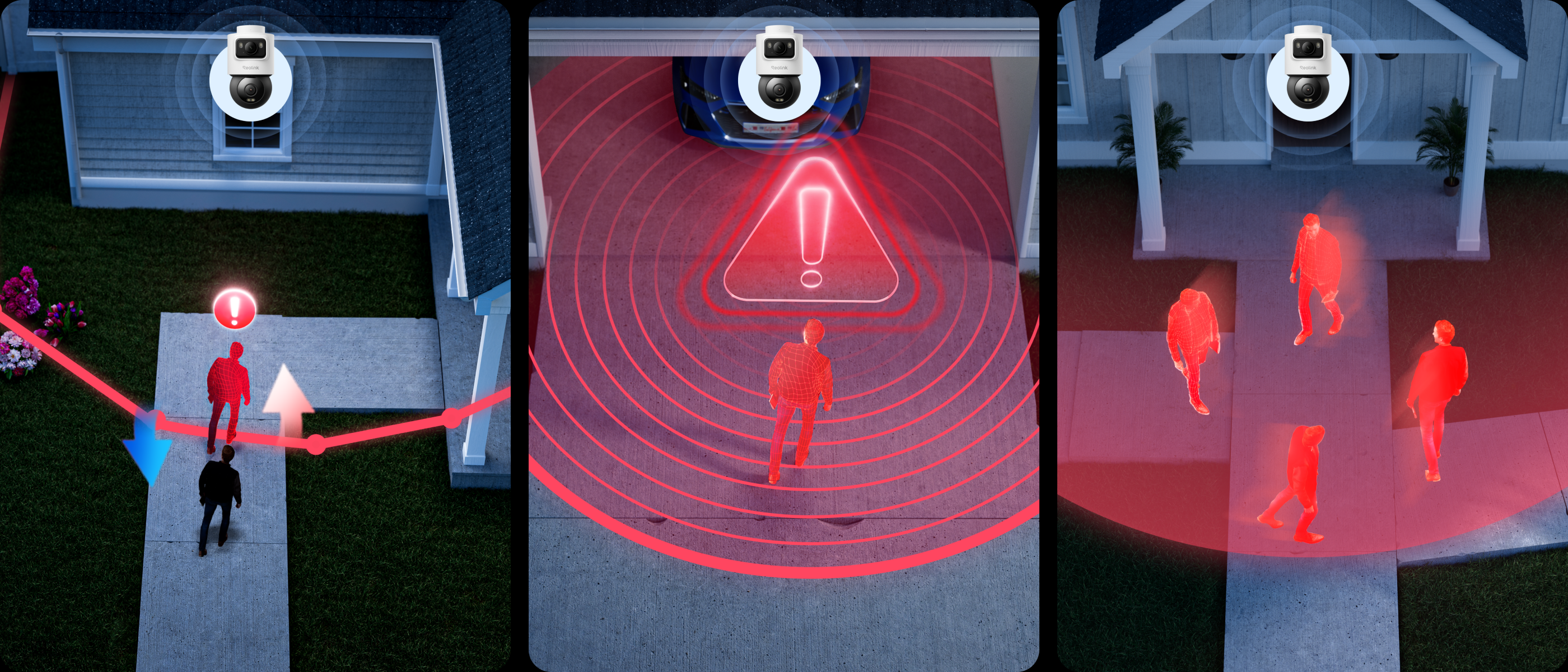
The system keeps recording around the clock and stores footage locally through the NVR. With up to 16TB storage capacity, you can retain more recordings for longer review periods. Your security system remains dependable even when internet access is interrupted.
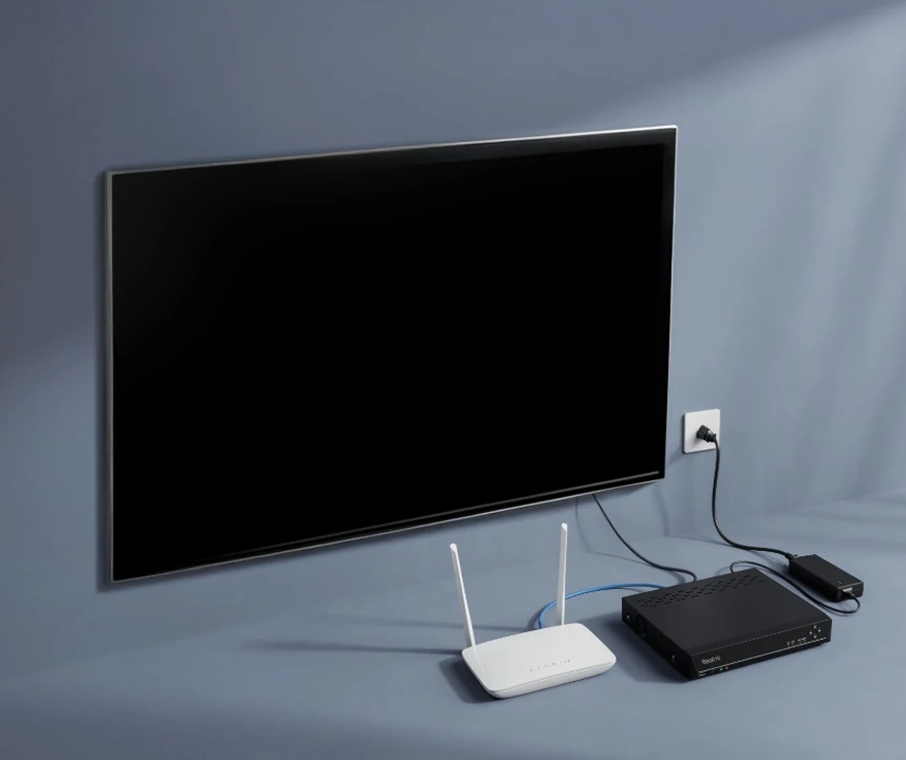
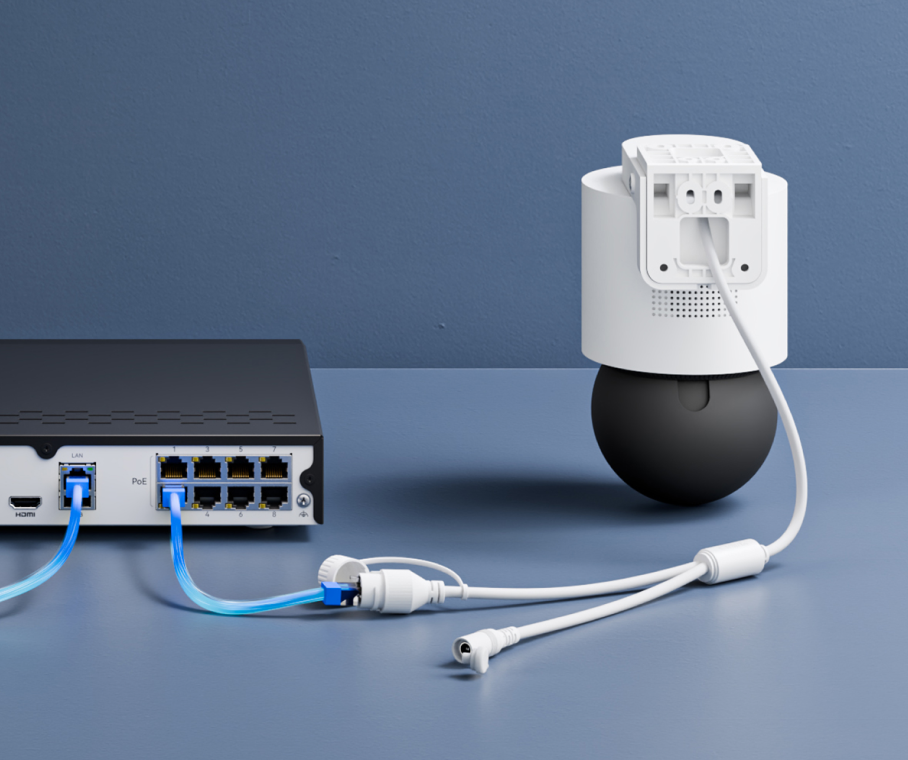
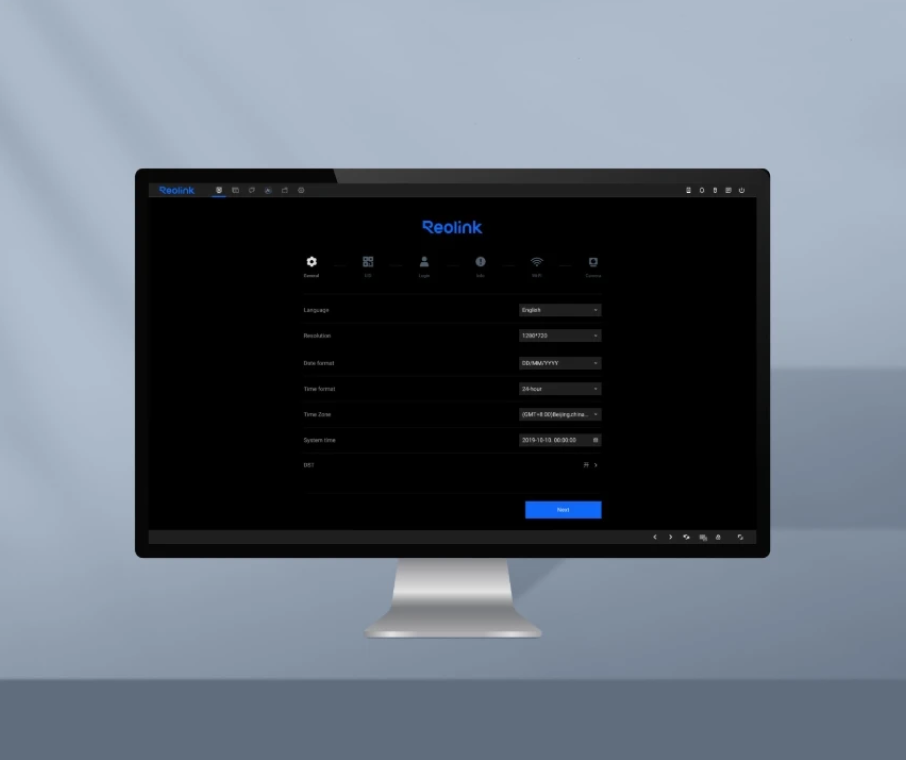
Get your security system up and running with a straightforward PoE setup.
Connect the NVR to your router and monitor to prepare your system.
Connect the OMVI 2i PoE cameras directly to the NVR using PoE cables for both power and data transmission.
Follow the on-screen instructions to finish the initialization process and start monitoring.
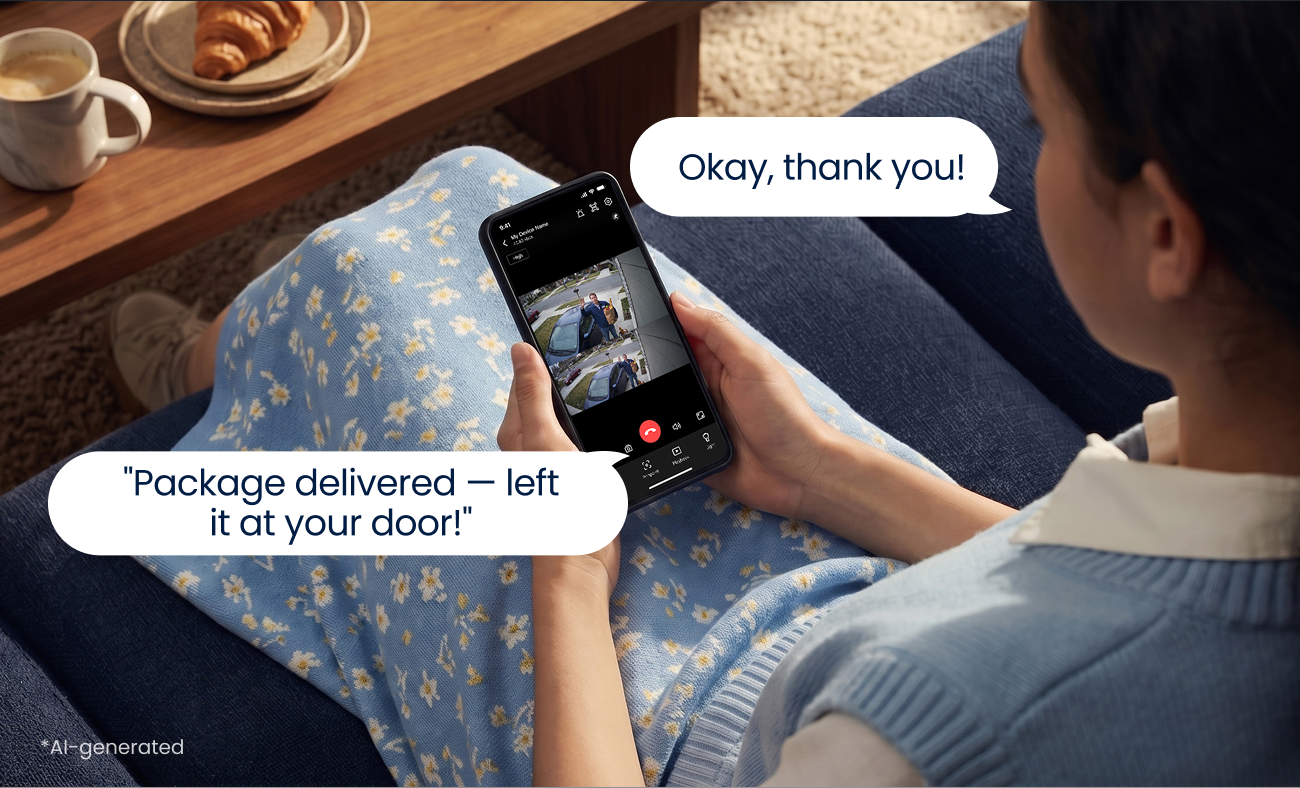
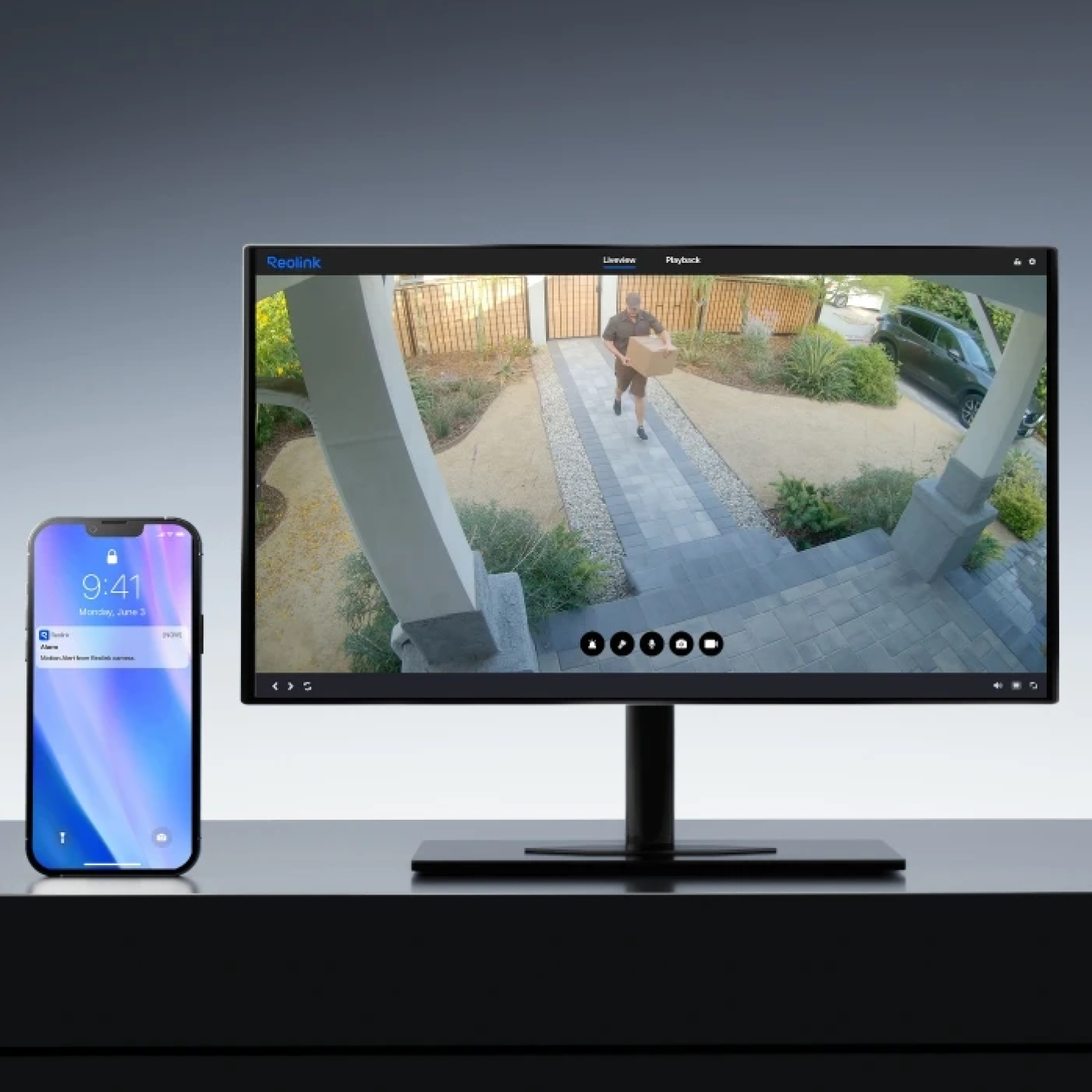
Know what matters as it happens. Receive timely push notifications or email alerts when important activity is detected; check in and respond without unnecessary interruptions.
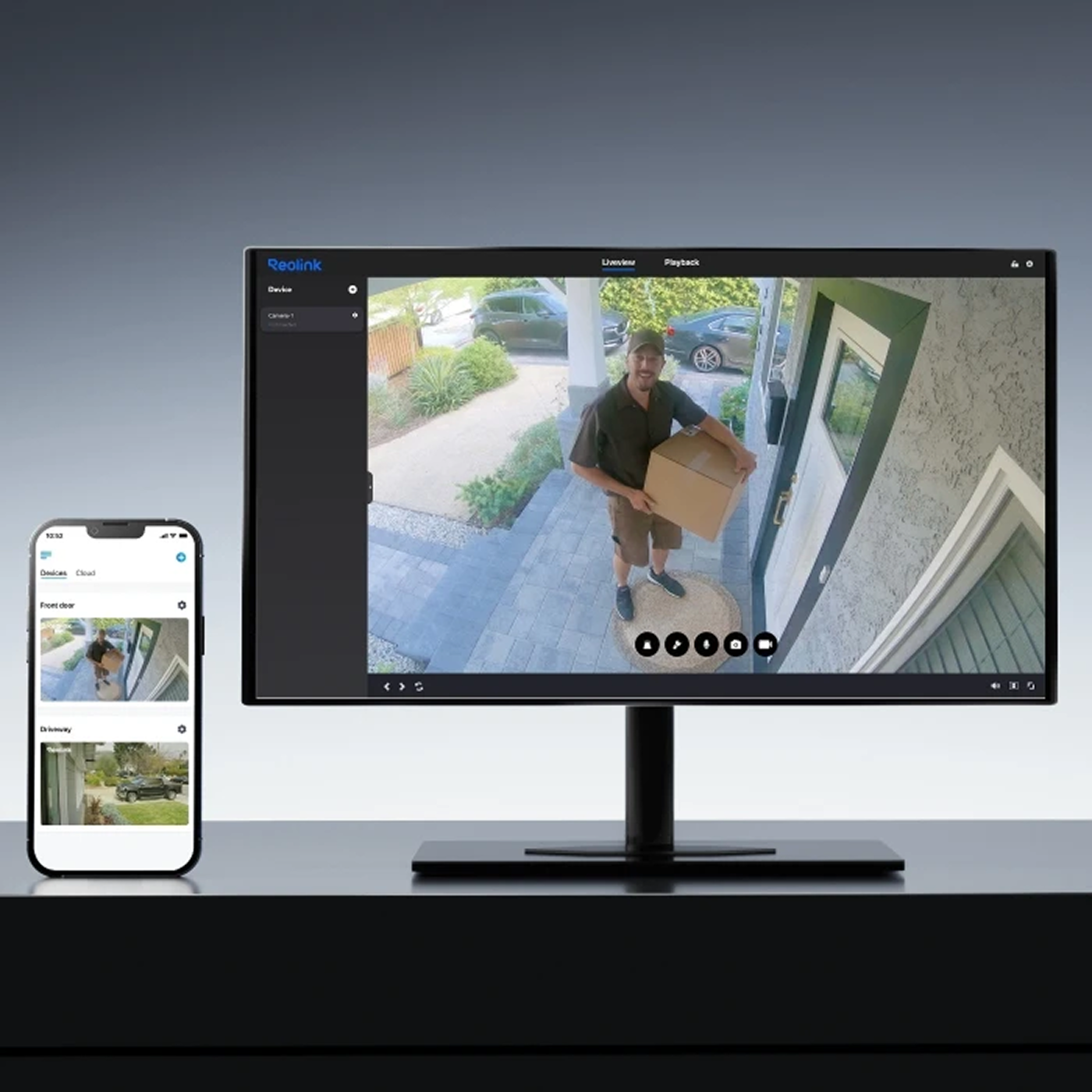
A quick look keeps you connected. Open live view anytime to check your property remotely and see what’s happening in real time.
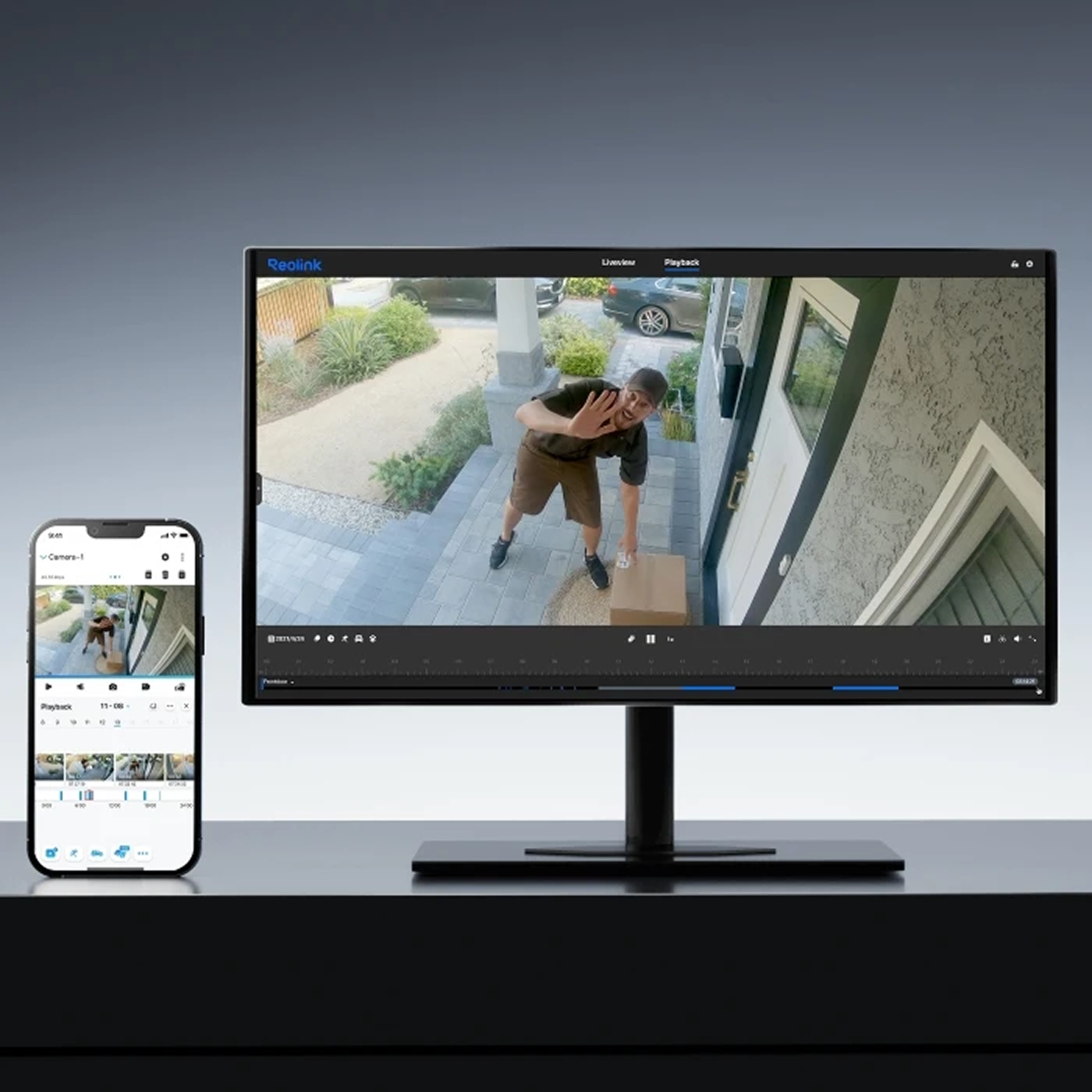
Find important moments without endless searching. Smart playback helps you quickly locate relevant clips by filtering recordings based on time and event type.
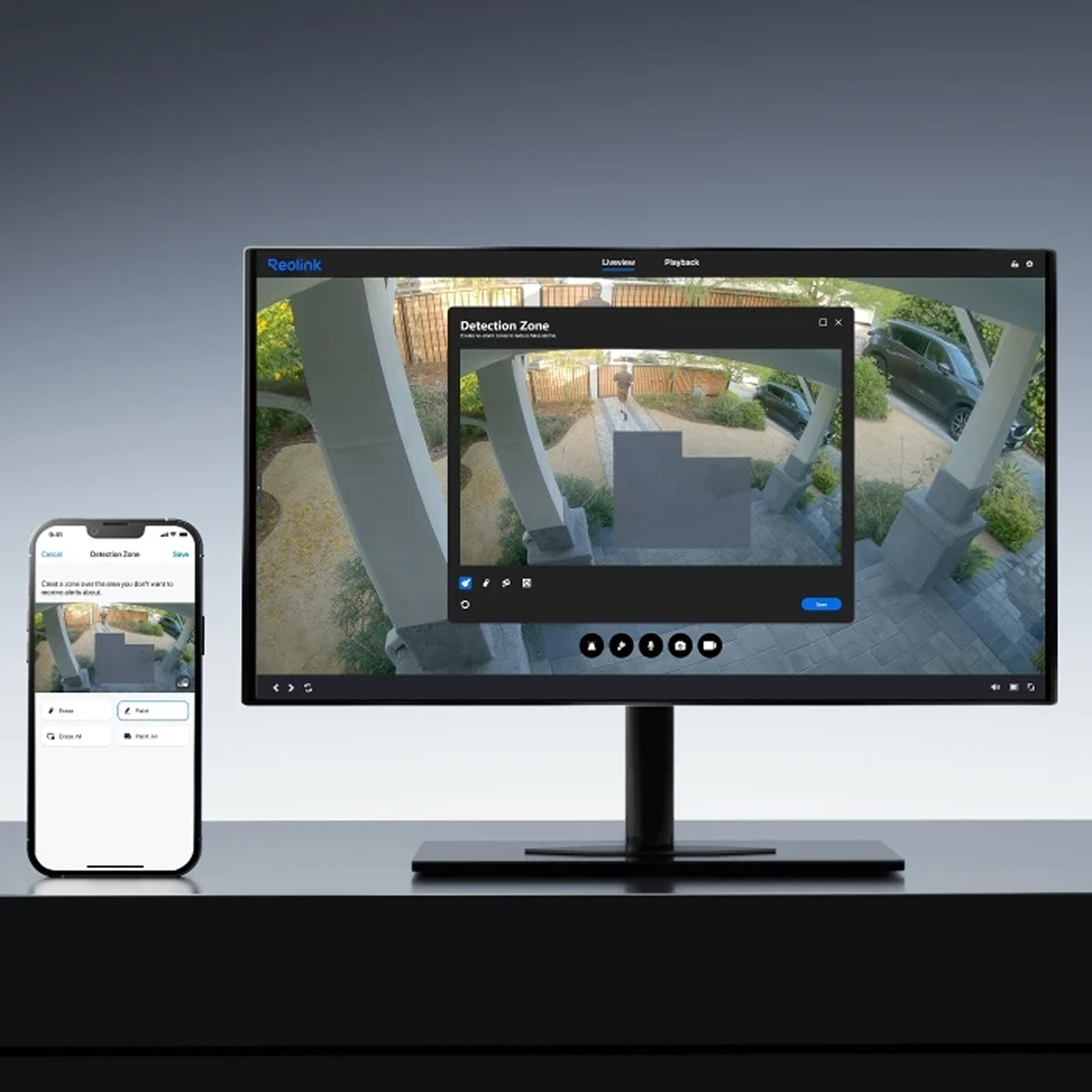
Focus on the areas that matter most. Customize detection zones to prioritize important spaces and reduce alerts from areas you don’t need to monitor.
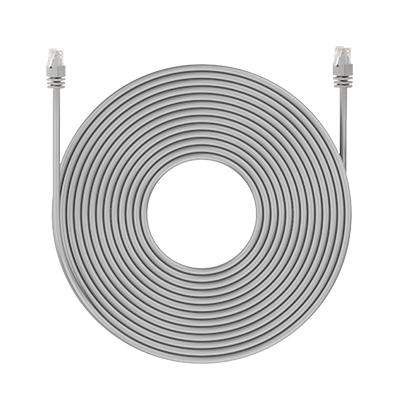 18m Network Cable ×4
 1m Network Cable ×4
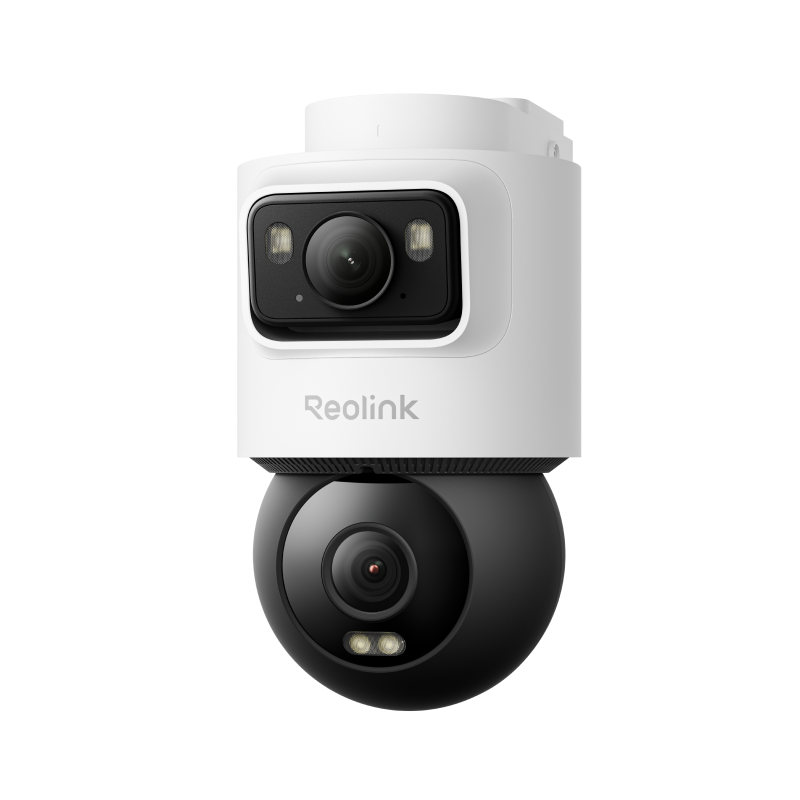 OMVI 2i PoE ×4
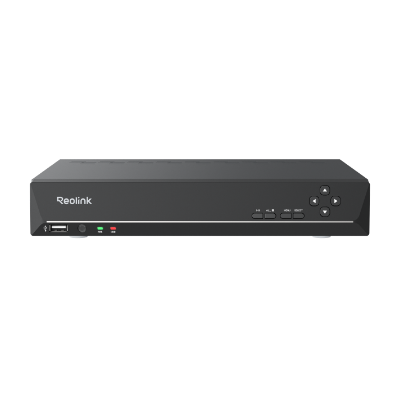 RLN8-410 ×1


Be Prepared, Be Ahead
Never miss Reolink hot deals, news, and updates tailored for you.
Be Prepared, Be Ahead
Never miss Reolink hot deals, news, and updates tailored for you.

Google, Google Play, Google Assistant and related marks and logos are trademarks of Google LLC. Amazon, Alexa and all related logos are trademarks of Amazon.com, Inc. or its affiliates. Mac and Safari are trademarks of Apple Inc. App Store is a service mark of Apple Inc., registered in the U.S. and other countries. Firefox and the Firefox logo are trademarks of the Mozilla Foundation in the U.S. and other countries. Other product and company names mentioned herein may be trademarks of their respective companies.